2AQ4G-LY-S-10Tablet PC
Shenzhen Link Win Technology Co., Ltd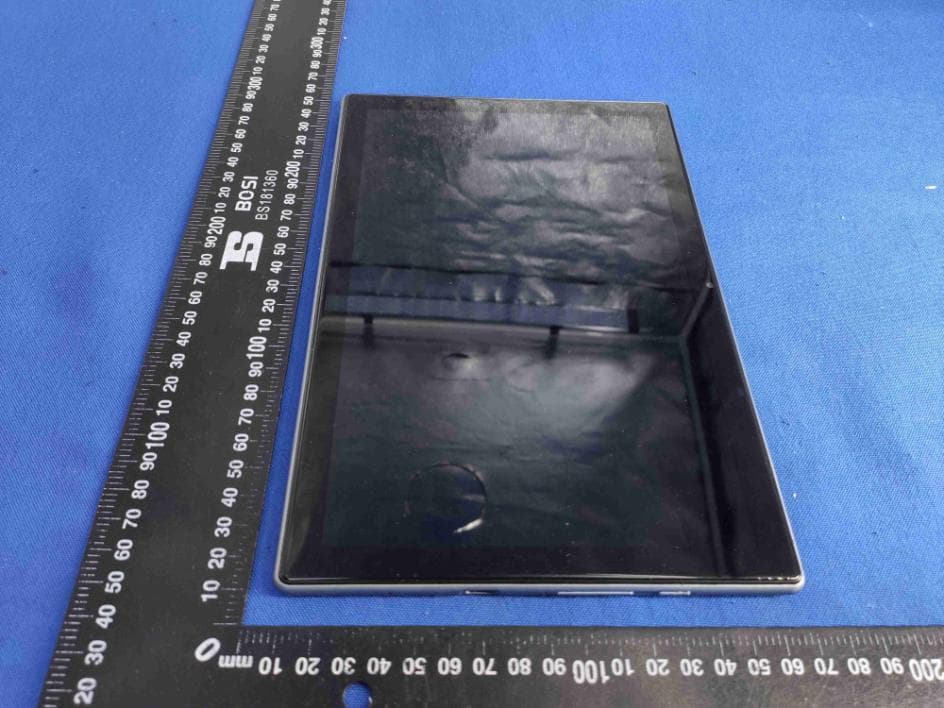
Click to zoom
Application Details
- Equipment Class
- DSS - Part 15 Spread Spectrum Transmitter
- Date of Grant
- Nov 01, 2020
- Application Purpose
- Original Equipment
- Date of Application
- Nov 01, 2020
- Equipment Note
- Tablet PC
- Frequency Range
- 2402.00000000 - 2480.00000000
- Country
- China
Documents & Files
Document Text
Text extracted from the exhibit documents filed with the FCC. Open a document above to read the original.
Users Manual
Tablet PC LY-S-10 Seago Important Safeguards 1.Do not use the tablet in exceptionally cold or hot, dusty, damp or dry environments. 2.Avoid dropping this device as there is a high risk that you will damage the screen and other fragilecomponents. 3.Please charge your battery when: A.The battery power icon shows an emptybattery; B.The system automatically shuts down and the tablet doesnot stay on for very long when you switch the unit on again; C.There is no response if you touch any key. 4.Please do not suddenly disconnect the power when the tablet is being formatted or is in the process of uploading or downloading. This may lead to an error in theprogram. 5.When this tablet is used as a moving disk, the user muststore or export files in the proper file management operation method. Any improper operation method may lead to the loss of files, for which the manufacturer will not be held liable. 6.Do not disassemble this device to carry out repairs or maintenance as this will void the warranty. All repairs are to be carried out by the manufacturer or a similarly qualifiedperson. 7.There will be no separate notice in the case of any change in the functions and performance of this product. BasicOperation Poweron PressandholdthePowerbuttonandthedevicewillstartup. Poweroff Pressandholdthepowerbutton,choose"PowerOff"toshutdown. Sleep Whenthedeviceison,pressthePowerbuttonquicklytoshutdownthe display,itwillthengointoSleepmode.PressthePowerbuttonagainto reactivatethedevice. Powerreset Ifthereisshutdowntothetabletintheprocessofoperation,youcanturnoffand restartthedevicebypressing"reset"key. Screentimeout Ifyoudonotusethetabletwithinthesettime,anddonooperateanybuttons, thecontactscreenwillautomaticallyturnoff. Inanystate,press""buttontoactivate;Thenslidthelock upwardstogainaccesstotheupperinterface. Ifitisnecessarytodeactivatethecontactscreentimeoutfunction,youcanset the[Screentimeout]optionunder[display]functioninto"Never". UsingtheMicroSDcard Oncethetabletisconnectedtoacomputer,youwillfindtwomovingdisks. Thefirstoneisthebuilt-inmemorydiskfordeviceunitandtheotheristhediskfor theMicroSDcard.Ifnocardisinserted,theseconddiskwillnotopen.Thistablet supportstheextensionoftheMicroSDcardfrom4GBto32GB. InsertingandRemovingtheMicroSDcard Inserting: PlacetheMicroSDCardfacingupwards(sidewithwords),andslightlyforcethe cardintothesocketofthecard,i.e.connectingtheunit.Underthisstate,youcanplay thecontentontheMicroSDcard. Removing: SlightlypushtheMicroSD,anditwillbouncebyasection,andthenyoucan takeitout. Caution: Pleaseperforminsertingandremovingoperationwhenpowerisoff!Otherwise, itwillleadtothelossordamagetothefileswithintheunit!Ifnocardisinserted,the computerwillbeunabletoperformreadandwriteoperationforthedisknotesofthe laterremovabledisk(MicroSDcard). Battery: ThisunitisfittedwithahighcapacityPolymerbattery. Thedurationavailableofthebatterypowerdependsonvolume,typesofplaying filesandoperationofbattery.Theplayercanbesetupbytheuseras"userdefine powerofftime"or"displaysetup"tosavebatteries. Charging: ThisunitcanberechargedbyusingaUSBport.Pleasechargethedeviceonly withtherecommendedUSBcableandCharger.OtherChargersmightdamagethe machine. PleaseNote: 1.Thenewbatterymaybeemptyandnotchargedwhenyoubuythetablet. 2.Ifthetabletisnotusedforalongtime,itisbettertochargeittofullcapacity every2or3monthsduringstorage. SettingUpYourTablet Afterchargingthebattery,press andholdthepowerbuttonforup to5secondsuntilthepattern isdisplayed. IMPORTANT:Ifthebatteryimageisnotdisplayedonthescreen,pressthepower buttonbrieflytodisplaytheimage,thenpressandholdthepowerbuttonuntilthe logoisdisplayed. Followtheon-screeninstructionstoselectalanguageandawirelessnetwork. All Apps —Displays a list of All Apps installed. Setting —Set the WLAN, BT, and Brightness etc. The button moves back one step to the previous menu/page. Thebutton returns immediately to the main screen. Thebutton displays a menu of recently opened applications. (This interface adds a“CLEAR ALL”button) Please note:The appearance of the Home screen may vary. Search—allows you to type one or more keywords to search. Voice search—allows you to speak one or more keywords to search with the installed search app. *The search feature varies by model and country. Settings Menu T he Settings Menu allows you to adjust Tablet PC System Configuration. To Change Settings: 1.Touch the “Settings”menu icon found in the Application menu. The Settings menu will open. 2.Touch a category title to view further options on the right side of the screen. •Wi-Fi – Connect to/disconnect from wireless networks, view connection status. •Bluetooth – Connect or disconnect Bluetooth devices. •Display – Adjust display settings. •Prompt & Notifications – Adjust different notification settings. •Audio Profiles – Adjust the different audio settings such as ringtones. •Apps – A list of all Apps downloaded and running. •Storage & USB – View your Tablet PC’s internal and external storage settings. (Please note: The operation system software occupied some part of capacity). •Battery – View the status of your battery and make adjustments to power consumption. •Memory – View the total memory capacity and free memory capacity. (Please note: this is for RAM memory, if it’s 1GB ram, the displayed total memory will be around 0.90-0.93GB). •Users - Switch between Owner and Guest •Location – Change approximate location detection, improve search results, GPS satellites •Security – Adjust Tablet PC’s security settings; the screen lock; •Accounts – Add or remove email and Google™ accounts such as Gmail™,Google. •Google – Location, security, Ads, Nearby, Set up nearby device. •Language and input – add to the dictionary, edit on-screen keyboard settings, vocal search, etc. •Backup and reset – Backup and restore data, perform factory reset, etc. •Date & time – Set date, time zone, time, clock format etc. •Accessibility – Set up large text, auto-rotate screen, speak password etc. •About Tablet PC – Displays information about your Tablet PC…
Text truncated - open the document above for the full version.
Cover Letter(s)
Shenzhen Link Win Technology Co., Ltd O ffice of Engineering Technology Federal Communications Commission 7435 Oakland Mills Road Columbia, MD 21046 USA Date: 2020.10.19 Subject; Request for Long Term Confidentiality FCC ID: 2AQ4G-LY-S-10 T o Whom It May Concern, Pursuant to the provisions of the Commission’s rules Title 47 Sections §0.457 and §0.459, we are requesting the Commission to withhold the following attachment(s) as confidential documents from public disclosure indefinitely. T hese documents contain detailed system and equipment descriptions and are considered as proprietary information in operation of the equipment. The public disclosure of these documents might be harmful to our company and would give competitors an unfair advantage in the market. Schematic Diagram Block Diagram Parts List Operational Description I t is our understanding that all measurement test reports, FCC ID label format and correspondence during the certification review process cannot be granted as confidential documents and this information will be available for public review once the grant of equipment authorization is issued. S incerely, S ignature: N ame: Raul Zhang T itle: Sales Manager
Cover Letter(s)
Shenzhen Link Win Technology Co., Ltd 9F, Zhengqilong lndustrial Building, 1st Rd Gushu, Xixiang, Bao'an, Shenzhen, China Statement Product: Tablet PC Model: LY-S-10 Additional Model: LY-SD-10, LY-SD-11, LY-SD-12, LY-SD-13, LY-S-11, LY-S-12, LY-S-13 Trademark: Seago We hereby state that All models above are identical in interior structure, electrical circuits and components, and just model names are different for the marketing requirement. Your assistance on this matter is highly appreciated. Yours sincerely, Signature: Date: 2020/10/19 Name: Raul Zhang Company Name : Shenzhen Link Win Technology Co., Ltd Address: 9F, Zhengqilong lndustrial Building, 1st Rd Gushu, Xixiang, Bao'an, Shenzhen, China Tel / Fax: +8613076925358/+86075536853497 E-Mail: [email protected]
Cover Letter(s)
Shenzhen Link Win Technology Co., Ltd Agent Authorization C ompany: Shenzhen Link Win Technology Co., Ltd A ddress: 9F, Zhengqilong lndustrial Building, 1st Rd Gushu, Xixiang, Bao'an, Shenzhen, China P roduct Name: Tablet PC M odel Number(s): LY-S-10, LY-SD-1 0, LY-SD-11, LY-SD-12, LY-SD-13, LY-S-11, LY- S- 12, LY-S-13 P roduct Description: Tablet PC W e authorize MiCOM Labs Inc., 575 Boulder Court, Pleasanton, California 94566, USA, to act on our behalf on all matters concerning the certification of above named equipment. We declare that MiCOM Labs Inc. is allowed to forward all information related to the approval and certification of equipment to the regulatory agencies as required and to discuss any issues concerning the approval application. Any and all acts carried out by MiCOM Labs on our behalf shall have the same effect as acts of our own. Signature: Date: 2020-10-19 Name: Raul Zhang Title: Sales Manager Company: Shenzhen Link Win Technology Co., Ltd
External Photos
Page 1 of 4 Appendix B: Photographs of EUT Product: Tablet PC Model: LY-S-10 External Photos Page 2 of 4 Page 3 of 4 Page 4 of 4
ID Label/Location Info
Label Artwork and Location Model: LY-S-10 Label: Size: L*W=59.6*77.7mm Location
Internal Photos
Page 1 of 8 Appendix B: Photographs of EUT Product: Tablet PC Model: LY-S-10 Internal Photos BT/WIFI ANT Page 2 of 8 Page 3 of 8 Page 4 of 8 Page 5 of 8 Page 6 of 8 Page 7 of 8 Page 8 of 8
Test Report
Hotline: 400-6611-140 Tel: 86-755-27673339 Fax: 86-755-27673332 http://www.tct-lab.com TEST REPORT FCC ID: 2AQ4G-LY-S-10 Product: Tablet PC Model No.: LY-S-10 Additional Model No.: LY-SD-10, LY-SD-11, LY-SD-12, LY-SD-13, LY-S-11, LY-S-12, LY-S-13 Trade Mark: Seago Report No.: TCT200831E016 Issued Date: Sep. 24, 2020 Issued for: Shenzhen Link Win Technology Co., Ltd 9F, Zhengqilong lndustrial Building 1st, Rd Gushu, Xixiang, Bao'an, Shenzhen, China Issued By: Shenzhen Tongce Testing Lab. 1B/F., Building 1, Yibaolai Industrial Park, Qiaotou, Fuyong, Baoan District, Shenzhen, Guangdong, China TEL: +86-755-27673339 FAX: +86-755-27673332 Note: This report shall not be reproduced except in full, without the written approval of Shenzhen Tongce Testing Lab. This document may be altered or revised by Shenzhen Tongce Testing Lab. personnel only, and shall be noted in the revision section of the document. The test results in the report only apply to the tested sample. Report No.: TCT200831E016 Page 2 of 68 Hotline: 400-6611-140 Tel: 86-755-27673339 Fax: 86-755-27673332 http://www.tct-lab.com TABLE OF CONTENTS 1. Test Certification ..................................................................................... 3 2. Test Result Summary .............................................................................. 4 3. EUT Description ....................................................................................... 5 4. General Information ................................................................................. 6 4.1. Test environment and mode ................................................................................. 6 4.2. Description of Support Units ................................................................................ 6 5. Facilities and Accreditations .................................................................. 7 5.1. Facilities ................................................................................................................. 7 5.2. Location ................................................................................................................. 7 5.3. Measurement Uncertainty ..................................................................................... 7 6. Test Results and Measurement Data ..................................................... 8 6.1. Antenna requirement ............................................................................................ 8 6.2. Conducted Emission ............................................................................................. 9 6.3. Conducted Output Power ................................................................................... 13 6.4. 20dB Occupy Bandwidth .................................................................................... 18 6.5. Carrier Frequencies Separation ......................................................................... 23 6.6. Hopping Channel Number .................................................................................. 28 6.7. Dwell Time ............................................................................................................ 31 6.8. Pseudorandom Frequency Hopping Sequence ................................................ 36 6.9. Conducted Band Edge Measurement ................................................................ 37 6.10.Conducted Spurious Emission Measurement .................................................. 41 6.11.Radiated Spurious Emission Measurement ..................................................... 45 Appendix A: Photographs of Test Setup Appendix B: Photographs of EUT Report No.: TCT200831E016 Page 3 of 68 Hotline: 400-6611-140 Tel: 86-755-27673339 Fax: 86-755-27673332 http://www.tct-lab.com 1. Test Certification Product: Tablet PC Model No.: LY-S-10 Additional Model: LY-SD-10, LY-SD-11, LY-SD-12, LY-SD-13, LY-S-11, LY-S-12, LY-S-13 Trade Mark: Seago Applicant: Shenzhen Link Win Technology Co., Ltd Address: 9F, Zhengqilong lndustrial Building 1st, Rd Gushu, Xixiang, Bao'an, Shenzhen, China Manufacturer: Shenzhen Link Win Technology Co., Ltd Address: 9F, Zhengqilong lndustrial Building 1st, Rd Gushu, Xixiang, Bao'an, Shenzhen, China Date of Test: Sep. 01, 2020 – Sep. 23, 2020 Applicable Standards: FCC CFR Title 47 Part 15 Subpart C Section 15.247 FCC KDB 558074 D01 15.247 Meas Guidance v05r02 ANSI C63.10:2013 The above equipment has been tested by Shenzhen Tongce Testing Lab. and found compliance with the requirements set forth in the technical standards mentioned above. The results of testing in this report apply only to the product/system, which was tested. Other similar equipment will not necessarily produce the same results due to production tolerance and measurement uncertainties. Tested By: Date: Sep. 23, 2020 Brave Zeng Reviewed By: Date: Sep. 24, 2020 Beryl Zhao Approved By: Date: Sep. 24, 2020 Tomsin Report No.: TCT200831E016 Page 4 of 68 Hotline: 400-6611-140 Tel: 86-755-27673339 Fax: 86-755-27673332 http://www.tct-lab.com 2. Test Result Summary Requirement CFR 47 Section Result Antenna Requirement §15.203/§15.247 (c) PASS AC Power Line Conducted Emission §15.207 PASS Conducted Peak Output Power §15.247 (b)(1) PASS 20dB Occupied Bandwidth §15.247 (a)(1) PASS Carrier Frequencies Separation §15.247 (a)(1) PASS Hopping Channel Number §15.247 (a)(1) PASS Dwell Time §15.247 (a)(1) PASS Radiated Emission §15.205/§15.209 PASS Band Edge §15.247(d) PASS Note: 1. PASS: Test item meets the requirement. 2. Fail: Test item does not meet the requirement. 3. N/A: Test case does not apply to the test object. 4. The test result judgment is decided by the limit of test standard. Report No.: TCT200831E016 Page 5 of 68 Hotline: 400-6611-140 Tel: 86-755-27673339 Fax: 86-755-27673332 http://www.tct-lab.com 3. EUT Description Product Name: Tablet PC Model : LY-S-10 Additional Model: LY-SD-10, LY-SD-11, LY-SD-12, LY-SD-13, LY-S-11, LY-S-12, LY-S-13 Trade Mark: Seago Bluetooth version: V4.2…
Text truncated - open the document above for the full version.
Test Setup Photos
Page 1 of 2 Appendix A: Photographs of Test Setup Product: Tablet PC Model: LY-S-10 Radiated Emission Page 2 of 2 Conducted Emission
Contact Information
Applicant
Raul Zhang(Sales Manager)
Technical Contact
Test Firm
SHENZHEN TONGCE TESTING LABBeryl Zhao
[email protected]+8675527208735
Technical Specifications
| # | Rule Parts | Frequency Range | Power Output |
|---|---|---|---|
| 1 | 15C | 2.40 GHz - 2.48 GHz | 2.20 mW |
Other Applications from Shenzhen Link Win Technology Co., Ltd
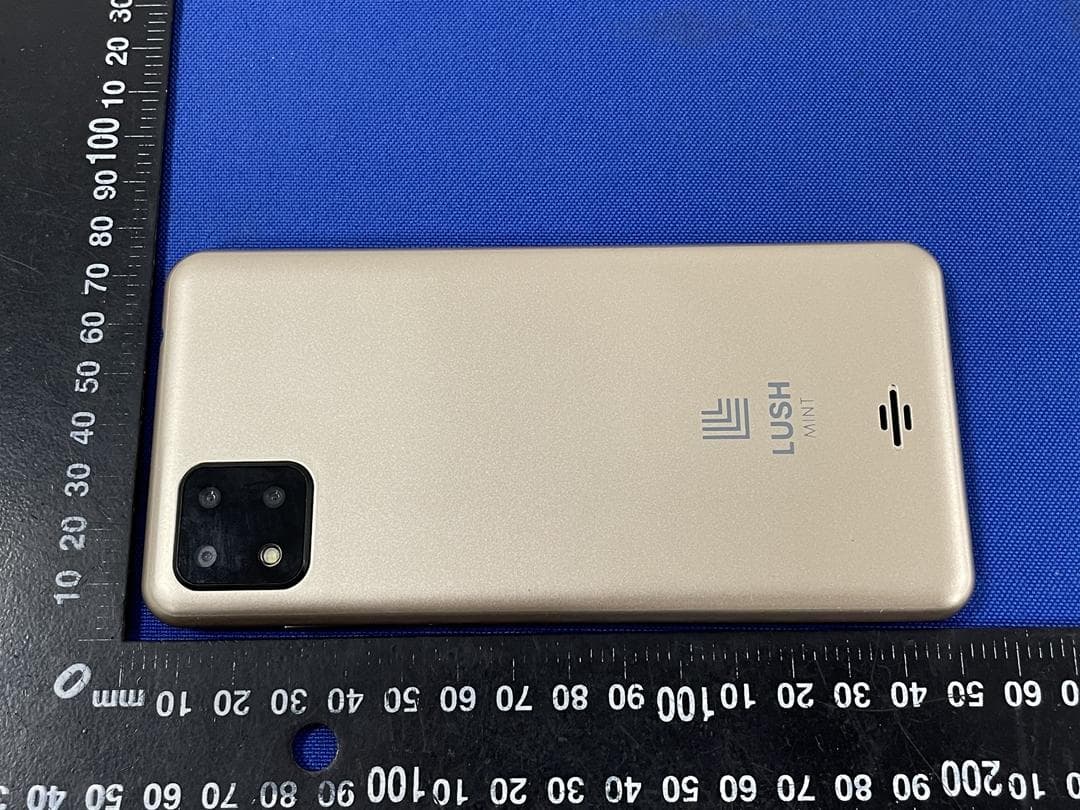
2AQ4G-MS5514G
Feb 05, 2021Mobile phone
Equipment Class
DSS - Part 15 Spread Spectrum Transmitter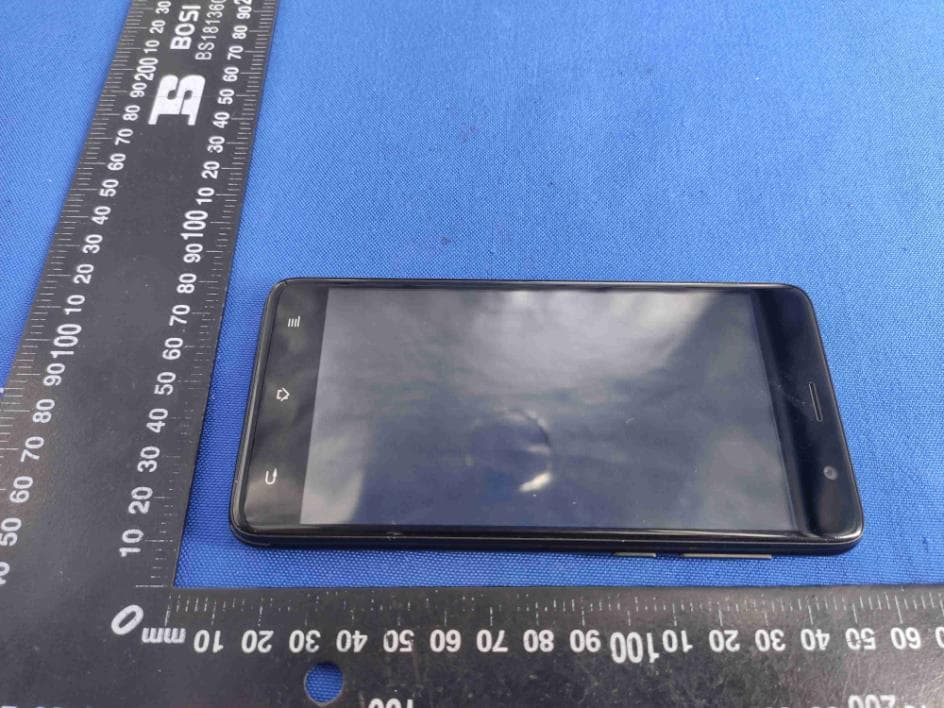
2AQ4G-MS5414G
Sep 24, 2020Mobile phone
Equipment Class
DTS - Digital Transmission System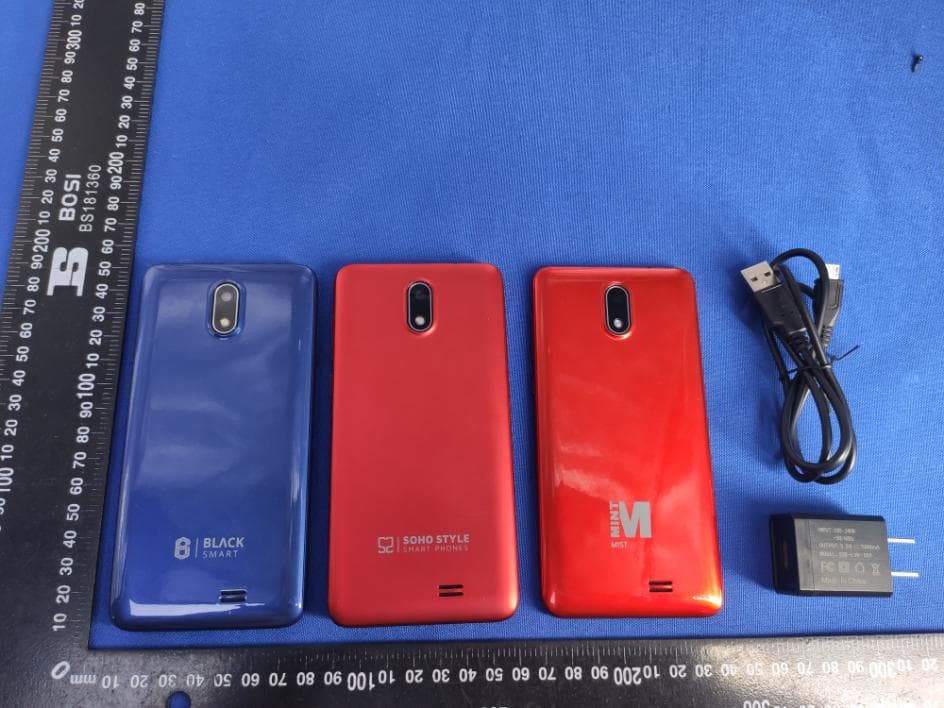
2AQ4G-BS5314G
May 19, 2020Mobile phone
Equipment Class
DSS - Part 15 Spread Spectrum Transmitter