2AQURZW37MUZ-Wave Mini Smart Plug (800S)
NIE-TECH CO., LTD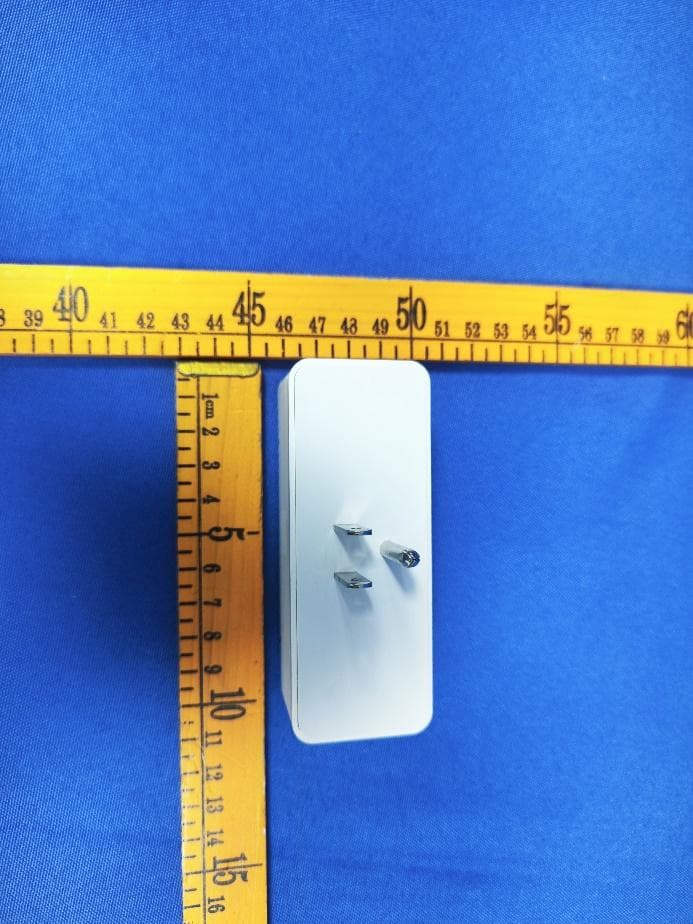
Click to zoom
Application Details
- Equipment Class
- DXX - Part 15 Low Power Communication Device Transmitter
- Date of Grant
- Mar 08, 2024
- Application Purpose
- Original Equipment
- Date of Application
- Mar 08, 2024
- Equipment Note
- Z-Wave Mini Smart Plug (800S)
- Frequency Range
- 908.40000000 - 916.00000000
- Company
- NIE-TECH CO., LTD
- Country
- China
Documents & Files
Document Text
Text extracted from the exhibit documents filed with the FCC. Open a document above to read the original.
Users Manual
1. Z-Wave control on/off. 2. Z-Wave controlled AC outlet for standard incandescent ligh�ng, CFL/LEDs, fans or small appliances(1875W Resis�ve Max). 3. Grounded 3-wire power connec�on for safety. 4. Remembers and restores on/off status a�er power failure. 5. Built-in Z-Wave Plus signal repeater to extend network range. 6. S2 security and 800 Z-Wave chip for reliable wireless communica�on. 7. Work with most of Z-Wave controllers. Features: Parameter Se�ngs 100 feet 1. Plug In the Smart Plug: Insert the Z-Wave smart plug into a power outlet. Note: (1) Plug directly into the outlet. Do not use with power strip. Add the Device to Z-Wave Network with QR Code Troubleshoo�ng: Scan here for SmartStart inclusion Note: FULL DSK Code can be found on the packaging box. Do not remove or damage them. • MP26Z • (ZW37MU) Specifica�on LED indicator • LED Blinks quickly: Add/Inclusion • LED Blinks slowly: Remove/Exclusion Input: 125VAC 60Hz Frequency: 908.42 MHz 10A MAX 1250W TUNGSTEN GENERAL PURPOSE 1/2 HP Temperature Range: 32° F~104° F Loading: 15A 1875W RESISTIVE OR Program bu�on Z-Wave Mini Smart Plug (800S) Z-WAVE INTEROPERABILITY LED Indicator Status 2.Timer Auto-off (SmartThings driver subscrip�on channel) (guide video) • Press Once: Manually ON/OFF the device (The bu�ons on the le� and right control the outlets on the le� and right respec�vely.) • Press 3 �mes quickly (Le�/Right): Inclusion/ exclusion mode • Press the bu�on twice quickly then hold a 3rd press for 10 seconds: Return device to factory se�ngs LED indicator This product can be included and operated in any Z-Wave network with other Z-Wave-cer�fied devices from other manufacturers and/or other applica�ons. All non-ba�ery-operated nodes within the network will act as repeaters regardless of vendor to increase the reliability of the network. This Device supports Lifeline (associa�on group 1) suppor�ng 1 node for lifeline communica�on. Group 1 must be assigned the Node ID of the primary controller where unsolicited no�fica�ons will be sent. The Z-Wave controller should set this associa�on automa�cally a�er inclusion. Lifeline Associa�on only supports the “Device Reset Locally” func�on. 2. Refer to your specific Z-Wave hub or controller's instruc�ons to enter inclusion mode. 3. Put the device in Inclusion Mode: Scan the QR on the device and then press the bu�on (le�/right) 3 �mes quickly. 4. Wait for Pairing Confirma�on: The Z-Wave controller should detect the smart plug, and you may receive a confirma�on on the controller. Confirm it to complete the se�ngs. (1) For SmartThings: If your z-wave controller is SmartThings, be sure to install the edge driver by following steps to solve the problem of abnormal usage. 1. If the device does not enter pairing mode (the LED indicator does not blink), press the device bu�on 3 �mes faster. 2. If the device does not enter pairing mode (the LED indicator does not blink) even a�er pressing the device bu�on 3 �mes faster, reset the device by pressing the bu�on twice quickly then hold a 3rd press for 10 seconds. 3. If the reset fails, exclude the device from your Z-Wave hub (z-wave exclusion). 4.If the z-wave controller does not find the device, bring the device as close as possible to your z-wave controller and re-add the device. A�er the network configura�on is completed, the device can be moved to the loca�on you want. 5. Special reminder for users that connected the device with SmartThings or Hubitat: ① Scan the above QR code(le�)to open the SmartThings Edge Driver subscrip�on channel of the product. ② Log in to the SmartThings account a�er opening the SmartThings Edge Driver subscrip�on channel. ③ Select the SmartThings Hub you are using, and click "Enroll". ④ A�er "Enroll" is completed, click "Available Drivers". ⑤ A�er entering the "Available Drivers" page, select "Z-Wave Switch” to "Install". A�er installing our egde driver, please remove the device from your hub and re-add it. Note: Please scan the QR code on the right to view the guide video. (2) For Hubitat: Device handler is needed for this device. Please download it from www.minos- ton.com. Add Z-Wave Long Range with QR Code The device is compa�ble with SmartStart. SmartStart enabled products can be added to a Z-Wave network by scanning the Z-Wave QR Code found on the top of the outlet or the back of the box with a controller providing SmartStart inclusion. No further ac�on is required and the SmartStart product will be added automa�cally within 10 minutes of being switched on and in the network vicinity. Note: Z-Wave Long Range device can only support be included via SmartStart. Extract the DSK from the end device and paste it into the DSK Value in the PC Controller, make sure the "Long Range" op�on is �cked. Return Factory Defaults Manually reset: Press the bu�on twice quickly then hold a 3rd press for 10 seconds. Host reset: A�er being removed from the host, the device is restored to factory se�ngs. Remove the Device 1. Follow the instruc�ons for your Z-Wave-cer�fied controller to remove a device from the Z-Wave network. 2. Once the controller is ready to remove your device, press the manual bu�on on the le�/right smart plug 3 �mes quickly. Associa�on Group The device supports 3 groups and each group supports up to 5 devices. Group 1 Lifeline Group 2 Le� outlet sends basic set Group 3 right outlet sends basic set This parameter can set the status of the indicator light when the device is turned on or off. Opera�on: Press the manual bu�on 6 �mes quickly to change parameters. Parameter =1, size =1byte, value=00(default) Led on when outlet on Parameter =1, size =1byte, value=01 Led off when outlet on Parameter =1, size =1byte, value=02 LED always ON Parameter =1, size =1byte, value=03 LED always OFF This parameter can set a �mer to turn off the device automa�cally. The value entered in the parameter corresponds to the number of minutes. Opera�on: Set up in the z-wave hub. Parameter =2, Size=4byte, Values:0-65535 (Min) auto-off the le� outlet P…
Text truncated - open the document above for the full version.
Attestation Statements
NIE-TECHCo.,Ltd Jiliancommercialcenter9001,JinxiuroadNo.2,Changan Town,DongguanCity,GuangDongProv.,CHINA FederalCommunicationsCommission AuthorizationandEvaluationDivision EquipmentAuthorizationBranch 7435OaklandMillsRoad Columbia,MD21046 {January19,2024} U.S.AgentDesignation {NIE-TECHCo.,Ltd}acknowledgestheirconsentforthefollowingcontactlocatedintheUnitedStatestoactas theiragentforserviceofprocessfortheequipmentforwhichauthorizationissought(FCCID:2AQURZW37MU): NameandcompanyofU.S.agent:JascoProductsCompanyLLC PhysicalU.S.addressofagent:10ememorialroadOfficeoklahomacityOK73114 FRNofU.S.agent:0017309360 EmailaddressofU.S.agent:[email protected] {JascoProductsCompanyLLC}acknowledgestheirobligationtoacceptserviceofprocessonbehalfof{NIE- TECHCo.,Ltd}. {NIE-TECHCo.,Ltd}withtheFRN[0027755610]acceptsitsobligationtomaintainanagentforserviceof processintheUnitedStatesfornolessthan3yearaftereitherthegranteehaspermanentlyterminatedall marketingandimportationoftheapplicableequipmentwithintheU.S.,ortheconclusionofanyCommission- relatedadministrativeorjudicialproceedinginvolvingtheequipment,whicheverislater. Bysigningthisform,weconfirmtheaboveandthatweareawareoftheapplicationrequirementslistedunder§ 2.911(d)(7). TheinformationprovidedinthisletterisbasedonthereferencedrulepartsofTitle47oftheCFRaswellasKDB 986446D01. Anexpirationdateforthisletterdoesnotexist.IncasetheU.S.agentchanges,thegranteeisobligatedtonotify theFCCwithin30daysviathegrantingTCB. Sincerely, Signature {jianghaiNie} {Manager} {NIE-TECHCo.,Ltd} Signature {MarkSimpkins} {Manager} {JascoProductsCompanyLLC} 4 8 _ [ m o d e l ] U S _ A g e n t _ 2 . 9 1 1 ( d ) ( 7 ) - U , V 0 5
External Photos
FCCID:2AQURZW37MU FCCID:2AQURZW37MU FCCID:2AQURZW37MU
ID Label/Location Info
LabelLocation
Internal Photos
FCCID:2AQURZW37MU FCCID:2AQURZW37MU FCCID:2AQURZW37MU FCCID:2AQURZW37MU FCCID:2AQURZW37MU ANT FCCID:2AQURZW37MU
RF Exposure Info
Page1of3 RFEXPOSUREEVALUATION FCCID:2AQURZW37MU ProductName:Z-WaveMiniSmartPlug(800S) ModelName:ZW37MU,MP26Z Operatingfrequency: 908.40MHz 908.42MHz 916.00MHz 912MHz 920MHz TypeofModulation: 2FSKfor908.40MHz 2FSKfor908.42MHz 2GFSKfor916.00MHz DSSSOQPSKLRfor912MHzand920MHz AntennaType:PCBAntenna AntennaGain:-6.16dBi Powersupply: Input:AC125V/60Hz Output:AC120V15A HardwareVersion:V1 SoftwareVersion:V1 Page2of3 StandardRequirement Accordingto§15.247(i)and§1.1307b(1),systemsoperatingundertheprovisionsofthis sectionshallbeoperatedinamannerthatensuresthatthepublicisnotexposedtoradio frequencyenergylevelsinexcessoftheCommission’sguidelines.SeeKDB447498D01 GeneralRFExposureGuidancev06,section4.3.1. The1-gand10-gSARtestexclusionthresholdsfor100MHzto6GHzattestseparation distances≤50mmaredeterminedby: [(max.powerofchannel,includingtune-uptolerance,mW)/(min.testseparationdistance, mm)]*[√f(GHz)]≤3.0for1-gSARand≤7.5for10-gSARextremitySAR,where f(GHz)istheRFchanneltransmitfrequencyinGHz PoweranddistanceareroundedtothenearestmWandmmbeforecalculation Theresultisroundedtoonedecimalplaceforcomparison. Thetestexclusionsareapplicableonlywhentheminimumtestseparationdistanceis≤ 50mmandfortransmissionfrequenciesbetween100MHzand6GHz.Whentheminimumtest separationdistanceis<5mm,adistanceof5mmisappliedtodetermineSARtestexclusion. RoutineSARevaluationreferstothatspecificallyrequiredby§2.1093,usingmeasurements orcomputersimulation.WhenroutineSARevaluationisnotrequired,portabletransmitters withoutputpowergreaterthantheapplicablelowthresholdrequireSARevaluationtoquality forTCBapproval. E(V/m) = d GP30 PowerDensity:Pd(W/m²) = 377 2 E E=Electricfield(V/m) P = PeakRFoutputpower(W) G = EUTAntennanumericgain(numeric) d=Separationdistancebetweenradiatorandhumanbody(m) Theformulacanbechangedto Pd= 2 377 30 d GP θφ FromthepeakEUTRFoutputpower,theminimummobileseparationdistance,d=0.2m,aswellasthe gainoftheusedantenna,theRFpowerdensitycanbeobtained Page3of3 RFOutputpower Freq. (MHz) Fieldstrength(max)(dBuV/m) EIRP(max) (dBm) 908.40 89.47-5.73 908.42 89.44-5.76 916.00 89.7-5.50 Note:EIRP=E-104.8+20logD, Where EistheelectricfieldstrengthindBμV/m. EIRPistheequivalentisotropicallyradiatedpowerindBm. disthespecifiedmeasurementdistanceinm. whereD=3,EIRP=E-95.2. Channel (MHz) Maximum output power (dBm) Tuneup tolerance (dBm) MaxTune UpPower (mW) Distance (mm) Calculation results LimitResult 912MHz-0.224 0.00 ± 11.25892550.2404513 Pass 920MH-0.219 0.00±11.25892550.2415043 Pass 908.40MH-5.73 -5.50±10.35481350.0676353 Pass 908.42MH-5.76 -5.50±10.35481350.0676353 Pass 916.00MH-5.50 -5.50±10.35481350.0679173 Pass AccordingtoKDB447498,nostand-alonerequiredfortheantenna,andnosimultaneousSAR measurementisrequired. Signature Manager SimonPu Date:2024-01-19
Test Report
ReportNo.:RFI-LAB-RF-202306-FF05-3 QP030-E41 Page1of10 TestingReport CustomerName:NIE-TECHCo.,Ltd ProductName:ZW800_V8.42 SampleModel:ZW800_V8.42ANT ReferenceStandard:GB/T9410-2008;ANSI/IEEEStd149-1979 IssueDate:2023.6.12 Engineer:Date: Auditor:Date: Approver:Date: ReportNo.:RFI-LAB-RF-202306-FF05-3 QP030-E41 Page2of10 Version VersionNo.DateDescriptionFormulateApproval A02023.6.12Forthefirsttime,formulateZkrisEason Contents 1.GeneralInformation.........................................................................................................................3 1.1Generalinformationoftestinginstitutions...........................................................................3 1.2Testingprinciple...................................................................................................................3 1.3Testequipment......................................................................................................................4 1.4Testenvironment...................................................................................................................4 1.5Statement..............................................................................................................................4 2.SampleInformation.........................................................................................................................5 2.1Clientinformation.................................................................................................................5 2.2DescriptionofEUT(S)..........................................................................................................5 2.3EUTappearance....................................................................................................................6 2.4EUTsetupphotooffreespaceOTAtesting.........................................................................6 3.TestResults.....................................................................................................................................7 3.1Teststandard.........................................................................................................................7 3.2Testuncertainty.....................................................................................................................7 3.3Testdata................................................................................................................................8 3.3.1VSWRparameters.....................................................................................................8 3.3.2VSWRdata................................................................................................................8 3.3.3Typicalfreespaceefficiencyandgain......................................................................8 3.3.4Typicalfreespaceradiationpattern...........................................................................9 (Thefollowingisblank)..............................................................................................................10 ReportNo.:RFI-LAB-RF-202306-FF05-3 QP030-E41 Page3of10 1.GeneralInformation 1.1Generalinformationoftestinginstitutions Name ShenzhenRFI-LABCommunicationTechnologyCo.,Ltd. Address 10/FA,LingyunBld,LiufangRd,BaoanDistrict,SZ Tel 13682621346 E-mail [email protected] Equipment AlltheequipmentusedinthereportisfixedinZoneB,WestSideof1/F,Building1, TingweiIndustrialPark,No.6LiufangRoad,Bao'anDistrict,Shenzhen 1.2Testingprinciple ReportNo.:RFI-LAB-RF-202306-FF05-3 QP030-E41 Page4of10 1.3Testequipment EquipmentModelNo.SerialNo.Manufacturer Calibration date Next calibration date OTATest System RayZone-5000 RFI-LAB-RF -D00 GTS2023.3.142025.3.13 Network Analyzer E5071C RFI-LAB-RF -D01 KEYSIGHT2023.5.112024.5.10 Network Analyzer E5071C RFI-LAB-RF -C02 KEYSIGHT2023.5.112024.5.10 1.4Testenvironment Temperature 24.2°C Humidity 59%RH Pressure 100.15kPa 1.5Statement (1)Thetestresultsinthereportareonlyapplicabletothetestedsamplesandthetestedsamples workundertheenvironmentdescribedinthereport. (2)OnlyShenzhenRFI-LABCommunicationTechnologyCo.,Ltd.havetherighttomodifythe report,andthemodificationinformationshallbeannotatedintherevisionform. (3)Anyobjectiontothisreportshallberaisedwithin30daysafterformalconfirmationofthe report. (4)Thisreportisinvalidifthereisanyevidencethatthesampleinformationprovidedisfalsified. (5)Thereportisinvalidwithoutthesignatureoftheauditorandapprover. ReportNo.:RFI-LAB-RF-202306-FF05-3 QP030-E41 Page5of10 2.SampleInformation 2.1Clientinformation Name NIE-TECHCo.,Ltd Address / Contacts / Tel / E-mail / Manufacturer / 2.2DescriptionofEUT(S) ProductName ZW800_V8.42 SampleModel ZW800_V8.42ANT AntennaSize / SerialNo. / AntennaType PCBAntenna TestItem VSWR;Antennagain;Efficiency;Radiationpattern FrequencyRange 902-928MHz ReceivedDate 2023.6.08 TestDate 2023.6.09 Remark ThelengthoftheRFcableis50mm ReportNo.:RFI-LAB-RF-202306-FF05-3 QP030-E41 Page6of10 2.3EUTappearance 2.4EUTsetupphotooffreespaceOTAtesting Planform Frontview ReportNo.:RFI-LAB-RF-202306-FF05-3 QP030-E41 Page7of10 3.TestResults 3.1Teststandard NameParameterMethodStandardno. Mobile communication antenna Antennagain Genericspecification forantennasusedinthe mobilecommunications GB/T 9410-2008 Radiationpattern VSWR Antenna Radiationefficiency IEEEStandardTest ProceduresforAntennas ANSI/IEEEStd 149-1979 Gainanddirectivity 3.2Testuncertainty TheuncertaintywascalculatedonthebasisoftheGUMpublishedbyISO,usingthe inclusionfactorofK=2andthe95%confidenceleveltoexpresstheextended uncertainty. ItemUncertainty VSWR±0.3 Antennagain±0.72dB Radiationefficiency±0.72dB ReportNo.:RFI-LAB-RF-202306-FF05-3 QP030-E41 Page8of10 3.3Testdata 3.3.1VSWRparameters 3.3.2VSWRdata 3.3.3Typicalfreespaceefficiencyandgain Frequency/MHz 902915928 VSWR 6.44816.50926.5622 Frequency/MHz 902904906908910912914916918920922924926928 PeakGain/dBi -7.64-7.43-7.29-7.16-7.05-6.91-6.77-6.61-6.48-6.36-6.26-6.21-6.21-6.16 Efficiency/% 6.046.196.286.376.526.696.897.067.257…
Text truncated - open the document above for the full version.
Test Report
Page 1 of 37 FCCTESTREPORT FCCID:2AQURZW37MU ProductName:Z-WaveMiniSmartPlug(800S) ModelName:ZW37MU,MP26Z BrandName:Minoston ReportNo.:PTC23122100201E-FC01 Preparedfor NIE-TECHCo.,Ltd Jiliancommercialcenter9001,JinxiuroadNo.2,ChanganTown,DongguanCity, GuangDongProv.,CHINA Preparedby PreciseTesting&CertificationCo.,Ltd. Building1,No.6,TongxinRoad,DongchengStreet,Dongguan,Guangdong,China ReportNo.:PTC23122100201E-FC01 Page2of37 1TESTRESULTCERTIFICATION Applicant’sname: NIE-TECHCo.,Ltd Address: Jiliancommercialcenter9001,JinxiuroadNo.2,Changan Town,DongguanCity,GuangDongProv.,CHINA Manufacture'sname : NIE-TECHCo.,Ltd Address : Jiliancommercialcenter9001,JinxiuroadNo.2,Changan Town,DongguanCity,GuangDongProv.,CHINA Productname : Z-WaveMiniSmartPlug(800S) Modelname : ZW37MU,MP26Z Standards : FCCPart15SubpartC,Paragraph15.249 Testprocedure : ANSIC63.10:2013 TestDate : Dec.27,2023toJan.15,2024 DateofIssue : Jan.15,2024 TestResult : Pass ThisdevicedescribedabovehasbeentestedbyPTC,andthetestresultsshowthatthe equipmentundertest(EUT)isincompliancewiththeFCCrequirements.Anditisapplicableonly tothetestedsampleidentifiedinthereport. Thisreportshallnotbereproducedexceptinfull,withoutthewrittenapprovalofPTC,this documentmaybealteredorrevisedbyPTC,personalonly,andshallbenotedintherevisionof thedocument. TestEngineer: Jackzhou/Engineer TechnicalManager: SimonPu/Manager ReportNo.:PTC23122100201E-FC01 Page3of37 Contents Page 1TESTRESULTCERTIFICATION...........................................................................................................................................2 2TestSummary.................................................................................................................................................................................4 2.1TestSite.................................................................................................................................................................................4 3GeneralInformation......................................................................................................................................................................5 3.1GeneralDescriptionofE.U.T.......................................................................................................................................5 3.2TestMode.............................................................................................................................................................................6 3.3ListofChannels...................................................................................................................................................................7 4EquipmentDuringTest................................................................................................................................................................7 4.1EquipmentsList.................................................................................................................................................................7 4.2MeasurementUncertainty..........................................................................................................................................10 5DescriptionofSupportUnits....................................................................................................................................................10 6TestStandardandLimit..........................................................................................................................................................10 6.1.TestSetup........................................................................................................................................................................11 6.2.TestProcedure...............................................................................................................................................................11 6.3.TestData..........................................................................................................................................................................11 7.RadiatedEmissionandBandEdge.................................................................................................................................14 7.1.TestStandardandLimit.............................................................................................................................................14 7.2.TestSetup........................................................................................................................................................................15 7.3.TestProcedure...............................................................................................................................................................16 7.4.TestData..........................................................................................................................................................................17 8.20dBBandwidthTest...............................................................................................................................................................23 8.1.TestStandardandLimit.............................................................................................................................................23 8.2.TestSetup........................................................................................................................................................................24 8.3.TestProcedure...............................................................................................................................................................24 8.4.TestData..........................................................................................................................................................................24 9.AntennaRequirement...............................................................................…
Text truncated - open the document above for the full version.
Test Setup Photos
FCCID:2AQURZW37MU ConductedEmissions RadiatedSpuriousEmissions From30MHz-1000MHz FCCID:2AQURZW37MU Above1GHz
Contact Information
Applicant
Jianghai Nie(Manager)
Test Firm
Precise Testing & Certification Co., LTD.Chris Du
[email protected]+86-769-38808222
Technical Specifications
| # | Rule Parts | Frequency Range | Power Output |
|---|---|---|---|
| 1 | 15C | 908.4 MHz - 916 MHz | - |
Other Applications from NIE-TECH CO., LTD
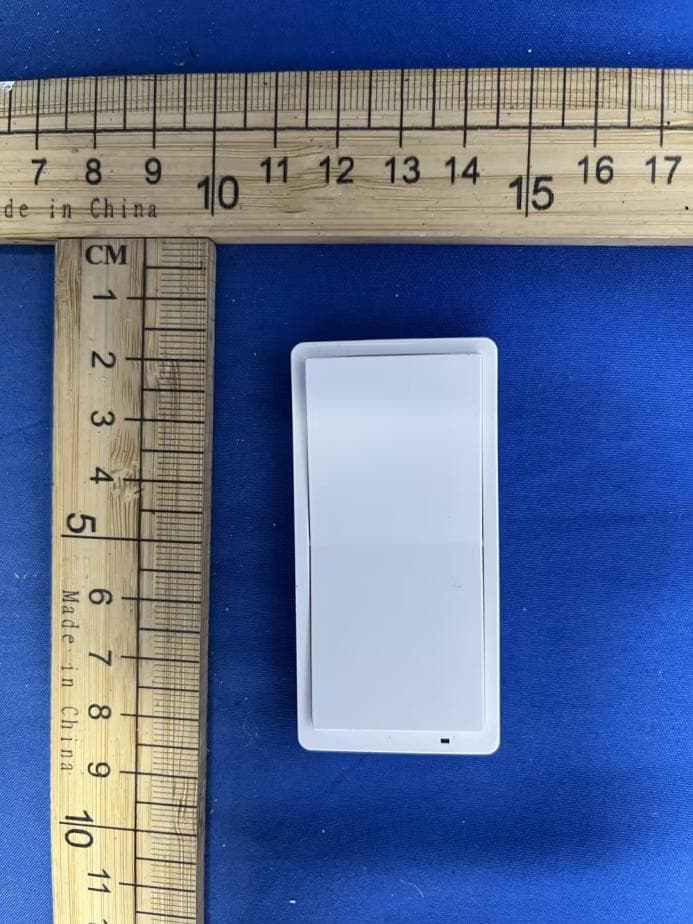
2AQUR-RF922
Jun 10, 20262 Button Remote ON/ON
Equipment Class
DSC - Part 15 Security/Remote Control Transmitter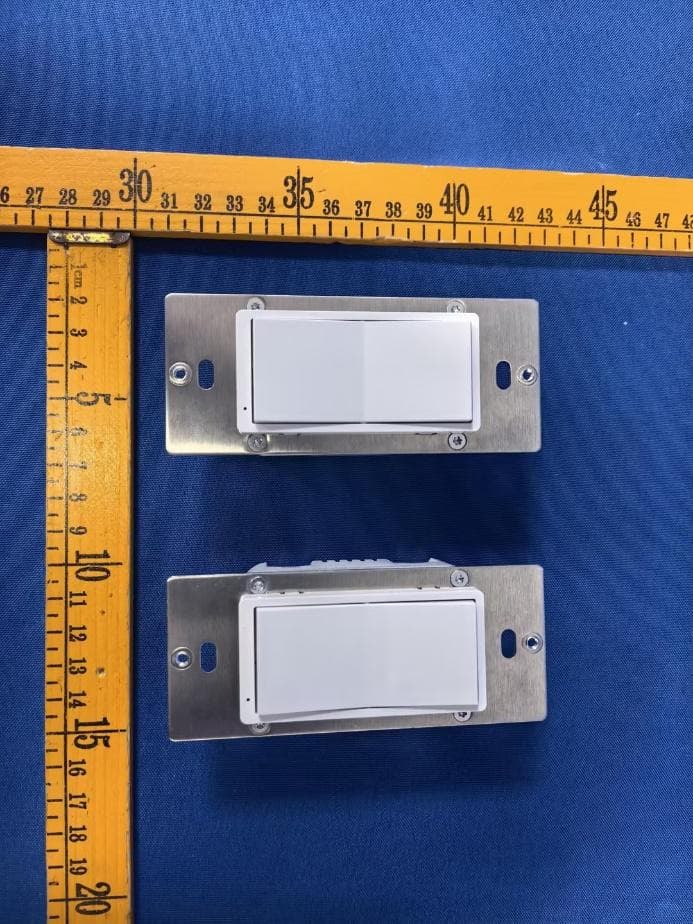
2AQUR-ZW305Z
Mar 03, 2026ON/OFF SWITCH 800
Equipment Class
DXX - Part 15 Low Power Communication Device Transmitter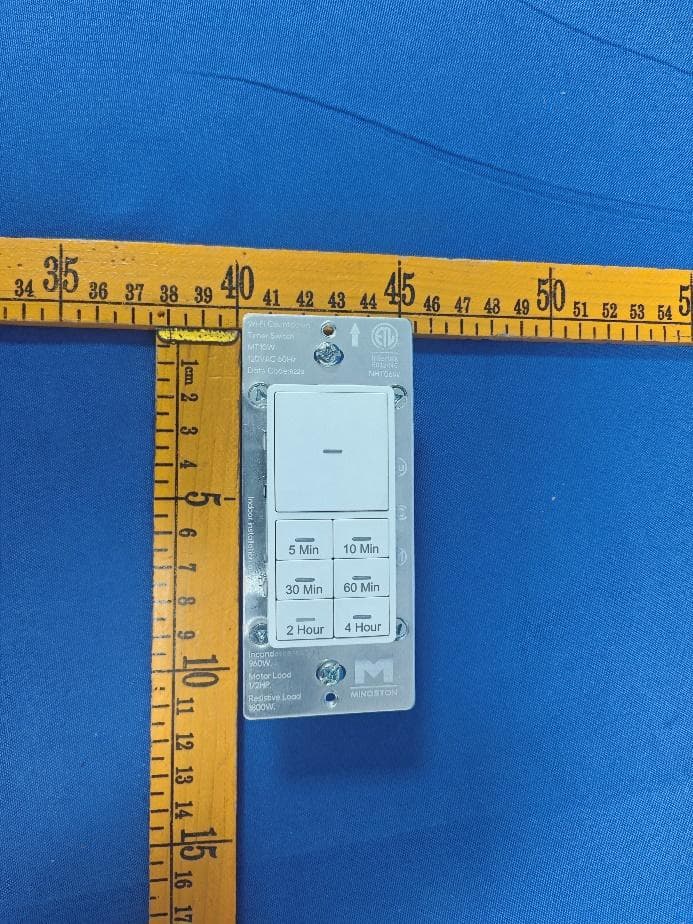
2AQURNHT06W
Jun 26, 2024Wi-Fi Countdown Timer Switch
Equipment Class
DTS - Digital Transmission System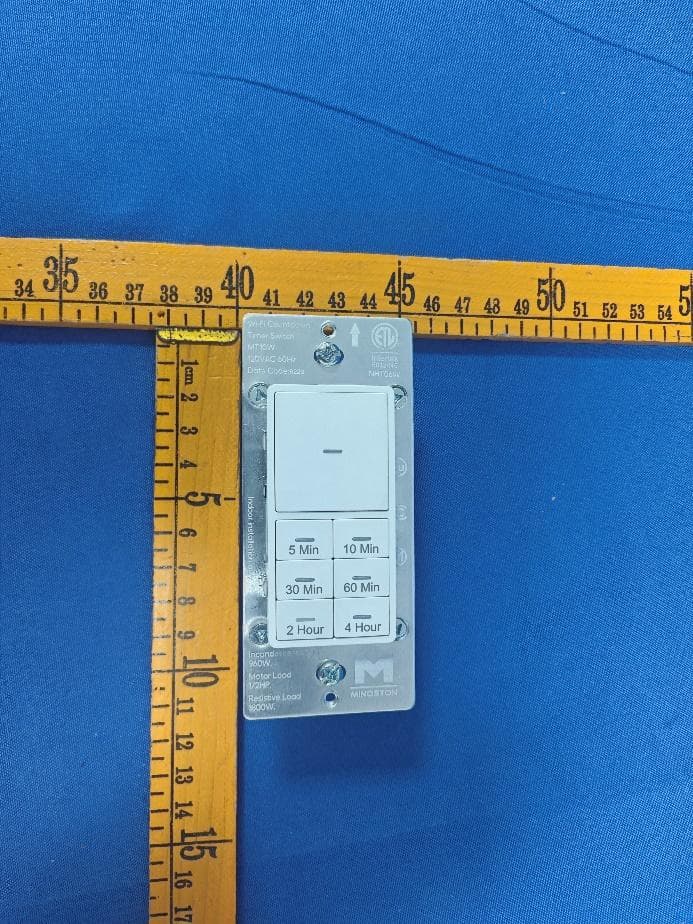
2AQURNHTO6W
Jun 26, 2024Wi-Fi Countdown Timer Switch
Equipment Class
DTS - Digital Transmission System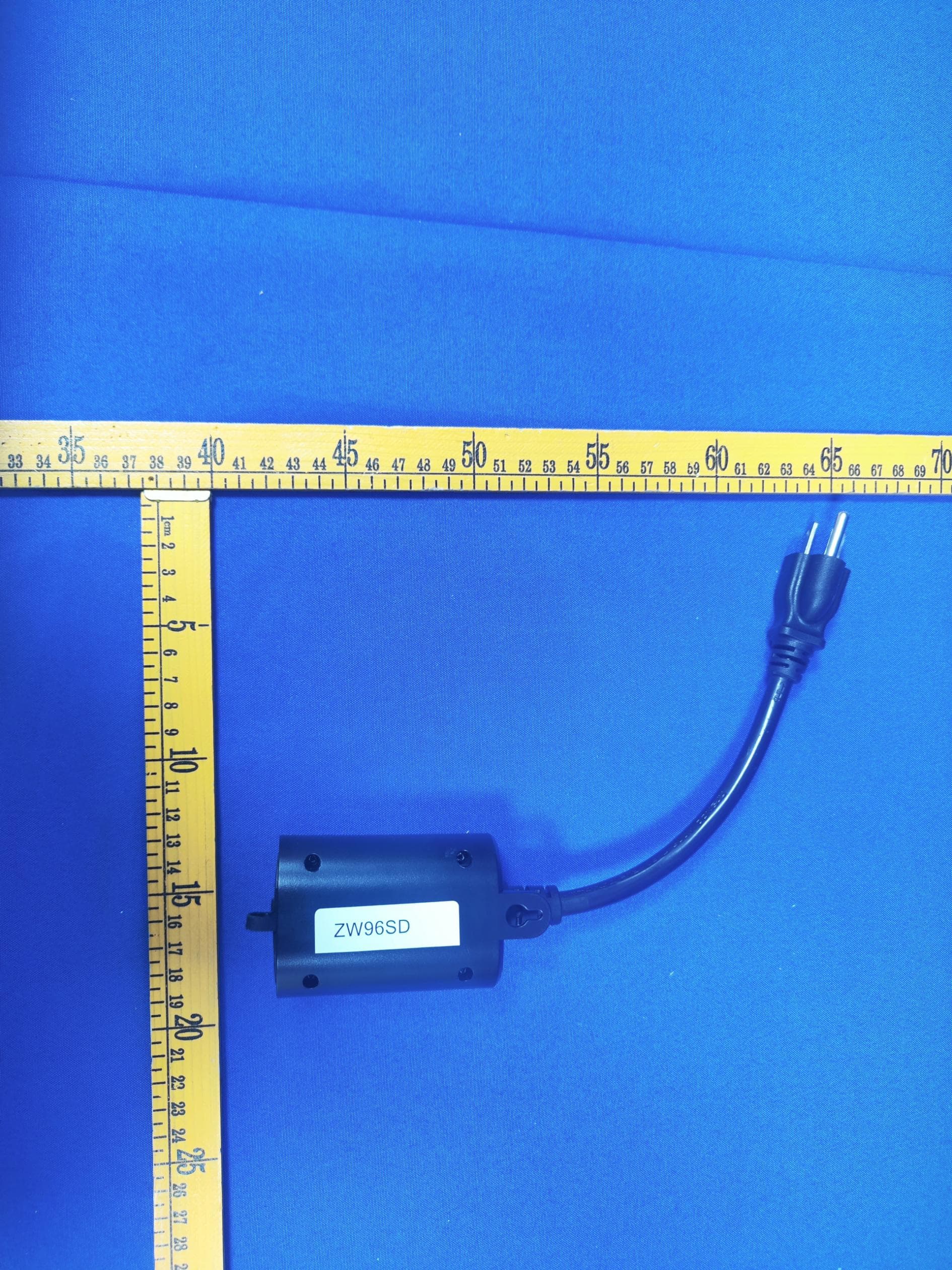
2AQURZW96SD-V8
Mar 08, 2024Z-Wave Dimmer Plug
Equipment Class
DTS - Digital Transmission System