2ASVQ-MAGNSLITEUSB Wireless Adapter
MAYFLASH LIMITED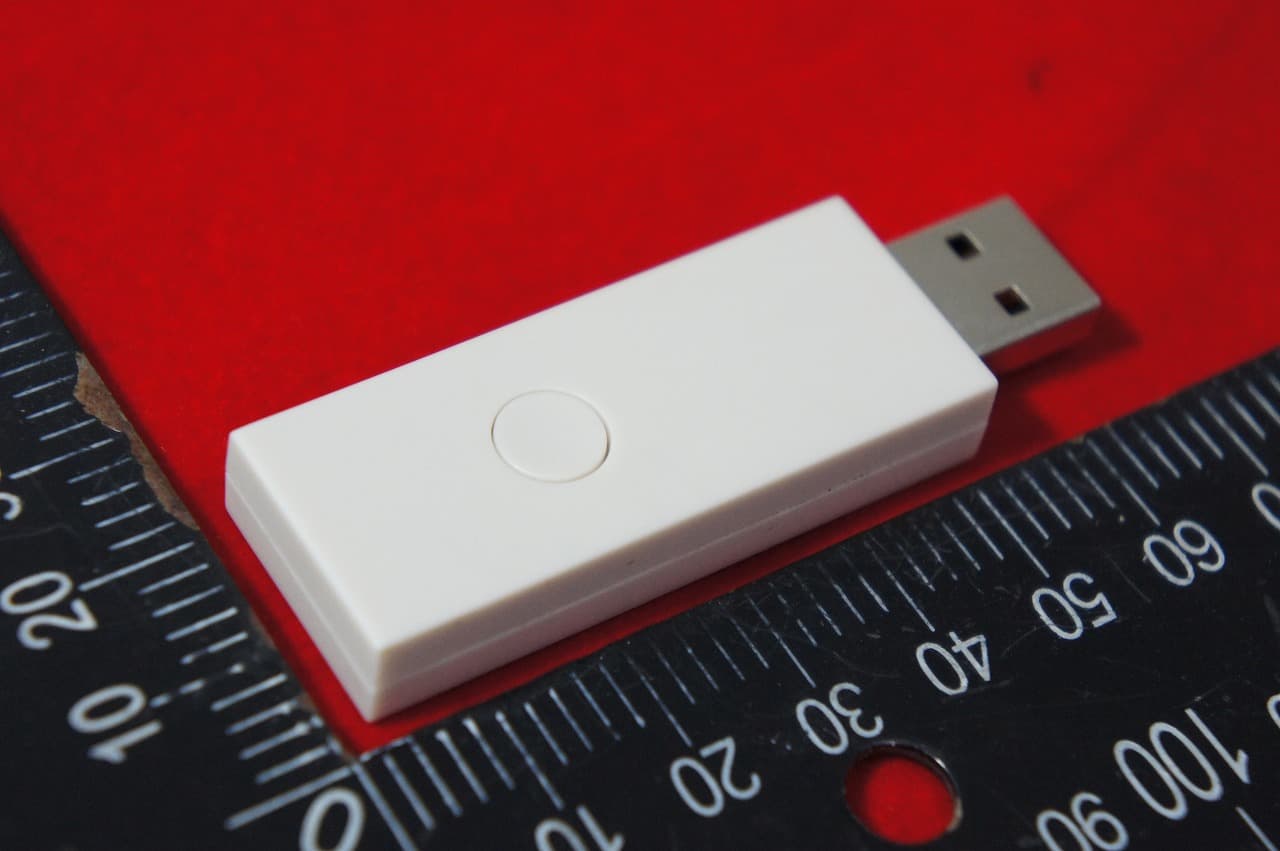
Click to zoom
Application Details
- Equipment Class
- DSS - Part 15 Spread Spectrum Transmitter
- Date of Grant
- Jun 19, 2022
- Application Purpose
- Original Equipment
- Date of Application
- Jun 18, 2022
- Equipment Note
- USB Wireless Adapter
- Frequency Range
- 2402.00000000 - 2480.00000000
- Company
- MAYFLASH LIMITED
- Country
- China
Documents & Files
Document Text
Text extracted from the exhibit documents filed with the FCC. Open a document above to read the original.
Users Manual
Controller Compatibility Quick Start Guide Modify the Vibration Intensity System Compatibility MAGIC-NS Lite lncludes Connect your Bluetooth controllers to your Switch, PC Windows, macOS, PS3, NEOGEO mini, NEOGEO Arcade Stick Pro, SEGA MEGA DRIVE mini, SEGA Genesis Mini, SEGA Astro City Mini, Raspberry Pi entertainment system. If you find any issues or have any difficulty operating the device,please reach out to us at [email protected] and we will be more than happy to help you out. Update to the latest firmware at www.mayflash.com Connect the adapter to your game console. * LED Indicator blinks slowly: The Bluetooth is not connected yet. * LED Indicator blinks quickly: The Bluetooth is Pairing. * LED Indicator becomes solid: The connection is successful. * Switch Pro mode (LED is purple): Go to System Setting > Controller and Sensors > Turn on Pro Controller Wired Communication. * Bluetooth headset only works for Switch mode (LED is red). MAGIC-NS Lite Manual Bluetooth Controllers USB A-Male 01 LED Indicators 02 Bluetooth Controllers Set Up 04 Button on the top of the adapter 03 LED Indicator USB A-Male Switch Button Press the button shortly to pair the controllers and the adapter. The indicator blinks quickly. To switch the modes, press and hold the button on the top of the adapter for 3-5 seconds. Switch PS3 PC Connect the adapter into any spare USB port on your game console. To switch the modes, press and hold the button on the top of the adapter for 3-5 seconds. The LED indicator blinks slowly. Turn on the Bluetooth controller, press the Button on the top of the adapter, and then press the pair button on your Bluetooth controller. The LED indicator blinks quickly. Press and hold the Button R1/RB and R3 for 3-5 seconds until the controller keeps rumbling. (Please keep holding these two buttons until you finish the below whole process). To modify the vibration intensity, press the D-Pad “Up” or “Down”. Note: * If you are having the issues connecting a Xbox Series S/X or Xbox Elite 2 controller to the MAGIC-NS Lite, this is what we recommend: 1. Disable or turn off any Bluetooth device (like your Smart TV or Set Top Box etc.) within range of the controller. 2. Turn off your Xbox Series S/X controller and turn it on again. 3. Pair your Xbox Series S/X controller with MAGIC-NS Lite again by pressing the button on the adapter and pair button on your controller (LED indicator blinks quickly). The pairing process may take a few seconds. Please be patient! The connection may be disconnected shortly and then connected again during the pairing process. Please wait patiently until the LEDs stop blinking. 4. The LED indicator becomes solid when connection is successful. DualSense, DualShock 4, Xbox Series X/S, Xbox One Bluetooth controllers, Xbox Elite Wireless Controller Series 2, Switch Pro, Switch Joy-Con, Wii Remote, Wii U Pro. (MAGIC-NS Lite is not compatible with DualShock 3) USB Wireless Adapter User manual MAGIC-NS Lite www.mayflash.com To quit the modification, release any button of R1/RB or R3 once you’ve got your preferred vibration intensity. There are 7 levels of the vibration intensity. The default one is 100%. LED indicator becomes solid when connection is successful. This device complies with part 15 of the FCC Rules. Operation is subject to the following two conditions:(1) This device may not cause harmful interference, and(2) this device must accept any interference received, including interference that may cause undesired operation. System Settings Controllers and Sensors Pro Controller Wired Communication ON Switch SEGA Genesis Mini NEOGEO minimacOSWindowsPlayStation 3 SEGA Mega Drive Mini NEOGEO Arcade Stick Pro SEGA Astro City Mini Raspberry Pi LED Indicator Red SwitchSwitch Pro PS3/Raspberry Pi/ PC (Dinput) Raspberry Pi/ PC (Xinput) macOS NEOGEO Arcade Stick Pro/ NEOGEO mini SEGA MEGA DRIVE Mini/ SEGA Genesis Mini/ SEGA Astro City Mini System mode BluePurple Yellow GreenCyan White Adjust the Dead Zone Update the Software Additional Functions Press and hold the Button START and D-Pad Left or D-Pad Right. Once the LED on the adapter starts to blink, you may release the Button D-Pad Left or D-Pad Right, BUT keep holding the Button START. To increase or decrease the dead zone, press the D-Pad “Up” or “Down”. As soon as you get the right dead zone value, you may release the Button START to quit the process. There are 7 levels of the Dead Zone Value. The default one is Level 3. Level 1Level 2Level 3Level 4Level 5Level 6Level 7 0%2.5%5%7.5%10%12.5%15% You can know the Dead Zone Level by the times of the LED blinking during the adjusting process. For example, LED on the adapter blinks 3 times then stops when Dead Zone Level is Level 3. 0%5%7.5%10%12.5%15%2.5% D-Pad “Up” D-Pad “Down” Using Bluetooth Headset (Only for Switch mode / LED Red) Power on your Bluetooth headset to enter into the pairing mode. Press the pair button on the top of the adapter, LED starts to blink rapidly, wait for a few seconds. LED becomes solid when the connection is successful. 0%25%37.5%50%62.5%75%100% 50%62.5%75%87.5%100%125%150% Switch Pro mode vibration levels: PS3, PC Xinput vibration levels: 50% 75%87.5%100%125%150%62.5% D-Pad “Up” D-Pad “Down” If you are having problems with the adapter, you can follow the below instructions to update. Download the software from http://www.mayflash.com/Support and install it on your Windows system. Double click on the updater and leave the updater window open on your screen. Press and hold the button on the side of the adapter, and connect the USB from your adapter into any spare port on your PC. Wait for 3-5 seconds. As soon as the adapter has been recognized, you may release the button. Only one Bluetooth controller is supported for one adapter. To switch A-B,B-A,X-Y,Y-X, press and hold the button “START” and “A” for 3 seconds.To switch A-A, B-B, X-X, Y-Y, press and hold the button “START” and “B” for 3 seconds. (This function is optional. It depends on the diffe…
Text truncated - open the document above for the full version.
Cover Letter(s)
DATE:2022-06-15 Federal Communications Commission Authorization & Evaluation Division 7345 Oakland Mills Road Columbia, Maryland 21046 Authority to Act asAgent Onourbehalf,IappointDONGGUAN SHUOXIN ELECTRONIC TECHNOLOGY CO., LTD. Zone A, 1F, No. 6, XinGang Road YuanGang Street, XinAn District, ChangAn Town, DongGuan City, GuangDong, China (Name of Agent company name andaddress)toactasouragentinthepreparationofthisapplicationforequipmentcertification.Icer tifythatsubmitteddocumentsproperlydescribethedeviceorsystemforwhichequipmentcertificat ionissought.Ialsocertifythateachunitmanufactured,importedormarketed,asdefinedintheFede ralCommunicationsCommission’sregulationswillhaveaffixedtoit a label identical to that submitted for approval with this application. Forinstanceswhereourauthorizedagentsignstheapplicationforcertificationonourbehalf,Iacknowle dgethatallresponsibilityforcomplyingwiththetermsandconditionsforcertification,stillresideswith MAYFLASH LIMITED 3/F,Buiding No.1,TingWei Industrial Park,LiuFang, Rd,No.67,BaoAn,Shenzhen,China. <Signature>: Name: Min Zheng Title: Manager Applicant Company: MAYFLASH LIMITED
Cover Letter(s)
DATE : 2022-06-15 Equipment Autorisation Division Federal Communications Commission 7435 Oakland Mills Road Columbia, MD 21046 FCC ID: 2ASVQ-MAGNSLITE Product Name: USB Wireless Adapter Request for Confidentiality Pursuant to Sections 0.457 and 0.459 of the commissions rules, we hereby request that the following documents be held confidential: (List here the documents for which you are seeking confidentiality – for example ...) Schematics Block diagram Operation description These materials contain trade secrets and proprietary information and are not customarily released to the public. The public disclosure of this information might be harmful to the company and provide unjustified benefits to our competitors. <Signature>: Name: Min Zheng Title: Manager Applicant Company: MAYFLASH LIMITED
External Photos
External photos END
ID Label/Location Info
Label Location Label Location
Internal Photos
Internal photos END
RF Exposure Info
RF EXPOSURE REPORT FCC ID: 2ASVQ-MAGNSLITE Report Reference No. ................ : 22EFSS05087 Date of issue .............................. : 2022-06-14 Applicant’s name ........................ : MAYFLASH LIMITED Address ...................................... : 3/F,Buiding No.1,TingWei Industrial Park,LiuFang, Rd,No.67,BaoAn,Shenzhen,China. Manufacturer .............................. : MAYFLASH LIMITED Equipment .................................. : USB Wireless Adapter Trade Mark ................................. : / Model ........................................ : MAGIC-NS Lite Ratings ....................................... : I/P: DC 5V Testing Laboratory ...................... : DongGuan ShuoXin Electronic Technology Co., Ltd. Address ...................................... : Zone A, 1F, No. 6, XinGang Road YuanGang Street, XinAn District, ChangAn Town, DongGuan City, Guan gDong, China According ................................... : KDB447498 D01 General RF Exposure Guidance v06 Test Engineer: Blue Qiu Responsible Engineer : Smile Wang Authorized Signatory: King Wang MPE CALCULATION METHOD: SAR Test Exclusion Thresholds for 100 MHz – 6 GHz and ≤ 50 mm Approximate SAR Test Exclusion Power Thresholds at Selected Frequencies and Test Separation Distances are illustrated in the following Table. The 1-g and 10-g SAR test exclusion thresholds for 100 MHz to 6 GHz at test separation distances ≤ 50 mm are determined by: [(max. power of channel, including tune-up tolerance, mW)/(min. test separation distance, mm)] · [√f(GHz)] ≤ 3.0 for 1-g SAR and ≤ 7.5 for 10-g extremity SAR,where f(GHz) is the RF channel transmit frequency in GHz Power and distance are rounded to the nearest mW and mm before calculation The result is rounded to one decimal place for comparison The test exclusions are applicable only when the minimum test separation distance is ≤ 50 mm and for transmission frequencies between 100 MHz and 6 GHz. When the minimum test separation distance is < 5 mm, a distance of 5 mm is applied to determine SAR test exclusion. Table for Filed Antenna Ant. Brand Model Name Antenna Type Connector Gain(dBi) Note 1 N/A N/A PCB N/A 2.63 TEST RESULTS EUT: USB Wireless Adapter Model Name : MAGIC-NS Lite Temperature: 25 °C Relative Humidity: 55 % Test Voltage : DC5V Test Channel max power (dBm) [(max. power of channel, including tune-up tolerance, mW) (min. test separation distance,mm)] [f(GHz)] Result Limit BT 1M CH00 -1.589 0.694 5 2.402 0.215 3 CH19 -0.771 0.837 5 2.441 0.262 3 CH39 -1.103 0.776 5 2.480 0.244 3 BT 2M CH00 -1.665 0.682 5 2.402 0.211 3 CH19 -0.809 0.830 5 2.441 0.259 3 CH39 -1.138 0.769 5 2.480 0.242 3 BT 3M CH00 -1.286 0.744 5 2.402 0.231 3 CH19 -0.430 0.906 5 2.441 0.283 3 CH39 -0.787 0.834 5 2.480 0.263 3 The 1-g and 10-g SAR test exclusion thresholds for 100 MHz to 6 GHz at test separation distances ≤ 50 mm are determined by: [(max. power of channel, including tune-up tolerance, mW)/(min. test separation distance,mm)] · [√f(GHz)] The test Result is less than 3.0 for 1-g SAR and ≤ 7.5 for 10-g extremity SAR.
Test Report
Report No.: 22EFSS05087 04851 Page 1 of 61 FCC Radio Test Report FCC ID: 2ASVQ-MAGNSLITE The report concerns: Original Grant Report Reference No. ....................... : 22EFSS05087 04851 Date Sample(s) Received ................. : 2022-05-30 Date of Tested ................................... : From 2022-05-30 to 2022-6-14 Date of issue ..................................... : 2022-06-14 Testing Laboratory ............................ : DongGuan ShuoXin Electronic Technology Co., Ltd. Address ............................................. : Zone A, 1F, No. 6, XinGang Road YuanGang Street, XinAn District, ChangAn Town, DongGuan City, GuangDong, China Applicant’s name .............................. : MAYFLASH LIMITED Address ............................................. : 3/F,Buiding No.1,TingWei Industrial Park,LiuFang , Rd,No.67,BaoAn,Shenzhen,China. Manufacturer ..................................... : MAYFLASH LIMITED Equipment ......................................... : USB Wireless Adapter Trade Mark ....................................... : / Model .............................................. : MAGIC-NS Lite Ratings .............................................. : I/P: DC 5V O/P: -- Test Engineer: Blue Qiu Responsible Engineer : Smile Wang Authorized Signatory: King Wang Report No.: 22EFSS05087 04851 Page 2 of 61 Table of Contents Page 1 TEST REPORT DECLARE 5 2 SUMMARY OF TEST RESULTS 6 2.1 MEASUREMENT UNCERTAINTY 7 3 GENERAL INFORMATION 8 3.1 GENERAL DESCRIPTION OF EUT 8 3.2 DESCRIPTION OF TEST MODES 10 3.3 PARAMETERS OF TEST SOFTWARE 11 3.4 BLOCK DIAGRAM SHOWING THE CONFIGURATION OF SYSTEM TESTED 11 3.5 SUPPORT UNITS 11 3.6 TEST ENVIRONMENT CONDITIONS 12 4 AC POWER LINE CONDUCTED EMISSIONS TEST 13 4.1 LIMIT 13 4.2 TEST PROCEDURE 13 4.3 MEASUREMENT INSTRUMENTS LIST 13 4.4 TESTSETUP 14 4.5 EUT OPERATING CONDITIONS 14 4.6 TEST RESULTS 15 5 RADIATED EMISSION TEST 17 5.1 LIMIT 17 5.2 TEST PROCEDURE AND SETTING 18 5.3 MEASUREMENT INSTRUMENTS LIST 19 5.4 TESTSETUP 19 5.5 EUT OPERATING CONDITIONS 20 5.6 TEST RESULTS - 9 KHZ TO 30MHZ 21 5.7 TEST RESULTS- 30 MHZ TO 1000MHZ 22 5.8 TEST RESULTS - ABOVE 1000MHZ (BAND EDGE) 24 5.9 TEST RESULTS - ABOVE 1000MHZ(HARMONIC) 32 6 NUMBER OF HOPPING FREQUENCY 44 6.1 LIMIT 44 6.2 TEST PROCEDURE AND SETTING 44 6.3 MEASUREMENT INSTRUMENTS LIST 44 6.4 TEST SETUP 44 6.5 EUT OPERATION CONDITIONS 44 6.6 TEST RESULTS 45 Report No.: 22EFSS05087 04851 Page 3 of 61 Table of Contents Page 7 AVERAGE TIME OF OCCUPANCY 46 7.1 LIMIT 46 7.2 TEST PROCEDURE AND SETTING 46 7.3 MEASUREMENT INSTRUMENTS LIST 46 7.4 TEST SETUP 46 7.5 EUT OPERATION CONDITIONS 46 7.6 TEST RESULTS 47 8 HOPPING CHANNEL SEPARATION MEASUREMENT 49 8.1 LIMIT 49 8.2 TEST PROCEDURE AND SETTING 49 8.3 MEASUREMENT INSTRUMENTS LIST 49 8.4 TEST SETUP 49 8.5 EUT OPERATION CONDITIONS 49 8.6 TEST RESULTS 50 9 BANDWIDTH TEST 52 9.1 LIMIT 52 9.2 TEST PROCEDURE AND SETTING 52 9.3 MEASUREMENT INSTRUMENTS LIST 52 9.4 TEST SETUP 52 9.5 EUT OPERATION CONDITIONS 52 9.6 TEST RESULTS 53 10 MAXIMUM OUTPUT POWER 55 10.1 LIMIT 55 10.2 TEST PROCEDURE AND SETTING 55 10.3 MEASUREMENT INSTRUMENTS LIST 55 10.4 TEST SETUP 55 10.5 EUT OPERATION CONDITIONS 55 10.6 TEST RESULTS 56 11 CONDUCTED SPURIOUS EMISSION 59 11.1 LIMIT 59 11.2 TEST PROCEDURE AND SETTING 59 11.3 MEASUREMENT INSTRUMENTS LIST 59 11.4 TEST SETUP 59 11.5 EUT OPERATION CONDITIONS 59 Report No.: 22EFSS05087 04851 Page 4 of 61 Table of Contents Page 11.6 TEST RESULTS 60 Report No.: 22EFSS05087 04851 Page 5 of 61 1TEST REPORT DECLARE Applicant MAYFLASH LIMITED Address 3/F,Buiding No.1,TingWei Industrial Park,LiuFang , Rd,No.67,BaoAn, Shenzhen,China. Manufacturer Same as Applicant Address Same as Applicant Factory Same as Applicant Address Same as Applicant Equipment USB Wireless Adapter Model No. MAGIC-NS Lite Trade Mark / Standard FCC Part15, Subpart C (15.247) ANSI C63.10-2013 We Declare: The equipment described above is tested by DongGuan ShuoXin Electronic Technology Co., Ltd(ATT). and in the configuration tested the equipment complied with the standards specified above. The test results are contained in this test report and DongGuan ShuoXin Electronic Technology Co., Ltd.(ATT) is assumed of full responsibility for the accuracy and completeness of these tests. ATT is not responsible for the sampling stage, so the results only apply to the sample as received. ATT's reports apply only to the specific samples tested under conditions. It is manufacture’s responsibility to ensure that additional production units of this model are manufactured with the identical electrical and mechanical components. ATT shall have no liability for any declarations, inferences or generalizations drawn by the client or others from ATT issued reports. Report No.: 22EFSS05087 04851 Page 6 of 61 2SUMMARY OF TEST RESULTS The EUT have been tested according to the applicable standards as referenced below: Standard(s) Section Test Item Judgment Remark FCC 15.207 AC Power Line Conducted Emissions PASS ------ 15.247(d) 15.205(a) 15.209(a) Radiated Emission PASS ------ 15.247(a)(1)(iii) Number of Hopping Frequency PASS ------ 15.247(a)(1)(iii) Average Time Of Occupancy PASS ------ 15.247(a)(1) Hopping Channel Separation PASS ------ 15.247(a)(1) Bandwidth PASS ------ 15.247(a)(1) Maximum Output Power PASS ------ 15.247(d) Conducted Spurious Emission PASS ------ 15.203 Antenna Requirement PASS Note(2) Note: (1) “N/A” denotes test is not applicable in this test report (2) The device what use a permanently attached antenna were considered sufficient to comply with the provisions of 15.203. Report No.: 22EFSS05087 04851 Page 7 of 61 2.1MEASUREMENT UNCERTAINTY Test Item Uncertainty Uncertainty for Conduction emission test (9kHz-150kHz) 3.7 dB Uncertainty for Conduction emission test (150kHz-30MHz) 3.3 dB Uncertainty for Radiation Emission test (30MHz-200MHz) 4.60 dB (Polarize: V) 4.60 dB (Polarize: H) Uncertainty for Radiation Emission test (200MHz-1GHz) 6.10 dB (Polarize: V) 5.08 dB (Polarize: H) Unce…
Text truncated - open the document above for the full version.
Test Setup Photos
Test Setup Below 1GHz Above 1GHz Conduction Setup END
Contact Information
Applicant
Zheng Min(manager)
Test Firm
DongGuan ShuoXin Electronic Technology Co., Ltd.Tina Wu
mailto:[email protected]+86 769 3902 6866
Technical Specifications
| # | Rule Parts | Frequency Range | Power Output |
|---|---|---|---|
| 1 | 15C | 2.40 GHz - 2.48 GHz | 906.00 µW |
Other Applications from MAYFLASH LIMITED
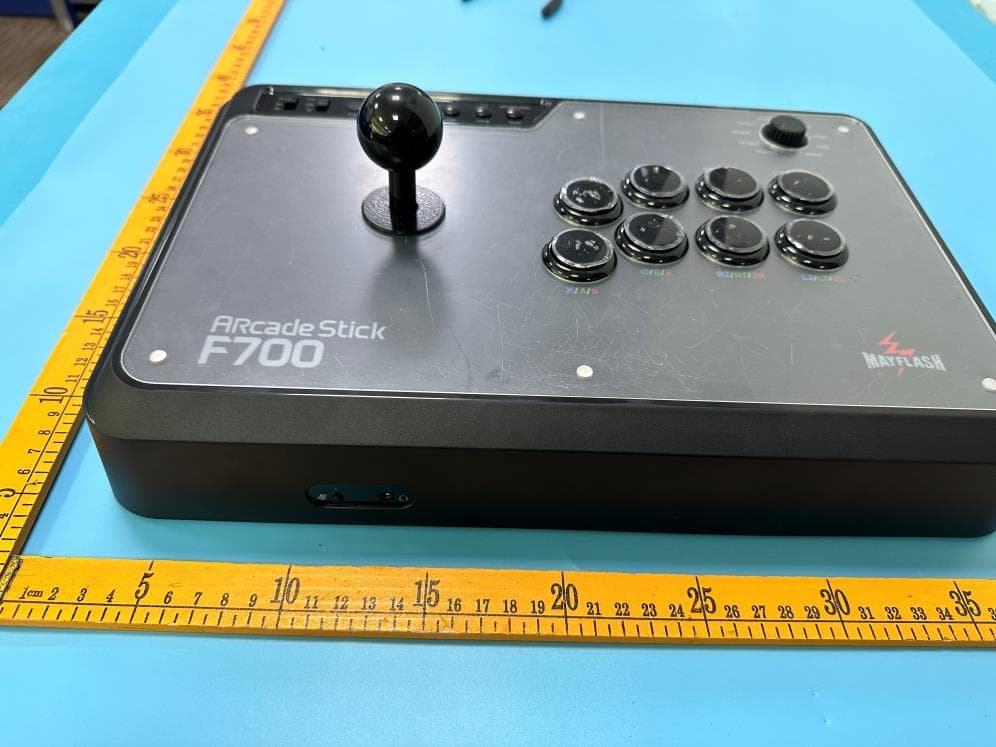
2ASVQ-F700
Oct 08, 2023F700 Arcade Stick
Equipment Class
DSS - Part 15 Spread Spectrum Transmitter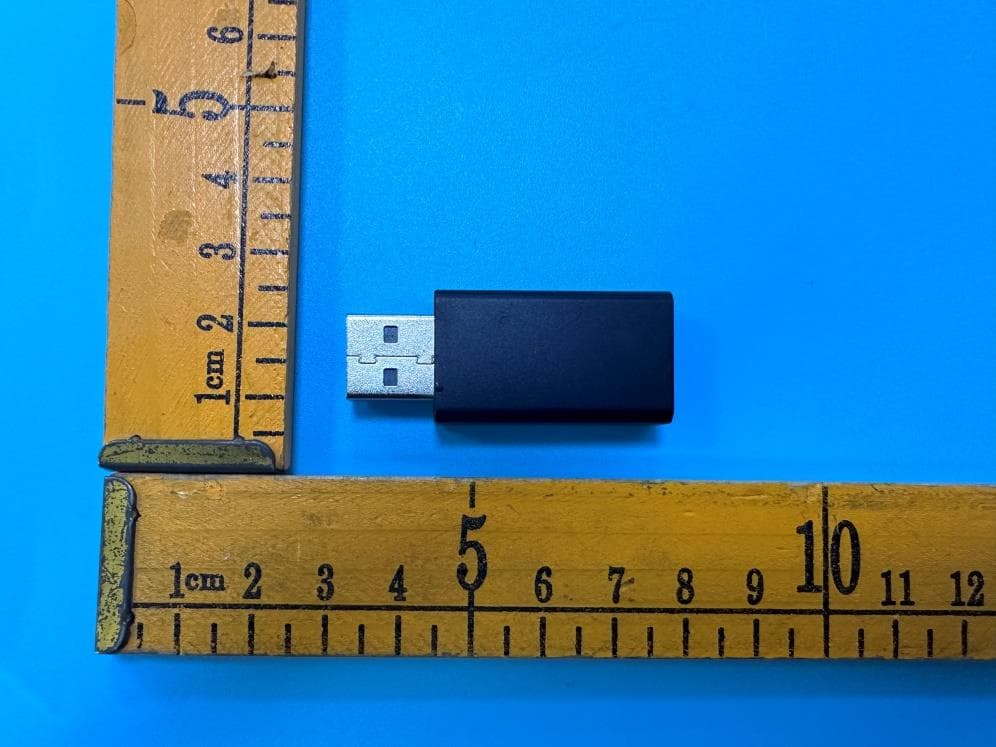
2ASVQ-DONGLE
Oct 07, 2023F700 dongle
Equipment Class
DTS - Digital Transmission System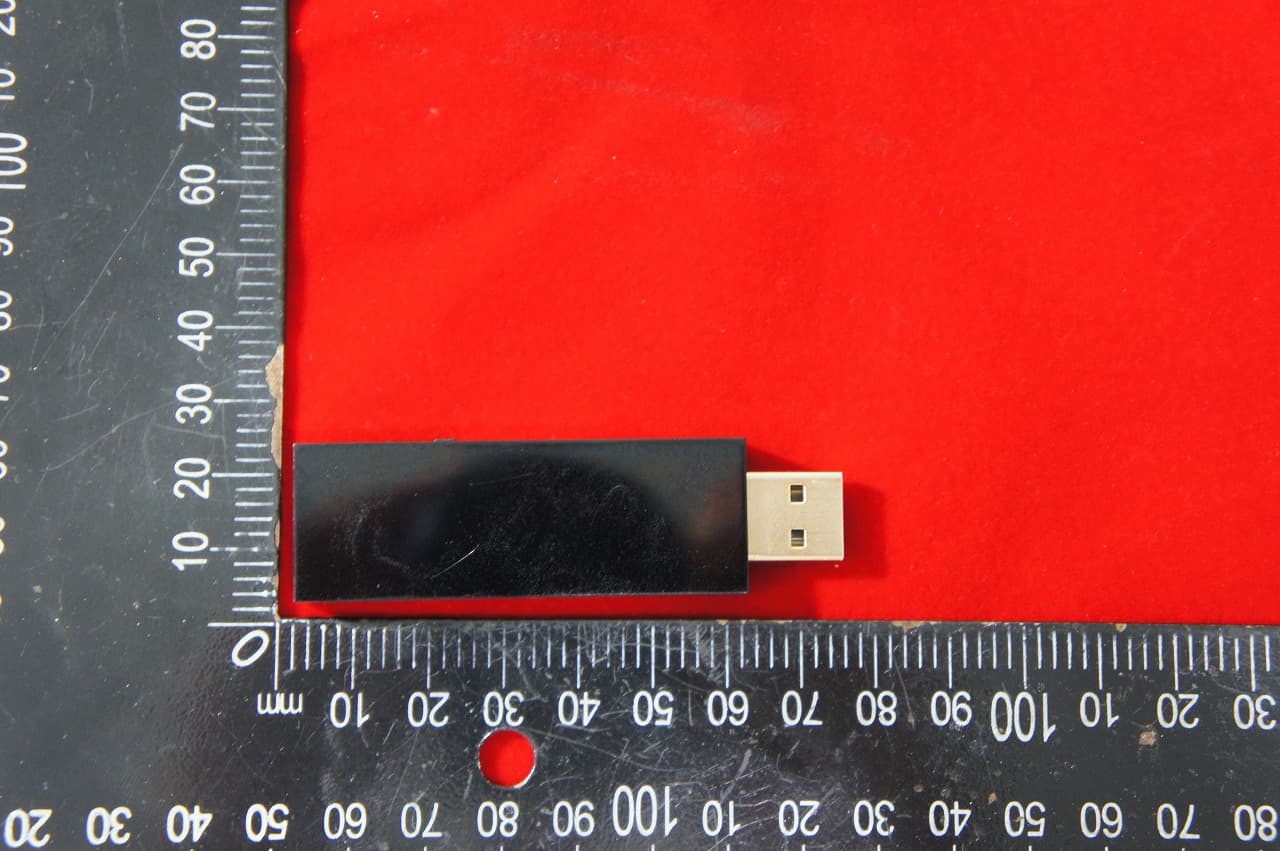
2ASVQ-MAGSULT
Aug 15, 2022Wireless Bluetooth Controller USB Adapter for Switch PS4
Equipment Class
DSS - Part 15 Spread Spectrum Transmitter2ASVQ-W009
Jul 24, 2022W009
Equipment Class
DSS - Part 15 Spread Spectrum Transmitter
2ASVQ-NS003
Aug 22, 2020PodsKit
Equipment Class
DSS - Part 15 Spread Spectrum Transmitter