2ATEO-DT310remote dog training collar
Dongguan Dogreat Electronic Technology Co., Ltd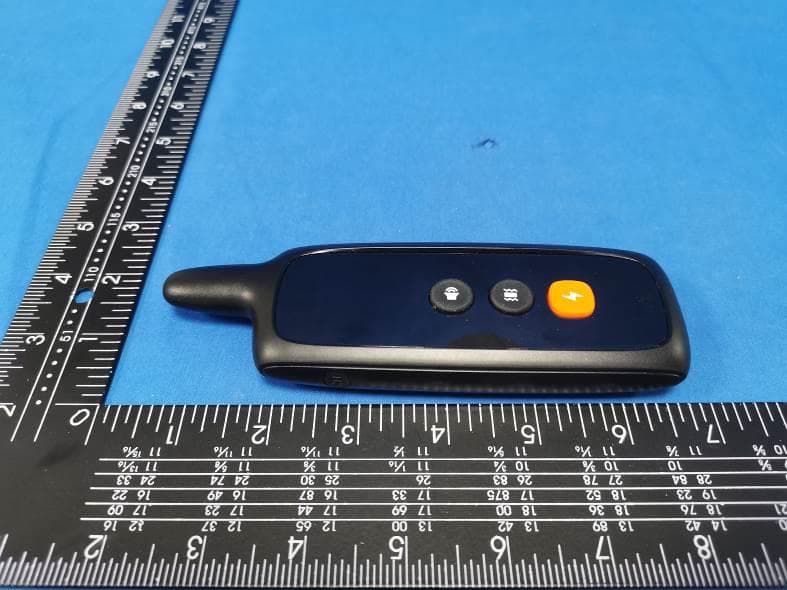
Click to zoom
Application Details
- Equipment Class
- DSC - Part 15 Security/Remote Control Transmitter
- Date of Grant
- Dec 18, 2022
- Application Purpose
- Original Equipment
- Date of Application
- Dec 18, 2022
- Equipment Note
- remote dog training collar
- Frequency Range
- 433.92000000 - 433.92000000
- Country
- China
Documents & Files
Document Text
Text extracted from the exhibit documents filed with the FCC. Open a document above to read the original.
Users Manual
U anual ser M Electronic Training Collar System DT-310 Pls read this entire manual before using this product. NOT FOR AGGRESSIVE DOGS. Do not use this product if your dog is skin damage, ranging from redness to pressure ulcers (commonly R isk of skin damage: Please read and follow the instructions carefully in this guide, proper fit of the collars is important because a loose collar may cause inconsistent aggressive, or if your dog is prone to aggressive behavior, aggressive dogs can cause severe injury and even death to their owner and others. If you are unsure whether this product is appropriate for your dog, please consult your veterinarian or certified trainer. performance. A collar worn for too long or made too tight on the pet's neck may cause known as Check the fit to prevent excessive pressure, and it is okay to trim any excess strap length. Avoid leaving the collar on the dog for more than 12 hours per day. bedsores).These collars can cause pressure necrosis if used incorrectly and is often CAUTION: misidentified as burns. When possible reposition the collar on the pet's neck every 1 to 2hours. Never connect a lead to the electronic collar because it may cause excessive pressure on the contacts. Wash the dog's neck area and contacts of the collar weekly with a damp cloth. Examine the contact area daily for signs of a rash or a sore. If a rash or sore is found, discontinue use of the collar until the skin has healed. If the condition persists beyond 48 hours, see your veterinarian. These steps will help your pet safe and comfortable. Millions of pets are comfortable while wearing stainless steel contacts. Some pets are sensitive to contact pressure. You may find after some time that your pet is very tolerant of the collar. If so you may relax some of these precautions, it is important to continue daily checks of the contact area. If redness or sores are detected, discontinue use until the skin has fully healed...... Thank you for choosing our product! You and your pet deserve a companionship that Components DT310-1(1 for 1) DT310-2(1 for 2) test - light bulb collar - receiver remote transmitter USB cable adjustable nylon collar Contact Points Conductive Silicone Jacket. test - light bulb collar - receiver remote transmitter USB cable adjustable nylon collar two sets of Contact Points Conductive Silicone Jacket. Key Definitions Remote Transmitter When charging, the red LED light on, will turn green when full charged. In “standby” status, the LED light will flash green every 5 seconds, will flash 4 . Shock Button: be adjusted from 1 to 8 by pressing the UP/DOWN BUTTON after pressing the The LED light will flash green when the receiver-collar receives the commands from the remote transmitter. 2. Tone Button: when it is pressed, the collar-receiver will give a warning beep. 3. Vibration Button: red when the battery at the low power mode(please charge it asap). when it is pressed, the collar-receiver will vibrate, levels can Vibration Button within 5seconds when it is pressed, the collar-receiver will issue the shock, static shock levels can be adjusted from 1 to 16 by pressing the UP/DOWN BUTTON. 1. LED Indicator: LED Indicator Shock/Vibration up/down Button LCD Screen Tone Button Vibration Button Shock Button Charging Hole Channel/Screen lock Button By fault ,set the level of static shock you wish (WARNING: ALWAYS BEGIN Channel A Channel B Shock level Vibration level Tone mode Security keypad lock Battery Capacity indicator WITH A LOW-LEVEL SETTING IN THE INITIAL TRANINING STAGES). 1 .Contact Points: Collar receiver: Deliver vibration and static shock. 2 .ON/OFF/Encode/Breathing Light Button: Turn on/off the collar-receiver. Hold it for a few seconds to encode the receiver UNDER THE SHUT POWER OFF STATE. Hold it for a few seconds to open LED breathing light UNDER POWER ON STATE. to safeguard the internal unit from dust and water. 5 . Shock/Vibration 5 . Conductive Silicone Jacket: 4 . Charging Hole: for collar-receiver charging. Avoid the injury to the dogs skin because of the friction of metal contact point. U p/Down Button: ” If you want to set the level of vibration, pls press the vibration button fi rst .then the number of Vibration level will flash 5seconds,you can set i t by pressing the Up/Down Button within 5seconds,otherwise you n eed to press the vibration button again. 6. Channel Button: When it is pressed, you can sync the collar-receiver and the transmitter via different channel(if encoded at the public channel of A+B ” , can control the collar-receiver at any of channels). 7 . LCD Screen: Display the channel, intensity and Battery Fuel Gauge. 8 . Charging Hole: For remote transmitter charging. ON/OFF/Encode Button Circular LED Indicator Conductive Silicone Jacket Conductive Silicone Jacket Charging Hole Robber Cover Contact Point ABCDE C D A When charging, the circularLED light is red; when fully charged, it turns to green. B In standby status, the circular LED light will flash green every 5 seconds, will flash The circular LED light will light green when receives T red when the battery at the low power mode(please charge it asap) . one/Vibration commands UNDER THE POWER OFF STATE , press and hold the ON/OFF/ENCODE button for 3 seconds to encode it. E UNDER THE POWER ON STATE , press and hold the ON/OFF/ENCODE button for 3 seconds to turn on/off the LED breathing light. taking place. Operating Guide Step Prepare the remote transmitter: 2. Plug the charger into a standard outlet. 3. The red light in the transmitter will be on, indicating that charging is 4. Charge the transmitter at least 2 hours for first charge or until indication that charging is complete. 5. When charging is complete,the red light will turn green. Also the Battery Capacity Indicator will not flash any more. 6. When battery capacity Indicator is empty, please charge it asap. ” ” Charge the remote transmitter 1. Connect the charger connector to the charging hole5V-Output charger only. 1 ” ” 2 Step 1. …
Text truncated - open the document above for the full version.
Cover Letter(s)
Rev 11/20/07 Dongguan Dogreat Electronic Technology Co., Ltd Dalang Town, Dongguan City, Guangdong Province, China Federal Communications Commission Authorization and Evaluation Division Confidentiality Request regarding application for certification of FCC ID: 2ATEO-DT310 Pursuant to Sections 0.457 and 0.459 of the Commission’s Rules, we hereby request confidential treatment of information accompanying this application as outlined below: Exhibit Type File Name (Block Diagram, Schematics, Operational Description) (Block Diagram, Schematics, Operational Description) The above materials contain trade secrets and proprietary information not customarily released to the public. The public disclosure of these materials may be harmful to the applicant and provide unjustified benefits to its competitors. The applicant understands that pursuant to Section 0.457 of the Rules, disclosure of this application and all accompanying documentation will not be made before the date of the Grant for this application. Pursuant to DA04-1705 June 15, 2004 of the Commission’s public notice, we also request temporary confidential treatment of information accompanying this application as outlined below: Exhibit Type File Name () () Sincerely, the printed name:Xianjiang Xiong 2nd Floor, Building B, Chongji Industrial Park, No.121, Fusheng Road,
Cover Letter(s)
Dongguan Dogreat Electronic Technology Co., Ltd Dalang Town, Dongguan City, Guangdong Province, China Federal Communications Commission Authorization and Evaluation Division 1435 Oakland Mills Road Columbia, MD 21046 Date: 12-14-2022 SUBJECT: FCC Application for 2ATEO-DT310 To Whom It May Concern: We, the undersigned, hereby authorize (Eric Wang)Shenzhen CTA Testing Technology Co., Ltd. at Room 106, Building 1, Yibaolai Industrial Park, Qiaotou Community, Fuhai Street, Bao‘an District, Shenzhen, China on our behalf, to apply to the Federal Communications Commission on our equipment. Any and all acts carried out by Shenzhen CTA Testing Technology Co., Ltd. on our behalf shall have the same effect as acts of our own. This is to advise that we are in full compliance with the Anti- Drug Abuse Act. We, the applicant, are not subject to a denial of federal benefits pursuant to Section 5301 of the Anti-Drug Act of 1988, 21 USC853a, and no party to the application is subject to a denial of federal benefits pursuant to that section. Regards, the printed name:Xianjiang Xiong 2nd Floor, Building B, Chongji Industrial Park, No.121, Fusheng Road,
External Photos
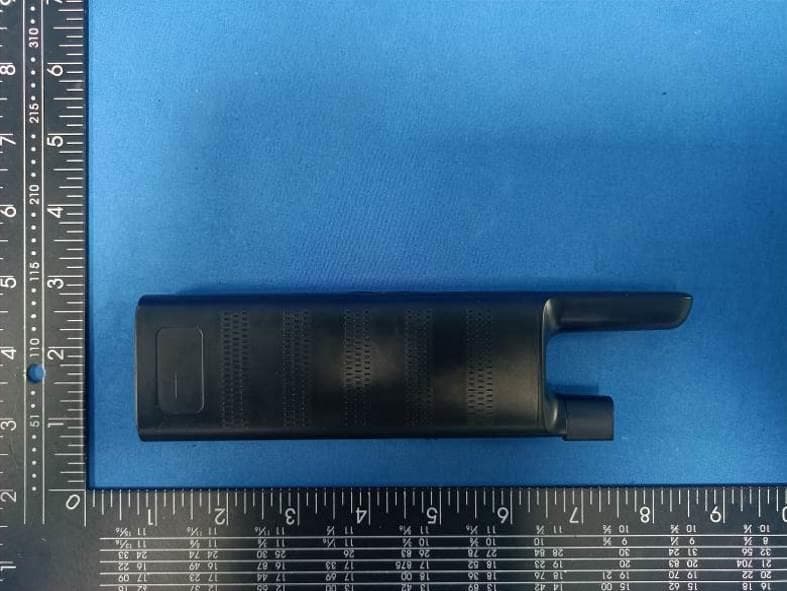
FCC ID: 2ATEO-DT310 DT310 External Photos of the EUT Photo 1 Photo 2 Photo 3 FCC ID: 2ATEO-DT310 Photo 4 Photo 5 Photo 6 FCC ID: 2ATEO-DT310 Photo 7 Photo 8
ID Label/Location Info
Label and Location Size: L: 2.0cm*W: 1.0cm Label and Location FCC ID: 2ATEO-DT310
Internal Photos
FCC ID: 2ATEO-DT310 DT310 Internal Photos of the EUT Photo 1 Photo 2 Photo 3 433.92 Built-in spring antenna FCC ID: 2ATEO-DT310 Photo 4 Photo 5 Photo 6
Test Report
1. Antenna Description: Antenna type Built-in spring antenna Model DT310 Frequency range 433.92MHz Manufacturer Dongguan Dogreat Electronic Technology Co., Ltd ANT Gain: 0dBi 2. Antenna Photo:
Test Setup Photos
FCC ID: 2ATEO-DT310 DT310 Test Setup Photos of the EUT
Contact Information
Applicant
Xianjiang Xiong(Manager)
Test Firm
SHENZHEN CTA TESTING TECHNOLOGY CO., LTD.Eric Wang
[email protected]+86 755 2322 5875
Technical Specifications
| # | Rule Parts | Frequency Range | Power Output |
|---|---|---|---|
| 1 | 15.231 | 433.92 MHz - 433.92 MHz | - |
Other Applications from Dongguan Dogreat Electronic Technology Co., Ltd
2ATEO-DT520
Sep 04, 2023remote dog training collar
Equipment Class
DSC - Part 15 Security/Remote Control Transmitter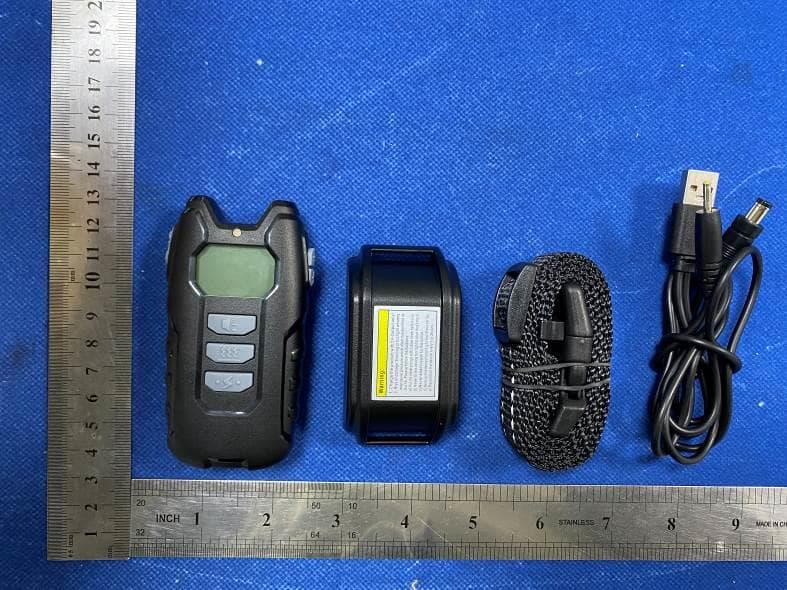
2ATEO-DT101A
Dec 18, 2022remote dog training collar
Equipment Class
DSC - Part 15 Security/Remote Control Transmitter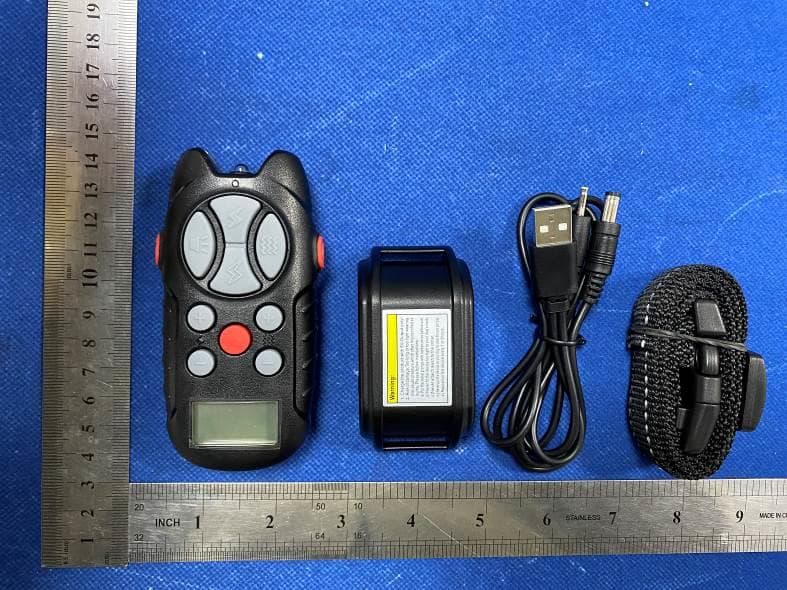
2ATEO-DT102A
Dec 18, 2022remote dog training collar
Equipment Class
DXX - Part 15 Low Power Communication Device Transmitter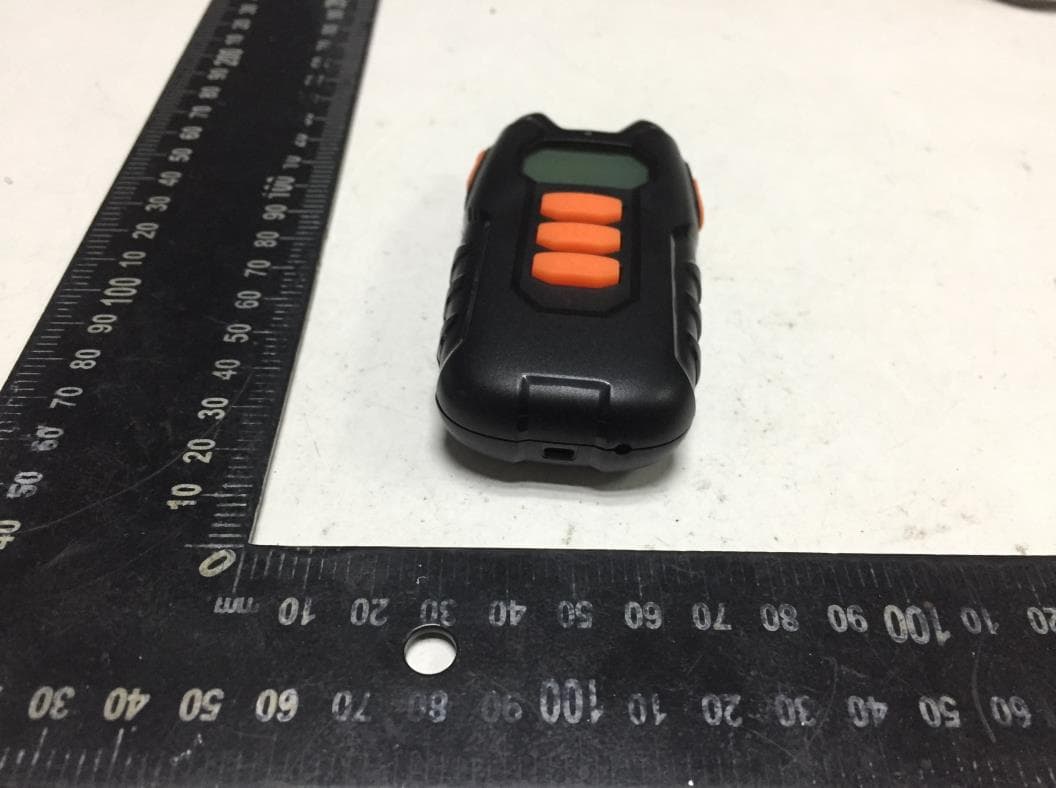
2ATEO-DT101
Jan 18, 2020remote dog training collar
Equipment Class
DXX - Part 15 Low Power Communication Device Transmitter