2AVWCX1smartwatch
Shenzhen Xinhuajitong Technology Co., Ltd.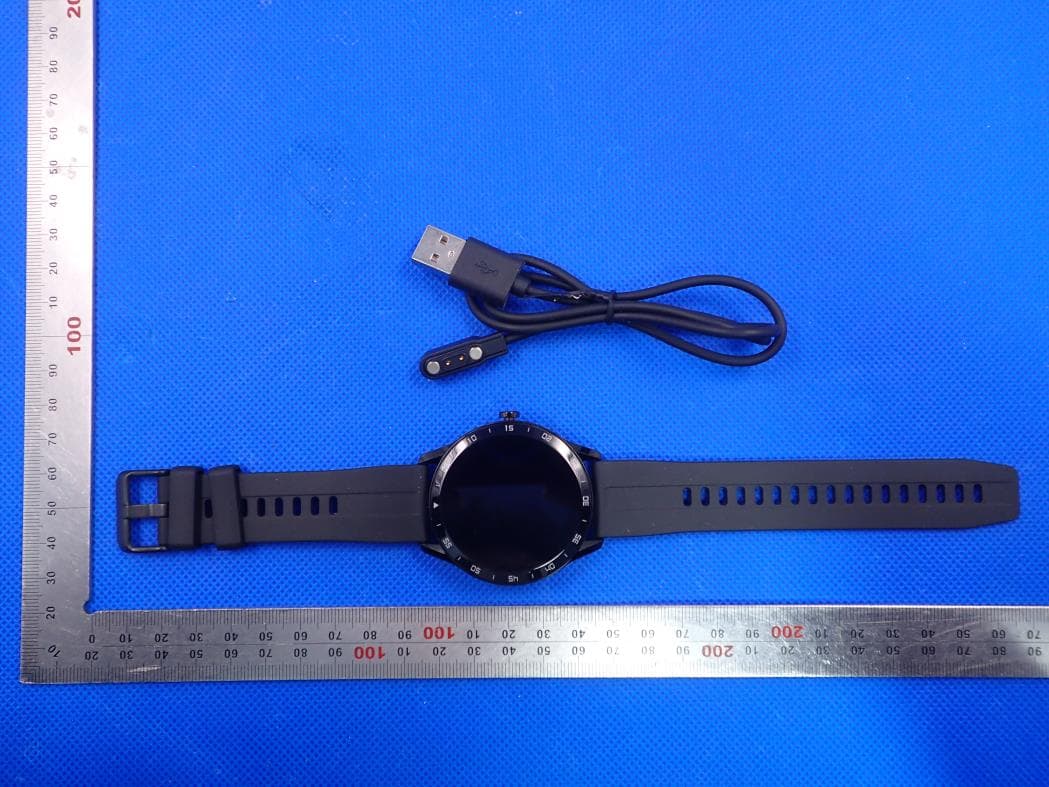
Click to zoom
Application Details
- Equipment Class
- DTS - Digital Transmission System
- Date of Grant
- May 05, 2020
- Application Purpose
- Original Equipment
- Date of Application
- May 05, 2020
- Equipment Note
- smartwatch
- Frequency Range
- 2402.00000000 - 2480.00000000
- Country
- China
Documents & Files
Document Text
Text extracted from the exhibit documents filed with the FCC. Open a document above to read the original.
Users Manual
User Manual Smart Watch Brand: Blackview Model: X1 FCC ID:2AVWCX1 Shenzhen Xinhuajitong Technology Co., Ltd. Please read and understand the manual Product Introduction 1. Slide up or down on the dial interface to switch the dial display. 2. Slide left or right on the dial interface sliding operation to switch to the shortcut function display, which has the day's movement data, sleep detection, watch information, function menu, etc. Introduction To the Connection between Watch and Mobile Phone 1. Download and install APP (H Band) Scan the QR code on the box or the built-in QR code on the watch via the mobile browser program to download. Downloading needs WIFI network or data traffic. Install it after downloading, open the APP after the installation, and give the software corresponding rights which are needed for Bluetooth connection. (Note: H Band supports IOS9.0 or later and Android6.0 or later) (H Band QR Code) 2. The way to connect the watch to the phone (same for iOS and Android) Turn on the Bluetooth of the mobile phone, and then open the H Band on the mobile phone desktop (see Figure 1). You can choose to log in without an account or register with an account. After the successful login, go to the home page. On the home page, click the red part "not connected" to the Bluetooth search interface (see Figure 2). Select the corresponding device (X1) and click to connect. Wait for a few seconds, it will prompt the watch to make a Bluetooth pairing request with the mobile phone. Please allow Bluetooth pairing. This completes the pairing connection between the mobile phone APP and the watch (Figure 3). Then, it will ask if you want to upload data to the cloud (Figure 4). This operation can be selected by yourself. Clicking NO or YES will enter the connection success interface and synchronize the data once (Figure 5). (Note: The sync data function is automatically uploaded every 30 minutes. If you turn on the automatic heart rate monitoring function, the heart rate is tested once every 10 minutes and then uploaded to the APP.) (Figure 1) (Figure 2) (Figure 3) (Figure 4) (Figure 5) Important: If the Apple mobile phone is not used for a long time (2 hours), in standby or hibernation (in a state of blank screen), H Band may be cleaned by the Apple's IOS system. When the connection of the APP and a watch is in the off state, the APP function will not be able to use. Open the APP again, it will automatically reconnect on watch. After installing the APP on the android phone, you need to open the background application startup permission in the Settings of the phone, which is different for each phone. Take Huawei mobile phone as an example, the steps are as follows: Setting - Application -Application Startup Management-H Band, find the application, change the automatic management to manual management, and open all permissions (allow self-startup, allow associated start, allow background activities). This work is only for the application to keep the Bluetooth connection with the watch without the Android system cleaning up when the phone is in standby (the phone has no bright screen). Watch Function Introduction 1. Heart Rate Find the Heart Rate function in the Function Menu interface, click the Heart Rate icon to open and start the heart rate test. The test lasts for 60 seconds and then the screen will automatically turn off after the test. Before the test, please remain sitting still, do not wear the watch too tight or too loose for ensuring data accuracy. 2. Multisport a. Find the Multisport function in the function menu interface, click the multisport icon to enter the sport mode. The watch provides 9 types of sports: outdoor run, outdoor walk, indoor run, indoor walk, hiking, climbing, outdoor cycle, stationary bike, and elliptical. Among them, outdoor run, outdoor walk, indoor run, indoor walk, hiking and above sports modes can record the user's heart rate, calories, steps, mileage, and pace; Climbing, outdoor cycle, indoor cycling, elliptical and other sports' mode can record the user's exercise heart rate and calories; You can swipe up or down to switch data pages and choose to pause and continue. b. Auto-exit: During the exercise, if the amount of exercise is too low for a long time, the watch will automatically judge whether the user is in the current state of motion. If the watch determines that the current condition of motion has not been met, it will automatically quit the motion mode. c. Data storage: The watch only holds the last three sport data. d. Upload data to H Band: Open H Band and select Multisport. Watch the sports' history in Multisport. 3. Message This function can be set in the APP settings, when set it to "on", mobile phone received the application (calls, text messages, QQ, WeChat, Facebook, twitter, Linkedlh, whatsApp, Line, lnstagram, snapchat, skype, Gmail, other, etc.) when the messages are pushed, the watch shows content (IOS need pairing; Android permission needs opening; equipment can push the normal tips). The watch only can store 3 messages at most. 4. Find My Phone Find out Find My Phone function in the function menu interface, click open the search function to find the phone. If the mobile phone is connecting to the watch, the phone will vibrate and ring. If in the off state, "unconnected Bluetooth" prompt will be displayed. Slide from left to right or press the power button shortly to exit the Find My Phone function. 5. Music Find the Music function in the Function Menu interface, click to open to enter the music control interface. If the mobile phone and watch are connected, click the corresponding play, the previous song, the next song, and pause to control the music playing on the phone player. If in the off state, "unconnected Bluetooth" prompt will be displayed. Swipe from left to right or press the power button shortly to exit the Music function, but the phone will not stop playing music. (Note: There may be compatibility issues due to the large num…
Text truncated - open the document above for the full version.
External Photos
External Photos Test Model: X1 TOTAL VIEW OF EUT TOP VIEW OF EUT BOTTOM VIEW OF EUT FRONT VIEW OF EUT BACK VIEW OF EUT LEFT VIEW OF EUT RIGHT VIEW OF EUT
ID Label/Location Info
FCC ID Label Location 10mm*10mm FCC ID: 2AVWCX1
Internal Photos
Internal Photos Test Model: X1 OPEN VIEW OF EUT-1 OPEN VIEW OF EUT-2 VIEW OF BATTERY INTERNAL VIEW OF EUT-1 BT Antenna INTERNAL VIEW OF EUT-2 INTERNAL VIEW OF EUT-3
RF Exposure Info
RF EXPOSURE EVALUATION 1. PRODUCT INFORMATION Product Description smartwatch Model Name X1, X2, X3, X5, X6 FCC ID 2AVWCX1 2. EVALUATION METHOD According to 447498 D01 General RF Exposure Guidance v05 The 1-g and 10-g SAR test exclusion thresholds for 100 MHz to 6 GHz at test separation distances ≤ 50 mm are determined by: [(max. power of channel, including tune-up tolerance, mW)/(min. test separation distance, mm)] ·[√f(GHz)] ≤ 3.0 for 1-g SAR and ≤ 7.5 for 10-g extremity SAR. Where f(GHz) is the RF channel transmit frequency in GHz Power and distance are rounded to the nearest mW and mm before calculation 3. CALCULATION P t = 2.892dBm=1.95mW The value of the Maximum output power P t is referred to the test report of the CFR47 §15.247. The result for RF exposure evaluation SAR=(1.95mW /5mm) .[√2.402GHz)]= 0.60<3.0 for 1-g SAR and ≤ 7.5 for 10-g extremity SAR. 4. CONCLUSION The SAR evaluation is not required.
Test Report
Page 1 of 46 FCC Test Report Report No.: AGC03709200304FE02 FCC ID : 2AVWCX1 APPLICATION PURPOSE : Original Equipment PRODUCT DESIGNATION : smartwatch BRAND NAME : Blackview MODEL NAME : X1, X2, X3, X5, X6 APPLICANT : Shenzhen Xinhuajitong Technology Co., Ltd. DATE OF ISSUE : Apr. 08, 2020 STANDARD(S) : FCC Part 15.247 REPORT VERSION : V1.0 Attestation of Global Compliance (Shenzhen) Co., Ltd CAUTION: This report shall not be reproduced except in full without the written permission of the test laboratory and shall not be quoted out of context. Report No.: AGC03709200304FE02 Page 2 of 46 REPORT REVISE RECORD Report Version Revise Time Issued Date Valid Version Notes V1.0 / Apr. 08, 2020 Valid Initial Release Report No.: AGC03709200304FE02 Page 3 of 46 TABLE OF CONTENTS 1. VERIFICATION OF COMPLIANCE .............................................................................................................. 5 2. GENERAL INFORMATION .......................................................................................................................... 6 2.1. PRODUCT DESCRIPTION................................................................................................................... 6 2.2.TABLE OF CARRIER FREQUENCYS ................................................................................................... 6 2.3. RELATED SUBMITTAL(S)/GRANT(S) ................................................................................................. 7 2.4.TEST METHODOLOGY ........................................................................................................................ 7 2.5. SPECIAL ACCESSORIES .................................................................................................................... 7 2.6. EQUIPMENT MODIFICATIONS ........................................................................................................... 7 3. MEASUREMENT UNCERTAINTY ............................................................................................................... 8 4. DESCRIPTION OF TEST MODES ............................................................................................................... 9 5. SYSTEM TEST CONFIGURATION ............................................................................................................ 10 5.1 CONFIGURATION OF TESTED SYSTEM ........................................................................................... 10 5.2. EQUIPMENT USED IN TESTED SYSTEM ......................................................................................... 10 5.3. SUMMARY OF TEST RESULTS ........................................................................................................ 10 6. TEST FACILITY ......................................................................................................................................... 11 7. PEAK OUTPUT POWER ........................................................................................................................... 12 7.1. MEASUREMENT PROCEDURE ........................................................................................................ 12 7.2. TEST SET-UP (BLOCK DIAGRAM OF CONFIGURATION) ................................................................ 12 7.3. LIMITS AND MEASUREMENT RESULT............................................................................................. 13 8. 6 DB BANDWIDTH .................................................................................................................................... 15 8.1. MEASUREMENT PROCEDURE ........................................................................................................ 15 8.2. TEST SET-UP (BLOCK DIAGRAM OF CONFIGURATION) ................................................................ 15 8.3. LIMITS AND MEASUREMENT RESULTS .......................................................................................... 15 9. CONDUCTED SPURIOUS EMISSION ....................................................................................................... 17 9.1. MEASUREMENT PROCEDURE ........................................................................................................ 17 9.2. TEST SET-UP (BLOCK DIAGRAM OF CONFIGURATION) ................................................................ 17 9.3. MEASUREMENT EQUIPMENT USED ............................................................................................... 17 9.4. LIMITS AND MEASUREMENT RESULT............................................................................................. 17 10. MAXIMUM CONDUCTED OUTPUT POWER SPECTRAL DENSITY ....................................................... 22 10.1. MEASUREMENT PROCEDURE ...................................................................................................... 22 10.2. TEST SET-UP (BLOCK DIAGRAM OF CONFIGURATION) .............................................................. 22 10.3. MEASUREMENT EQUIPMENT USED ............................................................................................. 22 10.4. LIMITS AND MEASUREMENT RESULT ........................................................................................... 22 11. RADIATED EMISSION ............................................................................................................................. 24 Report No.: AGC03709200304FE02 Page 4 of 46 11.1. MEASUREMENT PROCEDURE ...................................................................................................... 24 11.2. TEST SETUP ................................................................................................................................... 25 11.3. LIMITS AND MEASUREMENT RESULT ........................................................................................... 26 11.4. TEST RESULT ................................................................................................................................. 26 12. …
Text truncated - open the document above for the full version.
Test Setup Photos
Test Setup Photos Test Model: X1 RADIATED EMISSION TEST SETUP BELOW 1GHZ RADIATED EMISSION TEST SETUP ABOVE 1GHZ CONDUCTED TEST SETUP
Contact Information
Applicant
Borong Huang
Technical Contact
Attestation of Global Compliance (Shenzhen) Co., LYimi Zhao
[email protected]86-755-29081977
2F.,No.2 Building, Huafeng No.1 Technical Industri · Shenzhen · China
Test Firm
Attestation of Global Compliance (Shenzhen) Co., LDoris Li
[email protected]+86-755-25234088
Technical Specifications
| # | Rule Parts | Frequency Range | Power Output |
|---|---|---|---|
| 1 | 15C | 2.40 GHz - 2.48 GHz | 1.95 mW |
Other Applications from Shenzhen Xinhuajitong Technology Co., Ltd.
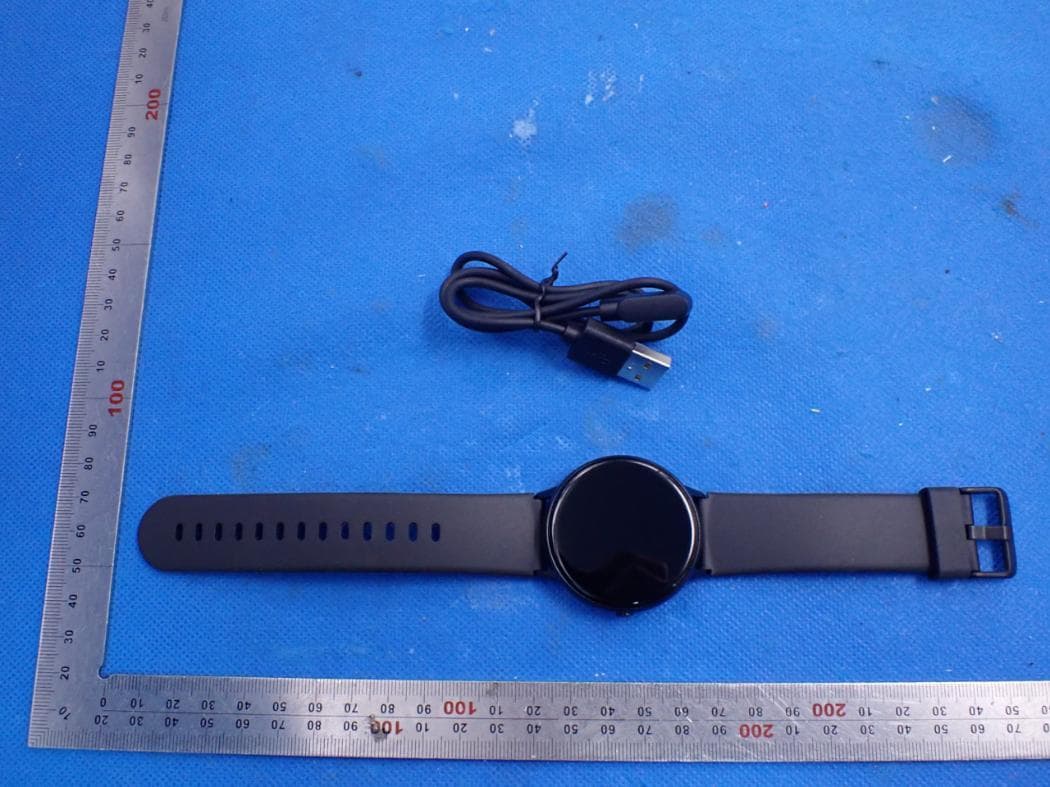
2AVWCR2
Apr 27, 2021smartwatch
Equipment Class
DTS - Digital Transmission System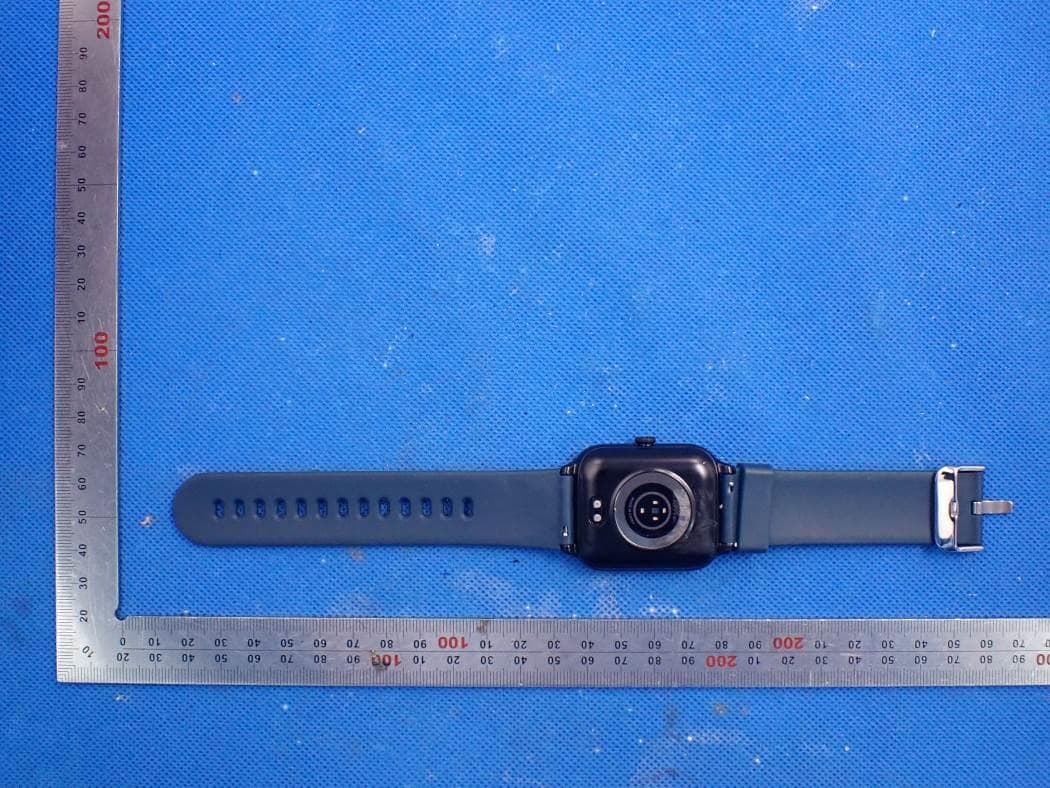
2AVWCXR
Oct 12, 2020smartwatch
Equipment Class
DTS - Digital Transmission System