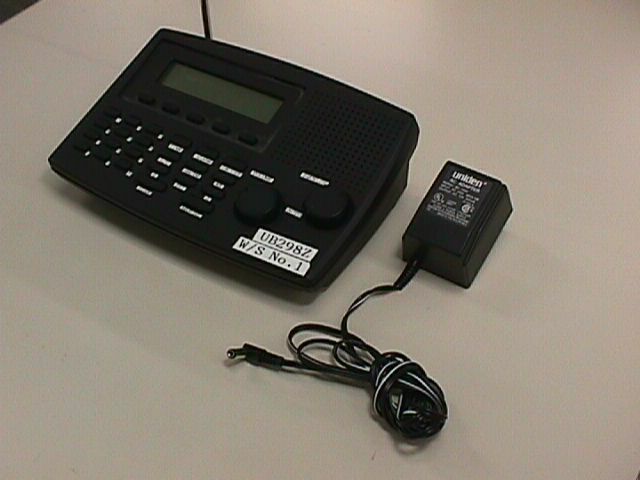
AMWUB298Table Top Scanner
Uniden America Corporation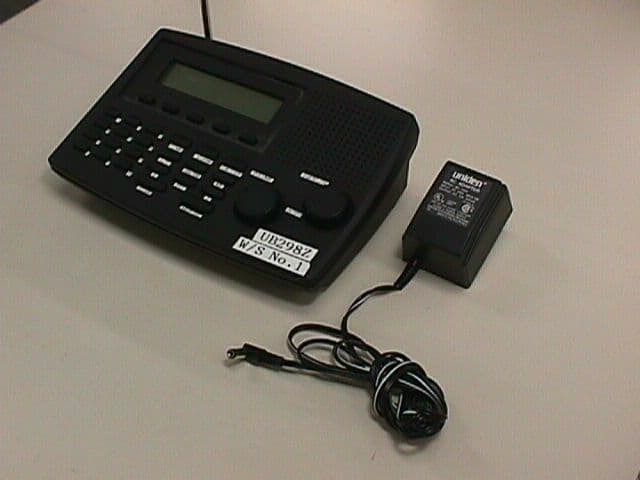
Click to zoom
Application Details
- Equipment Class
- CSR - Scanning Receiver
- Date of Grant
- Mar 18, 1999
- Application Purpose
- Original Equipment
- Date of Application
- Feb 08, 1999
- Equipment Note
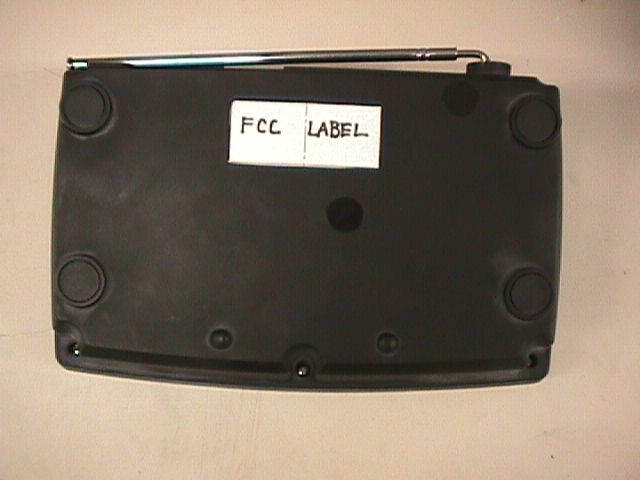
- Table Top Scanner
- Frequency Range
- 406.00000000 - 512.00000000
- Company
- Uniden America Corporation
- Country
- United States
Documents & Files
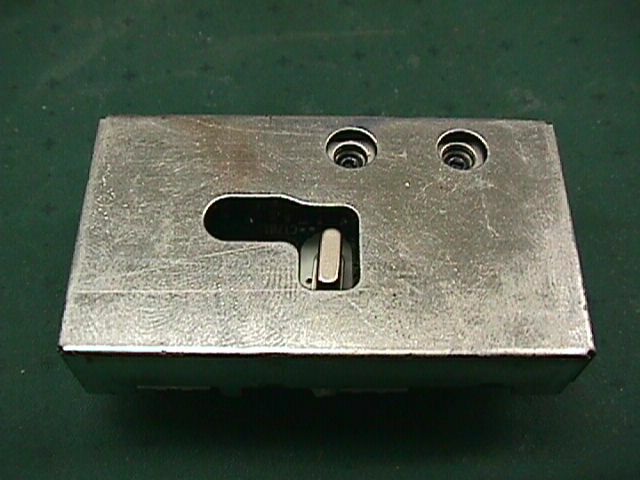
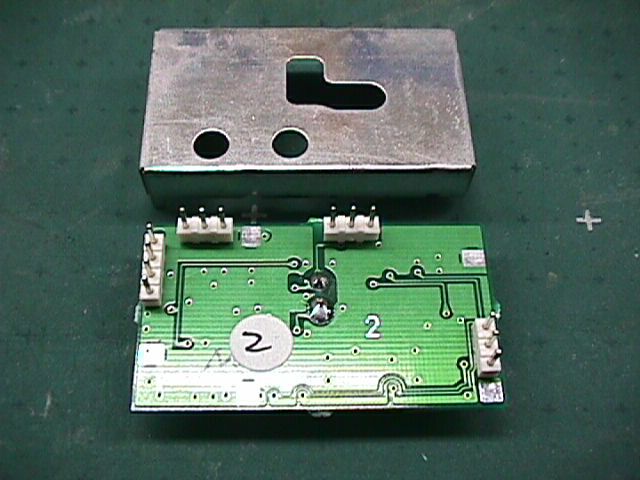
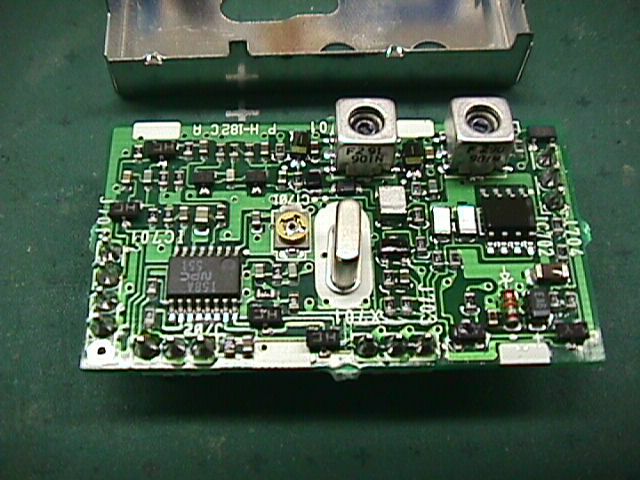
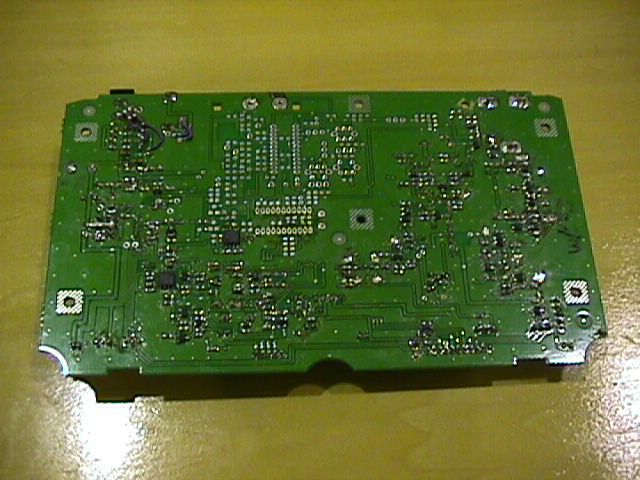
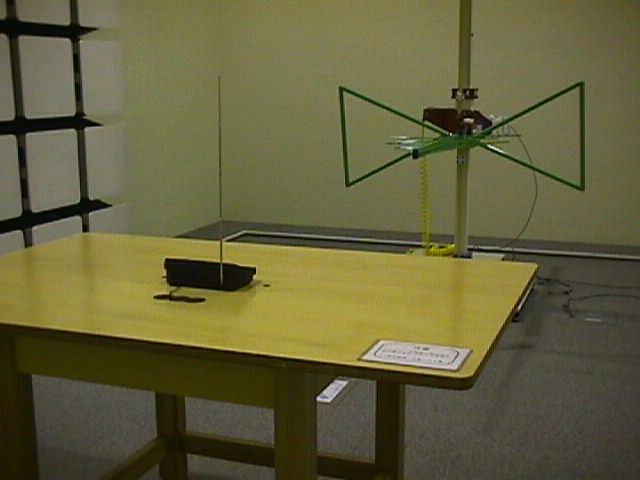
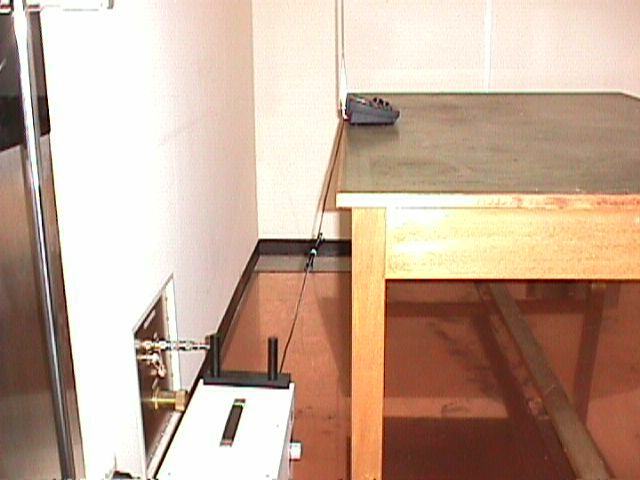
Document Text
Text extracted from the exhibit documents filed with the FCC. Open a document above to read the original.
Users Manual
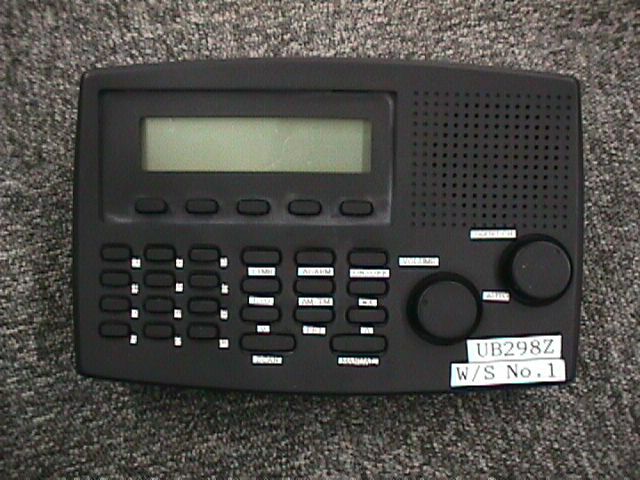
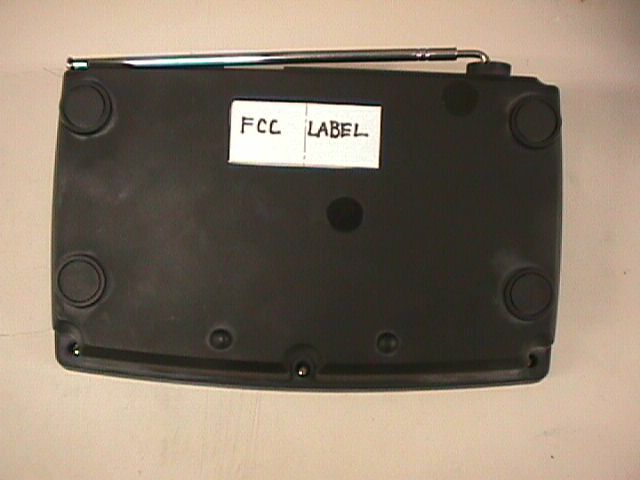
COVER BC244clt.qxd 2/10/99 3:34 PM Page 1 BC244clt.qxd 2/10/99 3:34 PM Page 2 3 About Scanning Scanning Options Scanning is easy and fun with the BC244CLT 30-Channel Base Scanner. You can scan in 2 ways: n Scan channels you have programmed n Scan pre-programmed weather channels. Unlike standard AM or FM radio stations, most 2-way communications do not transmit continuously (see Types of Communication below). The BC244CLT scans programmed channels at the rate of about 15 channels per second until it locates an active frequency. When the scanning stops on an active frequency, it remains on that channel as long as the transmission continues. When the transmission ends, the scanning cycle resumes until another transmission is received. You can set a 2 second delay (refer to 2 Second Delay, page .) Types of Communication You can monitor communications such as: n Police and fire department (including rescue and paramedics) n NOAA weather broadcasts (7 pre-programmed channels) n Business/industrial radio n Motion picture and press relay n Utility n Land transportation frequencies such as trucking firms, buses, taxis, tow trucks, and railroads n Marine and amateur (ham radio) bands n And many more in the 29-54MHz, 137-174MHz, and 406-512MHz ranges You must program a frequency into each channel you want to use. If you do not INTRODUCTION BC244clt.qxd 2/10/99 3:34 PM Page 3 4 have any known local frequencies to program, call the 800 number on the yellow sheet enclosed in this package. A Uniden representative should be able to provide you with a few sample frequencies. Or, use the enclosed order form to purchase a local frequency list. Where to Obtain More Information The Bearcat Radio Club and other similar hobby clubs have publications, information on computer bulletin boards, and contests for the radio enthusiast. See the enclosed printed material for more information. Additional information is also available through your local library. Taking Proper Care of Your Scanner n Do not use the scanner in high-moisture environments such as the kitchen or bathroom. n Avoid placing the unit in direct sunlight or near heating elements or vents. n Do not plug the scanner into an outlet controlled by a wall switch as prolonged periods without power causes clock reset. Unpacking Carefully check the contents against this list: n BC244CLT Base Scanner n Telescoping Antenna n AC Adapter (Model AC-244U) n This Reference Guide n Registration Form (in this Reference Guide) n Frequency Directories Order Form and other printed information + If any items are missing or damaged, contact your place of purchase immediately. + Complete and mail your Registration Form immediately. + Read this Reference Guide thoroughly before operating the scanner. Changes or modifications to this product not expressly approved by Uniden, or operation of this product in any way other than as detailed by this Reference Guide, could void your authority to operate this product. BC244clt.qxd 2/10/99 3:34 PM Page 4 5 Installing the BC244CLT 1.Insert small plug at the end of the AC Adapter cord into the AC 12V jack on the scanner. 2.Plug the AC Adapter into any standard 120VAC wall outlet. Do not plug into an outlet controlled by a wall switch; it could cause clock reset. 3.Plug the Telescoping Antenna into the ANT. jack. Extend the antenna to its full height. For UHF frequencies, shortening the antenna may improve the reception. 4.Plug an optional external speaker (8-ohm) into the EXT. SP. jack. If you are operating the scanner in the fringe area or need to improve reception, use an optional antenna designed for multi-band coverage. (You can purchase this type of antenna at a local electronics store.) If the optional antenna has no cable, use 50- 70 ohm coaxial cable for lead-in. A mating plug may be necessary for the optional antennas. If your scanner receives strong interference or electrical noise, relocate the scanner or its antenna away from the source. INSTALLATION BC244clt.qxd 2/10/99 3:34 PM Page 5 6 Controls and Functions 1. LCD DisplayDisplays channel frequency and functions. 2. Numeric KeysUse to program a frequency into each channel for scanning. Also, use for time entries and direct channel access with MANUALkey. 3. EKey Use to complete the entry whether it be programming of a frequency to the selected channel or setting the time. 4. TIMEKeyUse the TIME key to view and set time 5.LOCKOUT KeyUse to prevent scanning of the displayed channel. The LCD display indicates L/O when channel is locked out. Lockout is retained in memory. Press LOCKOUT again to unlock the channel. Lockout is active only when the scanner stops on an active channel or a channel selected in Manual Mode. 6.tKeyThe down arrow key allows you to scoll down through the options. 7. SCANKeyUse to start scanning mode. 8. ALARM KeyPress ALARM to set the time for the alarm to sound. 9. AM/PMKeyPress AM/PM to indentify AM or PM while setting the time or alarm. OPERATION BC244clt.qxd 2/10/99 3:34 PM Page 6 7 10. PRIORITYKeyUse to turn Priority mode on or off. In Priority mode, the scanner samples the designated Priority Channel every 2 seconds, regardless of any other mode the scanner is in. If a transmission on designated Priority Channel is detected, the scanner monitors that channel until no signal is present. Priority mode cancels when you turn off your scanner. 11.MANUALKeyUse to stop scanning. Press MANUALagain to step to the next channel. Also, use for direct channel access by first entering the channel number and then pressing MANUALto go directly to that channel. 12. sKeyThe up arrow key allows you to scoll up through the options. 13. WXKeyUse to set in Weather Mode. 14. ON/OFFKeyUse to turn scanner on or off. 15. VOLUMEControlTurn VOLUME clockwise to increase the volume. Turn counterclockwise to decrease the volume. 16.SQUELCHControlAdjust SQUELCH to set the scan threshold or use AUTO for the factory setting. Scanning Overview The BC244CLT has 30 memory channels; …
Text truncated - open the document above for the full version.
Contact Information
Applicant
Paul Roby
Test Firm
Uniden CorporationKeizo Fujiwara
81-3-5543-2875
Technical Specifications
| # | Rule Parts | Frequency Range | Power Output |
|---|---|---|---|
| 3 | 15B | 406 MHz - 512 MHz | - |
Other Applications from Uniden America Corporation
AMWUA2405
Apr 15, 2026RADAR DETECTOR
Equipment Class
JBP - Part 15 Class B Computing Device PeripheralAMWUA2406
Apr 15, 2026RADAR DETECTOR
Equipment Class
JBP - Part 15 Class B Computing Device PeripheralAMWUA2402
Jul 23, 2024RADAR DETECTOR
Equipment Class
CRD - Part 15 Radar Detector
AMWUA2404
Feb 17, 2024Wi-Fi Bluetooth Combo Module
Equipment Class
DTS - Digital Transmission System
AMWUA2301
Feb 15, 2023RADAR DETECTOR
Equipment Class
CRD - Part 15 Radar Detector