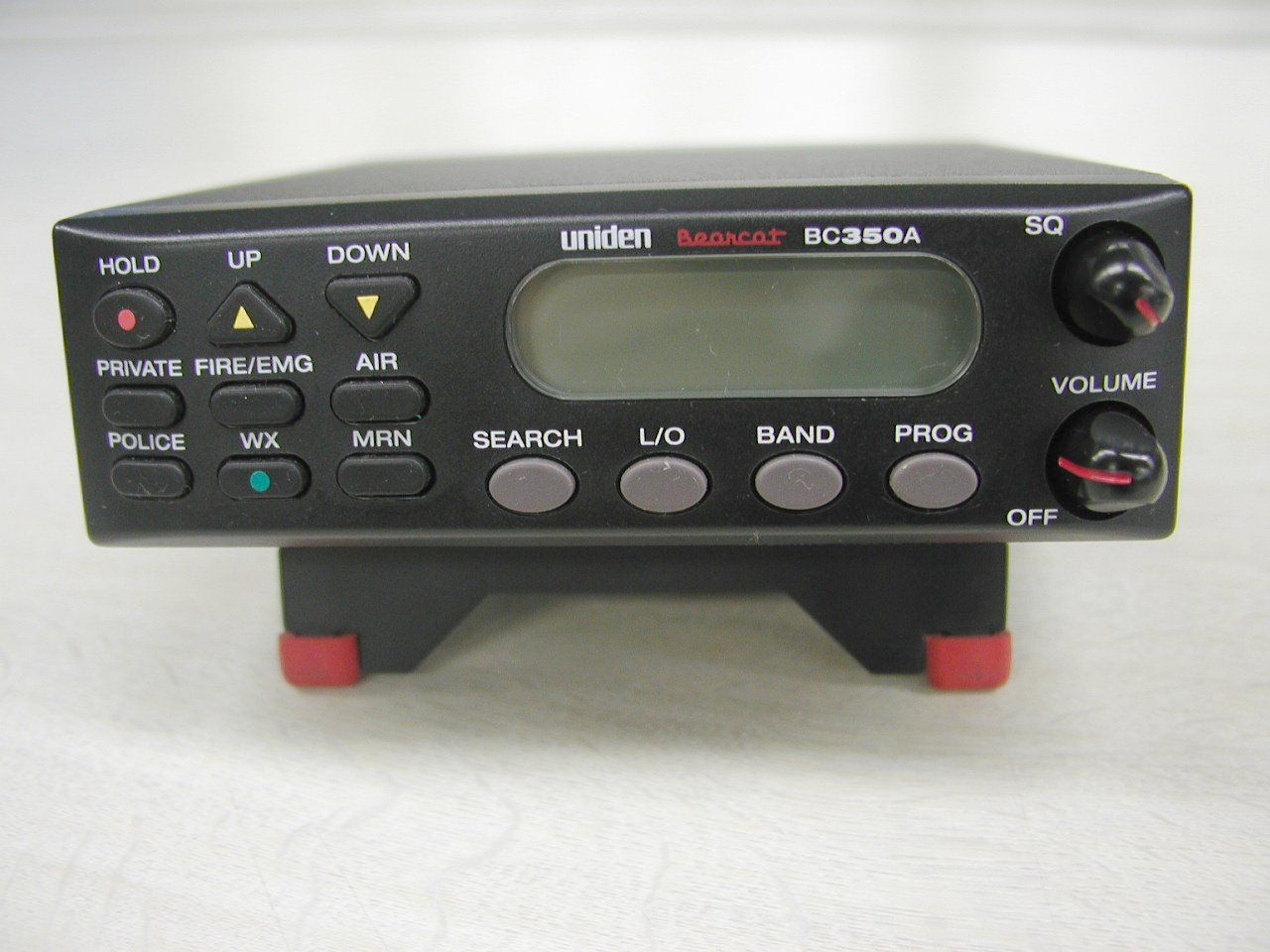
AMWUB317SCANNING RECEIVER
Uniden America Corporation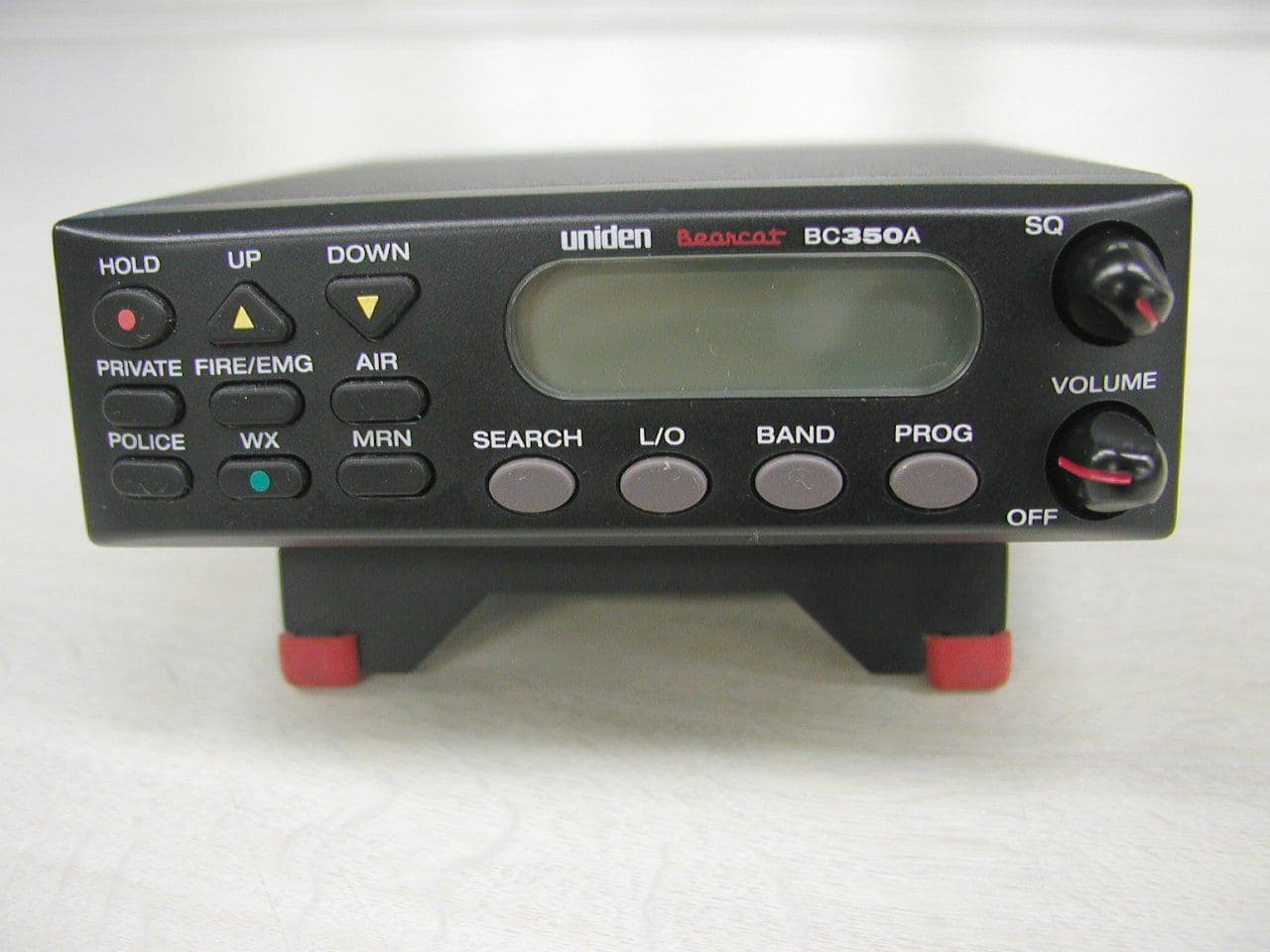
Click to zoom
Application Details
- Equipment Class
- CSR - Scanning Receiver
- Date of Grant
- Jul 24, 2003
- Application Purpose
- Original Equipment
- Date of Application
- Jul 24, 2003
- Equipment Note
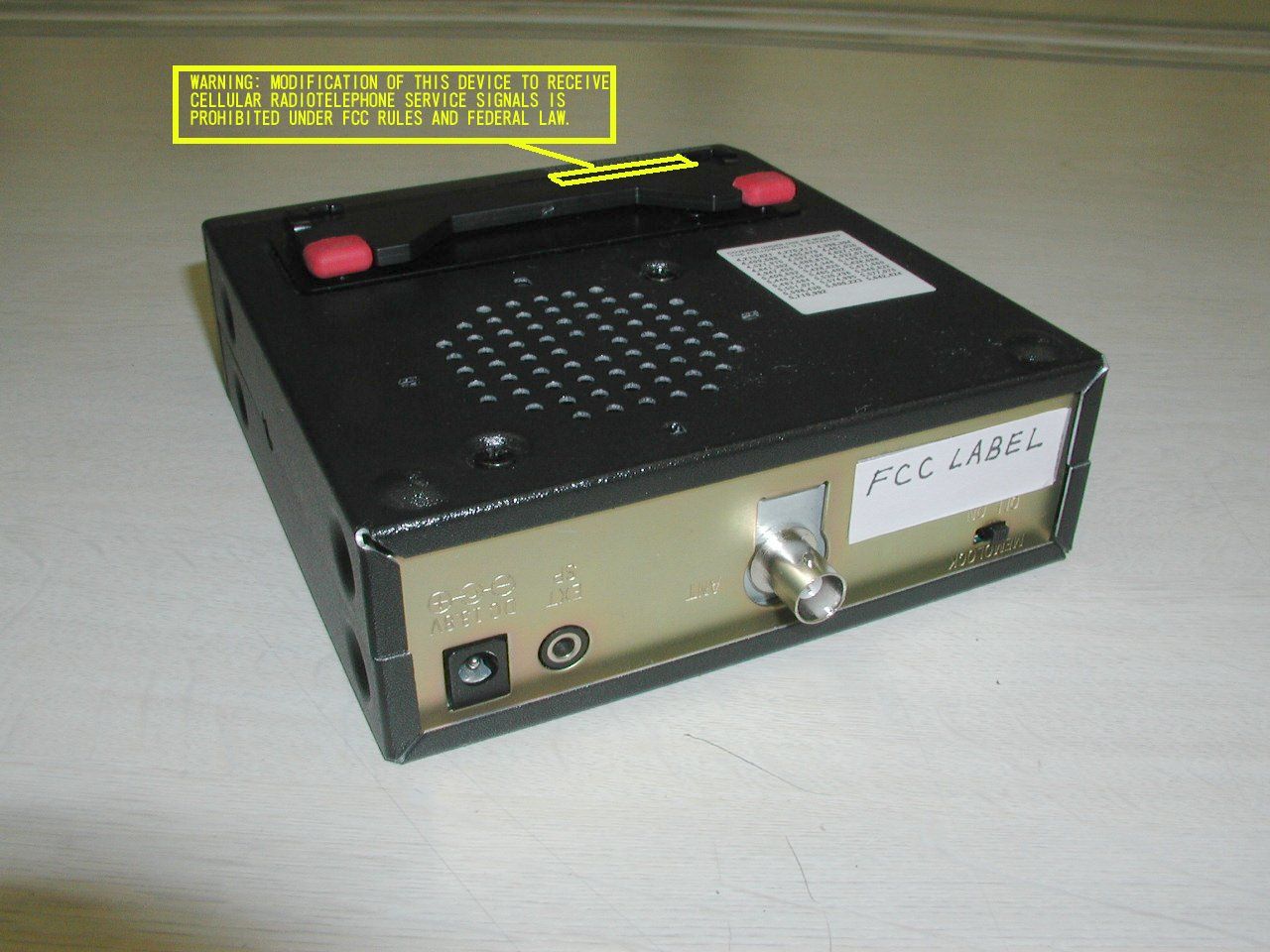
- SCANNING RECEIVER
- Frequency Range
- 894.01250000 - 956.00000000
- Company
- Uniden America Corporation
- Country
- United States
Documents & Files
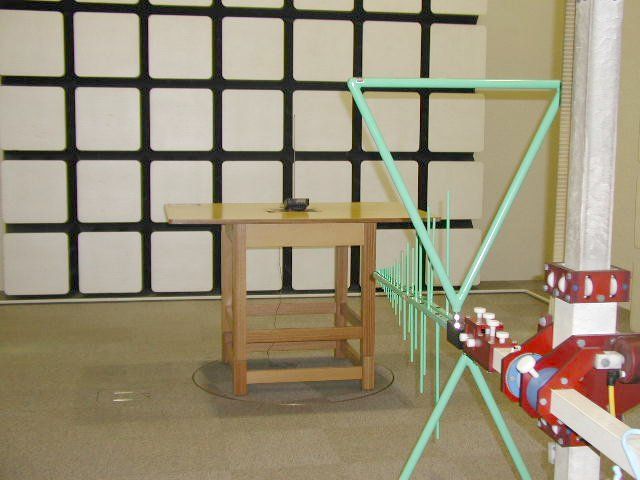
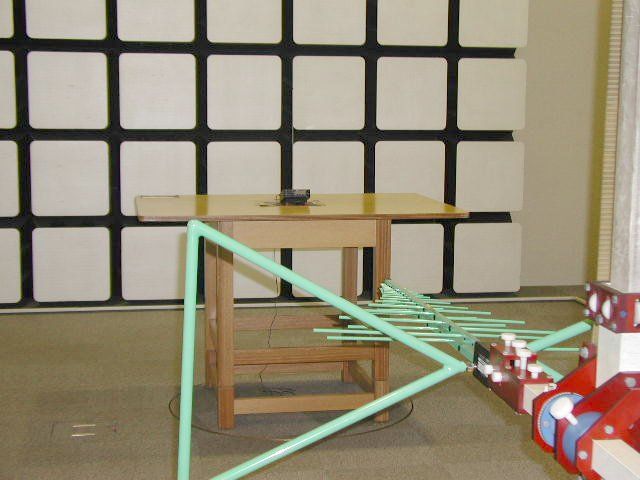
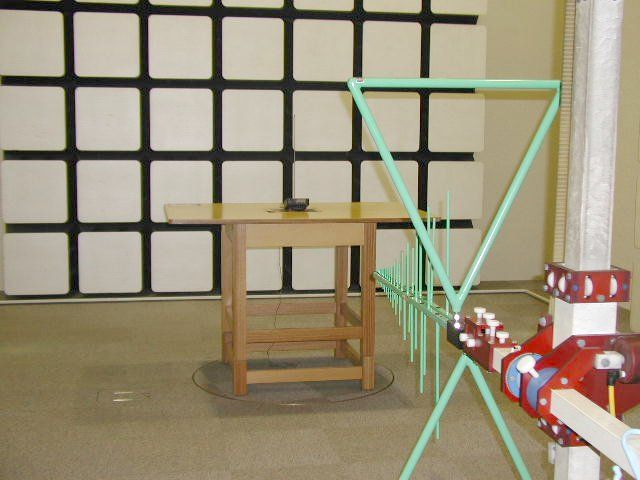
Document Text
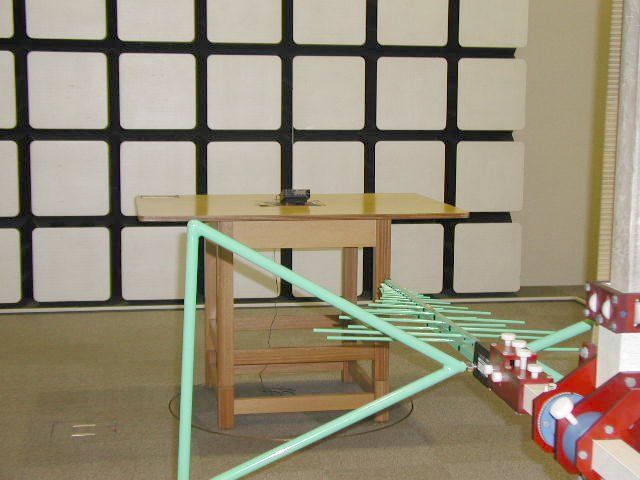
Text extracted from the exhibit documents filed with the FCC. Open a document above to read the original.
Users Manual
Precautions Before you use thisscanner, please observethe following: WARNING! Uniden America Corporationdoesnot representthis unitto be waterproof.Toreducethe riskof fire, electricalshock, or damageto the unit,do not exposethis unitto rainor moisture. IMPORTANT! The installation, possession, or use of this scanning radio in a motor vehicle may be prohibited, regulated, or require a permit in certain states, cities, and/ or local jurisdiction. Your local law enforcement officials should be able to provide you with information regarding the laws in your community. Changes or modifications to this product not expressly approved by Uniden, or operation of this product in any way other than as detailed by this Operating Guide, could void your authority to operate this product. May be covered under one or more of the following U.S. patent: 4,627,1004,841,3024,888,8154,932,0744,947,456 5,014,3485,199,1095,408,6925,428,8265,438,688 5,448,2565,465,4025,471,6605,483,6845,530,296 5,548,8325,551,0715,574,9955,577,0765,598,430 5,600,2235,642,4245,710,9925,896,4225,991,346 5,991,6036,012,1586,025,7586,034,5736,064,270 6,266,521 ** U.S. Patent Number 4,841,302 is licensed from Gray Electronics, Inc. ** These products contain Uniden proprietary information. Software, control codes, protocols and other such related matter may be the copyrighted work of Uniden America Corporation. © Copyright 2002-2003, Uniden America Corporation. All Rights Reserved. © 2003 Uniden. This product contains Uniden proprietary information. Software, control codes, protocols and other such related matter may be the copyrighted work of Uniden America Corporation. Printed in China Uniden ® is a registered trademark of Uniden America Corporation. Bearcat ® is a registered trademark of Uniden America Corporation. Table of Contents About Your New BC350C ......................................................1 What is Scanning? ................................................................2 Types of Communication....................................................2 What is Searching?................................................................3 What is Trunk Tracking? ......................................................4 Where to Obtain More Information ......................................5 Information on the Internet ................................................5 Included with Your Scanner Package ..................................6 Optional Accessories ..........................................................6 Summary of Features ............................................................7 Installing the BC350C ............................................................8 For Home Use (Desktop Installation) ................................8 For Mobile Use (In-Car Installation) ..................................8 Controls and Functions ......................................................10 Screens ............................................................................15 Scanning Overview ..............................................................17 Getting Started ................................................................17 Turn the Scanner On ........................................................17 Adjusting the Squelch ......................................................18 Scanning ..............................................................................19 Weather Channel Scan ....................................................19 Channel Lock Out ............................................................20 Band Search ........................................................................22 Displaying the band range ..............................................22 Programming Frequencies..................................................24 Programming from SCAN mode ......................................25 Programming from SEARCH mode..................................26 Deleting a programmed frequency (programming "000.0000") ............................................27 To find "000.0000" in Search Band 50 – 54: ....................28 Program Lock Feature......................................................28 Helpful Hints ........................................................................29 Troubleshooting ..................................................................30 Technical Specifications ....................................................31 One Year Limited Warranty ................................................33 1 About Your New BC350C The BC350C is not just a scanner. It is a brand new informa- tion radio with automatic scanning capabilities. The built-in Service Scan system brings you instantly into the exciting world of scanning action. Best of all, you don’t even have to program the scanner to begin using it! The BC350C comes with six Service banks for monitoring police, fire/emergency medical services, marine, air, weather, and CB frequencies. Not only that, there’s even a fully pro- grammable bank for storing your own private collection of favorite frequencies. With the BC350C, you can scan over 3,600 channels. In addi- tion, the BC350C has 13 separate band search capabilities for even greater scanning action. Two Service Scan banks, POLICE and FIRE/EMS also have programmable. Channels to store additional police and Fire/EMS frequencies. So whenever you encounter a newly activated local frequency for either service category, you can add it to the bank for that category. This gives you quick access to the frequencies you want to hear. So enjoy your BC350C! 2 What is Scanning? Unlike standard AM or FM radio stations, most two-way com- munications (listed below) do not transmit continuously. The BC350C scans programmed channels at the rate of up to 100 channels per second until it locates an active frequency. When scanning stops on an active frequency, it remains on that channel as long as the transmission continues. When the transmission ends, the scanner stays…
Text truncated - open the document above for the full version.
Contact Information
Applicant
Paul Roby
Test Firm
Uniden CorporationKeizo Fujiwara
81-3-5543-2875
Technical Specifications
| # | Rule Parts | Frequency Range | Power Output |
|---|---|---|---|
| 7 | 15B | 894.0125 MHz - 956 MHz | - |
Other Applications from Uniden America Corporation
AMWUA2405
Apr 15, 2026RADAR DETECTOR
Equipment Class
JBP - Part 15 Class B Computing Device PeripheralAMWUA2406
Apr 15, 2026RADAR DETECTOR
Equipment Class
JBP - Part 15 Class B Computing Device PeripheralAMWUA2402
Jul 23, 2024RADAR DETECTOR
Equipment Class
CRD - Part 15 Radar Detector
AMWUA2404
Feb 17, 2024Wi-Fi Bluetooth Combo Module
Equipment Class
DTS - Digital Transmission System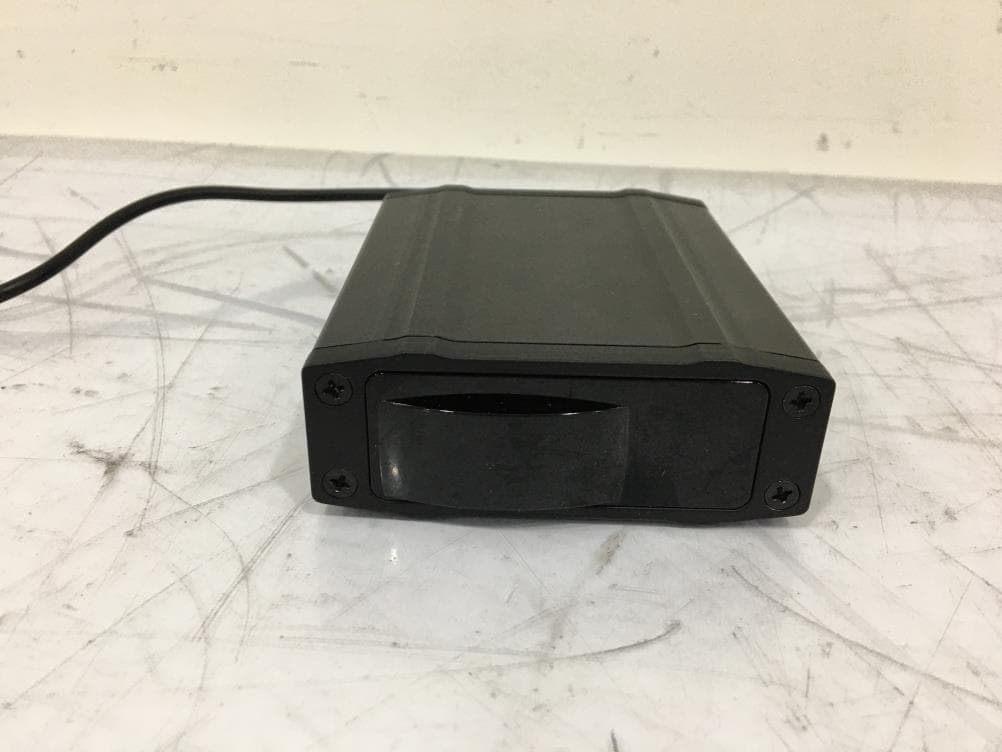
AMWUA2301
Feb 15, 2023RADAR DETECTOR
Equipment Class
CRD - Part 15 Radar Detector