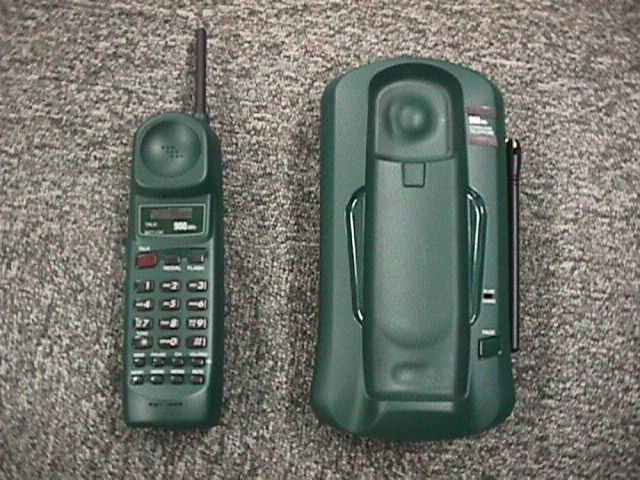
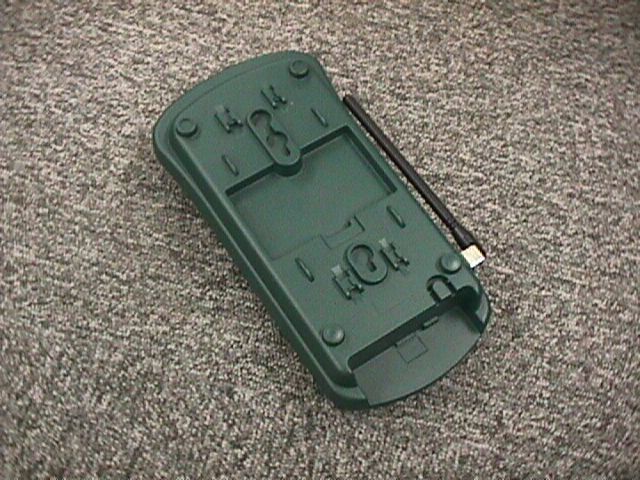
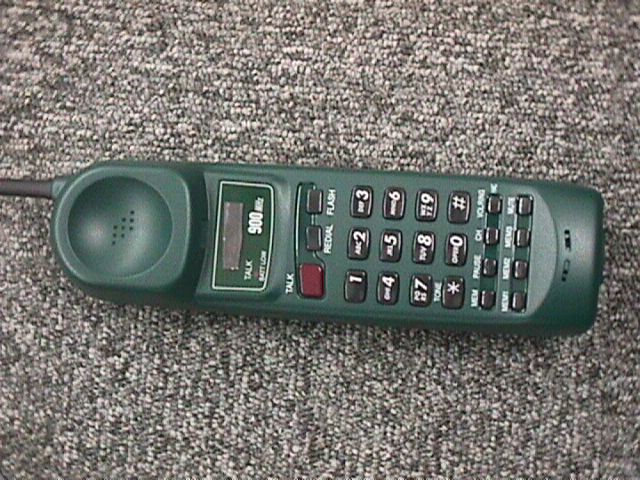
AMWUC210900 MHz Cordless Telephone
Uniden America Corporation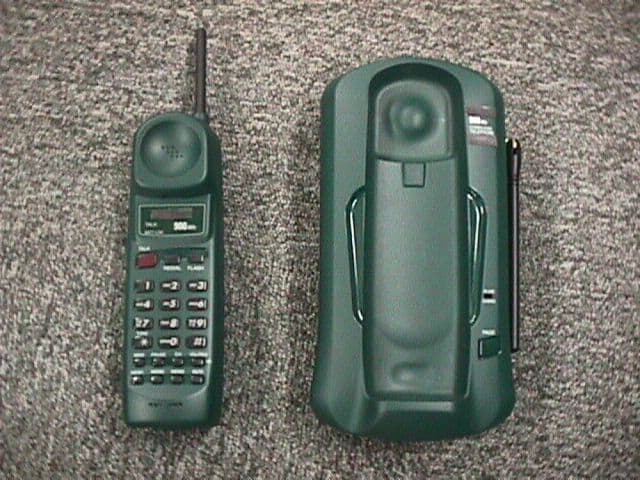
Click to zoom
Application Details
- Equipment Class
- DXT - Part 15 Low Power Transceiver, Rx Verified
- Date of Grant
- Mar 04, 1999
- Application Purpose
- Original Equipment
- Date of Application
- Jan 10, 1999
- Equipment Note
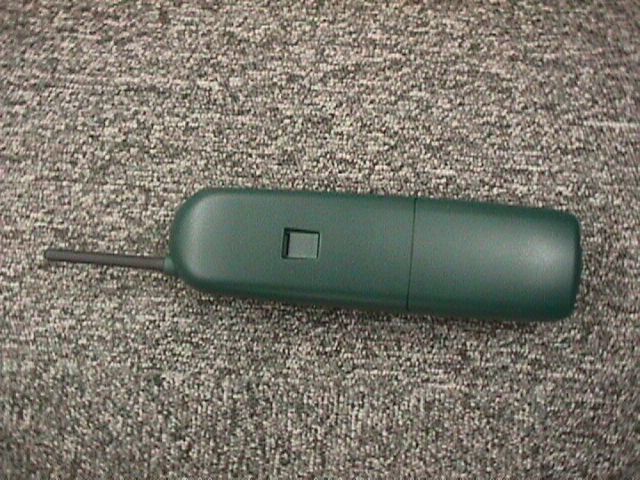
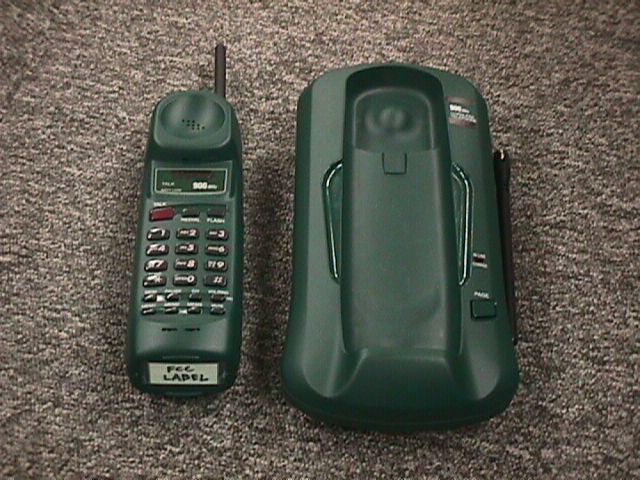
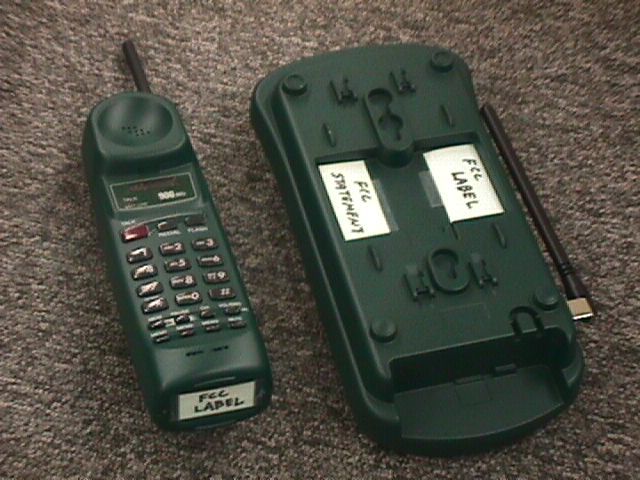
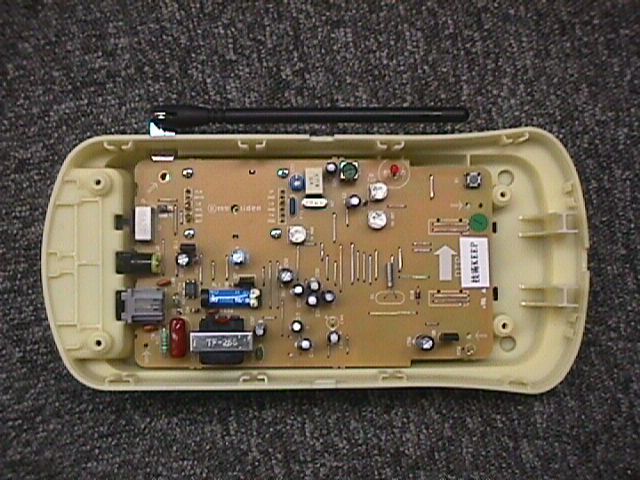
- 900 MHz Cordless Telephone
- Frequency Range
- 926.00000000 - 927.95000000
- Company
- Uniden America Corporation
- Country
- United States
Documents & Files
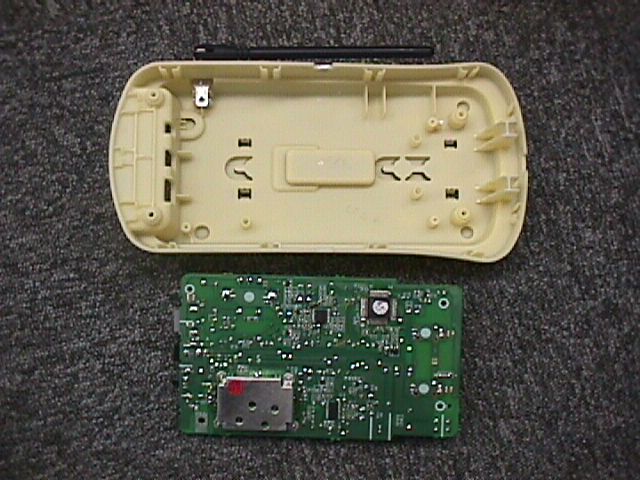
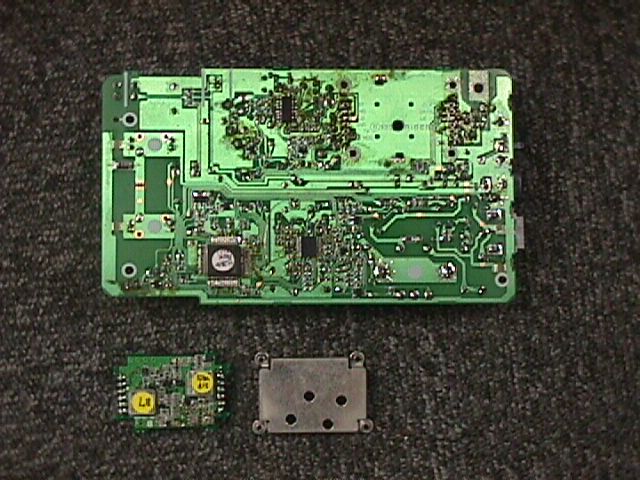
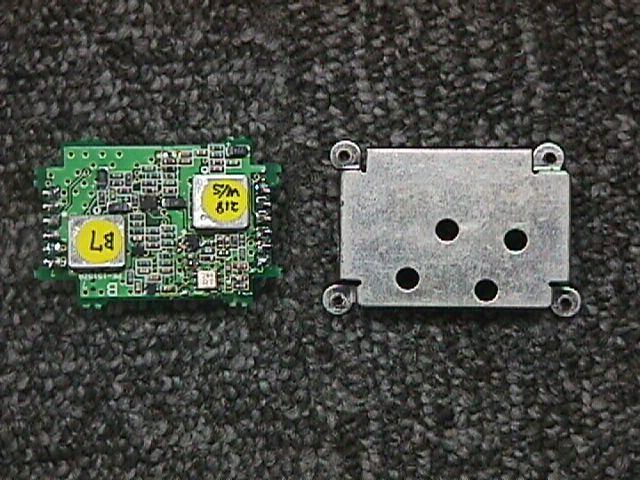
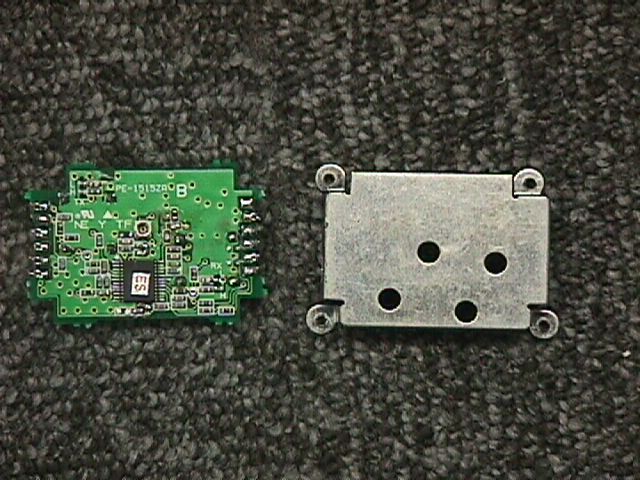
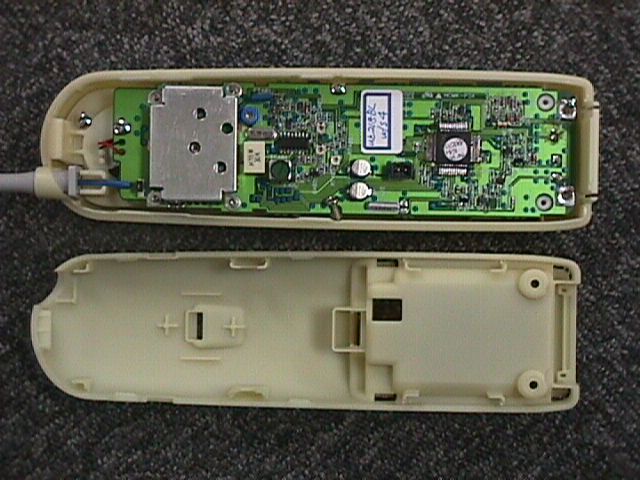
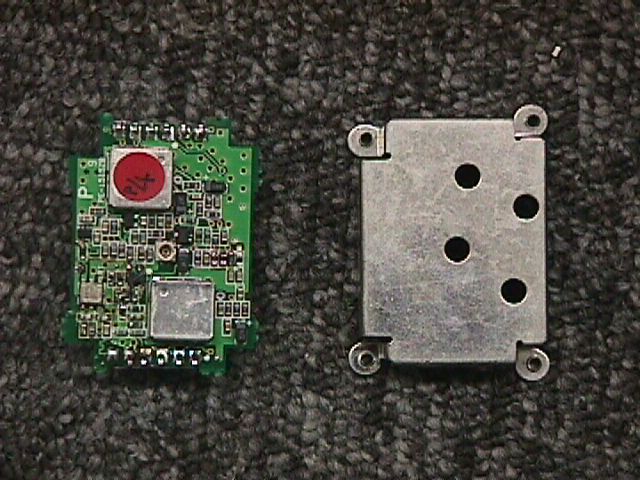
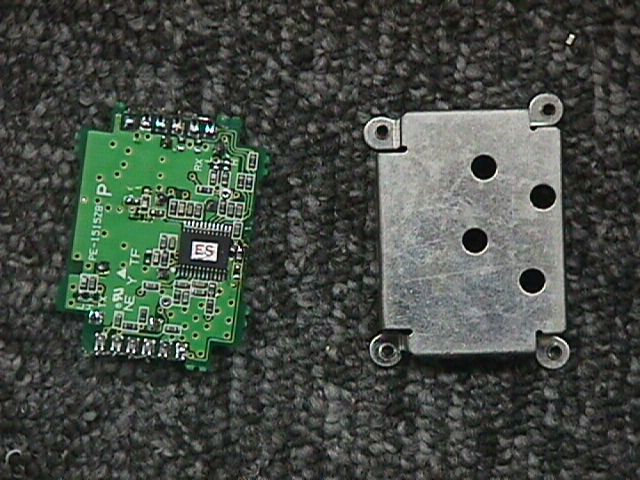
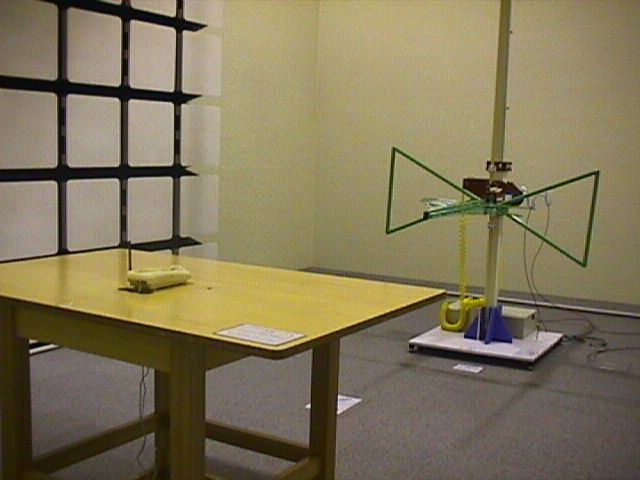
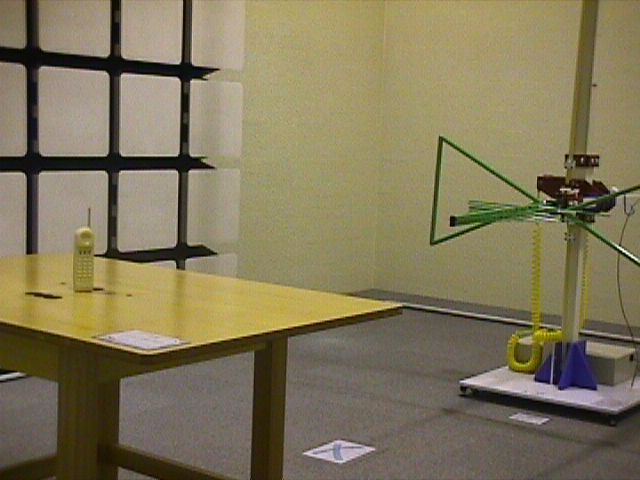
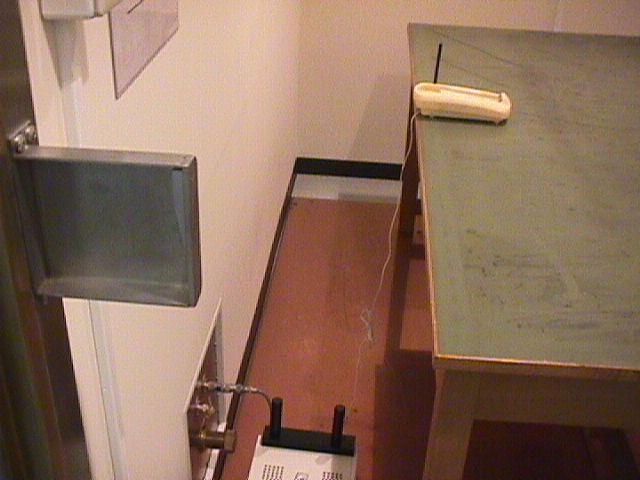
Document Text
Text extracted from the exhibit documents filed with the FCC. Open a document above to read the original.
Users Manual
CONTENTS OF YOUR OWNER’S MANUAL Contents Introduction...................................................1 • Welcome............................................................1 • Features............................................................1 • Included in Your Package..............................................2 Installing and Adjusting Your Phone...............................3 • Desk/Tabletop Installation..............................................3 • Wall Installation......................................................4 • Installing the Handset Battery Pack.....................................10 • Charging the Battery Pack.............................................11 • Cleaning the Battery Contacts..........................................11 • Setting the Pulse/Tone Switch..........................................12 • Adjusting the Ringer Controls..........................................12 • Automatic Digital Code Security........................................13 Using Your New Phone.........................................14 • Making and Receiving Calls............................................14 • Flash and Call Waiting................................................14 • Storing a Phone Number in Memory....................................15 • Editing a Phone Number in memory....................................16 •Erasing a Number from Memory........................................17 • Using Memory Dialing................................................18 •Chain Dialing.......................................................18 •Using Caller ID......................................................19 •Using Redial........................................................23 •Using the Tone feature...............................................23 •Traveling Out-of-Range...............................................23 Troubleshooting..............................................24 • Quick Reference Chart................................................24 Specifications................................................26 Fold out the back cover of this owner’s manual to use the handy “Controls and Functions” page for reference. C:\LaDonna\EXI 7960\EXI7960.vp Wed Jan 13 14:50:05 1999 Color profile: Disabled Composite Default screen Introduction WELCOME Congratulations on your purchase of the Uniden EXI7960 cordless telephone. This phone is designed for reliability, long life, and outstanding performance. FEATURES •900 MHz Technology •Call Waiting Caller ID •3-line LCD Display •30 Number Caller ID Memory •New Call Indication •Face Up/Face Down Charging •10 Memory Dial Locations •32 Digit Redial •Pulse/Tone Dialing •Page/Find •7 Hour Talk Time •Handset Earpiece and Ringer Volume Control •Hearing Aid Compatible The EXI7960 features include AutoTalk and AutoStandby. AutoTalk allows you to answer a call by just removing the handset from the base so you don’t have to waste time pushing buttons or flipping switches. AutoStandby allows you to hang up by simply returning the handset to the base. The UltraClear Plus true compander circuitry virtually eliminates background noise. This innovative technology, together with 40 different channels, provides you with the best possible reception during all your conversations. To protect you against misbilled calls which might result from your phone being activated by other equipment, the EXI7960 has Random Code™ digital security which automatically selects one of over 65,000 digital security codes for the handset and base. Also, the AutoSecure™ feature electronically locks your phone when the handset is in the base. To get the most from your phone, please read this owner’s manual thoroughly. Also, be sure to complete the product registration form and mail it in. Be sure to visit our web site at: www.uniden.com. 1 TO YOUR NEW PHONE INTRODUCTION INTRODUCTION C:\LaDonna\EXI 7960\EXI7960.vp Wed Jan 13 14:50:08 1999 Color profile: Disabled Composite Default screen INCLUDED IN YOUR PACKAGE •This Owner’s Manual •Precautions and Important Safety Instructions •Registration Card 2 selectchanredial/p 8 abcdef mno wxyz tone delete dnupvol call id jkl tuv oper ghi pqrs 123 6 9 # 5 8 4 7 talkflash mem integrated caller id 817-858-3300 01 1 0 : 25A 1 1/08 uniden america Handset page/find status 900 MHz Base AC Adapter Rechargeable Battery Long Telephone Cord NOTE If any of these items are missing or damaged, contact the Uniden Parts Department at (800)554-3988. Hours are from 8:00 a.m. to 5:00 p.m. Central Time, Monday through Friday. We can also be reached on the web atwww.uniden.com . TIP To get the most from your phone, please read this owner’s manual thoroughly. Also be sure to complete and mail the product registration form. C:\LaDonna\EXI 7960\EXI7960.vp Wed Jan 13 14:50:22 1999 Color profile: Disabled Composite Default screen Installing and Adjusting Your Phone DESK/TABLETOP INSTALLATION 1) Plug the AC adapter cord into the 9 VDC input jack on the back of the base, then place the AC adapter cord inside the molded strain relief. 2) Plug one end of the long telephone cord into the TEL LINE jack on the base, then place the telephone cord into the right molded channel cord holder. 3) Plug the other end of the long telephone cord into the telephone wall jack. (Remember, the phone must be fully charged before you can use it.) 3 AND ADJUSTING YOUR PHONE INSTALLING TIP Before choosing a location for your phone, read the “Installation Considerations” included in the “Precautions and Important Safety Instructions” brochure. Place the power cord so that it does not create a trip hazard or where it could become chafed and create a fire or electrical hazard. INSTALLING AND ADJUSTING C:\LaDonna\EXI 7960\EXI7960.vp Wed Jan 13 14:50:39 1999 Color profile: Disabled Composite Default screen 4) Plug the AC adapter into a standard 120 VAC wall outlet. 5) Raise the antenna to a vertical position. WALL INSTALLATION t Setting the Handset Retainer for Wall Mounting 1) Remove …
Text truncated - open the document above for the full version.
Users Manual
Precautions!Before you read anything else, please observe the following:Warning!Uniden America Corporation DOES NOT represent this unit to be waterproof. To reduce the risk of fire, electrical shock, or damageto the unit, DO NOT expose this unit to rain or moisture. Rechargeable Nickel-Cadmium Battery Warning l This equipment contains a rechargeable nickel-cadmium battery. l Cadmium is a chemical known to the State of California tocause cancer. l The rechargeable nickel-cadmium battery contained in thisequipment may explode if disposed of in a fire. l Do not short-circuit the battery. l Do not charge the rechargeable nickel-cadmium battery used inthis equipment in any charger other than the one designed tocharge this battery as specified in the owner’s manual. Usinganother charger may damage the battery or cause the batteryto explode. Rechargeable Nickel-CadmiumBatteries Must Be Recycled orDisposed of Properly l Uniden voluntarily participates in an RBRC ® industry program to collect and recycle nickel-cadmium batteries at the end oftheir useful life, when taken out of service within the UnitedStates. The RBRC ® program provides a convenient alternative to placing used nickel-cadmium batteries into the trash ormunicipal waste stream, which is illegal in some areas. l Through the RBRC ® program, Uniden makes it easy for you to drop off the used battery at local retailers of replacementnickel-cadmium batteries. You may also contact your localrecycling center for information on where to return the usedbattery. Please call 1-800-8-BATTERY for information on Ni-Cdbattery recycling in your area. Uniden’s involvement in thisprogram is part of its commitment to protecting ourenvironment and conserving natural resources. l RBRC ® is a registered trademark of the Rechargeable Battery Recycling Corporation. UDZZ66843BZ Important Safety InstructionsWhen using your telephone equipment, these basic safetyprecautions should always be followed to reduce the risk of fire,electrical shock, and injury to persons: 1. Read and understand all instructions.2. Follow all warnings and instructions marked on the product.3. Unplug this product from the wall outlet before cleaning. Use a dry cloth for cleaning without liquid or aerosol cleaners. 4. Do not use this product near water; for example, near a bath tub, wash bowl, kitchen sink or laundry tub, in a wetbasement, or near a swimming pool. 5. Do not place this product on an unstable cart, stand, or table. The telephone may fall, causing serious damage to the unit. 6. Slots and openings in the cabinet and the back or bottom are provided for ventilation. To protect the product fromoverheating, these openings must not be blocked or covered.This product should never be placed near or over a radiatoror heat register. This product should not be placed in abuilt-in installation unless proper ventilation is provided. 7. This product should be operated only from the type of power source indicated on the marking label. If you are not sure ofthe type of power supply to your home, consult your dealeror local power company. 8. Do not allow anything to rest on the power cord. Do not locate this product where the cord will be damaged bypersons walking on it. 9. Do not overload wall outlets and extension cords, as this can result in the risk of fire or electrical shock. 10.Never push objects of any kind into this product through cabinet slots, as they may touch dangerous voltage points orshort out parts that could result in a risk of fire or electricshock. Never spill liquid of any kind on the product. 11.To reduce the risk of electric shock, do not disassemble this product. Take it to qualified service personnel when service orrepair work is required. Opening or removing covers mayexpose you to dangerous voltages or other risks. Incorrectreassembly can cause electric shock when the appliance issubsequently used. 12.Unplug this product from the wall outlet and refer servicing to qualified service personnel under the following conditions: A. When the power supply cord is damaged or frayed.B. If liquid has been spilled into the product.C. If the product has been exposed to rain or water.D. If the product does not operate normally when following the operating instructions. (Adjust only those controlsthat are covered by the operating instructions. Improperadjustment of other controls may result in damage andwill often require extensive repair work by a qualifiedtechnician.) E. If the product has been dropped or the cabinet has been damaged. F. If the product exhibits a distinct change in performance. 13.Do not use the telephone to report a gas leak in the vicinity of the leak. Additional Battery Safety PrecautionsCaution! To reduce the risk of fire or injury to persons by thebattery, read and follow these instructions: 1. Use only the appropriate type and size battery pack specified in the owner’s manual. 2. Do not dispose of the battery pack in a fire. The cell may explode. Check the nickel-cadmium battery disposal packageinsert for disposal instructions. 3. Do not open or mutilate the battery pack. Released electrolyte is corrosive and may cause damage to the eyes or skin. It maybe toxic if swallowed. 4. Exercise care in handling the battery in order not to short the battery with conducting materials such as rings, bracelets,and keys. The battery or conductor may overheat and causeburns. 5. Charge the battery pack provided with or identified for use with this product only in accordance with the instructions andlimitations specified in the owner’s manual provided for thisproduct. 6. Observe proper polarity orientation between the battery pack and battery charger. SAVE THESE INSTRUCTIONS! Important ElectricalConsiderationsUnplug all electrical appliances when you know an electricalstorm is approaching. Lightning can pass through yourhousehold wiring and damage any device connected to it. Thisphone is no exception.Warning!Please do not attempt to unplug any appliance during anelec…
Text truncated - open the document above for the full version.
Contact Information
Applicant
Paul Roby
Test Firm
Uniden CorporationKeizo Fujiwara
81-3-5543-2875
Technical Specifications
| # | Rule Parts | Frequency Range | Power Output | Tolerance |
|---|---|---|---|---|
| 2 | - | 926 MHz - 927.95 MHz | - | % |
Other Applications from Uniden America Corporation
AMWUA2405
Apr 15, 2026RADAR DETECTOR
Equipment Class
JBP - Part 15 Class B Computing Device PeripheralAMWUA2406
Apr 15, 2026RADAR DETECTOR
Equipment Class
JBP - Part 15 Class B Computing Device PeripheralAMWUA2402
Jul 23, 2024RADAR DETECTOR
Equipment Class
CRD - Part 15 Radar Detector
AMWUA2404
Feb 17, 2024Wi-Fi Bluetooth Combo Module
Equipment Class
DTS - Digital Transmission System
AMWUA2301
Feb 15, 2023RADAR DETECTOR
Equipment Class
CRD - Part 15 Radar Detector