AMWUC355Cordless Telephone System
Uniden America Corporation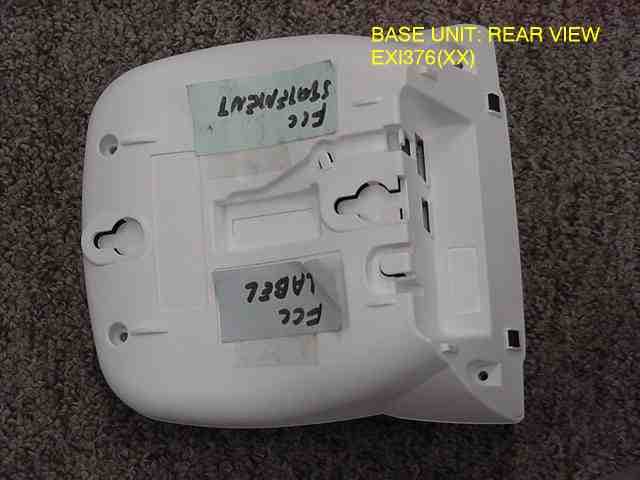
Click to zoom
Application Details
- Equipment Class
- DXX - Part 15 Low Power Communication Device Transmitter
- Date of Grant
- Jan 06, 2002
- Application Purpose
- Original Equipment
- Date of Application
- Jan 06, 2002
- Equipment Note
- Cordless Telephone System
- Frequency Range
- 925.61067700 - 927.69874500
- Company
- Uniden America Corporation
- Country
- United States
Documents & Files
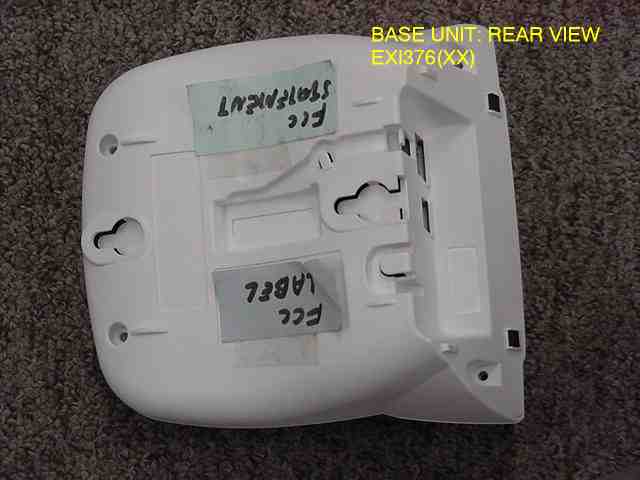
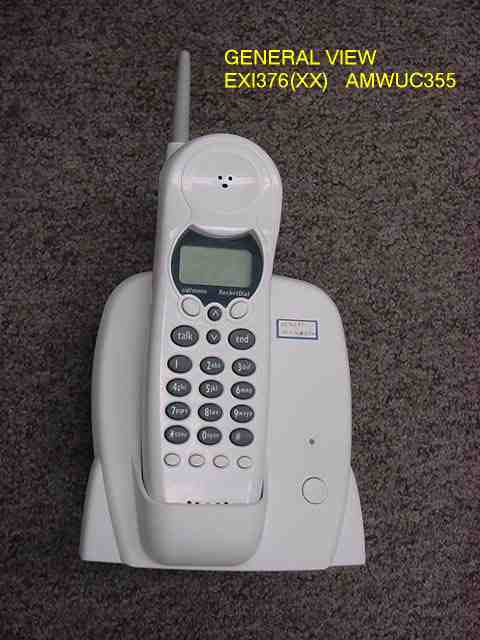
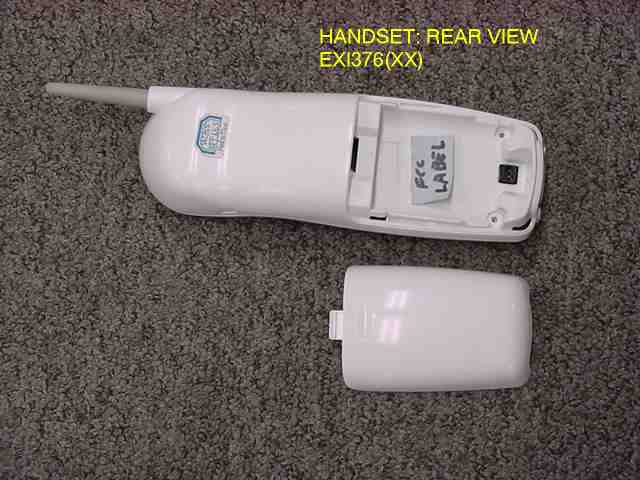
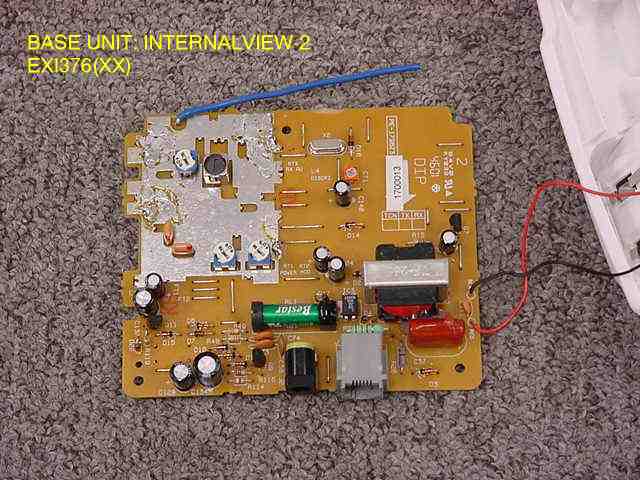
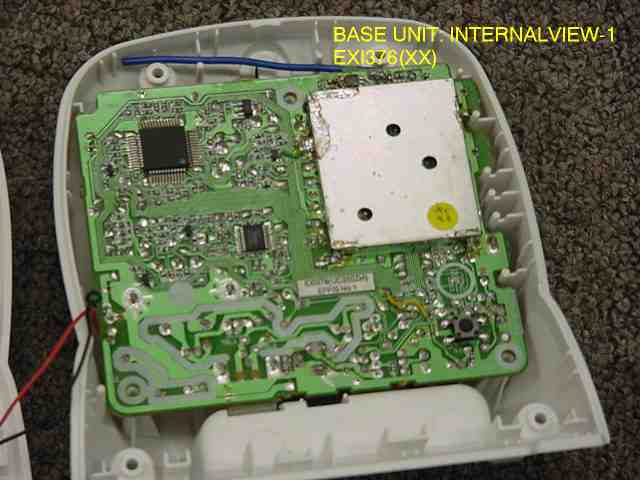
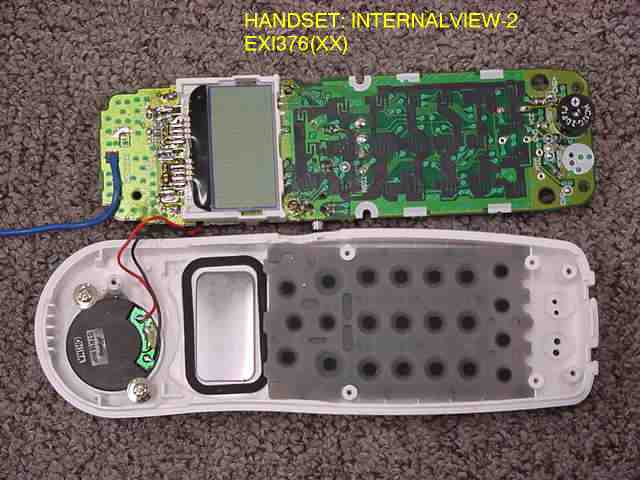
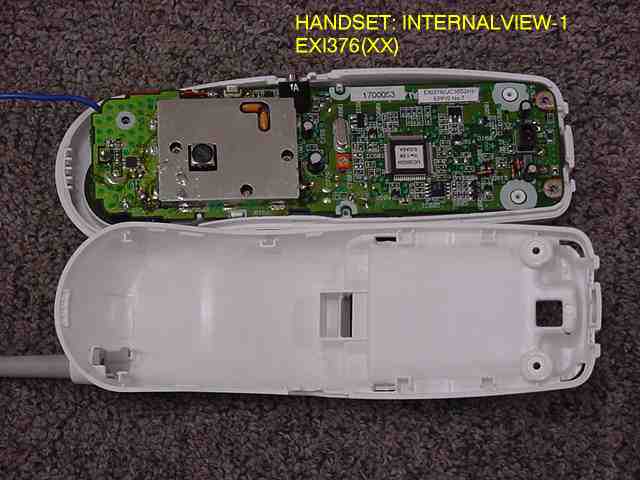
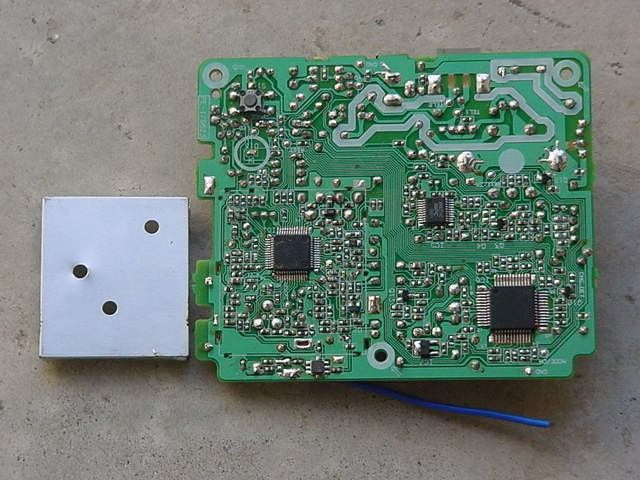
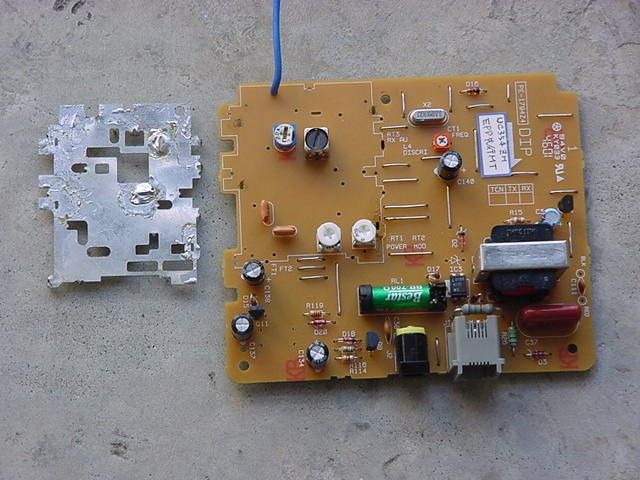
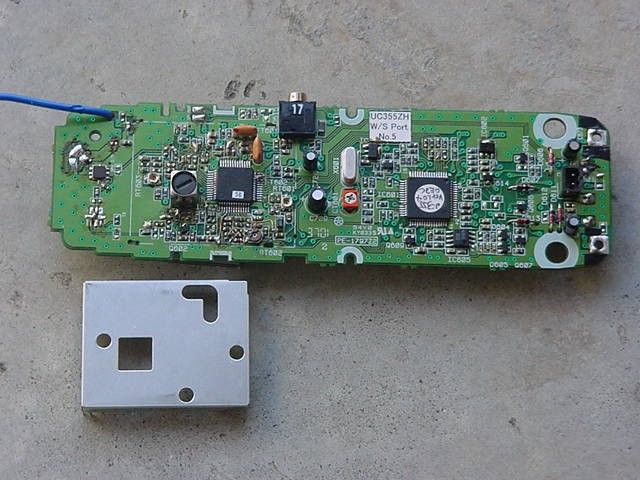
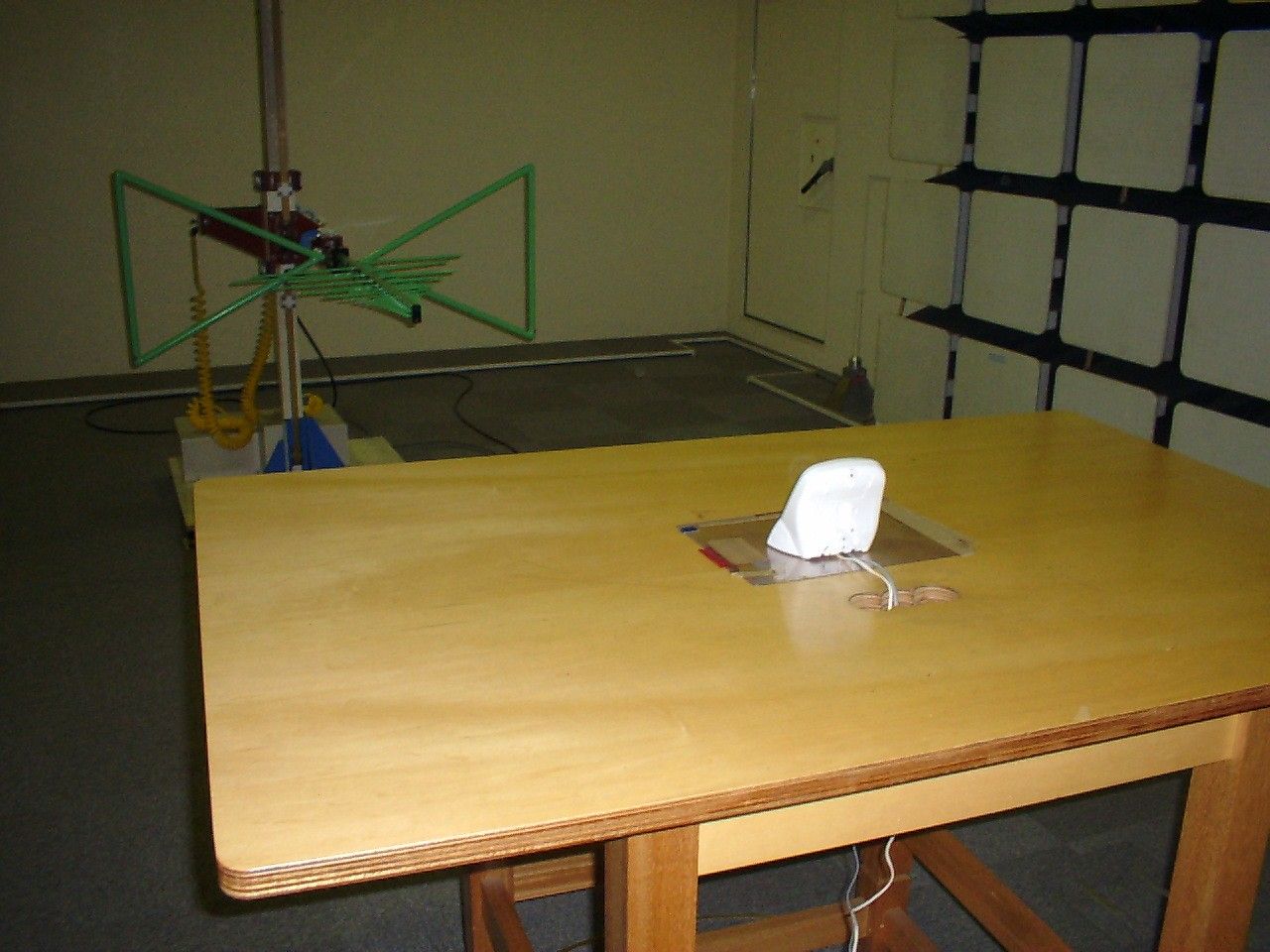
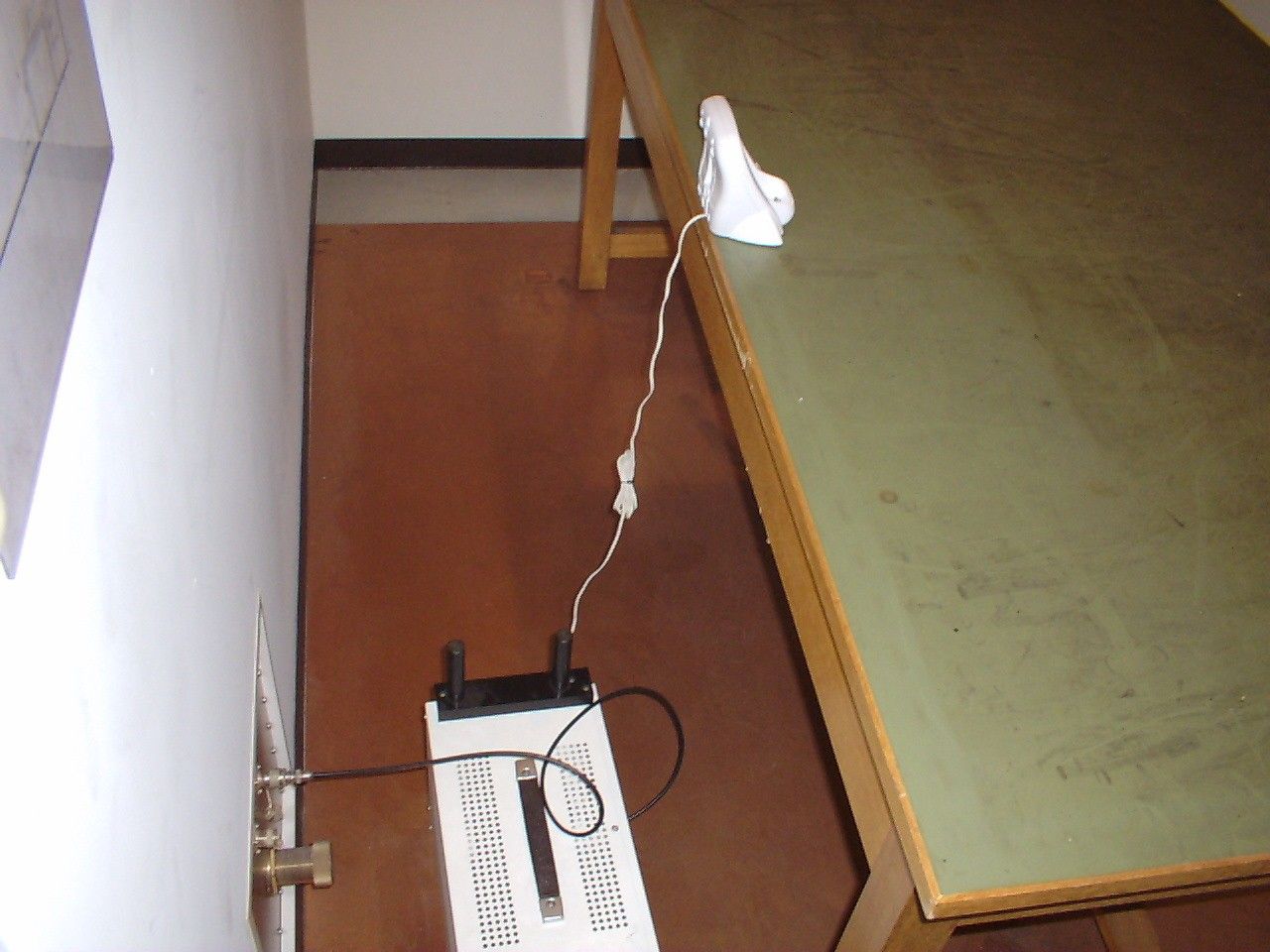
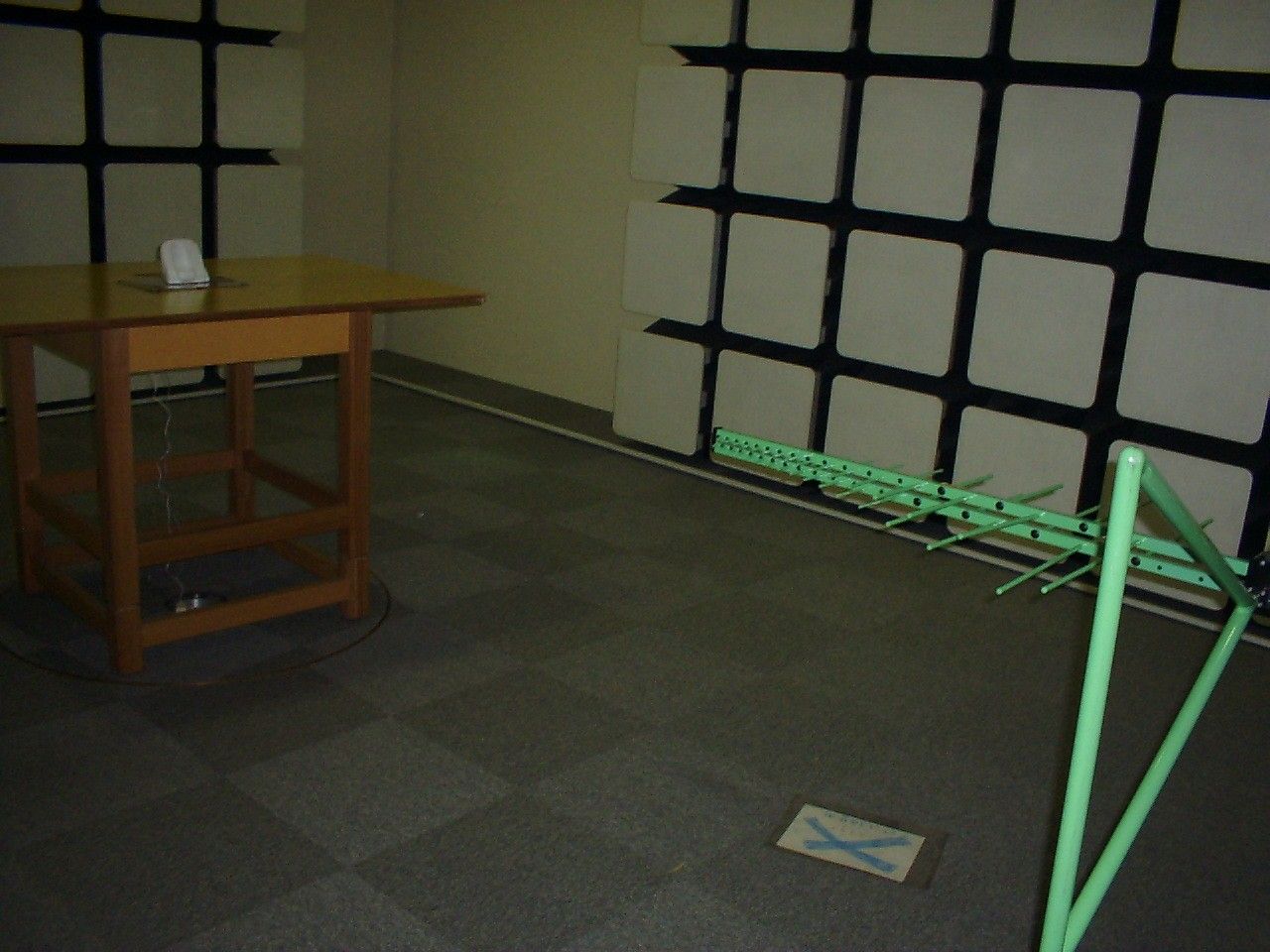
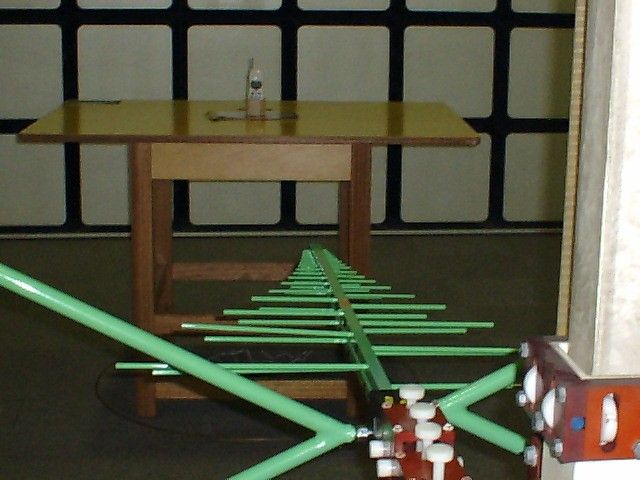
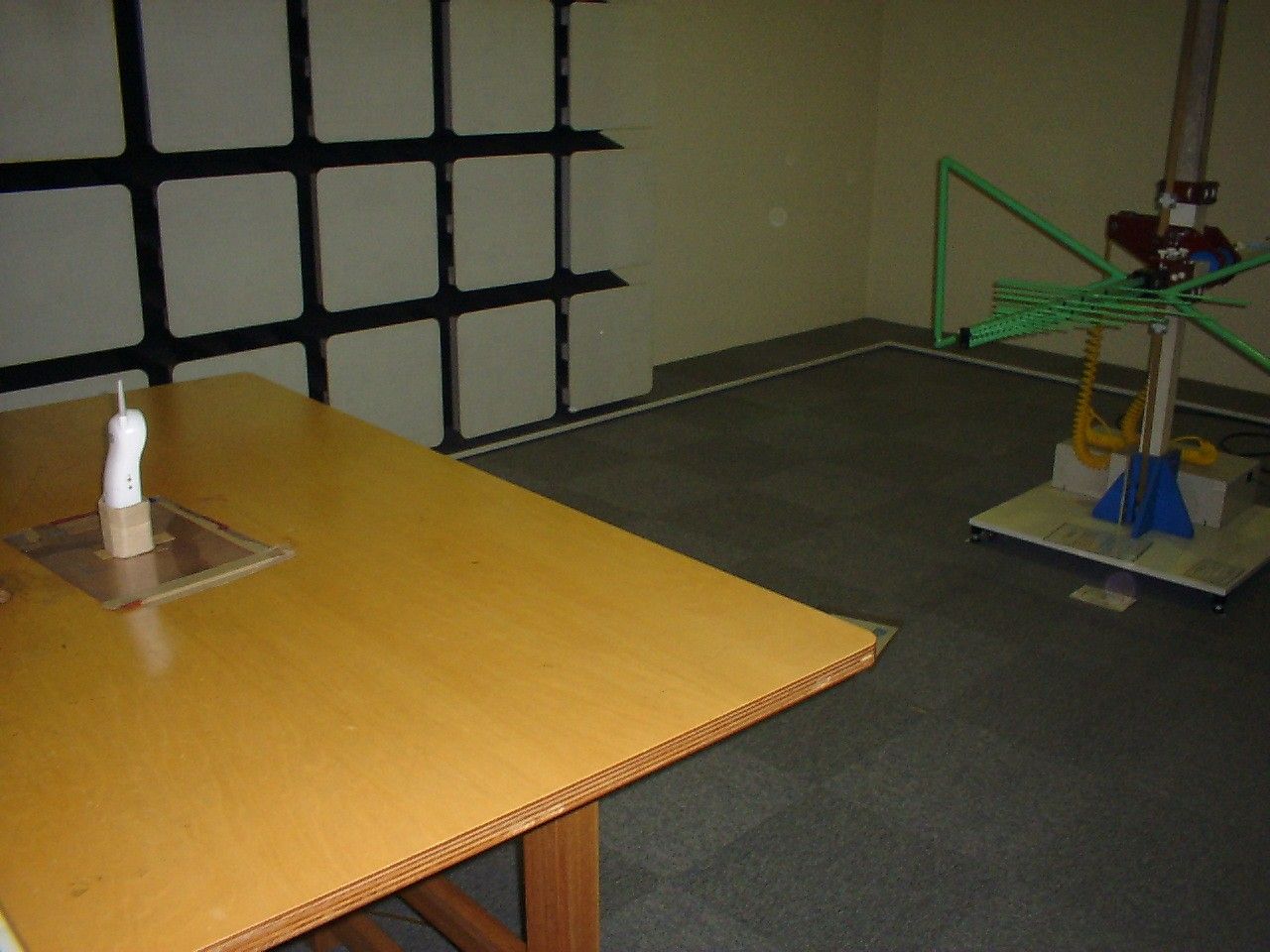
Document Text
Text extracted from the exhibit documents filed with the FCC. Open a document above to read the original.
Users Manual
EXI376 EXI376_OM 12/18/1 9:36 AM Page 1 www.uniden.com EXI376_OM 12/18/1 9:36 AM Page 2 Contents Welcome/FeaturesControls and Functions 3 Quick Reference Guide 5 Getting Started Read this First 6 Checking the Package Contents 7 Setting up the Phone 8 Mounting the Base Unit on a Wall 12 Terminology 13 Setting Menu Options 14 Basics Making and Receiving Calls 17 Terminology 18 Adjusting the Handset Ringer and Earpiece Volume 18 Redial 19 Tone Dialing Switch-over 19 Traveling Out-of-Range 19 Selecting a Different Channel 20 Page 20 Flash and Call Waiting 20 Memory Dialing Storing Phone Numbers and Names 21 Steps for Entering Names and Special Characters 23Making Calls with Memory Dialing 25 Chain Dialing 26 Editing a Stored Name and/or Phone Number 27 Erasing a Stored Name and Phone Number 29 RocketDial RocketDial 30 Storing and Editing the RocketDial 30 Making Calls with the RocketDial 30 Deleting the RocketDial 31 Caller ID Features Caller ID 32 When the Telephone Rings 32 Viewing the Caller ID Message List 33 Deleting Information from the Caller ID List 34 Using the Caller ID List 36 Additional Information Changing the Digital Security Code 38 Installing the Beltclip 38 Headset Installation 38 Note on Power Sources 39 Maintenance 39 Troubleshooting 40 General Information 42 Precautions & Warranty 43 I.C. Notice 45 Index 46 EXI376_OM 12/18/1 9:36 AM Page 1 [ 2 ] Welcome Congratulations on your purchase of the Uniden EXI376 cordless telephone. This phone isdesigned and engineered to exacting standards for reliability, long life, and outstandingperformance.Note: Some illustrations in this manual may differ from the actual unit for explanation purpose. The EXI376 features include AutoTalk TM and AutoStandby TM . AutoTalk allows you to answer a call by just removing the handset from the base so you don't have to waste time pushing buttons or flipping switches. AutoStandby allows you to hang up by simplyreturning the handset to the base.The UltraClear Plus TM true compander circuitry virtually eliminates background noise. This innovative technology, together with 20 different channels, provides you with the bestpossible reception during all your conversations.To protect you against misbilled calls which might result from your phone being activatedby other equipment, the EXI376 has Random Code TM digital security which automatically selects one of approx. 260,000 digital security codes for the handset and base. Also, theAutoSecure TM feature electronically locks your phone when the handset is in the base. RocketDial TM is a one touch speed dial key that automatically dials your most important or frequently called number. The number dialed, is a preset number stored by the user.Be sure to visit our web site: www.uniden.com Features • 900 MHz Extended Range Technology• 3 Line Backlit Display• Caller ID and Call Waiting Caller ID• RocketDial• 10 Number Memory Dialing• Face Up Charging• 32 Digit Redial• Flash and Pause • English or French Display Option• Tone/Pulse Dialing• Page/Find handset• 7 Hour Talk Time/14 Day Standby Time• Handset Earpiece and Ringer Volume Control • Hearing Aid Compatible• 20 Channel Autoscan Uniden ® is a registered trademark of Uniden America Corporation. AutoTalk, AutoStandby, UltraClear Plus, Random Code, AutoSecure, and RocketDial are trademarks ofUniden America Corporation. As E NERGY S TAR ® Partner, Uniden has determined that this product or product models meets the E NERGY S TAR ® guide lines for energy efficiency. E NERGY S TAR ® is a U.S. registered mark. EXI376_OM 12/18/1 9:36 AM Page 2 CONTROLS AND FUNCTIONS [ 3 ] Controls and Functions 1234 56789 101112 2019181716151413 1. Handset antenna 2. Beltclip holes 3. Optional headset jack 4. Handset battery compartment 5. Handset earpiece 6. LCD display 7. Caller ID/menu key 8. Talk flash key 9. * /tone/left cursor ( ) key 10. Redial/pause (p) key11. Select key12. Handset microphone and ringer speaker 13. Volume up ( ) key14. RocketDial key15. End key16. Volume down ( ) key17. #/right cursor ( ) key18. Memory (mem) key19. Delete/channel (ch) key20. Handset charging contacts EXI376_OM 12/18/1 9:36 AM Page 3 CONTROLS AND FUNCTIONS [ 4 ] 212223 24 25 21. Status LED22. Find handset key23. Base charging contacts24. Telephone line jack25. DC power input EXI376_OM 12/18/1 9:36 AM Page 4 Step 1 Charging the Battery TO INSTALL THE HANDSET BATTERY CONNECT TO A PHONE LINE When the handset battery pack is fully charged, plug thetelephone cord into the base unit and then into a telephonewall jack. Your phone is set for tone dialing. If your local networkrequires pulse dialing, please see “Choose the dialing mode” onpage 15. 1 Remove the cover. TO CHANGE CALLER ID OPTIONS 1 Press cid/menu . 2 Press or to move the pointer to an option. 3 Press select to change the option setting. 4 Press end and return the handset to the base. TO CHOOSE THE LANGUAGE 1 Press cid/menu . 2 Press or to move the pointer to Language . 3 Press select to select Eng (English) or Fr. (French). 4 Press end and return the handset to the base. 1 Plug AC adapter cord into the base unit and then intoa 120V AC outlet. 2 Place the handset on the base. 2 Connect the battery packconnector with the correct polarity. 3 Replace the cover. TO PLUG INTO AC POWER Note: You must charge the battery continuously for15 - 20 hours before using the phone. Note: Three Caller ID options are available: AutoTalk, Caller ID on Call Waiting (CIDCW), and Area Code. QUICK REFERENCE GUIDE QUICK REFERENCE GUIDE [ 5 ] Step 2 Connecting Step 3 Setting Up the Caller ID/Language EXI376_OM 12/18/1 9:36 AM Page 5 GETTING STARTED [ 6 ] Read this First This cordless telephone must be set up before use. Follow these steps: About the digital security code This cordless telephone uses adigital security code to preventunauthorized access to your baseunit. This security code preventsother cordless handset from making calls through your baseunit.A random security code will beassigned automatically betwe…
Text truncated - open the document above for the full version.
Contact Information
Applicant
Paul Roby
Test Firm
Uniden CorporationKeizo Fujiwara
81-3-5543-2875
Technical Specifications
| # | Rule Parts | Frequency Range | Power Output |
|---|---|---|---|
| 2 | 15C | 925.610677 MHz - 927.698745 MHz | - |
Other Applications from Uniden America Corporation
AMWUA2405
Apr 15, 2026RADAR DETECTOR
Equipment Class
JBP - Part 15 Class B Computing Device PeripheralAMWUA2406
Apr 15, 2026RADAR DETECTOR
Equipment Class
JBP - Part 15 Class B Computing Device PeripheralAMWUA2402
Jul 23, 2024RADAR DETECTOR
Equipment Class
CRD - Part 15 Radar Detector
AMWUA2404
Feb 17, 2024Wi-Fi Bluetooth Combo Module
Equipment Class
DTS - Digital Transmission System
AMWUA2301
Feb 15, 2023RADAR DETECTOR
Equipment Class
CRD - Part 15 Radar Detector