AMWUC360Cordless Telephone System - Base
Uniden America Corporation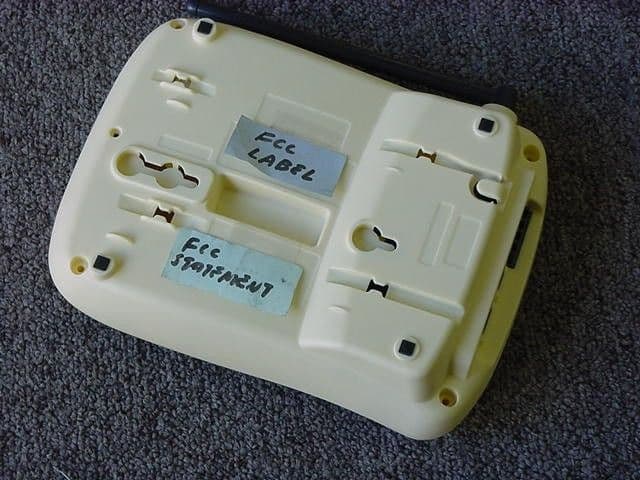
Click to zoom
Application Details
- Equipment Class
- DXX - Part 15 Low Power Communication Device Transmitter
- Date of Grant
- Jan 30, 2002
- Application Purpose
- Original Equipment
- Date of Application
- Jan 30, 2002
- Equipment Note
- Cordless Telephone System - Base
- Frequency Range
- 2428.44359200 - 2434.11102100
- Company
- Uniden America Corporation
- Country
- United States
Documents & Files
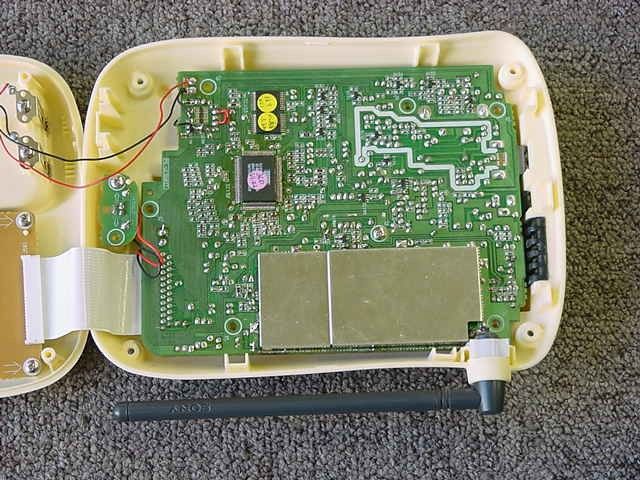
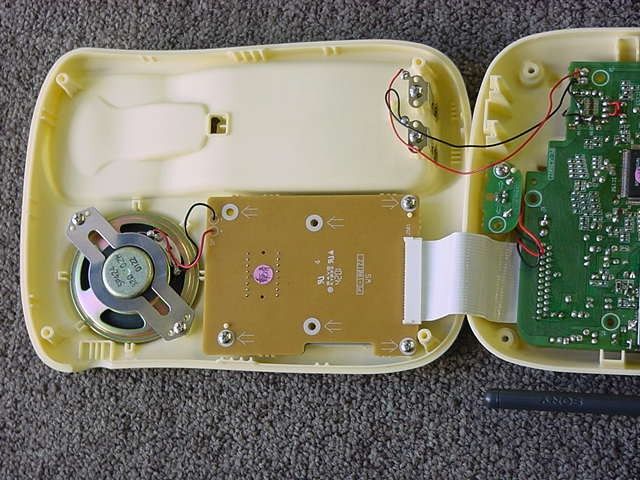
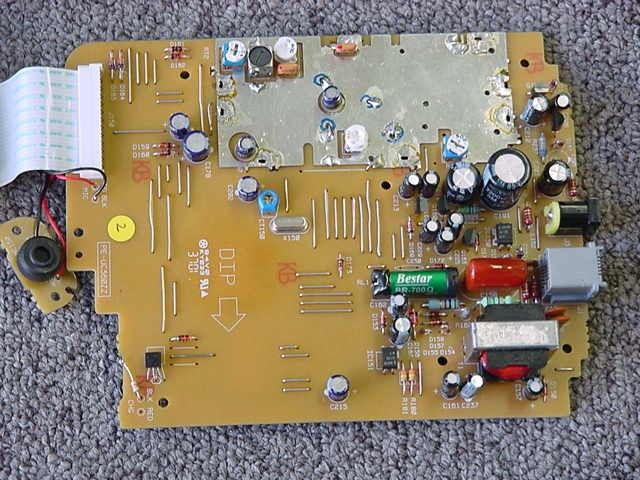
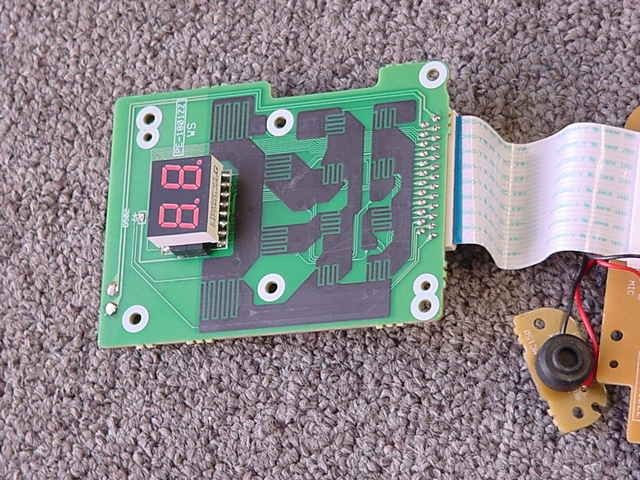
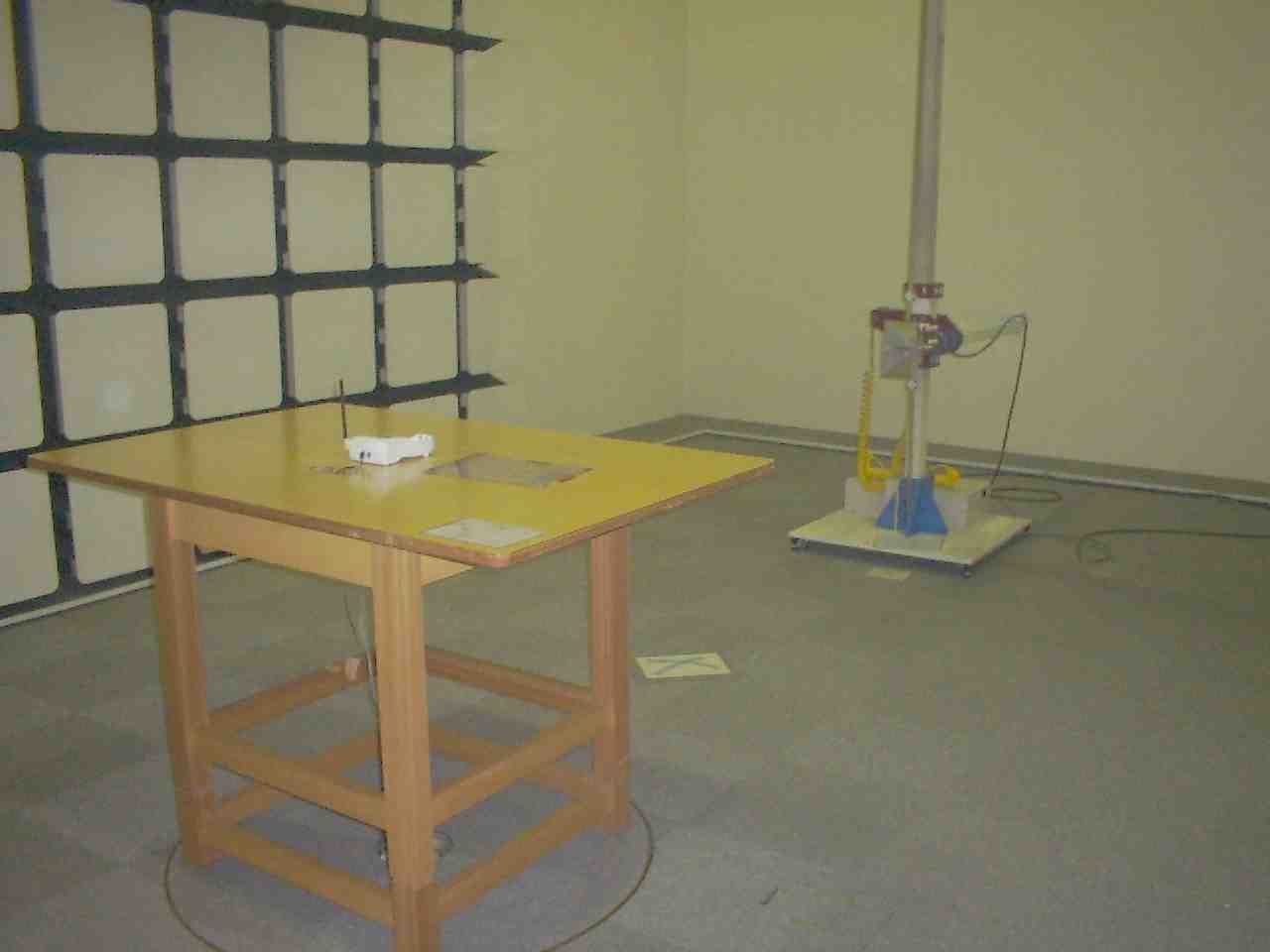
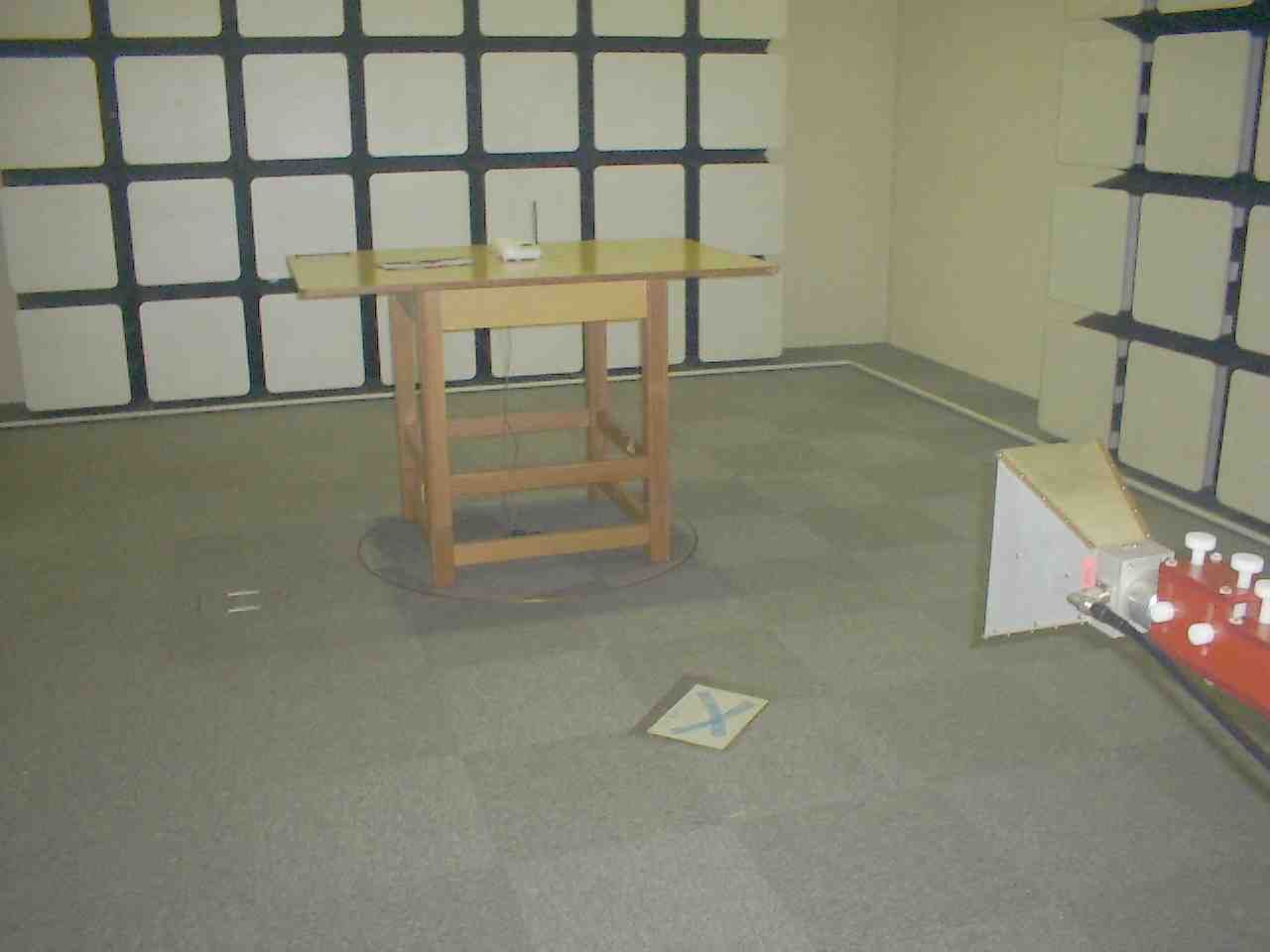
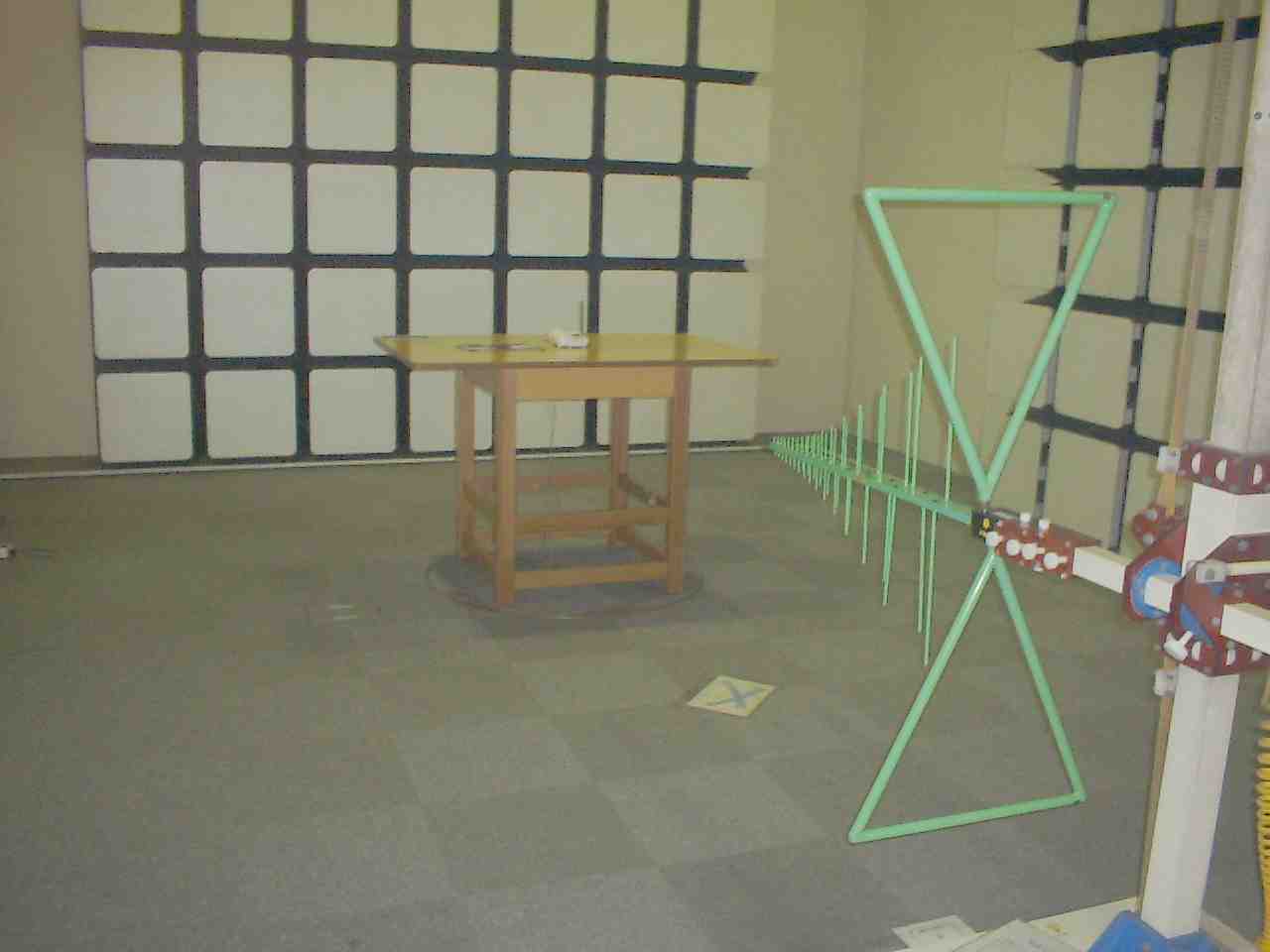
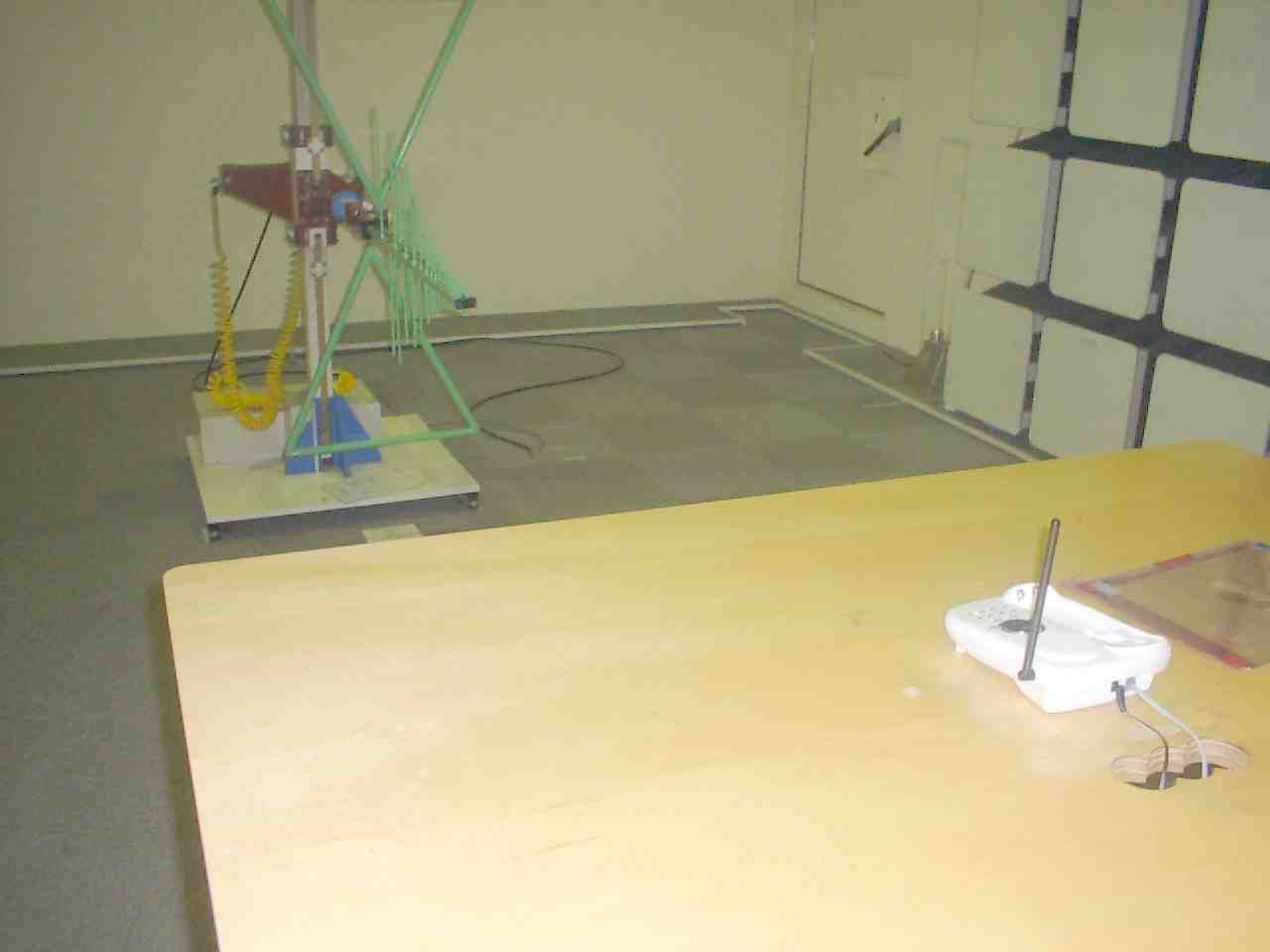
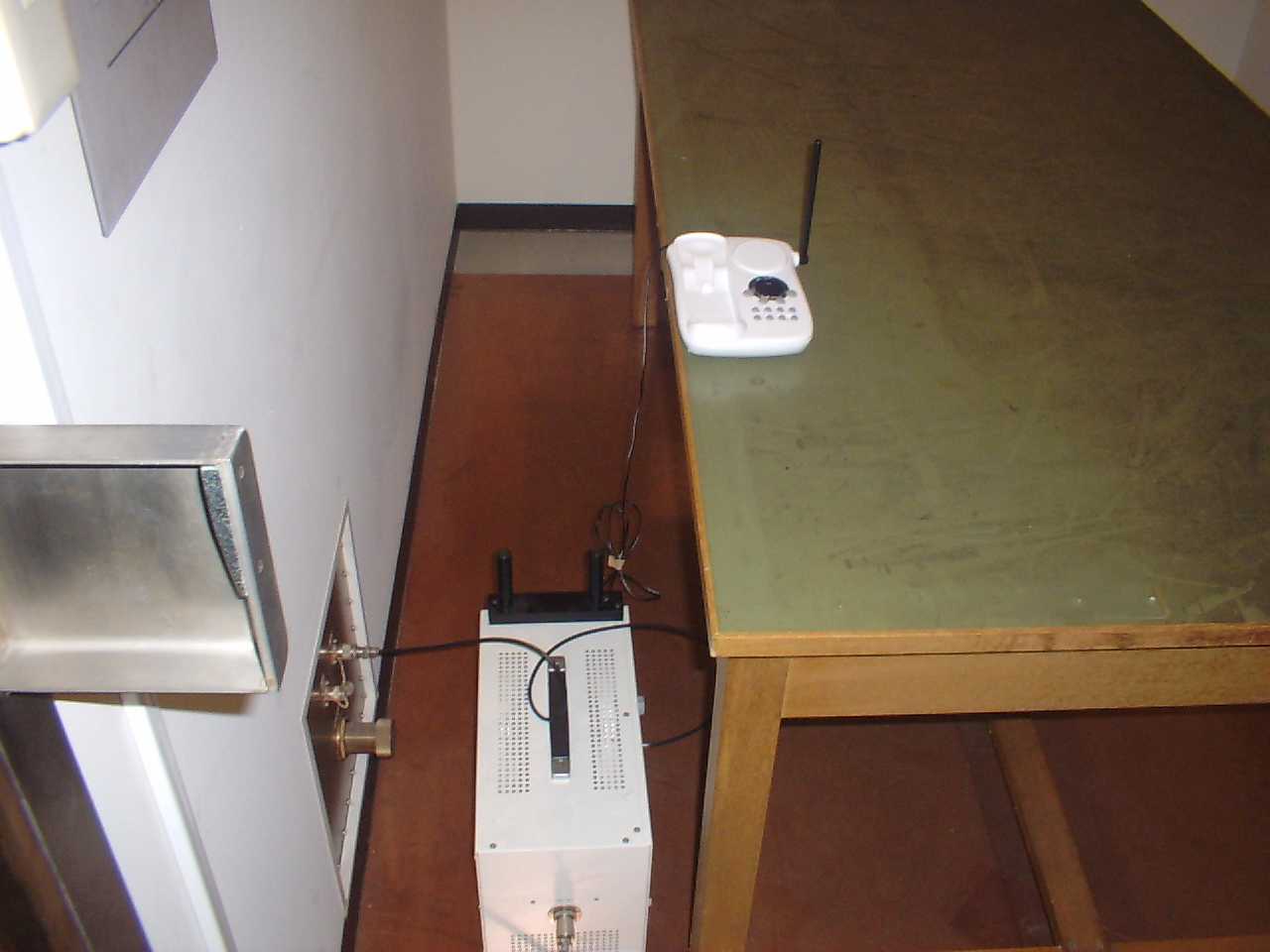
Document Text
Text extracted from the exhibit documents filed with the FCC. Open a document above to read the original.
Users Manual
EXAI2248 EXAI2248 12/26/1 2:33 PM Page i www.uniden.com EXAI2248 12/26/1 2:33 PM Page ii Contents Welcome/FeaturesQuick Reference Guide 4 Controls and Functions 5 Getting Started Read this First 7 Checking the Package Contents 8 Setting up the Phone 9 Mounting the Base Unit on a Wall 13 Terminology 14 Setting Menu Options 15 Basics Making and Receiving Calls 18 Adjusting the Handset Ringer and Earpiece Volume 19 Redial 20 Tone Dialing Switch-over 20 Traveling Out-of-Range 20 Selecting a Different Channel 21 Page 21 Flash and Call Waiting 21 Memory Dialing Storing Phone Numbers and Names 22 Steps for Entering Names and Special Characters 24 Making Calls with Memory Dialing 26 Chain Dialing 27 Editing a Stored Name and/or Phone Number 28Erasing a Stored Name and Phone Number 30 RocketDial RocketDial 31 Storing and Editing the RocketDial 31 Making Calls with the RocketDial 31 Deleting the RocketDial 32 Caller ID Features Caller ID 33 When the Telephone Rings 33 Viewing the Caller ID Message List 34 Deleting Information from the Caller ID List 35Using the Caller ID List 36 The Integrated Answering Device The Integrated Answering Device 38 Features 38 Turning the Answering System On/Off 39 Setting Up Your Answering System 39 Using Your Answering System 47 Additional Information Changing the Digital Security Code 53 Installing the Beltclip 53 Headset Installation 53 Note on Power Sources 54 Maintenance 54 Troubleshooting 55 General Information 58 Precautions & Warranty 59 I.C. Notice 61 Index 62 Remote Operation Card EXAI2248 12/26/1 2:33 PM Page 1 [ 2 ] Welcome Congratulations on your purchase of the Uniden EXAI2248 series cordless telephone andanswering system. This phone is designed and engineered to exacting standards forreliability, long life, and outstanding performance.Note: Some illustrations in this manual may differ from the actual unit for explanation purpose. Features • 2.4 GHz Extended Range Technology • 16 Digit, 3-line Backlit Display • Integrated Telephone Answering Device (ITAD) • Voice Prompted Guidance through ITAD Setup Menu • 10 Number Memory Dialing • RocketDial • Caller ID and Call Waiting Caller ID • 30 Number Caller ID Memory • 32 Digit Redial • Flash and Pause • Pulse/Tone Dialing • Page/Find Handset • 7 Hour Talk Time/14 Day Standby Time • Handset Earpiece and Ringer Volume Control • Hearing Aid Compatible • 20 Channel Autoscan • English or French Display Option As E NERGY S TAR ® Partner, Uniden has determined that this product or product models meets the E NERGY S TAR ® guide lines for energy efficiency. E NERGY S TAR ® is a U.S. registered mark. EXAI2248 12/26/1 2:33 PM Page 2 [ 3 ] The EXAI2248 series features include AutoTalk TM and AutoStandby TM . AutoTalk allows you to answer a call by just removing the handset from the base so you don't have to waste time pushing buttons orflipping switches. AutoStandby allows you to hang up by simply returning the handset to the base.The UltraClear Plus TM true compander circuitry virtually eliminates background noise. This innovative technology, together with 20 different channels, provides you with the best possible reception duringall your conversations.To protect you against misbilled calls which might result from your phone being activated by otherequipment, the EXAI2248 series has Random Code TM digital security which automatically selects one of over 262,000 digital security codes for the handset and base. Also, the AutoSecure TM feature electronically locks your phone when the handset is in the base. RocketDial TM is a one touch speed dial key that automatically dials your most important or frequently called number. The number dialed, is a preset number stored by the user. Be sure to visit our web site: www.uniden.comUniden ® is a registered trademark of Uniden America Corporation. AutoTalk, AutoStandby, UltraClear Plus, Random Code, AutoSecure, and RocketDial are trademarks of Uniden America Corporation. EXAI2248 12/26/1 2:33 PM Page 3 [ 4 ] QUICK REFERENCE GUIDE QUICK REFERENCE GUIDE Step 1 Charging the Battery TO INSTALL THE HANDSET BATTERY Step 2 Connecting Step 3 Setting Up the Caller ID/Language Step 4 Setting Up the Answering System CONNECT TO A PHONE LINEWhen the handset battery pack is fully charged,after 15-20 hours of charging, plug thetelephone cord into the base unit and then intoa telephone wall jack. Your phone is set for tone dialing. If your localnetwork requires pulse dialing, please see“ Choose the dial mode ” on page 17. 1 Remove the cover. TO CHANGE CALLER ID OPTIONS 1 Press call id/menu . 2 Press or to move the pointer toan option. 3 Press select to change the option setting. TURN THE ANSWERING SYSTEM ON TO RECORD A PERSONAL GREETING 1 Press and holdgreeting until you hear “ Record greeting ” and a confirmationtone. 2 Record your personal greeting. (Positionyourself as near to the base as possibleand speak clearly.) 3 When finished press greeting again or play/stop . 4 Press end and return the handset to the base. TO CHOOSE THE LANGUAGE 1 Press call id/menu . 2 Press or to move the pointer toLanguage . 3 Press select to select Eng (English) or Fr. (French). 4 Press end and return the handset to the base. 1 Plug AC adapter cord into the base unitand then into a 120V AC outlet. 2 Place the handset on the base. 2 Connect thebattery packconnector with thecorrect polarity. 3 Replace the cover. TO PLUG INTO AC POWER Note: You must charge the battery continuouslyfor 15 - 20 hours before using the phone. Note: Three Caller ID options are available: AutoTalk, Caller ID on Call Waiting (CIDCW),and Area Code. Press ans on/off . A pre-recorded greetingwill play and yoursystem is ready toaccept calls. set/ringer menu ans on/off find hs volume greeting memo skip/ff repeat/rew delete play/ stop status set/ringer menu ans on/off find hs volume greeting memo skip/ff repeat/rew delete play/ stop status EXAI2248 12/26/1 2:33 PM Page 4 [ 5 ] CONTROLS AND FUNCTIONS Controls and Functions 23 4 1 57689 11 2016151413 …
Text truncated - open the document above for the full version.
Cover Letter(s)
C:\windows\TEMP\probonholdemail.doc TIMCO TIMCOTIMCO TIMCO ENGINEERING INC. 849 NW State Road 45 Newberry, Florida 32669 http://www.timcoengr.com 888.472.2424 F 352.472.2030 email: tei@t imcoengr.com 31 January 2002 FCC SUBJECT: UNIDEN AMERICA CORPORATION FCC ID: AMWUC360 MODEL: To Whom It May Concern: Originally this application was prepared for submittal with the test report combined for both the handset & the base unit, before they knew that EUT’s on separate bands had to be separate FCC Identifiers. Sincerely, Sid Sanders
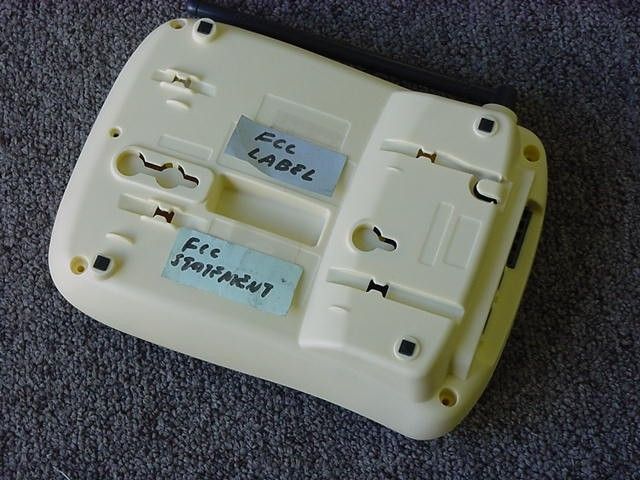
External Photos
status volume greeting find hs memomenuset/ringer ans on/off mic repeat/rew skip/ff play/stop delete 88 2.4GHz redial/pselect flash delete/chmemory vol call id/menu 7 pqrs 4 ghi 1 8 tuv 5 jkl 2 opertone 0 abc 9 wxyz 6 mno def 3 # talk end exai2248 CONFIDENTIAL 11.06.01 RocketDial
Contact Information
Applicant
Paul Roby
Test Firm
Uniden CorporationKeizo Fujiwara
81-3-5543-2875
Technical Specifications
| # | Rule Parts | Frequency Range | Power Output |
|---|---|---|---|
| 1 | 15C | 2.43 GHz - 2.43 GHz | - |
Other Applications from Uniden America Corporation
AMWUA2405
Apr 15, 2026RADAR DETECTOR
Equipment Class
JBP - Part 15 Class B Computing Device PeripheralAMWUA2406
Apr 15, 2026RADAR DETECTOR
Equipment Class
JBP - Part 15 Class B Computing Device PeripheralAMWUA2402
Jul 23, 2024RADAR DETECTOR
Equipment Class
CRD - Part 15 Radar Detector
AMWUA2404
Feb 17, 2024Wi-Fi Bluetooth Combo Module
Equipment Class
DTS - Digital Transmission System
AMWUA2301
Feb 15, 2023RADAR DETECTOR
Equipment Class
CRD - Part 15 Radar Detector