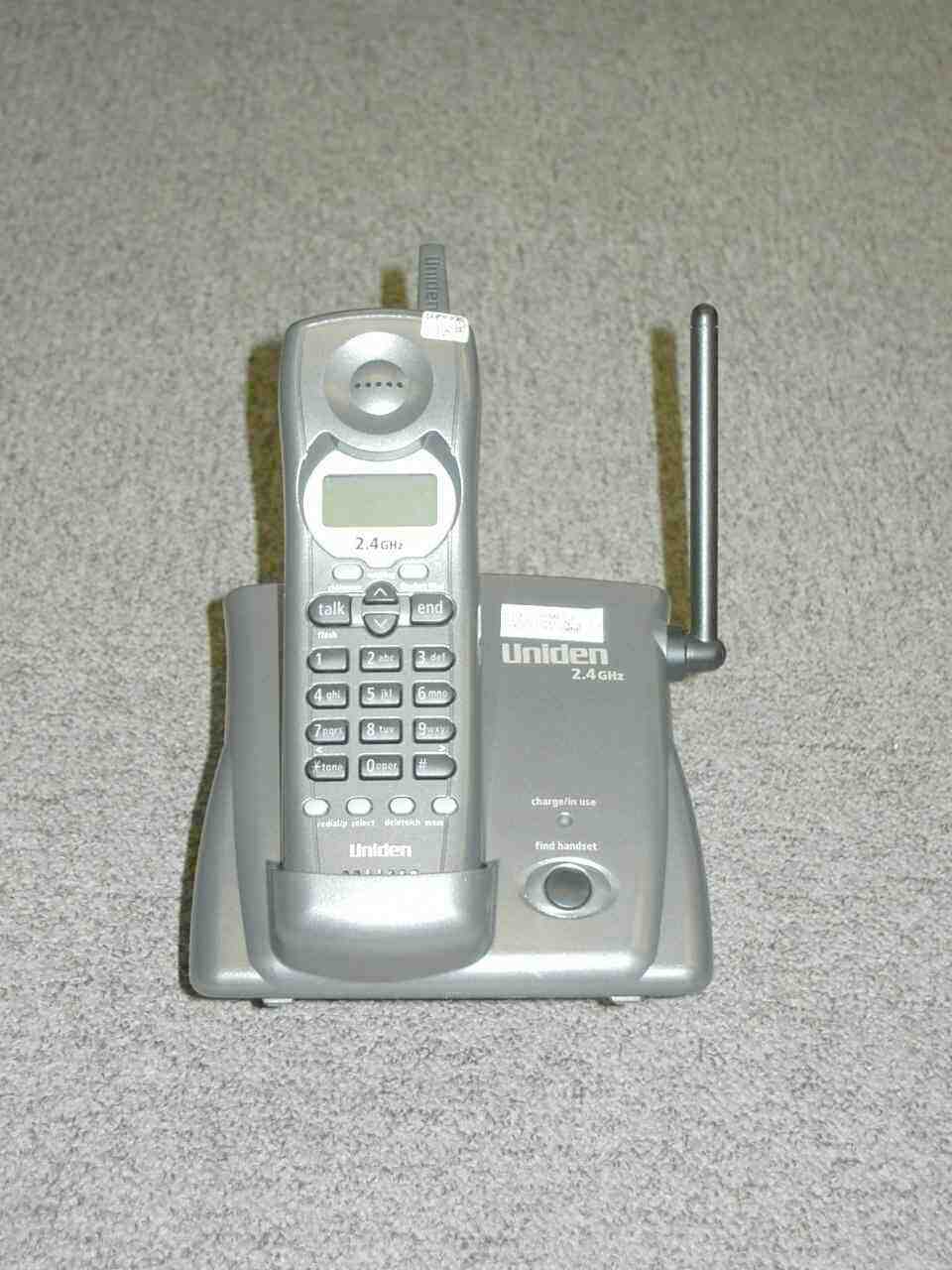
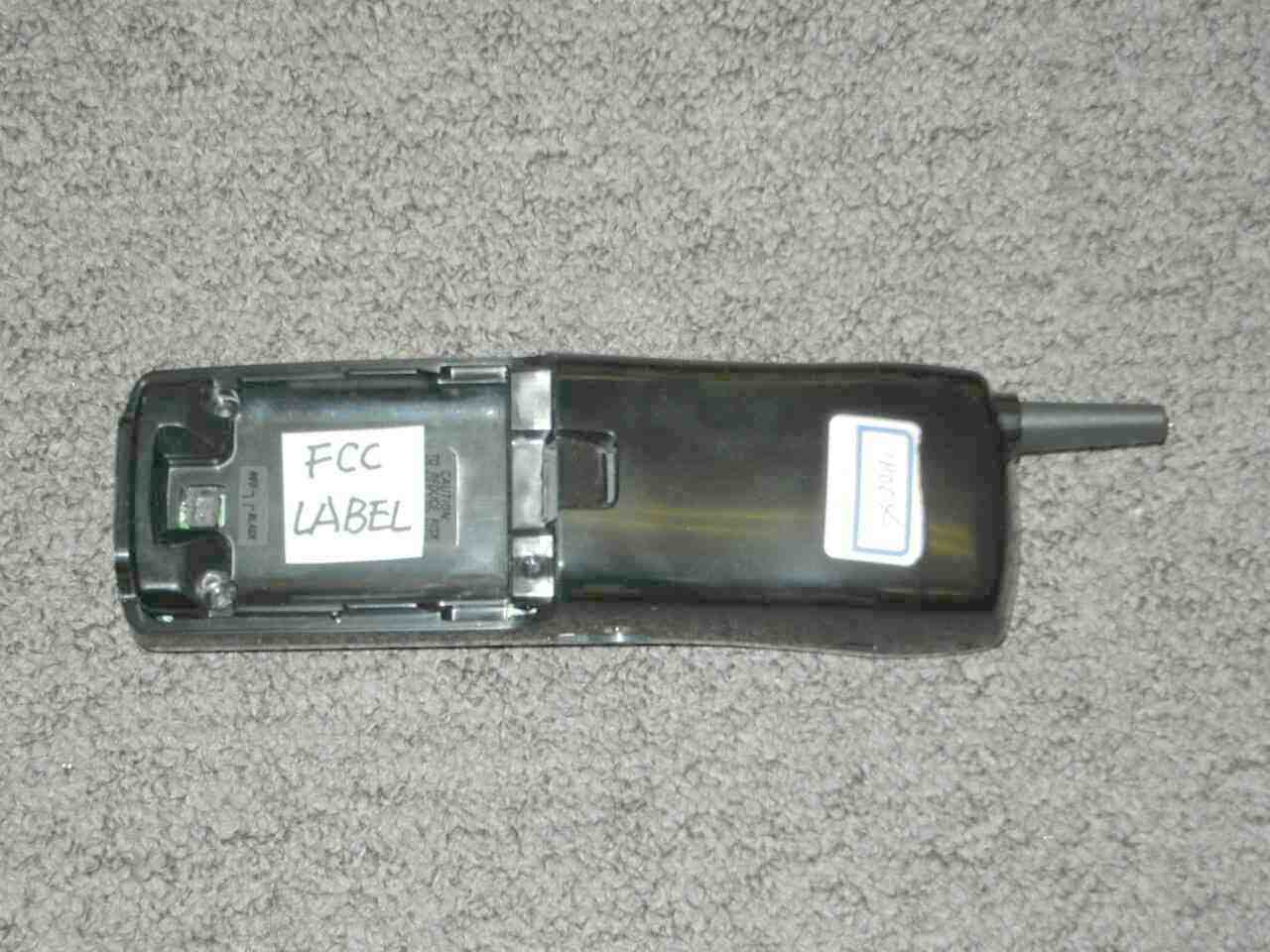
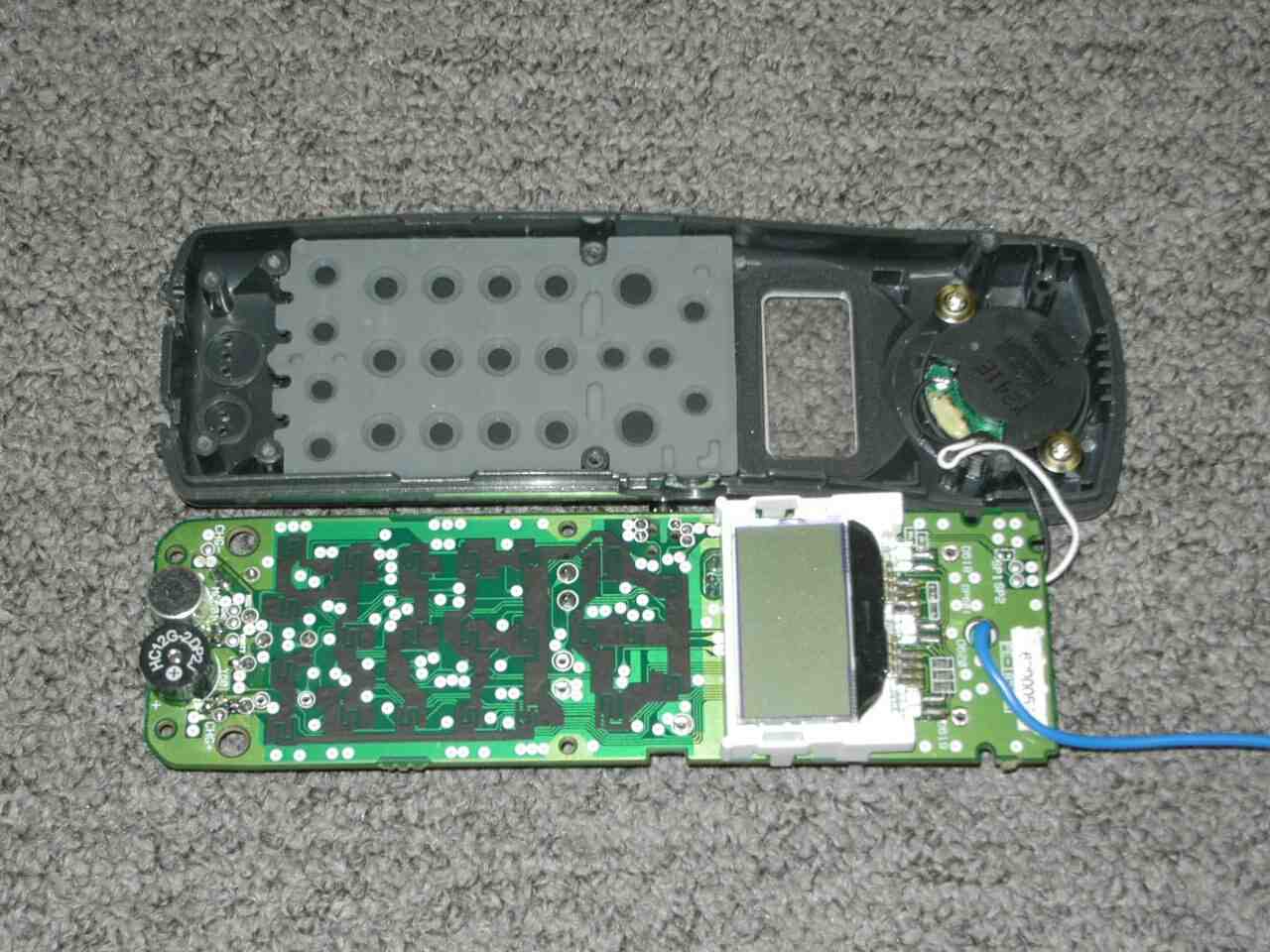
AMWUP009RCordless Telephone System
Uniden America Corporation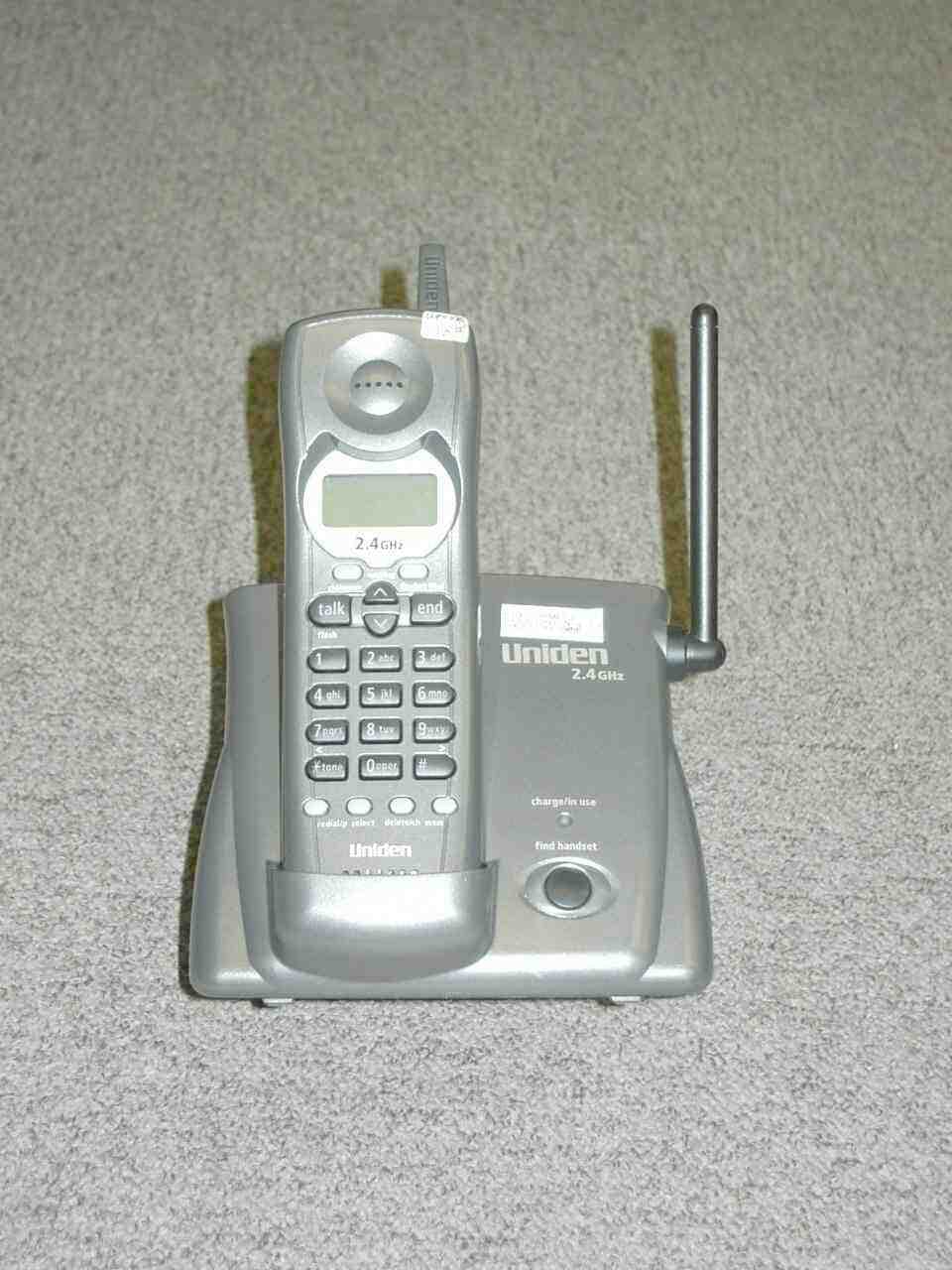
Click to zoom
Application Details
- Equipment Class
- DXX - Part 15 Low Power Communication Device Transmitter
- Date of Grant
- Feb 17, 2003
- Application Purpose
- Original Equipment
- Date of Application
- Feb 17, 2003
- Equipment Note
- Cordless Telephone System
- Frequency Range
- 924.70000000 - 926.80000000
- Company
- Uniden America Corporation
- Country
- United States
Documents & Files
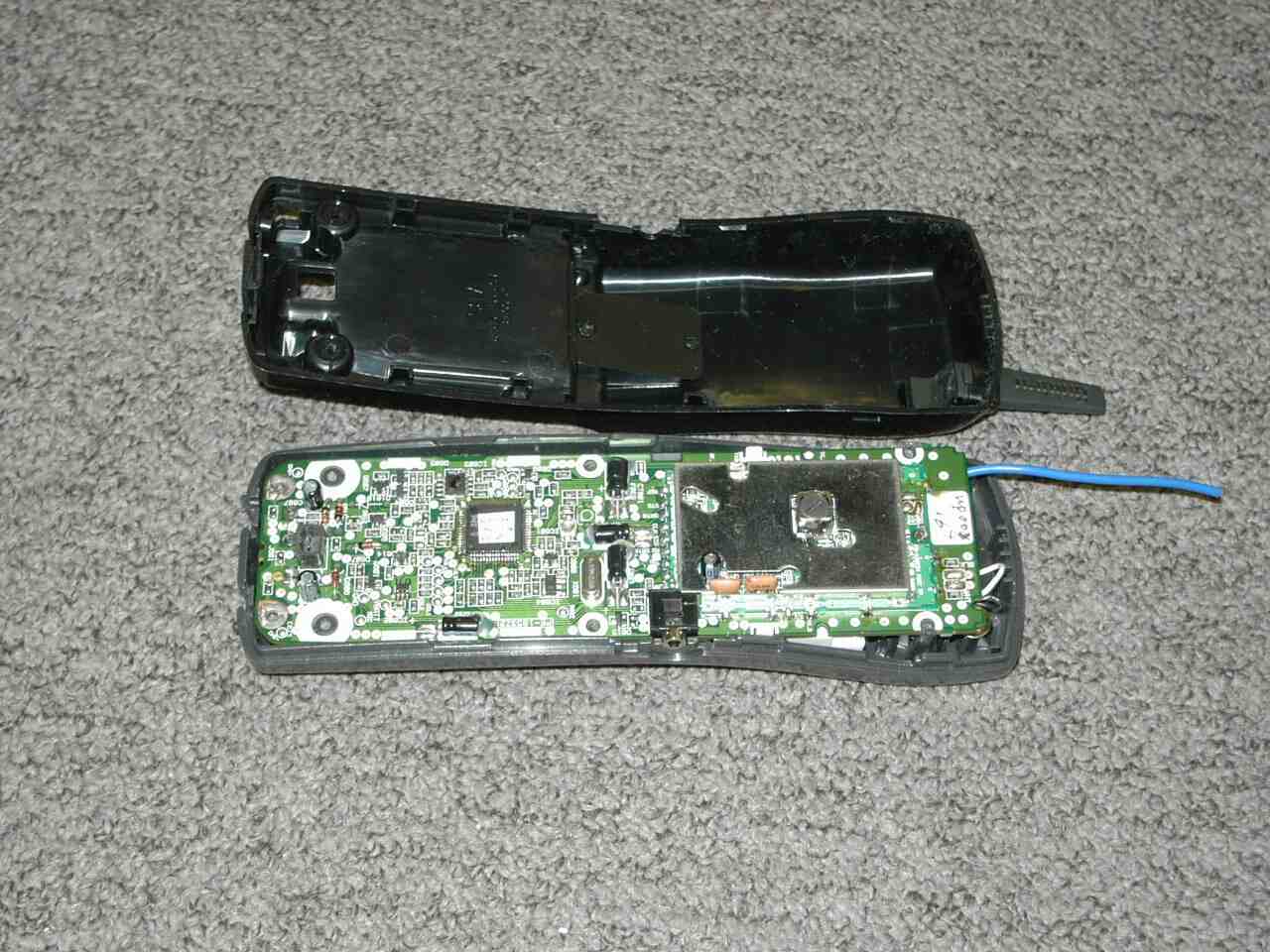
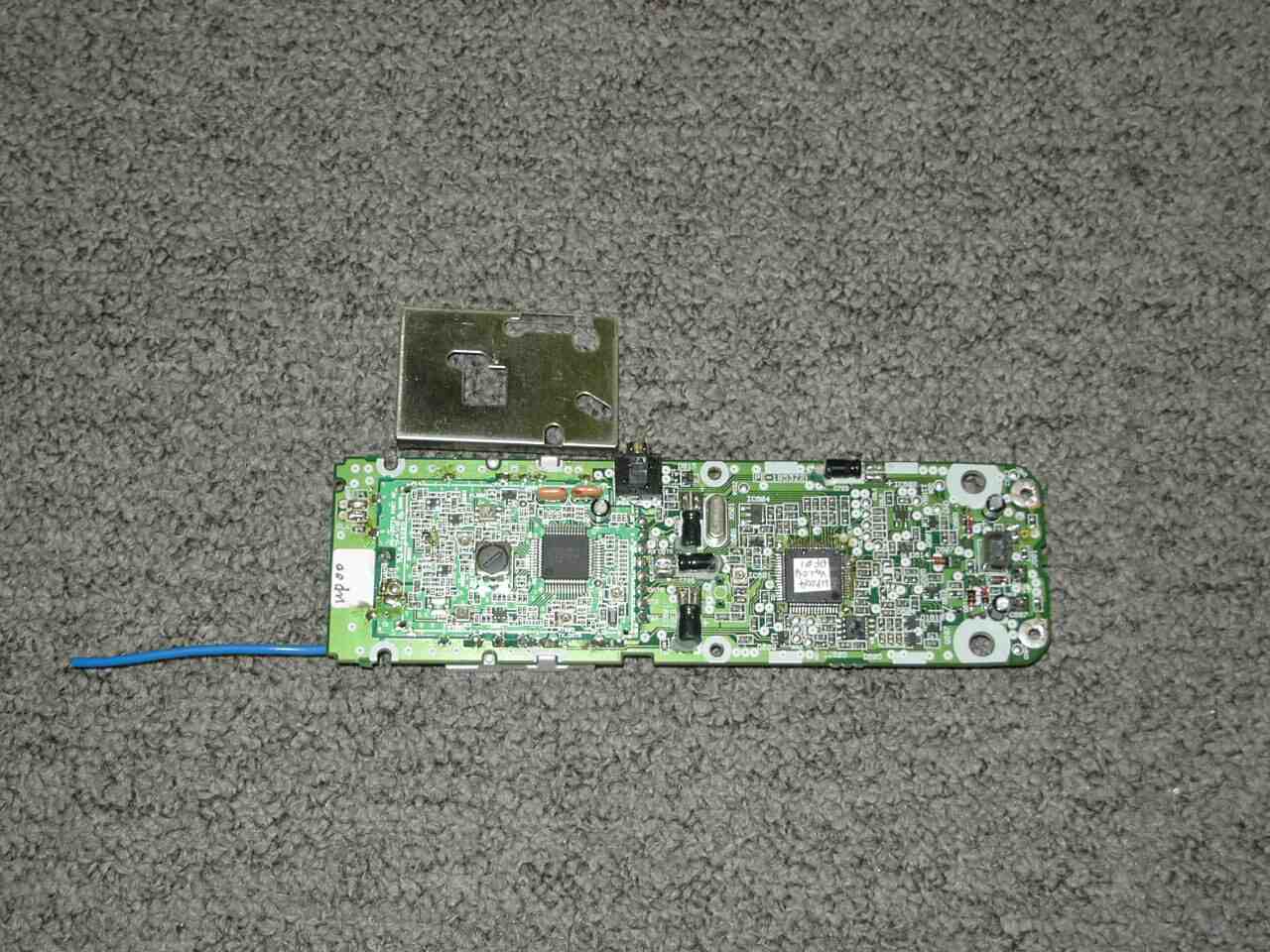
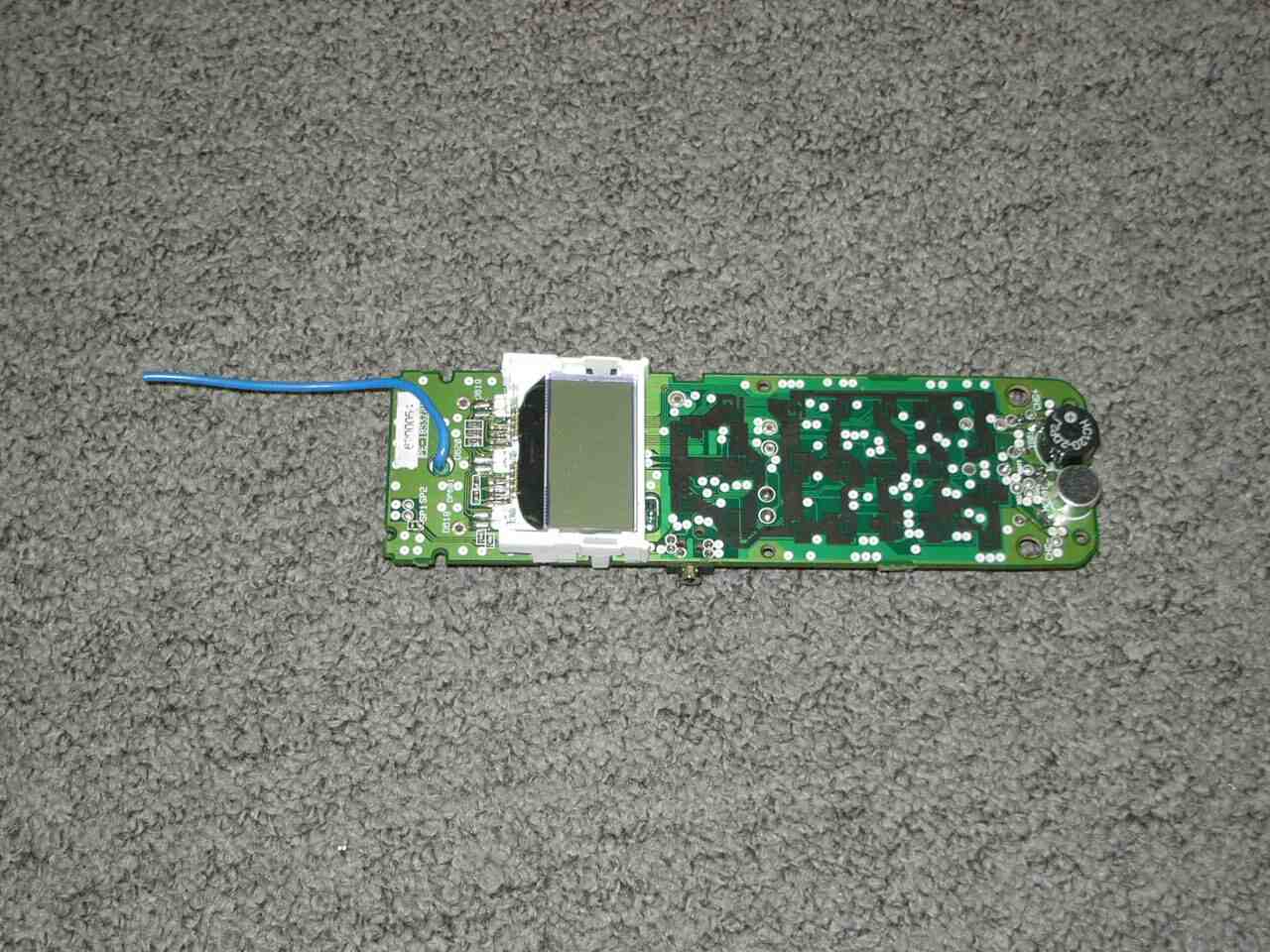
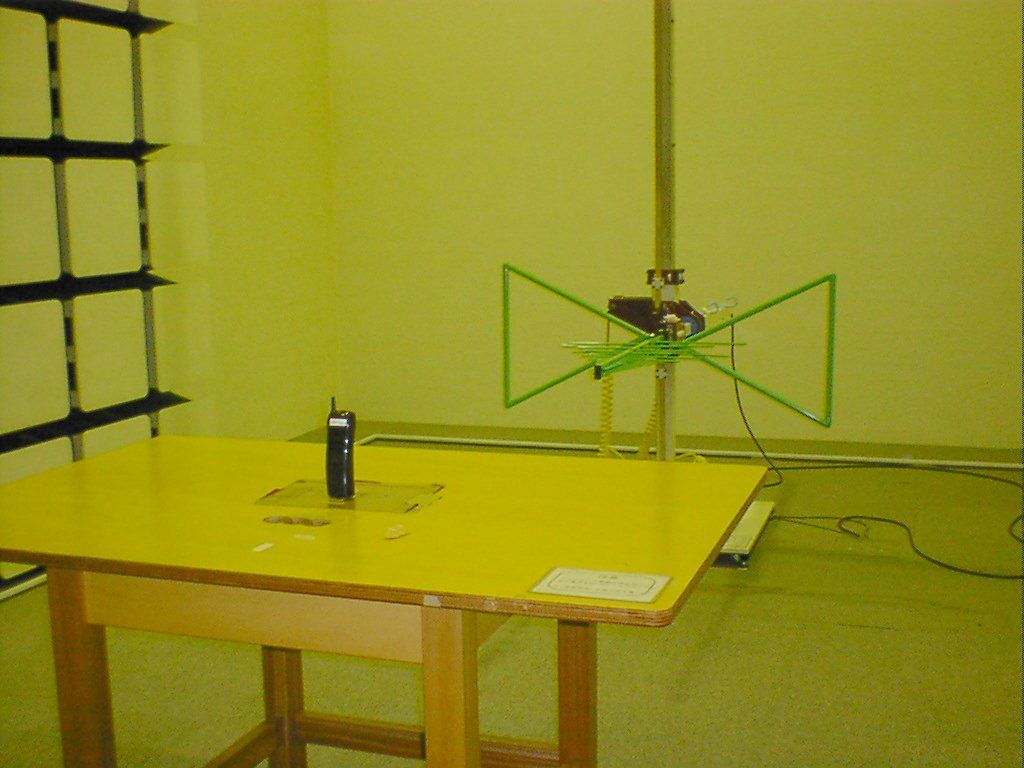
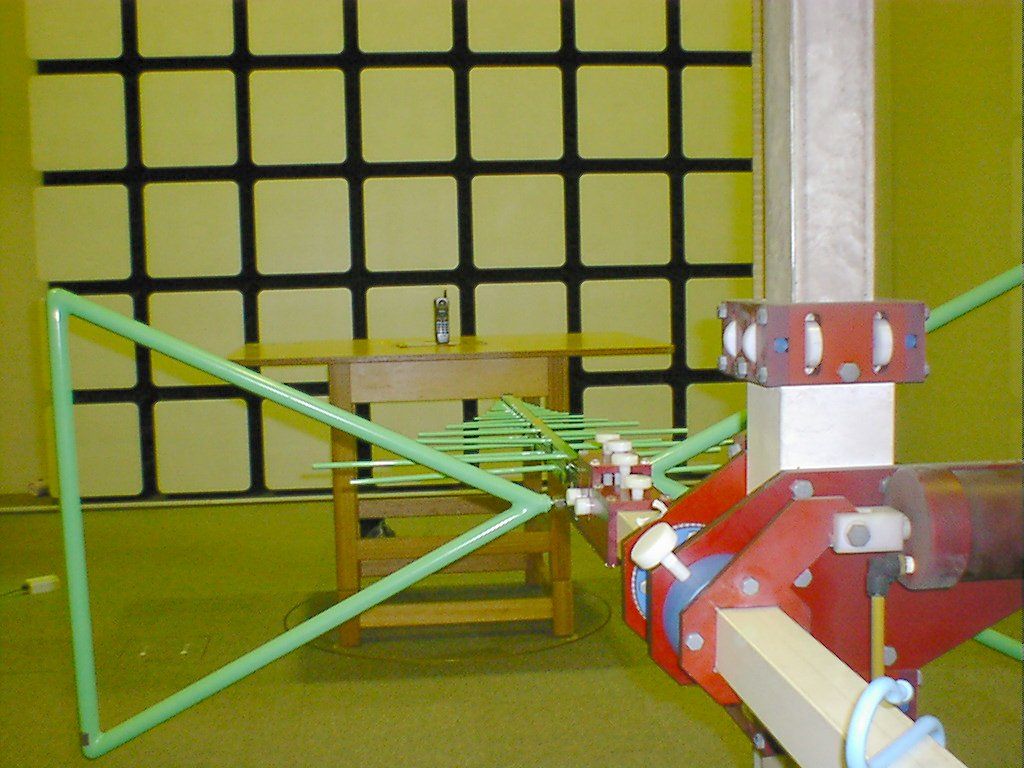
Document Text
Text extracted from the exhibit documents filed with the FCC. Open a document above to read the original.
Users Manual
Step 2 Install and Charge the Handset Battery TO INSTALL THE HANDSET BATTERY When the handset battery pack is fully charged,after 15-20 hours of charging, plug the telephonecord into the base unit and then into a telephonewall jack. Your phone is set for tone dialing. If your localnetwork requires pulse dialing, please see“Choosing the dialing mode” on page 16. A Remove the cover. TO SET CALLER ID, LANGUAGE AND DIALING OPTIONS A Press and hold the cid/menu key. B Press the vol/ring/ or vol/ring/ key to move the pointer to an option. C Press select to change the option setting. D Press end to exit, and return the handset to the base. OPTIONS INCLUDE A Auto Talk On/Off B CIDCW On/Off (Caller id/call waiting) C Area Code Enter/Remove D Dial Pulse/Tone D Plug the AC adapter cord into the baseunit and then into a 120V AC outlet. E Place the handset in the base and chargecontinuously for 15 - 20 hours before usingthe phone. B Connect the battery packconnector with the correct polarity. C Replace the cover. Note: Three Caller ID options are available: AutoTalk, Caller ID on Call Waiting (CIDCW), and Area Code. QUICK REFERENCE GUIDE Step 3 Connect to Phone Line Step 4 Setting Display Options Uniden Parts Department at (800) 554-3988Hours: M-F 8:00 a.m. to 5:00 p.m. CST. We can also be reached on the web at www.uniden.com Make sure you have received the following items inthe package. If any of these items are missing ordamaged, contact the Uniden Parts Department.• Base unit • Handset • AC adapter • Rechargeable battery • Telephone cord • Beltclip • This Owner’s Manual • Other PrintedMaterial QUICK REFERENCE GUIDE [ 3 ] www.uniden.com Step 1 Checking the Package Contents E Language Eng (English)/Fr (French) EXT3165-01/22 1/22/03 7:37 PM Page 3 [ 4 ] www.uniden.com Contents Quick Reference Guide 3 Welcome/Features 5 Controls and Functions 6 Getting Started Setting up the Phone 8 Mounting the Base Unit on a Wall 13 Setting Menu Options 15 Basics Making and Receiving Calls 18 Adjusting the Handset Ringer and Earpiece Volume 19 Redial 20 Tone Dialing Switch-over 20 Traveling Out-of-Range 20 Selecting a Different Channel 21 Page 21 Flash and Call Waiting 21 Memory Dialing Storing Phone Numbers and Names 22 Steps for Entering Names and Special Characters 24Making Calls with Memory Dialing 25 Chain Dialing 26 Editing a Stored Name and/or Phone Number 27 Erasing a Stored Name and Phone Number 29 VoiceMail Using One Touch VoiceMail Access 31 Caller ID Features Caller ID 32 When the Telephone Rings 32 Viewing the Caller ID Message List 33 Deleting Information from the Caller ID List 34 Using the Caller ID List 36 Additional Information Changing the Digital Security Code 38 Installing the Beltclip 38 Headset Installation 38 Note on Power Sources 39 Maintenance 39 Troubleshooting 40 General Information 43 Precautions & Warranty 44 I.C. Notice 46 Index 47 EXT3165-01/22 1/22/03 7:37 PM Page 4 [ 5 ] www.uniden.comWelcome Congratulations on your purchase of the Uniden EXT3165 series. This cordless phone isdesigned and engineered to exacting standards for reliability, long life, and outstandingperformance.Note: Some illustrations in this manual may differ from the actual unit for explanation purposes. The color of your cordless telephone may vary. Be sure to visit our web site: www.uniden.comUniden ® is a registered trademark of Uniden America Corporation. AutoTalk, AutoStandby, UltraClear Plus, Random Code, and AutoSecure, are trademarks of Uniden America Corporation. Features • 2.4 GHz Extended Range Technology• 3 Line Backlit Display• Caller ID and Call Waiting Caller ID• One touch Access to Voicemail Box• Message Waiting Indicator• 20 Number Memory Dialing• 32 Digit Redial• Flash and Pause• English or French Display Option • Tone/Pulse Dialing• Page/Find handset• Up to 7 Hour Talk Time/ 14 Day Standby Time • Handset Earpiece and Ringer Volume Control • Hearing Aid Compatible• 20 Channel Autoscan As an E NERGY S TAR ® Partner, Uniden has determined that this product or product models meets the E NERGY S TAR ® guidelines for energy efficiency. E NERGY S TAR ® is a U.S. registered mark. EXT3165-01/22 1/22/03 7:37 PM Page 5 CONTROLS AND FUNCTIONS [ 6 ] www.uniden.com 2341 57689 11 2016151413 1012 191817 1. Handset antenna 2. Beltclip hole 3. Optional headset jack 4. Handset battery compartment 5. Handset earpiece 6. LCD display 7. (Caller ID) cid/menu key 8. Talk/flash key 9. * /tone/ (left cursor) key 10. Redial/p (pause) key11. Select key12. Handset microphone and ringer speaker 13. (Volume) vol/ring/ (up) key 14. Voicemail key15. End key16. (Volume) vol/ring/ (down) key 17. #/ (right cursor) key 18. (Memory) mem key19. Delete/ch (channel) key20. Handset charging contacts Controls and Functions EXT3165-01/22 1/22/03 7:37 PM Page 6 CONTROLS AND FUNCTIONS [ 7 ] www.uniden.com 21 24 25 22 23 21. charge/in use/voicemail LED22. Find handset key23. Base charging contacts24. Telephone line jack25. DC IN 9V jack EXT3165-01/22 1/22/03 7:37 PM Page 7 GETTING STARTED [ 8 ] www.uniden.com Setting up the PhoneDo the following steps: A. Choose the best location C. Connect the base unit B. Install the rechargeable battery pack into the handset A. Choose the best locationBefore choosing a location for your new phone, read the INSTALLATION CONSIDERATIONS included in the PRECAUTIONS AND IMPORTANT SAFETY INSTRUCTIONSbrochure. Here are some important guidelines you should consider:• The location should be close to both a phone jack and a continuous power outletwhich is not switchable. • Keep the base and handset away from sources of electrical noise such as motors,microwave ovens, and fluorescent lighting. • Be sure there is sufficient space to raise the base antenna to a vertical position. • The base can be placed on a desk, tabletop, or mounted on a standard wall plate. Avoid excessive moisture, extremely low temperatures, dust, mechanical vibration, or shock Avoid heat sources, such as radiators,air ducts, and sunlight Avoid te…
Text truncated - open the document above for the full version.
Contact Information
Applicant
Paul Roby
Test Firm
Uniden CorporationKeizo Fujiwara
81-3-5543-2875
Technical Specifications
| # | Rule Parts | Frequency Range | Power Output |
|---|---|---|---|
| 1 | 15C | 924.7 MHz - 926.8 MHz | - |
Other Applications from Uniden America Corporation
AMWUA2405
Apr 15, 2026RADAR DETECTOR
Equipment Class
JBP - Part 15 Class B Computing Device PeripheralAMWUA2406
Apr 15, 2026RADAR DETECTOR
Equipment Class
JBP - Part 15 Class B Computing Device PeripheralAMWUA2402
Jul 23, 2024RADAR DETECTOR
Equipment Class
CRD - Part 15 Radar Detector
AMWUA2404
Feb 17, 2024Wi-Fi Bluetooth Combo Module
Equipment Class
DTS - Digital Transmission System
AMWUA2301
Feb 15, 2023RADAR DETECTOR
Equipment Class
CRD - Part 15 Radar Detector