AVJ-4300TPARENTAL CONTROLLER FOR PS3
Bigben Interactive (HK) Ltd.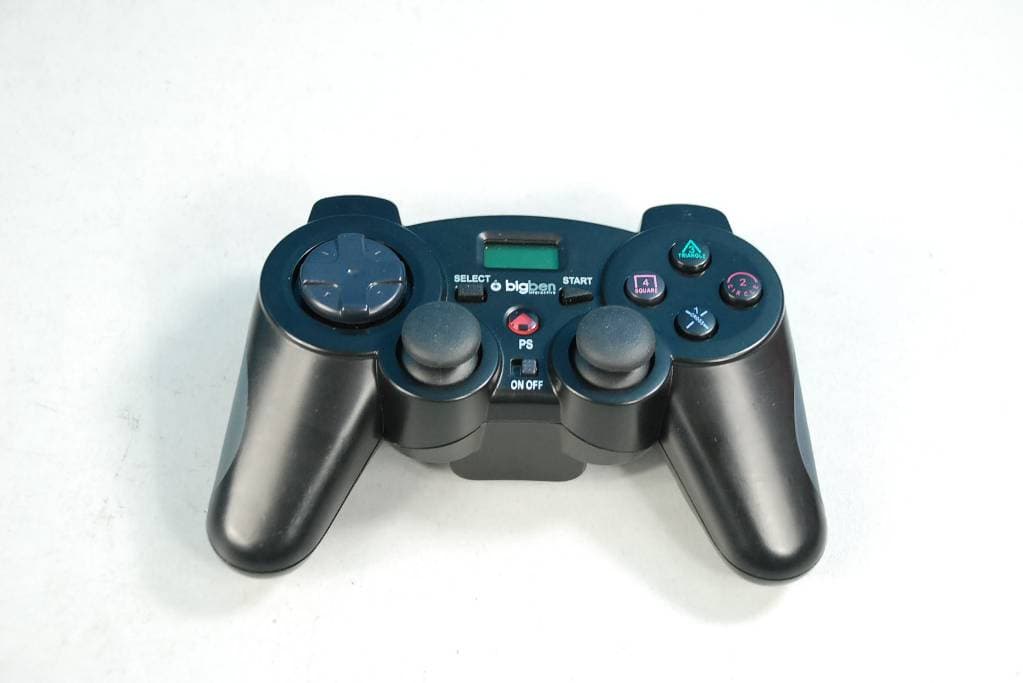
Click to zoom
Application Details
- Equipment Class
- DXX - Part 15 Low Power Communication Device Transmitter
- Date of Grant
- Mar 20, 2012
- Application Purpose
- Original Equipment
- Date of Application
- Mar 20, 2012
- Equipment Note
- PARENTAL CONTROLLER FOR PS3
- Frequency Range
- 2402.00000000 - 2480.00000000
- Company
- Bigben Interactive (HK) Ltd.
- Country
- China
Documents & Files
Document Text
Text extracted from the exhibit documents filed with the FCC. Open a document above to read the original.
Users Manual
User’s Manual Manuale d’uso Manuel de l’utilisateur PS3™ Parental Control. BB4300 1.A . 1.B. 1.C. 4.A. 5.A. 4.B. 5.B. 7. 4.F.4.G. 4.E. 4.C. 4.D. NOTE R R R 5.C. R 5.D. 5.G. 5.E.5.F. SELECTSTART PS L R SELECTSTART PS L R TH - - - TE - - - - - - I M Not con res CO - - - - - - - 1. NO aut 2. Wh cou the 3. - - 4. 1 3 4 1 3 4 1 2 3 4 1 2 4 1 3 4 1 2 3 4 1 3 4 1 2 3 4 1 2 3 4 1 2 3 4 2 3 4 1 2 3 4 THIS PACKAGE INCLUDES: - Wireless vibrating gamepad for PS3™. - USB receiver to connect to the USB port on your console. - 2 AA batteries included. TECHNICAL CHARACTERISTICS: - Technology used: 2.4 GHz. - 2 vibration motors - 3 axis tilt sensors - 1x LCD screen - Ergonomic, non slip triggers - Parental control system IMPORTANT Note that this system will only work if no other controllers are connected to the console and are not accessible to the player. The parental controller MUST be the only controller available. If another controller is used or accessible, game play will still be possible. The parent must restrict all access to additional controllers and ensure the password is kept a secret. CONTROLLER SET-UP AND USE: - Insert the USB receiver provided in the pack into one of the ports of your PS3™. - Check that the gamepad’s power switch is set to OFF. - Open the gamepad’s battery compartment. - Insert the 2 x AA batteries, whilst observing the correct polarity. - Close the battery compartment - Ensure that NO other controllers are connected to the PS3™. If so, switch them off. - Switch the parental controller on. 1. STARTING UP THE PARENTAL CONTROL SYSTEM FOR THE FIRST TIME: A. When you fi rst power on the controller the LCD screen will light up and display 3x dashes, a lock symbol and the word “OFF”. The word “PWD” will appear fl ashing. B. Enter the 6 digit security code for the parental controller using the numbers on the cross, circle, square and triangle buttons on your controller. Note that there is only room to display 3 numbers at any one time, so the security code number will scroll across and only display the last 3 numbers entered. By default, the code is 423124. It can be changed later. (See section “Changing the safety code”) C. The parental controller will start up. The screen displays the word “ON”, a lock symbol and the programmed game time. By default game time is set at 15 minutes. It can be changed later. (See section “Setting the clock”) NOTE: If the security code entered is incorrect, the screen will display “Err” and three beeps will sound. At the third error, the control will automatically switch off. 2. IN USE: When 5 minutes of game time is left, 3 beeps will sound and will be repeated again when 1 minute game time remains. When the counter reaches zero, the word “OFF” is displayed on the LCD screen and the controller switches off automatically. Game commands are then locked. 3. RESTARTING THE PARENTAL CONTROL: - When the clock reaches zero, game commands are blocked and the LCD screen will return to the security code menu. You must then re-enter the security code so the parental controller restarts with the last programmed game time. - To change the game play time to your own preference, simply follow the clock setting procedure without changing the settings. (See section “Setting the Clock”) 4. CHANGING THE SECURITY CODE: A. Press and hold down the “SELECT” and “START” buttons for 2 seconds. B. The word “PWD” will fl ash on the LCD screen. Enter your code using the numbers on the cross, circle, square and triangle buttons on your controller. A beep will sound. C. The words “PWD” and “mins” will fl ash. D. Press the “START” button. A beep will sound. E. The word “PWD” fl ashes, showing that you can enter the new security code. F. Enter your new code using the numbers on the cross, circle, square and triangle buttons on your controller. G. Once the last digit is entered, press the “START” button. ENGLISH H. A beep will sound indicating that the new code is validated. 5. SETTING THE CLOCK: A. Press and hold down buttons “SELECT” and “START” for 2 seconds. B. The word “PWD” fl ashes. Enter your code using the numbers on the cross, circle, square and triangle buttons on your controller. A beep will sound. C. The words “PWD” and “mins” fl ash. D. Press the “SELECT” button. A beep will sound. E. A number showing the programmed game time is displayed on the LCD screen. The word “mins” fl ashes, showing that you can set the new game time. F. Adjust game time using the buttons L2 and R2.* Short press on L2: Reduce the time by 1 minute. Long press L2: Reduce the time by 5 minutes in length. Short press on R2: Increase the time by 1 minute. Long press on R2: Increase the time by 5 minutes in length. G. Once the desired game play time is reached, press the “SELECT” button. H. A beep sounds showing that the new game time has been validated. * The game time can be set from 001 to 240 minutes (4 hours) maximum. 6. STANDBY MODE: If the controller is inactive for over 3 minutes, it will switch off automatically. The remaining game play time at shut-off is saved. To “wake” the parental controller, press the “SELECT”, “START” or “HOME” button. NOTE: If the controller is switched “OFF” or if the batteries are dead or removed, the safety code will have to be entered when the controller is switched back on. 7. REINITIALISING THE PARENTAL CONTROL: If you forget the security code, the parental controller can be reset to its default parameters. Press and hold buttons L1, L2, R1 and R2 for 5 seconds. The default security code is 423124, and game time is 15 minutes. Note that it is important that the user does not know this default reset code. If they know it they can continue to play for 15 minute intervals. TROUBLESHOOTING. Controller is not working. - Ensure that the power button is the ‘On’ position. - Check that the batteries are not low. If so, replace the batteries. If power is low the Player LED will normally fl ash to indicate that the batteries need replacing. - Ensure that the receiver …
Text truncated - open the document above for the full version.
Cover Letter(s)
o I I benlnteroclive Address: Unit 1505, 148 Electric Road, North Point, Hong Kong Tel:2512-3111 Fax:2996-5700 AGENCY AUTHORIZATION LETTER Federal Communications Commission Authorization and Evaluation Division FCC ID: AVJ - 43007 Date, 9th Feb20l2 To whom it may concem: We, the undersigned, hereby authorize SGS-CSTC Standards Technical Services Co., Ltd. to act on our behalf, as our agent, in the following matters related to the FCC approval of our product: report submittal, related correspondence, the signing of all documents relating to these matters, and any other lawful activity necessary to obtain such certification. Any act carried out by SGS within the scope of this authorization shall have the same effects as our own. This authorization shall expire 6 months from original date. If you have any questions regarding the authorization, please don't hesitate to contact us. Thank you. Sincerely, Johnny QualityBigben Interactive (HK) Ltd.
Cover Letter(s)
o o en ¡nlêrocl¡vc Address: Unit L505, 148 Electr¡c Road, North Point, Hong Kong Tel: 2512-3L1-1 Fax:2996-5700 Federal Communications Commission Authorization and Evaluation Division Confidentiality Request regarding application for certification of FCC ID: AVJ - 43007 Pursuant to Sections 0.457 and 0.459 of the Commission's Rules, we hereby request confidential treatment of information accompanying this application as outlined below: Exhibit Type Block Diagram Schematics Operational Description Part List File Name Block Diagram.pdf Schematics.pdf Operational Description.pdf Part List.pdf The above materials contain trade secrets and proprietary information not customarily released to the public. The public disclosure of these materials may be harmful to the applicant and provide unjustified benefits to its competitors. The applicant understands that pursuant to Section 0.457 of the Rules, disclosure of this application and all accompanying documentation will not be made before the date of the Grant for this application. Sincerely, Quality Bigben Interactive (HK) Ltd
External Photos
External Photos
Internal Photos
External Photos
Test Report
SGS-CSTC Standards Technical Services Co., Ltd. 198 Kezhu Road, Scientech Park, Guangzhou Economic & Technology Development District, Guangzhou, China 510663 Tel: +86 20 82155555 Fax: +86 20 82075059 Email: [email protected] FEDERAL COMMUNICATIONS COMMISSION Registration number: 282399 Report No.: GZEM120100021301 Page: 1 of 28 FCC ID: AVJ-4300T Strong Yao Manager The manufacturer should ensure that all products in series production are in conformity with the product sample detailed in this report. If the product in this report is used in any configuration other than that detailed in the report, the manufacturer must ensure the new system complies with all relevant standards. The report must not be used by the client to claim product certification, approval, or endorsement by NVLAP, NIST, or any agency of the federal government. All test results in this report can be traceable to National or International Standards. This document is issued by the Company subject to its General Conditions of Service printed overleaf, available on request or accessible at www.sgs.com/terms_and_conditions.htm and, for electronic format documents, subject to Terms and Conditions for Electronic Documents at www.sgs.com/terms_e-document.htm. Attention is drawn to the limitation of liability, indemnification and jurisdiction issues defined therein. Any holder of this document is advised that information contained hereon reflects the Company’s findings at the time of its intervention only and within the limits of Client’s instructions, if any. The Company’s sole responsibility is to its Client and this document does not exonerate parties to a transaction from exercising all their rights and obligations under the transaction documents. This document cannot be reproduced except in full, without prior written approval of the Company. Any unauthorized alteration, forgery or falsification of the content or appearance of this document is unlawful and offenders may be prosecuted to the fullest extent of the law. Unless otherwise stated the results shown in this test report refer only to the sample(s) tested and such sample(s) are retained for 90 days only 1 Cover Page TEST REPORT Application No.: GZEM1201000213RF (SGS HK NO.: 2025461/EE) Applicant: Bigben Interactive (HK) Ltd. FCC ID: AVJ-4300T Product Name: Parental Controller for PS3 Product Description: Radio control PS3/PC game with 2.4GHz as carrier Model No.: BB4300 Standards: FCC PART 15 Subpart C: 2010 section 15.249 Date of Receipt: 2012-02-01 Date of Test: 2012-02-02 to 2012-02-13 Date of Issue: 2012-02-23 Test Result : Pass* * In the configuration tested, the EUT complied with the standards specified above. SGS-CSTC Standards Technical Services Co., Ltd. Report No.: GZEM120100021301 Page: 2 of 28 FCC ID: AVJ-4300T This document is issued by the Company subject to its General Conditions of Service printed overleaf, available on request or accessible at www.sgs.com/terms_and_conditions.htm and, for electronic format documents, subject to Terms and Conditions for Electronic Documents at www.sgs.com/terms_e-document.htm. Attention is drawn to the limitation of liability, indemnification and jurisdiction issues defined therein. Any holder of this document is advised that information contained hereon reflects the Company’s findings at the time of its intervention only and within the limits of Client’s instructions, if any. The Company’s sole responsibility is to its Client and this document does not exonerate parties to a transaction from exercising all their rights and obligations under the transaction documents. This document cannot be reproduced except in full, without prior written approval of the Company. Any unauthorized alteration, forgery or falsification of the content or appearance of this document is unlawful and offenders may be prosecuted to the fullest extent of the law. Unless otherwise stated the results shown in this test report refer only to the sample(s) tested and such sample(s) are retained for 90 days only. 2 Version Revision Record Version Chapter Date Modifier Remark 00 2012-02-23 Original Authorized for issue by: Tested By 2012-02-02 to 2012-02-13 (Storm Shu) / Project Engineer Date Prepared By 2012-02-20 (Storm Shu) / Project Engineer Date Checked By 2012-02-23 Strong Yao/ Reviewer Date SGS-CSTC Standards Technical Services Co., Ltd. Report No.: GZEM120100021301 Page: 3 of 28 FCC ID: AVJ-4300T This document is issued by the Company subject to its General Conditions of Service printed overleaf, available on request or accessible at www.sgs.com/terms_and_conditions.htm and, for electronic format documents, subject to Terms and Conditions for Electronic Documents at www.sgs.com/terms_e-document.htm. Attention is drawn to the limitation of liability, indemnification and jurisdiction issues defined therein. Any holder of this document is advised that information contained hereon reflects the Company’s findings at the time of its intervention only and within the limits of Client’s instructions, if any. The Company’s sole responsibility is to its Client and this document does not exonerate parties to a transaction from exercising all their rights and obligations under the transaction documents. This document cannot be reproduced except in full, without prior written approval of the Company. Any unauthorized alteration, forgery or falsification of the content or appearance of this document is unlawful and offenders may be prosecuted to the fullest extent of the law. Unless otherwise stated the results shown in this test report refer only to the sample(s) tested and such sample(s) are retained for 90 days only. 3 Test Summary TEST TEST REQUIREMENT TEST METHOD RESULT Field Strength of Fundamental FCC PART 15 C section 15.249 (a) ANSI C63.10: Clause 6.6 PASS Field Strength of Unwanted Emissions FCC PART 15 C section 15.249 (a) section 15.249 (d) ANSI C63.10: Clause 6.4, 6.6 and 6.7 PASS Band Edges FCC PART 15 C section 15.249 (d) ANSI …
Text truncated - open the document above for the full version.
Test Setup Photos
Test Setup Photos Radiated Emission Test Setup Below 1GHz Above 1GHz: (full anechoic chamber)
Contact Information
Applicant
Johnny Wong(Quality Manager)
Test Firm
SGS-CSTC Standards Technical Services Co., LtdJerry Chan
Technical Specifications
| # | Rule Parts | Frequency Range | Power Output |
|---|---|---|---|
| 1 | 15C | 2.40 GHz - 2.48 GHz | - |
Other Applications from Bigben Interactive (HK) Ltd.
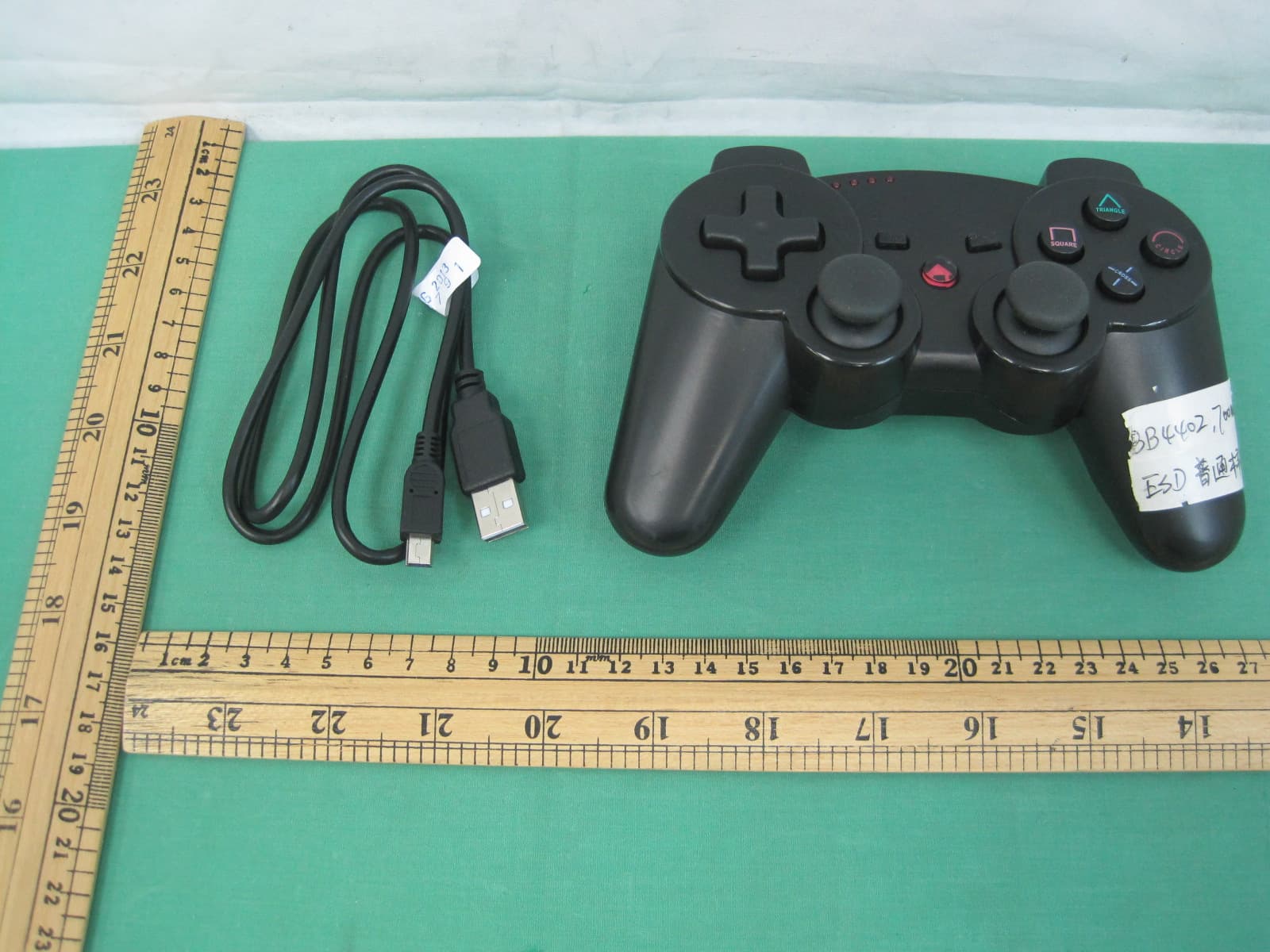
AVJ-KCPS3BTC
Dec 18, 2013BLUETOOTH CONTROLLER
Equipment Class
DXX - Part 15 Low Power Communication Device Transmitter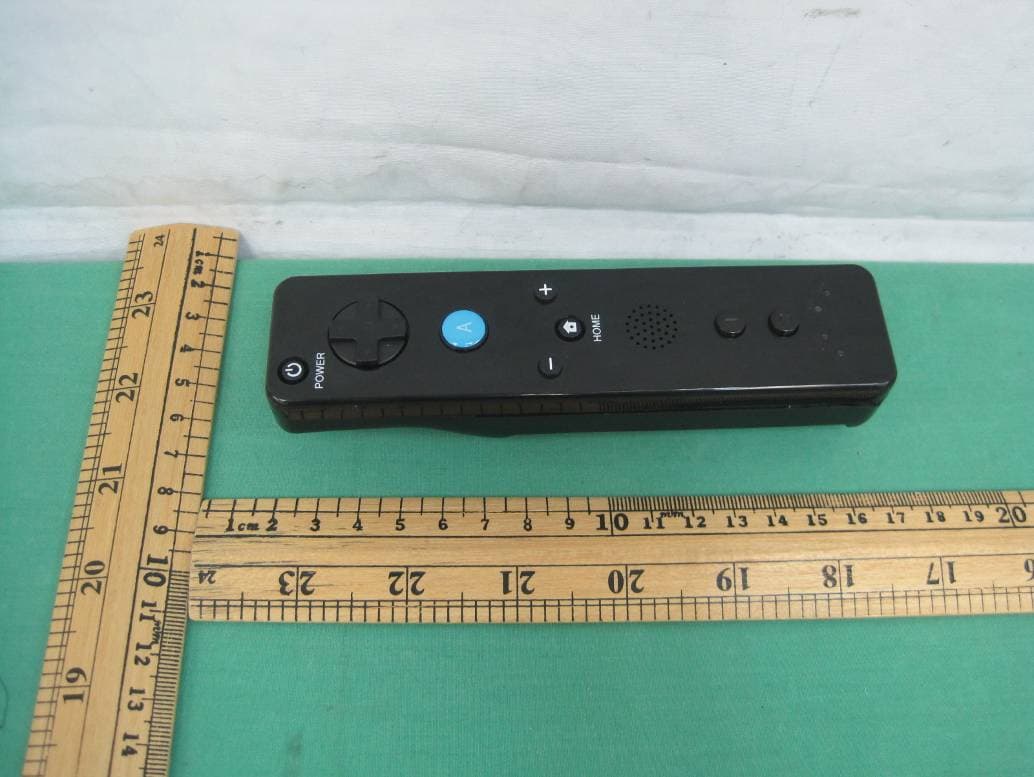
AVJ-3139
Dec 15, 2013Wii Remote Controller
Equipment Class
DXX - Part 15 Low Power Communication Device Transmitter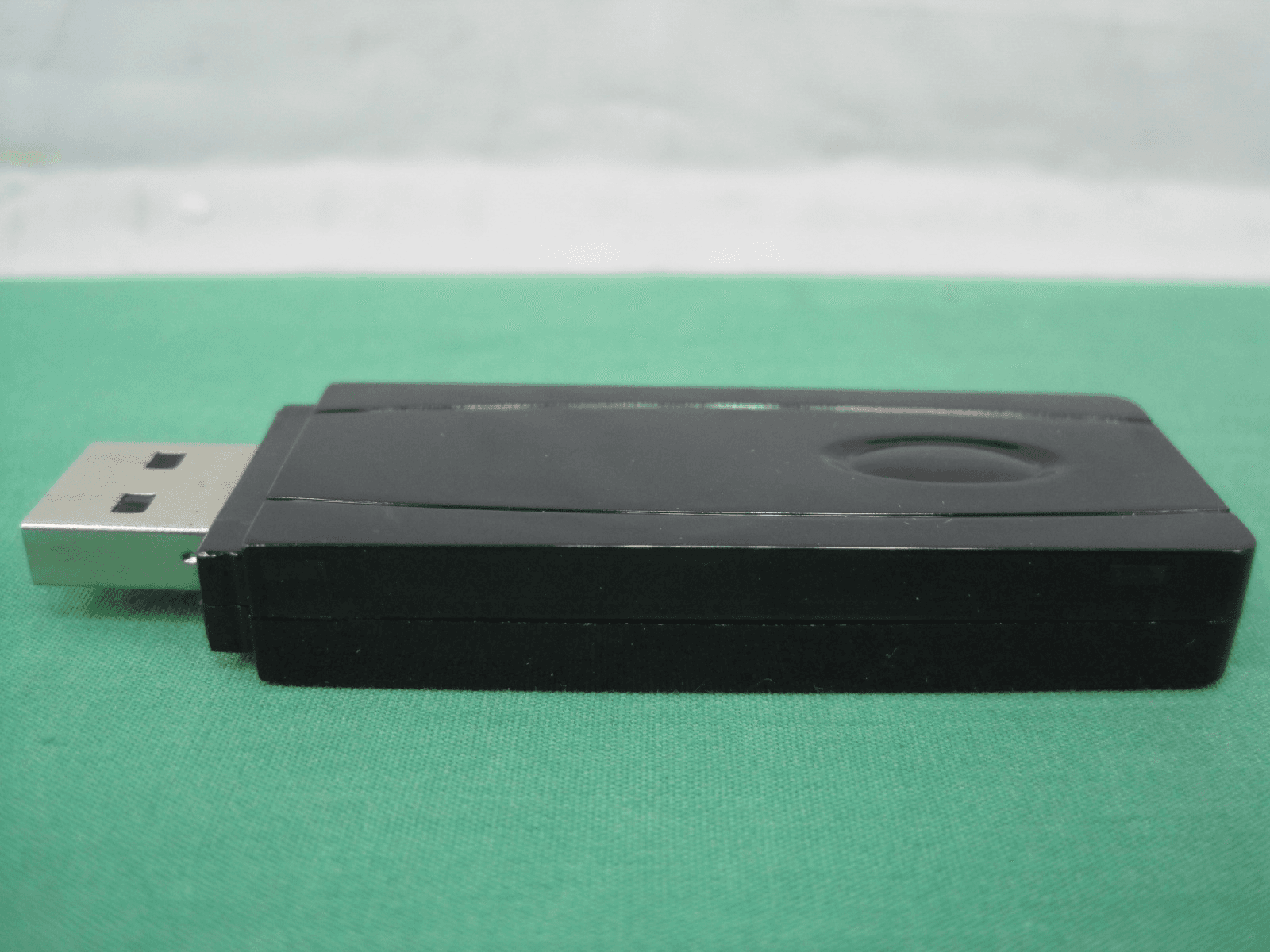
AVJ-5008D
Jul 11, 2013USB Dongle unit for cyberbike
Equipment Class
DXX - Part 15 Low Power Communication Device Transmitter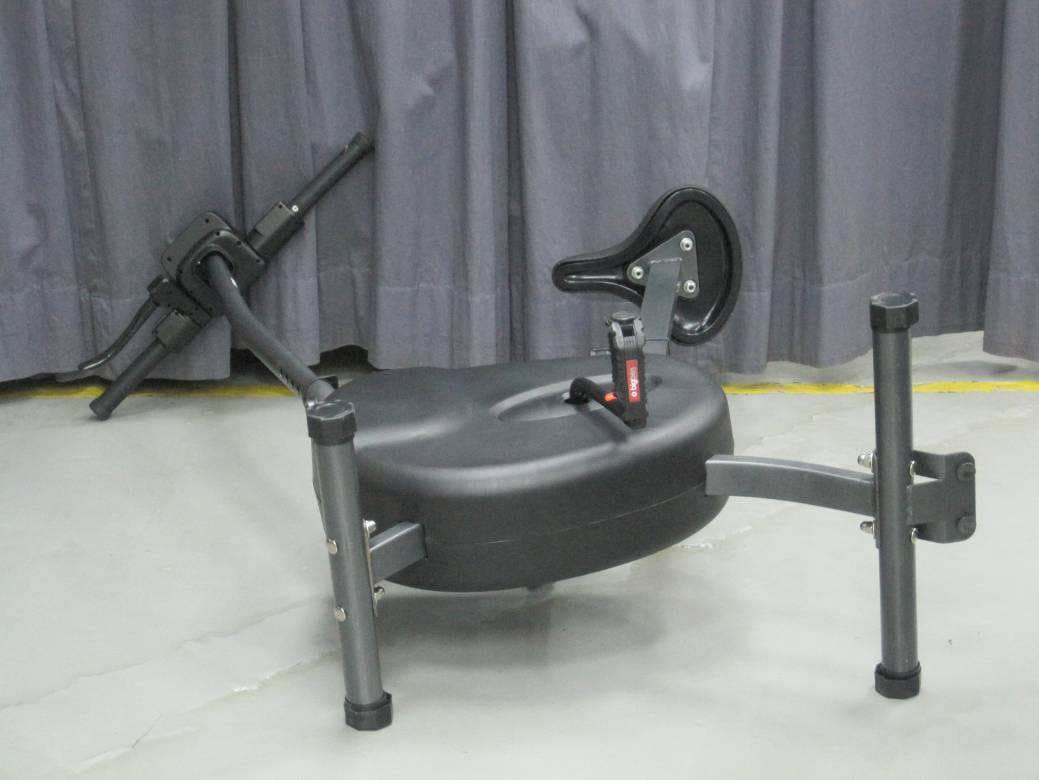
AVJ-5008B
Jul 10, 2013Handle bar unit for cyberbike
Equipment Class
DXX - Part 15 Low Power Communication Device Transmitter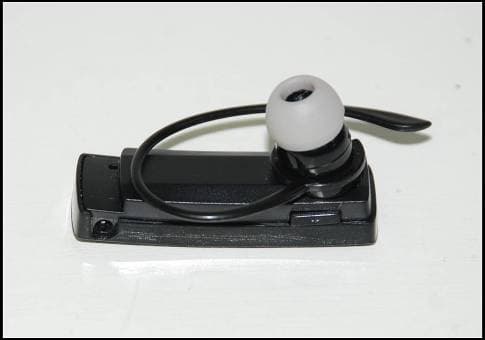
AVJ-4289V2
Nov 28, 2012PS3 HEADSET
Equipment Class
DSS - Part 15 Spread Spectrum Transmitter