BOUSA5245BTDigital Audio Player
Philips Consumer Lifestyle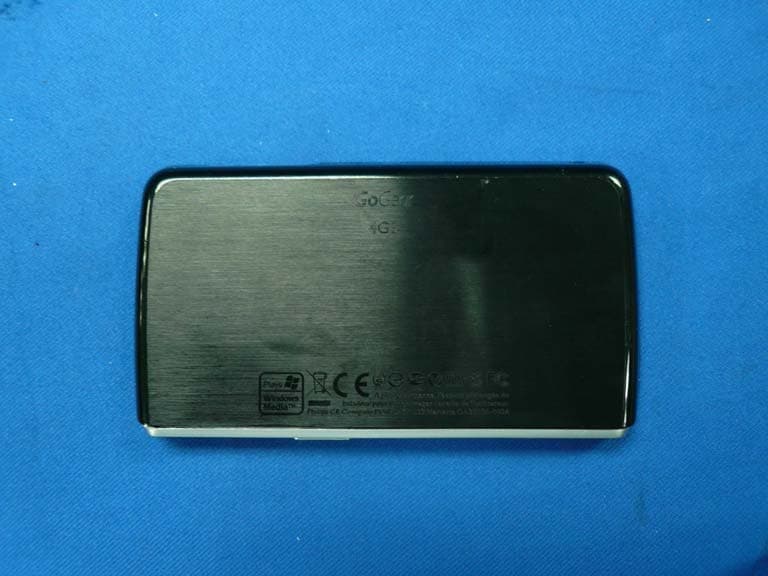
Click to zoom
Application Details
- Equipment Class
- DSS - Part 15 Spread Spectrum Transmitter
- Date of Grant
- Mar 24, 2008
- Application Purpose
- Original Equipment
- Date of Application
- Mar 23, 2008
- Equipment Note
- Digital Audio Player
- Frequency Range
- 2402.00000000 - 2480.00000000
- Company
- Philips Consumer Lifestyle
- Country
- Hong Kong
Documents & Files
Document Text
Text extracted from the exhibit documents filed with the FCC. Open a document above to read the original.
Users Manual
SA5225 SA5225BT SA5245 SA5245BT SA5285 SA5285BT Congratulations on your purchase and welcome to Philips! To fully benefit from the support that Philips offers, register your product atwww.philips.com/welcome Digital audio video player 2 Need help? Please visit www.philips.com/welcome where you can access a full set of supporting materials such as user manual, the latest software updates and answers to frequently asked questions. 3 1Important safety information5 2Your new player10 2.1What’s in the box10 2.2Register your product10 3Getting started11 3.1Overview of controls and connections11 3.2Main menu12 3.3Install12 3.4Connect and charge13 3.4.1Use the supplied USB cable13 3.4.2Battery level indication13 3.5Transfer music and pictures14 3.6Transfer videos14 3.7Enjoy15 3.7.1Turn on and off15 3.7.2Navigate the menu16 3.7.3Connect Bluetooth headphones (or other Bluetooth devices)16 3.7.4Lock slider16 4Organize and transfer music and pictures with Rhapsody Media Player17 4.1Install Rhapsody Media Player17 4.1.1View subscription status17 4.2Add Rhapsody Music2 to the player17 4.3Add Rhapsody Music Channels3 to the player18 4.4Transfer picture files to the player with Rhapsody Media Player18 5Detail operation19 5.1Music mode19 5.1.1Control19 5.1.2Find your music20 5.1.3Find your Rhapsody4 channels21 5.1.4Rating the songs in your Rhapsody3 channels21 5.1.5Adding music from your Rhapsody3 channels to the player library 21 5.1.6Limit the volume21 5.1.7Resume play (Now playing)22 5.2Picture library23 5.2.1View pictures23 5.2.2Adding pictures to folder ‘Favorites’23 5.2.3Slideshow23 Contents 4 5.3Listen to audio books24 5.3.1Select audio book by book title24 5.3.2Select audio book by author24 5.3.3Audiobook controls24 5.3.4Adjust audiobook play speed 25 5.3.5Add a bookmark in an audiobook 25 5.3.6Find a bookmark in an audiobook 25 5.3.7Delete a bookmark in an audiobook 25 5.3.8Delete an audiobook 26 5.4Video27 5.4.1Transfer videos from a computer to the player27 5.4.2Video play27 5.4.3Fast forward / backward control27 5.5Radio28 5.5.1Automatic tuning of radio stations28 5.5.2Play a preset radio station28 5.5.3Manually tune a radio station28 5.5.4Manually save a radio station to a preset29 5.5.5Record from FM radio when the radio is playing29 5.6Recordings30 5.6.1Play recordings30 5.6.2Delete recordings30 5.6.3Upload recordings to the computer31 5.7Use your player to store and carry data files31 6Play and transfer music, videos, or audiobooks with Bluetooth32 6.1Play audio or video, or audiobooks on another Bluetooth output device32 6.2Transfer files to and from another Bluetooth device33 6.2.1Transfer files from a list33 6.2.2Transfer files while playing34 6.2.3Receive files 35 7Settings36 7.1Equalizer custom settings37 8Update your player38 8.1Perform a software update38 9Technical data39 10Frequently asked questions41 Contents 5 1 Important safety information General maintenance To avoid damage or malfunction: • Do not expose the player to excessive heat caused by heating equipment or direct sunlight. • Do not drop your player or allow objects to fall on your player. • Do not allow your player to be submerged in water. Do not expose headphone socket or battery compartment to water, as water entering the set may cause major damage. • Do not use any cleaning agents containing alcohol, ammonia, benzene, or abrasives as these may harm the set. • Active mobile phones in the vicinity may cause interference. • Back up your files. Please ensure that you retain the original files you have downloaded to your device. Philips is not responsible for any loss of data if the product becomes damaged or not readable / legible. • Manage (transfer, delete, etc.) your music files only with the supplied music software to avoid problems! About operating and storage temperatures • Operate in a place where temperature is always between 0 and 35ºC (32 to 95ºF) •Store in a place where temperature is always between -20 and 45ºC (-4 to 113ºF) •Battery life may be shortened in low temperature conditions. Replacement parts/accessories Visit www.philips.com/support to order replacement parts/accessories. Hearing Safety Listen at a moderate volume. • Using headphones at a high volume can impair your hearing. This product can produce sounds in decibel ranges that may cause hearing loss for a normal person, even for exposure less than a minute. The higher decibel ranges are offered for those that may have already experienced some hearing loss. • Sound can be deceiving. Over time your hearing “comfort level” adapts to higher volumes of sound. So after prolonged listening, what sounds “normal” can actually be loud and harmful to your hearing. To guard against this, set your volume to a safe level before your hearing adapts and leave it there. To establish a safe volume level: • Set your volume control at a low setting. • Slowly increase the sound until you can hear it comfortably and clearly, without distortion. Listen for reasonable periods of time: • Prolonged exposure to sound, even at normally “safe” levels, can also cause hearing loss. • Be sure to use your equipment reasonably and take appropriate breaks. 6 Be sure to observe the following guidelines when using your headphones. • Listen at reasonable volumes for reasonable periods of time. • Be careful not to adjust the volume as your hearing adapts. • Do not turn up the volume so high that you can’t hear what’s around you. • You should use caution or temporarily discontinue use in potentially hazardous situations. • Do not use headphones while operating a motorized vehicle, cycling, skateboarding, etc.; it may create a traffic hazard and is illegal in many areas. Important (for models supplied with headphones): Philips guarantees compliance with the maximum sound power of its audio players as determined by relevant regulatory bodies only with the original model of provided headphones. In case this one needs replacement, we recommend that you contact your retailer to order a …
Text truncated - open the document above for the full version.
Cover Letter(s)
Date: 10 March 2008 Federal Communications Commission Authorization and Evaluation Division FCC ID: BOUSA5245BT Confidentiality Request Pursuant to Sections 0.457 and 0.459 of the Commission’s Rules, the Applicant hereby requests confidential treatment of information accompanying this application as outlined below: 1. Block diagram 2. Schematics 3. Operation Description The above materials contain trade secrets and proprietary information not customarily released to the public. The public disclosure of these matters might to harmful to the applicant and provide unjustified benefits to its competitors. The applicant understands that pursuant to Rule 0.457, disclosure of this application and all accompanying documentation will not be made before the date of the grant for this application. Sincerely, Benson Lai Senior Safety Engineer Philips Electronics Hong Kong Ltd. Tel: 852-2489-4406 Fax:852-2401-1482 Web site: www.philips.com E-mail: [email protected]
Cover Letter(s)
American Telecommunications Certification Body Inc. 6731 Whittier Ave, McLean, VA 22101 March 31, 2008 TO: FCC FROM: American TCB RE: FCC ID: BOUSA5245BT request for supercede of original ID label. Please replace original label entitled “label” under label/label location exhibit type with revised label uploaded 3/28/08 entitled rev label. The reason for this request is that it was discovered after original upload that the original label contained a DoC logo when it should not have. Thank you Marianne Bosley American TCB Inc. Direct – 717-676-3203
External Photos
Page 6 Philips Consumer Lifestyle Digital Audio Player FCC ID: BOUSA5245BT IC ID:135M-SA5245BT Photographs Figure 1 General Appearance Figure 2 General Appearance Page 7 Philips Consumer Lifestyle Digital Audio Player FCC ID: BOUSA5245BT IC ID:135M-SA5245BT Figure 3 General Appearance Figure 4 General Appearance Label Location
ID Label/Location Info
Page 7 Philips Consumer Lifestyle Digital Audio Player FCC ID: BOUSA5245BT IC ID:135M-SA5245BT Figure 3 General Appearance Figure 4 General Appearance Label Location
Internal Photos
Page 8 Philips Consumer Lifestyle Digital Audio Player FCC ID: BOUSA5245BT IC ID:135M-SA5245BT Figure 5 Inside of the EUT Figure 6 Inside of the EUT Page 9 Philips Consumer Lifestyle Digital Audio Player FCC ID: BOUSA5245BT IC ID:135M-SA5245BT Figure 7 Inside of the EUT Figure 8 Inside of the EUT Page 10 Philips Consumer Lifestyle Digital Audio Player FCC ID: BOUSA5245BT IC ID:135M-SA5245BT Figure 9 Inside of the EUT Figure 10 Inside of the EUT Page 11 Philips Consumer Lifestyle Digital Audio Player FCC ID: BOUSA5245BT IC ID:135M-SA5245BT Figure 11 Inside of the EUT Figure 12 Inside of the EUT Page 12 Philips Consumer Lifestyle Digital Audio Player FCC ID: BOUSA5245BT IC ID:135M-SA5245BT Figure 13 Inside of the EUT Figure 14 Inside of the EUT
Test Report
FCC ID:BOUSA5245BT Audix Technology (Shenzhen) Co., Ltd. Report No. ACS-F08160 APPLICATION FOR CERTIFICATION On Behalf of Philips Consumer Electronics Company Digital Audio Player Model Number Brand Name SA5245BT/37 PHILIPS Prepared for : Philips Consumer Electronics Company 3029 East Governor John Sevier Highway, Knoxville, Tennessee, 37914, United States Prepared By : Audix Technology (Shenzhen) Co., Ltd. No. 6, Ke Feng Rd., 52 Block, Shenzhen Science & Industrial Park, Nantou, Shenzhen, Guangdong, China Tel: (0755) 26639496 Report Number : ACS-F08160 Date of Test : Feb.19~29, 2008 Date of Report : Mar.21, 2008 FCC ID:BOUSA5245BT Audix Technology (Shenzhen) Co., Ltd. Report No. ACS-F08160 TABLE OF CONTENTS Description Page FCC Test Report for Declaration of Conformity 1. SUMMARY OF STANDARDS AND RESULTS................................................................... 1-1 1.1. Description of Standards and Results ............................................................................................1-1 2. GENERAL INFORMATION .................................................................................................. 2-1 2.1. Description of Device (EUT) .........................................................................................................2-1 2.2. Tested Supporting System Details .................................................................................................2-2 2.3. Test Facility ...................................................................................................................................2-3 2.4. Measurement Uncertainty ..............................................................................................................2-3 3. POWER LINE CONDUCTED EMISSION TEST ................................................................ 3-1 3.1. Test Equipments.............................................................................................................................3-1 3.2. Block Diagram of Test Setup .........................................................................................................3-1 3.3. Power Line Conducted Emission Test Limits................................................................................3-1 3.4. Configuration of EUT on Test .......................................................................................................3-2 3.5. Operating Condition of EUT..........................................................................................................3-2 3.6. Test Procedure................................................................................................................................3-2 3.7. Power Line Conducted Emission Test Results ..............................................................................3-2 4. RADIATED EMISSION TEST ............................................................................................... 4-5 4.1. Test Equipment ..............................................................................................................................4-5 4.2. Block Diagram of Test Setup .........................................................................................................4-5 4.3. Radiated Emission Limit................................................................................................................4-6 4.4. EUT Configuration on Test............................................................................................................4-6 4.5. Operating Condition of EUT..........................................................................................................4-7 4.6. Test Procedure................................................................................................................................4-7 4.7. Radiated Emission Test Results .....................................................................................................4-7 5. CARRIER FREQUENCY SEPARATION TEST ................................................................. 5-1 5.1. Test Equipment ..............................................................................................................................5-1 5.2. Test Information .............................................................................................................................5-1 5.3. Test Results ....................................................................................................................................5-1 6. 20 DB BANDWIDTH TEST .................................................................................................... 6-1 6.1. Test Equipment ..............................................................................................................................6-1 6.2. Test Information .............................................................................................................................6-1 6.3. Test Results ....................................................................................................................................6-1 7. NUMBER OF HOPPING FREQUENCY TEST ................................................................... 7-1 7.1. Test Equipment ..............................................................................................................................7-1 7.2. Test Information .............................................................................................................................7-1 7.3. Test Results ....................................................................................................................................7-1 8. DWELL TIME TEST ............................................................................................................... 8-1 8.1. Test Equipment ..............................................................................................................................8-1 8.2. Test Information ..........................…
Text truncated - open the document above for the full version.
Test Setup Photos
FCC ID:BOUSA5245BT Page 13-1 Audix Technology (Shenzhen) Co., Ltd. Report No. ACS-F08160 13. PHOTOGRAPH 13.1.Photos of Power Line Conducted Emission Test FCC ID:BOUSA5245BT Page 13-2 Audix Technology (Shenzhen) Co., Ltd. Report No. ACS-F08160 13.2.Photos of Radiated Emission Test 30-1000MHz (X Position) FCC ID:BOUSA5245BT Page 13-3 Audix Technology (Shenzhen) Co., Ltd. Report No. ACS-F08160 Above 1000MHz (X Position) FCC ID:BOUSA5245BT Page 13-4 Audix Technology (Shenzhen) Co., Ltd. Report No. ACS-F08160 (Y Position) (Z Position)
Contact Information
Applicant
Tee Wee Jaw(Director, Project Management)
Technical Contact
AUDIX Technology (Shenzhen) Co., Ltd.Ken Lu
[email protected]86-755-26639497
52 Block Shenzhen Science&Industry · Shenzhen · China
Non-Technical Contact
AUDIX Technology (Shenzhen) Co., Ltd.Kris Zheng
[email protected]86-755-26639497
Test Firm
Audix Technology (Shenzhen) Co., Ltd.Smart Tsai
Technical Specifications
| # | Rule Parts | Frequency Range | Power Output |
|---|---|---|---|
| 1 | 15C | 2.40 GHz - 2.48 GHz | 1.47 mW |
Other Applications from Philips Consumer Lifestyle
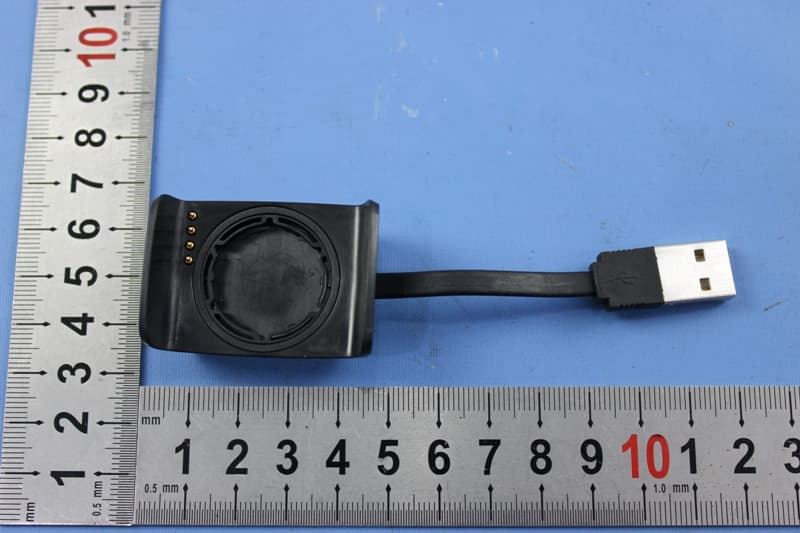
BOUDL8775
May 21, 2015BLE Activity Monitor with OHR
Equipment Class
DTS - Digital Transmission System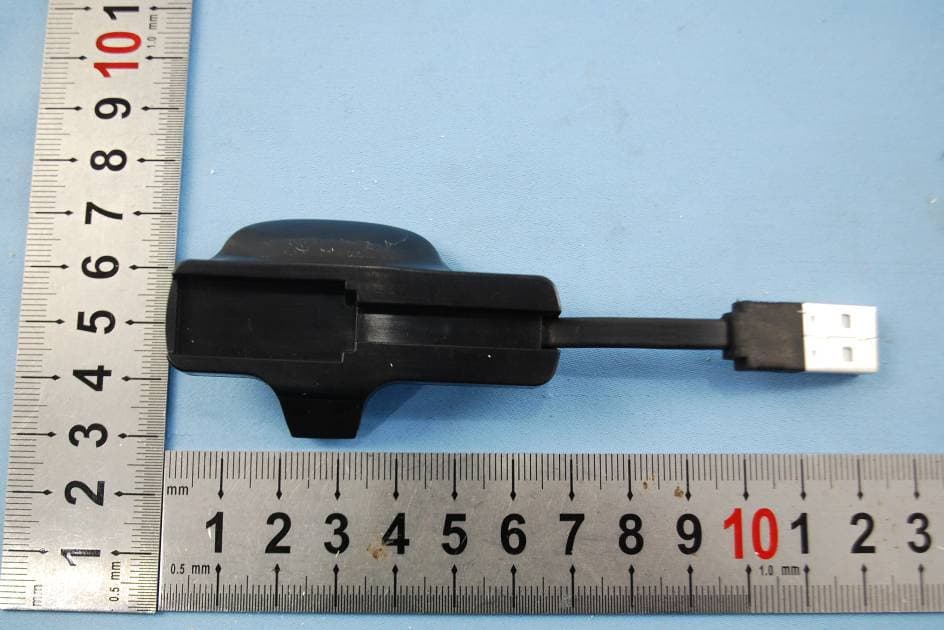
BOUDL8770
Sep 17, 2014Activity Monitor with OHR
Equipment Class
JBP - Part 15 Class B Computing Device Peripheral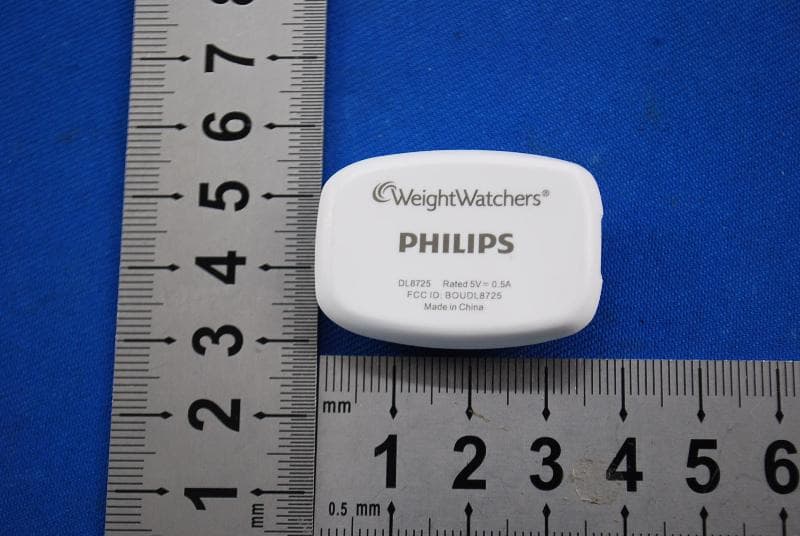
BOUDL8725
Jul 10, 2014Personal Activity Monitor with Bluetooth Function
Equipment Class
JBP - Part 15 Class B Computing Device Peripheral
BOUSCD501
May 28, 20141.9GHz DECT Baby Monitor - Baby Unit
Equipment Class
PUB - Part 15 Unlicensed PCS Base Station
BOUSCD501H
May 28, 20141.9GHz DECT Baby Monitor - Parent Unit
Equipment Class
PUT - Part 15 Unlicensed PCS portable Tx worn on body