BRCPC7077METablet PC
Kintech Co. Ltd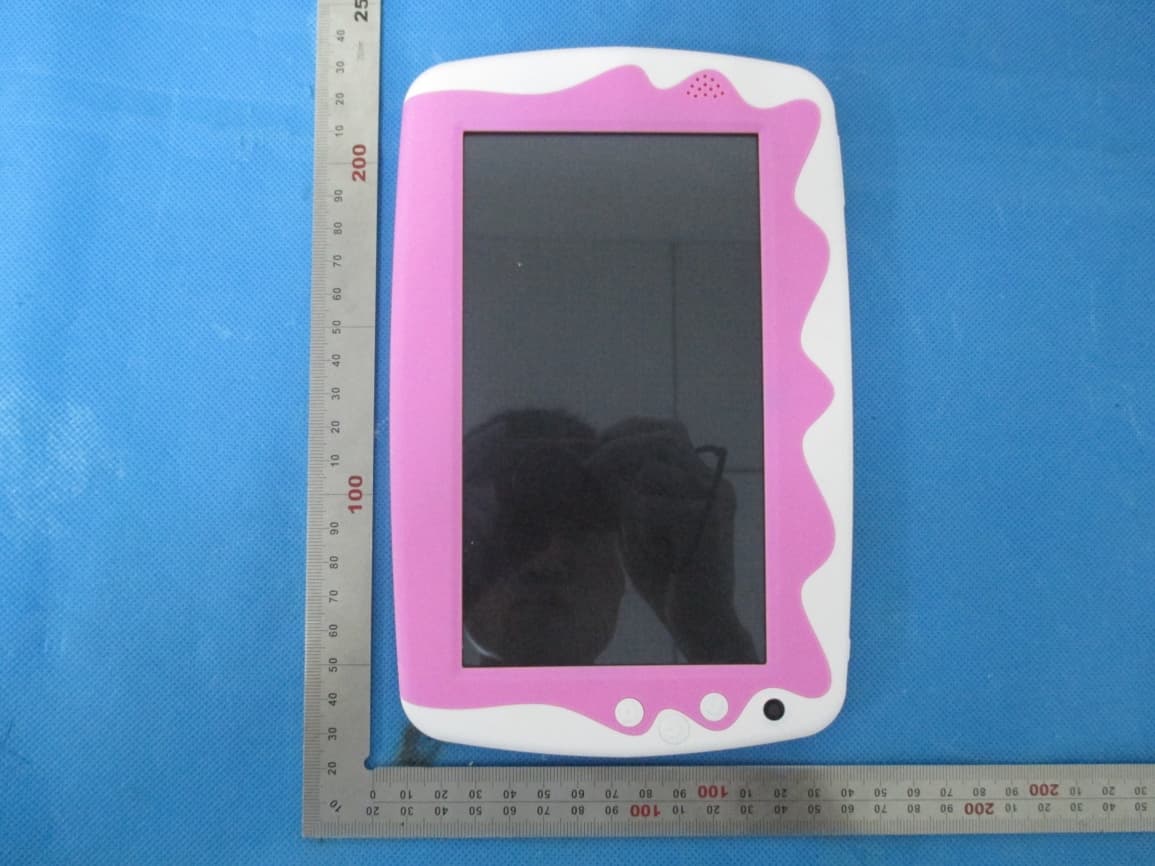
Click to zoom
Application Details
- Equipment Class
- DTS - Digital Transmission System
- Date of Grant
- May 07, 2014
- Application Purpose
- Original Equipment
- Date of Application
- May 07, 2014
- Equipment Note
- Tablet PC
- Frequency Range
- 2422.00000000 - 2452.00000000
- Company
- Kintech Co. Ltd
- Country
- China
Documents & Files
Document Text
Text extracted from the exhibit documents filed with the FCC. Open a document above to read the original.
Users Manual
User Manual 1 PC7077ME USER MANUAL Brand Name: Kinwei FCC ID: BRCPC7077ME User Manual 2 Content 1. Preface 2. Safety Notices 3. Ready to Use 3.1 Packing List 3.2 Product Appearance 3.3 Instructions on Keys 3.4 Features Overview 4. Quick Guides 4.1 Switch On/Off 4.2 Battery Management and Charging 4.3 Operation of the Function Icons 4.4 Operation of the Function Icons on parent interface 5. Operation Details 5.1.1 Music Player 5.1.2 Video 5.1.3 Gallery 5.1.4 Recording 5.1.5 File Manager 5.1.6 Web Browser 5.1.7 Calculator 5.1.8 Clock 5.1.9 Camera 5.2.0 tf (Micro sd) Card Storage 5.2.1 APK Install and Manage 5.2.2 External Keyboard & Mouse: 6. System setting 6.1.1 WIFI Setting 6.1.2 External 3G USB Dongle: 6.1.3 External RJ45 USB Dongle 6.1.4 Sound 6.1.5 Display and wall paper 6.1.6 Screenshot 6.1.7 Storage 6.1.8 Battery 6.1.9 Apps 6.2.0 Location & security 6.2.1 Language & input 6.2.2 Backup & reset 6.2.3 Date & time 6.2.4 Accessibility 6.2.5 Developer options 6.2.6 About tablet User Manual 3 6.2.7 Add, Move or Delete Desktop Icon 7. Firmware Upgrade 8. Troubleshooting and FAQ 1. Preface Dear Customers, Thanks very much for purchasing our product! This Tablet PC is a built-in high performance Wi-Fi receiver module, supporting an external 3G USB-DONGLE wireless network card, using broadband wireless networks, breaking through the restraint of network cables; it will bring you into the portable media player world and fulfill your entertainment needs. It also supports picture browsing, e-book reading, games, online chat and other functions; various settings will fully show your individuality. To operate this player easily, first, please read this User Manual included with the player. Then you will have a better understanding of the operations. Before operating this player, please carefully read all data we provide about the player, so that you will have a better understanding of the product and its operations. The Company will not be responsible for any loss of personal data and damage caused by incorrect operation of the Software/Hardware, artificial damages, replacement of batteries or any other accident. To avoid loss of your data, please backup your data to your computer at all times. Also, since we can not control any dispute from users’ misunderstanding or incorrect operation against the manual, the Company will not take any relevant responsibility for any accidental loss potentially occurring in the process of using this manual. Due to constant product development, the information in this manual is subject to change without any prior notice. This manual is protected by copyright and no part is permitted to be copied or reproduced in any way without prior written permission of the Company. The Company reserves the final explanation right of this manual, warranty as well as its related information. (Note: When compiling this manual, we are very careful to provide you completely reliable information. However, there is inevitably some error and oversight, please understand, and we welcome your suggestions. If any problem occurs during your use of this product, please immediately contact your local seller) Thanks for your support and please pay attention to our other products. 2. Safety Notices 1) Please keep the Tablet PC away from strong magnetic fields in order to avoid damage to the product. 2) Please do not let the Tablet PC fall onto, rub against or knock against hard objects during use, because this may cause surface scratches on the Tablet PC, battery damage, data loss or other damage to the hardware. 3) Never let this product be exposed to a humid environment or rain as the water leaking into the Tablet PC could disable it to the extent of being beyond repair. 4) Never clean the Tablet PC with any chemicals or detergent, these will damage the product surface and corrode the finish. 5) You are recommended not to use the headset with the volume at its highest settings, please adjust the volume to an appropriate safe level and limit the amount of time you spend using headphones to avoid possible damage to your hearing. Excessive volume will cause permanent hearing damage. 6) Please do not cut off the power abruptly during software updates or downloading, because this may cause User Manual 4 data loss or system errors. 7) Over-voltage, power cable strain and bending or squeezing of the power cable by heavy objects must be avoided to prevent the possibility of overheating or fire. 8) In order to eliminate the risk of electric shock, do not touch the cable power plug with wet hands. 9) Some movies, music and pictures are under the protection of copyright, unauthorized usage is deemed as an infringement to the laws of copyright. 10) Please don’t turn on the Tablet PC on in locations where wireless equipment is forbidden or when the usage of the Tablet PC will cause interference and possible danger. 11) All the wireless equipment is subject to external interference and this can affect its performance. 12) Please comply with any related restrictions and rules, wireless equipment can influence the flight of the plane; please consult the relevant airline company if you intend to use the Tablet PC on a plane. 13) Please don’t use the Tablet PC in a petrol station, or near to fuel or chemicals. 14) Please comply with any related restrictions and rules; do not use the Tablet PC where blasting operations are in progress. 15) Only qualified maintenance personnel can install or repair the Tablet PC. Opening the Tablet PC in any way will invalidate the warranty. 16) Please use the original accessories and battery provided with the Tablet PC, do not use the incompatible products. 17) The Tablet PC is not waterproof, please keep it dry. 18) For the sake of data safety, please back up any important information on the Tablet PC, or keep a handwritten record. 19) When the Tablet PC is connecting with other devices, please read the user manual for detailed safety instructions. Don’t connect the Tablet PC …
Text truncated - open the document above for the full version.
Cover Letter(s)
Ersteller: D. Brandhorst Revision: 00 Erstelldatum: 21.06.07 Datum: 00.00.00 Seite 1 von 1 Date: May. 07, 2014 Subject: Ad Hoc Mode Function Declaration FCC ID: BRCPC7077ME To Whom it may concern, This device is acting as host device and operating in the 2.4 GHz (2412 – 2462 MHz) band. Ad Hoc function is supported but not able to operate on non-US frequencies. Please contact the one signed below or the authorized agent for this filing. Thank you. Regards, Kintech Co., Ltd Contact person: Zhi Quan Title: Manager
Cover Letter(s)
May. 07, 2014 Federal Communication Commission Authorization and Evaluation Division FCC ID: BRCPC7077ME Re: Confidentiality Request Pursuant to Sections 0.457 and 0.459 of the Commission’s Rules, the applicant hereby requests confidential treatment of information applied this application as outlined below: 1: Block Diagram 2: Circuit Diagram 3: Operational Description 4: Parts List 5: Turn Up Procedure The above materials contain trade secrets and proprietary information not customarily released to the public. The public disclosure of these matters might be harmful to the applicant and provide unjustified benefits to its competitors. The Applicant understands that pursuant to Rules 0.457, disclosure of this Application and all accompanying documentation will not be made before the date of the Grant for this application. Sincerely, Kintech Co., Ltd Contact person: Zhi Quan Title: Manager
External Photos
External Photos All VIEW OF EUT TOP VIEW OF EUT BOTTOM VIEW OF EUT FRONT VIEW OF EUT BACK VIEW OF EUT LEFT VIEW OF EUT RIGHT VIEW OF EUT
ID Label/Location Info
FCC ID Label Location table pc Model: PC7077ME Brand Name: Kinwei FCC ID: BRCPC7077ME PC7077,PC7077B,KW-PC7077G,KW-PC7077, KW-PC7017G,KW-PC7027G, KW-PC7037G, KW-PC7047G,KW-PC7057G, KW-PC7067G, KW-PC7087G, KW-PC7097G, KW-PC70XXG, (xx represents 00~99), KW-PC7017, KW-PC7027, KW-PC7037, KW-PC7047, KW-PC7057, KW-PC7067, KW-PC7087, KW-PC7097, KW-PC70XX (xx represents 00~99) , PC7017ME, PC7027ME, PC7037ME, PC7047ME, PC7057ME, PC7067ME, PC7087ME, PC7097ME, PC70XXME (xx represents 00~99), PC7017B, PC7027B, PC7037B, PC7047B, PC7057B, PC7067B, PC7087B, PC7097B, PC70XXB (xx represents 00~99) , PC7017, PC7027, PC7037, PC7047, PC7057, PC7067, PC7087, PC7097, PC70XX (xx represents 00~99) Titan
Internal Photos
Internal Photos OPEN VIEW OF EUT‐1 OPEN VIEW OF EUT‐2 WIFI Antenna INTERNAL VIEW OF EUT‐1 INTERNAL VIEW OF EUT‐2
RF Exposure Info
RF Exposure (FCC ID: BRCPC7077ME) Applicable Standard According to §1.1307(b)(5), systems operating under the provisions of this section shall be operated in a manner that ensure that the public is not exposed to radio frequency energy level in excess of the Commission’s guideline. This is a Portable device. KDB447498 D01 V05 was used as the guidance. Maximum measured transmitter Conducted Power: 802.11b Maximum Peak Conducted Power (dBm) Maximum Conducted Power (AV)(dBm) Maximum Conducted Power (mW) 11.87 9.89 9.75 Maximum measured transmitter Conducted Power: 802.11g Maximum Peak Conducted Power (dBm) Maximum Conducted Power (AV)(dBm) Maximum Conducted Power (mW) 7.37 5.39 3.46 Maximum measured transmitter Conducted Power: 802.11n HT20 Maximum Peak Conducted Power (dBm) Maximum Conducted Power (AV)(dBm) Maximum Conducted Power (mW) 7.89 5.91 3.90 Maximum measured transmitter Conducted Power: 802.11n HT40 Maximum Peak Conducted Power (dBm) Maximum Conducted Power (AV)(dBm) Maximum Conducted Power (mW)) 4.99 3.01 2.00 Refer to 447498 25 D01 General RF Exposure Guidance v05 Appendix A, you see that for Maximum Conducted Output Power 9.75mW (<10mW), so no SAR is required. •
Test Report
Report No.: AGC00119140203FE04 Page 1 of 76 Report No.: AGC00119140203FE04 FCC ID : BRCPC7077ME APPLICATION PURPOSE : Original Equipment PRODUCT DESIGNATION : tablet pc BRAND NAME : Kinwei, Titan MODEL NAME : See the section 1 CLIENT : Kintech Co., Ltd DATE OF ISSUE : May 06, 2014 STANDARD(S) : FCC Part 15 Rules REPORT VERSION : V1.0 Attestation of Global Compliance (Shenzhen) Co., Ltd CAUTION: This report shall not be reproduced except in full without the written permission of the test laboratory and shall not be quoted out of context. FCC Test Report Report No.: AGC00119140203FE04 Page 2 of 76 Report Revise Record Report Version Revise Time Issued Date Valid Version Notes V1.0 / May 06, 2014 Valid Original Report Report No.: AGC00119140203FE04 Page 3 of 76 TABLE OF CONTENTS 1. VERIFICATION OF CONFORMITY ...................................................................................... 5 2. GENERAL INFORMATION .................................................................................................. 7 2.1. PRODUCT DESCRIPTION ........................................................................................................... 7 2.2. TABLE OF CARRIER FREQUENCYS .......................................................................................... 7 2.3. IEEE 802.11N MODULATION SCHEME ...................................................................................... 8 2.4. RELATED SUBMITTAL(S) / GRANT (S) ....................................................................................... 8 2.5. TEST METHODOLOGY................................................................................................................ 8 2.6. SPECIAL ACCESSORIES ............................................................................................................ 8 2.7. EQUIPMENT MODIFICATIONS ................................................................................................... 8 3. MEASUREMENT UNCERTAINTY........................................................................................ 9 4. DESCRIPTION OF TEST MODES ........................................................................................ 9 5. SYSTEM TEST CONFIGURATION .................................................................................... 10 5.1. CONFIGURATION OF EUT SYSTEM ........................................................................................ 10 5.2. EQUIPMENT USED IN EUT SYSTEM ....................................................................................... 10 5.3. SUMMARY OF TEST RESULTS ................................................................................................ 10 6. TEST FACILITY .................................................................................................................. 11 7. PEAK OUTPUT POWER .................................................................................................... 12 7.1. MEASUREMENT PROCEDURE ................................................................................................ 12 7.2. TEST SET-UP (BLOCK DIAGRAM OF CONFIGURATION) ....................................................... 13 7.3. LIMITS AND MEASUREMENT RESULT .................................................................................... 14 8. 6DB BANDWIDTH .............................................................................................................. 22 8.1. MEASUREMENT PROCEDURE ................................................................................................ 22 8.2. TEST SET-UP (BLOCK DIAGRAM OF CONFIGURATION) ....................................................... 22 8.3. LIMITS AND MEASUREMENT RESULTS .................................................................................. 23 9. CONDUCTED SPURIOUS EMISSION ............................................................................... 31 9.1. MEASUREMENT PROCEDURE ................................................................................................ 31 9.2. TEST SET-UP (BLOCK DIAGRAM OF CONFIGURATION) ....................................................... 31 9.3. MEASUREMENT EQUIPMENT USED ....................................................................................... 31 9.4. LIMITS AND MEASUREMENT RESULT .................................................................................... 31 10. MAXIMUM CONDUCTED OUTPUT POWER SPECTRAL DENSITY .............................. 38 10.1 MEASUREMENT PROCEDURE ............................................................................................... 38 10.2 TEST SET-UP (BLOCK DIAGRAM OF CONFIGURATION) ...................................................... 38 10.3 MEASUREMENT EQUIPMENT USED ...................................................................................... 38 10.4 LIMITS AND MEASUREMENT RESULT ................................................................................... 38 Report No.: AGC00119140203FE04 Page 4 of 76 11. RADIATED EMISSION ..................................................................................................... 46 11.1. MEASUREMENT PROCEDURE .............................................................................................. 46 11.2. TEST SETUP ............................................................................................................................ 47 11.3. LIMITS AND MEASUREMENT RESULT .................................................................................. 48 11.4. TEST RESULT .......................................................................................................................... 48 12. BAND EDGE EMISSION .................................................................................................. 57 12.1. MEASUREMENT PROCEDURE .............................................................................................. 57 12.2. TEST SET-UP ...........................................................................…
Text truncated - open the document above for the full version.
Test Setup Photos
Te s t Setup Photos FCC LINE CONDUCTED EMISSION TEST SETUP FCC RADIATED EMISSION TEST SETUP
Contact Information
Applicant
Zhi Quan
Test Firm
Attestation of Global Compliance Shenzhen Co. Ltd.Forrest Lei
Technical Specifications
| # | Rule Parts | Frequency Range | Power Output |
|---|---|---|---|
| 2 | 15C | 2.42 GHz - 2.45 GHz | 3.00 mW |
Other Applications from Kintech Co. Ltd
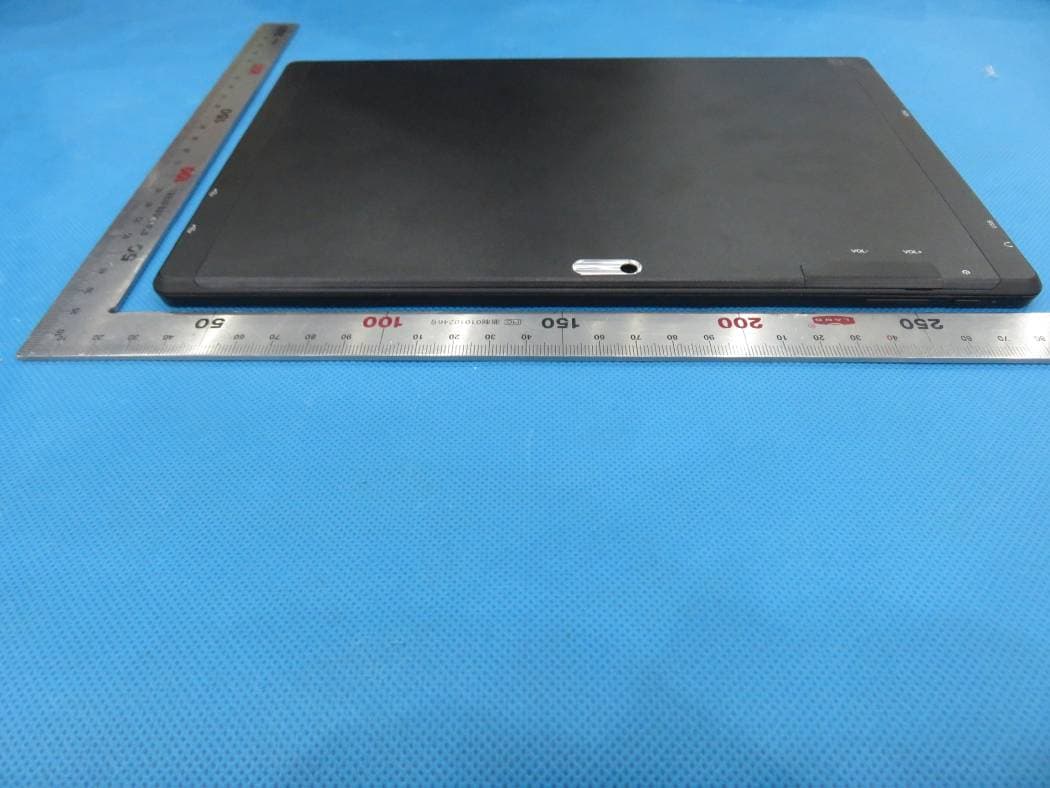
BRCPC1018
Jun 17, 2015tablet pc
Equipment Class
DXX - Part 15 Low Power Communication Device Transmitter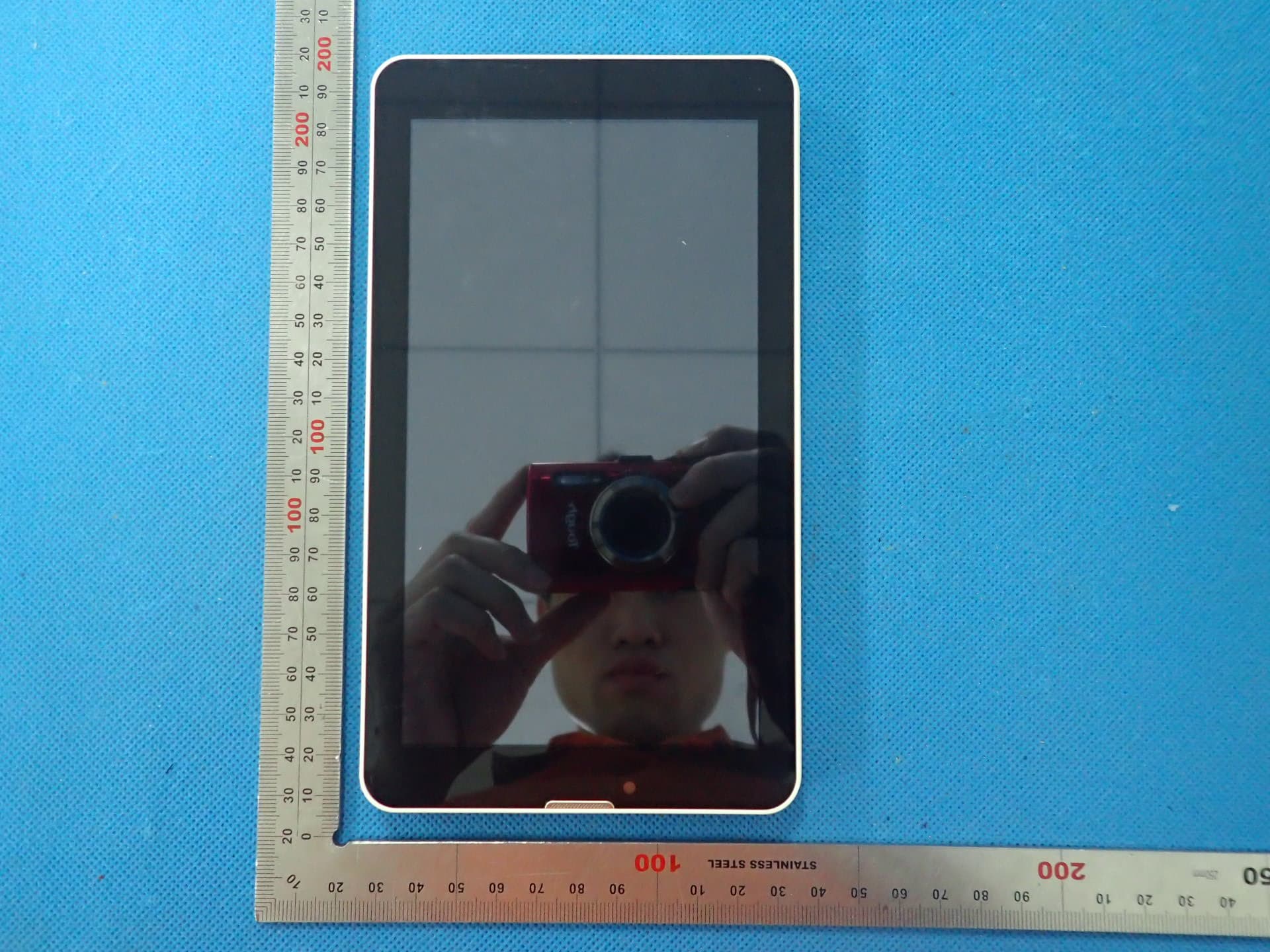
BRCPC7095ME
Jun 03, 2015Tablet PC
Equipment Class
DTS - Digital Transmission System
BRCPC8901
Apr 28, 2015Tablet PC
Equipment Class
JBP - Part 15 Class B Computing Device Peripheral
BRCPC7089
Apr 28, 2015Tablet PC
Equipment Class
DTS - Digital Transmission System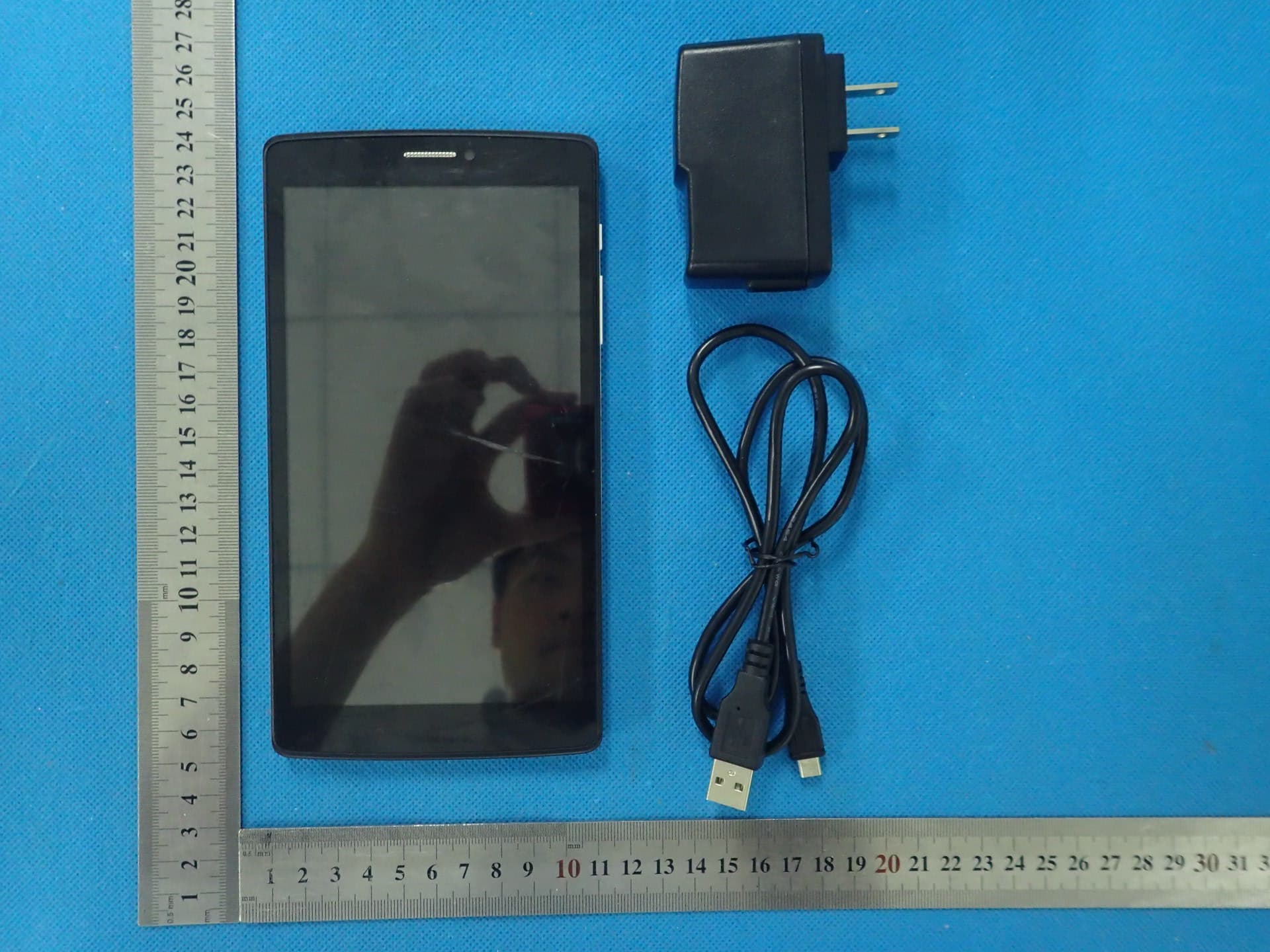
BRCPC6901
Apr 27, 2015Tablet PC
Equipment Class
PCE - PCS Licensed Transmitter held to ear