BRF29GG29 Inches Flat Type TV Broadcast Receiver
KTV Global Corporation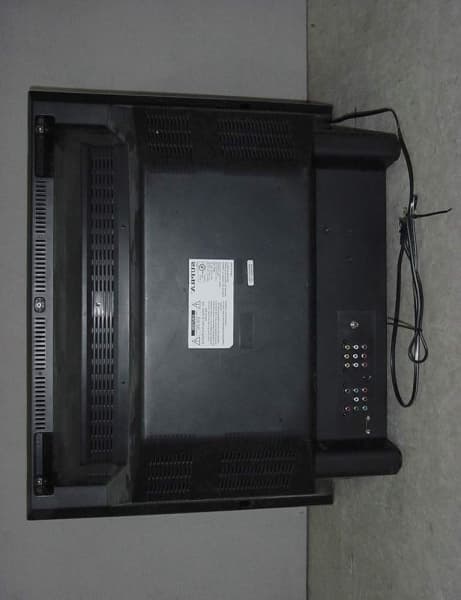
Click to zoom
Application Details
- Equipment Class
- JBP - Part 15 Class B Computing Device Peripheral
- Date of Grant
- Mar 06, 2002
- Application Purpose
- Original Equipment
- Date of Application
- Mar 06, 2002
- Equipment Note
- 29 Inches Flat Type TV Broadcast Receiver
- Company
- KTV Global Corporation
- Country
- South Korea
Documents & Files
Document Text
Text extracted from the exhibit documents filed with the FCC. Open a document above to read the original.
Users Manual
DIGITAL READY TV WWW.KEC.CO.KR MODEL: 29GG400 INSTRUCTION MANUAL FEATURES 640 480 Resolution ! Flickerless picture and NTSC image conversion to progressive scan! You can view an analog broadcasts with the best picture quality .Receive digital broadcasts by connecting with a ATSC set-top box! High-performance adaptive 4H comb filters and vertical peaking create vivid pic- tures ever for the sub display window.Motion adaptive spatial and temporal noise reduction (3D-NR) reduces a lot of noise in the picture!Scan velocity modulation circuit improves the contour between black and white pic- tures! ABC Circuit(Automatic Brightness Control) always enables you to see the best pic-ture regardless of the surrounding brightness conditions. A digital sound processor. Sound output power equal to a mini component. BTSC(MTS M) Stereo signal decoder! Spatial surround effect for a spectacular listening experience! Loudness effect a grand bass sound. AVC (Automatic Volume Correction) equalizes varying sound volume levels. Independent volume and source control for headphones! EXCELLENT SOUND QUALITY EXCELLENT PICTURE QUALITY 3 EXCELLENT PICTURE AND SOUND QUALITY, MULTIPLE FUNCTION READY TELEVISION FOR DIGITAL BROADCASTING TABLE OF CONTENTS FEATURES 3~5 PRECAUTIONS 6~8 LOCATION OF CONTROLS 9~10 USE OF THE REMOTE CONTROLLER 11~12 ANTENNA CONNECTION 13~14 POWER SUPPLY 15 VIDEO / AUDIO CONNECTION 16~18 STARTING OPERATION 19 PICTURE ADJUSTMENT 20~21 SOUND ADJUSTMENT 22~25 CLOCK SETTING 26~28 SETUP 29~31 PICTURE-IN-PICTURE OPERATION 32~35 FUNCTION 36~38 DOUBLE WINDOW 39~42 COMPATIBILITY WITH PERSONAL COMPUTER 43~45 RECEIVING DIGITAL BROADCASTS 46 V-CHIP FUNCTION 47~56 SLEEP FUNCTION 57 DISPLAY FUNCTION 57 QUICK VIEW FUNCTION 57 MUTE FUNCTION 57 RECEPTION DISTURBANCE 58 TROUBLE-SHOOTING GUIDE 59 PRODUCT SPECIFICATIONS 60 BEFORE USING THIS PRODUCTMISCELLANEOUSAPPLICATIONPERFORMANCE 4 5 MISCELLANEOUS FUNCTIONS MISCELLANEOUS FUNCTIONS Closed Caption Decoder : A Built-In Closed Caption Decoder(CCD) detects broadcastswith encoded closed caption signals and displays their content on the screen.Built-In V-Chip(Violence Chip) : This "Blocking V-Chip" Allows adults to block televisionprograms, movies, and videos which they feel are inappropriate for children. Power saving function : The power consumption in the stand-by state is below 3 watts! DOUBLE WINDOWPERSONALCOMPUTER INPUTWIDEBOOSTERTILTCLOCK ANDTIMERSLEEPAUTOMATIC POWER-OFFDISPLAYQUICK VIEWPIPCHANNEL INDEXSTROBE Watch main and sub picture simultaneously! It can display a 640 480 VGA PC signal! Watch TV at wide display state. When the antenna input signal is weak, booster amplifies the power of signal! compensates for the picture display for tilting to either the left or right because of the geomagnetic effects.Set the time, minutes and then use like a clock and timer! The television automatically turns off after the set sleep time. Turned off automatically after 15 minutes in the absence of pic-ture signal!Display the channel number, picture and sound state, mts andclock! Switches the current channel to the previously viewed channel.Two tuner PIP allows simultaneously display of VIDEO and TV, TV and TV, 2 VIDEO sources. Check other broadcasting pictures in sequence while watching the main picture! View the action frame by frame in still quick hots! 6 7 PRECAUTIONS PRECAUTIONS Don’t open the rear cover. This may expose you to very high voltages and other haz-ards. Avoid changing the direction of the TV set in a state ofpower-on, any color-blur may happen. In such case, plug it off and plug it on after an hour. Avoid places that has much moisture and dust. Place TV set on a flat and stable spot.Separate TV set from magnetic materials like speaker, tele-phone. Take due care not to use this TV close to other electric appa-ratus. Select an area where sunlight or bright indoor illuminationwill not fall directly on the picture screen. Keep TV set away from an iron.Don’t place heavy objects on the TV. Don’t cover air holes with a towel or any materials. When there is thunder and lightning or when you don't watchfor a long time, pull the power plug out.Don’t pull the power cord out.Don’t use a volatile solvents like benzene in cleaning. Clean TV with a piece of dry cloth. 8 LOCATION OF CONTROLS 9 PRECAUTIONS FRONT PANEL VIEW(LIST OF KEY SWITCHES, CONNECTORS) GRAPHICAL SYMBOLS EXPLANATION This lightning flash with arrowhead symbol, within anequilateral triangle is intended to alert the user to thepresence of uninsulated "dangerous voltage" withinthe product's enclosure that may be of sufficient mag-nitude to constitute a risk of electric shock to persons.The exclamation point within an equilateral triangle isintended to alert the user to the presence of importantoperating and maintenance (Servicing) instructions inthe literature accompanying the appliance. CAUTION RISK OF ELECTRIC SHOCK DO NOT OPEN. CAUTION : TO REDUCE THE RISK OF ELECTRIC SHOCK, DO NOTREMOVE COVER (OR BACK) NO PARTS INSIDE. REFER SERVICING TO QUALIFIED SERVICE PERSONNEL. 1234567891011 12 13 14 15 1. ABC Sensor2. Headphone Terminal3. R Sound Input Terminal(3)4. L Sound Input Terminal(3) : MONO5. Video Input Terminal(3)6. S-VHS Input Terminal(3)7. Channel Down( ) Button 8. Channel Up( ) Button 9. Volume Down( ) Button 10.Volume Up( ) Button 11. Menu Button12. TV/Video Button13. Remote Controller Sensor14. Stand-by Indicator15. Power Button THE USE OF THE REMOTE CONTROLLER LOCATION OF CONTROLS 10 11 REAR PANEL VIEW Point to the remote controller sensor of the TV set.The maximum operatable distance is approximately 20 feet from the remote controllersensor, and not more than 30 to either side of the center. The operation of the remote controller is most effective when there's no obstructionbetween it and the remote controller sensor.The duration of the batteries is approximately 6 months to 1 year. Replace the batteries when the remote operation becomes unstable. BATTERY INSTALLATION Open up the cover. Correctl…
Text truncated - open the document above for the full version.
Users Manual
29 28 ANTENNA SELECTIONCATV TV In this mode, you can change the broadcast mode between TV (For regular VHF/UHFchannel) and CATV (For cable channel). Press menu button and select set-up icon by VOL -/+ Key. 1. Press CH button. 2. Change the broadcast mode by VOL + button. SET UP CLOCK SETTING When the power is off(stand-by mode)after timer is set, the color of stand-byindicator changes from green to orange.If on timer and off timer is set at the sametime and minutes, ON TIMER has priority over off timer when power is offYou can activate timer function and chan-nel, using VOL + and CH / button. SLEEP TIMERSelect a sleep time period from 15 to 90 minutes.The television automatically is turned off after the set sleep time has elapsed.Whenever sleep button is pressed, the time period change as shown below OFF 15 30 45 60 90. AUTOMATIC POWER -OFF OPERATIONSet is turned off automatically after 15 minutes in the absence of picture signal. 31 30 MANUAL SEARCHThe channel is deleted from the memory, and the color of the channel number changesfrom green to red.FINE-TUNE If the reception is clear, do not fine-tune the channel. Because this is done automaticallyduring the autoprogram operation.The AFT(Automatic Frequence Tuning) mode does not operate on the channels that arefine-tuned. Press VOL + / - button to fine-tune a channel. BOOSTER EFFECTS In case that the incoming signal is weak, set BOOSTER auto or active state. However, If you are located in a strong signal area like a nearby broadcasting stationand if the picture is distorted, set booster off or inactive state . Press VOL + button to set booster active or inactive. 3DNR FUNCTION Motion adaptive spatial and temporalnoise reduction (3D-NR) reduces a lot ofnoise in the picture!Press CH button to select 3D-NR (3 Dimension Noise Reduction). Press VOL + button to change 3D-NR mode and then the mode changes asshown below. 2 MODE 3 MODE 1 MODE SET UP AUTO-PROGRAM All broadcast channel in the current mode(CATV/TV) will be scanned and stored.After this operation, press MENU button to exit. T0 stop this procedure during the opera-tion, press VOL + button. MANUAL SEARCH1. To add a channel To add a skipped channel to the memory after the autoprogram operation, follow thesesteps. Select a channel to view by using 10 digit keys on the remote controller.Press ADD/DEL button on the remote controller. The color of a memorized channel number changes from red into GREEN. 2. To delete a channel Exclude a channel from the memory. Follow these steps to delete a channel in TV memory. Press CH / button or 10 digit keys to select a channel you want to delete. Press ADD/DEL button on the remote controller. SET UP 33 32 PIP OPERATION3. PIP Size4. PIP TV/VIDEO Press TV/VIDEO button on the PIP panel and then PIP picture mode will be toggled asshown below.TV VIDEO1 VIDEO2(S-VHS 2) VIDEO3(S-VHS 3) YUV RGB 5. PIP Swap Press swap button to swap main window with sub window. 6. PIP Still Press still button and then PIP will freeze. PIP OPERATION MAIN PIP PIP MAIN PIP OPERATION In this mode, enjoy watching and listening to two picture sources at the same time. 1. PIP ON / OFF Press VOL + button to activate PIP operation or press the PIP button on the remotecontroller. 2. PIP Position Press CH and VOL + button to change a direction or press position button on the panel PIP. PIP OPERATION 35 34 PIP OPERATION 8. PIP Strobe operation You can view sports game action frameby frame in still quickshots.Press strobe button once more to exit. PIP OPERATION PIP OPERATION7. Channel index function You can check other broadcast pictures in sequence while watching main picture! Press index button in sequence. Press index button once Press index button twice Press index button thrice times Press index button four times Press index button again or CH / button to exit. PIP OPERATION 37 36 HALFTONE MODE See guide characters on a slight black background.Press VOL + button to activate the halftone mode. BLUEBACK MODE When there is no picture signal or the signal is weak, the screen will revert to a solid bluecolor.We recommend to disable this function in watching very weak signals. FUNCTIONS WIDE FUNCTIONThis function lets you select one between wide and normal screen. WIDE ON : 16:9 SCREENWIDE OFF: 4:3 SCREEN Press menu button and then select FUNCTION icon by VOL -/+ key. 1. Press CH button 2. Press VOL + button to activate wide mode or press wide button on the remote controller. TILT FUNCTIONIt compensates the picture display for tilting to the left or right because of the geomagneticeffects. TILT TO THE LEFT NORMAL TILT TO THE RIGHT Adjust the tilt of the picture using VOL + / - button. FUNCTIONS NOTE : Even if there is no signal in the main window, blue back function will not activate when PIP is on! 39DOUBLE WINDOW FUNCTIONWatch main and sub picture of the same size simultaneously! Listen to the main sound or sub sound by a headphone with it's independent volume con-trol. 1. Conversion from normal window to double window. Press double button on the remote con-troller. MAIN PICTURE : Press CH / button or 10 digit keys to change the channel you want to watch. SUB PICTURE : Press CH / button on the panel PIP to change the channel you want to watch. 2. Wide mode in double window. In double window mode, you can watch TV at wide display state by wide button. PRACTICAL APPLICATION CLOSED CAPTION DECODER MODE A built-in closed caption decoder(CCD) Detects broadcasts with encoded closed caption signals and displays their content onthe screen. While the closed caption and text modes are respectively capable of receiving either of 2channels of information (CCD 1&2, text 1&2), few TV stations broadcast more than 1channel of CCD information, and fewer still broadcast any text information at all.CCD and TEXT information can be displayed nly when there are being broadcast by theTV station, or contained in a videotape or DISC. 1. Press MENU button and then select function icon by VOL -/+ key.2. Press CH but…
Text truncated - open the document above for the full version.
Users Manual
43 42 COMPATIBILITY WITH PERSONAL COMPUTERPersonal computer input function : It can receive a 640 480 VGA PC signal! Press PC button on the remote controller.Set the display of the panel control in personal computer 640 480 VGA mode. Connect TV with P.C using monitor cable.(Not Supplied) Press menu button on the remote con-troller PRACTICAL APPLICATION DOUBLE WINDOW FUNCTION PRACTICAL APPLICATION YUV TV YUV VIDEO 2 (S-VHS 2) YUV YUV YUV VIDEO 1 YUV VIDEO 3 (S-VHS 3) RGB VIDEO 1 RGB VIDEO 3 (S-VHS 3) RGB TV RGB VIDEO 2 (S-VHS 2) RGB RGB NOTE : It is imposseble to activate the above shadowed double window mode. Use headphones to listen to sub-sound. NOTE : In a certain Note-Book, there may become an unstable state be cause of incom-patibility with a special graphic card! 45 44 PRACTICAL APPLICATION COMPATIBILITY WITH PERSONAL COMPUTER4. Adjustment of the horizontal and vertical position Press VOL + / - button to adjust H and V position. 5. Adjustment of contrast and brightness Press VOL + / - button to adjust the picture state. 6. To adjust the volume of headphone. In P.C mode, you can enjoy not only the sound from main speaker but also the head-phone sound. Press VOL + / - button to adjust the volume of a headphone. COMPATIBILITY WITH PERSONAL COMPUTER1. Adjustment of the horizontal size2. Adjustment of the vertical size Press VOL + / - Button to adjust H size and V size. 3. Pincushion adjustment Press VOL + / - button to adjust pincushion Barrel distortion. PRACTICAL APPLICATION H SIZE V SIZE V-CHIP FUNCTION The FCC adopted rules requiring all television sets with picture screen 13 inches or larg-er to be equipped with features to block the display of television programming basedupon its rating. This technology is known as the "V-CHIP". The V-Chip reads information encoded in the rated program and blocks programs fromthe set based upon the raing selected by the parent.The V-Chip is available to help parents direct their children away from television theydeem inappropriate. 1. Press V-Chip button on the panel PIP.2. Enter the access code (This initial access code is "0,0,0,0") PRACTICAL APPLICATION 47 RECEIVING DIGITAL BROADCASTSThis ready TV can also receive digital broadcasts as well as a conventional analog broad-casts by connecting with an ATSC Set-Top Box. Digital Set-Top Box supporting ATSC system.15Pin D-Sub connectorDigital Ready TV 1. Set an set-top box to the 640*480P mode. (P:Progressive) 2. Connect TV with set-top box using a monitor cable. (Not supplied)3. Connect the audio input jacks of TV with the audio utput jacks of set-top box using an audio cable (Not supplied) 4. Press PC button on the remote controller.5. Use MUTE, VOL + / - , S.STD button in the PC mode. PRACTICAL APPLICATION 46 NOTE : This ready TV supports only 640*480P mode and ntsc mode. 2R GB 2 RGB IN 2 ANT PC IN 2 PC terminal(PC IN) V-CHIP FUNCTION : MPAA RATING PRACTICAL APPLICATION 49 V-CHIP FUNCTION : MPAA RATING This procedure allows parents to block programs which contain MPAA ratings that theyconsider inappropriate. 1. Press VOL +, CH / button and select the rating which you wish to block. 2. Press VOL + button. And then the color of the rating will change from blue to red. 3. When you change the rating, press CH / button and select N/A, and then press VOL+ button. PRACTICAL APPLICATION 48 RATING REMARKS N/A(No rating) Not rated or not applicable program movie has not been rated or ratings do not apply. G(General audience) All ages admitted PG(Parental guidance suggested) Some material may not be suitable for children. PG-13(Parents strongly cautioned) Some material may be inappropriate for children under 13. R(Restricted) Under 17 requires accompanying Parent or adult guardian. NC-17(No one 17 and under admitted)X(Adults only) NOTE You do not need to block each MPAA rating individually.For example, if you block movies with an R(restricted) rating, the V-chip will auto-matically also block NC-17 and X rated movies.In a like manner, passing(unblocking) the PG-13 rating would automatically alsopass PG and G ratings. V-CHIP FUNCTION : TV PARENTAL GUIDE RATINGS NONE(No Rating): Not rated or not applicable program. Important note: You have the ability to block all programs whichare not rated, but you should be aware that such blocking mayhave unintended consequences.For example, the following types of non-rated programming mightbe blocked: emergency bulletines, news, weather, religion, sports,politics, local, unrated old movies, etc. TV-Y(All Children): This program is designed to be appropriate for all children. Whether animated or live-action, the themes and elements in thisprogram are specifically designed for a very young audience,including children from ages 2~6. This program is not expected to frighten younger children. PRACTICAL APPLICATION 51 V-CHIP FUNCTION : TV PARENTAL GUIDE RATINGS This procedure allows parents to block programs which contain TV parental guide rat-ings that they consider inappropriate. Refer to the rating and content label gides on the next page. 1. Press VOL +, CH / button and select the rating which you wish to block. 2. Press VOL + Button. And then VIEW will change into LOCK and the color of one will change from blue to red. 3. When you change the ratings one by one, press CH / button and select the rating which you wish to change, and then press VOL + button. When you change the ratings at a time, press CH / button and select BLOCKING , and then press VOL + button. 4. When you have finished setting the TV parental guide ratings, press MENU button repeatedly. PRACTICAL APPLICATION 50 V-CHIP FUNCTION : TV PARENTAL GUIDE RATINGS TV-G(General audience): Most parents would find this program suitable for all ages. Although this rating does not signify a program designed specifically for children, mostparents may let younger children watch this program unattended. It contains little or no violence, no strong language and little or no sexual dialogue or sit-uations. TV-PG(D/L/S/V: Par…
Text truncated - open the document above for the full version.
Block Diagram
EXT SOUND INPUT PC INPUT BUS CVBS S-VHS R.G.B Y.U.V AC 90~260V MAIN TUNER EEP- ROM MICOM 128K (8 MHz) SOUND CONTROL MSP3440G (18 MHz) L-SPAKER R-SPAKER SOUND POWER AMP TDA7265 TWEETER TWEETER R.G.B AMP / V.M TDA6111 Q *3 VIDEO DISPLAY and DEFLECTION DDP3310D (13.5MHz) (27MHz) FBT 6174Z- 6005S H-OUT 2SC5682 E/W-OUT 2SD2059 H-DRIVE TRANS STR STR6658 SUB TUNER V-OUT LA7845 SMPS- TRANS MAIN DISPLAY VPC3230D ( 2 0. 2 5 MHz ) SUB DISPLAY VPC3230D ( 20.25MHz FIELD MEMORY MS81V04160 SCAN RATE CONVERSION SDA9400 (13.5MHz) (27MHz) A/V SWITCH TA8851CN 29" FLAT D-FOCUS L-SPAKER R-SPAKER TWEETER TWEETER FBT 6174Z- 6005S
External Photos
FCC ID. : BRF29GG File No. : E022R-033 This report s ha ll not be reprod uced e xcept in full witho ut o ur writte n app ro va l.FCC-003 (Rev.0) HEAD OFFI CE : #505 SK APT. Factory 223-28, Sangdaewon 1 Dong, Jungwon-Gu, Seongnam-C ity, Kyunggi-Do, 462-121, Korea (TEL: 82-31-746-8500 FAX: 82-31-746-8700 ) EM C Te s ting De pt : 426-1 Daessangryung-Ri, Chowol-Myun, K wangju- C ity, K yunggi- Do 464-860 K orea. (TEL: 82- 31- 765-8289 FAX: 82- 31- 766- 2904) ONETECH Testing & Evaluation Lab . FCC ID. : BRF29GG File No. : E022R-033 This report s ha ll not be reprod uced e xcept in full witho ut o ur writte n app ro va l.FCC-003 (Rev.0) HEAD OFFI CE : #505 SK APT. Factory 223-28, Sangdaewon 1 Dong, Jungwon-Gu, Seongnam-C ity, Kyunggi-Do, 462-121, Korea (TEL: 82-31-746-8500 FAX: 82-31-746-8700 ) EM C Te s ting De pt : 426-1 Daessangryung-Ri, Chowol-Myun, K wangju- C ity, K yunggi- Do 464-860 K orea. (TEL: 82- 31- 765-8289 FAX: 82- 31- 766- 2904) ONETECH Testing & Evaluation Lab . FCC ID. : BRF29GG File No. : E022R-033 This report s ha ll not be reprod uced e xcept in full witho ut o ur writte n app ro va l.FCC-003 (Rev.0) HEAD OFFI CE : #505 SK APT. Factory 223-28, Sangdaewon 1 Dong, Jungwon-Gu, Seongnam-C ity, Kyunggi-Do, 462-121, Korea (TEL: 82-31-746-8500 FAX: 82-31-746-8700 ) EM C Te s ting De pt : 426-1 Daessangryung-Ri, Chowol-Myun, K wangju- C ity, K yunggi- Do 464-860 K orea. (TEL: 82- 31- 765-8289 FAX: 82- 31- 766- 2904) ONETECH Testing & Evaluation Lab .
ID Label/Location Info
FCC ID. : BRF29GG File ID : E022R-033 ONETECH Testing & Evaluation Lab . IDENTIFICATION LABEL: PROPOSED FCC ID LABEL The label included following statement will be attached on the rear side of product. This device complies with Part 15 of the FCC Rules. Operation is subject to the following two conditions: (1) this device may not cause harmful interference, and (2) this device must accept any interference received, including interference that may cause undesired operations. Made in Korea FCC ID : BRF29GG FCC ID
Internal Photos
FCC ID. : BRF29GG File No. : E022R-033 This report s ha ll not be reprod uced e xcept in full witho ut o ur writte n app ro va l.FCC-003 (Rev.0) HEAD OFFI CE : #505 SK APT. Factory 223-28, Sangdaewon 1 Dong, Jungwon-Gu, Seongnam-C ity, Kyunggi-Do, 462-121, Korea (TEL: 82-31-746-8500 FAX: 82-31-746-8700 ) EM C Te s ting De pt : 426-1 Daessangryung-Ri, Chowol-Myun, K wangju- C ity, K yunggi- Do 464-860 K orea. (TEL: 82- 31- 765-8289 FAX: 82- 31- 766- 2904) ONETECH Testing & Evaluation Lab . FCC ID. : BRF29GG File No. : E022R-033 This report s ha ll not be reprod uced e xcept in full witho ut o ur writte n app ro va l.FCC-003 (Rev.0) HEAD OFFI CE : #505 SK APT. Factory 223-28, Sangdaewon 1 Dong, Jungwon-Gu, Seongnam-C ity, Kyunggi-Do, 462-121, Korea (TEL: 82-31-746-8500 FAX: 82-31-746-8700 ) EM C Te s ting De pt : 426-1 Daessangryung-Ri, Chowol-Myun, K wangju- C ity, K yunggi- Do 464-860 K orea. (TEL: 82- 31- 765-8289 FAX: 82- 31- 766- 2904) ONETECH Testing & Evaluation Lab . FCC ID. : BRF29GG File No. : E022R-033 This report s ha ll not be reprod uced e xcept in full witho ut o ur writte n app ro va l.FCC-003 (Rev.0) HEAD OFFI CE : #505 SK APT. Factory 223-28, Sangdaewon 1 Dong, Jungwon-Gu, Seongnam-C ity, Kyunggi-Do, 462-121, Korea (TEL: 82-31-746-8500 FAX: 82-31-746-8700 ) EM C Te s ting De pt : 426-1 Daessangryung-Ri, Chowol-Myun, K wangju- C ity, K yunggi- Do 464-860 K orea. (TEL: 82- 31- 765-8289 FAX: 82- 31- 766- 2904) ONETECH Testing & Evaluation Lab . FCC ID. : BRF29GG File No. : E022R-033 This report s ha ll not be reprod uced e xcept in full witho ut o ur writte n app ro va l.FCC-003 (Rev.0) HEAD OFFI CE : #505 SK APT. Factory 223-28, Sangdaewon 1 Dong, Jungwon-Gu, Seongnam-C ity, Kyunggi-Do, 462-121, Korea (TEL: 82-31-746-8500 FAX: 82-31-746-8700 ) EM C Te s ting De pt : 426-1 Daessangryung-Ri, Chowol-Myun, K wangju- C ity, K yunggi- Do 464-860 K orea. (TEL: 82- 31- 765-8289 FAX: 82- 31- 766- 2904) ONETECH Testing & Evaluation Lab . FCC ID. : BRF29GG File No. : E022R-033 This report s ha ll not be reprod uced e xcept in full witho ut o ur writte n app ro va l.FCC-003 (Rev.0) HEAD OFFI CE : #505 SK APT. Factory 223-28, Sangdaewon 1 Dong, Jungwon-Gu, Seongnam-C ity, Kyunggi-Do, 462-121, Korea (TEL: 82-31-746-8500 FAX: 82-31-746-8700 ) EM C Te s ting De pt : 426-1 Daessangryung-Ri, Chowol-Myun, K wangju- C ity, K yunggi- Do 464-860 K orea. (TEL: 82- 31- 765-8289 FAX: 82- 31- 766- 2904) ONETECH Testing & Evaluation Lab . FCC ID. : BRF29GG File No. : E022R-033 This report s ha ll not be reprod uced e xcept in full witho ut o ur writte n app ro va l.FCC-003 (Rev.0) HEAD OFFI CE : #505 SK APT. Factory 223-28, Sangdaewon 1 Dong, Jungwon-Gu, Seongnam-C ity, Kyunggi-Do, 462-121, Korea (TEL: 82-31-746-8500 FAX: 82-31-746-8700 ) EM C Te s ting De pt : 426-1 Daessangryung-Ri, Chowol-Myun, K wangju- C ity, K yunggi- Do 464-860 K orea. (TEL: 82- 31- 765-8289 FAX: 82- 31- 766- 2904) ONETECH Testing & Evaluation Lab . FCC ID. : BRF29GG File No. : E022R-033 This report s ha ll not be reprod uced e xcept in full witho ut o ur writte n app ro va l.FCC-003 (Rev.0) HEAD OFFI CE : #505 SK APT. Factory 223-28, Sangdaewon 1 Dong, Jungwon-Gu, Seongnam-C ity, Kyunggi-Do, 462-121, Korea (TEL: 82-31-746-8500 FAX: 82-31-746-8700 ) EM C Te s ting De pt : 426-1 Daessangryung-Ri, Chowol-Myun, K wangju- C ity, K yunggi- Do 464-860 K orea. (TEL: 82- 31- 765-8289 FAX: 82- 31- 766- 2904) ONETECH Testing & Evaluation Lab . FCC ID. : BRF29GG File No. : E022R-033 This report s ha ll not be reprod uced e xcept in full witho ut o ur writte n app ro va l.FCC-003 (Rev.0) HEAD OFFI CE : #505 SK APT. Factory 223-28, Sangdaewon 1 Dong, Jungwon-Gu, Seongnam-C ity, Kyunggi-Do, 462-121, Korea (TEL: 82-31-746-8500 FAX: 82-31-746-8700 ) EM C Te s ting De pt : 426-1 Daessangryung-Ri, Chowol-Myun, K wangju- C ity, K yunggi- Do 464-860 K orea. (TEL: 82- 31- 765-8289 FAX: 82- 31- 766- 2904) ONETECH Testing & Evaluation Lab . FCC ID. : BRF29GG File No. : E022R-033 This report s ha ll not be reprod uced e xcept in full witho ut o ur writte n app ro va l.FCC-003 (Rev.0) HEAD OFFI CE : #505 SK APT. Factory 223-28, Sangdaewon 1 Dong, Jungwon-Gu, Seongnam-C ity, Kyunggi-Do, 462-121, Korea (TEL: 82-31-746-8500 FAX: 82-31-746-8700 ) EM C Te s ting De pt : 426-1 Daessangryung-Ri, Chowol-Myun, K wangju- C ity, K yunggi- Do 464-860 K orea. (TEL: 82- 31- 765-8289 FAX: 82- 31- 766- 2904) ONETECH Testing & Evaluation Lab . FCC ID. : BRF29GG File No. : E022R-033 This report s ha ll not be reprod uced e xcept in full witho ut o ur writte n app ro va l.FCC-003 (Rev.0) HEAD OFFI CE : #505 SK APT. Factory 223-28, Sangdaewon 1 Dong, Jungwon-Gu, Seongnam-C ity, Kyunggi-Do, 462-121, Korea (TEL: 82-31-746-8500 FAX: 82-31-746-8700 ) EM C Te s ting De pt : 426-1 Daessangryung-Ri, Chowol-Myun, K wangju- C ity, K yunggi- Do 464-860 K orea. (TEL: 82- 31- 765-8289 FAX: 82- 31- 766- 2904) ONETECH Testing & Evaluation Lab . FCC ID. : BRF29GG File No. : E022R-033 This report s ha ll not be reprod uced e xcept in full witho ut o ur writte n app ro va l.FCC-003 (Rev.0) HEAD OFFI CE : #505 SK APT. Factory 223-28, Sangdaewon 1 Dong, Jungwon-Gu, Seongnam-C ity, Kyunggi-Do, 462-121, Korea (TEL: 82-31-746-8500 FAX: 82-31-746-8700 ) EM C Te s ting De pt : 426-1 Daessangryung-Ri, Chowol-Myun, K wangju- C ity, K yunggi- Do 464-860 K orea. (TEL: 82- 31- 765-8289 FAX: 82- 31- 766- 2904) ONETECH Testing & Evaluation Lab . FCC ID. : BRF29GG File No. : E022R-033 This report s ha ll not be reprod uced e xcept in full witho ut o ur writte n app ro va l.FCC-003 (Rev.0) HEAD OFFI CE : #505 SK APT. Factory 223-28, Sangdaewon 1 Dong, Jungwon-Gu, Seongnam-C ity, Kyunggi-Do, 462-121, Korea (TEL: 82-31-746-8500 FAX: 82-31-746-8700 ) EM C Te s ting De pt : 426-1 Daessangryung-Ri, Chowol-Myun, K wangju- C ity, K yunggi- Do 464-860 K orea. (TEL: 82- 31- 765-8289 FAX: 82- 31- 766- 2904) ONETECH Testing & Evaluation Lab . FCC ID. : BRF29GG File No. : E022R-033 This report s ha ll not be reprod…
Text truncated - open the document above for the full version.
Test Report
Page 1 of 13 FCC ID. : Error! Unknown docume nt prope rty name . File No. : Error! Unknown docume nt prope rty name . This report shall not be reproduced except in full without our written approval.FCC-003 (Rev.0) HEAD OFFICE : #505 SK APT. Factory 223-28, Sangdaewon 1 Dong, Jungwon- Gu, Seongnam- C ity, K yunggi- Do, 462-121, Korea (TEL: 82- 31-746-8500 FAX: 82-31-746-8700 ) EM C Te s ting De pt : 426-1 Daessangryung- Ri, C howol- Myun, K wangju- K un, K yunggi- Do 464-860 Korea. (TEL: 82- 31-765-8289 FAX: 82-31-766-2904) ONETECH Testing & Evaluation Lab . ELECTROMAGNETIC EMISSION COMPLIANCE REPORT FOR FCC CLASS B CERTIFICATION Test report file number : E022R-033 Applicant : KEC Corp. Address: 275-7, Yangjae-Dong, Seocho-Gu, Seoul 137-130 Korea Manufacture r : KEC Corp. Address: 149 Gongdan1-Dong, Gumi-City, kyungbuk, 730-031 Korea Type of Equipme nt : 29" FLAT TYPE TV BROADCAST RECEIVER FCC ID: BRF29GG Model / Type No. : 29GG Se rial numbe r: N/ A Total page of Report: 13 pages (including this page) Date of Incoming: January 25, 2002 Date of issuing : February 19, 2002 SUMMARY The equipment complies with the regulation; FCC PART 15 SUBPART B, SECTION 15.101 This test report contains only the results of a single test of the sample supplied for the examination. It is not a general valid assessment of the features of the respective products of the mass-production Prepared by: Reviewed by: G. W. Lee/ Ass. Chief EngineerY. K. Kwon/ Chief Engineer EMC Dept.EMC Dept. Page 2 of 13 FCC ID. : Error! Unknown docume nt prope rty name . File No. : Error! Unknown docume nt prope rty name . This report shall not be reproduced except in full without our written approval.FCC-003 (Rev.0) HEAD OFFICE : #505 SK APT. Factory 223-28, Sangdaewon 1 Dong, Jungwon- Gu, Seongnam- C ity, K yunggi- Do, 462-121, Korea (TEL: 82- 31-746-8500 FAX: 82-31-746-8700 ) EM C Te s ting De pt : 426-1 Daessangryung- Ri, C howol- Myun, K wangju- K un, K yunggi- Do 464-860 Korea. (TEL: 82- 31-765-8289 FAX: 82-31-766-2904) ONETECH Testing & Evaluation Lab . ONETECH Corp.ONETECH Corp. Page 3 of 13 FCC ID. : Error! Unknown docume nt prope rty name . File No. : Error! Unknown docume nt prope rty name . This report shall not be reproduced except in full without our written approval.FCC-003 (Rev.0) HEAD OFFICE : #505 SK APT. Factory 223-28, Sangdaewon 1 Dong, Jungwon- Gu, Seongnam- C ity, K yunggi- Do, 462-121, Korea (TEL: 82- 31-746-8500 FAX: 82-31-746-8700 ) EM C Te s ting De pt : 426-1 Daessangryung- Ri, C howol- Myun, K wangju- K un, K yunggi- Do 464-860 Korea. (TEL: 82- 31-765-8289 FAX: 82-31-766-2904) ONETECH Testing & Evaluation Lab . CONTENTS Page 1. VERIFICATION OF COMPLIANCE ................................................................................................................ 4 2. GENERAL INFORMATION .................................................................................................................................. 5 2.1 P RODUCT D ESCRIPTION ............................................................................................................................................. 5 2.2 R ELATED S UBMITTAL ( S ) / G RANT ( S ) ...................................................................................................................... 5 2.3 T EST S YSTEM D ETAILS .....................................................................…
Text truncated - open the document above for the full version.
Contact Information
Applicant
Eui Yeun Kim(Team Leader)
Test Firm
ONETECH Corp.Y. Kwon
Technical Specifications
| # | Rule Parts | Frequency Range | Power Output |
|---|---|---|---|
| 1 | 15B | - | - |
Other Applications from KTV Global Corporation
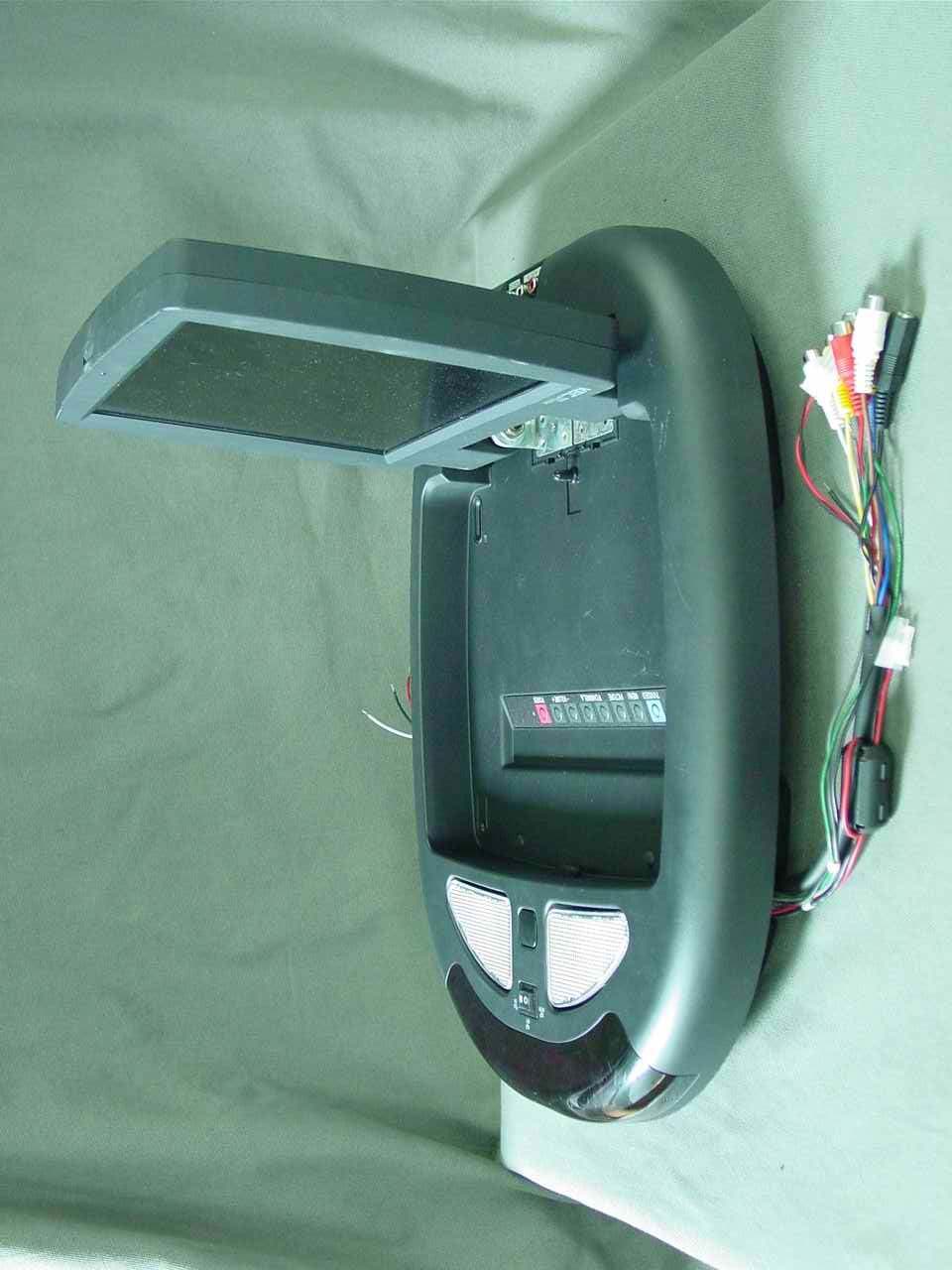
BRFLT104AA1
Mar 15, 200710.4" LCD TV Receiver
Equipment Class
DXX - Part 15 Low Power Communication Device Transmitter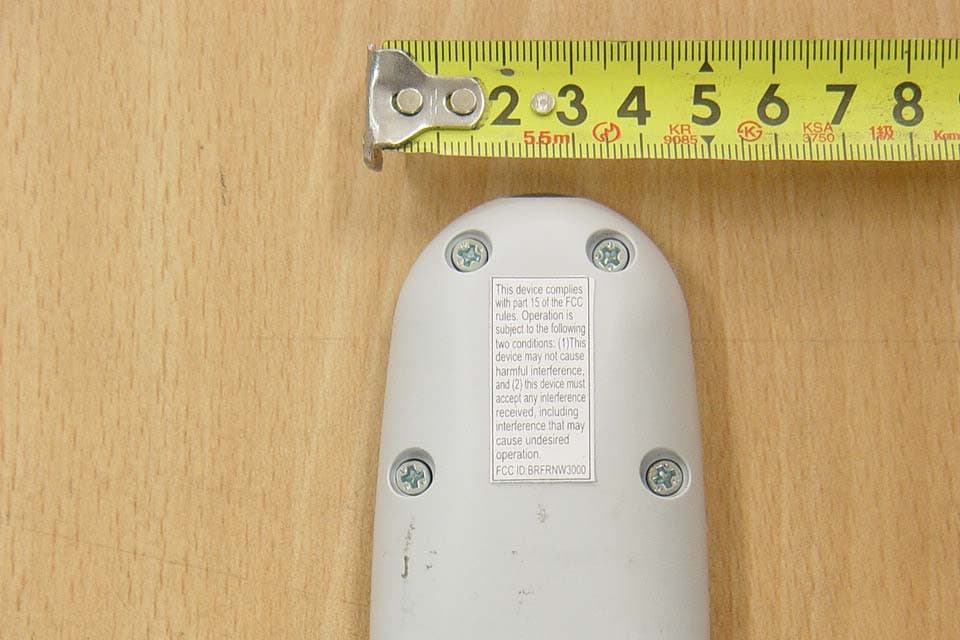
BRFRNW3000
Feb 26, 2007RF REMOTE CONTROL TRANSMITTER
Equipment Class
DSC - Part 15 Security/Remote Control Transmitter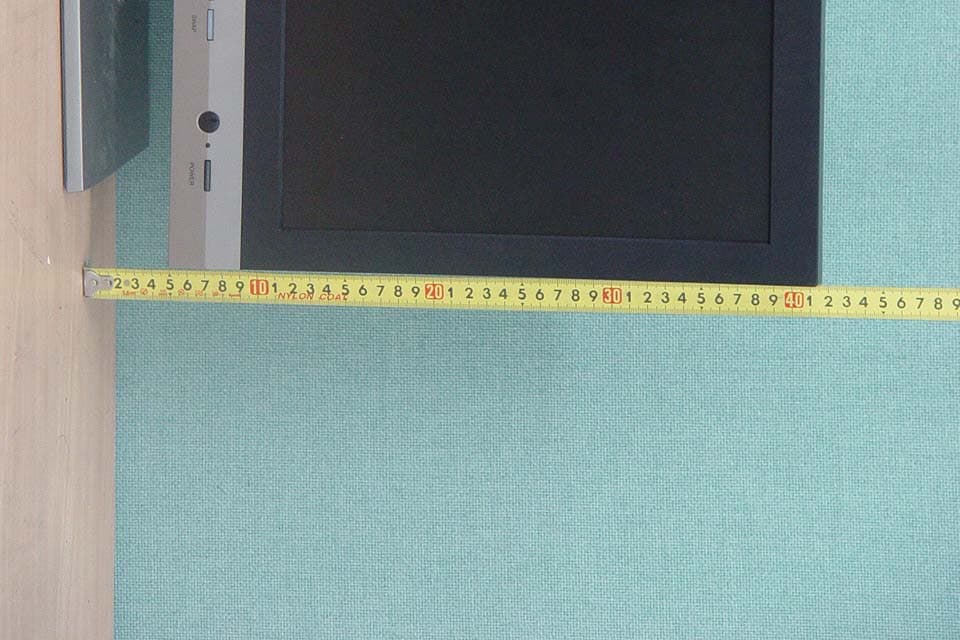
BRFLCM17BB
Dec 19, 200617" TFT LCD CCTV MONITOR
Equipment Class
JBP - Part 15 Class B Computing Device Peripheral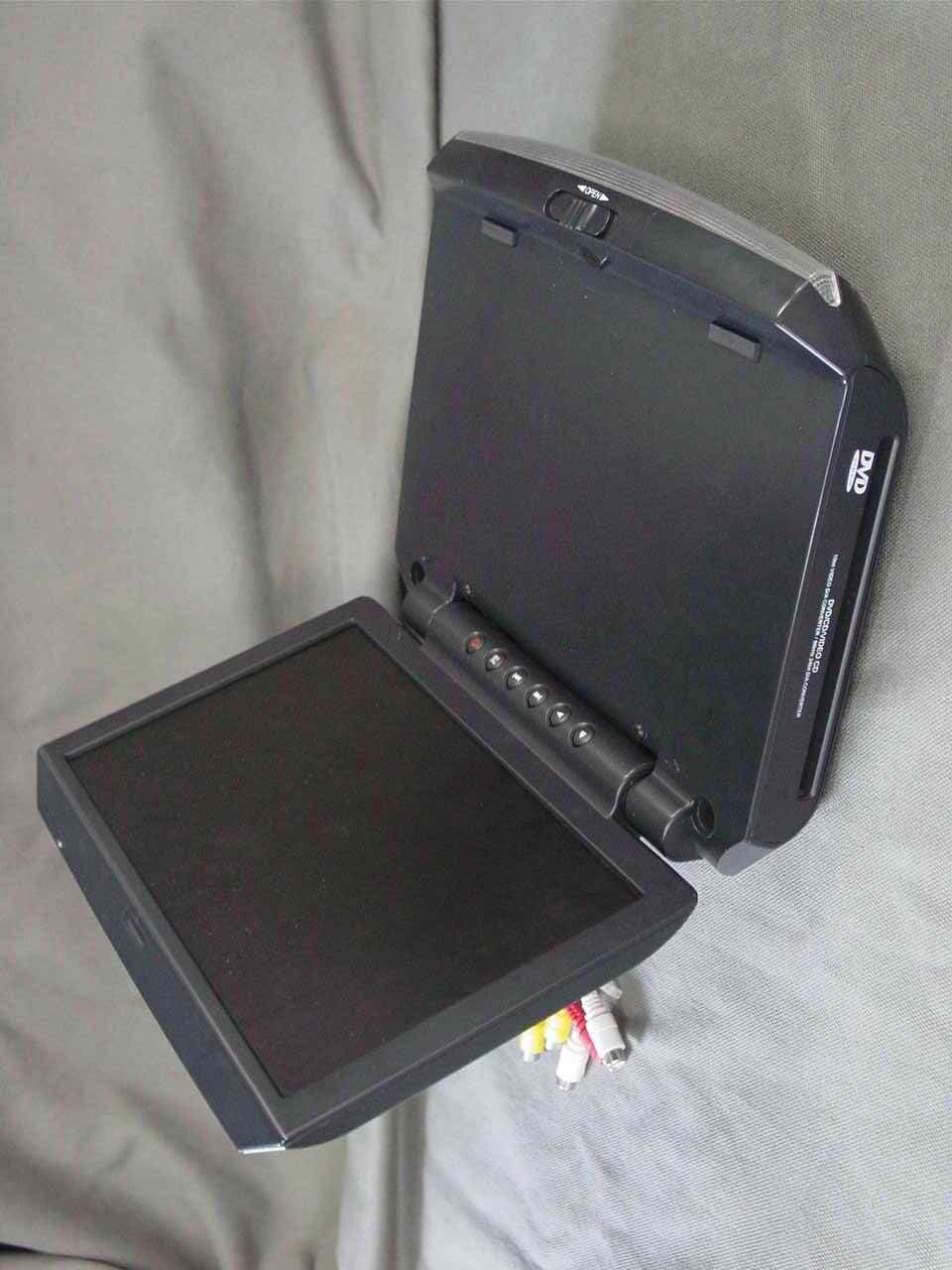
BRFLTD102AA
Dec 12, 200610.2" LCD TV Receiver
Equipment Class
DXX - Part 15 Low Power Communication Device Transmitter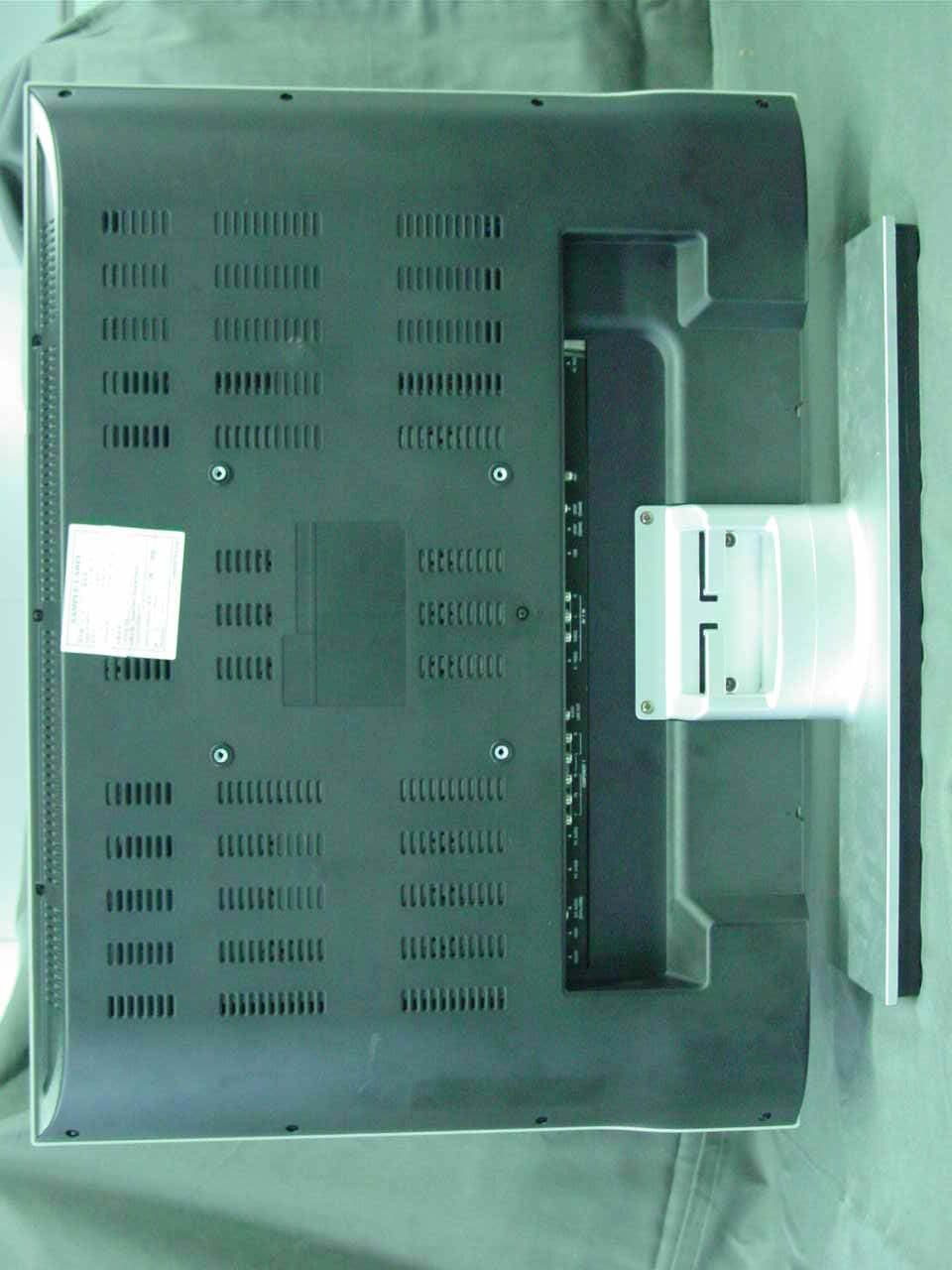
BRFLTW32DS
Jul 19, 200632" LCD TV Receiver/Monitor
Equipment Class
JBP - Part 15 Class B Computing Device Peripheral