BXZIPBS2R2AIP-DECT Base Station
Ascom (Sweden) AB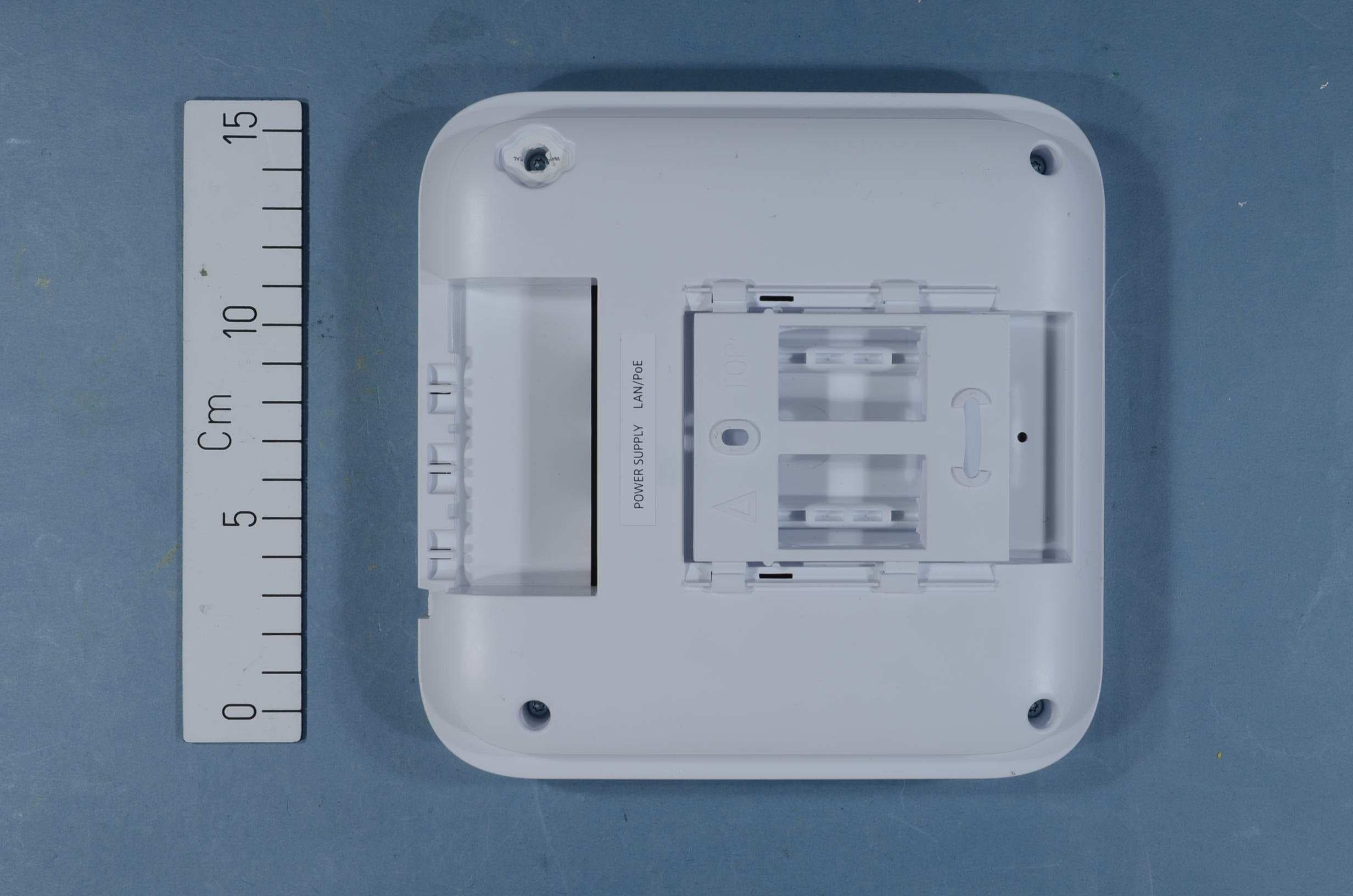
Click to zoom
Application Details
- Equipment Class
- PUB - Part 15 Unlicensed PCS Base Station
- Date of Grant
- Apr 09, 2015
- Application Purpose
- Original Equipment
- Date of Application
- Apr 09, 2015
- Equipment Note
- IP-DECT Base Station
- Frequency Range
- 1921.53600000 - 1928.44800000
- Company
- Ascom (Sweden) AB
- Country
- Sweden
Documents & Files
Document Text
Text extracted from the exhibit documents filed with the FCC. Open a document above to read the original.
Users Manual
TD 92579EN 15 October 2014 / Ver. M Installation and Operation Manual IP-DECT Base Station and IP-DECT Gateway (software version 7.2.X) TD 92579EN 15 October 2014 / Ver. M Installation and Operation Manual IP-DECT Base Station & IP-DECT Gateway (software version 7.2.X) Contents 1 Introduction............................................................................................................. 1 2 IP Security ................................................................................................................ 3 2.1 IP Security Terminology ...................................................................................... 3 2.1.1 TLS (former SSL) ......................................................................................... 3 2.1.2 Public Key Infrastructure ............................................................................ 3 2.1.3 Cryptography ............................................................................................. 3 2.2 Introduction to IP Security in IP-DECT ................................................................. 5 2.2.1 Secure Web Access (https) ......................................................................... 5 2.2.2 TLS Certificates .......................................................................................... 5 2.3 IP-DECT Administrative Functions ....................................................................... 7 2.3.1 Configuration - HTTP ................................................................................. 7 2.3.2 Configuration - Certificates ........................................................................ 7 2.3.3 Configuration - SIPS ................................................................................... 7 2.3.4 Configuration - Secure RTP ........................................................................ 7 3 Configuration .......................................................................................................... 8 3.1 Requirements ..................................................................................................... 8 3.1.1 Web Browser Requirements ....................................................................... 8 3.2 Access the GUI ................................................................................................... 8 3.2.1 Determine the IP Address ........................................................................... 9 3.2.2 Change the Default Password .................................................................. 10 3.3 GUI Web Access .............................................................................................. 12 3.3.1 Login Page ............................................................................................... 12 3.3.2 Access Levels ........................................................................................... 12 3.3.3 Auditors .................................................................................................. 12 3.3.4 User Administrators ................................................................................. 12 3.3.5 System Administrators ............................................................................. 13 3.4 Configure the Mobility Master ......................................................................... 16 3.5 Configure the Standby Mobility Master ............................................................ 16 3.6 Configure the Pari Master ................................................................................ 17 3.7 Configure the Standby Pari Master ................................................................... 18 3.8 Configure the Master ....................................................................................... 18 3.9 Configure the Standby Master ......................................................................... 19 3.10 Plug and Play Configuration ........................................................................... 20 3.11 Configure the Radio ....................................................................................... 20 3.12 Configure Deployment ................................................................................... 21 3.13 Add Users ...................................................................................................... 21 3.13.1 Anonymous Registration ........................................................................ 22 3.13.2 Individual Registration ............................................................................23 TD 92579EN 15 October 2014 / Ver. M Installation and Operation Manual IP-DECT Base Station & IP-DECT Gateway (software version 7.2.X) 3.13.3 Easy Registration .................................................................................... 25 4 Operation............................................................................................................... 27 4.1.1 Name the IPBS and IPBL ........................................................................... 27 4.1.2 Change User Name and Password ............................................................ 27 4.1.3 Centralized Management of Administrator and Auditor Accounts Using Kerberos ................................................................................................... 28 4.1.4 Configure the NTP Settings ...................................................................... 37 4.1.5 Certificates .............................................................................................. 38 4.1.6 License .................................................................................................... 43 4.2.1 Set DHCP Mode ....................................................................................... 44 4.2.2 Set a Static IP Address .............................................................................. 44 4.2.3 Dynamic IP address via DHCP .........................................…
Text truncated - open the document above for the full version.
Users Manual
TD 92989EN 15 October 2014 / Ver. B Installation Guide IP-DECT Base Station and IP-DECT Gateway TD 92989EN 15 October 2014 / Ver. B Installation Guide IP-DECT Base Station & IP-DECT Gateway Contents 1 Introduction............................................................................................................. 1 1.1 Abbreviations and Glossary ................................................................................ 1 2 Description............................................................................................................... 2 2.1 IPBS1 ................................................................................................................. 2 2.1.1 IPBS1 with Internal Antenna ...................................................................... 2 2.1.2 IPBS1 with External Antennas .................................................................... 4 2.2 IPBS2 ................................................................................................................. 5 2.2.1 IPBS2 with Internal Antenna ...................................................................... 5 2.2.2 IPBS2 with External Antennas .................................................................... 7 2.3 IPBL ................................................................................................................... 9 2.3.1 Overview ................................................................................................... 9 2.3.2 Power Supply ............................................................................................. 9 2.3.3 LED indication .......................................................................................... 10 2.4 BS3x0 .............................................................................................................. 12 2.5 DB1 ................................................................................................................. 14 2.5.1 DB1 with Internal Antenna ...................................................................... 14 2.5.2 DB1 with External Antennas .................................................................... 16 2.6 AC-adapter ...................................................................................................... 17 3 Installation of the Base Station............................................................................ 18 3.1 Base Station Cabling ........................................................................................ 18 3.2 Install the Base Station ..................................................................................... 18 3.2.1 Fix the Mounting Bracket to a Wall .......................................................... 18 3.2.2 Fix the Mounting Bracket to a Ceiling ...................................................... 19 3.2.3 Fix the Mounting Bracket to a Pole or Beam ............................................. 19 3.2.4 Use the Cable Ducts for IPBS1 .................................................................. 20 3.2.5 Connect External Antennas (only IPBS2 and DB1) ..................................... 21 3.2.6 Secure the Cable ...................................................................................... 23 3.2.7 Pinning .................................................................................................... 23 3.2.8 Connect the Base Station Cables .............................................................. 24 3.2.9 Mount the Base Station ........................................................................... 24 3.3 Power the Base Station .................................................................................... 25 3.3.1 Power the IPBS over Ethernet ................................................................... 25 3.3.2 Power the BS3x0 and DB1 over Express Powering Pair (EPP) and data pairs 25 3.3.3 Power the Base Station with a Local Power Supply ................................... 25 4 Installation of the IPBL.......................................................................................... 27 4.1 Install the IPBL .................................................................................................. 27 4.2 Pin the IPBL Cable ............................................................................................ 29 4.2.1 Synchronization Cable ............................................................................. 29 TD 92989EN 15 October 2014 / Ver. B Installation Guide IP-DECT Base Station & IP-DECT Gateway 4.2.2 RFP Cable ................................................................................................ 30 4.2.3 LAN Cable ............................................................................................... 30 4.3 Power the IPBL ................................................................................................. 31 4.3.1 110/230 VAC ........................................................................................... 31 4.3.2 48 VDC ................................................................................................... 32 5 Related Documents ............................................................................................... 33 Appendix A. RFP Power Consumption ................................................................... 35 TD 92989EN 15 October 2014 / Ver. B Installation Guide IP-DECT Base Station & IP-DECT Gateway 1 1Introduction This document describes how to install the following device: •IPBS 1 •IPBL 2 The document is intended for service technicians. Fo r information on how to operate the device, see the applicable Installation and Operation Manual for the device. For information about supported PBXs contact your supplier. 1.1Abbreviations and Glossary Base StationCommon name for IPBS, DECT Base Station (BS3x0) and TDM-DECT Base Station. DECTDigital Enhanced Cordless Telecommunications: global standard for cordle ss telecommunication. DECT Base…
Text truncated - open the document above for the full version.
Users Manual
1 IPBS2/DB1 Safety Instructions Consignes de sécurité 2 Safety Instructions IPBS2/DB1 3 English ...................................................................................... 5 Français .................................................................................... 9 4 Safety Instructions IPBS2/DB1 English5 English Safety Instructions IPBS2/DB1 Read these instructions before installing the equipment. For safe and efficient operation of the equipment, observe these instructions and all necessary safety precautions when using the equipment. Follow the installation instructions and adhere to all warnings and safety precautions located on the product, and product manuals. Changes or modifications to the equipment not expressly approved by the party responsible for compliance could void the user’s authority to operate the equipment. Precautions • Save this manual. It includes important safety information and operating instructions. Save all instructions for future reference. • If local Power Supply is used for the equipment, the following power supplies can be used: For EU Art. No.: 130137B, Order No.: BSX-0013 For UK Art. No.: 130136B, Order No.: BSX-0014 For NA Art. No.: 130138A, Order No.: BSX-0015 For AU Art. No.: 130139B, Order No.: 660263 • Replace all guards, barriers, or fasteners. Close and secure all openings when you complete the installation or before you return the equipment to service. • Install all wiring according to local, state, and federal electrical code requirements. • Connect AC (power supply) only to designated power sources as marked on the product. • Danger: Never alter the AC cord or plug. If the plug will not fit into the outlet, have a proper outlet installed by a qualified electrician. Improper connection increases the risk of electric shock. • Ensure the AC receptacle is installed near the equipment and easily accessible. • When mounting the equipment on a wall, use fasteners supplied with the system. • Position the electrical cord to the AC power supply where it is least likely to be subjected to damage or stress. • Remove the electrical cord from an outlet by pulling gently on the AC adapter, not by pulling the cord. Safety Instructions IPBS2/DB1 6English Regulatory Compliance Statements (EU/EFTA only) This equipment is intended to be used in the whole EU & EFTA. This equipment is in compliance with the essential requirements and other relevant provisions of R&TTE Directive 1999/5/EC. The Declaration of Conformity may be consulted at: https://www.ascom-ws.com/doc/ The equipment is marked with the label Regulatory Compliance Statements (USA and Canada only) IPBS2 FCC ID: BXZIPBS2R2A IC: 3724B-IPBS2R2A DB1 FCC ID: BXZDB1R2A IC: 3724B-DB1R2A FCC compliance statements This equipment has been tested and found to comply with the limits for a Class B digital device, pursuant to part 15 of the FCC Rules. These limits are designed to provide reasonable protection against harmful interference in a residential installation. This equipment generates, uses and can radiate radio frequency energy and, if not installed and used in accordance with the instructions, may cause harmful interference to radio communications. However, there is no guarantee that interference will not occur in a particular installation. If this equipment does cause harmful interference to radio or television reception, which can be determined by turning the equipment off and on, the user is encouraged to try to correct the interference by one or more of the following measures: • Reorient or relocate the receiving antenna. • Increase the separation between the equipment and receiver. • Connect the equipment into an outlet on a circuit different from that to which the receiver is connected. • Consult the dealer or an experienced radio/TV technician for help. Safety Instructions IPBS2/DB1 English7 Information to user This device complies with Part 15 of the FCC Rules Operation is subject to the following two conditions: 1. this device may not cause harmful interference, and 2. this device must accept any interference received, including interference that may cause undesired operation. This device complies with Industry Canada licence-exempt RSS standard(s). Operation is subject to the following two conditions: 1. this device may not cause interference, and 2. this device must accept any interference, including interference that may cause undesired operation of the device. Le présent appareil est conforme aux CNR d'Industrie Canada applicables aux appareils radio exempts de licence. L'exploitation est autorisée aux deux conditions suivantes: 1. l'appareil ne doit pas produire de brouillage, et 2. l'utilisateur de l'appareil doit accepter tout brouillage radioélectrique subi, même si le brouillage est susceptible d'en compromettre le fonctionnement. IC Requirements for Canada This Class B digital apparatus complies with Canadian ICES-003. Cet appareil numérique de la Classe B conforme á la norme NMB- 003 du Canada. Modifications Changes or modifications to the equipment not expressly approved by the party responsible for compliance could void the user’s authority to operate the equipment. Exposure to radio frequency signals This device complies with FCC RF radiation exposure limits set forth for an uncontrolled environment. The antenna used for this transmitter must be installed to provide a separation distance of at least 20 cm from all persons and must not be co-located or operating in conjunction with any other antenna or transmitter. Safety Instructions IPBS2/DB1 8English Consignes de sécurité IPBS2/DB1 Français9 Français Consignes de sécurité IPBS2/DB1 Lisez les présentes instructions avant d'installer l'équipement. Pour un fonctionnement sûr et efficace de l'équipement, conformez-vous aux présentes instructions et prenez toutes les précautions de sécurité nécessaires lors de son utilisation. Suivez les instructions d'installation et observez tous les avertissements et les précautions de s…
Text truncated - open the document above for the full version.
Block Diagram
Wireless Solutions Page 4(6) Dokumenttitel - Document title: Dokumenttyp - Document: type External Hardware Design Description for IPBS2 eHDD Uppgjord av - Prepared by: Godkänd av - Approved by: Datum - Date: Version: Dok.nr - Doc no.: SEMNy 2015-01-28 A TBD 2 BLOCKDIAGRAM Figure 1: Block diagram for IPBS2 For more information about operating and internal frequencies see descriptions in next chapter. RTD even BMC RTD odd Logic Radio Figure 2: Block diagram for IPBS2 radio AMC 24MHz and ~650MHz BMC 10.368MHz DDR2 64 MByte ~330MHz NOR Flash 16 MByte 20-80MHz (Async) SDRAM 16 MByte 82.944MHz SPI PCM UART Radio 1880MHz- 1930MHz Ethernet LED’s RF Power regulators Power PoE Power nets Reset handling Reset button Resets Sync UART Ethernet PHY 25MHz MII Power good
External Photos
EXTERNAL PHOTOS Project no.: 271164 FCC ID: BXZIPBS2R2A Page 1 (1) EXTERNAL PHOTOS
ID Label/Location Info
Ascom (Sweden) ABGrimbodalen 2417 49 GöteborgSweden Ascom (Sweden) ABGrimbodalen 2417 49 GöteborgSweden 1321-11-5075 1321-11-5075 อ ุปกรณ โทรคมนาคมน ี้เป ็ นไปตามข อก ํ าหนดของคณะกรรมการก ิ จการโทรคมนาคมแห งชาต ิ Made in ChinaFabriqué en Chine 21-56 VDC ; 250 mA Made in China Fabriqué en Chine RESET FCC ID: BXZIPBS2R2AIC: 3724B-IPBS2R2A Insert date code at time of label printing. FCC ID: BXZIPBS2R2AIC: 3724B-IPBS2R2A RCM mark Australia: Height > 3mm 242288 MAC: Complies withIDA StandardsDA103861 7898939 385021 MAC: 4888 38371/SDPPI/2015 242288 Label specification The symbol indicating separate collection for EEEconsists of the crossed-out wheeled bin. The symbol must be printed visibly, legibly and indelibly. 12 characters. MAC: Barcode is code 128 format. This document contains confidential and proprietary information of Ascom and may not be copied, used or disclosed without the w ritten permission of Ascom and must be returned upon request. 21-56 VDC ; 250 mA When used, the CE mark must have a height of at least 5 mm.Serial number, 8 characters.S/N: Barcode is code 128 format. Label type: Product label 2Total size: 45.8*21 mm Label type: FCC labelTotal size: 66*35 mm Label type: IPBS2 Box labelTotal size: 66*35 mm Label type: IPBS2 Product labelTotal size: 58.6*68.4 mm Label pn: LBL0305 Label revision: AB Product: IPBS2 Prod Label 1: Placed in marked cavity on rear sideFCC label: Placed in marked cavity on rear side Prod Label 2: Placed on the left side of the cavity for Prod label 1 Latest updated: 2015-03-04 Signature: Psg S/N: S/N: This device complies with Part 15 of the FCC Rules.Operation is subjected to the following two conditions:(1) this device may not cause harmful interference, and (2) thisdevice must accept any interference received, includinginterference that may cause undesired operation.Any modifications made to this device that is not approved by thesupplier may void the authority granted to the user by FCC tooperate the equipment.This class B digital apparatus complies with Canadian ICES-003.Cet appareil numérique de la Classe B conforme á lanormeNMB-003 du Canada. S/NyyWww T26xxxxxxx yyWww ≥ 5mm T26xxxxxxx MAC number: yyWww Model:IPBS2-A3A Model:IPBS2-A3A MAC: 12-34-56-78-90-12 12-34-56-78-90-12 7 898939 385021 7898939 385021
ID Label/Location Info
RESET 21-56 VDC ; 250 mA PTC207/12/004 PTC207/12/004 FCC ID: BXZIPBS2R2AIC: 3724B-IPBS2R2A 80E00006AAA-A00 80E00006AAA-A00 Insert date code at time of label printing. FCC ID: BXZIPBS2R2AIC: 3724B-IPBS2R2A RCM mark Australia: Height > 3mm 242288 MAC: MAC: IPBS432 IPBS432 242288 Made in China Label specification Made in China The symbol indicating separate collection for EEEconsists of the crossed-out wheeled bin. The symbol must be printed visibly, legibly and indelibly. Logo: Leave on > 1/2 M(first letter in Mitel) size spacing when possible 12 characters. MAC: Barcode is code 128 format. This document contains confidential and proprietary information of Ascom and may not be copied, used or disclosed without the w ritten permission of Ascom and must be returned upon request. 21-56 VDC ; 250 mA When used, the CE mark must have a height of at least 5 mm.Serial number, 8 characters.S/N: Barcode is code 128 format. Mitel, Castlegate Business ParkPortskewett, MonmouthshireNP26, 5YR, UK Label type: FCC labelTotal size: 66*35 mm Label type: IPBS2 Box labelTotal size: 66*35 mm Mitel, Castlegate Business ParkPortskewett, MonmouthshireNP26, 5YR, UK Label type: IPBS2 Product labelTotal size: 58.6*68.4 mm Label pn: LBL0319 Label revision: A5 Product: IPBS2 Variant: IPBS2- B3A = 80E00006AAA-A00 there /xx is the product revision Latest updated: 2015-03-04 Signature: Psg S/N: S/N: This device complies with Part 15 of the FCC Rules.Operation is subjected to the following two conditions:(1) this device may not cause harmful interference, and (2) thisdevice must accept any interference received, includinginterference that may cause undesired operation.Any modifications made to this device that is not approved by thesupplier may void the authority granted to the user by FCC tooperate the equipment.This class B digital apparatus complies with Canadian ICES-003.Cet appareil numérique de la Classe B conforme á lanormeNMB-003 du Canada. S/NyyWww 1234567890 yyWww ≥ 5mm 1234567890 MAC number: yyWww Model:IPBS2-B3A Model:IPBS2-B3A MAC: 12-34-56-78-90-12 12-34-56-78-90-12
ID Label/Location Info
RESET 21-56 VDC ; 250 mA FCC ID: BXZIPBS2R2AIC: 3724B-IPBS2R2A 51301118 51301118 Insert date code at time of label printing. FCC ID: BXZIPBS2R2AIC: 3724B-IPBS2R2A RCM mark Australia: Height > 3mm 242288 MAC: MAC: 242288 Made in China Label specification Made in China The symbol indicating separate collection for EEEconsists of the crossed-out wheeled bin. The symbol must be printed visibly, legibly and indelibly. Logo: Leave on > 1/2 M(first letter in Mitel) size spacing when possible 12 characters. MAC: Barcode is code 128 format. This document contains confidential and proprietary information of Ascom and may not be copied, used or disclosed without the w ritten permission of Ascom and must be returned upon request. 21-56 VDC ; 250 mA When used, the CE mark must have a height of at least 5 mm.Serial number, 8 characters.S/N: Barcode is code 128 format. Mitel, Castlegate Business ParkPortskewett, MonmouthshireNP26, 5YR, UK Label type: FCC labelTotal size: 66*35 mm Label type: IPBS2 Box labelTotal size: 66*35 mm Mitel, Castlegate Business ParkPortskewett, MonmouthshireNP26, 5YR, UK Label type: IPBS2 Product labelTotal size: 58.6*68.4 mm Label pn: LBL0321 Label revision: A5 Product: IPBS2 Variant: IPBS2- D3A = 513 01118 there /xx is the product revision Latest updated: 2015-03-04 Signature: Psg S/N: S/N: This device complies with Part 15 of the FCC Rules.Operation is subjected to the following two conditions:(1) this device may not cause harmful interference, and (2) thisdevice must accept any interference received, includinginterference that may cause undesired operation.Any modifications made to this device that is not approved by thesupplier may void the authority granted to the user by FCC tooperate the equipment.This class B digital apparatus complies with Canadian ICES-003.Cet appareil numérique de la Classe B conforme á lanormeNMB-003 du Canada. S/NyyWww 1234567890 yyWww ≥ 5mm 1234567890 MAC number: yyWww Model:IPBS2-D3A Model:IPBS2-D3A MAC: 12-34-56-78-90-12 12-34-56-78-90-12
ID Label/Location Info
LBL_IPBS2-C3A_Avaya_Ver10 - Common Markets Product:Brand:Avaya 2015/03/04 Product label 1Best fit label size:Comments Ascom/Avaya art.nr. (unique): IPBS2-C3A = 700502016 = DECT IP RBS V2 IPBS2-Z3A = 700502034 = DECT IP RBS V2 Product label 2Comments Box label 1:66x35250676B46x21 Prod Label 3: Placed on the left side of the ca for Prod label 1 S/N: = unique product number After repair, add "R" after Avaya ́s art.nr The 2D code consists of UN125337134 + asc Prod Label 2: Placed in marked cavity on rear 73,6x32,1 250690B 250691A 58,6x68,4 IPBS2-C3A /xx=Product revision Best fit label size: Prod Label 1: Placed in marked cavity on rear LBL0357 Read this first! This file is used for one product (Designator + Variants) and one brand only. Different marking can occur for different ma possible, we use one label with the assembled information for all common markets. If not possible (e.g. due to lack of space on the label) represent one market. EU&EFTA,USA,CAN,AUS, RUS,BRA,ARG Latest updated: Market for this label: Best fit label size: Nr. 3Best fit label size: Prod label 3 At product?At box?At product?At box? Best fit label size: Nr. 4Best fit label size: LBL_IPBS2-C3A_Avaya_Ver10 - Common Markets 2 W/INT ANTNA COMPACT IPO 250674A avity com SN r side r side arkets. If ), one worksheet G
ID Label/Location Info
LBL_IPBS2-Z3A_Avaya_Ver10 - Common Markets Product:Brand:Avaya 2015/03/04 Product label 1Best fit label size:Comments Ascom/Avaya art.nr. (unique): IPBS2-C3A = 700502016 = DECT IP RBS V2 IPBS2-Z3A = 700502034 = DECT IP RBS V2 Product label 2Comments Box label 1:66x35250676B46x21 Prod Label 3: Placed on the left side of the ca for Prod label 1 S/N: = unique product number After repair, add "R" after Avaya ́s art.nr The 2D code consists of UN125337134 + asc Prod Label 2: Placed in marked cavity on rear 73,6x32,1 250690B 250691A 58,6x68,4 IPBS2-Z3A /xx=Product revision Best fit label size: Prod Label 1: Placed in marked cavity on rear LBL0357 Read this first! This file is used for one product (Designator + Variants) and one brand only. Different marking can occur for different ma possible, we use one label with the assembled information for all common markets. If not possible (e.g. due to lack of space on the label) represent one market. EU&EFTA,USA,CAN,AUS, RUS,BRA,ARG Latest updated: Market for this label: Best fit label size: Nr. 3Best fit label size: Prod label 3 At product?At box?At product?At box? Best fit label size: Nr. 4Best fit label size: LBL_IPBS2-Z3A_Avaya_Ver10 - Common Markets 2 W/INT ANTNA COMPACT IPO 250674A avity com SN r side r side arkets. If ), one worksheet G
Internal Photos
INTERNAL PHOTOS Project no.: 271164 FCC ID: BXZIPBS2R2A Page 1 (2) INTERNAL PHOTOS Internal Photos With Shielding INTERNAL PHOTOS Project no.: 271164 FCC ID: BXZIPBS2R2A Page 2 (2) Without Shielding
RF Exposure Info
FCC ID: BXZIPBS2R2A MPE Calculation for FCC Uncontrolled Environment Formula from page 18 of OET Bulletin 65, Edition 97 -01 where: S = power densityP = power input to the antennaG = power gain of the antenna in the direction of i nterest relative to an isotropic radiator R = distance to the center of radiation of the ante nna Source Based Time Averaged Duty Cycle is 100% in ca lculation below Maximum peak output power at antenna input terminal : 19.20 (dBm) Maximum peak output power at antenna input terminal : 0.083 (W) Maximum antenna gain: 0.60 (dBi) Maximum antenna gain: 1.148 (numeric) Prediction distance: 20 (cm) Prediction frequency: 1925 (MHz) Time Averaged Duty Cycle 100 % MPE limit for uncontrolled exposure at prediction f requency: 10.00 (W/m^2) Power density at prediction frequency: 0.0190 (mW/cm^2) Power density at prediction frequency: 0.190 (W/m^2) Maximum allowable antenna gain: 17.81 (dBi) Margin of Compliance: 17.21 (dB) 2 4 R PG S π =
Test Report
Report No. 271164-5 Template version: B Nemko Norway Nemko AS, Instituttveien 6, P.O. Box 96 Kjeller, 2007 Kjeller, Norway TEL +47 22 96 03 30 FAX +47 22 96 05 50 EMAIL [email protected] ENTERPRISE NUMBER NO974404532 nemko.com/no Test Report Product UPCS Base Station with Power over Ethernet Name and address of the applicant Ascom Sweden AB P.O.Box 8783, Grimbodalen 2, SE-402 76 Gothenburg, Sweden Name and address of the manufacturer Same as above Model IPBS2-A3A, IPBS2-B3A, IPBS2-C3A, IPBS2-D3A, IPBS2-Z3A Rating 24V DC or Power over Ethernet Trademark Ascom Serial number / Additional information DECT 6.0, PoE Tested according to FCC Part 15, subpart D Isochronous UPCS Device, 1920 – 1930 MHz Industry Canada RSS 213, Issue 2 2 GHz License-exempt Personal Communications Service Devices (LE-PCS) Order number 271164 Tested in period 2014.10.02 to 2014.10.16 Issue date 2015.03.06 Name and address of the testing laboratory Instituttveien 6 Kjeller, Norway FCC No: 994405 IC OATS: 2040D-1 TEL: (+47)…
Text truncated - open the document above for the full version.
Contact Information
Applicant
Peter Soderberg
Test Firm
Nemko ASFrode Sveinsen
Technical Specifications
| # | Rule Parts | Frequency Range | Power Output |
|---|---|---|---|
| 1 | 15D | 1.92 GHz - 1.93 GHz | 83.00 mW |
Other Applications from Ascom (Sweden) AB

BXZCHAT2
Sep 27, 2023Narrow band alarm transceiver
Equipment Class
TNB - Licensed Non-Broadcast Station Transmitter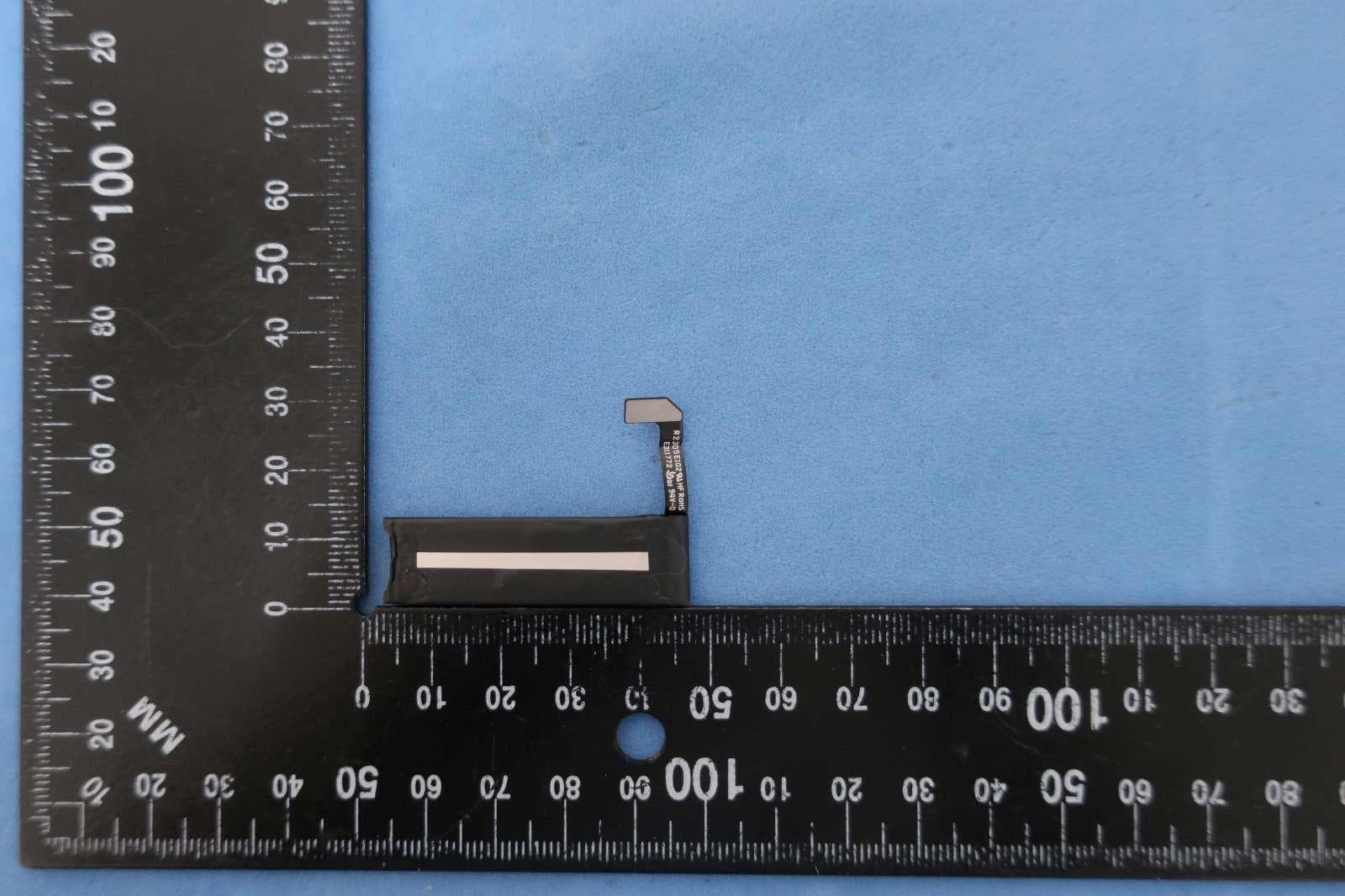
BXZSH4
Aug 02, 2023Myco 4 WiFi, Myco 4 Slim
Equipment Class
JBP - Part 15 Class B Computing Device Peripheral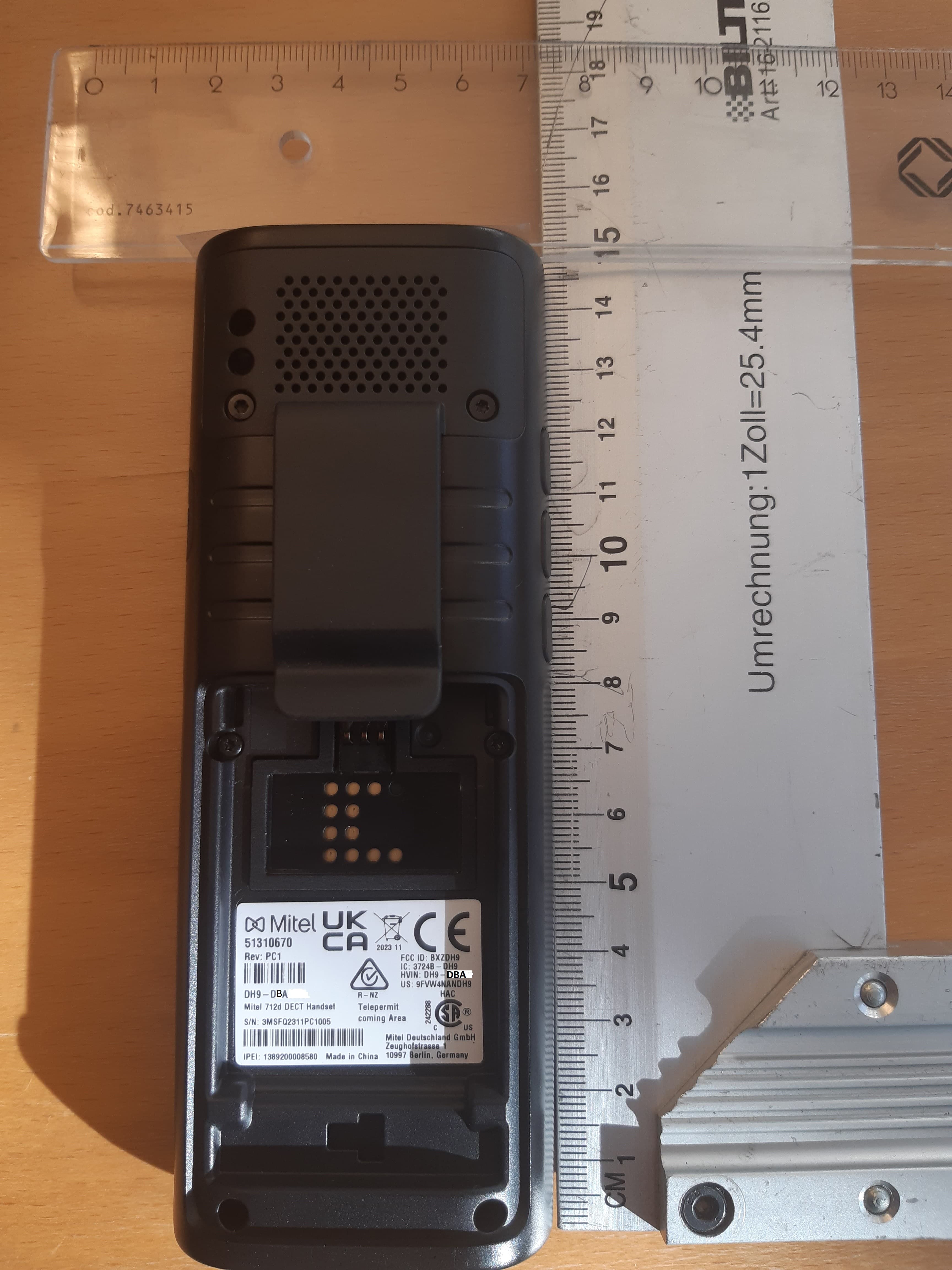
BXZDH9
Apr 16, 2023DECT Handset with Bluetooth
Equipment Class
PUE - Part 15 Unlicensed PCS portable Tx held to ear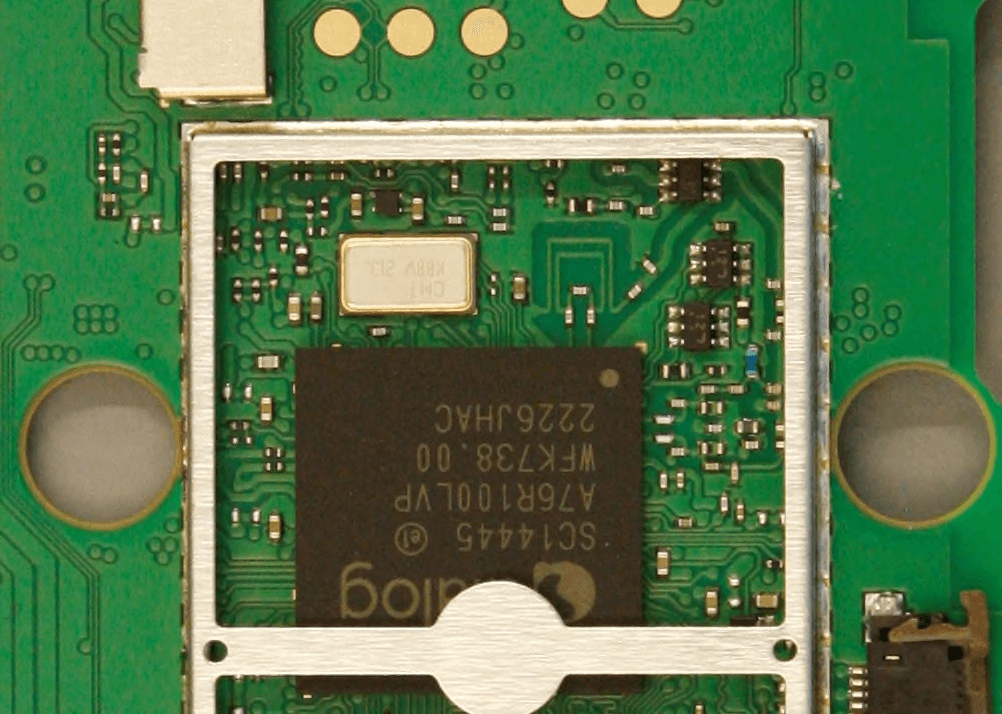
BXZDH10
Apr 16, 2023DECT Handset with Bluetooth
Equipment Class
DSS - Part 15 Spread Spectrum Transmitter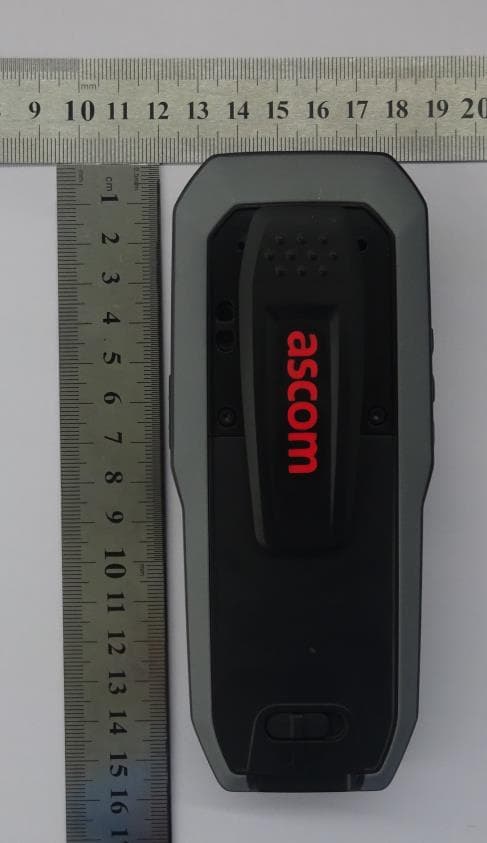
BXZDH8
Aug 09, 2021DECT Handset with Bluetooth and BLE
Equipment Class
JAB - Part 15 Class B Digital Device