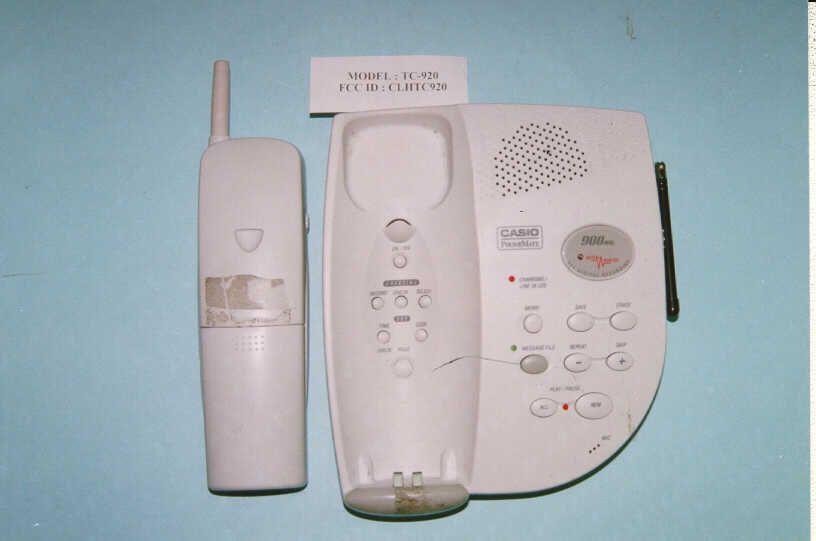
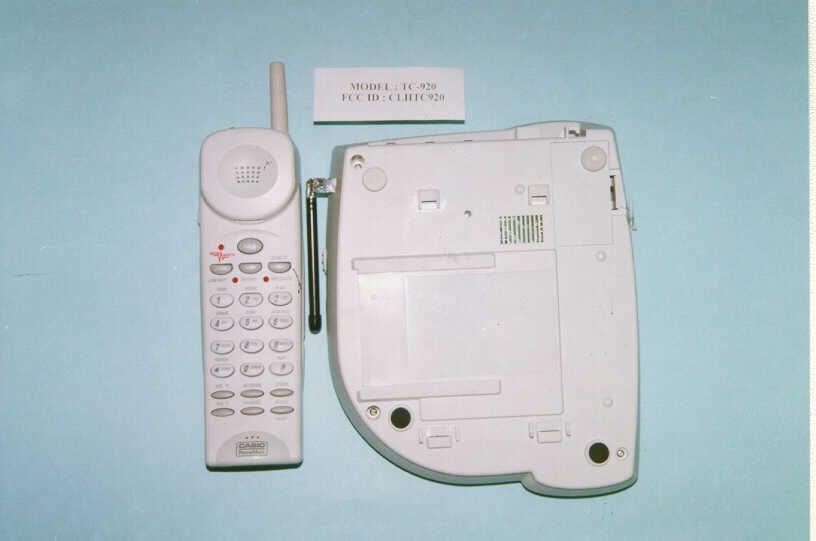
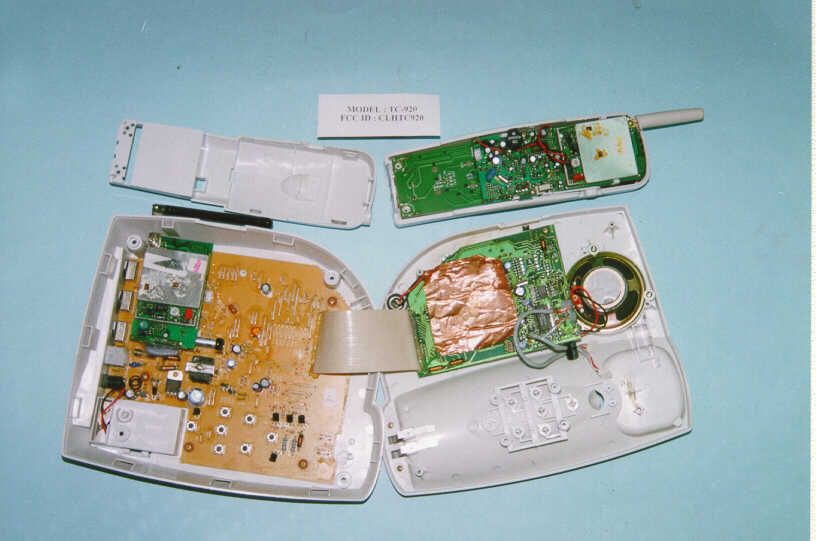
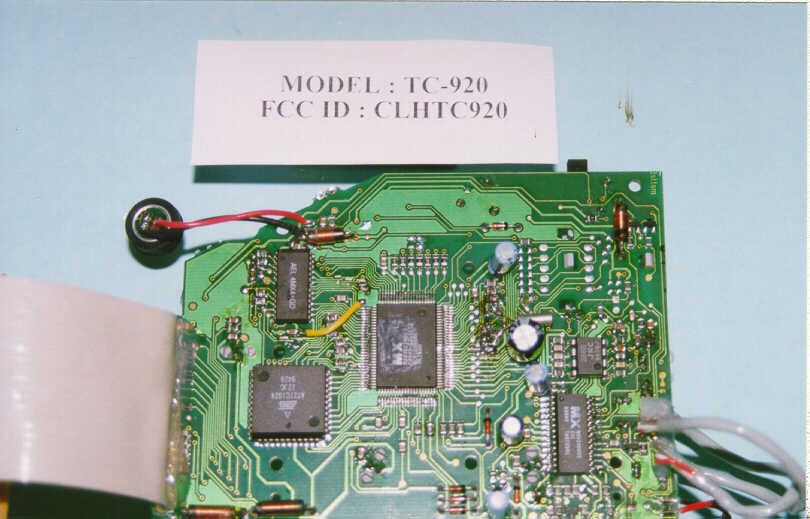
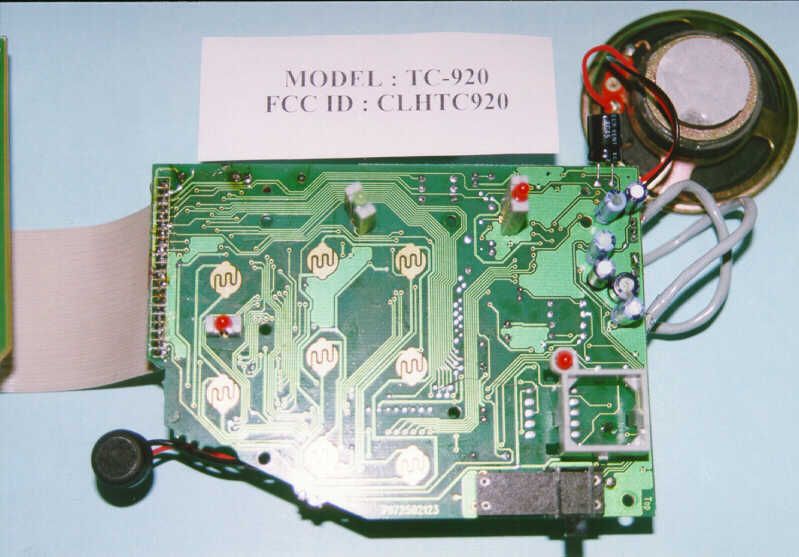
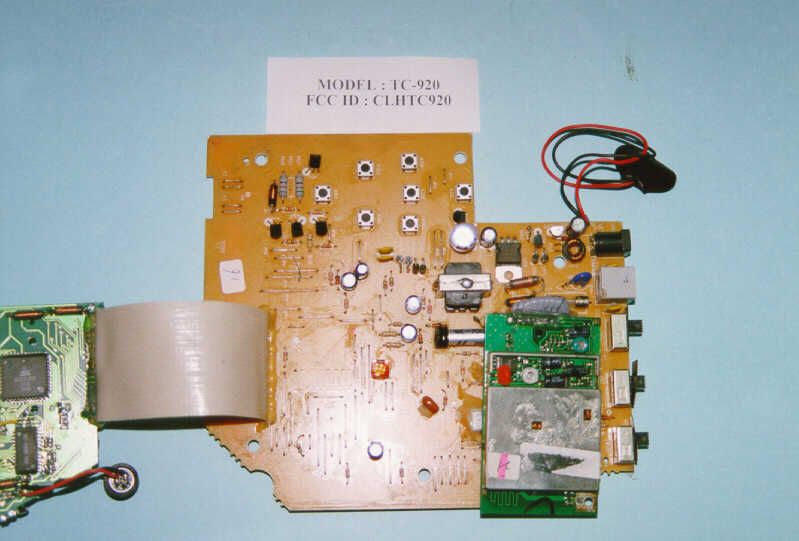
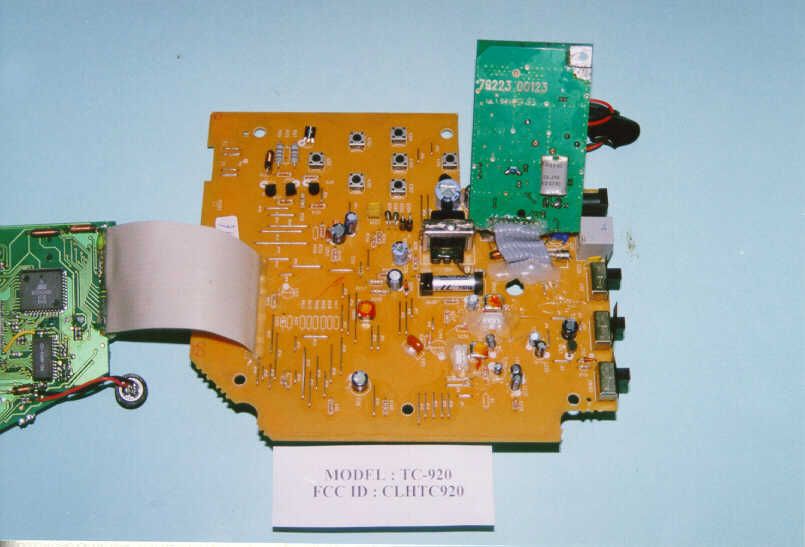
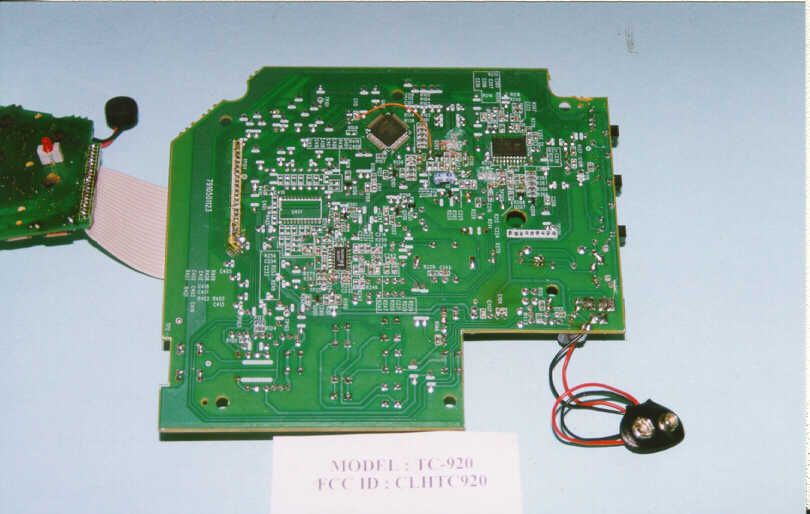
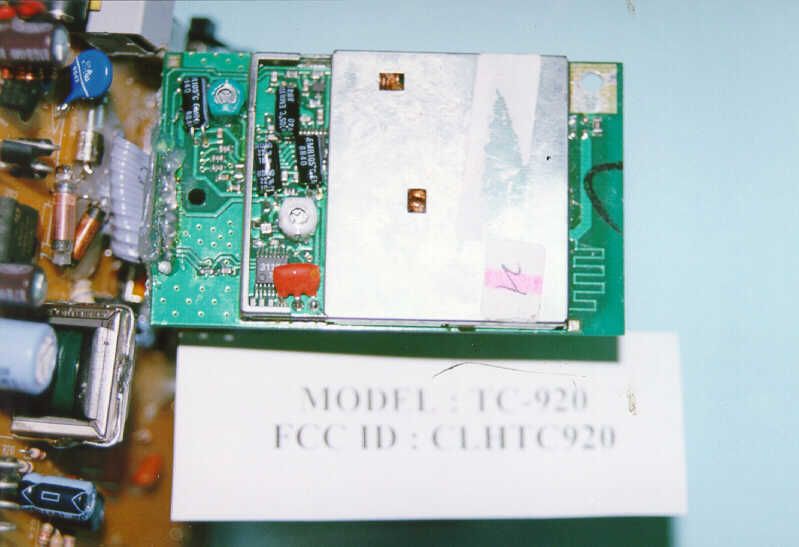
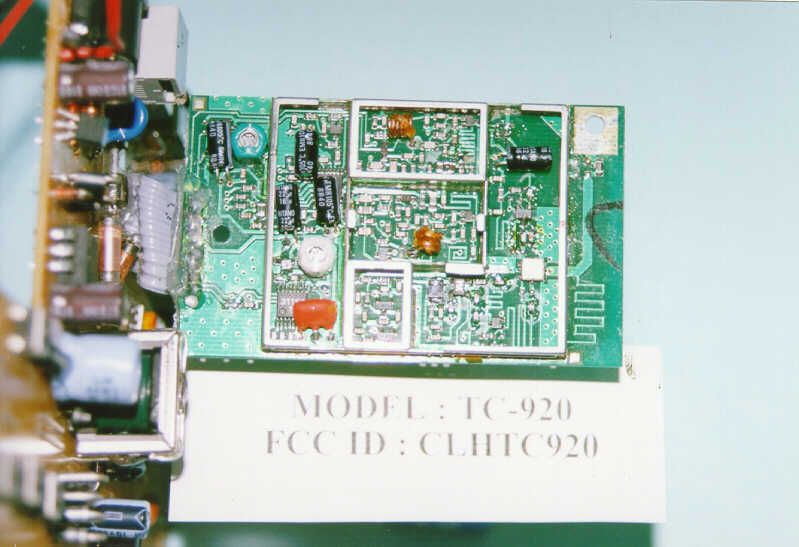
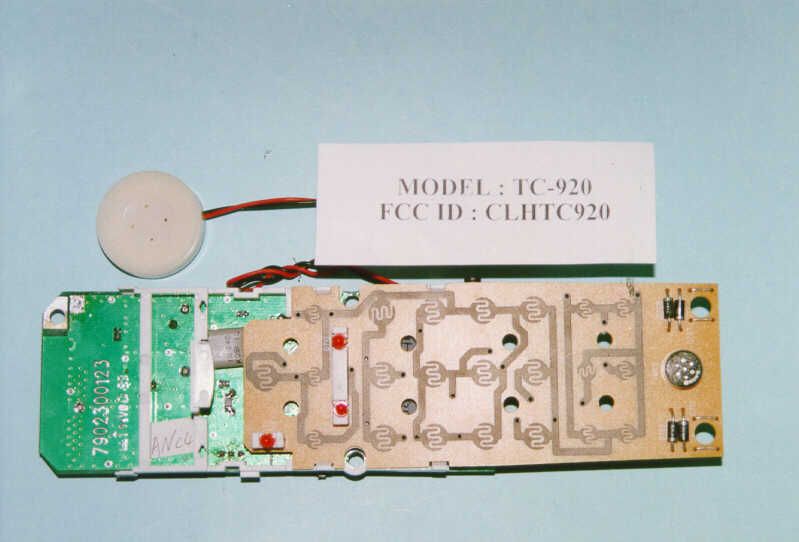
CLHTC920900 MHz 40 Channel Analog Cordless Telephone
S Megga Telecommunications Ltd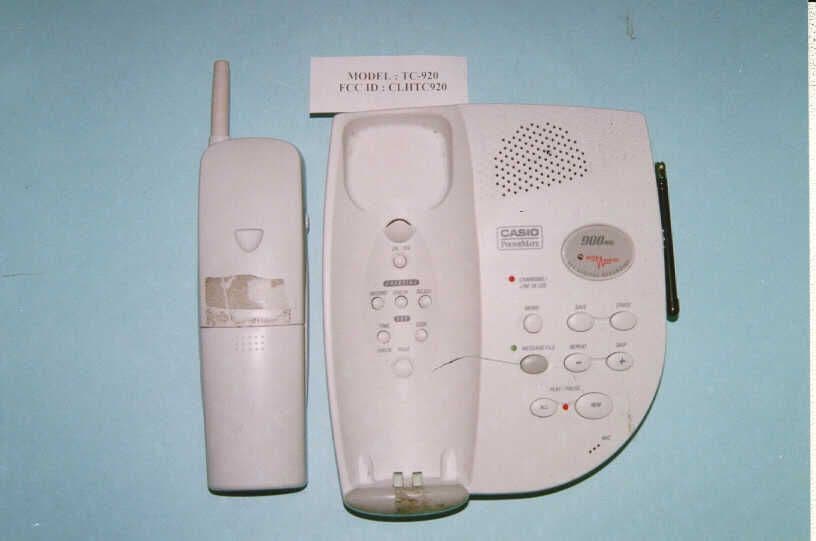
Click to zoom
Application Details
- Equipment Class
- DXT - Part 15 Low Power Transceiver, Rx Verified
- Date of Grant
- May 23, 1999
- Application Purpose
- Original Equipment
- Date of Application
- Apr 13, 1999
- Equipment Note
- 900 MHz 40 Channel Analog Cordless Telephone
- Frequency Range
- 925.08000000 - 927.42000000
- Country
- Hong Kong
Documents & Files
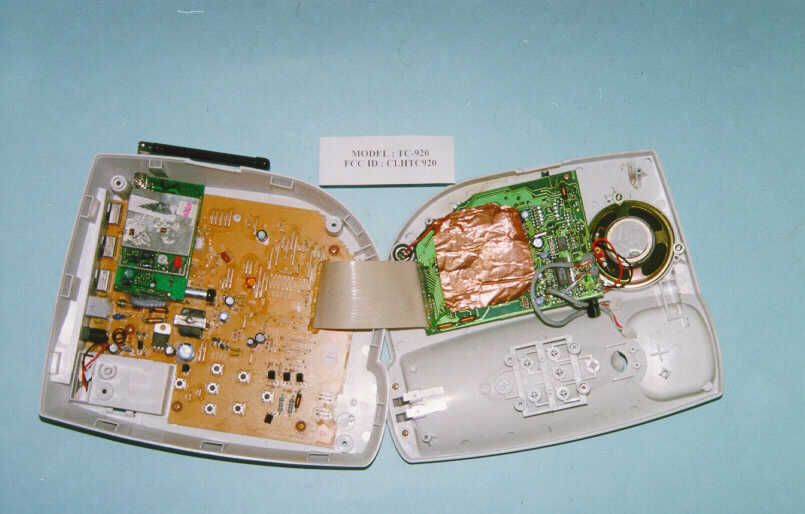
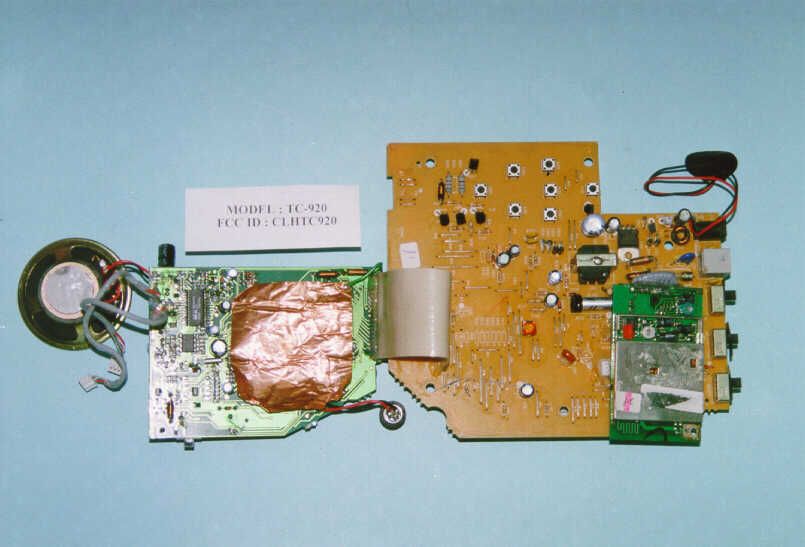
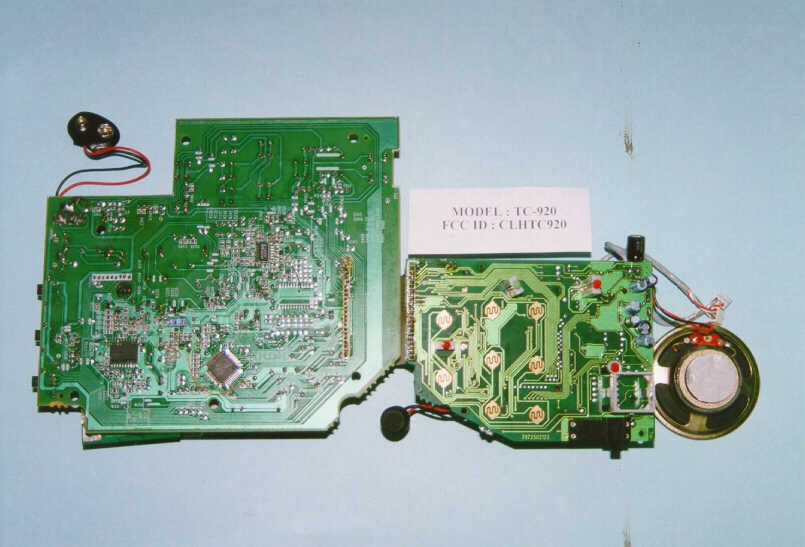
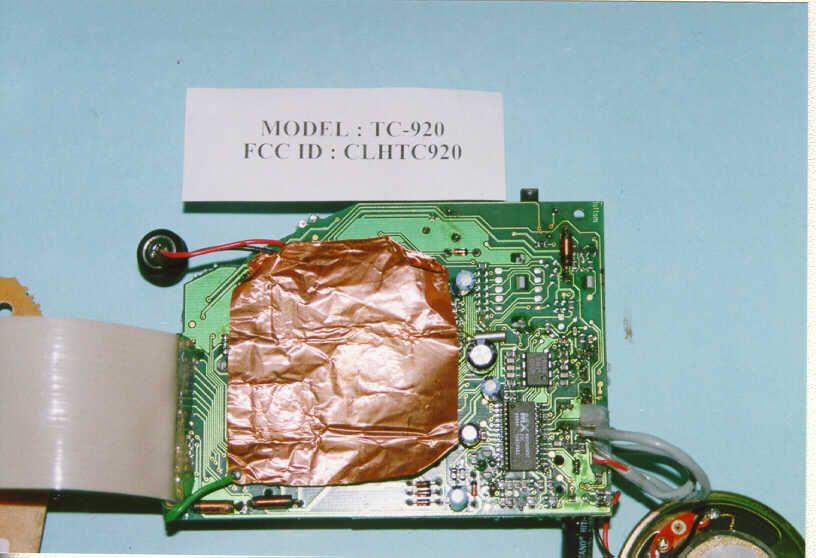
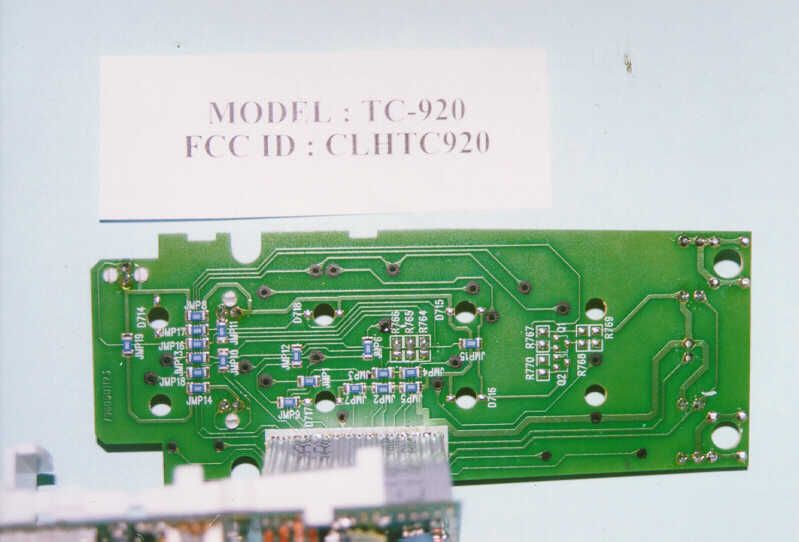
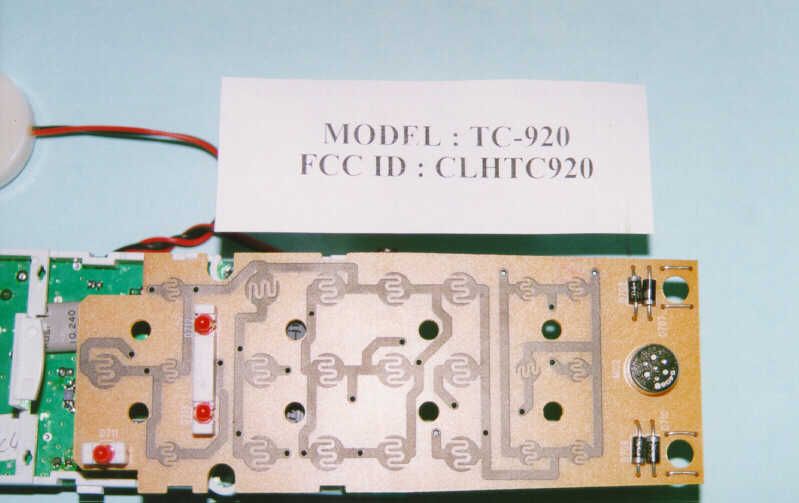
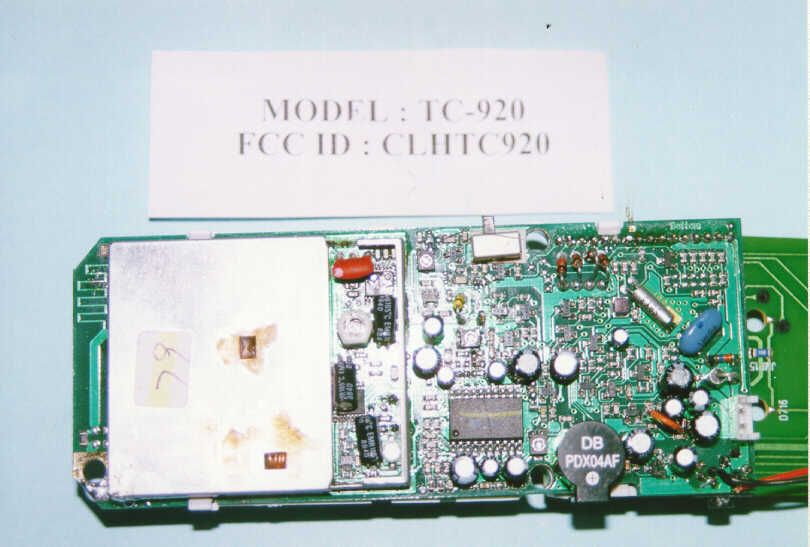
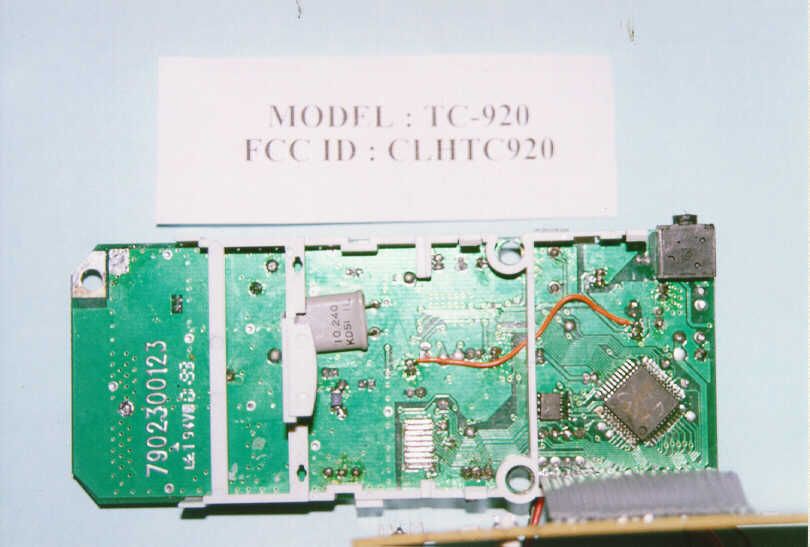
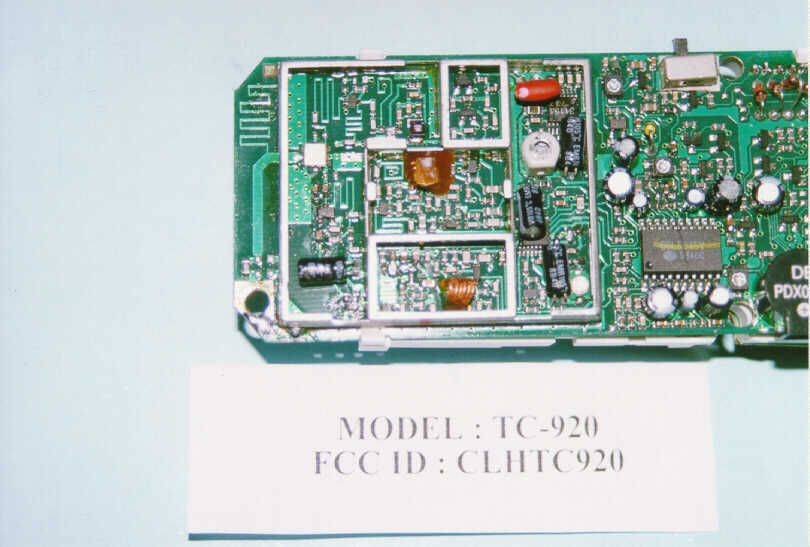
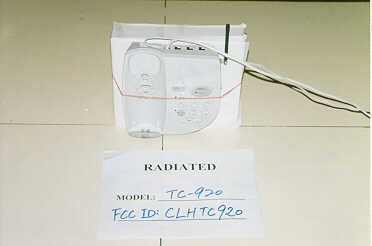
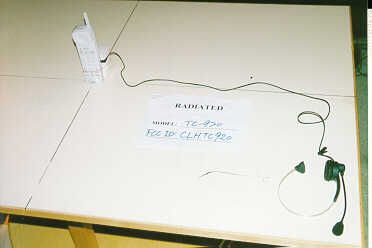
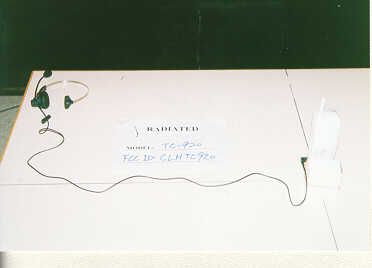
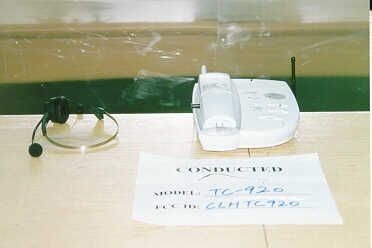
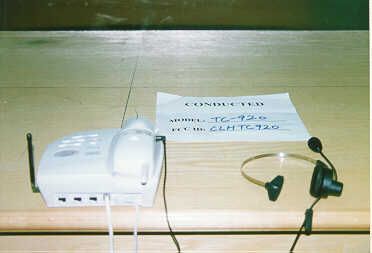
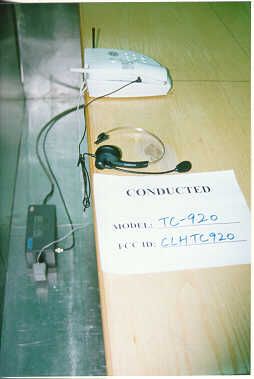
Document Text
Text extracted from the exhibit documents filed with the FCC. Open a document above to read the original.
Users Manual
1 2 3 2 3 3 B The answering machine is shipped with the RingSelect Switch set to 4 rings. Set the RING SELECT SWITCH (labeled RINGS) to 4, 2, or TS (Tollsaver) to select the number of rings beforethe TC-920 answers.4 = The TC-920 will answer on the fourth ring. 2 = The TC-920 will answer on the second ring. TS = When calling to retrieve messages from a remote location, Tollsaver will helpeliminate toll charges by letting you knowif there are any new messages before theTC-920 answers. When set to TS, theTC-920 answers on: Second ring = NEW messages Fourth ring = NO new messages Hang up after three rings to avoid tollcharges. NOTE:n After you have retrieved messages, (from a remotelocation or at the machine) Tollsaver will reset toanswer on the fourth ring until a new message isrecorded. 1 1 You can record one or two customized greetingsup to 20 minutes in length. The greeting isrecorded on a digital chip.NOTE:n The sound level is automatically adjusted when thegreeting is played over the phone line. 3 4 BASE MESSAGE PLAYBACK 1 Press GREETING RECORD again after you have finished speaking. The greetingreplays automatically and the TC-920resets to answer phone calls with GreetingOne. RECORD GREETING TWO To record Greeting Two, pressGREETING SELECT to set the TC-920 to answer with Greeting 2, then follow thesteps noted above in the section "RECORDGREETING ONE." You can listen to either greeting anytime whenthe TC-920 is turned on. 1 Press TIME SET (located in the cradle ). Press TIME SET again after hearing " Sunday, 12:00 a.m. " You will hear, "Sunday." Set the current time and day. The TC-920 willstamp each message with the time and day. Press TIME SET again. The TC-920 will announce the hour. 4 Press SKIP/+ to advance or REPEAT/- to reverse the hour. “a.m.” and “p.m.” willbe announced for each hour. 1 Press ON/OFF (located in the cradle ) to turn the answering machine on and off.The PLAY/PAUSE INDICATOR on the basewill light when the TC-920 answeringmachine is on. ON/OFF The PLAY/PAUSE INDICATOR on the base hasfour settings:1. OFF = the answering machine is off. 2. ON = the machine is on but no messages have been recorded. 3. Light flashes quickly = new messages have been received and not yet played. 4. Light flashes slowly = messages have been played and saved. NOTE:n Slow flashing also indicates active recording mode. 1 2 Adjust the base unit VOLUME CONTROL (located on the right side). Press NEW on the base. The number of new messages will be announced. 1 The PLAY/PAUSE INDICATOR on the base willflash slowly when messages have been playedand saved. PLAY ALL MESSAGES Adjust the VOLUME CONTROL (located on the right side of the base). 2 Press ALL (on the base) to replay all new plus saved messages. The total number ofmessages will be announced. 3 You can repeat the current message. REPEAT MESSAGES 1 Skip backward, message by message. SKIP BACKWARD 1 During playback of messages, pressREPEAT twice to skip backward to the previous message. Press REPEAT each time you want to skip backward throughmessages. 1 NOTE:n Messages that were individually erased duringplayback will be saved. Press SKIP once to skip forward to the next message. SKIP FORWARD 1 You can temporarily pause message playback upto five minutes. The TC-920 will not answer callsin the Pause Mode. PAUSE MESSAGE PLAYBACK Press ALL or NEW during message playback. REPLAY ALL MESSAGES You can erase specific messages while savingothers. 1 E Message File offers a convenient way to store important messages, long messages or to separatemessages for business, personal use or for other users. The green MESSAGE FILE INDICATOR on thebase has three settings when the answeringmachine is turned on:1. OFF = No messages have been filed. 2. Quickly flashes = New messages have been transferred and not yet played. 3. Slowly flashes = File messages were played and saved. You can record a memo for another household member or as a reminder for yourself up to fiveminutes in length. The memo will be stamped with the time and day it was recorded. You will hear " Please record message. " Begin speaking into the Microphone(located at the bottom right-hand corner)about 7" from the base unit. Press MEMO to end the recording. You can play new and saved messages privatelythrough the handset. Make sure the handset is inthe Standby Mode and the answering machine ison. 1 Press REMOTE/SCREEN and then PLAY ( 3 on the keypad). You will hear a beep and the MESSAGES LED on thehandset will light solid. 2 Return the handset to the base cradle. 1 Press ERASE ( 4 on the keypad) after hearing “ End of messages. ” 2 The specific message will be erased 7seconds after hearing “ End of Messages ” unless SAVE ( 1 on the keypad) is pressed. If you do not press SAVE ( 1 on the keypad) or ERASE ( 4 on the keypad) while listening to messages or after hearing “ End of messages, ” the TC-920 will automatically save all messages. 31 After listening to messages, return thehandset to the base or wait seven secondsto exit the Playback Mode.Press REMOTE/SCREEN on the handset and then PLAY ( 3 on the handset keypad) to playback your messages. 2 Press MSG FILE ( 6 on the handset key- pad) during message playback. The greenMESSAGE FILE INDICATOR on the base willflash quickly to show that a message hasbeen transferred to Message File. NOTE:n If SAVE is pressed at the end of message playback, then all messages will be saved in the main location,and the messages that were transferred duringplayback will also be saved in Message File. 11 H Be sure the TALK INDICATOR on thehandset is not lit. (The handset must be inStandby Mode.) 2 Press REMOTE/SCREEN on the handset. 3 Press MEMO ( 2 on the handset keypad). 4 The LOW BATT/RECORD INDICATORabove the 2 button will light solid and youwill hear “Please record a message” through the earpiece. The TC-920 willbegin recording. 5 Press MEMO or REMOTE/SCREEN again to end the recording and return toStandby Mode. In the Standby Mode, the handset is inactive andre…
Text truncated - open the document above for the full version.
Contact Information
Applicant
C. W. Cheung(Senior Manager)
852 2614-1111Fax: 852 2614-6649
Technical Contact
Intertek Testing Services Hong Kong LtdAlfred Lo
[email protected](852)2746-8217
2/F., Garment Center · Kowloon · Hong Kong
Non-Technical Contact
Intertek Testing Services Hong Kong LtdAlfred Lo
[email protected](852)2746-8217
Test Firm
Intertek Testing Services Hong KongBilly Chow
Technical Specifications
| # | Rule Parts | Frequency Range | Power Output |
|---|---|---|---|
| 2 | - | 925.08 MHz - 927.42 MHz | - |
Other Applications from S Megga Telecommunications Ltd
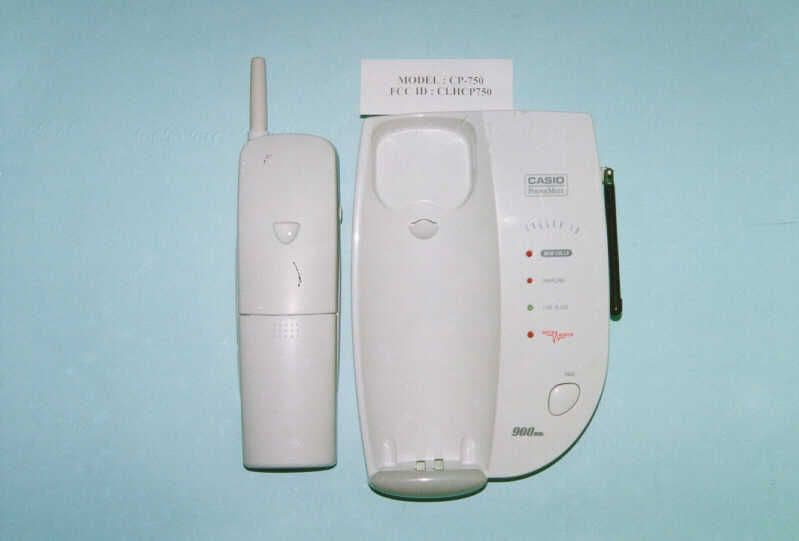
CLHCP750
May 23, 1999900 MHz 40 Channel Analog Cordless Telephone
Equipment Class
DXT - Part 15 Low Power Transceiver, Rx Verified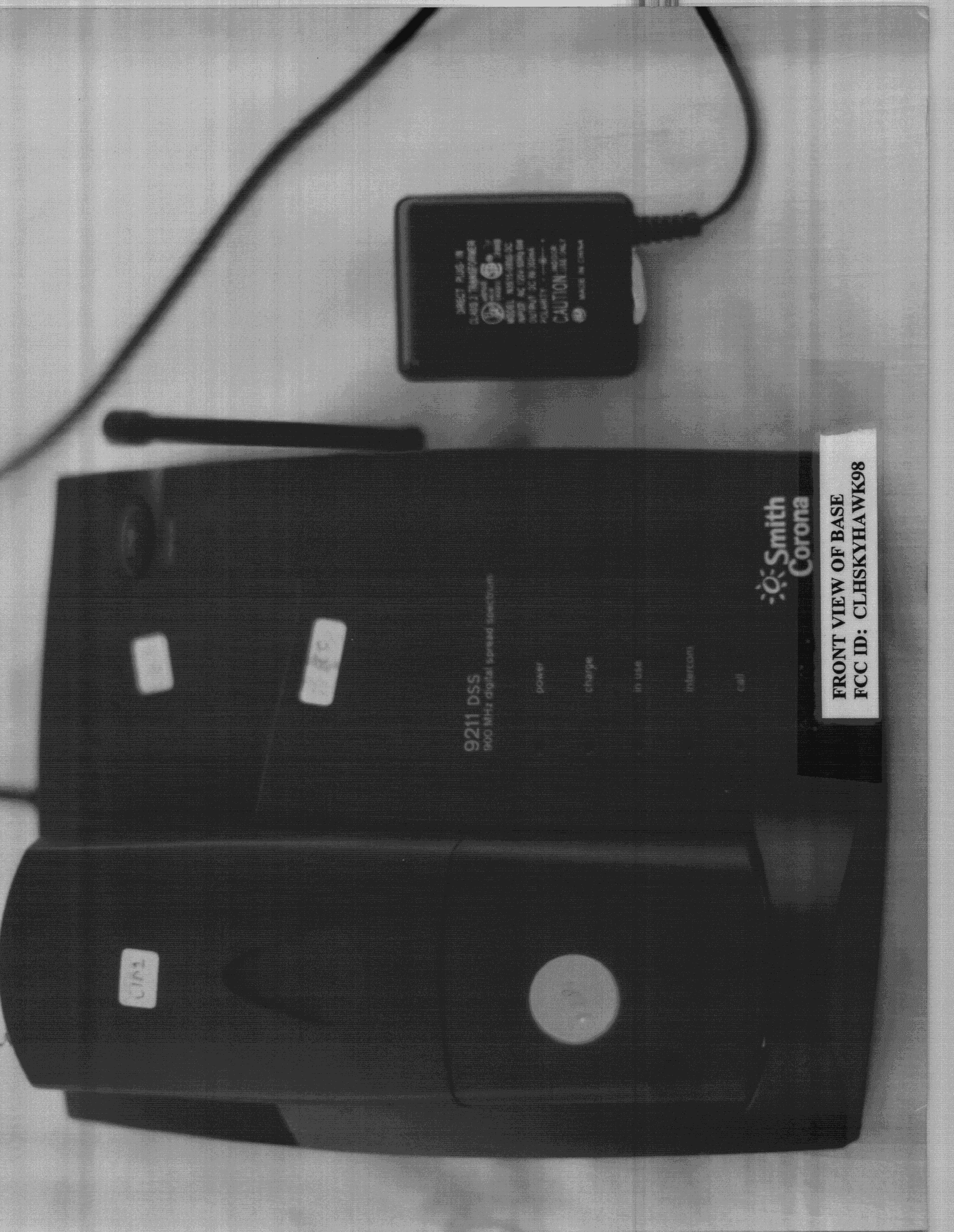
CLHSKYHAWK98
Sep 07, 1998Cordless Telephone
Equipment Class
DXT - Part 15 Low Power Transceiver, Rx VerifiedCLHHUG091
Dec 17, 1997Cordless Telephone System Max. Output Power 26 Milliwatts
Equipment Class
DSS - Part 15 Spread Spectrum TransmitterCLH2570
Jul 28, 1997ETS - Part 15 Cordless Telephone System
Equipment Class
ETS - Part 15 Cordless Telephone SystemCLH2560
May 27, 1997ETS - Part 15 Cordless Telephone System
Equipment Class
ETS - Part 15 Cordless Telephone System