DKNT65Advanced Cable Set Top Box
DISH Technologies L.L.C.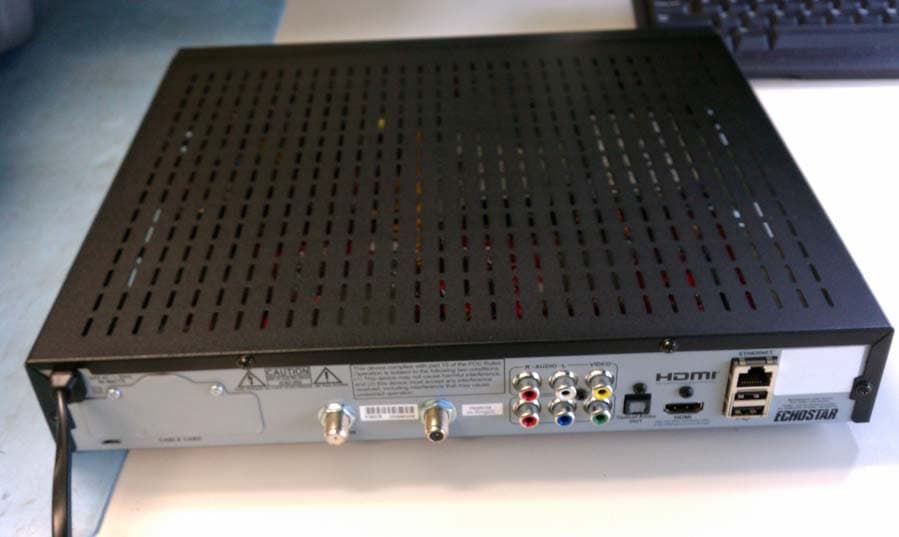
Click to zoom
Application Details
- Equipment Class
- DTS - Digital Transmission System
- Date of Grant
- Aug 30, 2011
- Application Purpose
- Original Equipment
- Date of Application
- Aug 29, 2011
- Equipment Note
- Advanced Cable Set Top Box
- Frequency Range
- 2425.00000000 - 2475.00000000
- Company
- DISH Technologies L.L.C.
- Country
- United States
Documents & Files
Document Text
Text extracted from the exhibit documents filed with the FCC. Open a document above to read the original.
Users Manual
iv Regulatory Factors Echostar Technologies L.L.C. declares that this device complies with Part 15 of the FCC Rules. Operation is subject to the following two conditions: 1. This device may not cause harmful interference, 2. This device must accept any interference received. This includes interference that may cause undesired operation. Do not make changes or modifications to this equipment. This could void the user’s authority to operate the equipment. This equipment has been tested and found to comply with the limits for a Class B digital device, pursuant to Part 15 of the FCC Rules. These limits are designed to provide reasonable protection against harmful interference in a residential installation. This equipment generates, uses, and can radiate radio frequency energy and, if not installed and used in accordance with the instructions, may cause harmful interference to radio communications. However, there is no guarantee that interference will not occur in a particular installation. If this equipment does cause harmful interference to radio or television reception, which can be determined by turning the equipment off and on, the user is encouraged to try to correct the interference by one or more of the following measures: • Increase the separation between the equipment and the set-top box. • Connect the equipment into an outlet on a circuit different from that to which the set-top box is connected. • Consult the dealer or an experienced radio/TV technician for help. Regulatory Factors Remote Functions HC620-DRS Guide Display current and future TV program listings. Cancel Go back one on-screen menu at a time. (Note: This may not be the previous screen you were viewing.) DVR Controls See the User Guide for further instructions on how to use your DVR. View Live TV Return to watching live TV. Also exits all on-screen menus. RecallGo back to the last channel viewed. Info Display additional program info. Menu Access features and settings, including Parental Controls, My Account and more. CBL ModeCorrect mode for operating your system. FormatChange the shape of the picture on your TV screen to match the frame size of the program you are watching. a. Start with your TV and set-top box off.b. To turn your TV ON, press and release the red TV POWER button on your remote. c. To turn your TV OFF, press and release the red TV POWER button on your remote again. Turning Your TV On and Off Fixing a Black, Blue, or Snowy Screen a. Start with your TV on and set-top box off.b. To turn your set-top box ON, press and release the red POWER button on your remote. c. To turn your set-top box OFF, press and release the red POWER button on your remote again. Turning Your Set-Top Box On and Off When the CBL button is pressed, it lights up green. The screen saver appears whenever your set-top box is OFF to remind you that your TV is still ON. Get your TV back ON the correct input or channel:• Cycle your TV through its inputs by pressing the INPUT, SOURCE, or TV/VIDEO button on your TV remote or the TV itself. • If the picture is not restored, change your TV to channel 3 or 4 using your TV remote or the TV itself. • Once your TV picture is restored, press and release the CBL mode button on your remote to ensure you’re in the proper mode for controlling your set-top box. A TV picture appears. Remote image may vary. Press the CBL button to control the set-top box. A TV picture appears. Your TV needs to remain on the correct input or channel to watch your service. If your TV is not on the correct input or channel, your TV may display a black, blue, or snowy screen, depending on your TV. The input or channel your TV needs to be on may be noted on a sticker on the back of your remote or below.How You Might Get On the Wrong Input or Channel:- Changing the input on your TV to operate a DVD player or video game system.- Changing your TV input or channel using your TV remote or the TV itself.- Pressing the INPUT or CHANNEL buttons with your remote when you are not in CBL mode. - Power outage causing your TV to get off the correct channel or input. Staying on the Correct TV Input or Channel A black, blue, or snowy screen appears. Record the Input Channel Information Get your TV OFF the correct input or channel by pressing and releasing the CHANNEL UP button on your TV remote or the TV itself. Channel or Input for Cable Programming TV Code AUX Code AUX Device Type TbOFF hen the CBL button is pressed it lights up green H C 6 2 0 - D R S Q u i c k S t a r t G u i d e . i n d d 1 HC620-DRS Quick Start Guide.indd 1 8 / 1 7 / 2 0 1 1 5 : 1 6 : 0 3 P M 8/17/2011 5:16:03 PM Part Number 185526 1. Type a channel number using the number buttons on the keypad. 2. Press and release the CHANNEL UP/ DOWN buttons. 3. Use the Program Guide. a. Press and release the GUIDE button. b. Press and release the CHANNEL UP/ DOWN or the PAGE UP/DOWN buttons to highlight the channel you want to watch. c. Press and release the OK button. a. Press and release the GUIDE button twice.b. Press and release the CHANNEL UP DOWN buttons to choose the viewing list you would like to see, then press and release the SELECT button. Setting Parental Controls:a. Press and release the MENU button.b. Select “Settings” and then select “Parental Controls.” c. Choose from the pre-set locks for a high, medium, or low restriction level, or select “Custom” to customize restrictions. • To mirror these settings for the remote viewing location on a computer or mobile device: a. Select “Apply these settings to Remote Viewing (PC/Mobile).” b. Select “Yes.”d. Scroll up and select “Parental Controls” and then select “On.”e. Enter and confirm the 4-digit password you wish to set.f. Select “Save.” Setting Closed Captioning:a. Press and release the MENU button.b. Select “Settings” and then select “Closed Captioning.”c. Scroll to the Closed Captioning box and select “On.”d. Select “Save.” To exit an on-screen menu, press and release the VIEW LIVE TV button.- OR -Press the CANCEL butto…
Text truncated - open the document above for the full version.
Cover Letter(s)
TECHNOLOGIES L.L.C. EchoStar Technologies L.L.C. 90 Inverness Circle East Englewood, CO 80112 (303) 706-5234 December 1, 2010 To Whom It May Concern: We the undersigned, hereby authorize CKC Laboratories, Inc., to act on our behalf in all manners relating to application for equipment authorization, including signing of all documents relating to these matters. Any and all acts carried out by CKC Laboratories, Inc., on our behalf shall have the same affect as acts of our own. This authorization is valid until further written notice from EchoStar Technologies L.LC. Sincerely Ian Schroeder Regulatory Compliance Engineer
Cover Letter(s)
TECHNOLOGIES L.L.C. EchoStar Technologies L.L.C. 90 Inverness Circle East Englewood, CO 80112 (303) 706-5467 September 29, 2010 Federal Communications Commission 7435 Oakland Mills Road Columbia, MD 21046 To Whom It May Concern: I hereby appoint Ian Schroeder to sign letters and applications for any filings with regulatory agencies on our behalf, and to receive and exchange data between our company, the agents company and the agency in connection with certification for any products that our company owns or manufactures. Sincerely, Charles Grasso Regulatory Compliance Engineer EchoStar Technologies L.L.C. 90 Inverness Cir E Englewood, CO 80112 303-706-5467
Cover Letter(s)
TECHNOLOGIES L.L.C. EchoStar Technologies L.L.C. 90 Inverness Circle East Englewood, CO 80112 (303) 706-5234 August 26, 2011 Federal Communications Commission 7435 Oakland Mills Road Columbia, MD 21046 RE: Request for Confidentiality To Whom It May Concern: In accordance with 47CFR Section 0.457 and Section 0.459, FCC Public Notice DA04-1705 and KDB Publication 726920 pertaining to confidential material, we hereby request to hold temporarily confidential all information contained within the below identified exhibits/document categories submitted pursuant to radio equipment certification requirements for FCC ID: DKNT65 for a period of 180 days or until such time the product is released for sale and marketing. 1. External Photos 2. Internal Photos 3. Test Setup Photos 4. Users Manual The above material contains trade secrets and proprietary information as specified by 47CFR 0.457(d) and technical data, which would customarily be guarded from competitors. Pre-marketing public disclosure of this information might be harmful to our company and provide unjustified benefits to our competitors. TECHNOLOGIES L.L.C. EchoStar Technologies L.L.C. 90 Inverness Circle East Englewood, CO 80112 (303) 706-5234 In accordance with 47CFR Section 0.457 and Section 0.459 pertaining to confidential material, we hereby request to hold permanently confidential all information contained within the below identified exhibits/document categories submitted pursuant to radio equipment certification requirements for FCC ID: DKNT65. 1. Block Diagram 2. Operational Description 3. Schematics 4. Parts List / Tune-Up Procedure The above material contains trade secrets and proprietary information as specified by 47CFR 0.457(d) and technical data, which would customarily be guarded from competitors. The public disclosure of this information might be harmful to our company and provide unjustified benefits to our competitors. Sincerely, Ian Schroeder Regulatory Compliance Engineer
ID Label/Location Info
SCALE SHEET1 of1 01 ASSY DWG, ART/CHASSIS, DELTA JASON WALKER UNLESS OTHERWISE SPECIFIED DIMENSIONS ARE IN MM. TOLERANCES: 0.000 +/- .125 0.00 +/- .25 0.0 +/- .4 0. +/- .7 HOLE DIA: +/- .075 ANGLES: +/- .5 18XXXX 12/07/10 REVISIONS ECO ITEM MASTER DESCRIPTION REV DATE BY C3XXX 18XXXX INITIAL RELEASE @ DEVELOPMENT 01 12/07/10 JW NOTES: 1. ALL DIMENSIONS ARE IN MILLIMETERS. 2. PLACE ALL GRAPHICS ON CHASSIS AS SHOWN. 3. PRINT COLOR: PANTONE STANDARD BLACK OR ECHOSTAR APPROVED EQUIVALENT. 4. QUALITY ASSURANCE PROVISIONS: IN ADDITION TO MEETING ALL REQUIREMENTS OUTLINED IN THIS SPECIFICATION, ALL REQUIREMENTS IN THE FOLLOWING ECHOSTAR QUALITY ASSURANCE DOCUMENTS AND THEIR REFERENCES MUST BE MET OR EXCEEDED. A) 124214 SUPPLIER AQL REQUIREMENTS B) 105450 SUPPLIER QA REQUIREMENTS C) 123473765-AA COSMETIC PROVISIONS KEYLINES FOR REFERENCE ONLY DO NOT PRINT 40.1 41.4 U.S. PATENTS 5602597, 5604544, 5606374, 6151479 MAY APPLY TO THIS PRODUCT. FCC ID:DKNT65 REG ID:052 This device complies with part 15 of the FCC Rules. Operation is subject to the following two conditions: (1) This device may not cause harmful interference, and (2) this device must accept any interfernce received, including interference that may cause undersired operation. This device complies with part 15 of the FCC Rules. Operation is subject to the following two conditions: (1) This device may not cause harmful interference, and (2) this device must accept any interference received, including interference that may cause undesired operation.
RF Exposure Info
2.1091 Radiofrequency radiation exposure evaluation: mobile devices In accordance with KDB 447498, our product is exempt from making such studies or preparing MPE due to our product’s power output being below the lower threshold requiring RF exposure evaluation.
Test Report
EMC Report for EchoStar Technologies, LLC on the Model: DE52 Page 1 of 92 TEST REPORT Report Number: 100457230DEN-002 Project Number: G100457230 Report Issue Date: 08/24/2011 Product Designation: Model DE52 Standards: FCC 47 CFR Part 15.247 IC RSS 210: Issue 8:2010 IC RSS-GEN Issue 3:2010 Tested by: Client: Intertek Testing Services NA, Inc. 1795 Dogwood St. Suite 200 Louisville, CO 80027 Echostar Corporation dba EchoStar Technologies LLC 90 Inverness Circle East Englewood, CO 80112 Report prepared by Report reviewed by Michael Kanda EMC Team Leader Michael Spataro Engineering Team Leader This report is for the exclusive use of Intertek's Client and is provided pursuant to the agreement between Intertek and its Client. Intertek's responsibility and liability are limited to the terms and conditions of the agreement. Intertek assumes no liability to any party, other than to the Client in accordance with the agreement, for any loss, expense or damage occasioned by the use of this report. Only the Client is authorized to permit copying or distribution of this report and then only in its entirety. Any use of the Intertek name or one of its marks for the sale or advertisement of the tested material, product or service must first be approved in writing by Intertek. The observations and test results in this report are relevant only to the sample tested. This report by itself does not imply that the material, product, or service is or has ever been under an Intertek certification program. Intertek Report Number: 100457230DEN-002 Issued:08/24/2011 EMC Report for EchoStar Technologies, LLC on the Model: DE52 Page 2 of 92 TABLE OF CONTENTS 1 Introduction and Conclusion .............................................................................................................. 3 2 Test Summary ...................................................................................................................................... 3 3 Description of Equipment Under Test................................................................................................ 5 4 System setup including cable interconnection details, support equipment and simplified block diagram ........................................................................................................................................................ 8 5 Radiated Emissions – Fundamental Power & Harmonics of the Fundamental ........................... 10 6 Radiated Emissions – Unintentional and Spurious of the Transmitter ........................................ 19 7 Band Edge Measurements – Unintentional and Spurious of the Transmitter.............................. 50 8 Unintentional Radiated Emissions - Receiver................................................................................. 56 9 6dB Bandwidth ................................................................................................................................... 65 10 Power Spectral Density (PSD)....................................................................................................... 69 11 Occupied Bandwidth (OBW).......................................................................................................... 73 12 AC Mains Conducted Emissions .................................................................................................. 78 13 Measurement Uncertainty.............................................................................................................. 90 14 Duty Cycle Correction Factor........................................................................................................ 91 15 Revision History ............................................................................................................................. 92 Intertek Report Number: 100457230DEN-002 Issued:08/24/2011 EMC Report for EchoStar Technologies, LLC on the Model: DE52 Page 3 of 92 1 Introduction and Conclusion The tests indicated in section 2.0 were performed on the product constructed as described in section 3.0. The remaining test sections are the verbatim text from the actual data sheets used during the investigation. These test sections include the test name, the specified test Method, a list of the actual Test Equipment Used, documentation Photos, Results and raw Data. No additions, deviations, or exclusions have been made from the standard(s) unless specifically noted. Based on the results of our investigation, we have concluded the product tested complies with the requirements of the standard(s) indicated. The results obtained in this test report pertain only to the item(s) tested. 2 Test Summary Section Test full name Test date Result 5 Radiated Emissions – Field Strength of the Fundamental & Harmonics of the Fundamental – FCC 247(b)(3)(d)/15.205/209 (Covers RSS-210 A8.4(4) & A8.5) 08/03/2011 08/09/2011 Pass 6 Radiated Emissions – Unintentional and Spurious of the Transmitter - FCC 15.209/15.247(d)/15.205 (Covers RSS-210 A8.5, & RSS-GEN 7.2.2) 08/04/2011 08/09/2011 Pass 7 Radiated Emissions – Unintentional and Spurious – Band Edge FCC 15.209/15.247(d)/15.205 (Covers RSS-210 A8.5, & RSS-GEN 7.2.2) 08/04/2011 Pass 8 Radiated Emissions – Unintentional – Receiver FCC 5.209/15.247(d)/15.205 (Covers RSS-GEN Section 6) 08/05/2011 08/10/2011 Pass 9 6dB Bandwidth – FCC 15.247(a)(2) (Covers RSS-210 A8.2(a)) 08/05/2011 Pass 10 Power Spectral Density (PSD) – FCC 15.247(e) (Covers RSS-210 A8.2(b)) 08/05/2011 Pass 11 Occupied Bandwidth – RSS-GEN, Section 4.6.1 08/05/2011 Pass 12 AC Conducted Emissions – FCC 15.207 (Covers RSS-GEN Section 7.2.4) 08/03/2011 Pass Notes: 1) Product FCC Model DE52 Intertek Report Number: 100457230DEN-002 Issued:08/24/2011 EMC Report for EchoStar Technologies, LLC on the Model: DE52 Page 4 of 92 2.1 Test Facility Intertek Denver’s testing facilities are located at 1795 Dogwood St. Suite 200 Louisville, CO 80027. The testing facility is ISO17025:2005 accredited by A2LA, our lab code is 2506.02, our VCC…
Text truncated - open the document above for the full version.
Contact Information
Applicant
Ian Schroeder(Senior Engineer)
Technical Contact
Echostar Technologies L.L.C.Robert Wallen
[email protected]303-706-4511
90 Inverness Cir E · Englewood · United States
Non-Technical Contact
Echostar Technologies L.L.C.Ian Schroeder
[email protected]303-706-5234
Test Firm
Intertek Testing Services NA, Inc.Paul Coghill
Technical Specifications
| # | Rule Parts | Frequency Range | Power Output |
|---|---|---|---|
| 1 | 15C | 2.42 GHz - 2.48 GHz | 3.52 mW |
Other Applications from DISH Technologies L.L.C.
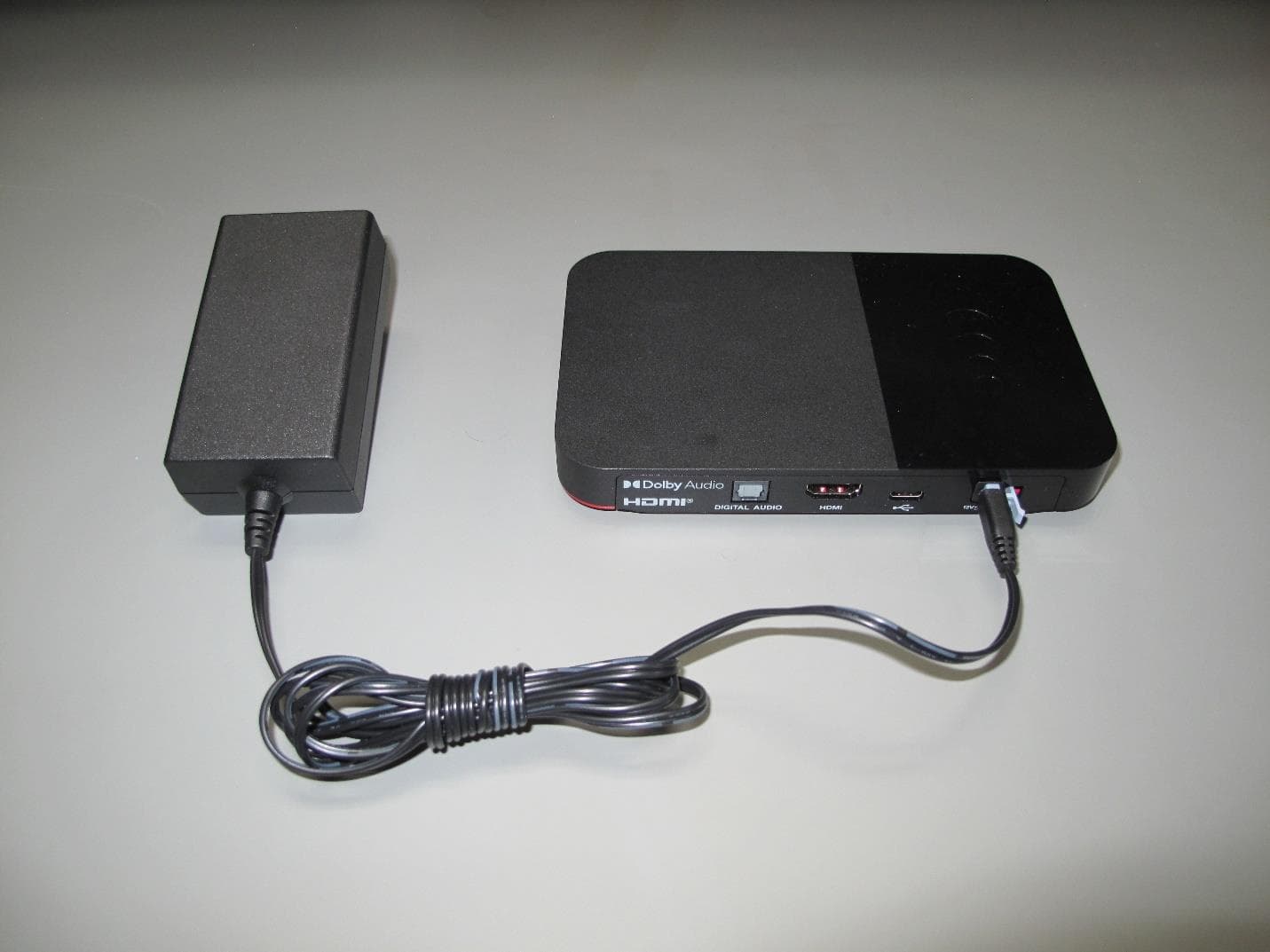
DKNHRT4
Feb 27, 2023WHOLE HOME DVR ACCESSORY
Equipment Class
DSS - Part 15 Spread Spectrum Transmitter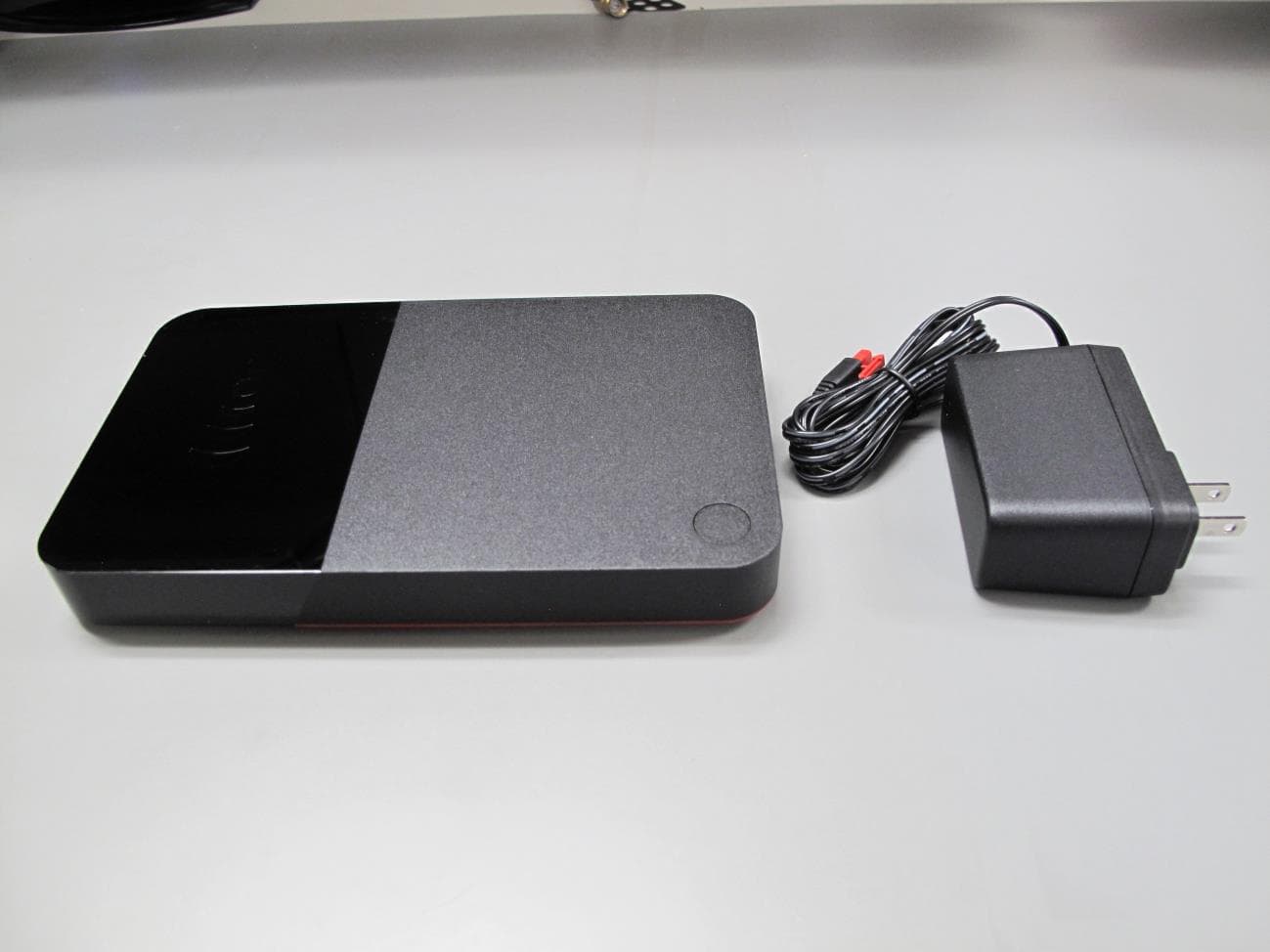
DKNQ65V
Jan 10, 2023TV SET TOP BOX
Equipment Class
NII - Unlicensed National Information Infrastructure TX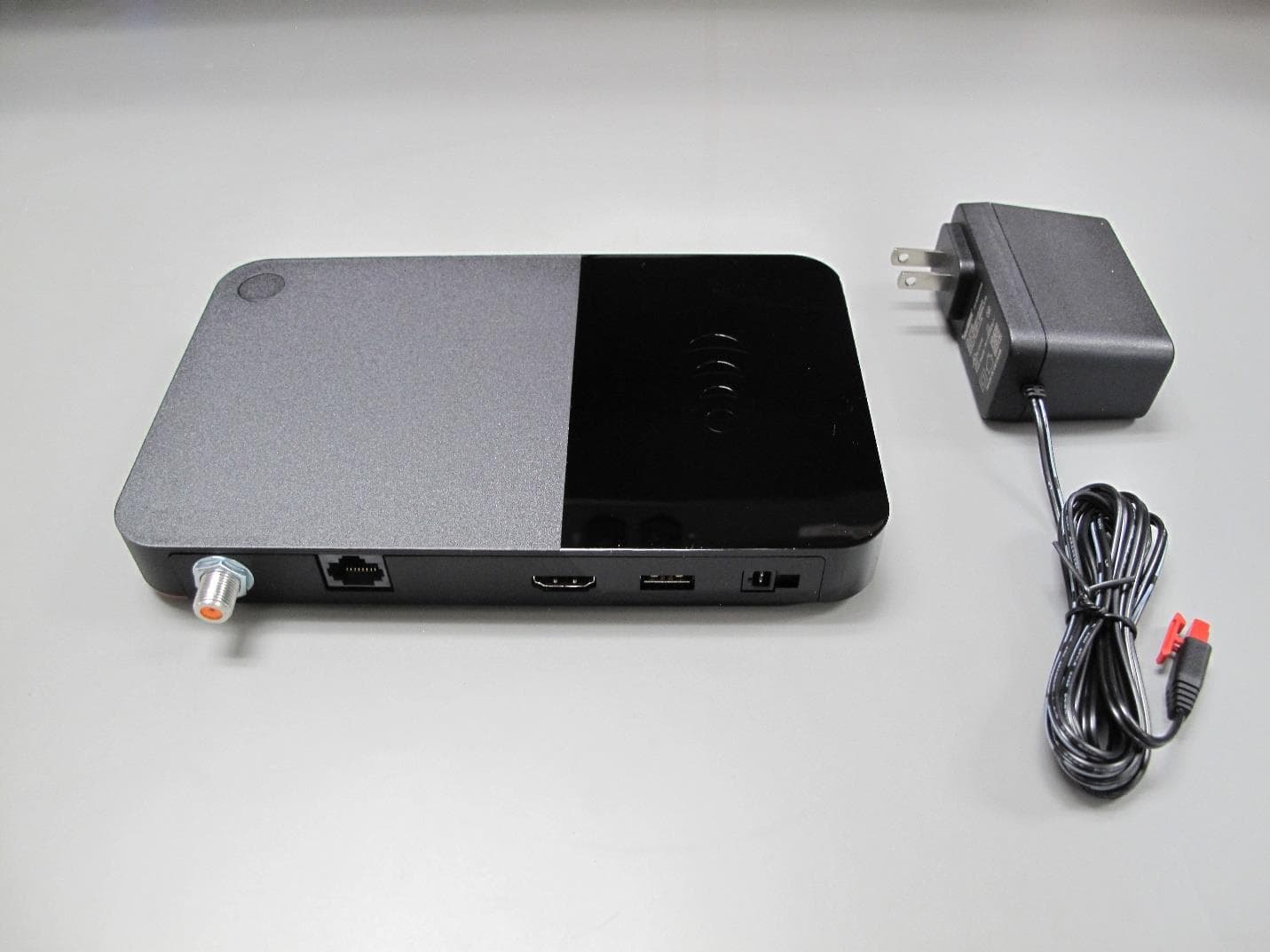
DKNP27TJ
Nov 08, 2022TV SET TOP BOX CLIENT
Equipment Class
DTS - Digital Transmission System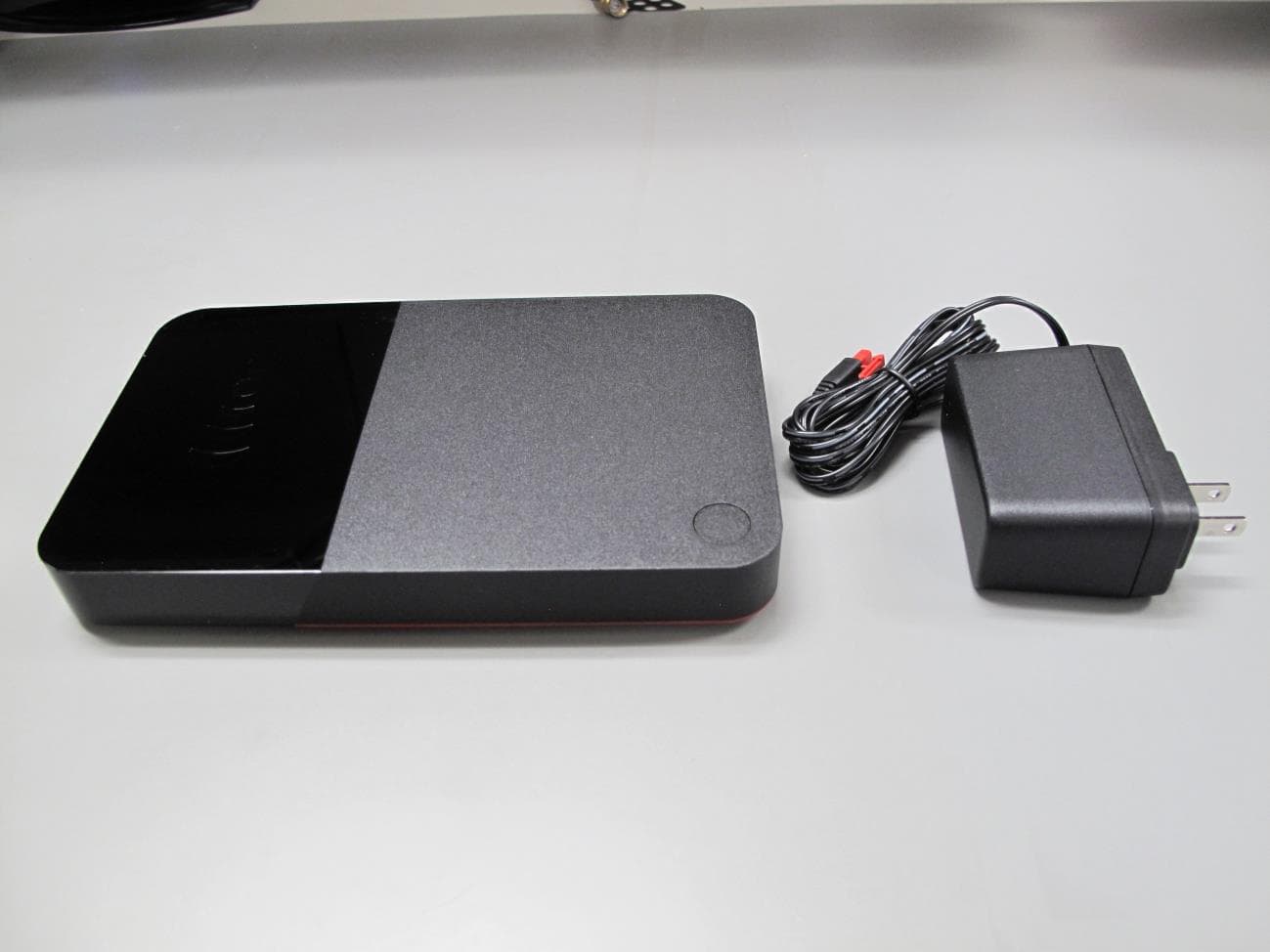
DKNHR44
Apr 13, 2022TV SET TOP BOX
Equipment Class
DSS - Part 15 Spread Spectrum Transmitter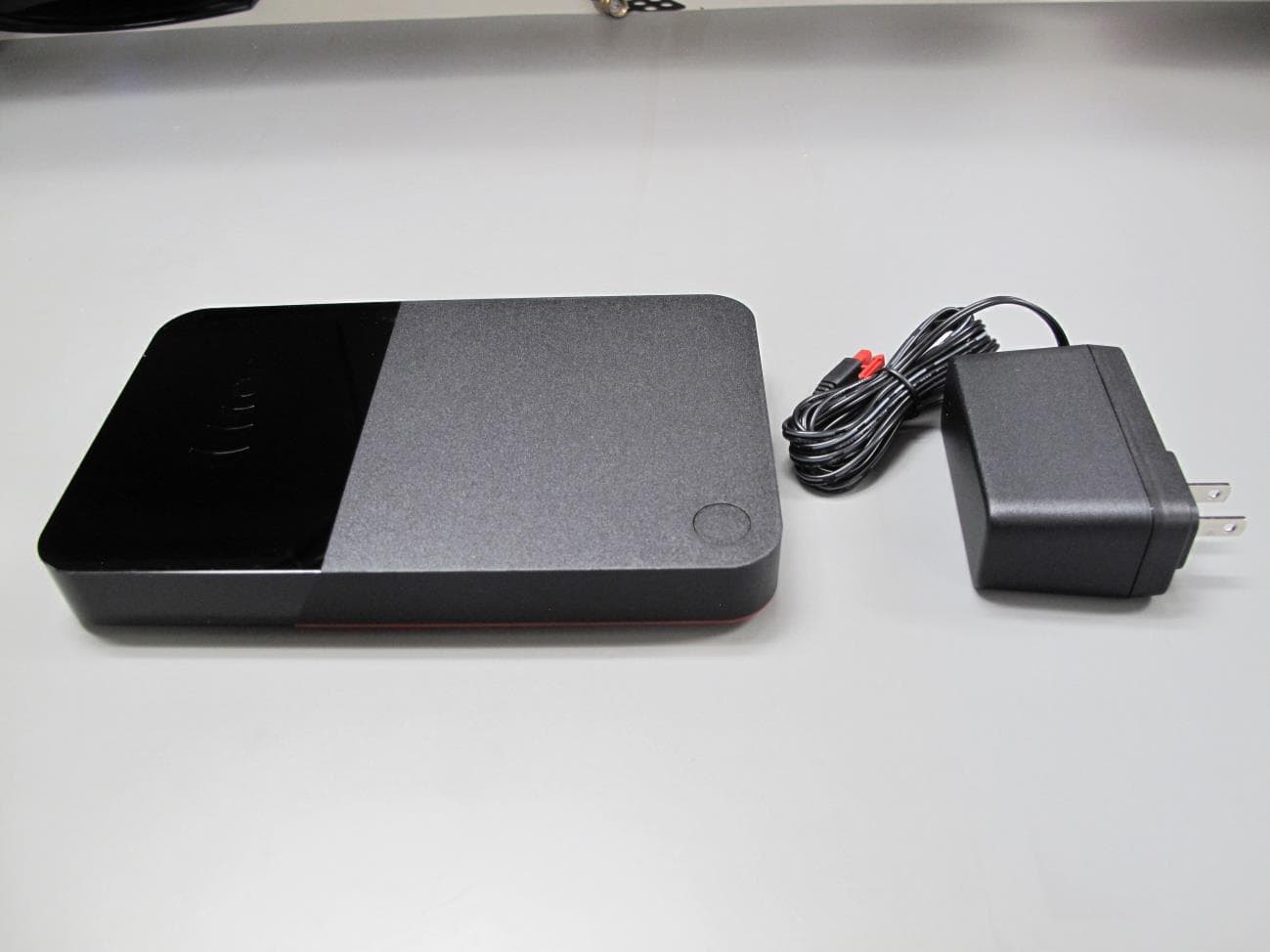
DKNRW33
Jun 09, 2021TV SET TOP BOX
Equipment Class
DTS - Digital Transmission System