EVOKDT-3863Personal Computer
Korea Data Systems Co Ltd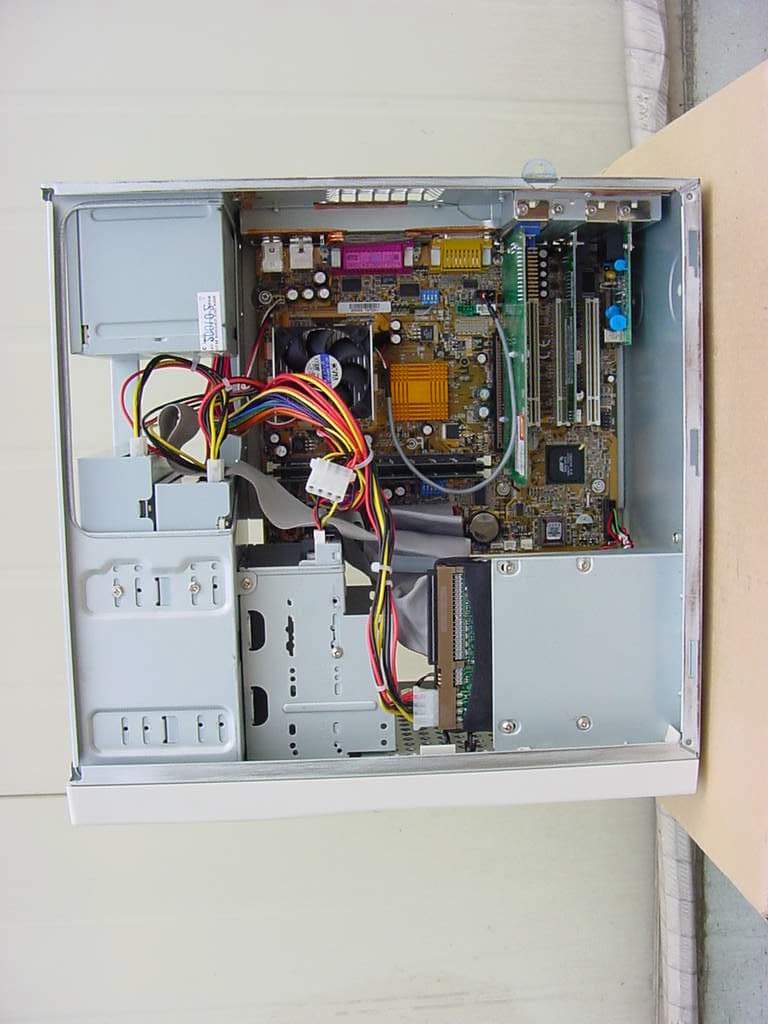
Click to zoom
Application Details
- Equipment Class
- JBC - Part 15 Class B Computing Device/Personal Computer
- Date of Grant
- Jun 17, 2001
- Application Purpose
- Original Equipment
- Date of Application
- Jun 17, 2001
- Equipment Note
- Personal Computer
- Company
- Korea Data Systems Co Ltd
- Country
- South Korea
Documents & Files
Document Text
Text extracted from the exhibit documents filed with the FCC. Open a document above to read the original.
Users Manual
Introduction 1-1 Introduction Chapter 1Chapter 1 Chapter 1Chapter 1 Chapter 1 Introduction This chapter describes the major features of your computer. System Features Your personal computer is a powerful, versatile, and high performance system that offers exceptional speed and convenience in a compact design. Your computer offers the following features: 1. Micro ATX form factor 2. Socket 370 Processor based PC/AT compatible mainboard 3. Socket 370 Pins ZIF white socket on board 4. Intel Celeron 66MHz processor in a PPGA package 5. Intel Pentium III 100/133MHz in a PPGA package 6. 2 Banks 168 pins DIMM sockets, expandable up to 512MB using SDRAM modules 7. Math coprocessor built in the microprocessor chip 8. Supports external Modem Ring-On on COM A & COM B and internal Modem Ring-On 9. Supports Wake-up on LAN 10. Supports AMR Interface 11. Supports feature connector for TV-Out or DFP (Digital Flat Panel) 12. 2 PCI bus interfaces 13. Support 2 channels Ultra ATA 66/DMA 33 IDE ports for 4 IDE Devices CAPTUER 1 1-2 Introduction 14. Built-in AGP video controller 15. Built-in AC 97-Link software audio 16. Supports 1 x Line in, 1 x Line out, 1 x Mic in, 1 x CD Line in, 1 x GAME Port 17. Supports 2 x COM (16550), 1 x LPT (EPP/ECP/SPP). 1 x 1.44MB Floppy Port 18. Intel 82810 core and ICH 82801 super I/O controller 19. Advanced Power Management (APM) and Advanced Configuration and Power Interface (ACPI) 20. 3 PCI expansion card connectors 21. System BIOS and video BIOS shadow RAM 22. Password function by using BIOS 23. Support Two USB ports 24. One built-in serial port and one built-in parallel port 25. A built-in PS/2 style keyboard port 26. A built-in PS/2 compatible mouse port 27. Three audio jacks and one MIDI/Game port connector 28. Licensed AWARD BIOS, Flash ROM 29. Plug-and-Play (PnP) BIOS feature Introduction 1-3 CAPTUER 1 System Overview The following section describes names and functions of your system. Front NOTE Some devices such as CD-ROM drive can be changed by user’s system configuration. 1 Floppy Disk Drive The floppy disk drive accepts 3.5-inch floppy diskettes. 2 Floppy Disk Drive Access Indicator This indicator lights on while the drive is reading or writing data to a disk. Wait until the light off before you remove a disk from the drive. 3 Eject Button Press this button to eject any disk in the drive. CAPTUER 1 1-4 Introduction 4 Disc Tray The disc tray accepts a CD/DVD/CDRW/COMBO disk. 5 CD/DVD/CDRW/COMBO Drive This drive is used to play DVD (DVD-ROM drive only), music CDs, photo CDs, video CDs, or to load software package onto the hard disk drive. 6 Hard Disk Drive Access Indicator This indicator lights on while the hard disk drive is reading or writing data to the other disk. 7 Load/Eject Button Pressing this button loads or ejects the CD/DVD/CDRW/COMBO tray. 8 Emergency Eject Hole Insert a road in the hole to eject the tray only when your system is off. 9 Busy Indicator This indicator lights on while initializing or data reading. 10 Play/Skip Button Pressing this button plays an audio CD. The next song is played when the button is pressed again. Introduction 1-5 CAPTUER 1 11 HeadPhone Volum Control Adjust the headphone volume. (Only Audio CD) 12 HeadPhone JACK Connect a headphone plug to this port when you want to hear an Audio CD with headphone. 13 Power Indicator This Power indicator in the center of the power switch lights up when the computer is on. This indicator lights on while your system is on. 14 Power Button This button controls your system’s AC input power. When the system is off, pressing the button makes your system on. The power indicator lights on while the power of system is on. When your system is on, pressing the power button turns off the system. CAPTUER 1 1-6 Introduction Rear 1 Keyboard Connector This connector is for the PS/2 type’s Keyboard. 2 Serial Port (COM1) Connector This connector is for serial devices such as an external modem, serial mouse, and etc. 3 Video Connector The signal cable from your monitor is connected with this connector. 4 Mouse Connector This connector is for the PS/2 type’s mouse. 5 MIDI/Game Port Connector Any MIDI or game input device such as a joystick, game pad, steering wheel, and etc for playing computer game can be connected with this port. NOTE Your actual modem card may differ from the illustrations shown in this user’s guide. Introduction 1-7 CAPTUER 1 8 USB Connector You can connect any USB compliant devices to the USB connector. USB devices include low-speed peripherals such as microphone, digital joystick, and speaker. 9 Option Card Slot Covers 10 Parallel Port (LPT1) Connector This connector is for parallel devices such as a printer, and etc. 10 Air Ventilation Holes The hole for air ventilation. 6 AC Power Receptacle Your system power cable plugs into the AC power receptacle. 7 Voltage Selection Switch The voltage selection switch must be set to match the AC power voltage you use. CAUTION Setting the voltage selection switch incorrectly will give the serious damage in your system. Verify that the switch is set correctly before you power on your system. CAPTUER 1 1-8 Introduction 11 Speaker Jack The Speaker jack can be used to attach most speakers with integrated amplifiers. 12 Line-in Jack The jack is connected with the record/playback device such as a cassette player, CD player, and etc. . 13 Microphone Jack The jack is connected with the personal computer microphone to integrate your voice or musical input into a sound application. . 14 Padlock Ring The padlock ring allows you to secure the system cover to the chassis to prevent unauthorized access to the inside of the computer. To use padlock ring, insert a commercially available padlock through the ring and then lock the padlock. Introduction 1-9 CAPTUER 1 15 Phone Jack You can connect the RJ11 phone jack cable from the telephone to this connector. The jack is connected with the RJ11 phone jack cable from the telephone. 16 Wall Jack You can connect the RJ11 w…
Text truncated - open the document above for the full version.
External Photos
FCC ID.: EVOKDT-3863 File No.: E016R-018 ONETECH Testing & Evaluation Lab. FCC ID.: EVOKDT-3863 File No.: E016R-018 ONETECH Testing & Evaluation Lab. FCC ID.: EVOKDT-3863 File No.: E016R-018 ONETECH Testing & Evaluation Lab. FCC ID.: EVOKDT-3863 File No.: E016R-018 ONETECH Testing & Evaluation Lab. FCC ID.: EVOKDT-3863 File No.: E016R-018 ONETECH Testing & Evaluation Lab. FCC ID.: EVOKDT-3863 File No.: E016R-018 ONETECH Testing & Evaluation Lab.
ID Label/Location Info
FCC ID. : EVOKDT-3863 File No. : E016R-018 ONETECH Testing & Evaluation Lab. IDENTIFICATION LABEL: PROPOSED FCC ID LABEL The label included following statement will be attached on the rear side of product. This device complies with Part 15 of the FCC Rules. Operation is subject to the following two conditions: (1) this device may not cause harmful interference, and (2) this device must accept any interference received, including interference that may cause undesired operations. Made in Korea FCC ID : EVOKDT-3863
Internal Photos
FCC ID.: EVOKDT-3863 File No.: E016R-018 ONETECH Testing & Evaluation Lab . FCC ID.: EVOKDT-3863 File No.: E016R-018 ONETECH Testing & Evaluation Lab . FCC ID.: EVOKDT-3863 File No.: E016R-018 ONETECH Testing & Evaluation Lab . FCC ID.: EVOKDT-3863 File No.: E016R-018 ONETECH Testing & Evaluation Lab . FCC ID.: EVOKDT-3863 File No.: E016R-018 ONETECH Testing & Evaluation Lab . FCC ID.: EVOKDT-3863 File No.: E016R-018 ONETECH Testing & Evaluation Lab . FCC ID.: EVOKDT-3863 File No.: E016R-018 ONETECH Testing & Evaluation Lab . FCC ID.: EVOKDT-3863 File No.: E016R-018 ONETECH Testing & Evaluation Lab . FCC ID.: EVOKDT-3863 File No.: E016R-018 ONETECH Testing & Evaluation Lab . FCC ID.: EVOKDT-3863 File No.: E016R-018 ONETECH Testing & Evaluation Lab . FCC ID.: EVOKDT-3863 File No.: E016R-018 ONETECH Testing & Evaluation Lab . FCC ID.: EVOKDT-3863 File No.: E016R-018 ONETECH Testing & Evaluation Lab . FCC ID.: EVOKDT-3863 File No.: E016R-018 ONETECH Testing & Evaluation Lab . FCC ID.: EVOKDT-3863 File No.: E016R-018 ONETECH Testing & Evaluation Lab . FCC ID.: EVOKDT-3863 File No.: E016R-018 ONETECH Testing & Evaluation Lab . FCC ID.: EVOKDT-3863 File No.: E016R-018 ONETECH Testing & Evaluation Lab . FCC ID.: EVOKDT-3863 File No.: E016R-018 ONETECH Testing & Evaluation Lab . FCC ID.: EVOKDT-3863 File No.: E016R-018 ONETECH Testing & Evaluation Lab .
Test Report
Page 1 of 13 FCC ID. : Error! Unknown docume nt prope rty name . File No. : Error! Unknown docume nt prope rty name . This report shall not be reproduced except in full without our written approval.FCC-004 (Rev.0) HEAD OFFICE : #505 SK APT. Factory 223-28, Sangdaewon 1 Dong, Jungwon- Gu, Seongnam- C ity, K yunggi- Do, 462-121, Korea (TEL: 82- 31-746-8500 FAX: 82-31-746-8700 ) EM C Te s ting De pt : 426-1 Daessangryung- Ri, C howol- Myun, K wangju- K un, K yunggi- Do 464-860 Korea. (TEL: 82- 31-765-8289 FAX: 82-31-766-2904) ONETECH Testing & Evaluation Lab . ELECTROMAGNETIC EMISSION COMPLIANCE REPORT FOR FCC CLASS B CERTIFICATION Test report file number : E016R-018 Applicant : Korea Data Systems Co., Ltd. Address: 170, Gongdan-Dong, Gumi-Si, Gyungbuk, 730-030, Korea Manufacturer : Korea Data Systems Co., Ltd. Address: 43-16, Kobong-Ri, Sungsan-Myeon, Oku-Gun, Chunbuk, 575-840, Korea Type of Equipme nt : Pe rsonal Compute r FCC ID: EVOKDT-3863 Mode l / Type No. : KDT- XXXX Se rial numbe r: N/ A Total page of Report: 13 pages (including this page) Date of Incoming: May 24, 2001 Date of issuing : June 12, 2001 SUMMARY The equipment complies with the regulation; FCC CFR 47 PART 15 SUBPART B, Class B . This test report contains only the result of a single test of the sample supplied for the examination. It is not a general valid assessment of the features of the respective products of the mass-production. Prepared by: Reviewed by: Y. K. Nam / Asst. Chief EngineerS. S. Hong / Managing Director Page 2 of 13 FCC ID. : Error! Unknown docume nt prope rty name . File No. : Error! Unknown docume nt prope rty name . This report shall not be reproduced except in full without our written approval.FCC-004 (Rev.0) HEAD OFFICE : #505 SK APT. Factory 223-28, Sangdaewon 1 Dong, Jungwon- Gu, Seongnam- C ity, K yunggi- Do, 462-121, Korea (TEL: 82- 31-746-8500 FAX: 82-31-746-8700 ) EM C Te s ting De pt : 426-1 Daessangryung- Ri, C howol- Myun, K wangju- K un, K yunggi- Do 464-860 Korea. (TEL: 82- 31-765-8289 FAX: 82-31-766-2904) ONETECH Testing & Evaluation Lab . EMC Dept.EMC Dept. ONETECH Corp.ONETECH Corp. Page 3 of 13 FCC ID. : Error! Unknown docume nt prope rty name . File No. : Error! Unknown docume nt prope rty name . This report shall not be reproduced except in full without our written approval.FCC-004 (Rev.0) HEAD OFFICE : #505 SK APT. Factory 223-28, Sangdaewon 1 Dong, Jungwon- Gu, Seongnam- C ity, K yunggi- Do, 462-121, Korea (TEL: 82- 31-746-8500 FAX: 82-31-746-8700 ) EM C Te s ting De pt : 426-1 Daessangryung- Ri, C howol- Myun, K wangju- K un, K yunggi- Do 464-860 Korea. (TEL: 82- 31-765-8289 FAX: 82-31-766-2904) ONETECH Testing & Evaluation Lab . CONTENTS Page 1. VERIFICATION OF COMPLIANCE...............................................................................................................................4 2. GENERAL INFORMATION ............................................................................................................................................. 5 2.1 P RODUCT D ESCRIPTIO N .................................................................................................................................................... 5 2.2 R ELATED S UBMITTAL ( S ) / G RANT ( S ) ................................................................................................................................ 5 2.3 T EST S YSTEM D ETAILS ..................................................................................................................................................... 6 2.4 T EST M ETHODOLOGY ....................................................................................................................................................... 6 2.5 T EST F ACILITY ................................................................................................................................................................. 6 3. SYSTEM TEST CONFIGURATION................................................................................................................................. 7 3.1 J USTIFICATIO N ................................................................................................................................................................. 7 3.2 EUT EXERCISE S OFTWARE ............................................................................................................................................... 7 3.3 C ABLE D ESCRIPTIO N ........................................................................................................................................................ 7 3.4 N OISE S UPPRESSION P ARTS ON C ABLE ............................................................................................................................. 9 3.5 E QUIPMENT M ODIFICATIONS ........................................................................................................................................... 9 3.6 C ONFIGURATION OF T EST S YSTEM ................................................................................................................................... 9 4. PRELIMINARY TEST...................................................................................................................................................... 10 4.1 C ONDUCTED E MISSION T EST .......................................................................................................................................... 10 4.2 R ADIATED E MISSION T EST ............................................................................................................................................. 10 5. FINAL RESULT OF MEASURMENT ............................................................................................................................ 11 5.1 C ONDUCTED E MISSION T EST .......................................................................................................................................... 11 5.2 R ADIATED E MISSI…
Text truncated - open the document above for the full version.
Test Setup Photos
FCC ID. : EVOKDT-3863 File No. : E016R-018 ONETECH Testing & Evaluation Lab. FCC ID. : EVOKDT-3863 File No. : E016R-018 ONETECH Testing & Evaluation Lab.
Contact Information
Applicant
Dong-Hyeon Shin(General Manager)
Test Firm
ONETECH Corp.Y. Kwon
Technical Specifications
| # | Rule Parts | Frequency Range | Power Output |
|---|---|---|---|
| 1 | 15B | - | - |
Other Applications from Korea Data Systems Co Ltd
EVOKLT3202
Jan 17, 200732" LCD TV MONITOR
Equipment Class
JBP - Part 15 Class B Computing Device Peripheral
EVOKLT4202
Dec 18, 200642" LCD TV MONITOR
Equipment Class
JBP - Part 15 Class B Computing Device Peripheral
EVOKL1723BM
Feb 05, 200417" LCD MONITOR
Equipment Class
JBP - Part 15 Class B Computing Device Peripheral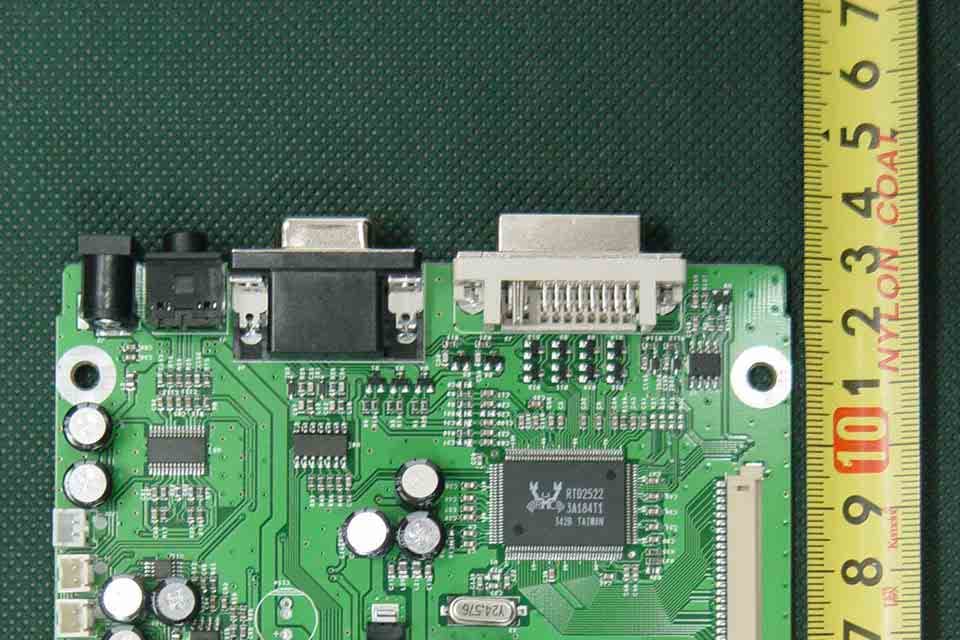
EVOKL1724BM
Feb 05, 200417" LCD MONITOR
Equipment Class
JBP - Part 15 Class B Computing Device Peripheral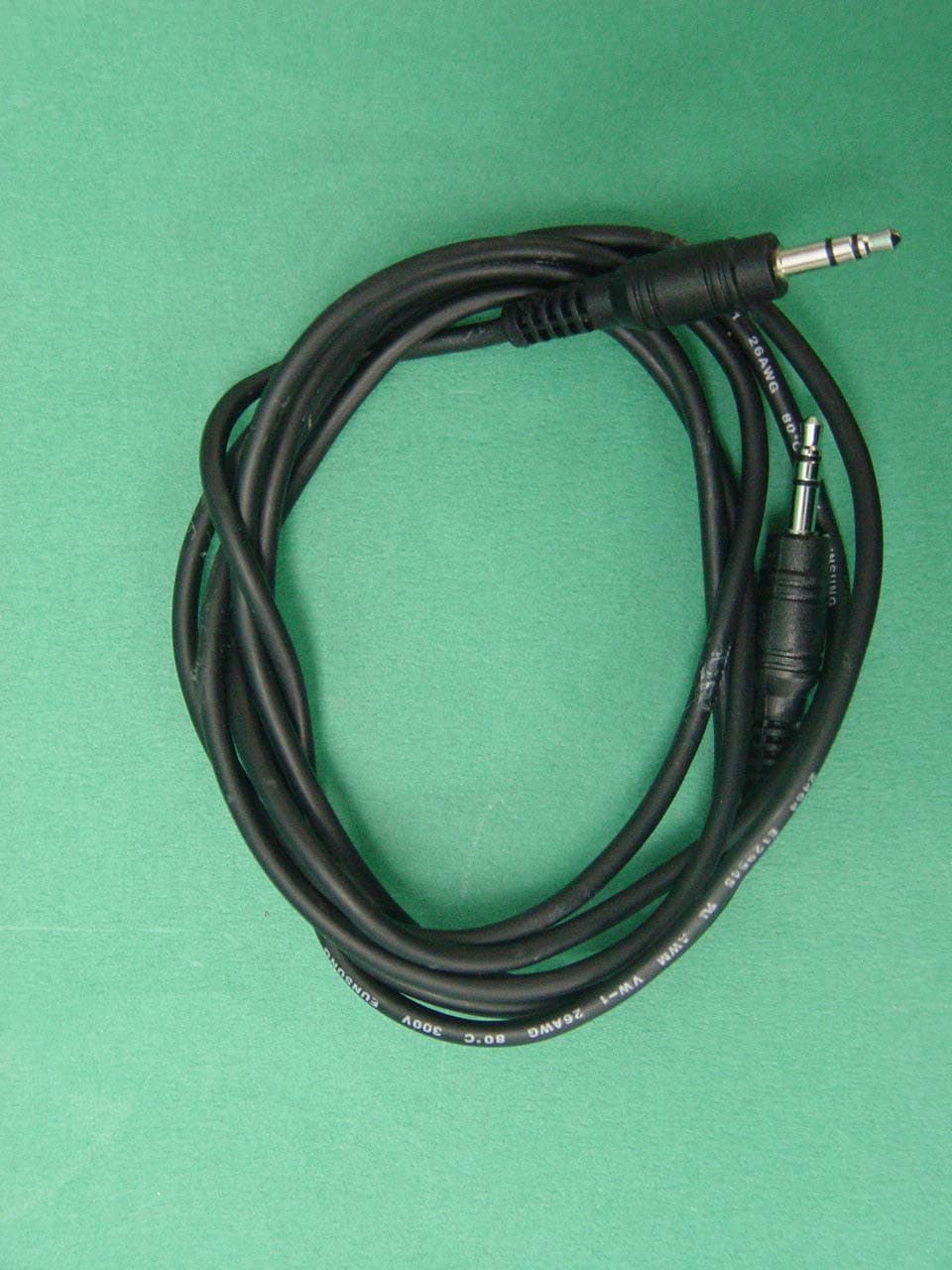
EVOKL1920BM
Feb 04, 200419" LCD MONITOR
Equipment Class
JBP - Part 15 Class B Computing Device Peripheral