HEDACC3501D68MN-520
Accton Technology Corp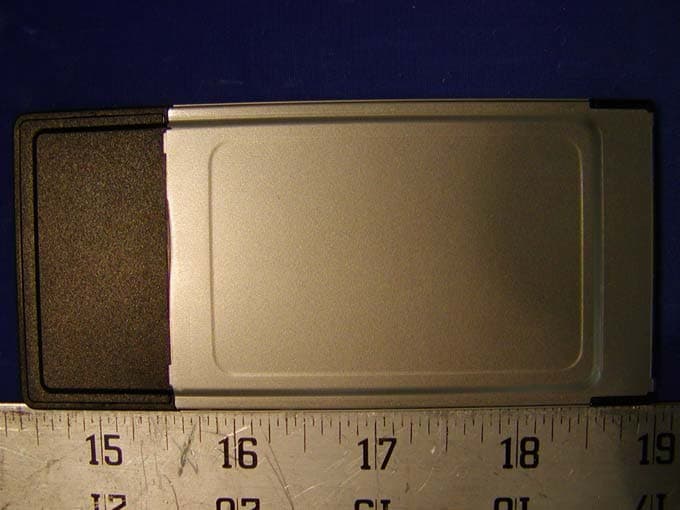
Click to zoom
Application Details
- Equipment Class
- DSS - Part 15 Spread Spectrum Transmitter
- Date of Grant
- May 14, 2002
- Application Purpose
- Original Equipment
- Date of Application
- May 14, 2002
- Equipment Note
- MN-520
- Frequency Range
- 2412.00000000 - 2462.00000000
- Company
- Accton Technology Corp
- Country
- Taiwan
Documents & Files
Document Text
Text extracted from the exhibit documents filed with the FCC. Open a document above to read the original.
Users Manual
Microsoft Wireless Home Networking PC Card or USB Adapter User’s Guide 2 Information in this document, including URL and other Internet Web site references, is subject to change without notice. Unless otherwise noted, the example companies, organizations, products, domain names, e-mail addresses, logos, people, places and events depicted herein are fictitious, and no association with any real company, organization, product, domain name, e-mail address, logo, person, place or event is intended or should be inferred. Complying with all applicable copyright laws is the responsibility of the user. Without limiting the rights under copyright, no part of this document may be reproduced, stored in or introduced into a retrieval system, or transmitted in any form or by any means (electronic, mechanical, photocopying, recording, or otherwise), or for any purpose, without the express written permission of Microsoft Corporation. Microsoft may have patents, patent applications, trademarks, copyrights, or other intellectual property rights covering subject matter in this document. Except as expressly provided in any written license agreement from Microsoft, the furnishing of this document does not give you any license to these patents, trademarks, copyrights, or other intellectual property. 2002 Microsoft Corporation. All rights reserved. Microsoft and Windows are either registered trademarks or trademarks of Microsoft Corporation in the United States and/or other countries. The names of actual companies and products mentioned herein may be the trademarks of their respective owners. Microsoft Wireless Home Networking Router 3 Warning For use with UL Listed and GS approved personal computers. Residential Gateway: “Only use AC Adaptor provided with the unit, Part number FA-4A030-1” Not intended for use in machinery, medical or industrial applications. Do not use in airplane or in a hazardous locations such as gas station. For indoor use only Do not touch or re-orient the antenna while the device is transmitting Residential Gateway: Device should be located at least 20 cm (8 inches) away from any human body in order to meet FCC exposure limits. Other adapter: Device should be located at least 5 cm (2 inches) away from any human body in order to meet FCC exposure limits. Exposure time should be limited if the distance is less. Microsoft Wireless Home Networking USB Adapter or PC Card Adapter 4 Table of Contents <PLACEHOLDER> Warning.............................Error! Bookmark not defined. Chapter 1: Microsoft Wireless Home Networking Overview ............................................................................................ 7 System Requirements ....................................................................7 Check Box Contents .......................................................................8 Home Networking Components......................................................8 Broadband Modems................................................................8 Routers and Gateways ...........................................................9 The Microsoft Wireless Home Networking USB Adapter .......9 The Microsoft Wireless Home Networking PC Card Adapter10 Network Connections....................................................................10 Wired Network Connections .................................................11 Wireless Networks ................................................................12 Chapter 2: Setting Up Your Adapter................................. 13 Recommended Connection Method .............................................13 Adding Computers to Your Network .............................................15 Adding Additional Wireless USB or PC Card Adapters to Microsoft Wireless Home Networks ......................................16 Connecting Microsoft Wireless Home Networking Adapters to Previously-Networked Computers ....................................16 Adding Microsoft Wireless Home Networking Adapters to Non-Windows Computers or Non-Microsoft Wireless Networks ...............................................................................16 Adding Wireless Adapters to Non-Computer Devices..........17 Alternate Connection Methods .....................................................17 Changing Adapter Settings During or After Setup ................18 Microsoft Wireless Home Networking USB Adapter or PC Card Adapter 5 Working with Domains ..........................................................18 Configuring a Microsoft Wireless Home Networking Adapter If You Connected the Hardware First ...................................18 Installing an Adapter through the Windows Plug and Play Dialog ....................................................................................18 Connecting a Microsoft Wireless Home Networking Router Wirelessly by Using a USB or PC Card Adapter ..................20 Setting Up a Wireless Network with Two or More Adapters and No Router.......................................................................20 Chapter 3: Using Your Microsoft Wireless Network ......... 23 Manage your Network...................................................................24 Diagnose Network Problems ................................................25 View Network Settings ..........................................................25 Create a Floppy Disk of Network Settings............................26 Perform Common Networking Tasks............................................26 Share Files and Folders ........................................................27 Share Printers .......................................................................29 Share an Internet Connection ...............................................33 Read E-mail Over the Network .............................................34 Send Instant Messages Over the Network ...........................34 Play Games over the Network and Internet..........................35 Connect to Other Wir…
Text truncated - open the document above for the full version.
Cover Letter(s)
Accton Technology Corporation No.1 Creation Rd. III, Science – based Industrial Park, Hsin Chu300, Taiwan, R.O.C. Tel:886-5770270 Fax:886-3-5783839 Federal Communications Commission Authorization and Evaluation Division Confidentiality Request regarding application for certification of FCC ID: HEDACCWN3501D68 Pursuant to Sections 0.457 and 0.459 of the Commission’s Rules, we hereby request confidential treatment of information accompanying this application as outlined below: 1. Schematics 2. Block Diagram 3. BOM 4. Operational Description The above materials contain trade secrets and proprietary information not customarily released to the public. The public disclosure of these materials may be harmful to the applicant and provide unjustified benefits to its competitors. The applicant understands that pursuant to Section 0.457 of the Rules, disclosure of this application and all accompanying documentation will not be made before the date of the Grant for this application. Sincerely, Hsaong-Shen Chen
External Photos
APPENDIX C - EUT EXTERNAL PHOTOGRAPHS Chassis - Top View Chassis - Bottom View
ID Label/Location Info
APPENDIX A - FCC ID LABEL INFORMATION Proposed FCC ID Label Proposed Label Location on EUT Bottom Side of EUT/FCC ID Label
Internal Photos
APPENDIX C - EUT INTERNAL PHOTOGRAPHS Main Board - Component View Main Board - Solder View
Test Report
Note: This test report is specially limited to the above client company and the product model only. It may not be duplicated without prior written consent of Bay Area Compliance Laboratory Corporation. This report must not be used by the client to claim product endorsement by NVLAP or any agency of the U.S. Government. FCC 15 SUBPART C EMI MEASUREMENT AND TEST REPORT For Accton Technology Corporation No.1 Creation Rd. III, Science-based Industrial Park, Hsin Chu 300, Taiwan, R.O.C. FCC ID: HEDACC3501D68 April 17, 2002 This Report Concerns: Original Report Equipment Type: Notebook Adapter Test Engineer: Jeff Lee Report No.: R0204015 Test Date: March 10, 2002 Reviewed By: Benjamin Jin - EMI Engineer Prepared By: Bay Area Compliance Laboratory Corporation 230 Commercial Street Sunnyvale, CA 94085 Tel: (408) 732-9162 Fax: (408) 732 9164 Accton Technology Corporation FCC ID: HEDACC3501D68 Report # R0204015_Rpt FCC 15.247 Test Report Page 2 of 31 TABLE OF CONTENTS 1 - GENERAL INFORMATION..................................................................................................................................4 1.1 PRODUCT DESCRIPTION FOR EQUIPMENT UNDER TEST (EUT) ..............................................................................4 1.2 OBJECTIVE.............................................................................................................................................................4 1.3 RELATED SUBMITTAL(S)/GRANT(S).......................................................................................................................4 1.4 TEST METHODOLOGY............................................................................................................................................4 1.5 TEST FACILITY.......................................................................................................................................................5 1.6 TEST EQUIPMENT LIST AND DETAILS.....................................................................................................................5 1.7 HOST SYSTEM CONFIGURATION LIST AND DETAILS..............................................................................................6 1.8 LOCAL SUPPORT EQUIPMENT LIST AND DETAILS...................................................................................................6 1.9 EXTERNAL I/O CABLING LIST AND DETAILS.........................................................................................................6 2 - SYSTEM TEST CONFIGURATION.....................................................................................................................7 2.1 JUSTIFICATION.......................................................................................................................................................7 2.2 EUT EXERCISE SOFTWARE....................................................................................................................................7 2.3 SPECIAL ACCESSORIES...........................................................................................................................................7 2.4 SCHEMATICS / BLOCK DIAGRAM...........................................................................................................................7 2.5 EQUIPMENT MODIFICATIONS.................................................................................................................................7 2.6 CONFIGURATION OF TEST SYSTEM.........................................................................................................................8 2.7 TEST SETUP BLOCK DIAGRAM...............................................................................................................................8 3 - SUMMARY OF TEST RESULTS..........................................................................................................................9 4 - PEAK OUTPUT POWER MEASUREMENT ....................................................................................................10 4.1 STANDARD APPLICABLE......................................................................................................................................10 4.2 MEASUREMENT PROCEDURE................................................................................................................................10 4.3 MEASUREMENT RESULT......................................................................................................................................10 4.3 MEASUREMENT RESULT......................................................................................................................................10 5 - SPURIOUS EMISSION.........................................................................................................................................12 5.1 STANDARD APPLICABLE......................................................................................................................................12 5.2 MEASUREMENT PROCEDURE................................................................................................................................12 5.3 MEASUREMENT DATA..........................................................................................................................................12 6 - PEAK POWER SPECTRAL DENSITY ..............................................................................................................16 6.1 STANDARD APPLICABLE......................................................................................................................................16 6.2 MEASUREMENT PROCEDURE................................................................................................................................16 6.3 TEST RESULTS.....................................................................................................................................................16 7 - 6 DB BANDWIDTH.................…
Text truncated - open the document above for the full version.
Test Setup Photos
APPENDIX B - TEST SETUP PHOTOGRAPHS Conducted Emission - Front View Conducted Emission - Rear View Radiated Emission - Front View Radiated Emission Test Setup - Rear View
Contact Information
Applicant
Abby Wei(Manager)
Test Firm
Bay Area Compliance LaboratoryJohn Chan
Technical Specifications
| # | Rule Parts | Frequency Range | Power Output |
|---|---|---|---|
| 1 | 15C | 2.41 GHz - 2.46 GHz | 46.00 mW |
Other Applications from Accton Technology Corp
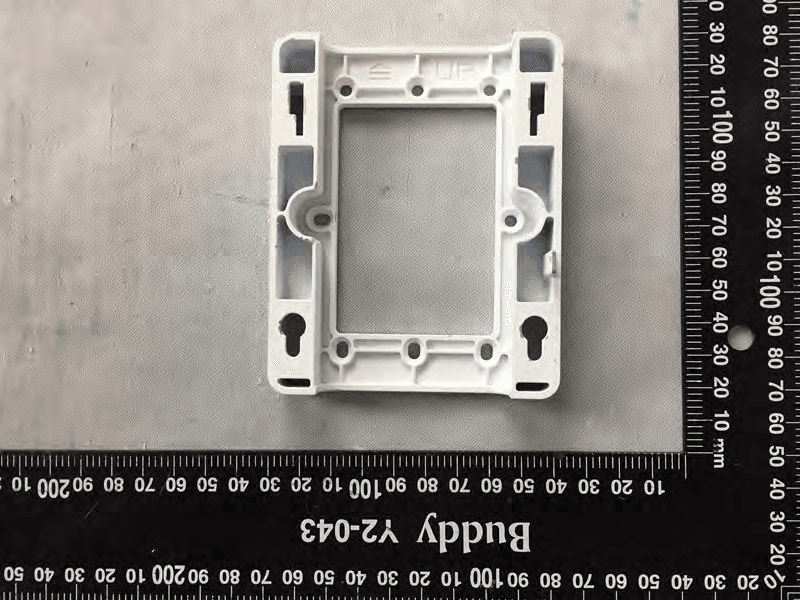
HEDEAP115
Jan 27, 2026Wi-Fi 7 AP
Equipment Class
NII - Unlicensed National Information Infrastructure TX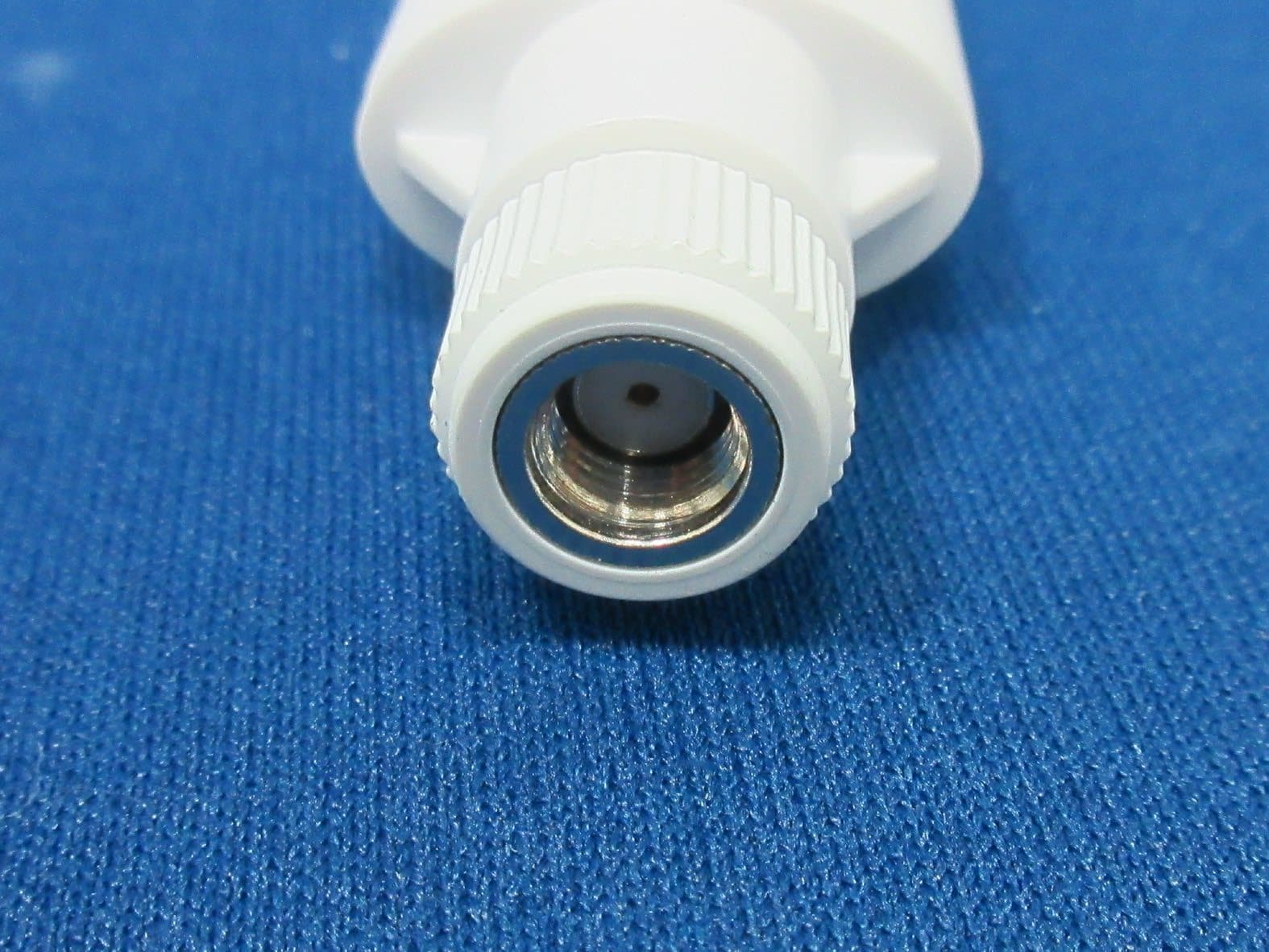
HEDEAP112
Oct 13, 2024Wi-Fi 6 IoT Gateway
Equipment Class
DTS - Digital Transmission System
HEDEAP111
Mar 17, 2024Wi-Fi 6 Access Point
Equipment Class
DTS - Digital Transmission System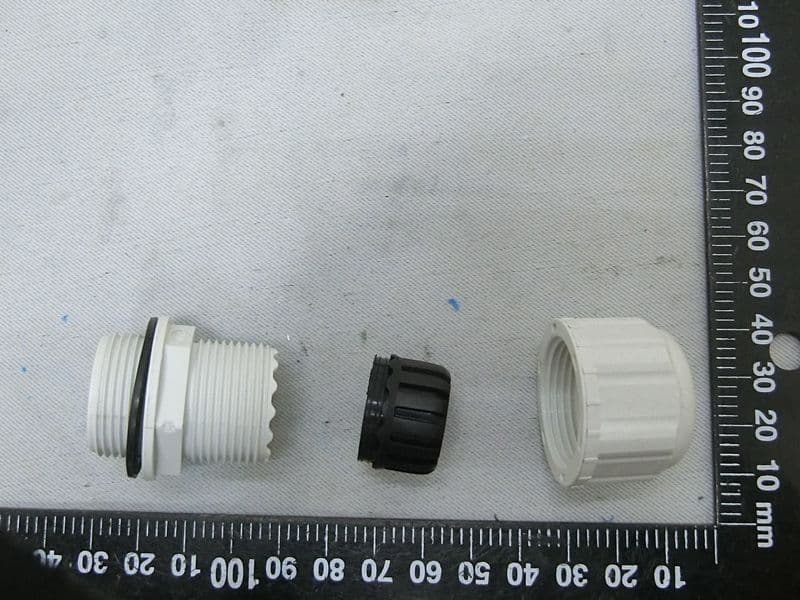
HEDOAP101E
Oct 24, 2023Outdoor Access Point
Equipment Class
DTS - Digital Transmission System
HEDEAP104
Dec 14, 2022Indoor Wall Plate WiFi 6 Access Point
Equipment Class
DTS - Digital Transmission System