HV4PL-500Digitizing Tablet
Wacom Co Ltd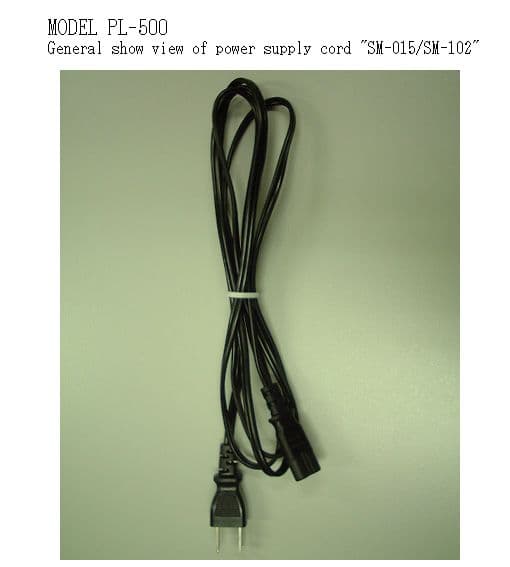
Click to zoom
Application Details
- Equipment Class
- DCD - Part 15 Low Power Transmitter Below 1705 kHz
- Date of Grant
- Sep 12, 2000
- Application Purpose
- Original Equipment
- Date of Application
- Jun 21, 2000
- Equipment Note
- Digitizing Tablet
- Frequency Range
- 0.59375000 - 0.59375000
- Company
- Wacom Co Ltd
- Country
- Japan
Documents & Files
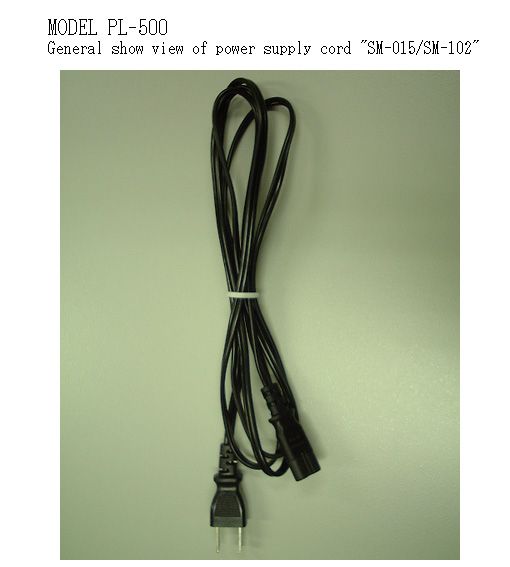
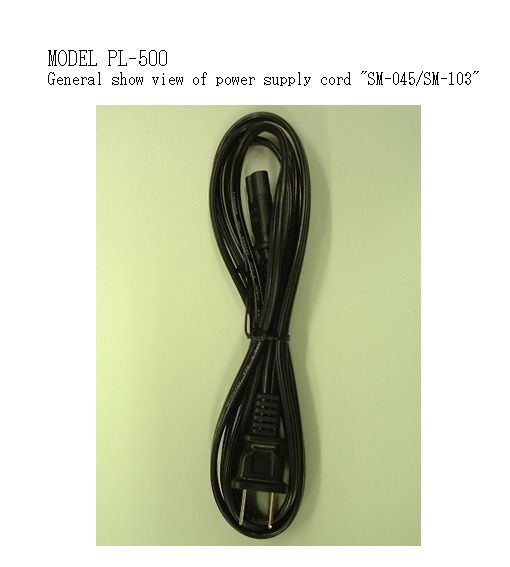
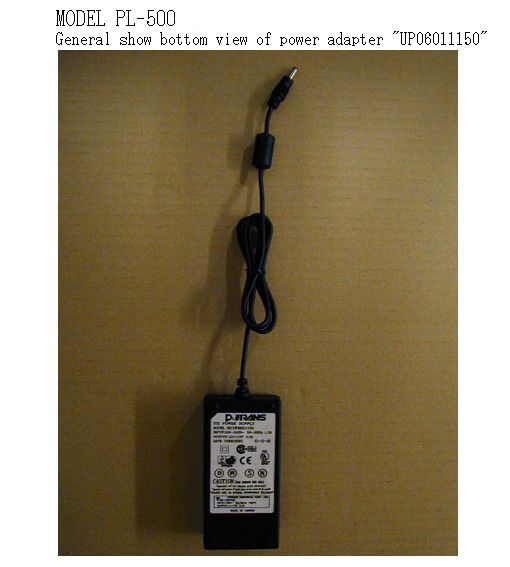
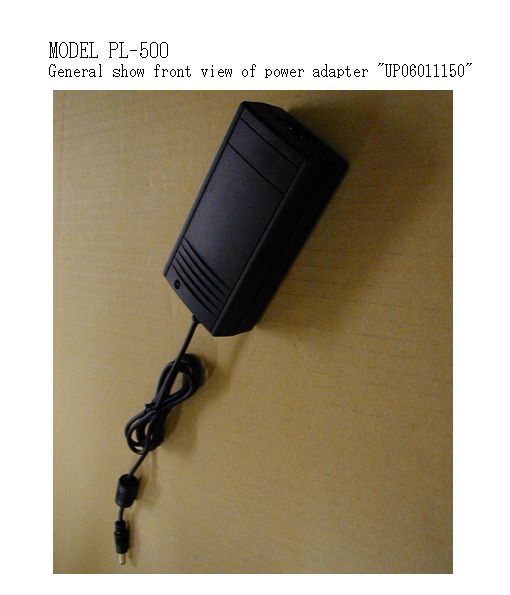
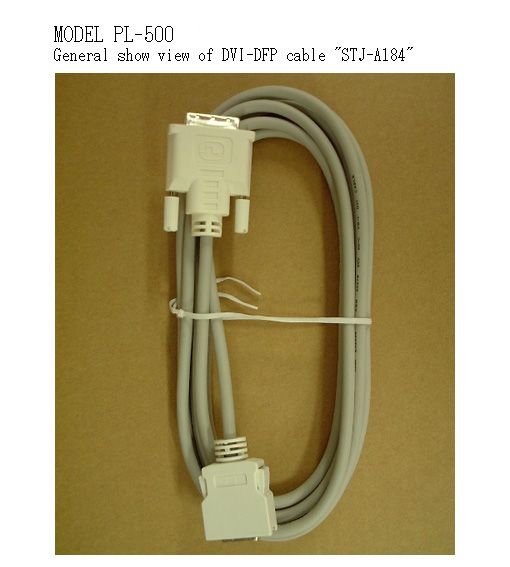
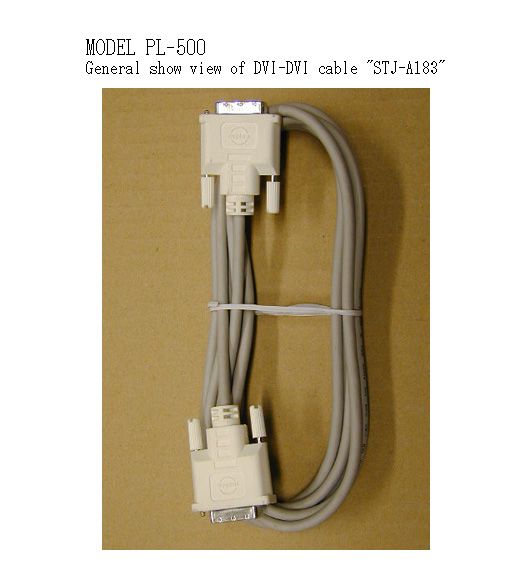
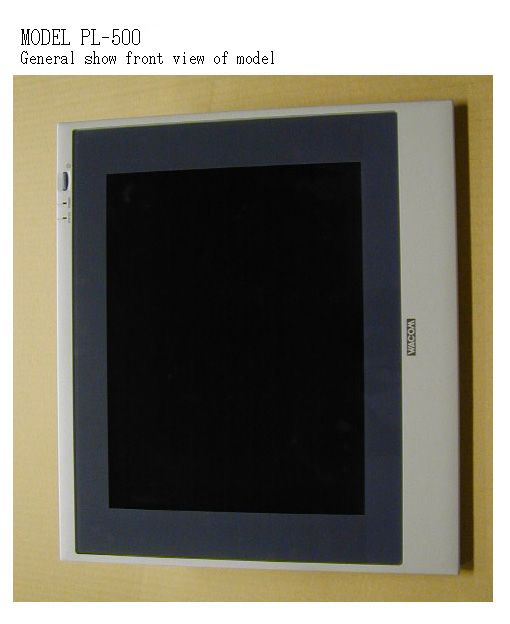
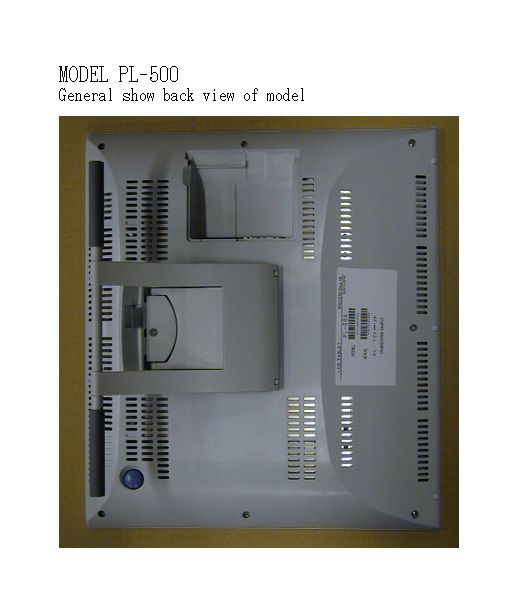
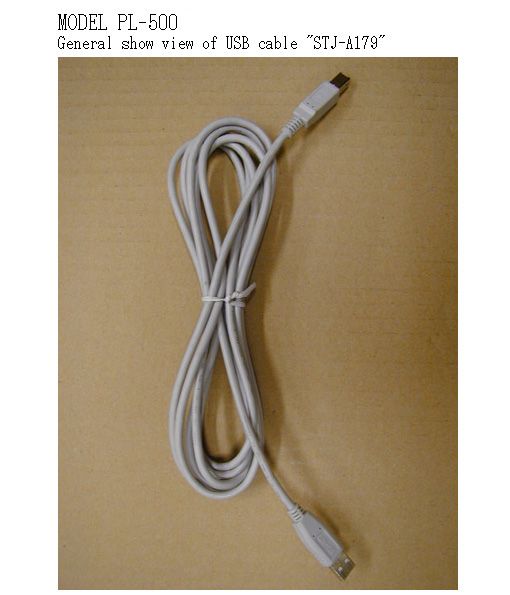
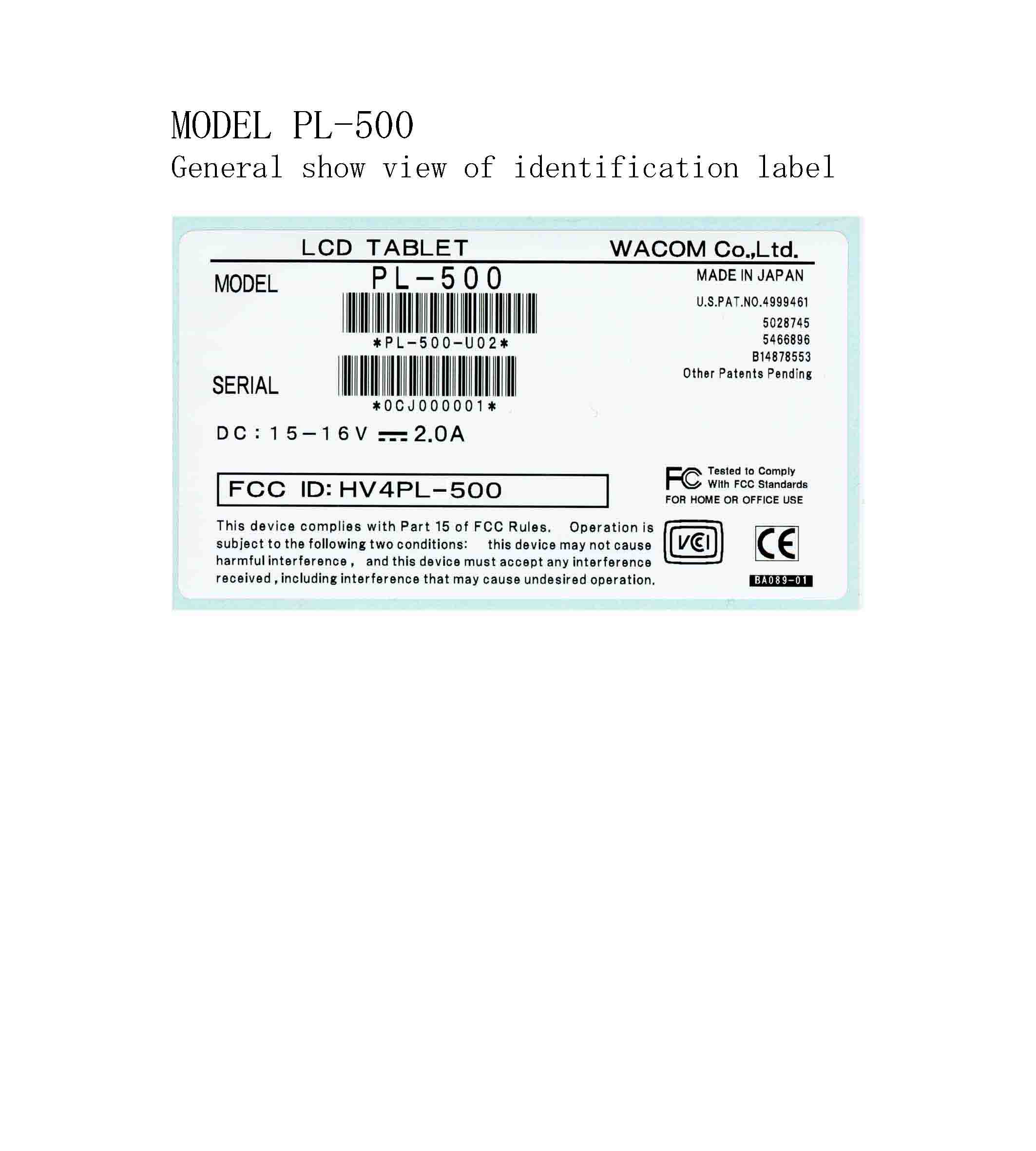
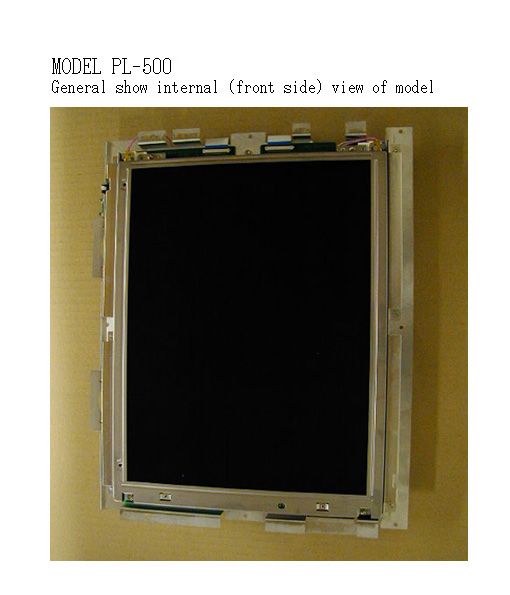
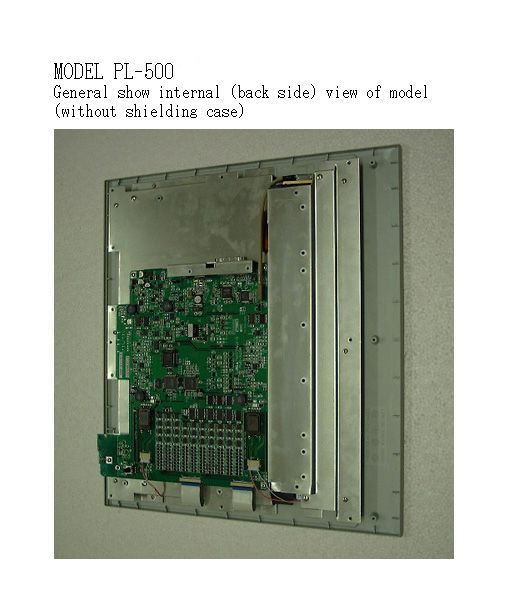
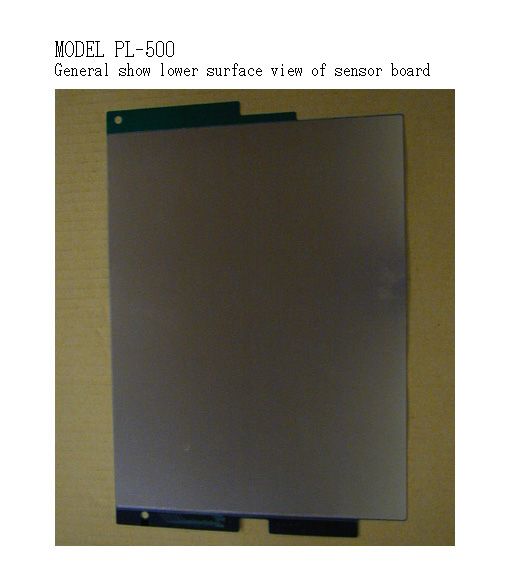
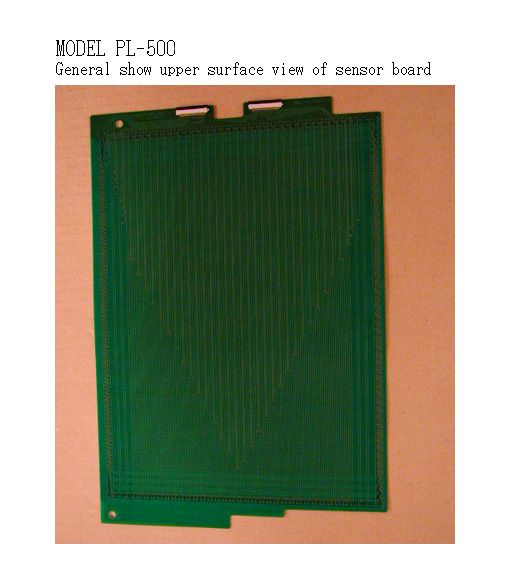
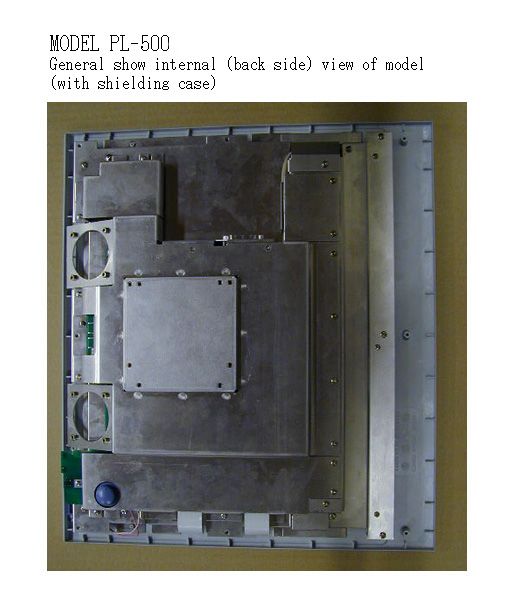
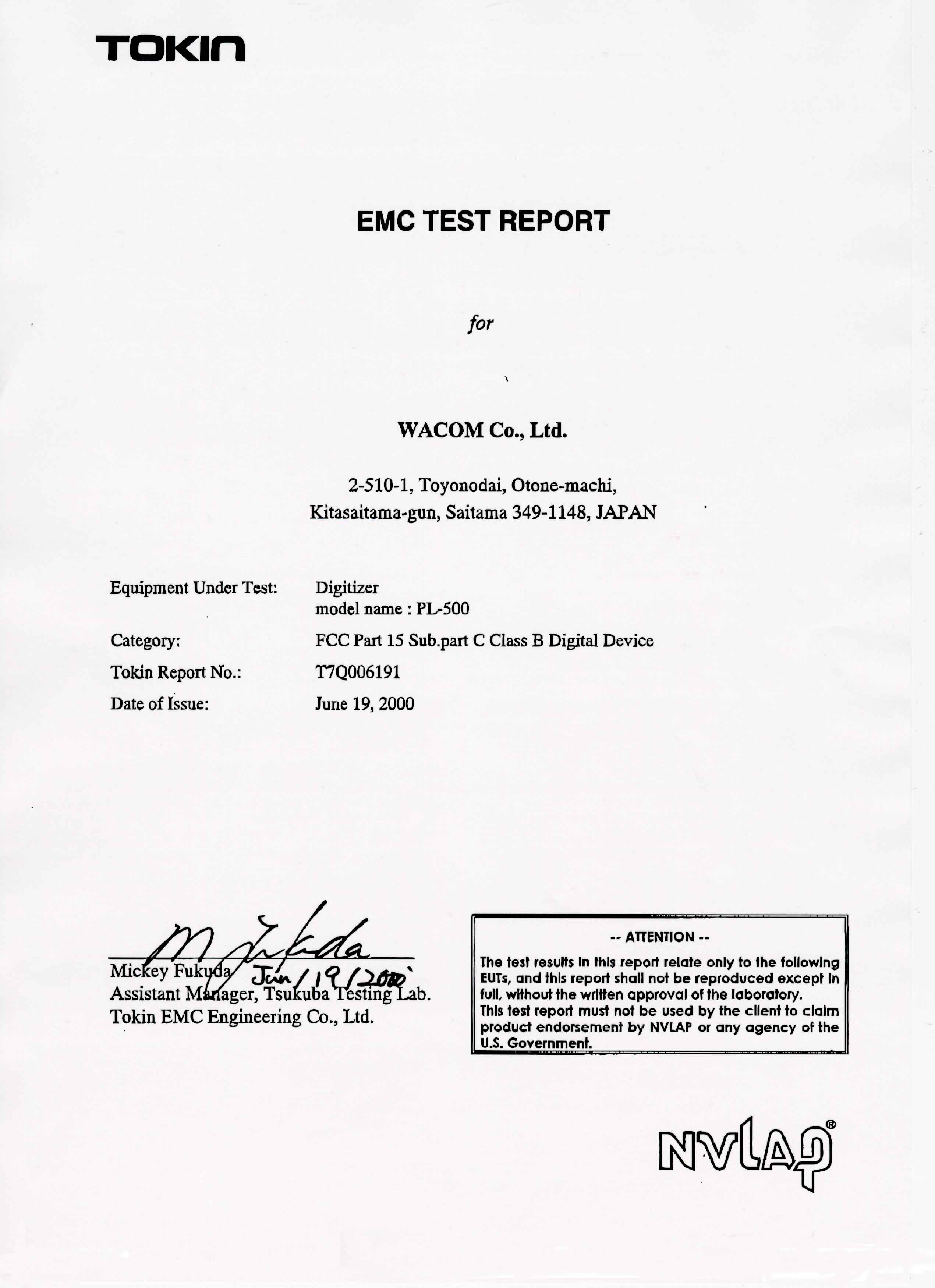
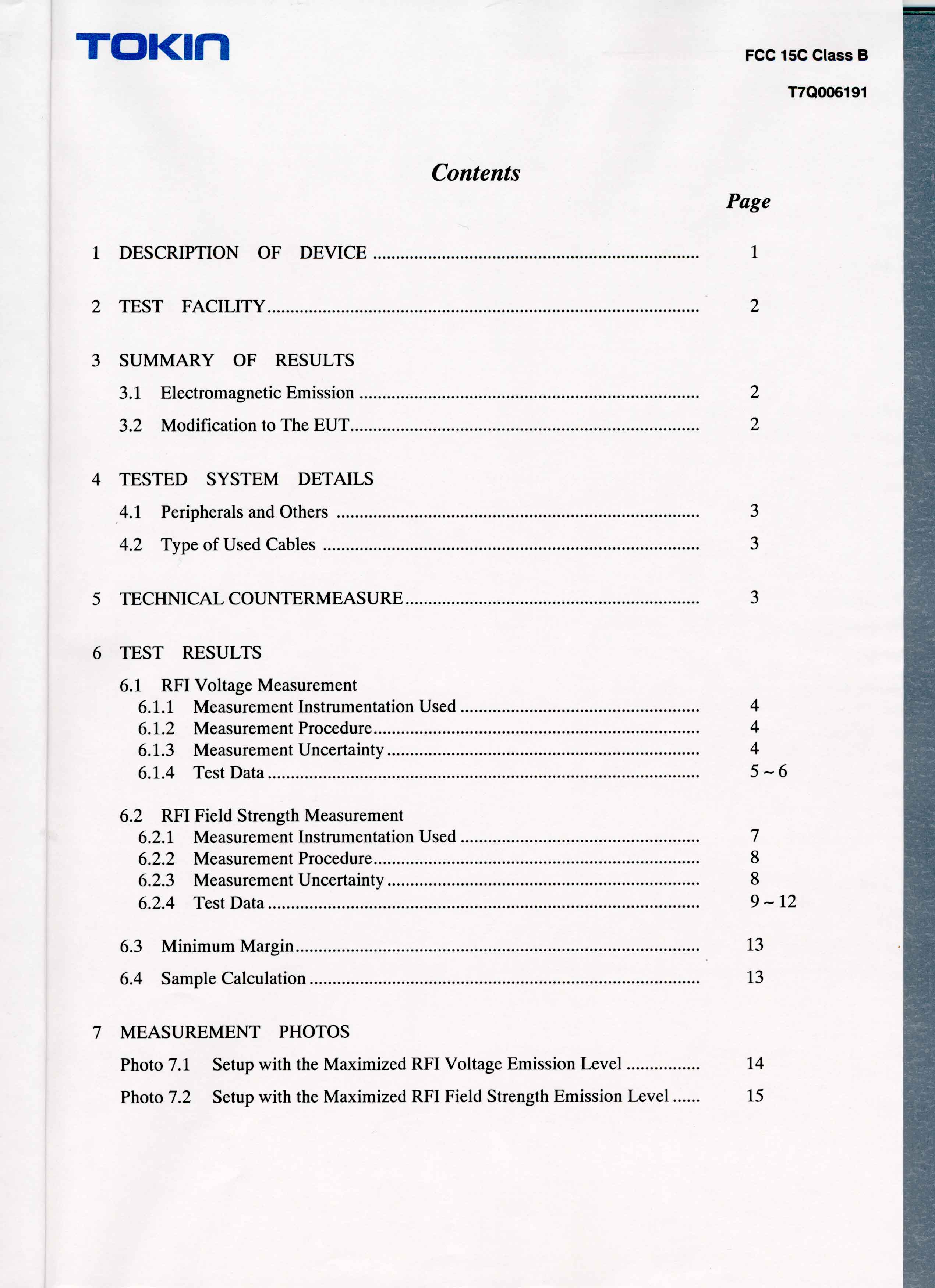
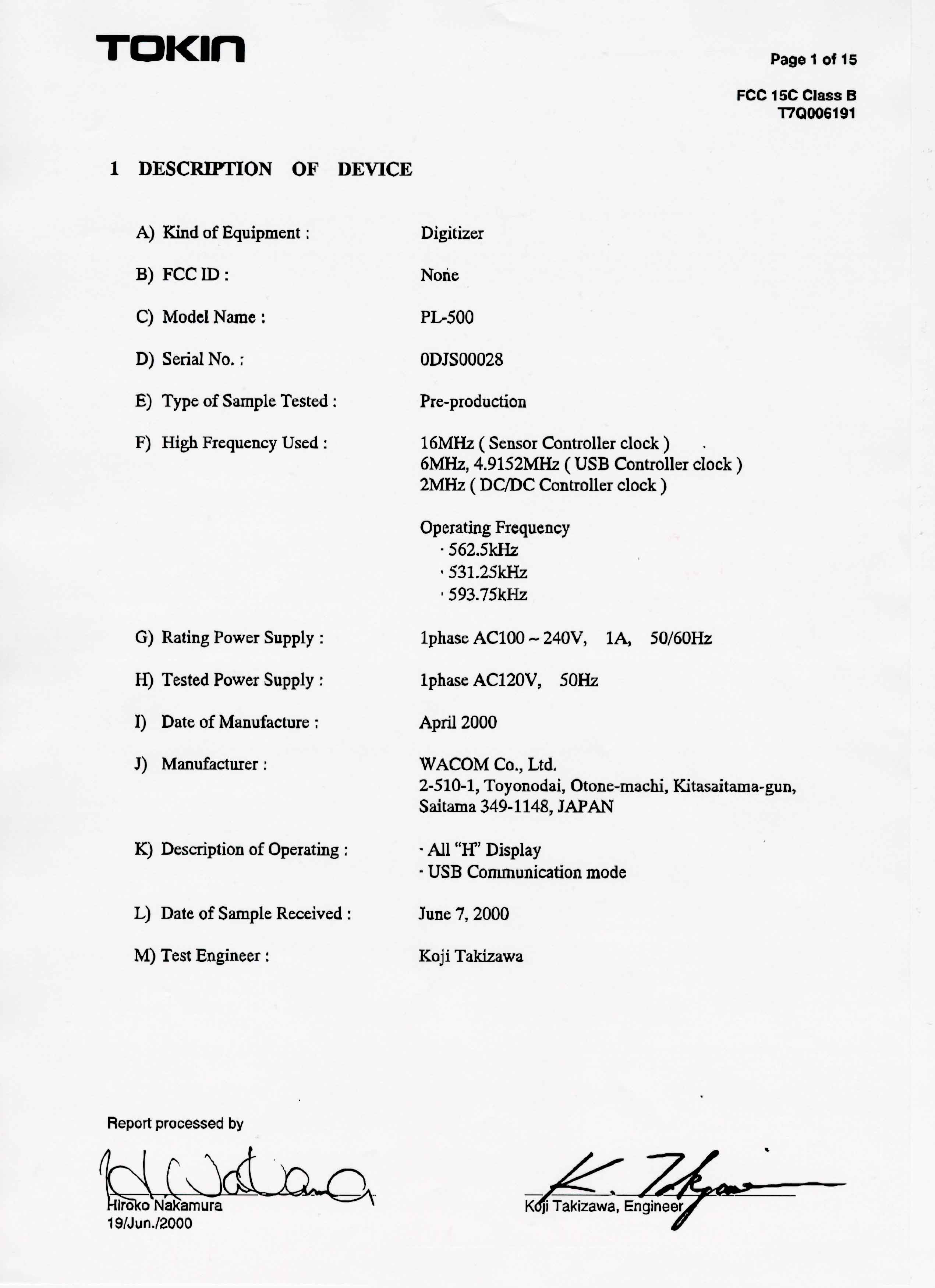
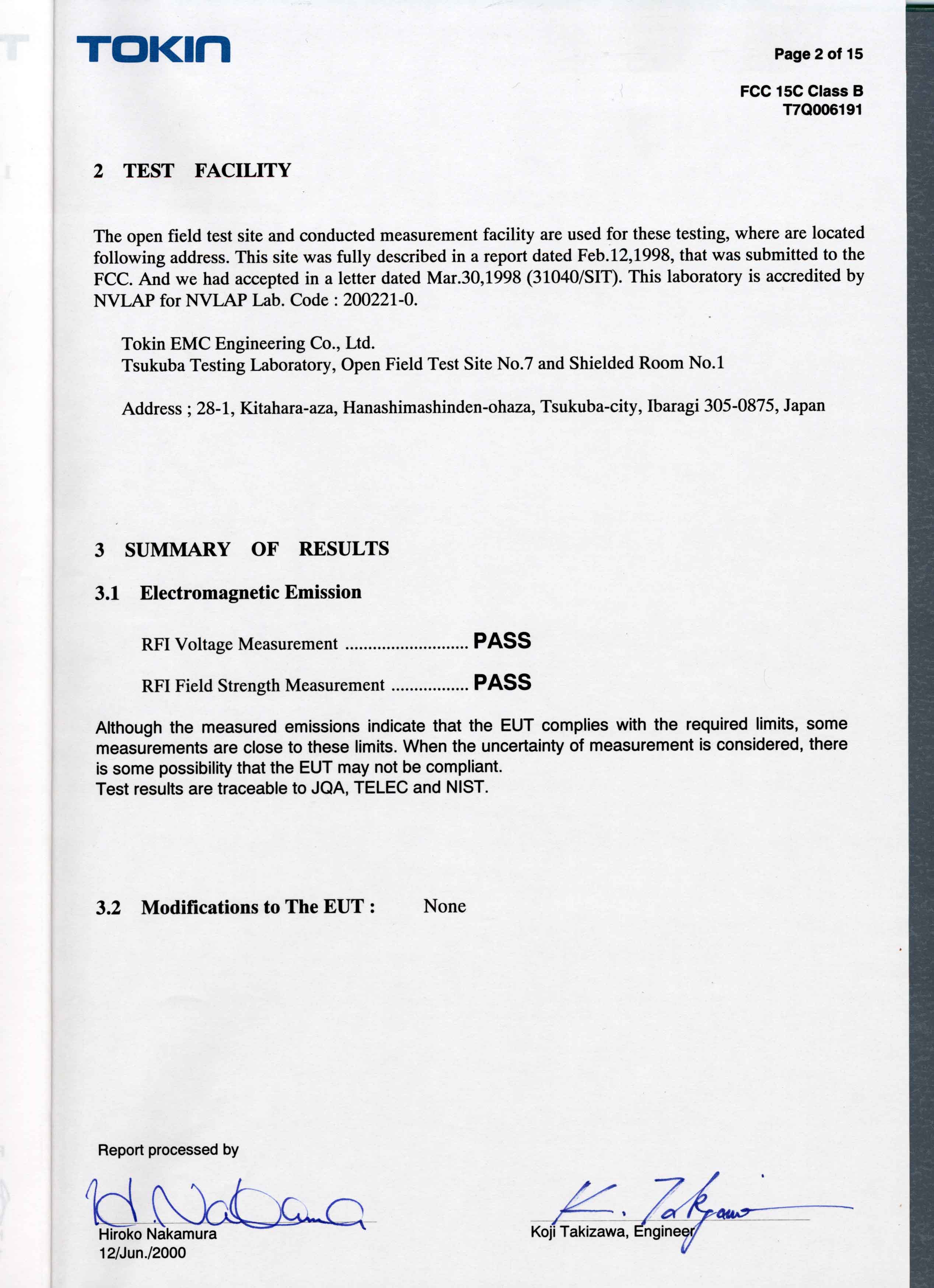
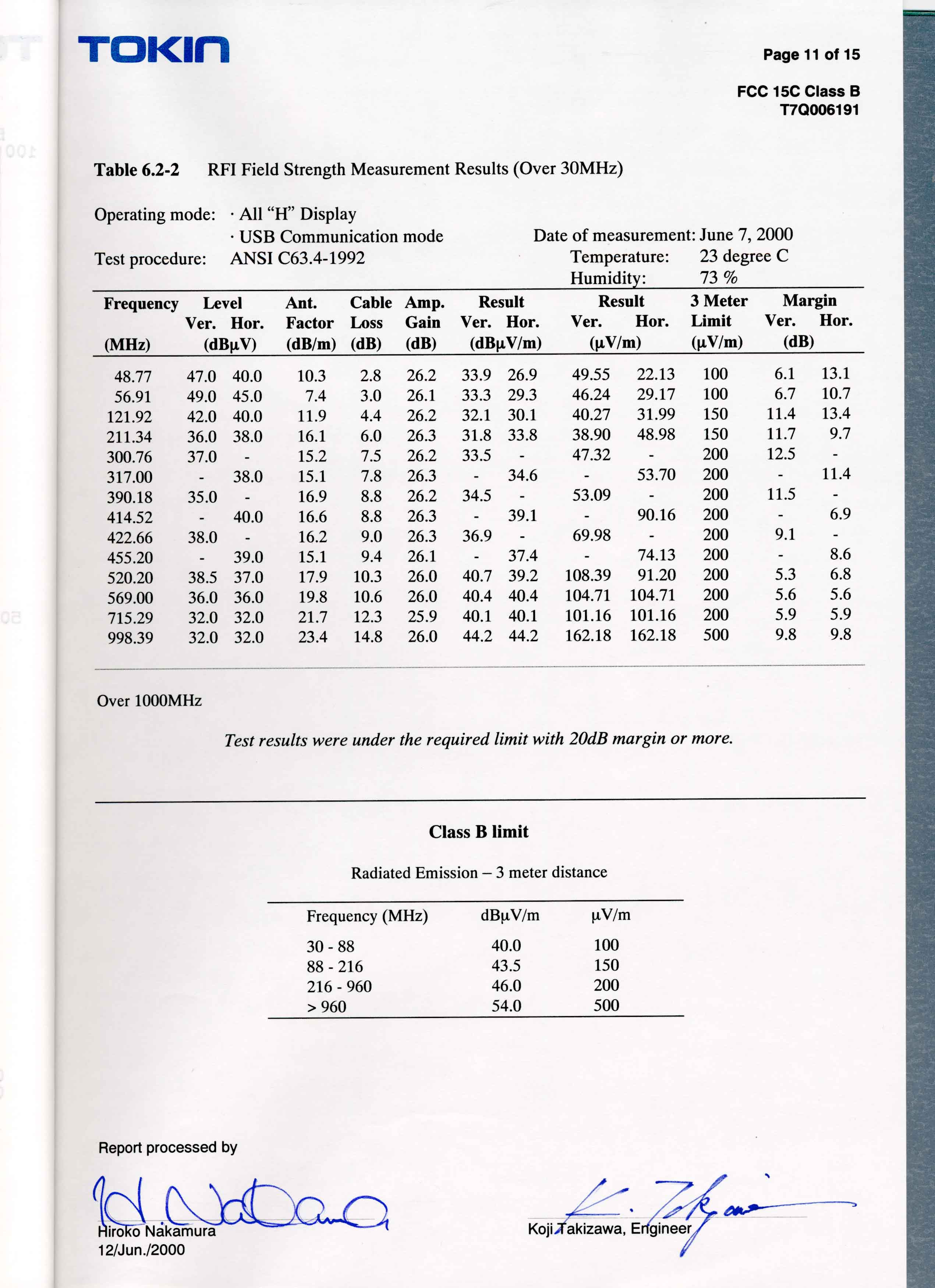
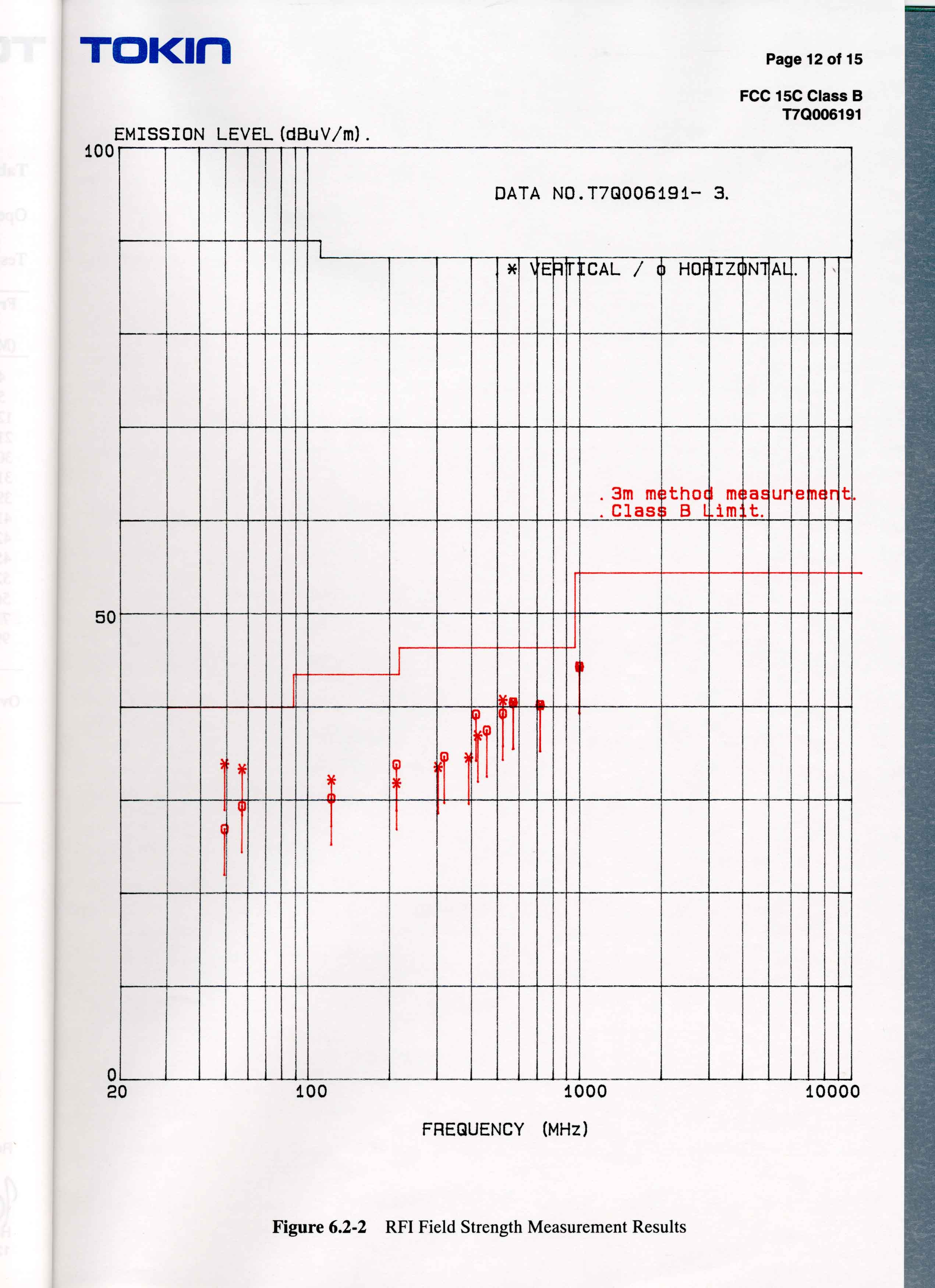
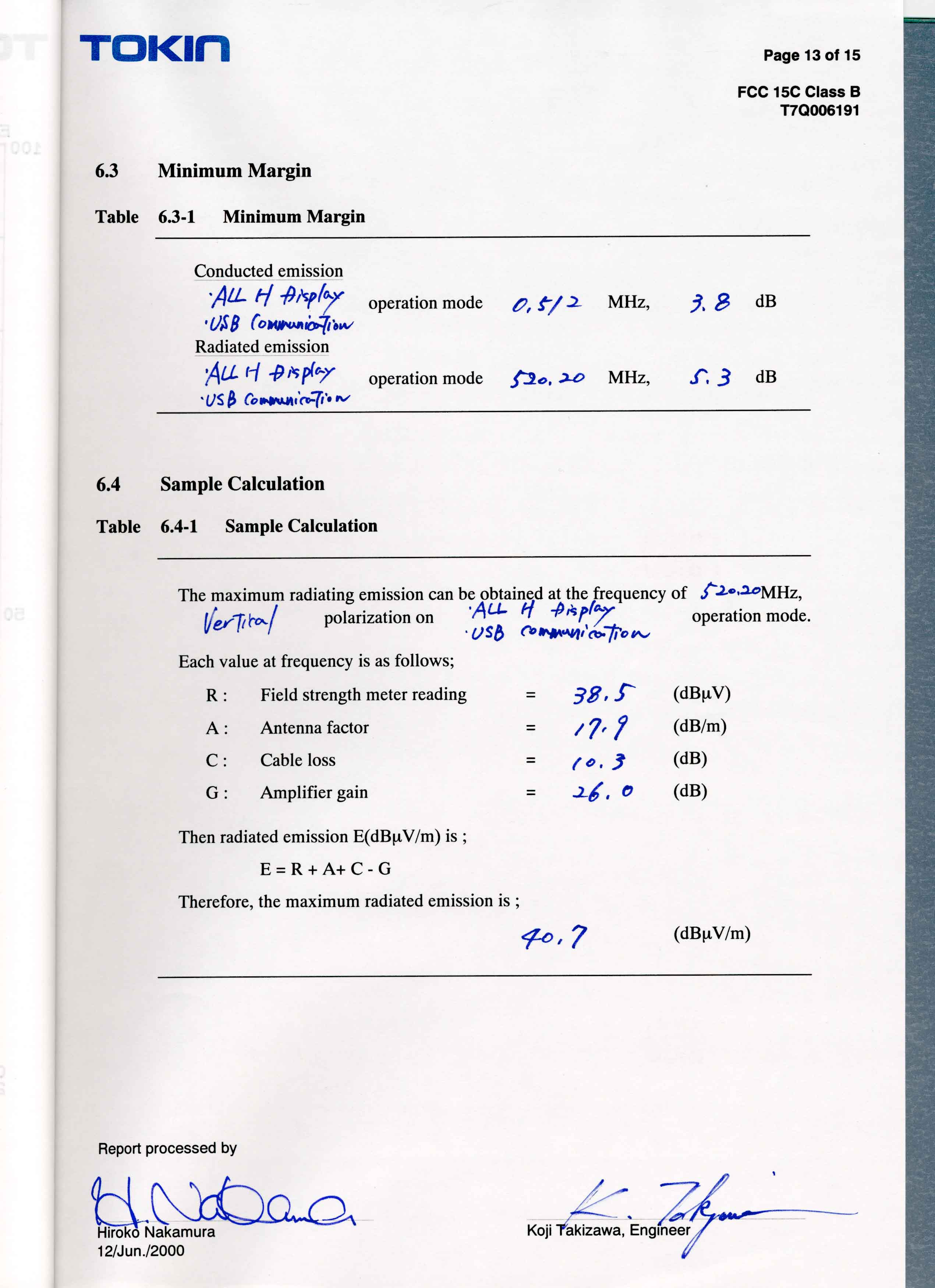
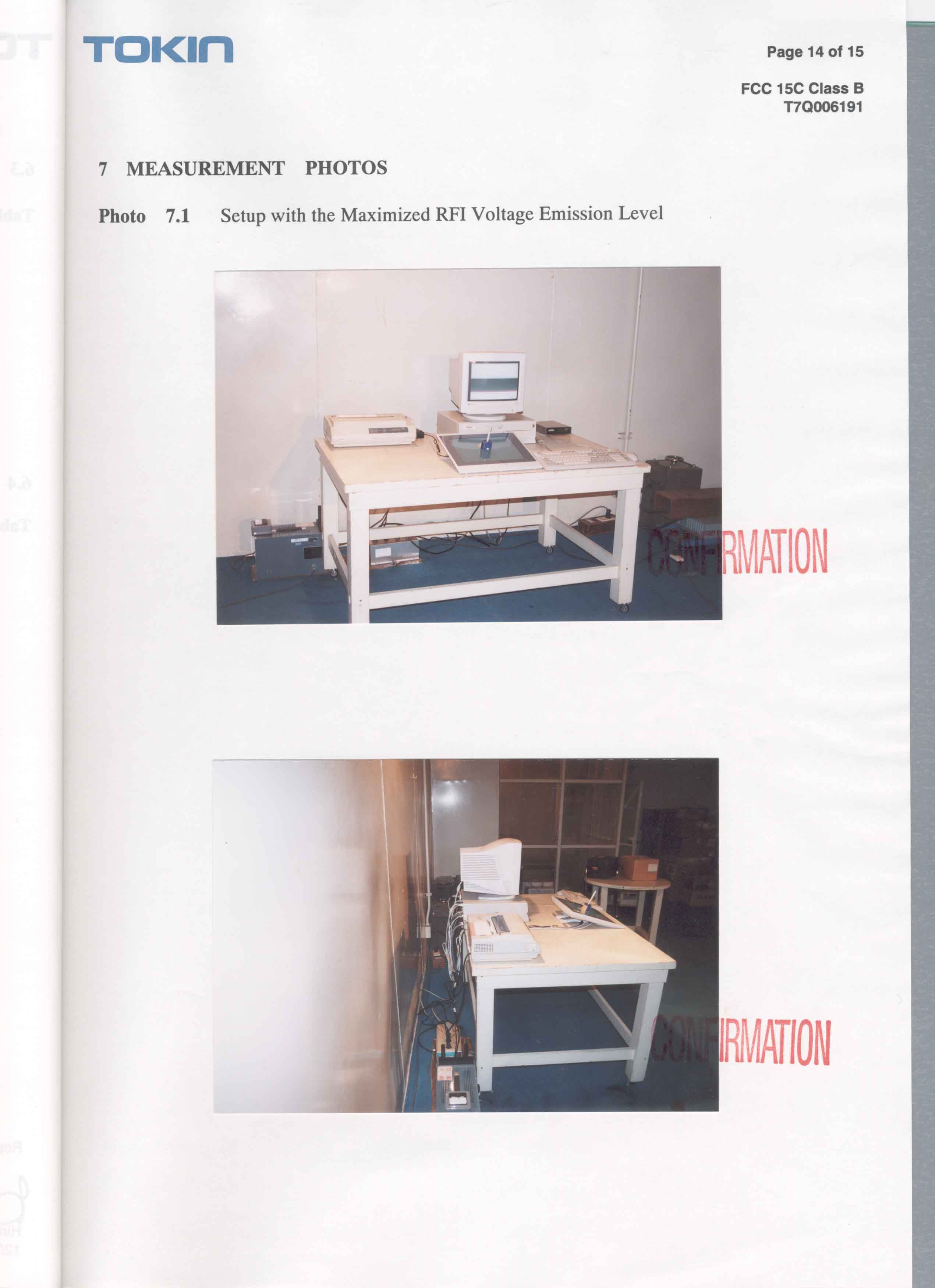
Document Text
Text extracted from the exhibit documents filed with the FCC. Open a document above to read the original.
Users Manual
1 PL-500 INSTALLATION GUIDE AND USER ’S MANUAL LCD Pen Tablet System PL500_Content5/9/2000, 2:06 PM1 2 Preface The Wacom ® PL-500 is an integrated LCD tablet designed for direct draw-on-screen interface with a PC or Macintosh computer. The PL-500 components include a Wacom tablet internally mounted behind a 15.1" diagonal TFT color LCD monitor, and Wacom’s UltraPen ® . This manual describes how to install the PL-500 LCD pen tablet system hardware and software. It also describes how to use the PL-500 and UltraPen. Information on using the Wacom Tablet Control Panel for customizing your tablet settings is available in the LCD pen tablet system online Help, located under the Help menu in the Wacom Tablet Control Panel. The following are not included with this product: n Information about your specific computer hardware. n Information about your operating system. n Information about application software. To use the pressure-sensitivity of the UltraPen with your favorite drawing application, refer to instructions in that application’s manuals. Please refer also to your computer hardware, operating system, or software application manuals. PL500_Content5/9/2000, 2:06 PM2 3 Precautions on Handling and Using the PL-500 E N V I R O N M E N T n Temperature and Humidity –Operating temperature and humidity5 ̊ to 35 ̊C, 20 to 80% RH –Storage temperature and humidity-10 ̊ to 60 ̊C, 20 to 90% RH n Do not use or store the PL-500 where: –Temperature changes are severe (e.g., outdoors or inside a vehicle). –The PL-500 and pen are exposed to direct sunlight or heat from an appliance. –The PL-500 and pen are exposed to water or any other kind of liquid. n ␣Only use the AC adaptor that came with your PL-500. If a different type of AC adaptor is used, the PL-500 will not work properly or it may be damaged. Using a different type of AC adaptor also has the potential to result in fire. H A N D L I N G n Do not connect or disconnect the DVI video cable while the power cable is attached to the PL-500 or your computer is turned on; it may damage the LCD display or computer video card. n Do not scratch the cover glass of the PL-500. Avoid placing sharp objects on the glass surface. n Do not put heavy articles on the PL-500; this may damage the cover glass or bend the stand. n Avoid intensive shock or vibration to the PL-500 or pen. Hitting or dropping the PL-500 may damage the cover glass or other components. n Do not use paint thinner, benzine, alcohol, or other organic solvents to clean the PL-500 case or pen. Do not use detergent to clean the cover glass of the PL-500—this may alter the surface friction and deteriorate the hand-writing feel. –To clean the cover glass of the PL-500, use a soft, dry cloth without applying detergent. If necessary, slightly moisten the cloth with water and try again. When cleaning, apply only a light amount of pressure to the cover glass and do not make the surface wet. –To clean the PL-500 case or pen, use a soft cloth with mild detergent (such as dish washing liquid) diluted with water. n Do not disassemble the PL-500 or pen. This may cause the device to malfunc- tion. In this case, Wacom shall have no responsibility to repair or replace the product. n If the pen tip becomes sharp or angular, it may damage the coating on the cover glass of the PL-500. Please replace the pen nib if necessary. n Prevent your children from swallowing the UltraPen nib or side switch. The pen nib or side switch may accidentally be pulled out if children are biting on them. WARNING WARNING PL500_Content5/9/2000, 2:06 PM3 4 Radio and Television Interference (U.S.A.) The equipment described in this manual generates, uses, and can radiate radio-frequency energy. If it is not installed and used properly—that is, in strict accordance with Wacom instructions—it may cause interference with radio and television reception. F E D E R A L C O M M U N I C A T I O N S C O M M I S S I O N ( F C C ) N O T I C E This equipment has been tested and found to comply with the limits for Class B digital devices, pursuant to Part 15 of FCC Rules. These limits are designed to provide reasonable protection against harmful interference in a residential installation. This equipment generates, uses and can radiate radio frequency energy and, if not installed and used in accordance with the instructions, may cause harmful interference to radio communica- tions. However, there is no guarantee that interference will not occur in a particular installation. You can determine whether the tablet equipment is causing interference by powering it off. If the interference stops, it was probably caused by the tablet. If your tablet equipment does cause interference to radio or television reception, you may be able to correct the interference by using one or more of the following measures: n Rotate the television or radio antenna until the interference stops. n Move the tablet equipment farther away from the television or radio. n Plug the tablet equipment and computer into an outlet that is on a different circuit from the television or radio. If necessary, consult your Wacom dealer or an experienced radio/television technician for help. Changes or modifications to this product not authorized by Wacom could void the FCC Certifica- tion and negate your authority to operate the product. PL500_Content5/9/2000, 2:06 PM4 5 CE Declaration (Europe) The equipment described in this manual generates, uses, and can radiate radio-frequency energy. If it is not installed and used properly—that is, in strict accordance with Wacom instructions—it may cause interference with radio and television reception. R A D I O A N D T E L E V I S I O N I N T E R F E R E N C E The PL-500 LCD pen tablet system has been tested by the TOKIN EMC Engineering Co., Ltd., an accredited EMC laboratory in Japan, and found to comply to the following harmonized European Norms: n EN 55 024 (electromagnetic immunity) n EN 55 022 Class B (electromagnetic emissions) n EN61000-3-2 (limits…
Text truncated - open the document above for the full version.
Block Diagram
2MHz DC15V (No battery, no oscillator ) DVI CONNECTOR Digital Video Signal (T MDS) TMDS Receiver TMDS Transmitter + 5V± 6V±11V800V X’ tal DC/DC CONVERTER 250kHz BACK LIGHT INVERTER 50.0kHz DC/DC CONVERTERDC/DC CONVERTER REGULATOR +3.3V + 5V+ 5V AC AD APTERCONNECTOR LCD UNIT BACK LIGHT SENSOR ST YLUS ANALOG IC W 6004 562.50kHz531.25kHz593.75kHz CPU W 7003F CPU < PL 500 Block Diagram > USB CONNECTOR Flash memory X’ tal 16MHz X’ tal X’ tal 6MHz 4.9152MHz AC AD APTER INPUT:AC100 240V 50 60Hz SENSOR I/F
Operational Description
DESCRIPTION Product: LCD TabletModel PL-500 Manufacturer: Name WACOM Co., Ltd. Address2-510-1, Toyonodai, Otone-machi, Kitasaitama-gun, Saitama, 349-1148 Japan Electrical Rating: Voltage: AC110V Power Consumption: 60 watts or less PL-500 is an input / out put inte grated device for a computer, using Wacom’s sensor, an erasing UltraPen and a 15.1 inch TFT color LCD monitor. The tablet continuously transmits data to and from a UltraPen. When transmitting, the tablet sends a signal to the UltraPen. The UltraPen stores energy from the signal. When receiving, the UltraPen sends a signal that carries coordinate, switch, and pressure data back to the tablet. The tablet sends this data to the computer. PL-500 provides a Pen computing. The intentionally radiated frequencies The intentionally radiated frequencies are 531.25kHz, 562.50kHz and 593.75kHz. All the other frequencies are unintentionally radiated. A. Antenna The sensor board has two groups of multiple loop coils in X (horizontal) and Y (vertical) directions. Radio frequency energy is radiated from these coils. Each coil is approximately 28.8mm wide and as long as the height, for the X-axis, and width, for the Y-axis, of the effective area of the tablet. Each coil consists of 2 turns (loops) of copper conductor. Ultra Pen LCD monitor Sensor Shield B. Original oscillation frequency and i ntentionally radiated frequency We make three (531.25kHz, 562.50kHz and 593.75kHz) intentionally radiated frequencies from the original oscillation frequency of 16MHz by ASIC (Gate Array W7003F). C. Operation The tablet looks for a pointing device, such as a stylus, by feeding electrical current of above-mentioned frequencies through the coils in both X axis and Y axis. The current fed through each coil is not more than 430mA . The tablet is able to detect the position of a pointing device because of the induction caused between the coil of the pointing device and two coils, one from X-axis and the other from Y-axis, of the sensor board. D. Comment on pointing device The pointing device operates completely passively and has no battery or active oscillator.
Contact Information
Applicant
Koichi Yokoyama(Senior Director, Quality Assurance)
Test Firm
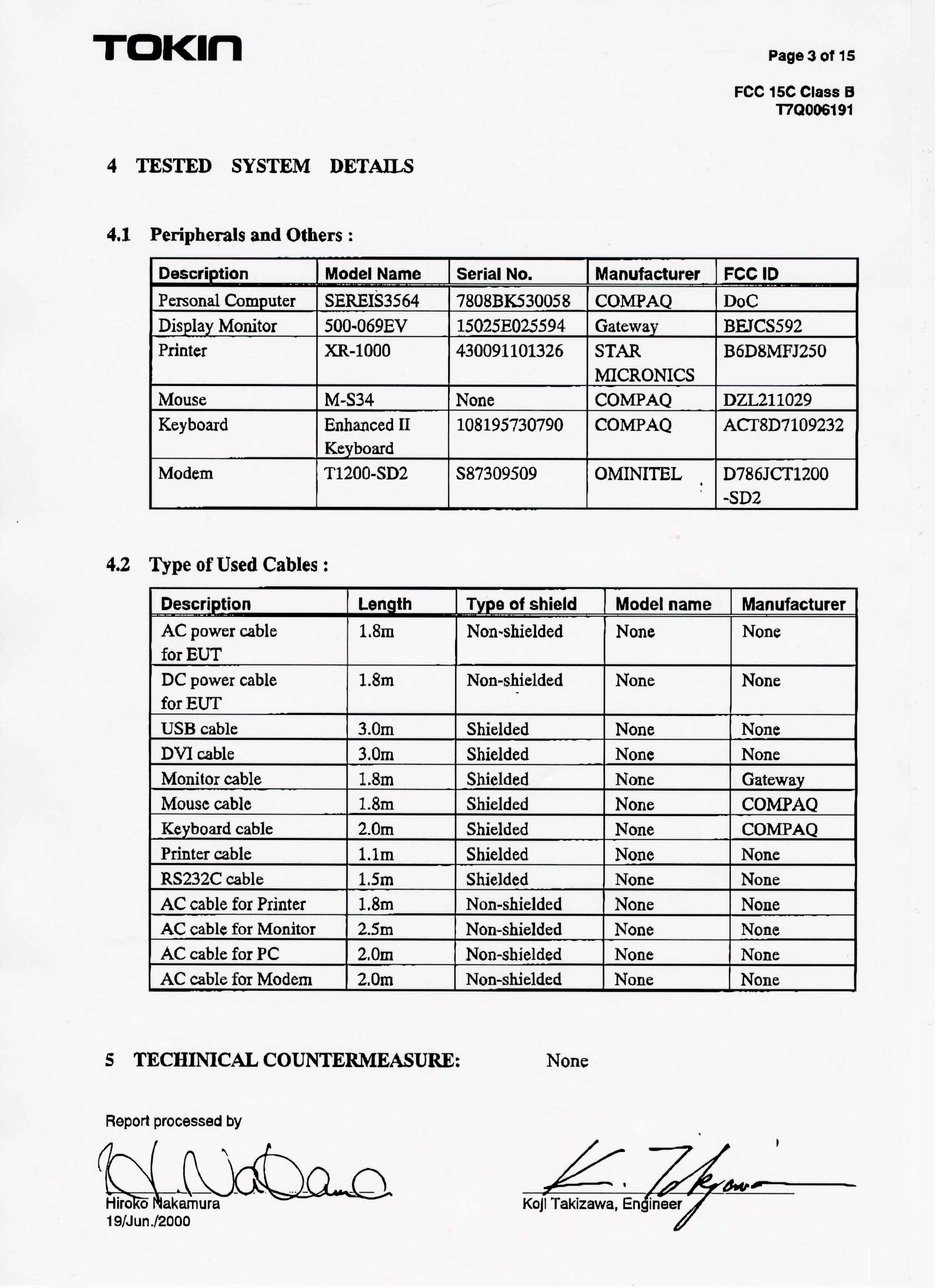
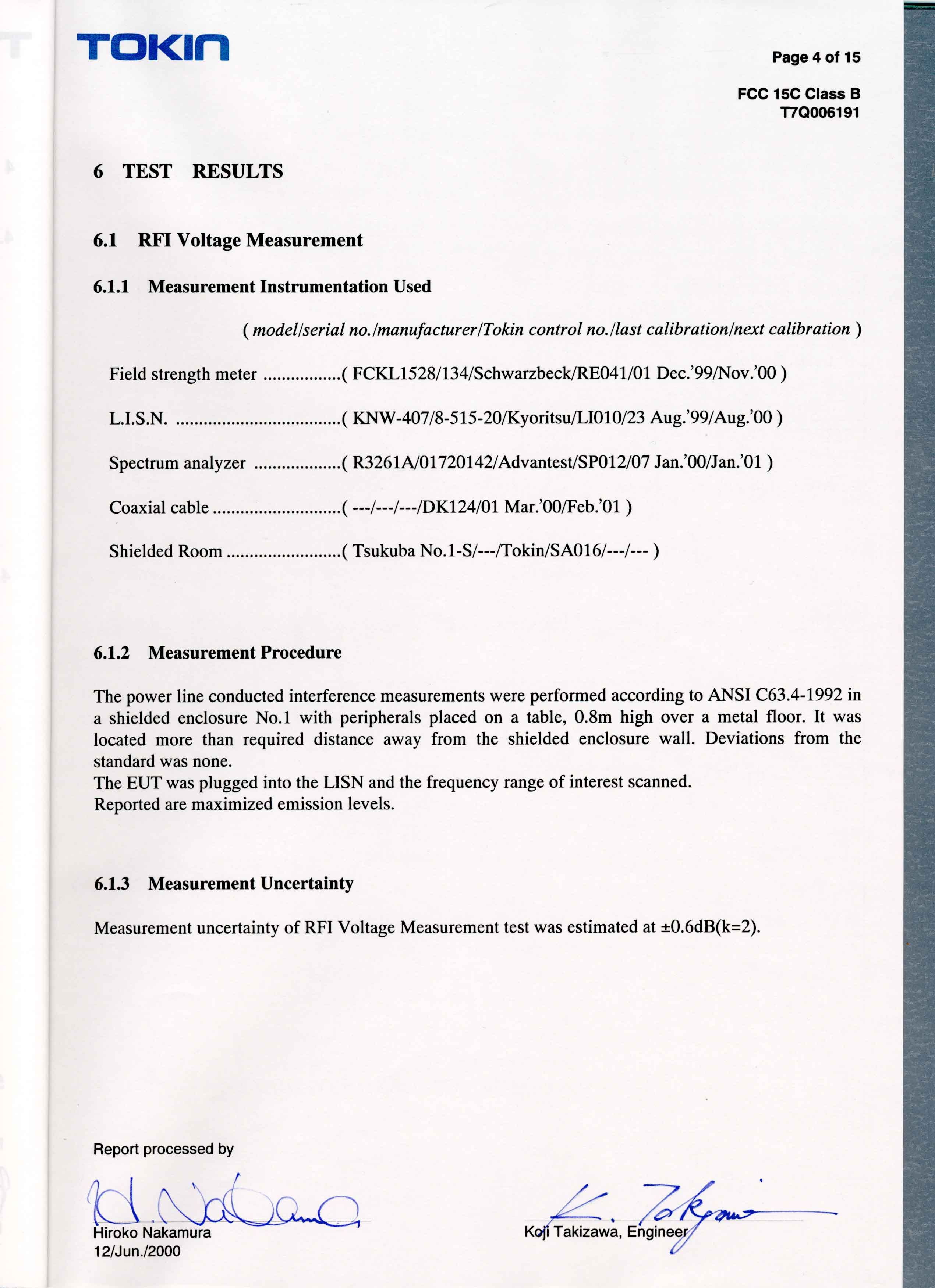
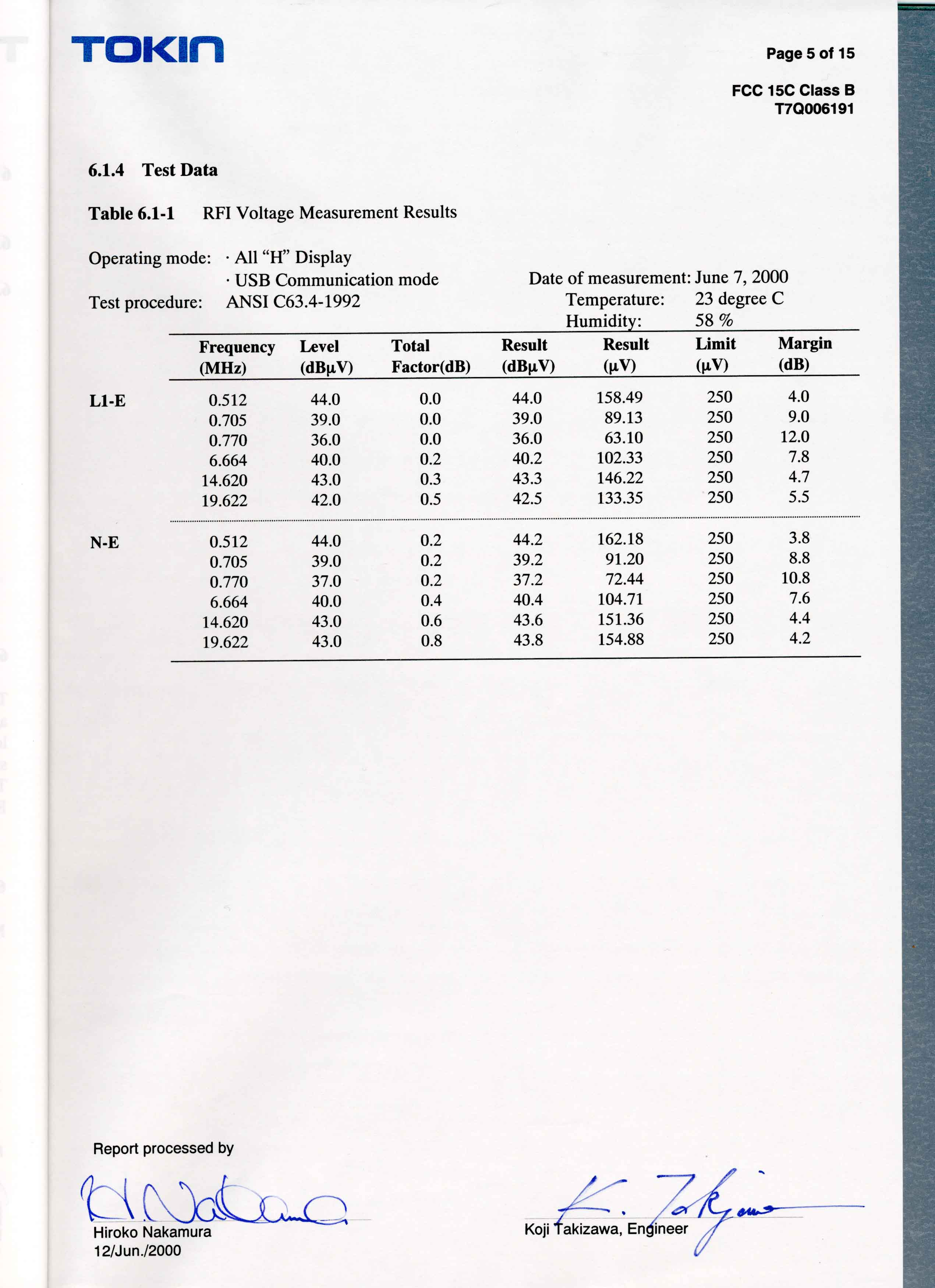
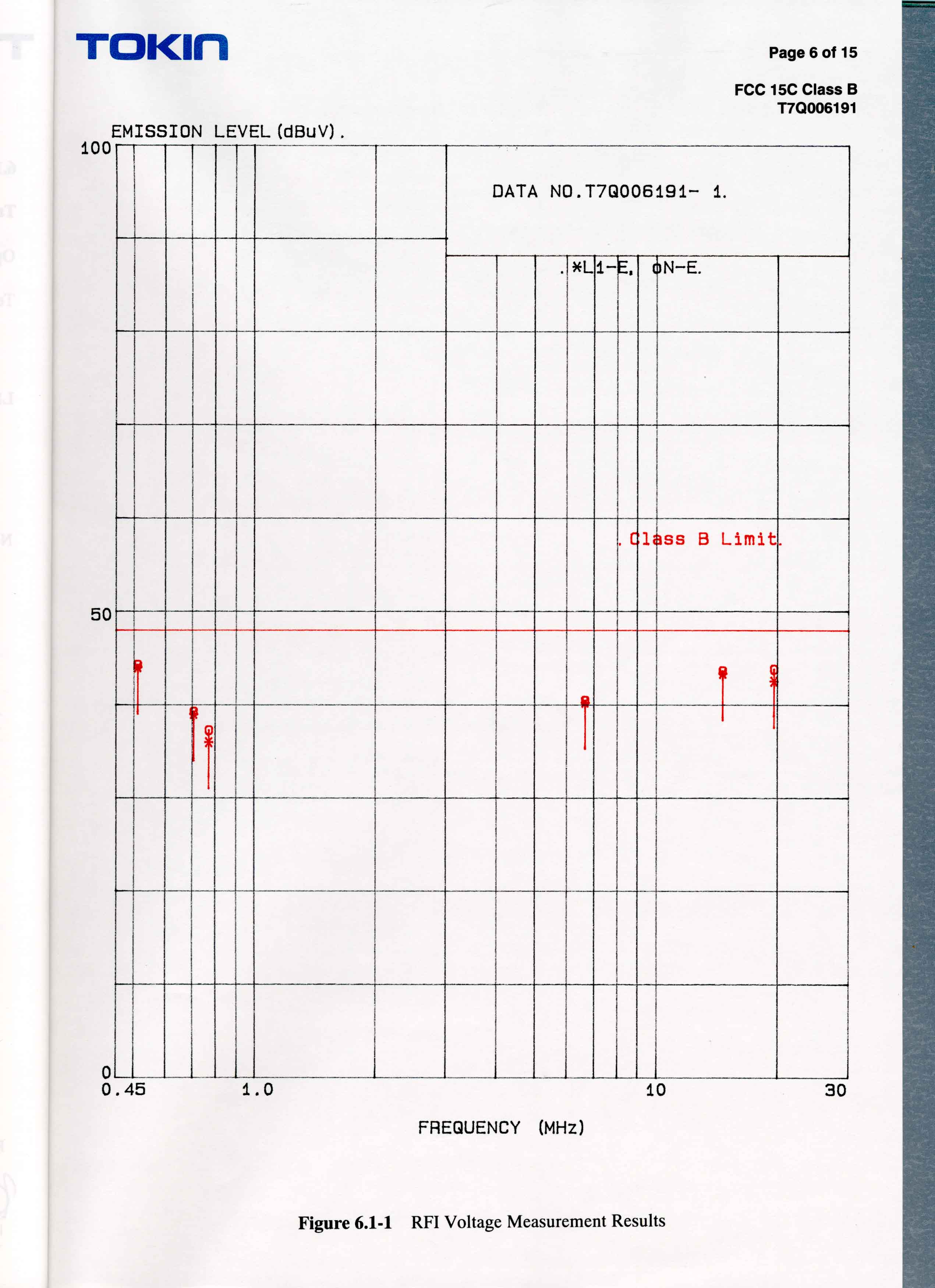
Tokin EMC Engineering Co., Ltd.Hiroko Yanonaka
Technical Specifications
| # | Rule Parts | Frequency Range | Power Output |
|---|---|---|---|
| 3 | - | 0.59375 MHz - 0.59375 MHz | - |
Other Applications from Wacom Co Ltd
HV4CTK6120
Aug 19, 2026Pen Tablet
Equipment Class
DCD - Part 15 Low Power Transmitter Below 1705 kHzHV4STU540A
May 12, 2026LCD SIGNATURE PAD
Equipment Class
DCD - Part 15 Low Power Transmitter Below 1705 kHzHV4DTHA140
Sep 16, 2025Portable Pad
Equipment Class
DTS - Digital Transmission SystemHV4PTK470
Oct 10, 2024Creative Pen Tablet
Equipment Class
DTS - Digital Transmission SystemHV4PTK870
Oct 10, 2024Creative Pen Tablet
Equipment Class
DCD - Part 15 Low Power Transmitter Below 1705 kHz