JCK-GN-BR02GWireless Broadband Router / Wireless Access Point
GIGA-BYTE TECHNOLOGY CO., LTD.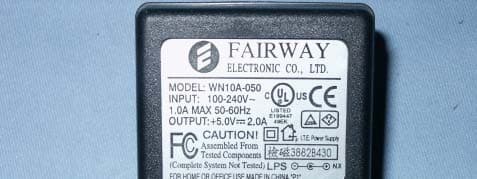
Click to zoom
Application Details
- Equipment Class
- DTS - Digital Transmission System
- Date of Grant
- Nov 03, 2005
- Application Purpose
- Original Equipment
- Date of Application
- Nov 03, 2005
- Equipment Note
- Wireless Broadband Router / Wireless Access Point
- Frequency Range
- 2412.00000000 - 2462.00000000
- Country
- Taiwan
Documents & Files
Document Text
Text extracted from the exhibit documents filed with the FCC. Open a document above to read the original.
Users Manual
GN-AP02G Wireless Access Point User’s Manual www.gigabyte.com.tw Federal Communication Commission Interference Statement This equipment has been tested and found to comply with the limits for a Class B digital device, pursuant to Part 15 of the FCC Rules. These limits are designed to provide reasonable protection against harmful interference in a residential installation. This equipment generates, uses and can radiate radio frequency energy and, if not installed and used in accordance with the instructions, may cause harmful interference to radio communications. However, there is no guarantee that interference will not occur in a particular installation. If this equipment does cause harmful interference to radio or television reception, which can be determined by turning the equipment off and on, the user is encouraged to try to correct the interference by one of the following measures: - Reorient or relocate the receiving antenna. - Increase the separation between the equipment and receiver. - Connect the equipment into an outlet on a circuit different from that to which the receiver is connected. - Consult the dealer or an experienced radio/TV technician for help. FCC Caution: To assure continued compliance, any changes or modifications not expressly approved by the party responsible for compliance could void the user authority to operate this equipment. This device complies with Part 15 of the FCC Rules. Operation is subject to the following two conditions: (1) This device may not cause harmful interference, and (2) this device must accept any interference received, including interference that may cause undesired operation. IMPORTANT NOTE: FCC Radiation Exposure Statement: This equipment complies with FCC radiation exposure limits set forth for an uncontrolled environment. This equipment should be installed and operated with minimum distance 20cm between the radiator & your body. This transmitter must not be co-located or operating in conjunction with any other antenna or transmitter. Contents Chapter1 Introduction ............................................................................4 Overview .....................................................................................4 Features ....................................................................................4 Package Contents .......................................................................5 The Rear Panel .........................................................................5 The Front Panel ...........................................................................6 Chapter 2 Installation .............................................................................7 Hardware Requirements .............................................................7 System Requirements ...............................................................7 Internet Configuration Requirements ........................................7 Hardware Installation ...................................................................8 Connect to Access Point ................................................................8 Illustration .................................................................................9 Chapter3. Access Point Manager ......................................................11 Installing the Access Point Manager............................................11 Using the Access Point Manager .........................................15 Appendix A: Specification ...................................................................33 Chapter1 Introduction Overview Thank you for using Gigabyte GN-AP02G Wireless-G Access Point. The IEEE 802.11g standard is designed as a higher-bandwidth - 54M bit/sec - successor to the popular 802.11b, or Wi-Fi standard, which tops out at 11M bit/sec. An 802.11g access point will support 802.11b and 802.11g clients. The GN-AP02G Wireless-G Access Point lets you connect IEEE 802.11g or IEEE802.11b devices to the network. With its high-speed data transmissions of up to 54 Mbps, you complete a lot of work in a short amount of time. Network users can share a broadband Internet connection, access e-mail, download large files, videoconference, and distribute and play digital images, videos, and MP3 files. And with up to 152-bit WEP encryption, you can feel relieved that your wireless network communications are private. Easy to set up and use, the GN-AP02G provide you an AP Manager Configuration utility. Features ♦ IEEE 802.11b/g compliant and compatible with Wi-Fi ♦ One option of plug in wireless card for Upgrade ♦ Friendly SNMP Management Support ♦ Advanced Wireless Security support - Support 802.1x Secure Wireless Access - Support 64/128/152-bit WEP encryption - Support Access Control List (ACL) ♦ Extended Distributed Wireless Systems (EDWS) support - Wireless Distribution System (WDS) support (Point to Multi-Point and Point to Point) - Simultaneous operation of AP and WDS functions ♦ Built-In DHCP server for Assigning IP Address ♦ Transmits data rate up to the maximum speed of 54Mbps for IEEE 802.11g ♦ Dynamically scales the data rate to 54, 48, 36, 24, 18, 12, 9, and 6Mbps for IEEE 802.11g Package Contents Before the installation procedures, please ensure the components are not damaged during the shipping. The shipment of the GN-AP02G includes: - One GN-AP02G Wireless-G Access Point - One AC Power Adapter - One Installation CD with the AP Manager and User Guide Soft Copy - One User Guide - One RJ-45 Cable - One Cradle - One wall mounting kit Please contact your local distributor or authorized reseller immediately for any missing or damaged components. If you require returning the damaged product, you must pack it in the original packing material or the warranty will be voided. The Rear Panel The Access Point’s ports are located on the Access Point’s rear panel. Power The power port is where you connect the power adapter. One Ethernet LAN Port RJ-45, Auto-sensing for 10/100M Ethernet LAN co…
Text truncated - open the document above for the full version.
Users Manual
2.4GHz Wireless Broadband Router GN-BR02G User’s Guide September 2005 - Revision 1.0 GN-BR02G 2.4GHz Wireless Broadband Router i Contents Chapter 1 Getting To Know Your BR02G........................ 1 Overview..........................................................................................1 Package Contents ..........................................................................1 Side Panel .......................................................................................2 LEDs ................................................................................................3 Key Features ...................................................................................3 Chapter 2 Wireless Networking....................................... 5 Wireless Network Layout...............................................................5 Chapter 3 Before You Start .............................................. 6 What You Will Need ........................................................................6 Internet ............................................................................................6 Hardware Requirements ................................................................6 System Requirements....................................................................6 ISP Configuration Information ......................................................6 Chapter 4 Connecting the BR02G ................................ 7 Overview..........................................................................................7 Using a Wired Connection.............................................................7 Using a Wireless Connection........................................................8 Chapter 5 Connecting the Router to the Internet .......... 9 Overview..........................................................................................9 Logging into the GN-BR02G..........................................................9 Chapter 6 Advanced Setup ............................................ 12 Overview........................................................................................12 The Status Page............................................................................12 The Network Configuration Screen ............................................17 GN-BR02G 2.4GHz Wireless Broadband Router ii The Wireless Configuration Screen ...........................................25 The Static Routing Table Screen ................................................31 The Virtual Server Screen............................................................32 The Firewall Rule Screen.............................................................35 The DNS Configuration Screen...................................................39 The URL Blocking Configuration Screen...................................40 Chapter 7 Using Management Tools .......................... 41 Overview........................................................................................41 The PPP Monitor Screen..............................................................41 Manage Port Configuration Screen ............................................41 The Reboot Screen.......................................................................42 The Initialization Screen ..............................................................43 The Change Password Screen....................................................43 The Change WAN MAC Screen ...................................................44 The Upgrade Firmware Screen ...................................................45 The Backup / Restore Screen......................................................45 The Log Information Screen........................................................46 The Save Maintenance Screen....................................................48 The Ping Screen ...........................................................................48 The Help Screen ...........................................................................49 The About Screen.........................................................................49 Appendix A FAQ............................................................. 50 Appendix B Using Setup Wizard................................... 52 Appendix C Configuring TCP/IP Settings..................... 59 Appendix D Troubleshooting ........................................ 62 Appendix E Glossary ..................................................... 66 Appendix F Specifications............................................. 69 Appendix G Warranty..................................................... 70 GN-BR02G 2.4GHz Wireless Broadband Router iii Appendix H Regulatory Information ............................. 71 Appendix I General Public License............................... 73 Licensing Information .................................................... 73 Availability of Source Code ........................................... 73 GN-BR02G 2.4GHz Wireless Broadband Router 1 Chapter 1 Getting To Know Your BR02G Overview Thank you for purchasing the GN-BR02G 2.4GHz Wireless Router. Providing transmission speeds of up to 108Mbps, the GN-BR02G allows users to share network resources, retrieve emails, download large files, conduct a video conference, and distribute or display digital photos, videos or MP3 files. The BR02G is the ideal networking device for you to share a broadband connection in your home or office. The GN-BR02G gives you a simple, cost-effective wireless networking solution. The BR02G offers the newest, strongest, most advanced security features available today. Unlike most other wireless routers, the BR02G offers advanced features such as SmartDHCP (the ability to assign IP addresses to other network devices while still using DHCP), a user editable routing table, Dynamic DNS mapping (allowing you to host a website on your dynamic DSL account), and more. Advanced security features such as WPA (Wi-Fi Protected Acc…
Text truncated - open the document above for the full version.
Attestation Statements
Giga-Byte Technology Co., Ltd. NO.6, Bau Chiang Road, Hsin-Tien, Taipei Hsien, Taiwan, R.O.C. Attestation FCC ID JCK-GN-BR02G Product Wireless Broadband Router/ Wireless Access Point Model GN-BR02G/ GN-AP02G Statements: We don’t provide with any controls or software to allow operation outside the USA frequency band for all future applications when we sell this product in USA. Sincerely, Signature: (Name / Date)
External Photos
Compliance Certification Services Inc.Report No.50912401-RP1 H External Photo ( Model : GN-BR02G ) Compliance Certification Services Inc.Report No.50912401-RP1 H Compliance Certification Services Inc.Report No.50912401-RP1 External Photo ( Model : GN-AP02G ) Compliance Certification Services Inc.Report No.50912401-RP1 Compliance Certification Services Inc.Report No.50912401-RP1 Adapter( Model : GN-BR02G/ GN-AP02G ) Compliance Certification Services Inc.Report No.50912401-RP1 Antenna( GN-BR02G/ GN-AP02G )
ID Label/Location Info
Company : GIGA-BYTE TECHNOLOGY CO., LTD. Model : GN-BR02G/ GN-AP02G Product : Wireless Broadband Router/ Wireless Access Point Wireless Broadband Router/ Wireless Access Point Model No: GN-BR02G/ GN-AP02G FCC ID: JCK-GN-BR02G This device complies with part 15 of the FCC Rules. Operation is subject to the following two conditions: [1] this device may not cause harmful interference and [2] this device must accept any interference received, including interference that may cause undesired operation. S/N Made in Taiwan Label Here
Internal Photos
Compliance Certification Services Inc.Report No.50912401-RP1 Internal Photo ( Model : GN-BR02G ) Compliance Certification Services Inc.Report No.50912401-RP1 Compliance Certification Services Inc.Report No.50912401-RP1 Internal Photo ( Model : GN-AP02G ) Compliance Certification Services Inc.Report No.50912401-RP1
Test Report
Compliance Certification Services Inc. Report No: 50912401-RP1 FCC ID: JCK-GN-BR02G Date of Issue: Oct. 27, 2005 Note: This report shall not be reproduced except in full, without the written approval of Compliance Certification Services Inc. This document may be altered or revised by Compliance Certification Services Inc. personnel only, and shall be noted in the revision section of the document. Page 1 FCC 47 CFR PART 15 SUBPART C TEST REPORT For Wireless Broadband Router/ Wireless Access Point Model Number : GN-BR02G/ GN-AP02G Brand Name: GIGABYTE Issued to GIGA-BYTE TECHNOLOGY CO., LTD. NO.6, Bau Chiang Road, Hsin-Tien, Taipei Hsien, Taiwan, R.O.C. Issued by Compliance Certification Services Inc. No. 8, Jiu Ceng Ling, Jiaokeng Village,Sinhua Township, Tainan Hsien 712, Taiwan R.O.C. TEL: 886-6-580-2201 FAX: 886-6-580-2202 Compliance Certification Services Inc. Report No: 50912401-RP1 FCC ID: JCK-GN-BR02G Date of Issue: Oct. 27, 2005 Page 2 TABLE OF CONTENTS 1. TEST RESULT CERTIFICATION....................................................................................................3 2. EUT DESCRIPTION ...........................................................................................................................4 3. TEST METHODOLOGY ....................................................................................................................5 3.1 EUT CONFIGURATION.......................................................................................................................5 3.2 EUT EXERCISE..................................................................................................................................5 3.3 GENERAL TEST PROCEDURES............................................................................................................5 3.4 FCC PART 15.205 RESTRICTED BANDS OF OPERATIONS .......................................................6 3.5 DESCRIPTION OF TEST MODES...........................................................................................................7 4. INSTRUMENT CALIBRATION........................................................................................................7 5. FACILITIES AND ACCREDITATIONS ..........................................................................................8 5.1 FACILITIES.........................................................................................................................................8 5.2 EQUIPMENT.......................................................................................................................................8 5.3 LABORATORY ACCREDITATIONS AND LISTING.................................................................................8 5.4 TABLE OF ACCREDITATIONS AND LISTINGS......................................................................................9 6. SETUP OF EQUIPMENT UNDER TEST .......................................................................................10 6.1 SETUP CONFIGURATION OF EUT......................................................................................................10 6.2 SUPPORT EQUIPMENT ...............................................................................................................10 7. FCC PART 15.247 REQUIREMENTS.............................................................................................11 7.1 6DB BANDWIDTH ........................................................................................................................11 7.2 PEAK POWER...................................................................................................................................20 7.3 BAND EDGES MEASUREMENT ................................................................................................29 7.4 PEAK POWER SPECTRAL DENSITY...................................................................................................54 7.5 RADIO FREQUENCY EXPOSURE........................................................................................................63 7.6 SPURIOUS EMISSIONS ...............................................................................................................66 7.7 POWER LINE CONDUCTED EMISSIONS...........................................................................................106 APPENDIX 1 PHOTOGRAPHS OF TEST SETUP ............................................................................111 Compliance Certification Services Inc. Report No: 50912401-RP1 FCC ID: JCK-GN-BR02G Date of Issue: Oct. 27, 2005 Page 3 1. TEST RESULT CERTIFICATION Applicant GIGA-BYTE TECHNOLOGY CO., LTD. Address NO. 6, Bau Chiang Road, Hsin-Tien, Taipei Hsien, Taiwan, R.O.C. Equipment Under Test Wireless Broadband Router/ Wireless Access Point Model Number GN-BR02G/ GN-AP02G Brand Name GIGABYTE Date of Test Sept. 14 ~ Oct. 07, 2005 APPLICABLE STANDARDS STANDARD TEST RESULT FCC 47 CFR Part 15 Subpart C No non-compliance noted We hereby certify that: The above equipment was tested by Compliance Certification Services Inc. The test data, data evaluation, test procedures, and equipment configurations shown in this report were made in accordance with the procedures given in ANSI C63.4 and the energy emitted by the sample EUT tested as described in this report is in compliance with the requirements of FCC Rules Part 15.207, 15.209, 15.247. The test results of this report relate only to the tested sample EUT identified in this report. Approved by: Reviewed by: Alex Chiu Jeter Wu Manager Section Manager Compliance Certification Services Inc. Compliance Certification Services Inc. Compliance Certification Services Inc. Report No: 50912401-RP1 FCC ID: JCK-GN-BR02G Date of Issue: Oct. 27, 2005 Page 4 2. EUT DESCRIPTION Product Wireless Broadband Router/ Wireless Access Point Model Number GN-BR02G/ GN-AP02G Brand Name GIGABYTE Model Discrepancy N/A Power Supply DC 7.5V 5W Adapter FA I RWAY Model: WN10A-050 I /P:100-240V 1.0A MAX 50-60Hz O/P: …
Text truncated - open the document above for the full version.
Test Setup Photos
Compliance Certification Services Inc. Report No: 50912401-RP1 FCC ID: JCK-GN-BR02G Date of Issue: Oct. 27, 2005 Page 111 APPENDIX 1 PHOTOGRAPHS OF TEST SETUP Radiated Emission Set up Photos For Model: GN-BR02G Compliance Certification Services Inc. Report No: 50912401-RP1 FCC ID: JCK-GN-BR02G Date of Issue: Oct. 27, 2005 Page 112 Radiated Emission Set up Photos For Model: GN-AP02G Compliance Certification Services Inc. Report No: 50912401-RP1 FCC ID: JCK-GN-BR02G Date of Issue: Oct. 27, 2005 Page 113 Conducted Emission Set Up Photos For Model: GN-BR02G Compliance Certification Services Inc. Report No: 50912401-RP1 FCC ID: JCK-GN-BR02G Date of Issue: Oct. 27, 2005 Page 114 Conducted Emission Set Up Photos For Model: GN-AP02G
Contact Information
Applicant
Alain Sam-Lai
Test Firm
Compliance Certification Services Inc.Paul Liau
Technical Specifications
| # | Rule Parts | Frequency Range | Power Output |
|---|---|---|---|
| 1 | 15C | 2.41 GHz - 2.46 GHz | 388.00 mW |
Other Applications from GIGA-BYTE TECHNOLOGY CO., LTD.
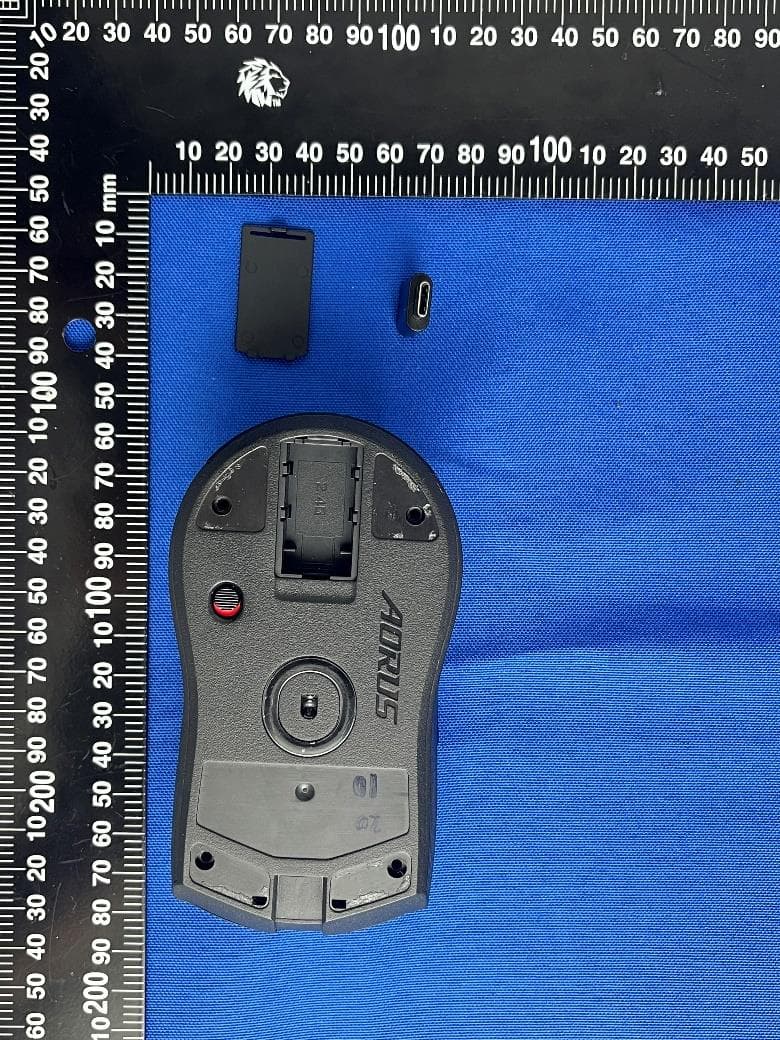
JCKGM-AORUSM6
Jun 26, 2023Mouse
Equipment Class
DTS - Digital Transmission System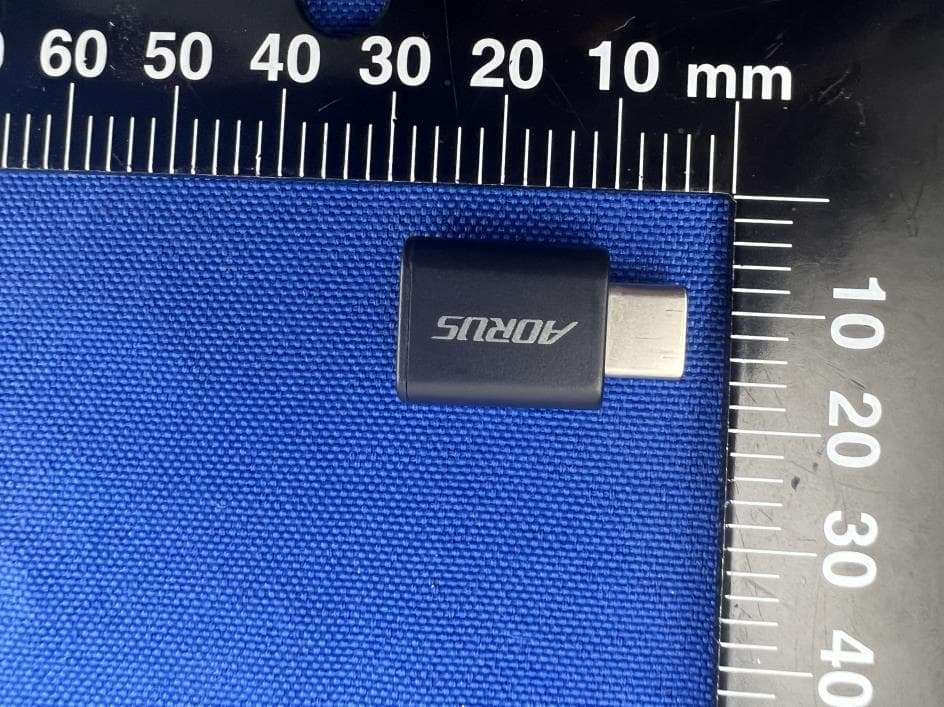
JCKS3
Jun 26, 2023Mouse Dongle
Equipment Class
DTS - Digital Transmission System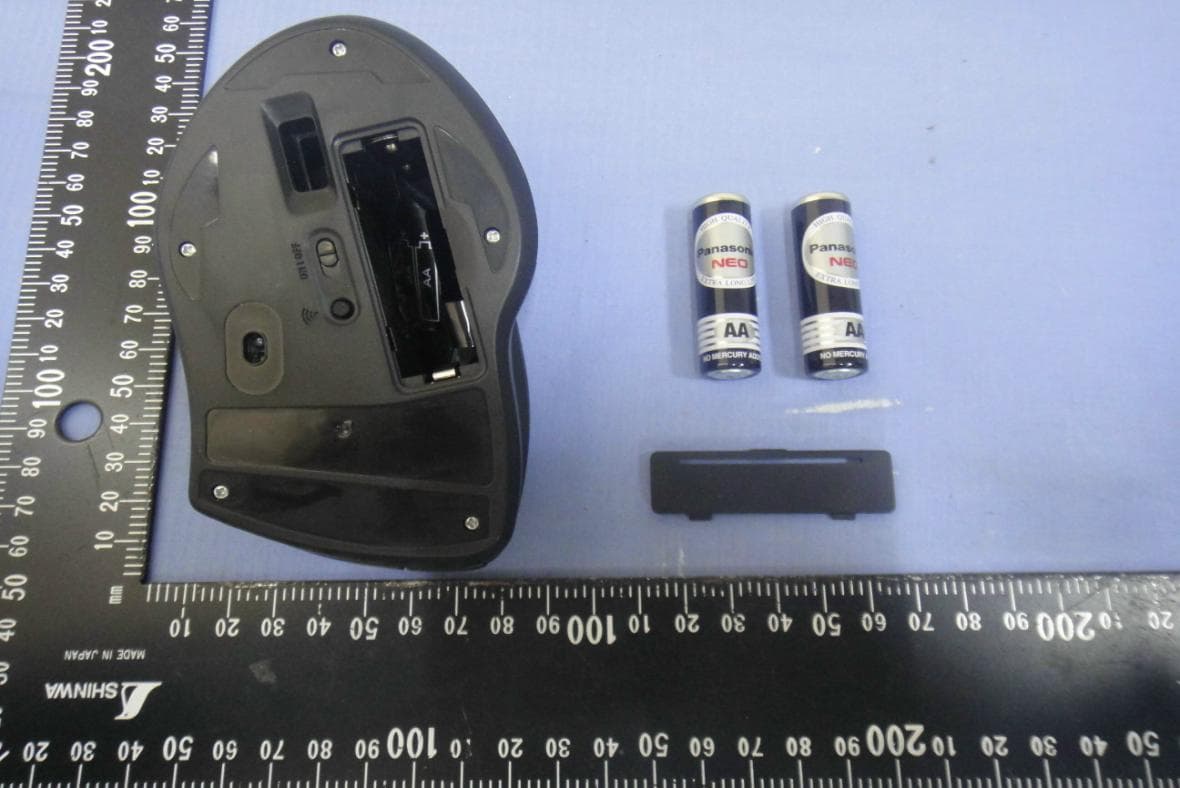
JCK28713AIREM60
Jul 30, 2015Sapphire Blue Optical Mouse
Equipment Class
DXX - Part 15 Low Power Communication Device Transmitter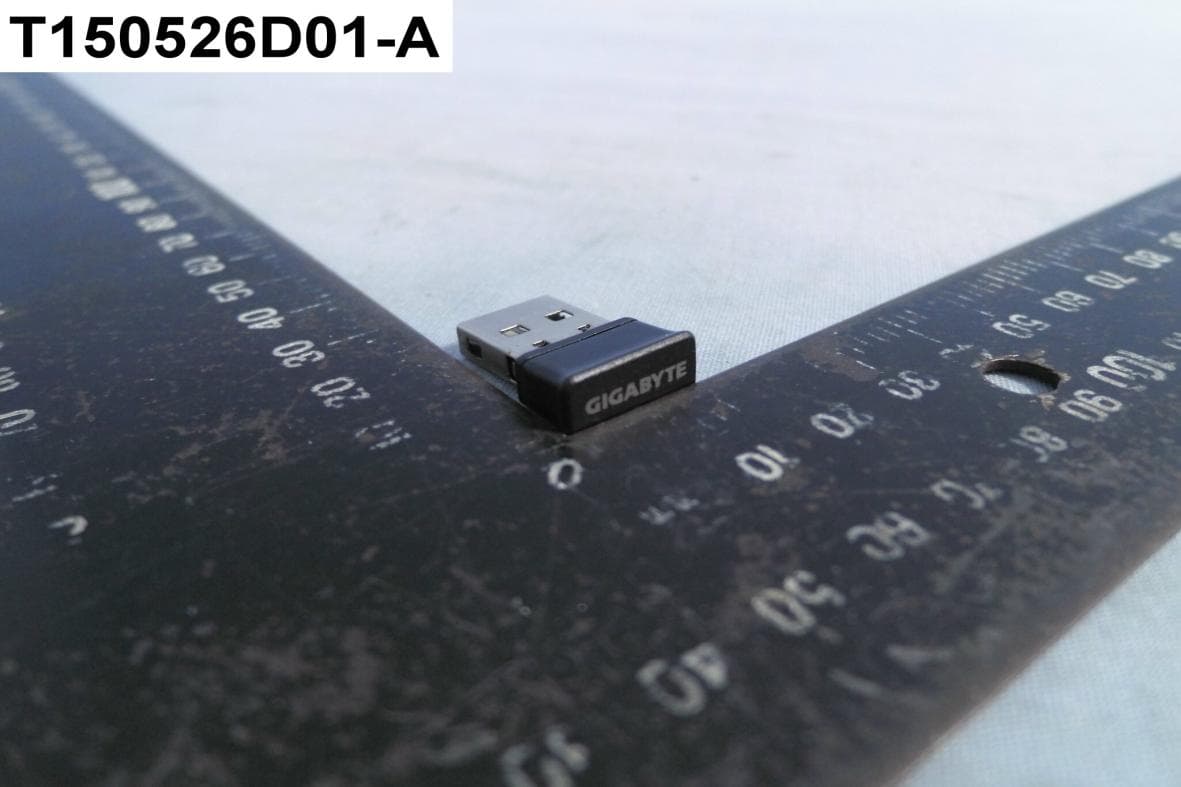
JCK287137580RX
Jul 30, 2015Wireless Receiver
Equipment Class
DXX - Part 15 Low Power Communication Device Transmitter
JCK-MSN09C01
Feb 10, 2015NFC Controller Module with Integrated Antenna
Equipment Class
DXX - Part 15 Low Power Communication Device Transmitter