JCK-GN-BTP01BLUETOOTH USB PRINTER ADAPTER
GIGA-BYTE TECHNOLOGY CO., LTD.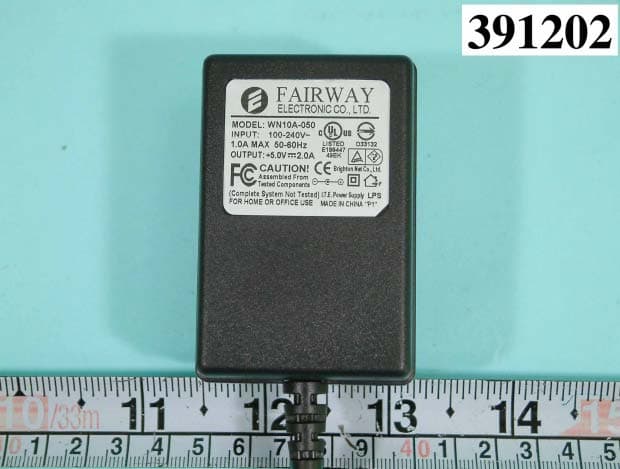
Click to zoom
Application Details
- Equipment Class
- DSS - Part 15 Spread Spectrum Transmitter
- Date of Grant
- Oct 28, 2003
- Application Purpose
- Original Equipment
- Date of Application
- Oct 28, 2003
- Equipment Note
- BLUETOOTH USB PRINTER ADAPTER
- Frequency Range
- 2402.00000000 - 2480.00000000
- Country
- Taiwan
Documents & Files
Document Text
Text extracted from the exhibit documents filed with the FCC. Open a document above to read the original.
Users Manual
GN-BTP01 Wireless Bluetooth USB Printer Adapter User Guide Rev.1.0 First Edition GN-BTP01 Bluetooth USB Printer Adapter This device complies with Part 15 of the FCC Rules. Operation is subject to the following two conditions:(1) this device may not cause harmful interference, and (2) this device must accept any interference received, including interference that may cause undesired operation. FEDERAL COMMUNICATIONS COMMISSION INTERFERENCE STATEMENT This equipment has been tested and found to comply with the limits for a Class B digital device, pursuant to Part 15 of the FCC Rules. These limits are designed to provide rea- sonable protection against harmful interference in a residential installation. This equip- ment generates, uses and can radiate radio frequency energy and, if not installed and used in accordance with the instructions, may cause harmful interference to radio communications. However, there is no guarantee that interference will not occur in a par- ticular installation. If this equipment does cause harmful interference to radio or television reception, which can be determined by turning the equipment off and on, the user is en- couraged to try to correct the interference by one or more of the following measures: -- Reorient or relocate the receiving antenna. -- Increase the separation between the equipment and receiver. -- Connect the equipment into an outlet on a circuit different from that to which the receiver is connected. -- Consult the dealer or an experienced radio/TV technician for help. CAUTION: Any changes or modifications not expressly approved by the party responsible for compli- ance could void the user’s authority to operate the equipment. FCC RF Radiation Exposure Statement This equipment complies with FCC RF radiation exposure limits set forth for an uncon- trolled environment. This equipment should be installed and operated with a minimum distance of 20cm between the radiator and your body. The antenna(s) used for this transmitter must not be co-located or operating in conjunction with any other antenna or transmitter GN-BTP01 Bluetooth USB Printer Adapter 3 Contents Chapter1 Introduction.............................4 1.1 Package Contents........................................4 1.3 LED Status...................................................5 1.4 Feature.........................................................5 1.5 Specification................................................5 1.2 System Requirements..................................5 Chapter2 Getting Started.........................6 2.1 Install the Bluetooth USB Printer Adapter....6 2.2 How to configure the printer........................6 GN-BTP01 Bluetooth USB Printer Adapter Chapter1 Introduction 1.1 Package Contents Before the installation procedures, please ensure the conponents are not damaged during the shipping. The shipment of the GN-BTP01 includes: --One Gigabyte GN-BTD01 Bluetooth USB Printer Adapter --One User Guide --One Power Adapter (5V, 2A) Please contact your local distributor authorized reseller immediately for any missing or damaged components. If you require returning the damaged product, you must pack it in the original packing material or the warranty will be voided. The popularity Bluetooth technology has gained over the past couple of years is far greater than the welcome it received when Bluetooth was first discovered in 1994. One of the main factors going against Bluetooth technology was the cost of Bluetooth products. Even today, Bluetooth products cannot be considered that cheap. Nevertheless greater accep- tance by manufactures of mobile devices, motherboards etc, has resulted in the expan- sion of the Bluetooth market. --Windows XP/2000/Me/98se with USB 1.1 Support, One Available USB Port, CD- ROM Drive 1.2 System Requirements 1.3 LED Status DescriptionStatus Power OnWhen the Green LED light is on, the GN-BTP01 is receving power. Data LinkingThe Blue LED light will flash irregularly. GN-BTP01 Bluetooth USB Printer Adapter 5 nRemotely wake up Bluetooth Printer nHighly compatible with versatile printers. nSupport client side Widcom Bluetooth stack software nHigh performance radio transceiver nSupporting HCRP & SPP profile nLow power standby mode to enable very efficient Power Management nWeight: 30g+-5g nDimensions: 80mm x 43mm x 16mm nOne-year manufacturer warranty 1.4 Feature 1.5 Specification StandardFully Bluetooth V1.1 Bluetooth operation InterfaceUSB male B type Frequency range2.4~2.483 GHz Channel number79 ModulationFHSS( Frequence hopping spreading spectrum ) AntennaExternal antenna supporting diversity Coverage 100 meters RX Sensitivity @ BER 0.1%Typical. -80 dbm, Min -70 dbm ,max -85 dbm LED indicatorsPower on, Link Status GN-BTP01 Bluetooth USB Printer Adapter Step1.Start the “My Bluetooth Places” on your computer. Step2.Double click “Entire Bluetooth Neighborhood”. Step3.It will automatically try to search for other bluetooth device. if not, click “Search for devices” or “refresh” the list of devices. Step4.Wait until the search has finished. Step5.Double click the printer icon 'Gigabyte_xx'. 2.1 Install the Bluetooth USB Printer Adapter Notice:If you have not already installed your printer, please follow the instructions supplied by your printer manufacturer and install your printer first. Step1.Power on the Printer. Step2.Insert the Blutooth USB Printer Adapter into the USB port of the printer. Step3.Plug the end of the power cord firmly into the receptacle on the Bluetooth USB Printer Adapter. And then plug the other end of the power cord into an electric service outlet. Step4.The connection between Bluetooth USB Printer Adapter and printer is successfully if the LEDs of the Blutooth USB Printer Adapter is blinking. 2.2 How to configure the printer Chapter2 Getting Started GN-BTP01 Bluetooth USB Printer Adapter 7 Step6.The configuration screen of the printer will appear. Select the Bluetooth Port of the printer which you have been installed on the Ports page. …
Text truncated - open the document above for the full version.
External Photos
F C C I D : J C K - G N - B T P 0 1 N u m b e r 1 FRONT SIDE OF EUT F C C I D : J C K - G N - B T P 0 1 N u m b e r 2 REAR SIDE OF EUT F C C I D : J C K - G N - B T P 0 1 N u m b e r 3 FRONT SIDE OF EUT F C C I D : J C K - G N - B T P 0 1 N u m b e r 4 REAR SIDE OF EUT F C C I D : J C K - G N - B T P 0 1 N u m b e r 5 FRONT SIDE OF ADAPTER F C C I D : J C K - G N - B T P 0 1 N u m b e r 6 REAR SIDE OF ADAPTER F C C I D : J C K - G N - B T P 0 1 N u m b e r 7 FRONT SIDE OF ADAPTER
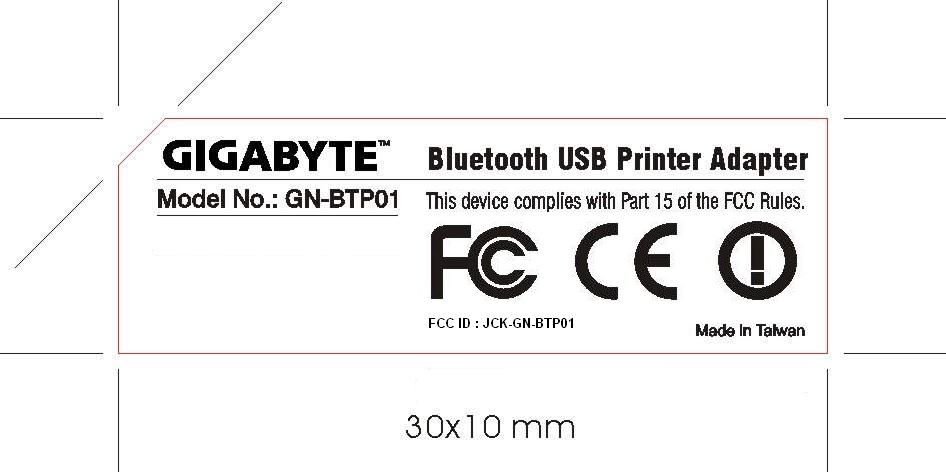
ID Label/Location Info
FCC ID: JCK-GN-BTP01 Label Location FCC ID: JCK-GN-BTP01 Label Location
Internal Photos
F C C I D : J C K - G N - B T P 0 1 N u m b e r 1 MECHANICAL CONSTRUCTION F C C I D : J C K - G N - B T P 0 1 N u m b e r 2 MECHANICAL CONSTRUCTION F C C I D : J C K - G N - B T P 0 1 N u m b e r 3 FRONT SIDE OF MAIN BOARD F C C I D : J C K - G N - B T P 0 1 N u m b e r 4 REAR SIDE OF MAIN BOARD
Test Report
FCC TEST REPORT Report No. : F391202 1.1. Hopping Channel Separation Plot1(Channel 00) SPORTON International Inc. FCC ID. : JCK-GN-BTP01 TEL : 886-2-2696-2468 Page No. : 1 of 15 FAX : 886-2-2696-2255 Issued Date : Oct. 06, 2003 FCC TEST REPORT Report No. : F391202 Plot2(Channel 39) SPORTON International Inc. FCC ID. : JCK-GN-BTP01 TEL : 886-2-2696-2468 Page No. : 2 of 15 FAX : 886-2-2696-2255 Issued Date : Oct. 06, 2003 FCC TEST REPORT Report No. : F391202 Plot3(Channel 78) Comments6dB Emission bandwidth>500kHz SPORTON International Inc. FCC ID. : JCK-GN-BTP01 TEL : 886-2-2696-2468 Page No. : 3 of 15 FAX : 886-2-2696-2255 Issued Date : Oct. 06, 2003 FCC TEST REPORT Report No. : F391202 1.2. Number of Hopping Frequency Plot1: SPORTON International Inc. FCC ID. : JCK-GN-BTP01 TEL : 886-2-2696-2468 Page No. : 4 of 15 FAX : 886-2-2696-2255 Issued Date : Oct. 06, 2003 FCC TEST REPORT Report No. : F391202 1.3. Hopping Channel Bandwidth Plot1 (Channel 00) SPORTON International Inc. FCC ID. : JCK-GN-BTP01 TEL : 886-2-2696-2468 Page No. : 5 of 15 FAX : 886-2-2696-2255 Issued Date : Oct. 06, 2003 FCC TEST REPORT Report No. : F391202 Plot2 (Channel 39) SPORTON International Inc. FCC ID. : JCK-GN-BTP01 TEL : 886-2-2696-2468 Page No. : 6 of 15 FAX : 886-2-2696-2255 Issued Date : Oct. 06, 2003 FCC TEST REPORT Report No. : F391202 Plot3 (Channel 78) Comments All emissions in any 100kHz bandwidth outside the band edge are attenuated more then 20dB from the carrier. SPORTON International Inc. FCC ID. : JCK-GN-BTP01 TEL : 886-2-2696-2468 Page No. : 7 of 15 FAX : 886-2-2696-2255 Issued Date : Oct. 06, 2003 FCC TEST REPORT Report No. : F391202 1.4. Dwell Time of Each Frequency within a 30 Seconds Period Plot1 (Channel 00) SPORTON International Inc. FCC ID. : JCK-GN-BTP01 TEL : 886-2-2696-2468 Page No. : 8 of 15 FAX : 886-2-2696-2255 Issued Date : Oct. 06, 2003 FCC TEST REPORT Report No. : F391202 Plot2 (Channel 39) SPORTON International Inc. FCC ID. : JCK-GN-BTP01 TEL : 886-2-2696-2468 Page No. : 9 of 15 FAX : 886-2-2696-2255 Issued Date : Oct. 06, 2003 FCC TEST REPORT Report No. : F391202 Plot3 (Channel 78) SPORTON International Inc. FCC ID. : JCK-GN-BTP01 TEL : 886-2-2696-2468 Page No. : 10 of 15 FAX : 886-2-2696-2255 Issued Date : Oct. 06, 2003 FCC TEST REPORT Report No. : F391202 1.5. Output Power Plot1 (Channel 00) SPORTON International Inc. FCC ID. : JCK-GN-BTP01 TEL : 886-2-2696-2468 Page No. : 11 of 15 FAX : 886-2-2696-2255 Issued Date : Oct. 06, 2003 FCC TEST REPORT Report No. : F391202 Plot2 (Channel 39) SPORTON International Inc. FCC ID. : JCK-GN-BTP01 TEL : 886-2-2696-2468 Page No. : 12 of 15 FAX : 886-2-2696-2255 Issued Date : Oct. 06, 2003 FCC TEST REPORT Report No. : F391202 Plot3 (Channel 78) SPORTON International Inc. FCC ID. : JCK-GN-BTP01 TEL : 886-2-2696-2468 Page No. : 13 of 15 FAX : 886-2-2696-2255 Issued Date : Oct. 06, 2003 FCC TEST REPORT Report No. : F391202 1.6. 100KHz Bandwidth of Frequency Band Edges Plot1 (Channel 00) SPORTON International Inc. FCC ID. : JCK-GN-BTP01 TEL : 886-2-2696-2468 Page No. : 14 of 15 FAX : 886-2-2696-2255 Issued Date : Oct. 06, 2003 FCC TEST REPORT Report No. : F391202 SPORTON International Inc. FCC ID. : JCK-GN-BTP01 TEL : 886-2-2696-2468 Page No. : 15 of 15 FAX : 886-2-2696-2255 Issued Date : Oct. 06, 2003 Plot2 (Channel 78)
Test Setup Photos
FCC TEST REPORT Report No. : F391202 1.1. Photographs of Conducted Powerline Test Configuration z The photographs show the configuration that generates the maximum emission. FRONT VIEW REAR VIEW SPORTON International Inc. FCC ID : JCK-GN-BTP01 TEL : 886-2-2696-2468 Page No. : 1 of 3 FAX : 886-2-2696-2255 Issued : Oct. 06, 2003 FCC TEST REPORT Report No. : F391202 SIDE VIEW SPORTON International Inc. FCC ID : JCK-GN-BTP01 TEL : 886-2-2696-2468 Page No. : 2 of 3 FAX : 886-2-2696-2255 Issued : Oct. 06, 2003 FCC TEST REPORT Report No. : F391202 SPORTON International Inc. FCC ID : JCK-GN-BTP01 TEL : 886-2-2696-2468 Page No. : 3 of 3 FAX : 886-2-2696-2255 Issued : Oct. 06, 2003 1.2. Photographs of Radiated Emission Test Configuration z The photographs show the configuration that generates the maximum emission. FRONT VIEW REAR VIEW
Contact Information
Applicant
Alain Sam-Lai
Test Firm
SPORTON International IncKathy Lin
Technical Specifications
| # | Rule Parts | Frequency Range | Power Output |
|---|---|---|---|
| 1 | 15C | 2.40 GHz - 2.48 GHz | 4.14 mW |
Other Applications from GIGA-BYTE TECHNOLOGY CO., LTD.
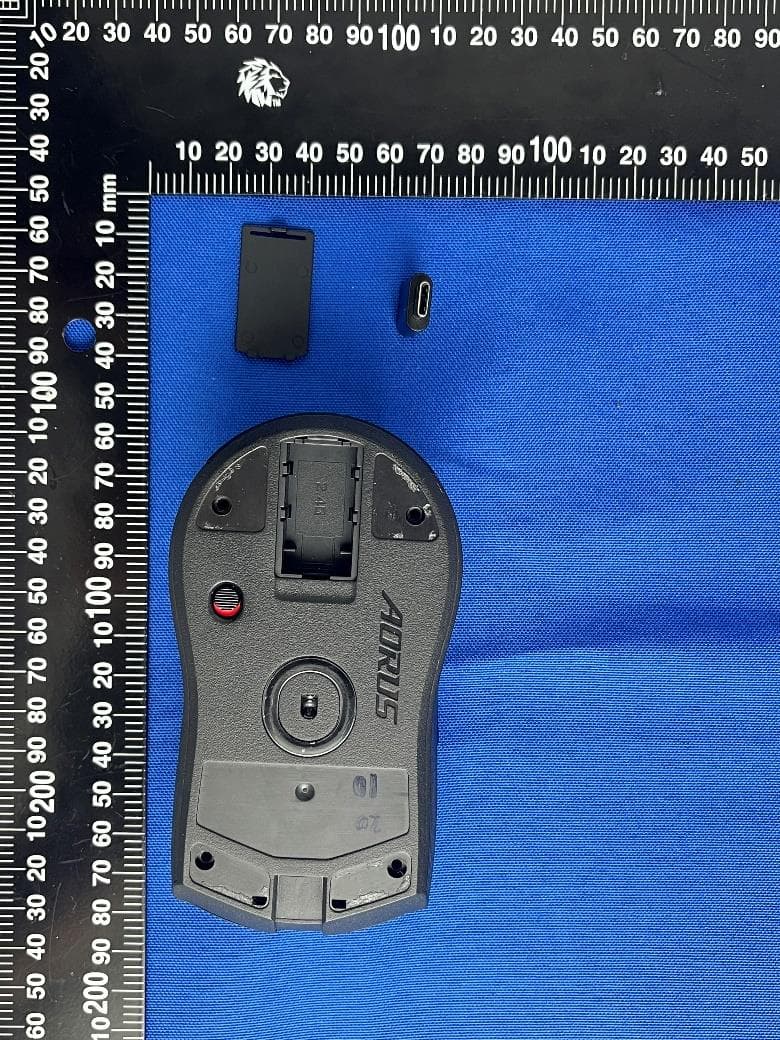
JCKGM-AORUSM6
Jun 26, 2023Mouse
Equipment Class
DTS - Digital Transmission System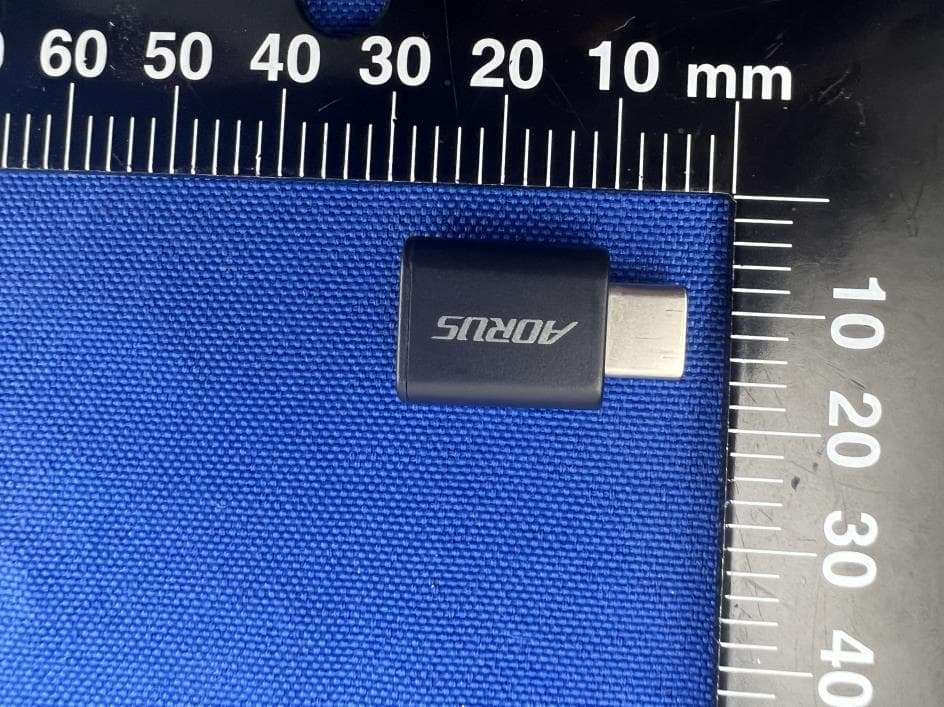
JCKS3
Jun 26, 2023Mouse Dongle
Equipment Class
DTS - Digital Transmission System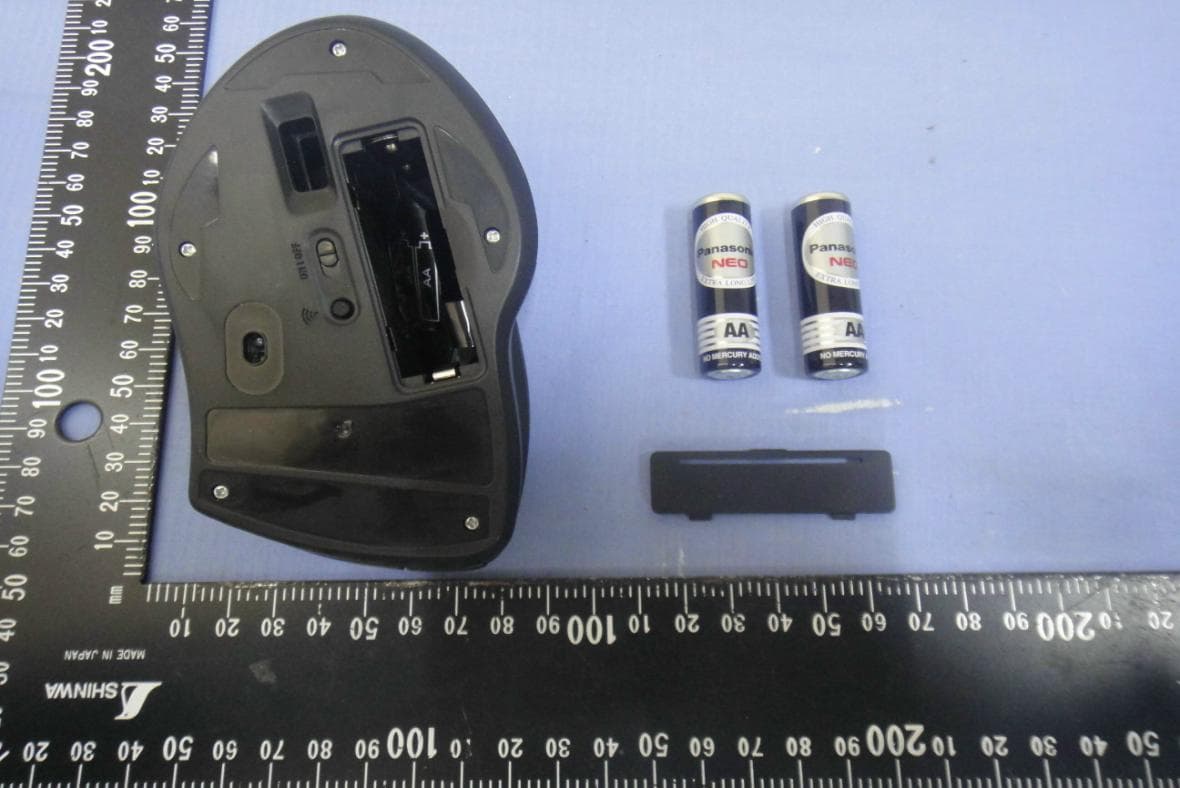
JCK28713AIREM60
Jul 30, 2015Sapphire Blue Optical Mouse
Equipment Class
DXX - Part 15 Low Power Communication Device Transmitter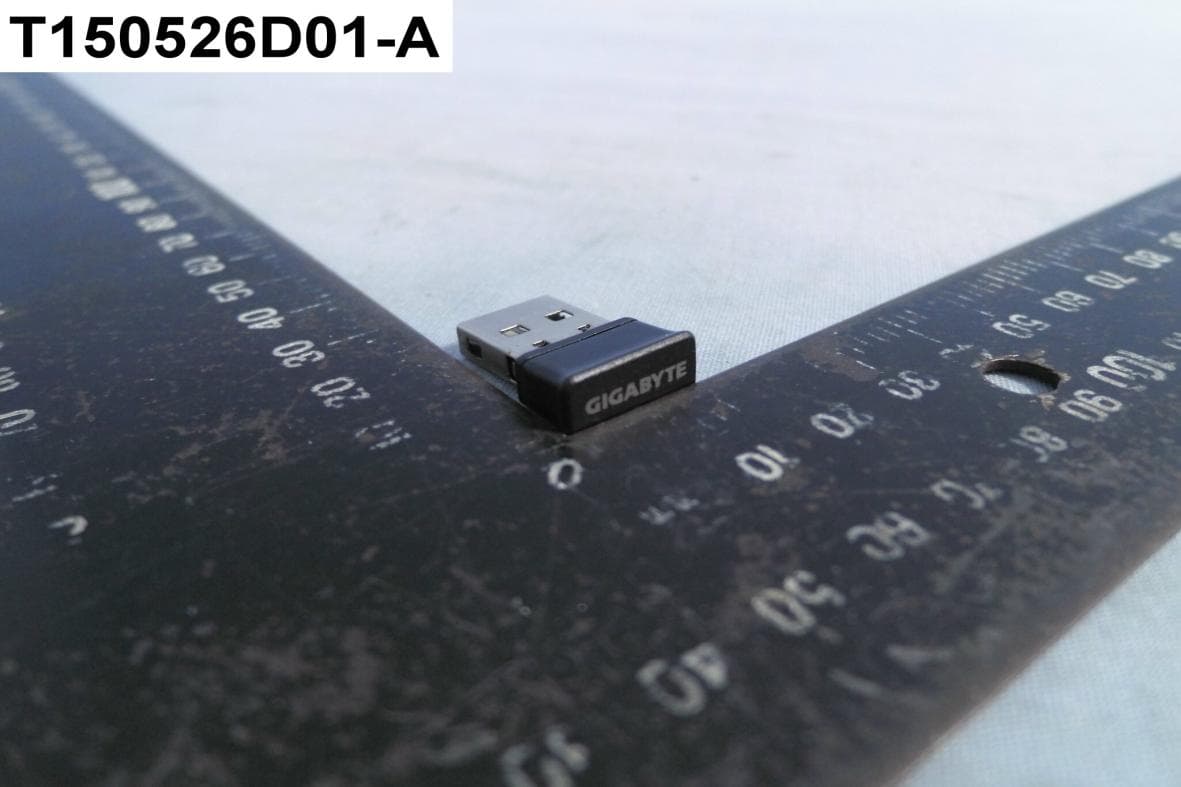
JCK287137580RX
Jul 30, 2015Wireless Receiver
Equipment Class
DXX - Part 15 Low Power Communication Device Transmitter
JCK-MSN09C01
Feb 10, 2015NFC Controller Module with Integrated Antenna
Equipment Class
DXX - Part 15 Low Power Communication Device Transmitter