JCK28713URANIUMWireless Gaming Mouse
GIGA-BYTE TECHNOLOGY CO., LTD.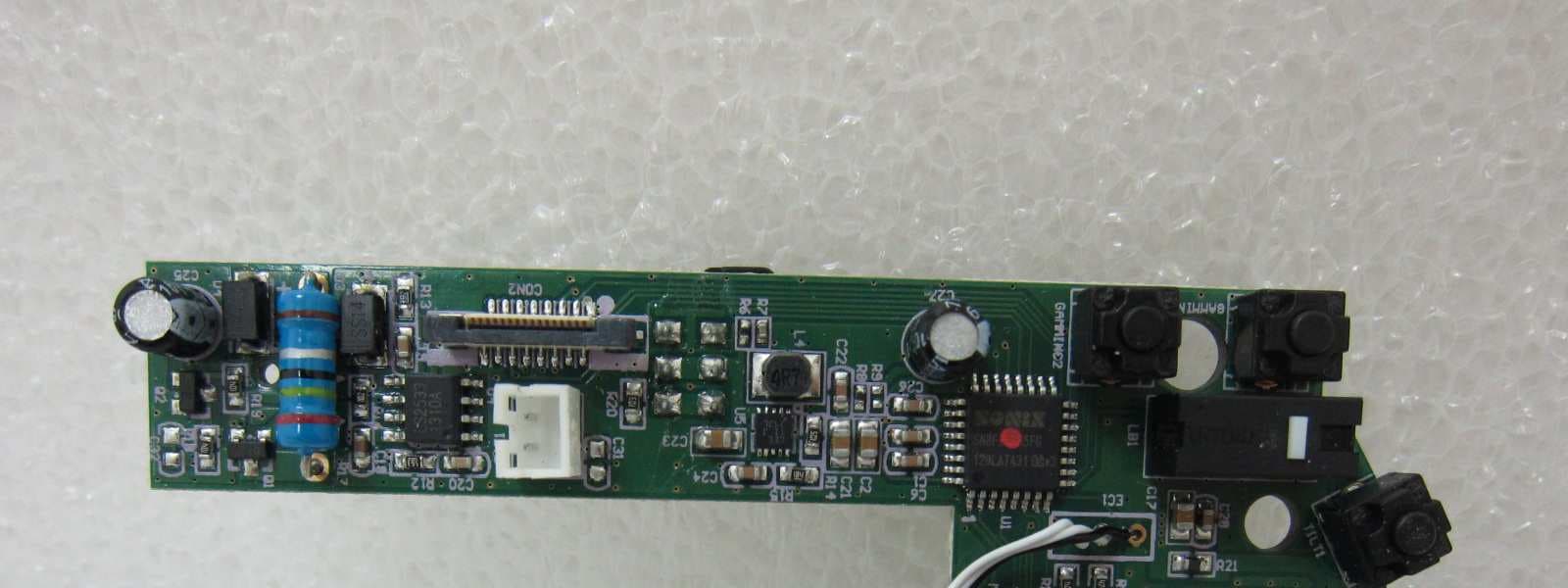
Click to zoom
Application Details
- Equipment Class
- DXX - Part 15 Low Power Communication Device Transmitter
- Date of Grant
- Jul 16, 2013
- Application Purpose
- Original Equipment
- Date of Application
- Jul 15, 2013
- Equipment Note
- Wireless Gaming Mouse
- Frequency Range
- 2402.00000000 - 2479.00000000
- Country
- Taiwan
Documents & Files
Document Text
Text extracted from the exhibit documents filed with the FCC. Open a document above to read the original.
Users Manual
Contents Introduction Package Content & Support Installation Mouse Instructions GHOST Macro Station GHOST Macro Engine Battery & Charging Safety Maintenance Users’ manual in other languages can be downloaded from GIGABYTE’s official website. Please visit www.gigabyte.com for more product information. 02 02 03 06 08 11 22 23 24 2 Aivia Uranium Introduction The Aivia Uranium wireless gaming mouse equipped with revolutionary GHOST Macro Station which allows dynamic mouse status update and prompt assignment for mouse buttons. Introducing GIGABYTE’s patent pending technology, built-in memory into the receiver ensures your gaming commands are executed directly from the receiver and free from any risk of signal loss or delay. With 6500dpi, 1000Hz polling rate, and amazing 50hrs continuous gaming capability, Aivia Uranium performs as well cordless as it does corded, giving you an unparalleled freedom of frenzy motion on the battlefield. Support Register your Aivia Uranium on the Aivia Forum www.aivia.gigabyte.com for free online technical support. Package Contents • Aivia Uranium Wireless Gaming Mouse • GHOST Macro Station (OLED receiver) • 2*AA NiMH 2100mAh Rechargeable Battery • Spare Teflon Mouse Feet Pads • Cleaning Cloth • Users’ Guide Aivia Uranium 3 Installation Connect the GHOST Macro Station OS support: Windows® 98/ 2000/ XP/ 7/ 8 Insert AA Rechargeable Batteries We’ve included 2 rechargeable NiMH batteries, but it will also run on normal AA alkaline batteries. 1 2 4 Aivia Uranium Install Aivia GHOST Engine Download the Aivia GHOST software from GIGABYTE's offi cial website for further macro recording. Instant Power Charging Pull out the charging cable for instant power supply. You can use the mouse while charging. 3 4 Aivia Uranium 5 Install Aivia GHOST EngineSynchronize Mouse and Receiver The re-pairing process is needed only when the mouse loses connection with the receiver. 5 6 Aivia Uranium Mouse Instructions – Left Click – Right Click – Scroll Click and 4-direction Wheel – On-the-fl y DPI Adjustment – Wheel Controller Lock – Profi le Switch – Gaming Button (unassigned) – Gaming Button (unassigned) – Gaming Button (forward) – Gaming Button (backward) – Power & Wheel Indicator Switch On Low PowerBlinking red light Live-editing Mode Blue LED continuously lit up till unlocked (refer to page08 GHOST Macro Station) Blue LED lit up for 5sec Power & Wheel Indicator Aivia Uranium 7 – Micro USB Connector Jack – Twin-eye Laser Sensor – Pairing Button (Connect) – Power ON/OFF – AA Battery Slot – Screen Brightness Adjustment – OLED Display – 5-color Profi le Indicator – Retractable Micro USB Charging Cable – Built-in GHOST Macro Engine 8 Aivia Uranium GHOST macro station is your control center built for your gaming task, features dynamic status display, hot-switchable macro system and instant charging dock. Dynamic Display Mode Dynamic update and display DPI value, report rate, gaming profiles, and remaining battery life of your Aivia Uranium. Live Editing Mode Prompt re-assign macro hotkeys and set-up DPI value directly through GHOST station. Switch on the “wheel controller lock” to use the mouse wheel like a D-pad controller for OLED on-screen settings. GHOST Macro Station Aivia Uranium Tilt right to enter Tilt left to go back Scroll up and down to select items Press down on wheel to confi rm changes Aivia Uranium 9 GHOST Macro Station Profi le Select one of the profi les you wish to program Select a mouse button you wish to program 1 4 2 3 3 Select the function category: Basic/Key Mapping/Macro (refer to page13) Choose the function and press scroll click to confirm setting 10 Aivia Uranium Scroll backward and for ward the wheel to adjust DPI value for both X and Y axle. Press scroll click to save the change Scroll backward and forward the wheel to adjust how fast the reports (125/142/166/200/250/333/ 500/1000Hz selectable) Press scroll click to save the change 1 1 2 DPI Value Select the DPI stage you wish to defi ne Report Rate Aivia Uranium 11 GHOST Macro Engine GHOST Macro Engine supports Windows 98, Windows 2000, Windows XP, Windows 7, and Windows 8. MAIN PAGE The main page is the home page when you fi rst install GHOST Macro Engine. More than one model may appear when you install other Aivia products. 1. Choose the Aivia model you wish to set up. 2. Click “PROFILES” to set up button assignments for the particular model. 3. Click “SETTINGS” to set up performance, lighting, and manage profi les. You may also link to or for more product information. You may also link to or for more product information.You may also link to or for more product information. 12 Aivia Uranium PROFILES In the PROFILES tab, there are 5 profi les which appear as 5 LED bars underneath PROFILE to program for your specifi c games. A single LED bar indicates the current profile you are accessing. For each profile, you can assign either BASIC functions or advanced MACROS to particular buttons. Click on any mouse button you wish to set up, you will then enter into the function menu. (There are also hidden buttons by clicking the downward arrowhead - is to reset all settings for the current profi le back to default; is to reset all 5 profi les back to factory default.) is to reset all settings for the current profi le back to default; is to reset all settings for the current profi le back to default; is to reset all 5 profi les back to factory default.) is to reset all settings for the current profi le back to default; Aivia Uranium 13 KEY MAPPING BASIC 1. Select any button function you wish to change, and click or double-click to save the changes 2. or click to ignore the change and go back to previous page 3. or click to return the default setting. 1. Select any button function you wish to change, and click or double-click to save the changes 2. or click to ignore the change and go back to previous page 3. or click to return the default setting. KEY MAPPING You may simply maps a mouse button to a specific key on the ke…
Text truncated - open the document above for the full version.
External Photos
-1 of 4- FCC ID: JCK28713Uranium EXTERNAL PHOTOGRAPHS OF EUT -2 of 4- FCC ID: JCK28713Uranium EUT 1 EUT 2 -3 of 4- FCC ID: JCK28713Uranium EUT 3 EUT 4 -4 of 4- FCC ID: JCK28713Uranium EUT 5
ID Label/Location Info
FCC ID: JCK28713Uranium Applicant: GIGA-BYTE Technology Co., Ltd. ID LABEL FORMAT AND LOCATION ID Label
Internal Photos
-1 of 5- FCC ID: JCK28713Uranium INTERNAL PHOTOGRAPHS OF EUT -2 of 5- FCC ID: JCK28713Uranium EUT 1 EUT 2 -3 of 5- FCC ID: JCK28713Uranium EUT 3 EUT 4 -4 of 5- FCC ID: JCK28713Uranium EUT 5 EUT 6 -5 of 5- FCC ID: JCK28713Uranium EUT 7
Test Report
Page: 1 of 30 TEST REPORT of FCC Part 15 Subpart C New Application; Class I PC; Class II PC Product : Wireless Gaming Mouse Brand: GIGABYTE Model: GM-Uraniumn Model Difference: N/A FCC ID: JCK28713Uranium FCC Rule Part: §15.249 Applicant: GIGA-BYTE Technology Co., Ltd. Address: No.6, Bao Chiang Road, Hsin-Tien Dist., New Taipei City 231, Taiwan Test Performed by: International Standards Laboratory <Lung-Tan LAB> *Site Registration No. BSMI: SL2-IN-E-0013; MRA TW1036; TAF: 0997; IC: IC4067B-3; *Address: No. 120, Lane 180, San Ho Tsuen, Hsin Ho Rd. Lung-Tan Hsiang, Tao Yuan County 325, Taiwan *Tel : 886-3-407-1718; Fax: 886-3-407-1738 Report No.: ISL-13LR108FC Issue Date : 2013/07/01 Test results given in this report apply only to the specific sample(s) tested and are traceable to national or international standard through calibration of the equipment and evaluating measurement uncertainty herein. This report MUST not be used to claim product endorsement by TAF, NVLAP or any agency of the Government. This test report shall not be reproduced except in full, without the written approval of International Standards Laboratory. -2 of 30- FCC ID: JCK28713Uranium International Standards Laboratory Report Number: ISL-13LR108FC VERIFICATION OF COMPLIANCE Applicant: GIGA-BYTE Technology Co., Ltd. Product Description: Wireless Gaming Mouse Brand Name: GIGABYTE FCC ID: JCK28713Uranium FCC Rule Part: §15.249 Model No.: GM-Uranium Model Difference: N/A Date of test: 2013/06/21 ~2013/06/25 Date of EUT Received: 2013/06/20 We hereby certify that: All the tests in this report have been performed and recorded in accordance with the standards described above and performed by an independent electromagnetic compatibility consultant, International Standards Laboratory. The test results contained in this report accurately represent the measurements of the characteristics and the energy generated by sample equipment under test at the time of the test. The sample equipment tested as described in this report is in compliance with the limits of above standards. Test By: Date: 2013/07/01 Dion Chang / Engineer Prepared By: Date: 2013/07/01 George Lo / Assistant Manager Approved By: Date: 2013/07/01 Vincent Su / Technical Manager -3 of 30- FCC ID: JCK28713Uranium International Standards Laboratory Report Number: ISL-13LR108FC Version Version No. Date Description 00 2013/07/01 Initial creation of document -4 of 30- FCC ID: JCK28713Uranium International Standards Laboratory Report Number: ISL-13LR108FC Table of Contents 1 GENERAL INFORMATION ........................................................................................... 5 1.1 PRODUCT DESCRIPTION ....................................................................................................................5 1.2 RELATED SUBMITTAL(S) / GRANT (S) ...............................................................................................5 1.3 TEST METHODOLOGY ........................................................................................................................5 1.4 TEST FACILITY ..................................................................................................................................5 1.5 SPECIAL ACCESSORIES ......................................................................................................................5 1.6 EQUIPMENT MODIFICATIONS ............................................................................................................5 2 SYSTEM TEST CONFIGURATION .............................................................................. 6 2.1 EUT CONFIGURATION .......................................................................................................................6 2.2 EUT EXERCISE ..................................................................................................................................6 2.3 TEST PROCEDURE ..............................................................................................................................6 2.4 MEASUREMENT EQUIPMENT USED: ..................................................................................................7 2.5 LIMITATION .......................................................................................................................................8 2.6 CONFIGURATION OF TESTED SYSTEM .............................................................................................10 3 SUMMARY OF TEST RESULTS ................................................................................. 11 4 DESCRIPTION OF TEST MODES .............................................................................. 11 5 CONDUCTED EMISSIONS TEST ............................................................................... 12 5.1 MEASUREMENT PROCEDURE: .........................................................................................................12 5.2 TEST SET-UP (BLOCK DIAGRAM OF CONFIGURATION) .................................................................12 5.3 MEASUREMENT EQUIPMENT USED: ................................................................................................12 5.4 MEASUREMENT RESULT: ................................................................................................................13 6 RADIATED EMISSION TEST ...................................................................................... 15 6.1 MEASUREMENT PROCEDURE...........................................................................................................15 6.2 TEST SET-UP (BLOCK DIAGRAM OF CONFIGURATION) .................................................................15 6.3 MEASUREMENT EQUIPMENT USED: ................................................................................................16 6.4 FIELD STRENGTH CALCULATION .....................................................................................................16 6.5 MEASUREMENT RESULT .............................…
Text truncated - open the document above for the full version.
Test Setup Photos
-1 of 5- FCC ID: JCK28713Uranium PHOTOGRAPHS OF SETUP -2 of 5- FCC ID: JCK28713Uranium Radiated Emission Setup Photos -3 of 5- FCC ID: JCK28713Uranium Radiated Emission Setup Photos (Charging Mode) -4 of 5- FCC ID: JCK28713Uranium Conducted Emission Setup Photos -5 of 5- FCC ID: JCK28713Uranium
Contact Information
Applicant
Alain Sam-Lai
Technical Contact
International Standards LatoratoryVincent Su
[email protected]886-2-66123337
No.120, Lane 180, Saan Ho Teuen, Hsin Ho Rd., · Taiwan
Non-Technical Contact
International Standards LatoratoryVincent Su
[email protected]886-2-66123337
Test Firm
International Standards Laboratory Corp.Benson Chen
Technical Specifications
| # | Rule Parts | Frequency Range | Power Output |
|---|---|---|---|
| 1 | 15C | 2.40 GHz - 2.48 GHz | - |
Other Applications from GIGA-BYTE TECHNOLOGY CO., LTD.
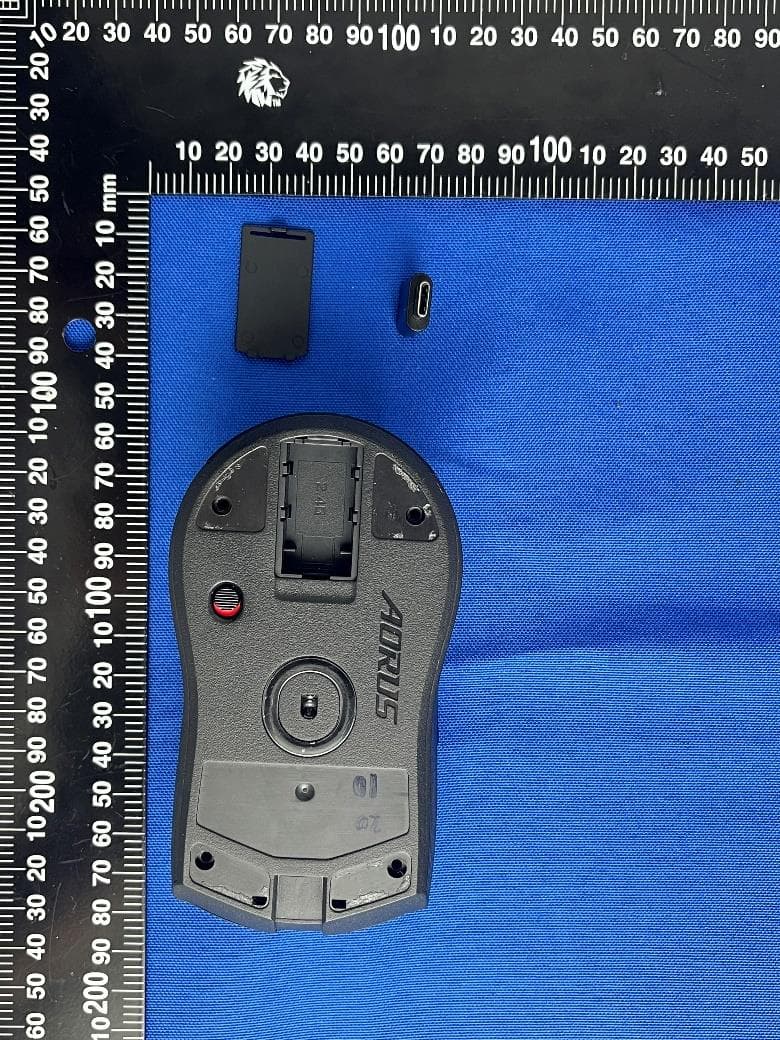
JCKGM-AORUSM6
Jun 26, 2023Mouse
Equipment Class
DTS - Digital Transmission System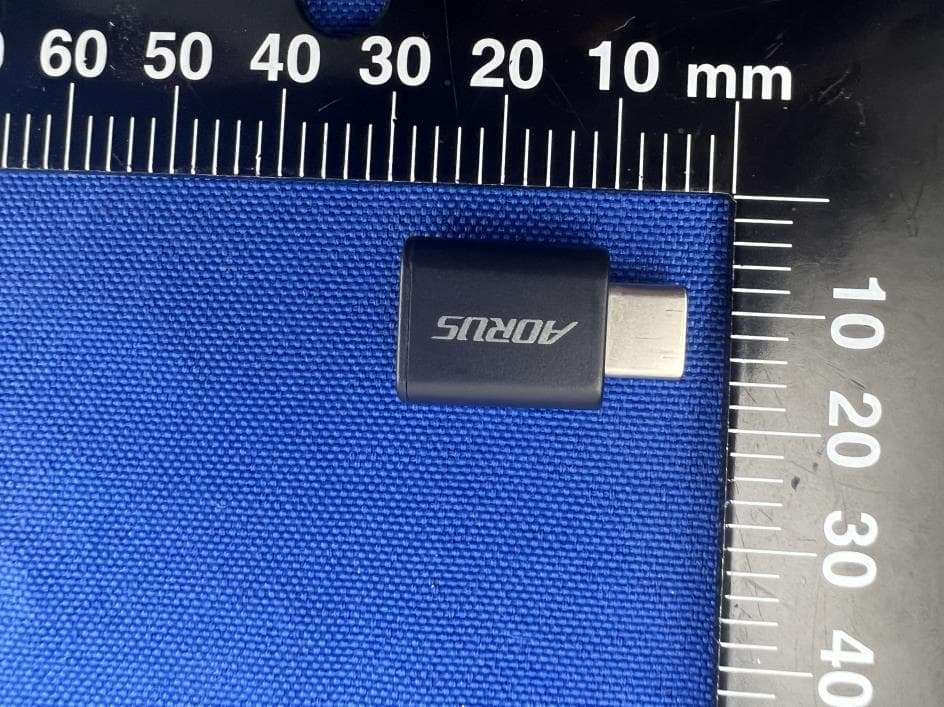
JCKS3
Jun 26, 2023Mouse Dongle
Equipment Class
DTS - Digital Transmission System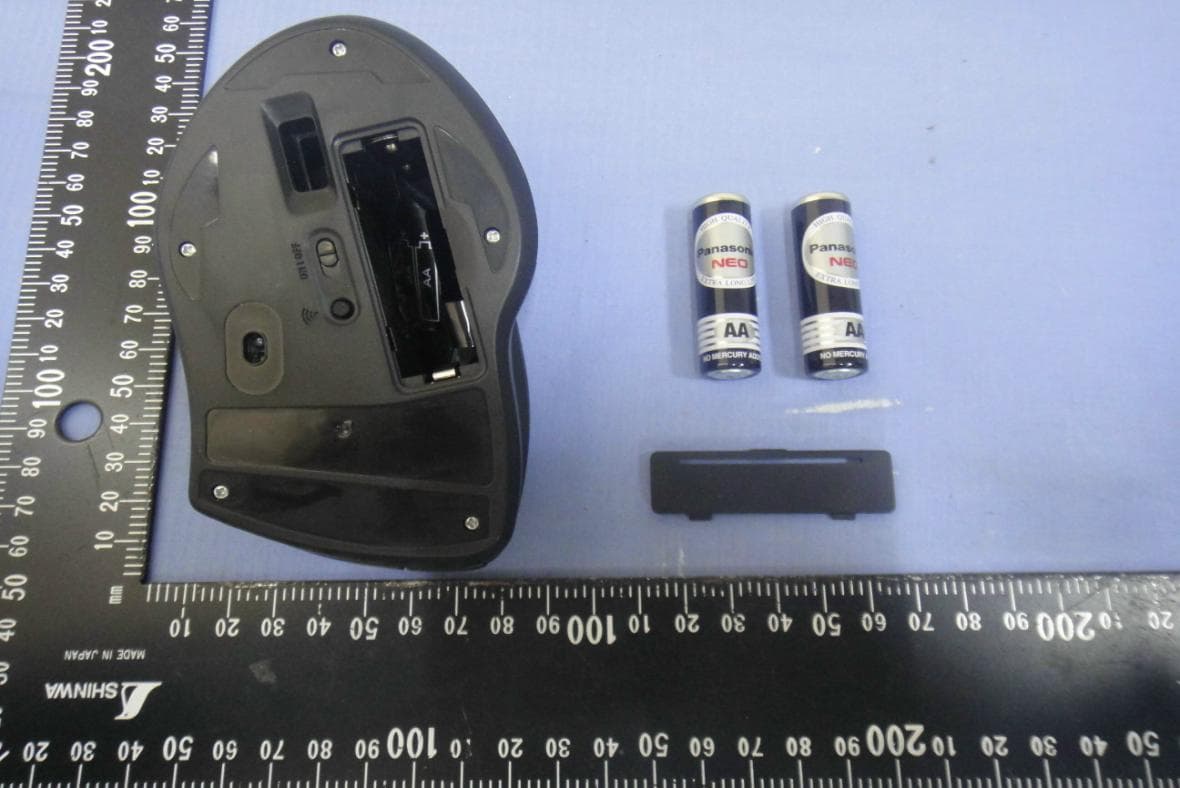
JCK28713AIREM60
Jul 30, 2015Sapphire Blue Optical Mouse
Equipment Class
DXX - Part 15 Low Power Communication Device Transmitter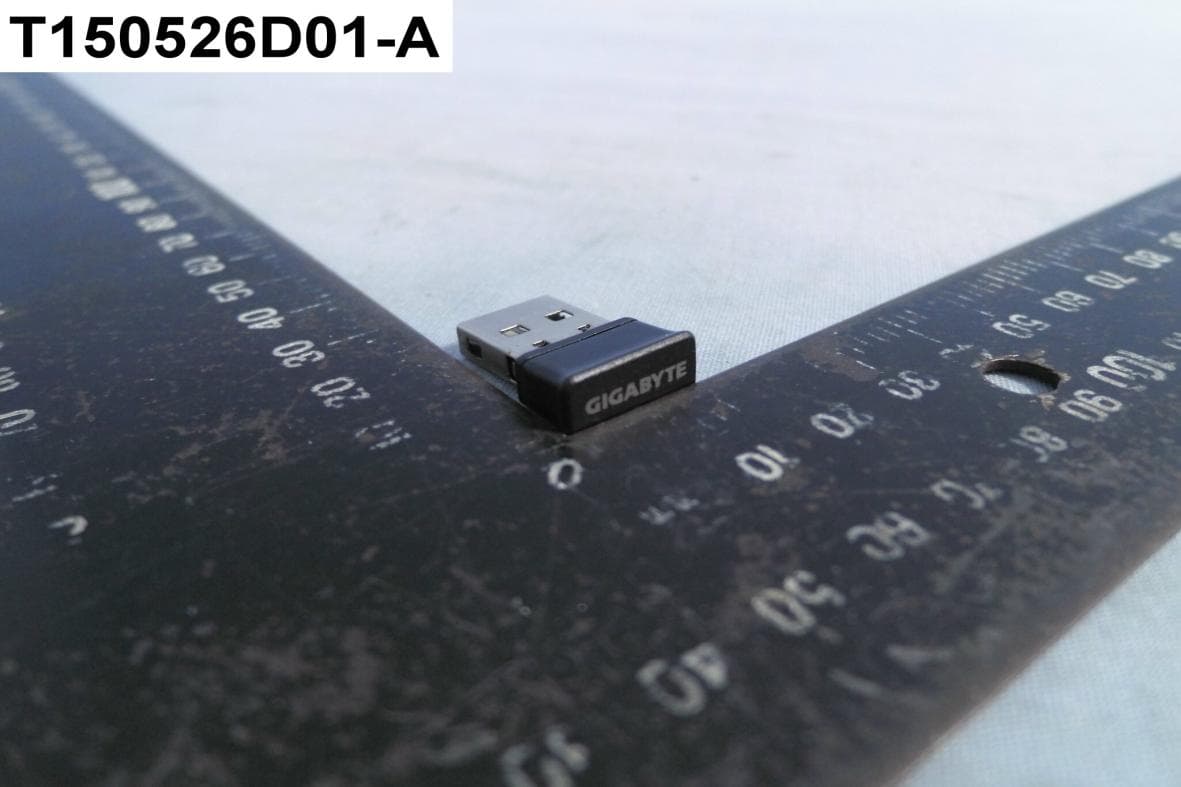
JCK287137580RX
Jul 30, 2015Wireless Receiver
Equipment Class
DXX - Part 15 Low Power Communication Device Transmitter
JCK-MSN09C01
Feb 10, 2015NFC Controller Module with Integrated Antenna
Equipment Class
DXX - Part 15 Low Power Communication Device Transmitter