JCKGMFPB-01Remote Pointer
GIGA-BYTE TECHNOLOGY CO., LTD.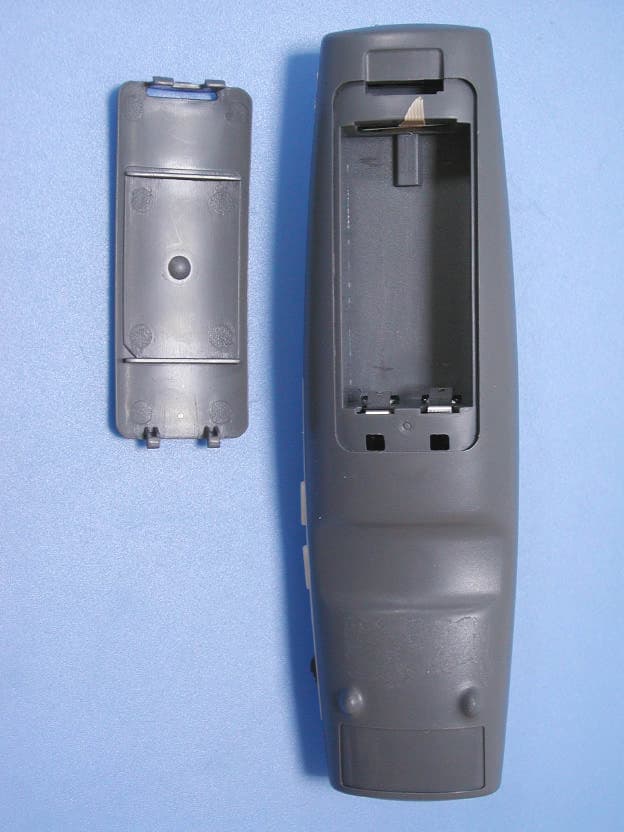
Click to zoom
Application Details
- Equipment Class
- DSC - Part 15 Security/Remote Control Transmitter
- Date of Grant
- Mar 31, 2004
- Application Purpose
- Original Equipment
- Date of Application
- Mar 31, 2004
- Equipment Note
- Remote Pointer
- Frequency Range
- 433.50000000 - 434.45000000
- Country
- Taiwan
Documents & Files
Document Text
Text extracted from the exhibit documents filed with the FCC. Open a document above to read the original.
Users Manual
GM-FPB Quick Start on Presentation Remote Requirements: A device that features USB port Windows 98Se, Me, 2000, XP Mac OS 9.1 or its newer version, Mac OS X (10.1) or its newer version Starting to use the Remote: 1. Insert battery into the RF Remote. 2. Connect the RF Receiver to an USB port. Windows: Windows will detect the new hardware and install appropriate software via the New Hardware Wizard. Please have your Windows System CD-ROM ready in case the Wizard asks for it. 3. See below for details on how to use the RF Remote Control. Using the Presentation Remote: The remote features two modes that are controlled via the Mode Button. Hold down the Mode Button for 2 sec to switch one mode to another. When the Mode Button is not lit in green, the remote is in Standard Mode. When the Mode Button is lit in green, the remote is in Media Mode. Using the Presentation Remote’s Laser Pointer: When you turn on the Power Switch Button the Laser Pointer will be activated automatically. The Mode Button will be lit in red when the Laser Pointer Button is pressed. To deactivate the Laser Pointer, simply turn off the Power Switch Button. Using the RF Receiver with Flash Memory to Store Data The RF receiver is not just a device that connects to the remote control. It also features the functionality of data storage. When you plug in the RF receiver into an USB port, your computer will recognize the device automatically by showing “Found New Hardware” at the lower right on your windows task bar. You can use it as a flash disk that you can carry around. Please click on the windows task bar to safely remove the device, the window should appear as the picture below. Standard Mode Media Mode Laser Lens Laser on/off ------ Power Switch Power Switch Power Switch Remote Power on/off Mouse Control Mouse X-Y Mouse X-Y Mouse curse control Right Mouse Right Mouse Stop Left Mouse Left Mouse Play/Pause Mode Button Mode Mode Switch Hold down Mode Button for 2 sec to switch to the Media Mode. (see Remark 1) Composite Switch Up: Line Up Up: Volume up Down: Line Down Down: Volume down Push: Drag Push: Mute Button A Full Screen/ESC (see Remark 2) Call Windows Media Player Button B Black/ESC Next track Remark: Changing the Remote’s ID / Trouble Shooting: 1. You can have several remotes working simultaneously. To do this, each Remote must have a unique ID to avoid interference with each other. 1-1. Press the Mode Button and Button A together for at least 2 seconds to activate the green LED. 1-2. Then press Receiver Button on the receiver, the receiver will be in standby mode. Then press mouse control button, a new ID will be enabled. . 1-3. Once the battery is removed, the ID will go back to the initial setting. To have a specific ID you will have to repeat the steps 1-1 to 1-2. 1-4. If the receiver button is pressed for over 40 seconds, the receiver will go back to the initial setting. To retrieve the ID you will have to repeat steps 1-1 to 1-2. 2. While the same button is pressed for over 40 seconds, it will stop working automatically to avoid careless touch. Pointer Button Mouse Control Standard Mode: Left Mouse Button Media Mode: Play/Pause Composite Switch Button A Power Switch Mode Button Button B Standard Mode: Right Mouse Button Media Mode: Stop Receiver Button Remark 1 Standard Mode Media Mode Mode Button When you are at Standard Mode, hold down the Mode Button for 2 sec, then press Button A to enable Media Mode. When you are at Media Mode, press the Mode Button will switch back to Standard Mode. 2 Function Switch Full Screen/ESC The default setting is full screen. Press button A for at least 2 seconds to switch to the normal display. 2. The laser beam turns off automatically when it is idled for over 30 minutes. 3. In Windows 98SE O/S, you need to install driver for Flash Memory Device. Please go to GIGABYTE website (www.gigabyte.com.tw ) to download the latest device driver. 4. DO NOT point the laser pointer at someone else’s eyes, or look steadily at the laser beam. Wireless Remote Hot Keys for Windows Media Player No. Hot key Key Function 98 SE ME 2000 XP Note 1 Power key 2 Previous track 3 Next track 4 Play/Pause 5 Stop 6 Volume up 7 Volume down 8 Mute CD control keys PS: In Windows 98 SE and Win 2K O/S, you need to upgrade the Media player from Microsoft Website, and then the item (2-5) will work properly except for Power key. Certification: 1) FCC: FCC ID: JCKGMFPB-01 FCC Guideline: This device complies with part 15 of the FCC Rules. This device may not cause harmful interference. This device must accept any interference received, Including interference that may cause undesired operation. Caution: Any changes or modifications not expressly approved by the party responsible for compliance could void the user’s authority to operate the equipment. 2) CE: 3) DGT: 4) BSMI: R33006
Cover Letter(s)
Request for Confidentiality Federal Communications Commission Authorization and Evaluation Division Sub.: Confidentiality Request regarding application for certification of FCC ID: JCKGMFPB-01 Pursuant to Sections 0.457 and 0.459 of the Commission’s Rules, we hereby request confidential treatment of information accompanying this application as outlined below: l Schematics l Part List l Block diagram l Operational description The above materials contain trade secrets and proprietary information not customarily released to the public. The public disclosure of these materials may be harmful to the applicant and provide unjustified benefits to its competitors. The applicant understands that pursuant to Section 0.457 of the Rules, disclosure of this application and all accompanying documentation will not be made before the date of the Grant for this application. Sincerely,
External Photos
External Photos of Remote Pointer 1/6 FCC ID: JCKGMFPB-01 Training Research Co., Ltd., TEL: 886-2-26935155, Fax: 886-2-26934440 External Photos of Remote Pointer 2/6 FCC ID: JCKGMFPB-01 Training Research Co., Ltd., TEL: 886-2-26935155, Fax: 886-2-26934440 External Photos of Remote Pointer 3/6 FCC ID: JCKGMFPB-01 Training Research Co., Ltd., TEL: 886-2-26935155, Fax: 886-2-26934440
ID Label/Location Info
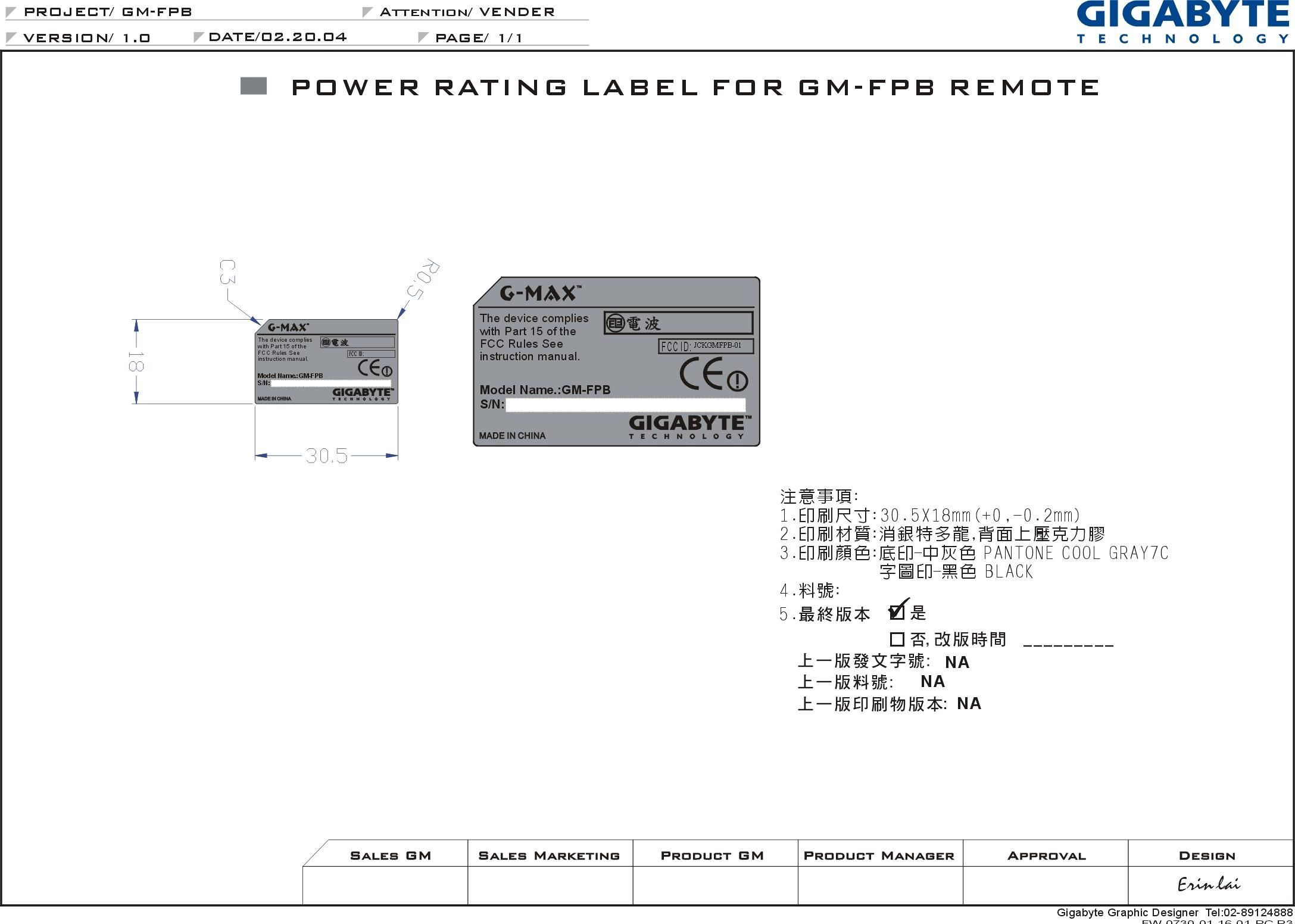
LABEL Position:
Internal Photos
Internal Photos of Remote Pointer 4/6 FCC ID: JCKGMFPB-01 Training Research Co., Ltd., TEL: 886-2-26935155, Fax: 886-2-26934440 Internal Photos of Remote Pointer 5/6 FCC ID: JCKGMFPB-01 Training Research Co., Ltd., TEL: 886-2-26935155, Fax: 886-2-26934440 Internal Photos of Remote Pointer 6/6 FCC ID: JCKGMFPB-01 Training Research Co., Ltd., TEL: 886-2-26935155, Fax: 886-2-26934440
Test Report
Test Report -------------------------------------------------------------------------------1/18 Report No.: AA515161 (TX) Training Research Co., Ltd., TEL: 886-2-26935155, Fax: 886-2-26934440 Report No.AA515161 SpecificationsFCC Part 15.231, Certification Test MethodANSI C63.4 1992 ApplicantGigabyte Technology Co. Ltd. ApplicantNo. 6, Bau Chiang Road, Hsin-Tien, addressTaipei Hsien, Taiwan 231, R.O.C. Items testedRemote Pointer Model No.GM-FPB EUT Condition Engineering sample; Pre-production;Final production (Sample # AA5159) ResultsCompliance (As detailed within this report) Date02/05/2004 (month / day / year) (Sample received) 02/05/2004 to 03/16/2004(Test) Prepared byProject Engineer (Jack Tsai) Authorized byGeneral Manager (Frank Tsai) Issue dateMarch 29, 2004(month / day / year) ModificationsNone Tested by Training Research Co., Ltd. Office atNo. 255, Nan Yang Street, Shijr, Taipei Hsien 221, Taiwan Chamber at1F, No. 255, Nan Yang Street, Shijr, Taipei Hsien 221, Taiwan Conditions of issue: (1)This test report shall not be reproduced except in full, without written approval of TRC. And the test result contained within this report only relate to the sample submitted for testing. (2)This test report, measurements made by TRC are traceable to the NIST only Conducted and Radiated Method. ϪʳFCC ID: JCKGMFPB-01 Test Report -------------------------------------------------------------------------------2/18 Report No.: AA515161 (TX) Training Research Co., Ltd., TEL: 886-2-26935155, Fax: 886-2-26934440 Table of Contents CHAPTER 1 GENERAL................................................................................. 3 1.1 I NTRODUCTION..................................................................... 3 1.2 D ESCRIPTION OF EUT .......................................................... 3 1.3 D ESCRIPTION OF SUPPORTEQUIPMENT................................ 3 1.4 T ESTPROCEDURE................................................................. 4 1.5 L OCATION OF THE TESTSITE............................................... 4 1.6 G ENERALTESTCONDITION.................................................. 4 CHAPTER 2 TRANSMITTER DUTY CYCLE MEASUREMENTS........ 5 2.1 T ESTCONDITION AND SETUP............................................... 5 2.2 L IST OF TESTINSTRUMENTS................................................. 5 2.3 T ESTINSTRUMENTSCONFIGURATION.................................. 6 2.4 T ESTRESULT....................................................................... 6 CHAPTER 3 TRANSMITTER BANDWIDTH MEASUREMENTS, FCC PART 15.231(C) ............................................................. 8 3.1 T ESTCONDITION&SETUP................................................... 8 3.2 T ESTRESULT....................................................................... 8 CHAPTER 4 CONDUCTED EMISSIONS MEASUREMENTS .............. 10 4.1 T ESTCONDITION................................................................ 10 4.2 T ESTRESULT..................................................................... 10 CHAPTER 5 RADIATED EMISSIONS MEASUREMENTS .................. 11 5.1 G ENERALCONFIGURATION................................................ 11 5.2 T ESTCONDITION AND SETUP............................................. 11 5.3 L IST OF TESTINSTRUMENTS............................................... 14 5.4 T ESTINSTRUMENTSCONFIGURATION................................ 15 5.5 T ESTRESULT OF RADIATEDEMISSIONS............................. 16 Table 1 Radiated Emissions of Horizontal for 30MHz to 4.5GHz [X-axis]...................... 16 Table 2 Radiated Emissions of Vertical for 30MHz to 4.5GHz [X-axis] .......................... 16 Table 3 Radiated Emissions of Horizontal for 30MHz to 4.5GHz [Y-axis]...................... 17 Table 4 Radiated Emissions of Vertical for 30MHz to 4.5GHz [Y-axis] .......................... 17 Table 5 Radiated Emissions of Horizontal for 30MHz to 4.5GHz [Z-axis] ...................... 18 Table 6 Radiated Emissions of Vertical for 30MHz to 4.5GHz [Z-axis] .......................... 18 Test Report -------------------------------------------------------------------------------3/18 Report No.: AA515161 (TX) Training Research Co., Ltd., TEL: 886-2-26935155, Fax: 886-2-26934440 Chapter 1 GENERAL 1.1 Introduction The following measurement report is submitted on behalf of applicant in support of an International Periodic Radiator certification with Part 2 Subpart J and Part 15 Subpart A and C of the Commission's Rules and Regulations. 1.2 Description of EUT EUT:Remote Pointer Model No.:GM-FPB FCC ID:JCKGMFPB-01 Frequency Range:433.50MHz ~ 434.45MHz Operating Frequency :433.92MHz Modulation Skill:FSK Power Type:Powered by 3V battery (Size AAA * 2) The fundamental frequency of transmitter emitted is due to a press on button of the EUT.The emitting time of fundamental frequency is less than 5 seconds pursuant to FCC Part 15.231(a). There are security codes for avoiding the possibility of duplicating codes in adjacent systems. The coding must be matching with the companion receiver. While testing the EUT was adjusted at a position, which transmits the maximum emission. 1.3 Description of Support Equipment No support equipment: The EUT itself forms a system. No support equipment is requited for its normal operation Test Report -------------------------------------------------------------------------------4/18 Report No.: AA515161 (TX) Training Research Co., Ltd., TEL: 886-2-26935155, Fax: 886-2-26934440 1.4 Test Procedure All measurements contained in this report were performed according to the techniques described in measurement procedure of ANSI C63.4 1992 section 13 1.5 Location of the Test Site The radiated emissions measurements required by the rules were performed on the three-meter,Anechoic Chamber (FCC Registration Number: 93906)maintained by Training Research Co., Ltd. 1F, No. 255, Nan Yang Street, Hsi-chih, Taipei Hsien 221, Taiwan, R.O.C. Complete description and measurement data have been placed o…
Text truncated - open the document above for the full version.
Test Setup Photos
Test Setup Photos ------------------------------------------------------------------------- 1/1 FCC ID: JCKGMFPB-01 Training Research Co., Ltd., TEL: 886-2-26935155, Fax: 886-2-26934440 Radiated Test Setup Placement: The Test configuration of Front view of y-axis The Test configuration of Rear view of y-axis
Contact Information
Applicant
Alain Sam-Lai
Test Firm
Training Research Co., Ltd.Jack Tsai
Technical Specifications
| # | Rule Parts | Frequency Range | Power Output |
|---|---|---|---|
| 1 | 15.231 | 433.5 MHz - 434.45 MHz | - |
Other Applications from GIGA-BYTE TECHNOLOGY CO., LTD.
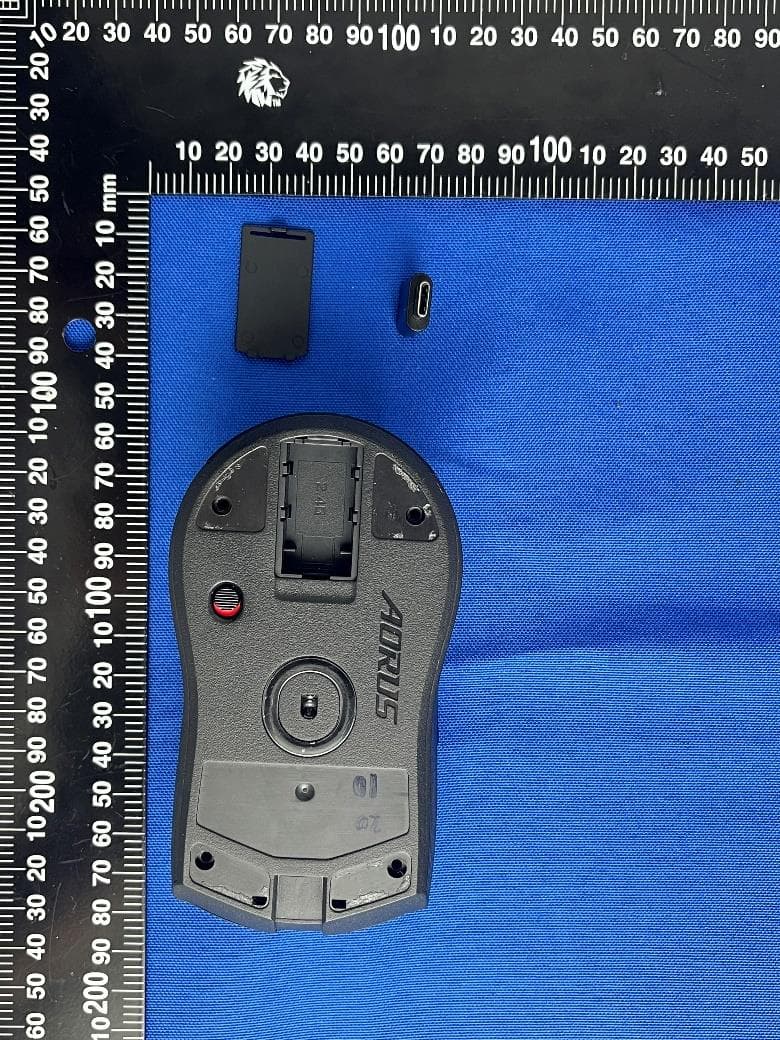
JCKGM-AORUSM6
Jun 26, 2023Mouse
Equipment Class
DTS - Digital Transmission System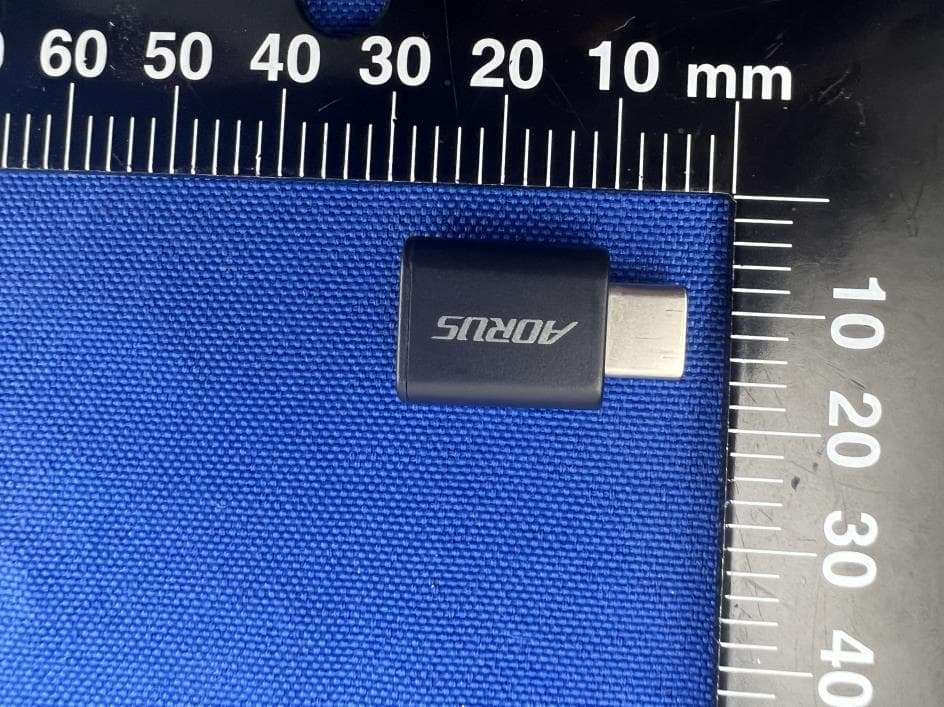
JCKS3
Jun 26, 2023Mouse Dongle
Equipment Class
DTS - Digital Transmission System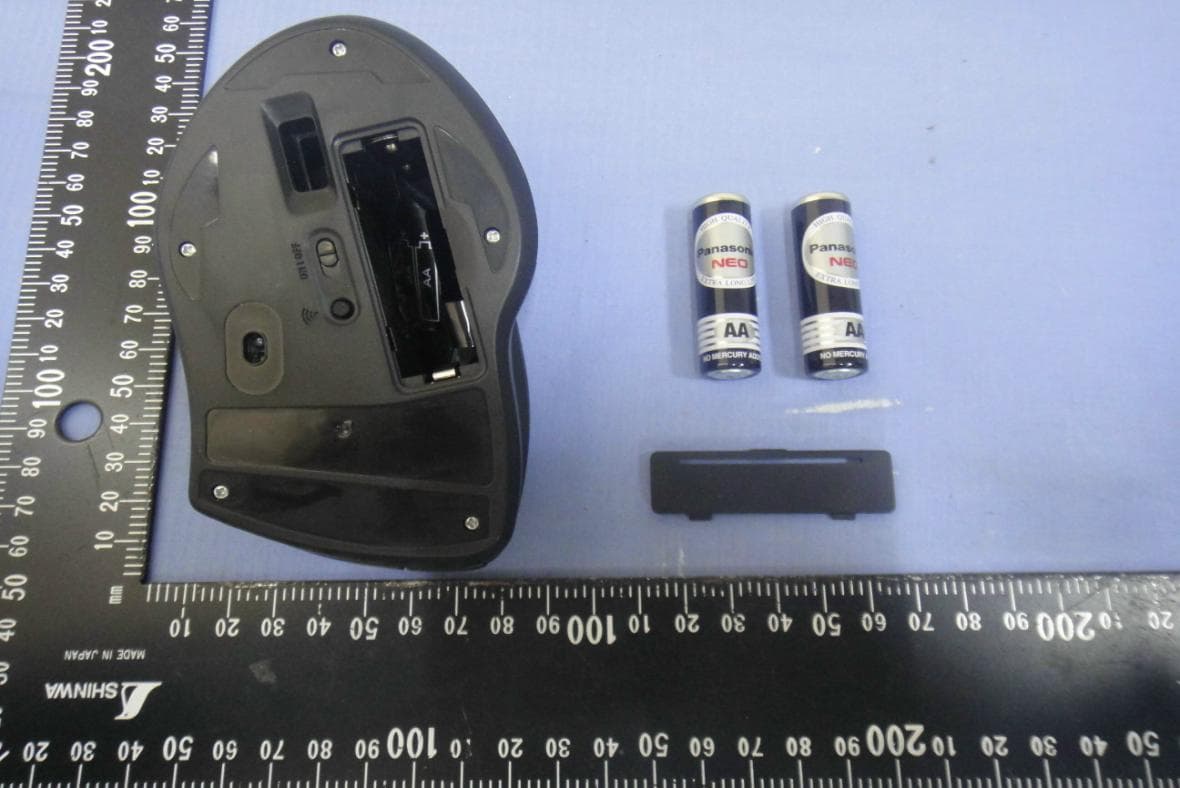
JCK28713AIREM60
Jul 30, 2015Sapphire Blue Optical Mouse
Equipment Class
DXX - Part 15 Low Power Communication Device Transmitter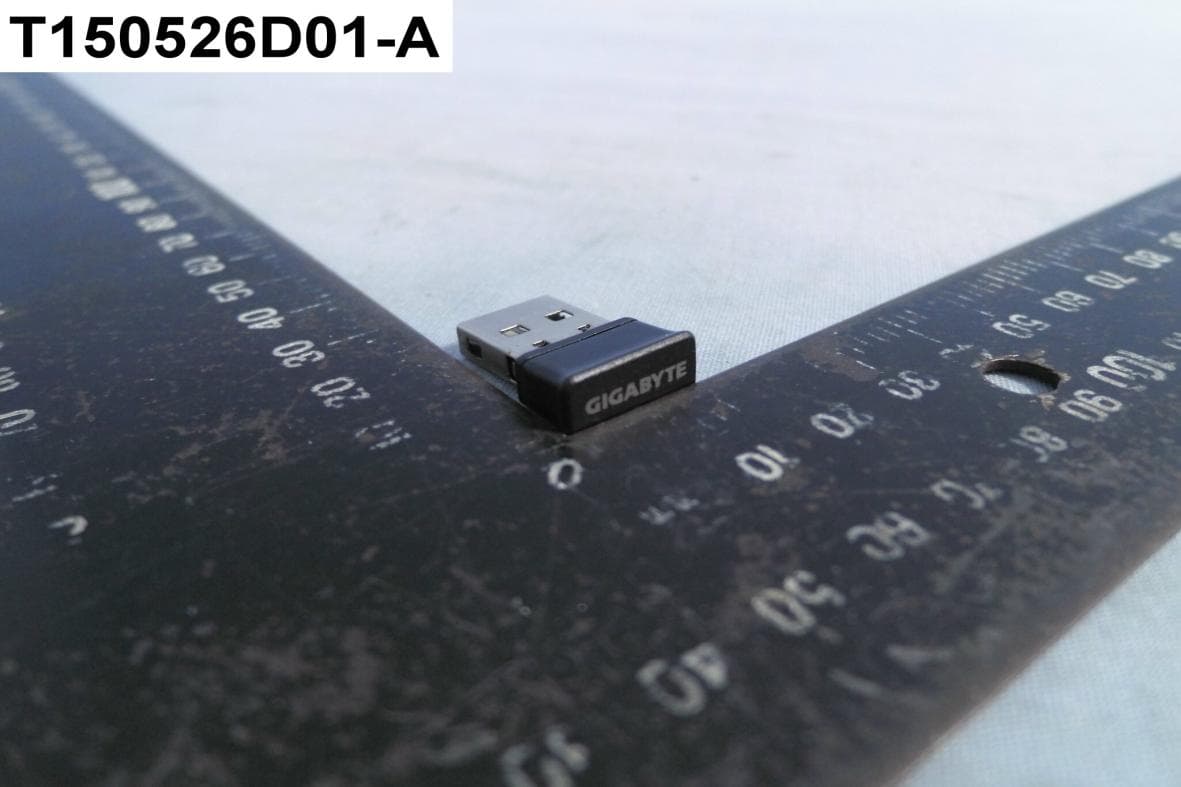
JCK287137580RX
Jul 30, 2015Wireless Receiver
Equipment Class
DXX - Part 15 Low Power Communication Device Transmitter
JCK-MSN09C01
Feb 10, 2015NFC Controller Module with Integrated Antenna
Equipment Class
DXX - Part 15 Low Power Communication Device Transmitter