JIC-CL002HyperX Cloud II Wireless Headset
Kingston Technology Company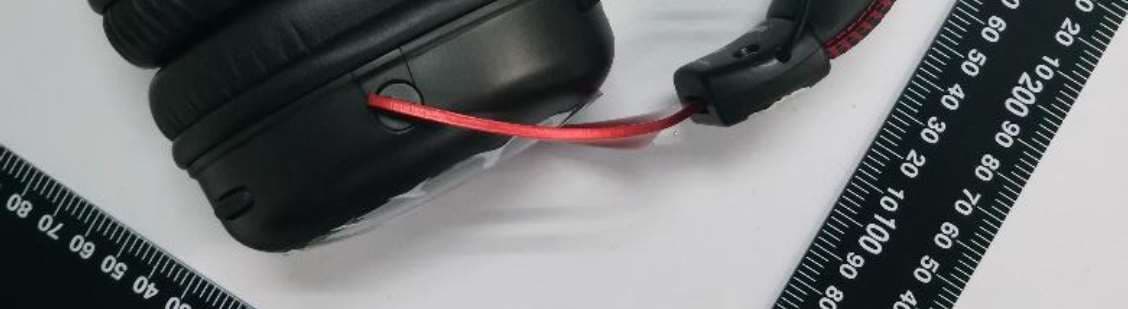
Click to zoom
Application Details
- Equipment Class
- DTS - Digital Transmission System
- Date of Grant
- Aug 30, 2020
- Application Purpose
- Original Equipment
- Date of Application
- Aug 09, 2020
- Equipment Note
- HyperX Cloud II Wireless Headset
- Frequency Range
- 2405.35000000 - 2477.35000000
- Company
- Kingston Technology Company
- Country
- United States
Documents & Files
Document Text
Text extracted from the exhibit documents filed with the FCC. Open a document above to read the original.
Users Manual
Quick Start Guide Product: HyperX Cloud II Wireless Headset / Brand: HYPERX / Model: CL002 Product: HyperX Cloud II Wireless Adapter / Brand: HYPERX / Model: CL002WA Overview [Use the following line drawings: 1. ¾ view of headset without microphone 2. Bottom view of headset (labels A-F) 3. Detachable boom microphone with mic foam (label G-H) 4. Top-down view of USB wireless adapter (labels I-K) 5. USB charge cable (label L) ] [Reference images: ] A. Status LED B. Power / 7.1 mode button C. Mic mute / mic monitoring button D. USB-C charge port E. Microphone port F. Volume wheel G. Detachable microphone H. Microphone mute LED I. USB adapter J. Wireless pairing pin hole K. Wireless status LED L. USB-C charge cable Usage [Use the following line drawings: ¾ view of headset with microphone attached Wireless adapter o Arrow pointing from the USB adapter to PC USB port and PS4 USB port ] [Reference images: ] 1. Connect the wireless adapter to your device 2. Power on the headset Setting up with PC Right click speaker icon > Select Open Sound settings > Select Sound control panel [Use Windows 10 1903 Setup speaker icon menu graphic and sound settings menu graphic] [Reference images: ] Playback Device 1. Set Default Device to “HyperX Cloud II Wireless” [Use Windows OS playback sound control panel menu graphic for selecting HyperX Cloud II Wireless as Default Device] [Reference image: ] 2. Right click on “HyperX Cloud II Wireless” and click on Configure. 3. Select 7.1 Surround to configure your setup and click next. [Use Windows OS playback sound control panel menu graphic for selecting speaker setup] [Reference image: ] Recording Device Set Default Device to “HyperX Cloud II Wireless” [Use Windows OS recording sound control panel menu graphic for selecting HyperX Cloud II Wireless as Default Device] [Reference image: ] Setting up with PlayStation 4 Settings > Devices > Audio Devices Input Device: USB Headset “HyperX Cloud II Wireless” Output Device: USB Headset “HyperX Cloud II Wireless” Output to headphones: All Audio [Use the following line drawing: Bottom view of headset with left earcup only o Small label “Status LED” with an arrow pointing to the status LED on the left earcup o Small label "Power / 7.1 mode button” with an arrow pointing to the power button on the left earcup o Small label “Mic mute / mic monitoring button” with an arrow pointing to the mic mute button on the left earcup ] [Reference image: ] Status LED Status [LED] Pairing Flash green and red every 0.2s Searching Slow breathing green Connected* 90% — 100%: Solid green 15% — 90%: Blinking green < 15%: Blinking red *Battery level indication Power / 7.1 mode button Power on/off - Hold button for 3 seconds to power headset on/off 7.1 mode toggle - Press button to toggle 7.1 on/off Mic mute / mic monitoring button Mic mute toggle - Press button to turn the mic mute on/off o Microphone mute LED On – Mic muted o Microphone mute LED Off – Mic active Mic monitoring toggle – Hold button for 3 seconds to toggle mic monitoring on/off [Use the following line drawing: Zoomed-in crop of the right earcup with focus on volume wheel o Small label “Volume wheel” with an arrow pointing to the volume wheel on the right earcup ] [Reference image: ] Volume wheel Scroll up and down to adjust volume level. Charging It is recommended to fully charge your headset before first use. [Use the following line drawing: Connect the USB-C charge cable USB-A end to PC and USB-C end to headset USB charge port ] [Reference images: ] Status [LED] Charge Status Fully Charged Solid green 15% — 99% Breathing green < 15% Breathing red HyperX NGENUITY Software Download software and latest firmware updates at hyperxgaming.com/ngenuity [NGENUITY logo] Questions or Setup Issues? Contact the HyperX support team or see the user manual at hyperxgaming.com/support/headsets WARNING: Permanent hearing damage can occur if a headset is used at high volumes for extended periods of time. Battery/TX Power Info Battery Information Contains 3.7V, 1500mAh Li-ion Battery, 5.55Wh Cannot be replaced by user Frequency & TX Power Information Frequency Bands: 2.4GHz (TX Power: <6dBm) FCC Statement: This device complies with part 15 of the FCC Rules. Operation is subject to the following two conditions: (1) This device may not cause harmful interference, and (2) this device must accept any interference received, including interference that may cause undesired operation. NOTE: This equipment has been tested and found to comply with the limits for a Class B digital device, pursuant to part 15 of the FCC Rules. These limits are designed to provide reasonable protection against harmful interference in a residential installation. This equipment generates, uses and can radiate radio frequency energy and, if not installed and used in accordance with the instructions, may cause harmful interference to radio communications. However, there is no guarantee that interference will not occur in a particular installation. If this equipment does cause harmful interference to radio or television reception, which can be determined by turning the equipment off and on, the user is encouraged to try to correct the interference by one or more of the following measures: —Reorient or relocate the receiving antenna. —Increase the separation between the equipment and receiver. —Connect the equipment into an outlet on a circuit different from that to which the receiver is connected. —Consult the dealer or an experienced radio/TV technician for help. Changes or modifications not expressly approved by the party responsible for compliance could void the user’s authority to operate the equipment. ISED Statement: This device contains licence-exempt transmitter(s) that comply with Innovation, Science and Economic Development Canada’s licence-exempt RSS(s). Operation is subject to the following two conditions: (1) this device may not cause interference, (2) this device must accept any interference, including…
Text truncated - open the document above for the full version.
Cover Letter(s)
QF094234 Page 1 of 1 Revision 0 Authority to Act as Agent Date: 2020-03-04 TUV Rheinland Group 762 Park Avenue Youngsville, NC 27596 To Whom It May Concern: I appoint TÜV Rheinland Taiwan Ltd. to act as our agent in the preparation of this application for equipment certification. I certify that submitted documents properly describe the device or system for which equipment certification is sought. I also certify that each unit manufactured, imported or marketed, as defined in the FCC or Industry Canada’s regulations will have affixed to it a label identical to that submitted for approval with this application. For instances where our authorized agent signs the application for certification on our behalf, I acknowledge that all responsibility for complying with the terms and conditions for Certification, as specified by TUV Rheinland Group, still resides with Kingston Technology Company / 17600 Newhope Street, Bldg. C, Fountain Valley, CA 92708, USA For TCB applications, We certify that we are not subject to denial of federal benefits, that includes FCC benefits, pursuant to Section 5301 of the Anti-Drug Abuse Act of 1988, 21 U.S.C. 862. Further, no party, as defined in 47 CFR 1.2002 (b), to the application is subject to denial of federal benefits, that includes FCC benefits. Thank you, By : George Shiu (Signature) (Print Name) Title : Project Engineer Telephone : 714-438-1877 On behalf of : Kingston Technology Company (Company Name)
Cover Letter(s)
Confidentiality Letter Date: 2020-07-16 Subject: Confidentiality Request for FCC ID: JIC-CL002 and IC: 3880A-CL002 ; Pursuant to FCC 47 CRF 0.457(d) and 0.459 and IC RSP-100, Section 10, the applicant requests that a part of the subject FCC/IC application be held confidential. Type of Confidentiality Requested Exhibit Short Term Permanent Block Diagrams Short Term External Photos Short Term Permanent Internal Photos Short Term Permanent Operation Description/Theory of Operation Short Term Permanent Part List/Tune-Up Procedure Short Term Permanent Schematics Short Term Test Setup Photos Short Term Permanent User’s Manual Kingston Technology Company, Inc. has spent substantial effort in developing this product and it is one of the first of its kind in industry. Having the subject information easily available to "competition" would negate the advantage they have achieved by developing this product. Not protecting the details of the design will result in financial hardship. Permanent Confidentiality: The applicant requests the exhibits listed above as permanently confidential be permanently withheld from public review due to materials that contain trade secrets and proprietary information not customarily released to the public. Short-Term Confidentiality: The applicant requests the exhibits selected above as short term confidential be withheld from public view for a period of 180 days from the date of the Grant of Equipment Authorization and prior to marketing. This is to avoid premature release of sensitive information prior to marketing or release of the product to the public. Applicant is also aware that they are responsible to notify TUV Rheinland in the event information regarding the product or the product is made available to the public. TUV Rheinland will then release the documents listed above for public disclosure pursuant to FCC Public Notice DA 04- 1705. Sincerely, By: George Shiu Corporate Compliance Analyst (Print name)
External Photos
Appendix PPhoto Documentation Page 1 of 860395870 001 Product:HyperX Cloud II Wireless Headset Type Identification:CL002
ID Label/Location Info
FCC ID: JIC-CL002 IC: 3880A-CL002
Internal Photos
Appendix PPhoto Documentation Page 2 of 860395870 001 Product:HyperX Cloud II Wireless Headset Type Identification:CL002 Appendix PPhoto Documentation Page 3 of 860395870 001 Product:HyperX Cloud II Wireless Headset Type Identification:CL002 Appendix PPhoto Documentation Page 4 of 860395870 001 Product:HyperX Cloud II Wireless Headset Type Identification:CL002 Antenna Appendix PPhoto Documentation Page 5 of 860395870 001 Product:HyperX Cloud II Wireless Headset Type Identification:CL002 Appendix PPhoto Documentation Page 6 of 860395870 001 Product:HyperX Cloud II Wireless Headset Type Identification:CL002 Appendix PPhoto Documentation Page 7 of 860395870 001 Product:HyperX Cloud II Wireless Headset Type Identification:CL002 Appendix PPhoto Documentation Page 8 of 860395870 001 Product:HyperX Cloud II Wireless Headset Type Identification:CL002
RF Exposure Info
Produkte Products Prü fbericht - Nr.: Test Report No. 60395870 001 Seite 30 von 31 Page 30 of 31 6. Safety Human exposure 6.1 Radio Frequency Exposure Compliance 6.1.1 Electromagnetic Fields RESULT: Passed Test standard : FCC KDB Publication 447498 D01 ISED RSS-102 issue 5, Table 1 FCC: Since maximum average output power of the transmitter is 2.08 mW < 10mW, hence the EUT is excluded from SAR evaluation according to FCC KDB publication 447498: Mobile Portable RF Exposure Canada: ANT1 Frequency Average power Average power Antenna gain Numeric antenna gain EIRP (MHz) (dBm) (mW) (dBi) (dBi) (mW) 2405.35 3.19 2.08 3.17 2.07 4.33 2439.35 2.86 1.93 2.71 1.87 3.61 2477.35 2.25 1.68 3.51 2.24 3.77 Since maximum output power of the transmitter is 4.33mW <7mW at 10mm, hence the EUT is excluded from SAR evaluation according to Table 1 in ISEDRSS-102 When in normal use, at least 10mm between the radiated construction(antenna) and users, which indicated in internal photos.
Test Report
Test Report No.60395870 001 Appendix D: Radiated and Mains Spurious Emission Data (File: 60395870 001Appendix D) Contents Spurious Emissions, Band Edges ................................................................................................................... 2 Spurious Emissions, TX Mode, 9kHz-30MHz ............................................................................................. 14 Spurious Emissions, TX Mode, 30MHz-1GHz ............................................................................................ 16 Spurious Emissions, TX Mode, 1GHz-26.5GHz.......................................................................................... 18 Spurious Emissions, AC Mains .................................................................................................................... 24 2 Spurious Emissions, Band Edges 2405.35MHz 3 4 5 6 2439.35MHz 7 8 9 10 2477.35MHz 11 12 13 14 Spurious Emissions, TX Mode, 9kHz-30MHz 2477.35MHz 15 16 Spurious Emissions, TX Mode, 30MHz-1GHz 2477.35MHz 17 18 Spurious Emissions, TX Mode, 1GHz-26.5GHz 2405.35MHz 19 20 2439.35MHz 21 22 2477.35MHz 23 24 Spurious Emissions, AC Mains 2477.35MHz 25
Test Report
Prü fbericht - Produkte Test Report - Products Prü fbericht-Nr.: Test report no.: 60395870 001 Auftrags-Nr.: Order no.: 238487853 Seite 1 von 31 Page 1 of 31 Kunden-Referenz-Nr.: Client reference no.: N/A Auftragsdatum: Order date: 15-Jun-2020 Auftraggeber: Client: Kingston Technology Company, Inc., 17600 Newhope St, Fountain Valley, CA 92708, USA Prü fgegenstand: Test item: HyperX Cloud II Wireless Headset Bezeichnung / Typ-Nr.: Identification / Type no.: CL002 Auftrags-Inhalt: Order content: FCC Part 15C/ ISED RSS-247 Test report Prü fgrundlage: Test specification: FCC 47CFR Part 15: Subpart C Section 15.247(DTS) ISED RSS-247 ISSUE 2 FEB 2017 Wareneingangsdatum: Date of sample receipt: 16-Jun-2020 Prü fmuster-Nr.: Test sample no: A002844544-001 A002844544-004 Prü fzeitraum: Testing period: 06-Jul-2020 - 14-Jul-2020 Ort der Prü fung: Place of testing: EMC/RF Laboratory Taipei Prü flaboratorium: Testing laboratory: Taipei Testing laboratories Prü fergebnis*: Test result*: Pass ü berprü ft von: reviewed by: J a c k H . C . C h a n g genehmigt von: authorized by: R y a n W . T . C h e n Datum: 21-Jul-2020 Date: Datum: 21-Jul-2020 Date: Stellung / Position: Project Manager Stellung / Position: Project Manager Sonstiges / Other: Zustand des Prü fgegenstandes bei Anlieferung: Condition of the test item at delivery: Prüfmuster vollständig und unbeschädigt Test item complete and undamaged * Legende: 1 = sehr gut 2 = gut 3 = befriedigend 4 = ausreichend 5 = mangelhaft P(ass) = entspricht o.g. Prüfgrundlage(n) F(ail) = entspricht nicht o.g. Prüfgrundlage(n) N/A = nicht anwendbar N/T = nicht getestet * Legend: 1 = very good 2 = good 3 = satisfactory 4 = sufficient 5 = poor P(ass) = passed a.m. test specification(s) F(ail) = failed a.m. test specification(s) N/A = not applicable N/T = not tested Dieser Prü fbericht bezieht sich nur auf das o.g. Prü fmuster und darf ohne Genehmigung der Prü fstelle nicht auszugsweise vervielfältigt werden. Dieser Bericht berechtigt nicht zur Verwendung eines Prü fzeichens. This test report only relates to the a. m. test sample. Without permission of the test center this test report is not permitted to be duplicated in extracts. This test report does not entitle to carry any test mark. TUV Rheinland Taiwan Ltd. 11F., No. 758, Sec. 4, Bade Rd., Taipei 105, Taiwan, R.O.C. Produkte Products Prü fbericht - Nr.: Test Report No.: 60395870 001 Seite 2 von 31 Page 2 of 31 TEST SUMMARY 5.1.1 ANTENNA REQUIREMENT RESULT: Passed 5.1.2 PEAK OUTPUT POWER RESULT: Passed 5.1.3 6DB BANDWIDTH AND 99% BANDWIDTH RESULT: Passed 5.1.4 POWER DENSITY RESULT: Passed 5.1.5 CONDUCTED SPURIOUS EMISSIONS AND FREQUENCY BAND EDGE MEASURED IN 100KHZ BANDWIDTH RESULT: Passed 5.1.6 SPURIOUS EMISSION RESULT: Passed 5.2.1 MAINS CONDUCTED EMISSIONS RESULT: Passed 6.1.1 ELECTROMAGNETIC FIELDS RESULT: Passed Produkte Products Prü fbericht - Nr.: Test Report No. 60395870 001 Seite 3 von 31 Page 3 of 31 Contents 1. GENERAL REMARKS ............................................................................................... 5 1.1 COMPLEMENTARY MATERIALS ................................................................................. 5 1.2 DECISION RULE OF CONFORMITY.............................................................................. 5 2. TEST SITES ............................................................................................................ 6 2.1 TEST LABORATORY ................................................................................................ 6 2.2 TEST FACILITY ........................................................................................................ 6 2.3 LIST OF TEST AND MEASUREMENT INSTRUMENTS ...................................................... 7 2.4 TRACEABILITY ........................................................................................................ 8 2.5 CALIBRATION ......................................................................................................... 8 2.6 MEASUREMENT UNCERTAINTY ................................................................................. 8 3. GENERAL PRODUCT INFORMATION ........................................................................... 9 3.1 PRODUCT FUNCTION AND INTENDED USE ................................................................. 9 3.2 SYSTEM DETAILS AND RATINGS ............................................................................... 9 3.3 INDEPENDENT OPERATION MODES ......................................................................... 10 3.4 NOISE GENERATING AND NOISE SUPPRESSING PARTS ............................................ 10 3.5 SUBMITTED DOCUMENTS ....................................................................................... 10 4. TEST SET-UP AND OPERATION MODES ................................................................... 11 4.1 PRINCIPLE OF CONFIGURATION SELECTION ............................................................ 11 4.2 TEST OPERATION AND TEST SOFTWARE................................................................. 11 4.3 SPECIAL ACCESSORIES AND AUXILIARY EQUIPMENT ............................................... 12 4.4 COUNTERMEASURES TO ACHIEVE EMC COMPLIANCE .............................................. 13 4.5 TEST SETUP DIAGRAM .......................................................................................... 13 5. TEST RESULTS ..................................................................................................... 15 5.1 TRANSMITTER REQUIREMENT & TEST SUITES ......................................................... 15 5.1.1 Antenna Requirement ................................................................................................................ 15 5.1.2 Peak Output Power .................................................................................................................... 16 5.1.3 6dB Bandwidth and 99% Bandwidth .........................................................…
Text truncated - open the document above for the full version.
Test Setup Photos
Appendix X Photo Documentation Page 1 of 4 60395870 001 Product: HyperX Cloud II Wireless Headset Type Identification: CL002 Photographs of the Test Set-Up Photograph 1: Set-up for Spurious Emissions (Front View 1) Photograph 2: Set-up for Spurious Emissions (Front View 2) Appendix X Photo Documentation Page 2 of 4 60395870 001 Product: HyperX Cloud II Wireless Headset Type Identification: CL002 Photograph 3: Set-up for Spurious Emissions (Back View 1) Photograph 4: Set-up for Spurious Emissions (Back View 2) Appendix X Photo Documentation Page 3 of 4 60395870 001 Product: HyperX Cloud II Wireless Headset Type Identification: CL002 Photograph 5: Set-up for Spurious Emissions (Back View 3) Photograph 6: Set-up for Spurious Emissions (Back View 4) Appendix X Photo Documentation Page 4 of 4 60395870 001 Product: HyperX Cloud II Wireless Headset Type Identification: CL002 Photograph 7: Set-up for Mains Conducted Testing (Front View) Photograph 8: Set-up for Mains Conducted Testing (Back View)
Contact Information
Applicant
George Shiu(Project Engineer)
Test Firm
TUV Rheinland Taiwan Ltd. Taipei Testing Lab.Kenji Lin
Technical Specifications
| # | Rule Parts | Frequency Range | Power Output |
|---|---|---|---|
| 1 | 15C | 2.41 GHz - 2.48 GHz | 3.55 mW |
Other Applications from Kingston Technology Company

JIC-CA002
Jun 27, 2021Wireless Headset
Equipment Class
DTS - Digital Transmission System
JIC-CL004
Mar 18, 2021HyperX Cloud Core Wireless Headset
Equipment Class
DTS - Digital Transmission SystemJIC-CL004WA
Mar 18, 2021HyperX Cloud Core Wireless adapter
Equipment Class
DTS - Digital Transmission System
JIC-CEB002
Aug 09, 2020HyperX Cloud Buds
Equipment Class
DTS - Digital Transmission System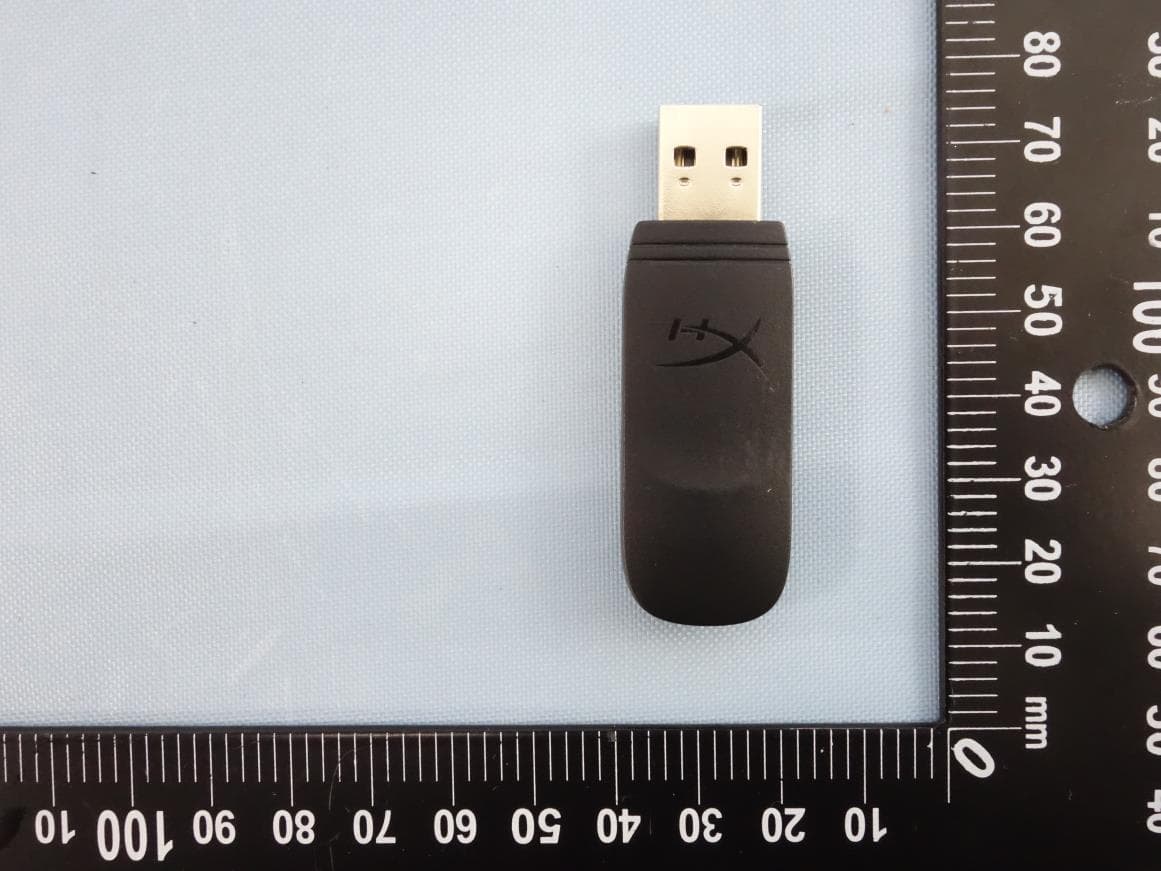
JIC-CF001WA
Mar 22, 2020HyperX Cloud Flight Wireless Adapter
Equipment Class
DTS - Digital Transmission System