L2BACEKEY81MWireless Mouse
Solid Year Co Ltd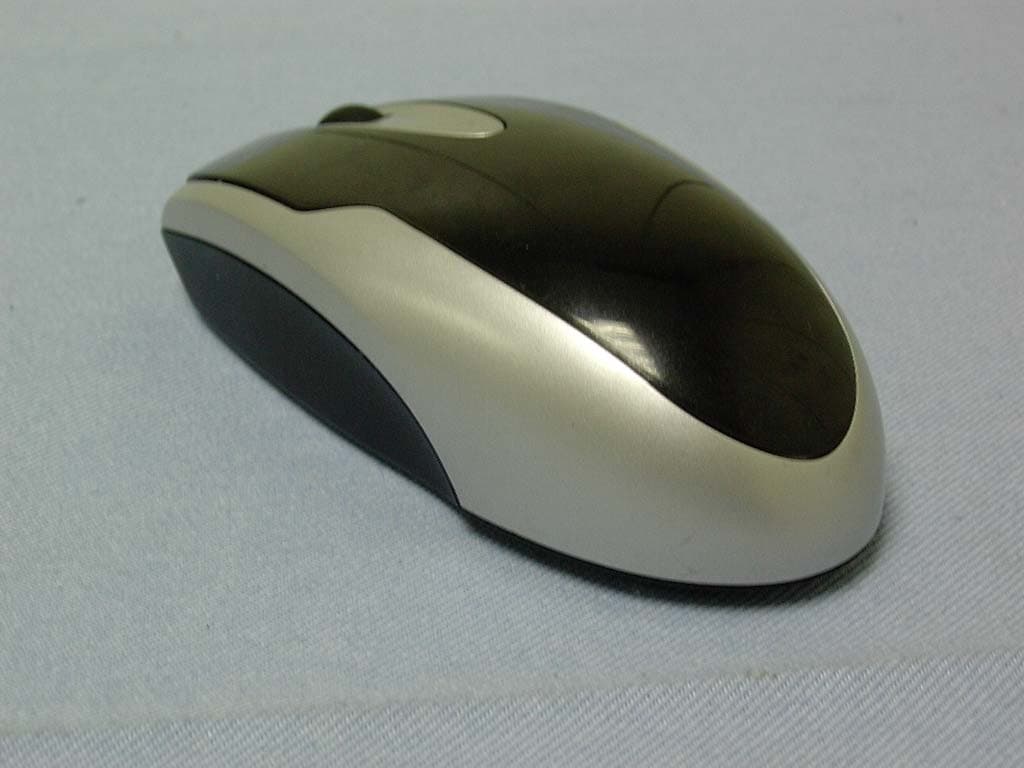
Click to zoom
Application Details
- Equipment Class
- DXX - Part 15 Low Power Communication Device Transmitter
- Date of Grant
- Jul 20, 2004
- Application Purpose
- Original Equipment
- Date of Application
- Jul 20, 2004
- Equipment Note
- Wireless Mouse
- Frequency Range
- 27.04500000 - 27.04500000
- Company
- Solid Year Co Ltd
- Country
- Taiwan
Documents & Files
Document Text
Text extracted from the exhibit documents filed with the FCC. Open a document above to read the original.
Users Manual
USER’S MANUAL Thanks for your purchasing wireless Keyboard + Optical Mouse Combo. This wireless combo combines the exceptional comfort of a split-key keyboard layout with the high-performance wireless Optical mouse, and it adopts the latest 27MHz radio frequency technology that is different from traditional IR transmission. It assures 360-degree omni-directional working while in use and provides 256 ID codes to select (255 in random and 1 default). This combination fits where you want it without compromising performance, precision, or power. Multimedia key Contents: 1. Wireless optical mouse...... 1pcs 2. Multimedia keyboard......... 1pcs 3. Mini receiver....................... 1pcs 4. USB extension................... 1pcs 5. 1.5V AA battery.................. 4pcs 6. User's manual.................... 1pcs 7. Multimedia drive CD............. 1pcs Features: AA/3 x 2 Connect USB port AA/3 x 2 ID code Wireless Receiver z Comfortable split-key keyboard z Cordless freedom through digital radio technology z Customizable, keyboard-based access to any application, including email and multimedia z Comfortable, optical mouse shape that fits good in right hand z Powerful optical sensor for twice the speed and twice the accuracy of standard optical mice z Windows 98SE/ME/2000/XP z USB port supports “Plug and Play". Warning: For USB device, Windows 98 does not provide default driver; OS version should be Windows 98SE or above. Connect receiver to USB port, computer will search the new hardware and request to install driver, put your OS Setup CD into CD-ROM and follow the instructions on the screen to finish the installation. Installation 1. Install two AA batteries each to the mouse & keyboard 2. Connect the receiver to USB port 3. Turn on your computer; the receiver will automatically select the ID # for your mouse & keyboard. After LED light stops blinking, the ID code setting has been completed. Warning: Do not use hybrid batteries that will lead to explode. Do not blend new and old batteries together that will damage the combo. LED display You can tell if your RF mouse & keyboard work well and smooth away the obstacles by checking the LED light. The meanings of the LED display are as following: LED display State Indication Lighting when you boot your PC Connecting Combo will try to connect the PC when you boot, at this moment the LED light is on and that means the receiver power supply has no problem. Lighting you’re your PC is ready Unavailable If the LED light is on when the PC is ready, that means your combo doesn't connect with the PC. Please refer to the “troubleshooting ". Blinking Searching When you are setting the channel, the LED light will keep blinking. Till the signals from combo and the Receiver have been connected, the LED light will be off automatically. ID codes setting 1. Press three buttons of wireless mouse (left/right/roller) and the button under the keyboard separately for 3 seconds at the same time. After LED light stops blinking, new ID code setting has been completed. 2. Move your mouse lightly. If LED light is blinking continuously that means the Receiver is ready for your combo. Note: 1. You don't have to set up ID code unless you have additional wireless mouse or keyboard being set in the same area. 2. After you restart your computer or replace batteries, just move the mouse lightly; the Receiver will select the ID code automatically. Warning: Please do the ID setting while the computer has been powered on first. Installing driver 1. Boot your system 2. Insert the keyboard driver CD 3. Select the correct model and the system automatically installs keyboard drive Function Key of Keyboard For Internet ÁWWW Backward Back to front page ÂWWW Forward Forward to next page WWW Stop Stop connecting the page WWW Home Back to Home page E-Mail Open E-Mail account My Favorite Open the my favorite folder WWW Refresh Refresh the Web WWW Search Search the Web For Multimedia Multimedia* Open Media Player Sleep Sleep status Volume - Volume - Volume+ Volume+ Backward Backward to previous song Stop Stop playing CD Play/Pause Play/Pause of CD Forward Forward to next song Mute Mute status/ push again to release Troubleshooting 1. If you feel the mouse or keyboard does not move smooth as usual.... 2. Make sure the receiver is connected to the computer. 3. Place the batteries in the correct direction. 4. Make sure the batteries are sufficient to operate. 5. Make sure your OS is Windows 98SE/ME/2000/XP 6. If you use wireless mouse on a desk, which is made of mental, that will affect the performance of the mouse. 7. For mouse performance, place the receiver at least 20cm away from other electrical devices such as power box, TFT-LCD monitor...etc. 8. Refer to "ID code setting" and follow the instruction to install ID code again. 9. Replace new batteries and try again. 10. The optical sensors will perform poorly on the desktop, which is red, orange or yellow. Try to use a mouse pad to avoid this situation. ¾ FCC Warning statement: This device complies with Part 15 of the FCC Rules. Operation is subject to the following two conditions: (1) This device may not cause harmful interference. (2) This device must accept any interference received, including interference that may cause undesired operation. This equipment has been tested and found to comply with the limits for a class B digital device, pursuant to part 15 of the FCC Rules. These limits are designed to provide reasonable protection against harmful interference in a residential installation. This equipment generates, uses and can radiate radio frequency energy and, if not installed and used in accordance with the instructions, may cause harmful interference to radio communications. However, there is no guarantee that interference will not occur in a particular installation. If this equipment does cause harmful interference to radio or television reception, which can be determined by turning the equipment off and on, the user is encouraged t…
Text truncated - open the document above for the full version.
Cover Letter(s)
Helen Zhao Subject: FW: Solid Year Co., Ltd., FCC ID: L2BACEKEY81M, Assessment NO.: AN04T4068, Notice#4 Page 1 of 2 7/21/2004 -----Original Message----- From: [email protected] [mailto:[email protected]] Sent: Tuesday, July 20, 2004 6:44 PM To: Mike Kuo Cc: [email protected]; [email protected] Subject: FW: Solid Year Co., Ltd., FCC ID: L2BACEKEY81M, Assessment NO.: AN04T4068, Notice#4 Hi Mike, Please refer to the following for our replies. Thank you for your advice. Best regards, Ting ----- ??? ting/ccsemc ? 2004/07/21 09:28 AM ----- -----Original Message----- From: Compliance Certification Services [mailto:[email protected]] Sent: Tuesday, July 20, 2004 3:35 PM To: [email protected] Cc: [email protected] Subject: Solid Year Co., Ltd., FCC ID: L2BACEKEY81M, Assessment NO.: AN04T4068, Notice#4 Question #1: Please provide a plot of the 26dB bandwidth to show bandedge compliance. Ans #1: Plese refer to the attached for 26dB bandwidth test plots. Question #2: There is no reading for spurious emissions. Based on ANSI C63.4: 2001 10.1.8.2, the frequency and amplitude of the three highest harmonic or spurious emissions relative to the limit, and the frequency and amplitude of the three highest restricted band emissions relative to the limit shall be reported. Please provide radiated emission testing data. Mike Kuo <[email protected]> 2004/07/21 08:40 AM ???: "CCS-Taiwan, Ting (E-mail)" <[email protected]> ????: ??: FW: Solid Year Co., Ltd., FCC ID: L2BACEKEY81M, Assessment NO.: AN04T4068, Notice#4 Ans #2: Plese refer to the attached for spurious emissions test plots. Best Regards, Mike The items indicated above must be submitted before processing can continue on the above referenced application. Failure to provide the requested information within 30 days of the original e-mail date may result in application dismissal and forfeiture of the filing fee. Also, please note that partial responses increase processing time and should not be submitted. Any questions about the content of this correspondence should be directed to the e-mail address listed below the name of the sender. Page 2 of 2 7/21/2004
External Photos
Compliance Certification Services Inc. Report No: 40529201 Date of Issue: July 15, 2004 Page 1 EXTERNAL PHOTOGRPHS OF EUT
Internal Photos
Compliance Certification Services Inc. Report No: 40529201 Date of Issue: July 15, 2004 Page 2 INTERNAL PHOTOGRPHS OF EUT Compliance Certification Services Inc. Report No: 40529201 Date of Issue: July 15, 2004 Page 3 Compliance Certification Services Inc. Report No: 40529201 Date of Issue: July 15, 2004 Page 4
Test Report
Compliance Certification Services Inc. Report No: 40529201-RP FCC ID : L2BACEKEY81M Date of Issue: July 15, 2004 Note: This report shall not be reproduced except in full, without the written approval of Compliance Certification Services Inc. This document may be altered or revised by Compliance Certification Services Inc. personnel only, and shall be noted in the revision section of the document. Page 1 of 16 FCC 47 CFR PART 15 SUBPART C TEST REPORT For Solid Year Co., Ltd. Wireless Mouse Model: SYMC331, SYMC334 Trade Name: SOLID TEK Prepared for Solid Year Co., Ltd. 2F-1, No. 94, Bao Chung Rd.,Hsin Tien City, Taipei , Taiwan, R.O.C. Prepared by Compliance Certification Services Inc. No. 81-1, Lane 210, Bade Rd. 2, Luchu Hsiang, Taoyuan Hsien, (338) Taiwan, R.O.C. TEL: 886-3-324-0332 FAX: 886-3-324-5235 Compliance Certification Services Inc. Report No: 40529201-RP FCC ID : L2BACEKEY81M Date of Issue: July 15, 2004 Page 2 TABLE OF CONTENTS 1. TEST RESULT CERTIFICATION............................................................................................. 3 2. EUT DESCRIPTION .................................................................................................................... 4 3. TEST METHODOLOGY ............................................................................................................. 5 3.1 EUT CONFIGURATION.............................................................................................................. 5 3.2 EUT EXERCISE......................................................................................................................... 5 3.3 GENERAL TEST PROCEDURES.................................................................................................. 5 3.4 FCC PART 15.205 RESTRICTED BANDS OF OPERATIONS ............................................. 6 3.5 DESCRIPTION OF TEST MODES................................................................................................. 6 4. INSTRUMENT CALIBRATION................................................................................................. 7 5. FACILITIES AND ACCREDITATIONS ................................................................................... 8 5.1 FACILITIES.............................................................................................................................. 8 5.2 EQUIPMENT............................................................................................................................. 8 5.3 LABORATORY ACCREDITATIONS AND LISTING....................................................................... 8 5.4 TABLE OF ACCREDITATIONS AND LISTINGS............................................................................ 9 6. SETUP OF EQUIPMENT UNDER TEST ................................................................................ 10 6.1 SETUP CONFIGURATION OF EUT............................................................................................ 10 6.2 SUPPORT EQUIPMENT .................................................................................................... 10 7. FCC PART 15.227 REQUIREMENTS...................................................................................... 11 7.1 RADIATED EMISSIONS........................................................................................................... 11 7.2 POWERLINE CONDUCTED EMISSIONS.................................................................................... 15 Compliance Certification Services Inc. Report No: 40529201-RP FCC ID : L2BACEKEY81M Date of Issue: July 15, 2004 Page 4 2. EUT DESCRIPTION Product Wireless Mouse Trade Name SOLID TEK Model Number SYMC331, SYMC334 Model Difference N/A Power Supply Powered by AA batteries × 2 (Rating: 2 × 1.5Vdc) Frequency Range 27.045 MHz Modulation Technique FSK Compliance Certification Services Inc. Report No: 40529201-RP FCC ID : L2BACEKEY81M Date of Issue: July 15, 2004 Page 5 3. TEST METHODOLOGY The tests documented in this report were performed in accordance with ANSI C63.4 and FCC CFR 47 2.1046, 2.1047, 2.1049, 2.1051, 2.1053, 2.1055, 2.1057, and 15.227. 3.1 EUT CONFIGURATION The EUT configuration for testing is installed on RF field strength measurement to meet the Commissions requirement and operating in a manner that intends to maximize its emission characteristics in a continuous normal application. 3.2 EUT EXERCISE The EUT was operated in the engineering mode to fix the TX frequency that was for the purpose of the measurements. 3.3 GENERAL TEST PROCEDURES Conducted Emissions The EUT is placed on the turntable, which is 0.8 m above ground plane. According to the requirements in Section 13.1.4.1 of ANSI C63.4.Conducted emissions from the EUT measured in the frequency range between 0.15 MHz and 30MHz using CISPR Quasi-peak and average detector modes. Radiated Emissions The EUT is placed on a turn table, which is 0.8 m above ground plane. The turntable shall rotate 360 degrees to determine the position of maximum emission level. EUT is set 3m away from the receiving antenna, which varied from 1m to 4m to find out the highest emission. And also, each emission was to be maximized by changing the polarization of receiving antenna both horizontal and vertical. In order to find out the max. emission, the relative positions of this hand-held transmitter (EUT) was rotated through three orthogonal axes according to the requirements in Section 13.1.4.1 of ANSI C63.4. Compliance Certification Services Inc. Report No: 40529201-RP FCC ID : L2BACEKEY81M Date of Issue: July 15, 2004 Page 6 3.4 FCC PART 15.205 RESTRICTED BANDS OF OPERATIONS (a) Except as shown in paragraph (d) of this section, only spurious emissions are permitted in any of the frequency bands listed below: MHz MHz MHz GHz 0.090 - 0.110 1 0.495 - 0.505 2.1735 - 2.1905 4.125 - 4.128 4.17725 - 4.17775 4.20725 - 4.20775 6.215 - 6.218 6.26775 - 6.26825 6.31175 - 6.31225 8.291 - 8.294 8.362 - 8.366 8.37625 - 8.38675 8.41425 - 8.41475 1…
Text truncated - open the document above for the full version.
Test Report
Compliance Certification Services Inc. Report No: 40529201-RP FCC ID : L2BACEKEY81M Date of Issue: July 15, 2004 APPENDIX 2 26dB Bandwidth Att 10 dB A 1 PK MAXH Ref 87 dBμV Center 27.042 MHzSpan 200 kHz20 kHz/ * * RBW 10 kHz VBW 10 kHz SWT 100 ms * PRN -10 0 10 20 30 40 50 60 70 80 1 Marker 1 [T1 ] 51.83 dBμ V 27.018400000 MHz 2 Delta 2 [T1 ] 0.06 dB 54.400000000 kHz D1 52.02 dBμV Date: 30.JUN.2004 02:11:55 Compliance Certification Services Inc. Report No: 40529201-RP FCC ID : L2BACEKEY81M Date of Issue: July 15, 2004 Radiated Emissions Test Plots Compliance Certification Services Inc. Report No: 40529201-RP FCC ID : L2BACEKEY81M Date of Issue: July 15, 2004
Test Setup Photos
Compliance Certification Services Inc. Report No: 40529201-RP FCC ID : L2BACEKEY81M Date of Issue: July 15, 2004 Page 16 APPENDIX 1 PHOTOGRPHS OF TEST SETUP Radiated Emission Set up Photos
Contact Information
Applicant
Jinsan Lu(RD Dept Manager)
Test Firm
Compliance Certification Services Inc.Kurt Chen
Technical Specifications
| # | Rule Parts | Frequency Range | Power Output |
|---|---|---|---|
| 1 | 15C | 27.045 MHz - 27.045 MHz | - |
Other Applications from Solid Year Co Ltd
L2BRANGERW10
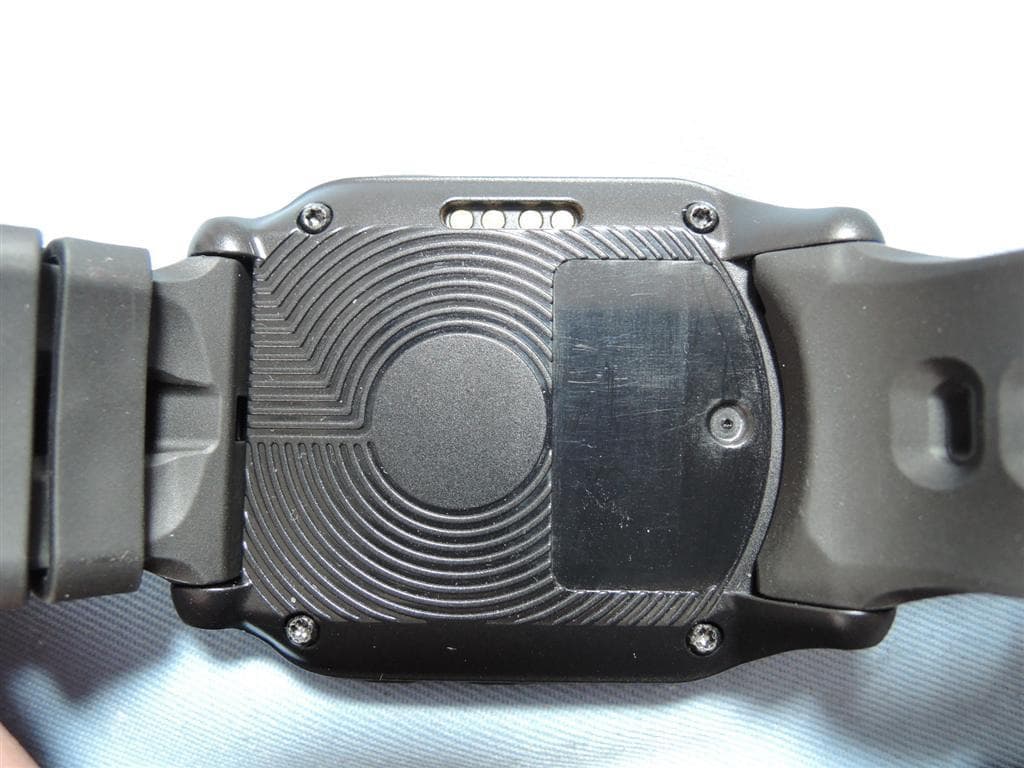
Jan 17, 2015Ranger Watch W-10
Equipment Class
DTS - Digital Transmission System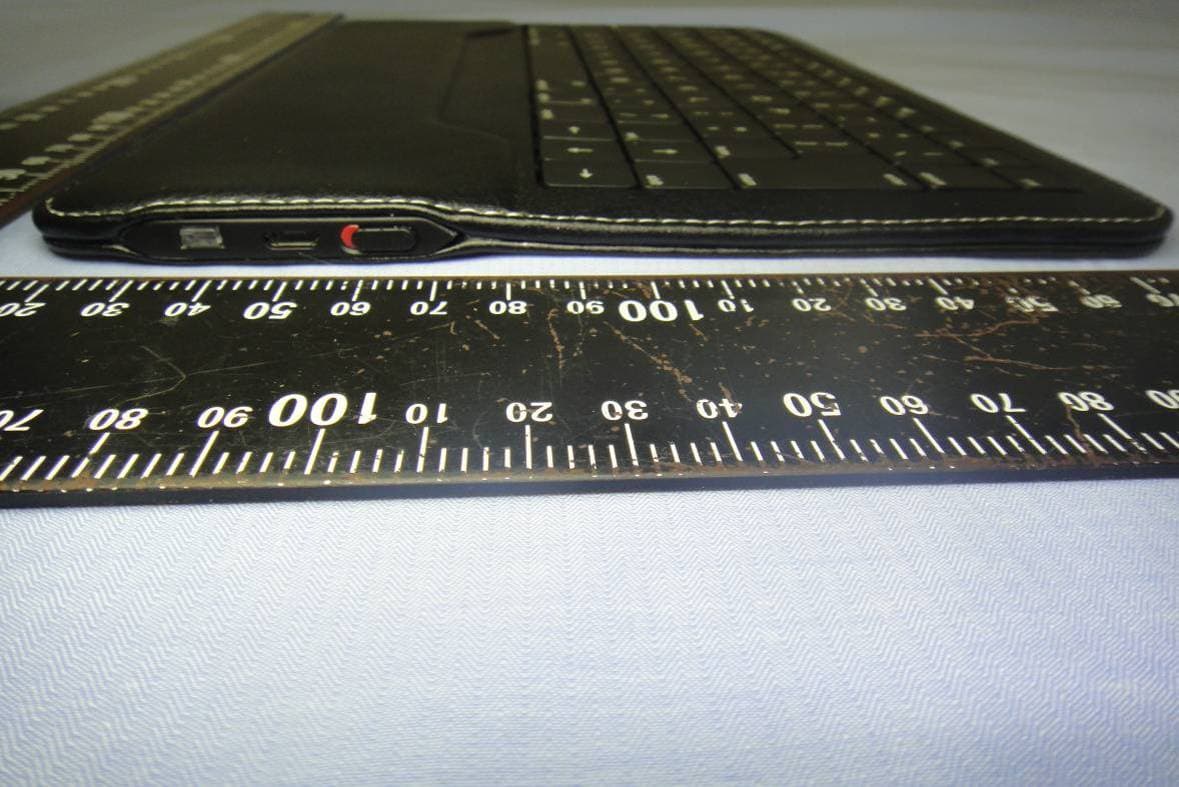
L2BACK5332B
May 13, 2012Wireless Bluetooth Keyboard
Equipment Class
DSS - Part 15 Spread Spectrum Transmitter
L2BACK5310RF
Dec 27, 2010WIRELESS BLUETOOTH KEYBOARD
Equipment Class
DSS - Part 15 Spread Spectrum TransmitterL2BSYMJ33D
Dec 06, 2009wireless 2.4G mouse
Equipment Class
DXX - Part 15 Low Power Communication Device Transmitter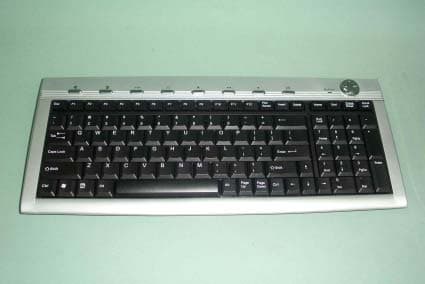
L2BACEKEY2060
Oct 10, 2004Wireless Keyboard
Equipment Class
DXX - Part 15 Low Power Communication Device Transmitter