L76COBALT01Bluetooth Stereo Headset
Koss Corporation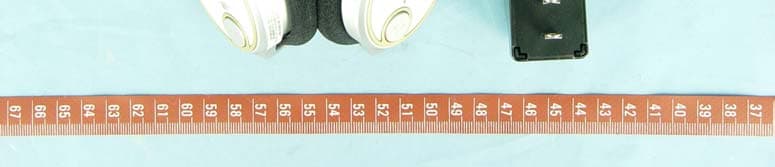
Click to zoom
Application Details
- Equipment Class
- DSS - Part 15 Spread Spectrum Transmitter
- Date of Grant
- Mar 26, 2006
- Application Purpose
- Original Equipment
- Date of Application
- Mar 26, 2006
- Equipment Note
- Bluetooth Stereo Headset
- Frequency Range
- 2402.00000000 - 2480.00000000
- Company
- Koss Corporation
- Country
- United States
Documents & Files
Document Text
Text extracted from the exhibit documents filed with the FCC. Open a document above to read the original.
Users Manual
Bluetooth A/V Transmitter (Package A) - 1—Check the package contents The Bluetooth ships with two package configurations: Package A and Package B. Unpack the contents of the package you purchased and check that the following items are included: Audio Cable ( Packa g e A ) Quick Guide Power Adapter Bluetooth A/V Transmitter (Package A) Bluetooth Audio Dongle (Package B) 6—Wait for devices to connect The devices connect (pair) after 90 seconds. The blue power/link LEDs on both headset and transmitter flash when connected. 5—Pair with Bluetooth Headset (cont.)You can pair the Bluetooth Headset with an Audio Dongle attached to your computer. 1. Plug the Audio Dongle into a USB port on your computer and ensure Bluetooth is running on the computer. 2. Power on your Bluetooth Headset. 2—Charge the battery The battery lasts eight hours and is recharged using the power adapter or the USB cable. To recharge: Plug the USB cable into the DC jack on the Bluetooth Headset and connect the other end to your PC. [or] Plug the power adapter into the DC jack on the Bluetooth Headset and connect the other end to an electrical outlet. Note: Before first use, charge the battery fully for ten hours. Thereafter, recharging takes 90 minutes. 3—Turn on the powe r To turn on the power, press and hold the power button (about 3 seconds) until the power LED lights blue. To turn off the power, press and hold the power button (about 3 seconds) until the powerLED turns off. Link LED power is on Link LED flashing connected to device Charge LED battery is charging, turns off when charged Low Battery LED battery is low, recharge before LED turns off 4—Pair with Bluetooth Headset The Bluetooth Headset can be used with a Bluetooth A/V Transmitter or Bluetooth Audio Dongle. On first use, the devices must be paired. To pair the devices: 1. Connect your transmitter to an audio device. 2. Power on your Bluetooth Headset. 3. Power on the transmitter. Bluetooth A/V Headset 14— Standards Bluetooth specification V1.2 compliant Bluetooth A2DP profile (AV Profile) Headset and Hand free profile Power save mode (power sleep mode) AVRCP profile Frequency Band 2402 ~ 2480 MHz Tx Power 0.25 ~ 2.5mW (Bluetooth Power Class II) Rx Sensitivity < -80dBm (BER 0.1%) Distance > 10m (open space) Audio Streaming Format SBC 48.000 kHz Audio Frequency Range 20Hz ~ 22 kHz Audio S/N > 85dB Audio THD < -83dB Audio Output Power > 20mWrms Power supply Rechargeable battery Physical Specification: Dim ension: TBD (max), TBD (min) Weight: TBD gm Environmental Range: Operati ng temperature:-10 ~ +50° C Humidity: Relative humidity 0 ~ 95% Volume Up Switch UP: volume up Volume Down Switch Down: volume down Play switch Play/Pause/Answer Reset Switch Hardware reset button Power Switch Reject/Reconnect. Press 3 sec for Power on/off Mute switch Mute On/Off Power charge 0.8 DC in connector. Audio MIC input Build-in MIC LINK LED Power On: Red On 3 seconds after power on delay 3 seconds then led Off. Link Status: Discovery: Blue on Linked: Blue blinking AV Linked: LED flash twice a time in every 2 sec HS/HF Linked: LED flash once a time in every 2 sec Low battery LED Low Battery Indicator: Red blinking 0.3 seconds On, 2 seconds Off. Charge LED Charge Led: Steady on Red 7—Using with your mobile phone The Bluetooth Headset can be used with a Bluetooth-enabled mobile phone. To pair with your phone 1. Enable Bluetooth on your phone (refer to the phone’s user manual). 2. Turn on the headset. Check that no other device connects with the headset by confirming that the power/link LED is not flashing. 3. In the phone’s Bluetooth menu, search for devices. 4. Select KBT1 Headset. 5. Enter the PIN code “0000”. Answering calls To answer a call, push the play button. To end a call, push the power button again. 10—Configuring BTAUDIO audio output 1. Open Control Panel and double-click Sound and Audio devices. 2. Select the Audio tab. 3. Under Sound playback, change the device to BTAUDIO. 4. Under Sound recording, change the device to BTAUDIO. 5. Click OK. 13—Troubleshooting If the Bluetooth Headset does not work, try the following: − Ensure connecting devices are charged − Turn off all devices and then turn them on in the order shown in this guide − Ensure devices are within the 10-meter range − If the Bluetooth Headset cannot be pow- ered off, press the reset button. The transmitter will auto-pairing with the headset when power on. If you want to use another headset, please turn the transmitter off/on again. 8—Using IVT BlueSoleil ™ To use the IVT BlueSoleil, first you must pair the Bluetooth Headset with your computer. 1. Ensure Bluetooth is running on your computer. 2. Power on your Bluetooth Headset. Note: The IVT BlueSoleil software is not incl uded with your Bluetooth Headset. 11—Using WidComm® Bluetooth software To use the WidComm Bluetooth software, first you must pair the Bluetooth Headset with your computer. 1. Ensure Bluetooth is running on your com- puter. 2. Power on your Bluetooth Headset. Using the AV Profile to play audio 1. Double-click the WidComm icon in the task tray. 2. Click Search for devices in range. 3. Double-click the Stereo Headset icon. 4. Click Audio Sink on Stereo Headset to create a connection shortcut. Note: The WidComm Bluetooth software is not included with your Bluetooth Headset. 9 — Using profiles Using the AV Profile to play audio 1. Double-click the BlueSoleil icon in the task tray. 2. Press F5 to search for Bluetooth devices. 3. Double click the KBT1 Headset icon. 4. Click Bluetooth AV Service to create a connection shortcut. Using the Headset Profile to play Skype ™ 1. Double-click the BlueSoleil icon in the task tray. 2. Press F5 to search for Bluetooth devices. 3. Double click the KBT1 Headset icon. 4. Click Bluetooth Headset Service to cre- ate a connection shortcut. 12 — Configuring Widcomm audio output 1. Open Control Panel and double- click Sound and Audio devices. 2. Select the Audio tab. 3. Under Sound playback, change the device to Bl…
Text truncated - open the document above for the full version.
External Photos
Page 1 CONSTRUCTION PHOTOS OF EUT Page 2
ID Label/Location Info
Bluetooth Stereo Headset Model name : COBALT01 FCC ID : L76COBALT01
Internal Photos
Page 3 Page 4 Page 5 Page 6
Operational Description
FCC ID: L76COBALT01 Report No.: RF941221L05 Operational Description The transmitter of the EUT (Bluetooth Stereo Headset) is powered by 5Vdc from AC Adapter or internal batteries. The antennas is Chip antenna without antenna connector. This device is a Frequency Hopping device with 79 hopping frequencies. For more detailed instruction, please take a look at the user’s manual.
RF Exposure Info
Report No: SA941221L051 RF EXPOSURE REPORT REPORT NO.: SA941221L05 MODEL NO.: COBALT01 ACCORDING: FCC Guidelines for Human Exposure IEEE C95.1 ISSUED BY : Advance Data Technology Corporation LAB ADDRESS : No. 47, 14th Ling, Chia Pau Tsuen, Lin Kou Hsiang 244, Taipei Hsien, Taiwan, R.O.C. TEST LOCATION : No. 19, Hwa Ya 2nd Rd., Wen Hwa Tsuen, Kwei Shan Hsiang, Taoyuan Hsien 333, Taiwan, R.O.C. Report No: SA941221L052 RF Exposure Measurement 1. Introduction In this document, we try to prove the safety of radiation harmfulness to the human body for our product. The limit for Maximum Permissible Exposure (MPE) specified in FCC 1.1310 is followed. The Gain of the antenna used in this product is measured in a Fully Anechoic Chamber (FAC) calibrated for antenna measurement in ADT, and also the maximum total power input to the antenna is measured. Through the Friis transmission formula and the maximum gain of the antenna, we can calculate the distance, away from the product, where the limit of MPE is reached. Although the Friis transmission formula is a far field assumption, the calculated result of that is an over-prediction for near field power density. We will take that as the worst case to specify the safety range. 2. RF Exposure Limit According to FCC 1.1310: The criteria listed in the following table shall be used to evaluate the environmental impact of human exposure to radio-frequency (RF) radiation as specified in 1.1307(b) LIMITS FOR MAXIMUM PERMISSIBLE EXPOSURE (MPE) Frequency Range (MHz) Electric Field Strength (V/m) Magnetic Field Strength (A/m) Power Density (mW/cm 2 ) Average Time (minutes) (A)Limits For Occupational / Control Exposures 300-1500......F/3006 1500-100,000......56 (B)Limits For General Population / Uncontrolled Exposure 300-1500......F/15006 1500-100,000......1.030 F = Frequency in MHz Report No: SA941221L053 3. Friis Formula Friis transmission formula: Pd = (Pout*G) / (4*pi*r 2 ) where Pd = power density in mW/cm 2 Pout = output power to antenna in mW G = gain of antenna in linear scale Pi = 3.1416 R = distance between observation point and center of the radiator in cm If we know the maximum Gain of the antenna and the total power input to the antenna, through the calculation, we will know the MPE value at distance 20cm. Ref.: David K. Cheng, Field and Wave Electromagnetics, Second Edition, Page 640, Eq. (11-133). 4. EUT Operating condition The software provided by manufacturer enabled the EUT to transmit and receive data at lowest, middle and highest channel individually. Report No: SA941221L054 5. Conclusion No Evaluation Required if power is below this threshold: F(GHz)mW Low2.402 High2.480 24.58 Maximum measured transmitter power: Pout (dBm)Pout (mW) Conducted Power–2.540.5570 EIRP Power–3.740.0092 *Note: The antenna is PIFA antenna with –1.2dBi gain Threshold for no SAR evaluation is 24.58mW Transmitter power is 0.0092mW Conclusion: No SAR evaluation required since Transmitter Pout is below FCC threshold
Test Report
FCC ID: L76COBALT01 Report No.: RF941221L051Report Format Version 2.0.4 FCC TEST REPORT REPORT NO.: RF941221L05 MODEL NO.: COBALT01 RECEIVED: Dec. 21, 2005 TESTED: Dec. 23 ~ Dec. 28, 2005 ISSUED: Dec. 28, 2005 APPLICANT: KOSS Corporation ADDRESS: 4129 N. Port Washington Avenue. Milwaukee, Wisconsin 53212-1052, U.S.A. ISSUED BY: Advance Data Technology Corporation LAB ADDRESS: No. 47, 14 th Ling, Chia Pau Tsuen, Lin Kou Hsiang 244, Taipei Hsien, Taiwan, R.O.C. TEST LOCATION: No. 19, Hwa Ya 2 nd Rd., Wen Hwa Tsuen, Kwei Shan Hsiang, Taoyuan Hsien 333, Taiwan, R.O.C. This test report consists of 59 pages in total. It may be duplicated completely for legal use with the approval of the applicant. It should not be reproduced except in full, without the written approval of our laboratory. The client should not use it to claim product endorsement by CNLA, A2LA or any government agencies. The test results in the report only apply to the tested sample. 0528 ILAC MRA NO. 2177-01 FCC ID: L76COBALT01 Report No.: RF941221L052Report Format Version 2.0.4 TABLE OF CONTENTS 1.CERTIFICATION..........................................................................................................5 2.SUMMARY OF TEST RESULTS .................................................................................6 2.1 MEASUREMENT UNCERTAINTY ..............................................................................7 3.GENERAL INFORMATION ..........................................................................................8 3.1 GENERAL DESCRIPTION OF EUT ...........................................................................8 3.2 DESCRIPTION OF TEST MODES .............................................................................9 3.2.1 CONFIGURATION OF SYSTEM UNDER TEST .......................................................10 3.2.2 TEST MODE APPLICABILITY AND TESTED CHANNEL DETAIL ............................ 11 3.3.3 GENERAL DESCRIPTION OF APPLIED STANDARDS ...........................................13 3.3.4 DESCRIPTION OF SUPPORT UNITS ......................................................................13 4. TEST TYPES AND RESULTS.....................................................................................14 4.1 CONDUCTED EMISSION MEASUREMENT .............................................................14 4.1.1 LIMITS OF CONDUCTED EMISSION MEASUREMENT..........................................14 4.1.2 TEST INSTRUMENTS...............................................................................................14 4.1.3 TEST PROCEDURES ...............................................................................................15 4.1.4 DEVIATION FROM TEST STANDARD......................................................................15 4.1.5 TEST SETUP.............................................................................................................16 4.1.6 EUT OPERATING CONDITIONS ..............................................................................17 4.1.7 TEST RESULTS ........................................................................................................18 4.2 RADIATED EMISSION MEASUREMENT.................................................................24 4.2.1 LIMITS OF RADIATED EMISSION MEASUREMENT...............................................24 4.2.2 TEST INSTRUMENTS...............................................................................................25 4.2.3 TEST PROCEDURES ...............................................................................................26 4.2.4 DEVIATION FROM TEST STANDARD......................................................................26 4.2.5 TEST SETUP.............................................................................................................27 4.2.6 EUT OPERATING CONDITIONS ..............................................................................27 4.2.7 TEST RESULTS ........................................................................................................28 4.3 NUMBER OF HOPPING FREQUENCY USED.........................................................33 4.3.1 LIMIT OF HOPPING FREQUENCY USED................................................................33 4.3.2 TEST INSTRUMENTS...............................................................................................33 4.3.3 TEST PROCEDURES ...............................................................................................33 4.3.4 DEVIATION FROM TEST STANDARD......................................................................34 4.3.5 TEST SETUP.............................................................................................................34 FCC ID: L76COBALT01 Report No.: RF941221L053Report Format Version 2.0.4 4.3.6 TEST RESULTS ........................................................................................................34 4.4 DWELL TIME ON EACH CHANNEL .........................................................................36 4.4.1 LIMIT OF DWELL TIME USED ..................................................................................36 4.4.2 TEST INSTRUMENTS...............................................................................................36 4.4.3 TEST PROCEDURES ...............................................................................................36 4.4.4 DEVIATION FROM TEST STANDARD......................................................................36 4.4.5 TEST SETUP.............................................................................................................37 4.4.6 TEST RESULTS ........................................................................................................37 4.5 CHANNEL BANDWIDTH ............................................................................................41 4.5.1 LIMITS OF CHANNEL BANDWIDTH ........................................................................41 4.5.2 TEST INSTRUMEN…
Text truncated - open the document above for the full version.
Test Setup Photos
FCC ID: L76COBALT01 Report No.: RF941221L0558Report Format Version 2.0.4 5. PHOTOGRAPHS OF THE TEST CONFIGURATION CONDUCTED EMISSION TEST FCC ID: L76COBALT01 Report No.: RF941221L0559Report Format Version 2.0.4 RADIATED EMISSION TEST
Contact Information
Applicant
Benton Geimer(Electroacoustic Engineer)
Technical Contact
Advance Data Technology Corporation (Hwa Ya)Gary Chang
[email protected]886-3-3183232
No. 19, Hwa Ya 2nd Rd., Kwei Shan Hsiang · Taoyuan Hsien · Taiwan
Non-Technical Contact
Advance Data Technology CorporationEllis Wu
[email protected]886-3-3183232
Test Firm
Bureau Veritas CPS (H.K.) Ltd. Taoyuan BranchRichard Chen
Technical Specifications
| # | Rule Parts | Frequency Range | Power Output |
|---|---|---|---|
| 1 | 15C | 2.40 GHz - 2.48 GHz | 1.00 mW |
Other Applications from Koss Corporation
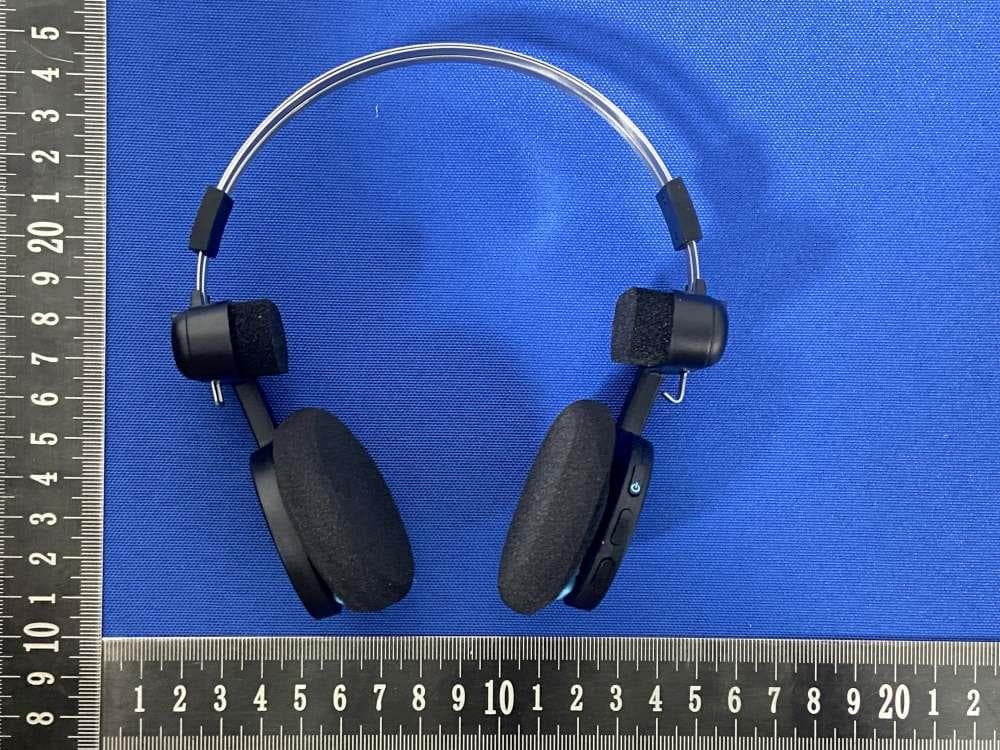
L76-PORTAPRO2P0
Aug 19, 2024Bluetooth Headset
Equipment Class
DSS - Part 15 Spread Spectrum Transmitter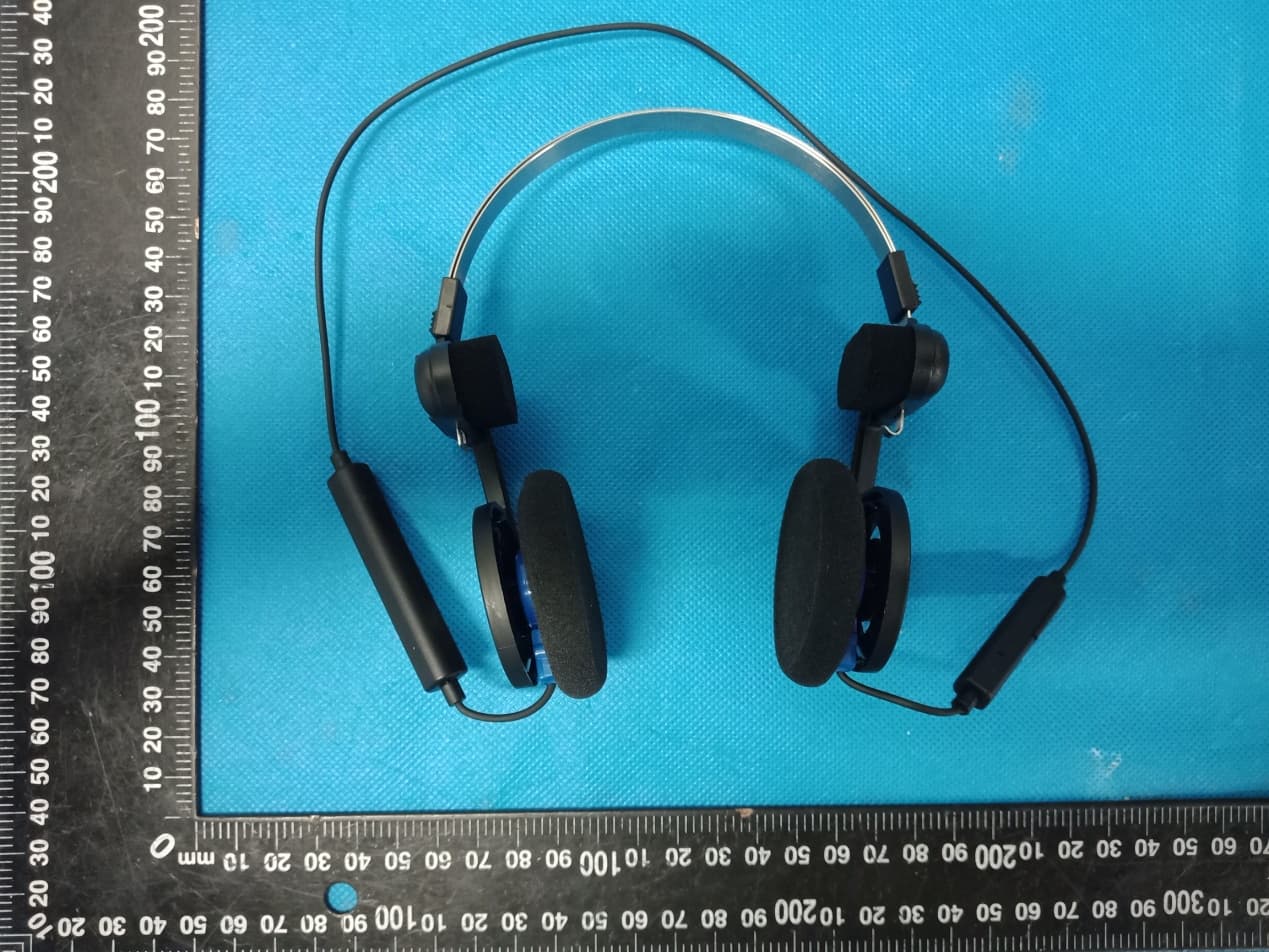
L76-PORTAPRO
Dec 30, 2020Bluetooth Headset
Equipment Class
DSS - Part 15 Spread Spectrum Transmitter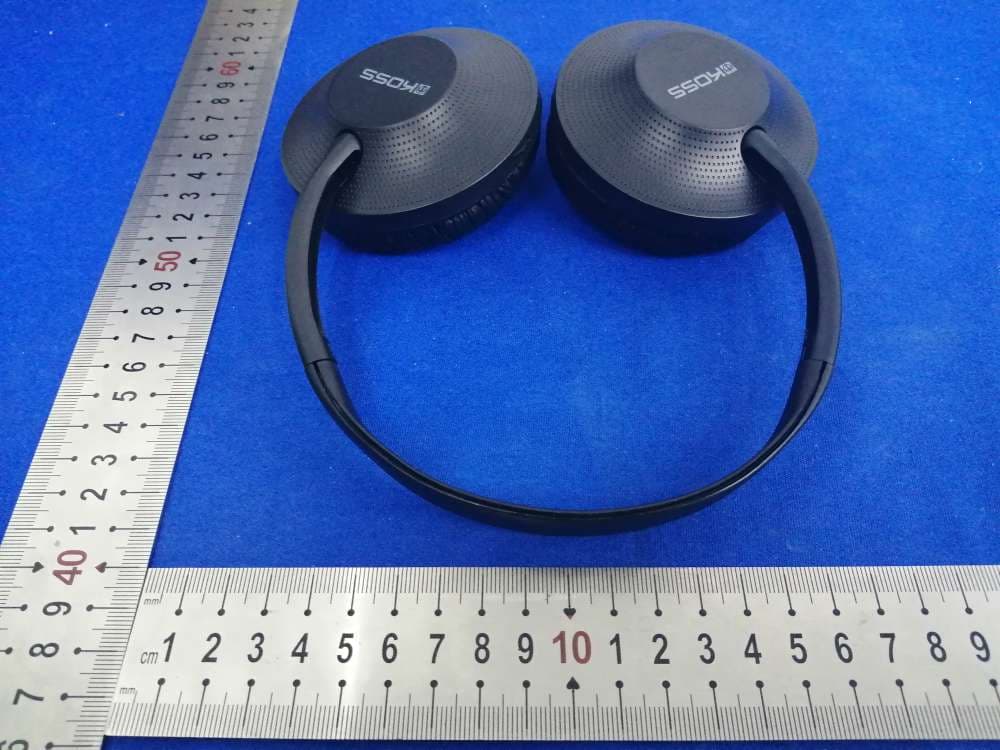
L76-KPH7BT
Jan 05, 2020Bluetooth Headset
Equipment Class
DSS - Part 15 Spread Spectrum Transmitter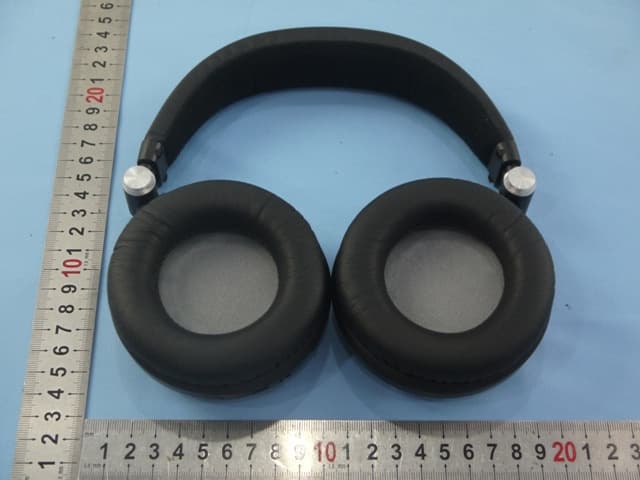
L76BT540I2
Nov 10, 2014Bluetooth Headset
Equipment Class
DTS - Digital Transmission System
L76BTS1
Apr 08, 2014Bluetooth Speaker
Equipment Class
DSS - Part 15 Spread Spectrum Transmitter