MY8PCA-3100USB PC CAMERA
Prochips Inc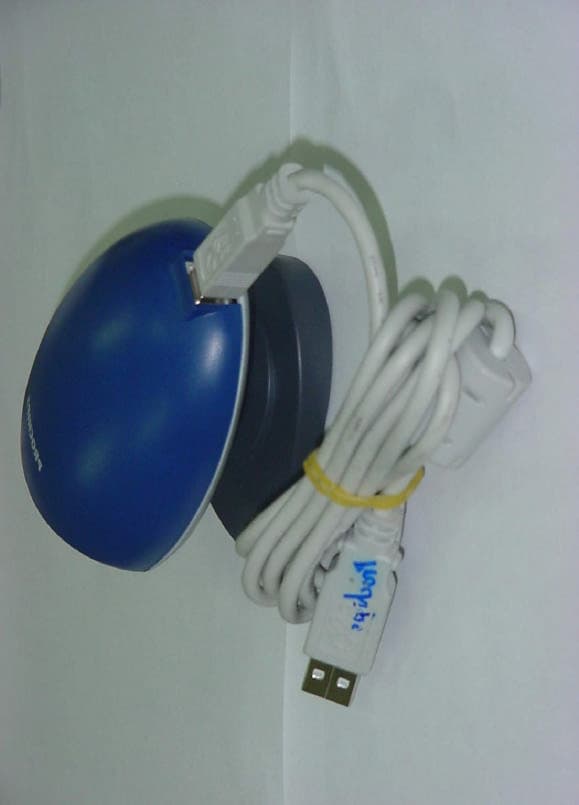
Click to zoom
Application Details
- Equipment Class
- JBP - Part 15 Class B Computing Device Peripheral
- Date of Grant
- Nov 14, 2000
- Application Purpose
- Original Equipment
- Date of Application
- Nov 14, 2000
- Equipment Note
- USB PC CAMERA
- Company
- Prochips Inc
- Country
- South Korea
Documents & Files
Document Text
Text extracted from the exhibit documents filed with the FCC. Open a document above to read the original.
Users Manual
1 1.When beginning....................................................3 2.Before installing....................................................4 3.System specifications for installation......................4 4.Installing hardware & software...............................5 5.How to use Viewer 2.0...........................................8 6.Viewer 2.0 function setup....................................13 7.Questions and Answers Q & A.............................16 8. Specifications................................................20 9.Warranty......................................................21 Contents 2 INFORMATION TO THE USER (Part 15, Section 15.105(b)) INFORMATION TO THE USER This equipment has been tested and found to comply with the limits for a Class B digital device, pursuant to part 15 of the FCC Rules. These limits are designed to provide reasonable protection against harmful interference in a residential installation. This equipment generates, uses and can radiate radio frequency energy and, if not installed and used in accordance with the instructions, may cause harmful interference to radio communications. However, there is no guarantee that interference will not occur in a particular installation. If this equipment does cause harmful interference to radio or television reception, which can be determined by turning the equipment off and on, the user is encouraged to try to correct the interference by one more of the following measures: Reorient or relocate the receiving antenna. Increase the separation between the equipment and receiver. Connect the equipment into an outlet on a circuit different from that to which the receiver is connected. Consult the dealer or an experienced radio/TV technician for help. WARNING (Part 15, Section 15.21) Changes or modifications not expressly approved by the manufacturer could void the user’s authority to operate the equipment. 3 1.When beginning Prochips USB PC Camera, with clear visual quality, strong colors and modern design, is a very small, multi functional color camera, which can support video communications and other applications. In addition, Prochips USB PC Camera can provide lap top computers with the best solutions for providing high quality motion pictures and video communications easily and fastly. This manual consists of as follows: l How to install camera l How to set up software l Motion picture capturing l Still picture capturing After installing this product, you can use Prochips USB PC Camera for various purposes like followings. Video e-mail Through Viewer 2.0 provided with Prochips USB PC Camera, you can send motion pictures or still pictures in your e-mail message. Video conference Prochips USB PC Camera basically supports all video conference softwares including Microsoft Netmeeting and Whilepine Cusee-Me, etc. Snapshot and video photo With editing software for various images, Prochips USB PC Camera plays a role as multimedia device including video display, image capturing, video capturing, and image editing & composition, which can support various features according to user’s tastes. And it will allow users to perform the image related operation easily and conveniently. 1.When beginning 4 2.Before installing This manual explains the ways to install hardware and software, and to utilize Viewer program. The Prochips USB PC Camera is consisted as follows: l USB PC Camera l PC camera driver and software CD l User’s manual 3.System specifications for installation The PC specifications required for using Prochips USB PC Camera are as follows: Pentium MMX 200MHz and above (Pentium II CPU is recommended.) Windows98 and above (For Windows98SE, driver patch installation is required.) RAM 16MB and above (32MB and above is recommended.) Super VGA and above (16Bit and above color is recommended.) PC with USB port CD-ROM drive Devices for video communications: Network card, or modem with above 33.6Kbps capacity Prochips USB PC Camera Viewer 2.0 can run at Windows98 or Windows2000. References Before installing the Prochips USB PC Camera, you need to check if USB controller is properly installed by selecting My Computer -> Control Panel -> System -> Device Manager consequently on Windows98 background image. If USB controller is not properly installed, errors can occur when USB related devices are installed. For installing USB controller, please refer to main board manual. 2.Before installing 5 4.Installing hardware & software Please take following steps to install Prochips USB PC Camera. Step 1. Installing camera driver software 1) Please run the installing file in the driver CD provided. (For Windows98 SE users, it is necessary to access to http://www.prochips.com, then get the patch driver for Windows98 SE.) 2) The setup procedures are processed as follows. 3) After checking the following points, then click “Y” button and proceed the setup. 4.Installing hardware & software 6 4) After completing other Windows programs, then click “N>” button. (You can convert to other programs by using “ALT + Tab” key.) 5) Dialogue box for installation status appears as shown below picture and the files are copied. 6) After finishing file copy, if the dialogue box appears as shown below, then click “End” button. 4.Installing hardware & software 7 7) After installing Viewer 2.0 program, please connect the USB terminal of camera to USB port in PC as shown the following picture. Then, PC will automatically recognize the status of connection with camera, and output messages for the following installment steps. Picture 1. Connection part between camera and PC Installing steps will automatically proceed. 8) On finishing installation of camera driver software, you can use Viewer 2.0 and video communication software. Notice :Please check if “Prochips Dual Mode USB Camera” or “Prochips Dual Mode USB Camera Plus” is properly installed in “Control Panel > System > Device Manager > Image Device”. Step 2. Viewing camera motion pictures After installing soft…
Text truncated - open the document above for the full version.
Block Diagram
Camera Interface DRAM Interface omniCE 256Kx16 DRAM Control UDC Interface ISO FIFO 48MHz USB Xver OV7620 OV6620 COLOR IMAGE SENSOR USB Device controller 8/16 8/16 bit bus bit bus PC PC * * USB PC Camera Block Diagram * USB PC Camera Block Diagram *
ID Label/Location Info
FCC ID. : MY8PCA-3100 File No.: E009R-046 ONETECH Testing & Evaluation Lab. IDENTIFICATION LABEL: PROPOSED FCC ID LABEL The label included following statement will be attached on the rear side of product. This device complies with Part 15 of the FCC Rules. Operation is subject to the following two conditions: (1) this device may not cause harmful interference, and (2) this device must accept any interference received, including interference that may cause undesired operations. Made in Korea FCC ID : MY8PCA-3100 FCC ID AREA
Test Report
Page 1 of 13 FCC ID.: MY8PCA-3100 File No.: E009R-046 This report shall not be reproduced except in full without our written approval.EMC-004 (Rev.0) HEAD OFFICE: #505 SK APT. Factory 223-28, Sangdaewon 1 Dong, Jungwon-Gu, Seongnam-City, Kyunggi-Do, 462-121, Korea (TEL: 82-31-746-8500 FAX: 82-31-746-8700) EMC Testing Dept: 426-1 Daessangryung-Ri, Chowol-Myun, Kwangju-Kun, Kyunggi-Do 464-860 Korea. (TEL: 82-31-765-8289 FAX: 82- 31-766-2904) ONETECH Testing & Evaluation Lab. ELECTROMAGNETIC EMISSION COMPLIANCE REPORT Test report file number : E009R-046 Applicant : PROCHIPS TECNOLOGY INC. Address: 118-2, Oryu-Dong, Guro-Gu, Seoul, Korea Manufacturer : PROCHIPS TECNOLOGY INC. Address: 118-2, Oryu-Dong, Guro-Gu, Seoul, Korea Type of Equipment : USB PC CAMERA FCC ID: MY8PCA-3100 Model / Type No. : PCA-3100 Serial number: N/A Total page of Report: 13 pages (including this page) Date of Incoming: August 26, 2000 Date of issuing : September 29, 2000 SUMMARY The equipment complies with the regulation; FCC PART 15 SUBPART B 15.101 This test report contains only the result of a single test of the sample supplied for the examination. It is not a general valid assessment of the features of the respective products of the mass-production Reviewed by: Approved by: Y. K. Kwon / Chief EngineerS. S. Hong / Managing Director EMC Dept.EMC Dept. ONETECH Corp.ONETECH Corp. Page 2 of 13 FCC ID.: MY8PCA-3100 File No.: E009R-046 This report shall not be reproduced except in full without our written approval.EMC-004 (Rev.0) HEAD OFFICE: #505 SK APT. Factory 223-28, Sangdaewon 1 Dong, Jungwon-Gu, Seongnam-City, Kyunggi-Do, 462-121, Korea (TEL: 82-31-746-8500 FAX: 82-31-746-8700) EMC Testing Dept: 426-1 Daessangryung-Ri, Chowol-Myun, Kwangju-Kun, Kyunggi-Do 464-860 Korea. (TEL: 82-31-765-8289 FAX: 82- 31-766-2904) ONETECH Testing & Evaluation Lab. CONTENTS Page 1. VERIFICATION OF COMPLIANCE...............................................................................................................................3 2. GENERAL INFORMATION.................................................................................................................................................4 2.1 PRODUCT DESCRIPTION.............................................................................................................................................................4 2.2 RELATED SUBMITTAL(S) / GRANT(S)...................................................................................................................................4 2.3 TEST SYSTEM DETAILS...............................................................................................................................................................5 2.4 TEST METHODOLOGY.................................................................................................................................................................5 2.5 TEST FACILITY...............................................................................................................................................................................5 3. SYSTEM TEST CONFIGURATION.................................................................................................................................6 3.1 JUSTIFICATION..............................................................................................................................................................................6 3.2 EUT EXERCISE SOFTWARE........................................................................................................................................................6 3.3 CABLE DESCRIPTION...................................................................................................................................................................6 3.4 NOISE SUPPRESSION PARTS ON CABLE.................................................................................................................................7 3.5 EQUIPMENT MODIFICATIONS..................................................................................................................................................7 3.6 CONFIGURATION OF TEST SYSTEM.......................................................................................................................................7 4. PRELIMINARY TEST...............................................................................................................................................................8 4.1 AC POWER LINE CONDUCTED EMISSION TEST.................................................................................................................8 4.2 RADIATED EMISSION TEST.......................................................................................................................................................8 5. FINAL RESULT OF MEASURMENT............................................................................................................................9 5.1 CONDUCTED EMISSION TEST...................................................................................................................................................9 5.2 RADIATED EMISSION TEST.....................................................................................................................................................11 6. FIELD STRENGTH CALCULATION..........................................................................................................................12 7. LIST OF TEST EQUIPMENT............................................................................................................................................13 Page 3 of 13 FCC ID.: MY8PCA-3100 File No.: E009R-046 This report shall not be reproduced except in full without our written approval.EMC-004 (Rev.0) HEAD OFFICE: #505 SK APT. Factory 223-28, Sangdaewon 1 Dong, Jungwon-Gu, Seongnam-City, Kyunggi-Do, 462-121, Korea (TEL: 82-31-746-8500 FAX: 82-31-746-8700) EMC Testing Dept:…
Text truncated - open the document above for the full version.
Contact Information
Applicant
Se-Eak Oh(Manager)
Technical Contact
ONETECH CORP.Y.K. KWON
[email protected]82-31-746-8500
#505 SK APT. FACTORY 223-28, SANGDAEWON 1 DONG, · SEONGNAM-CITY · South Korea
Test Firm
ONETECH Corp.Y. Kwon
Technical Specifications
| # | Rule Parts | Frequency Range | Power Output |
|---|---|---|---|
| 1 | 15B | - | - |
Other Applications from Prochips Inc
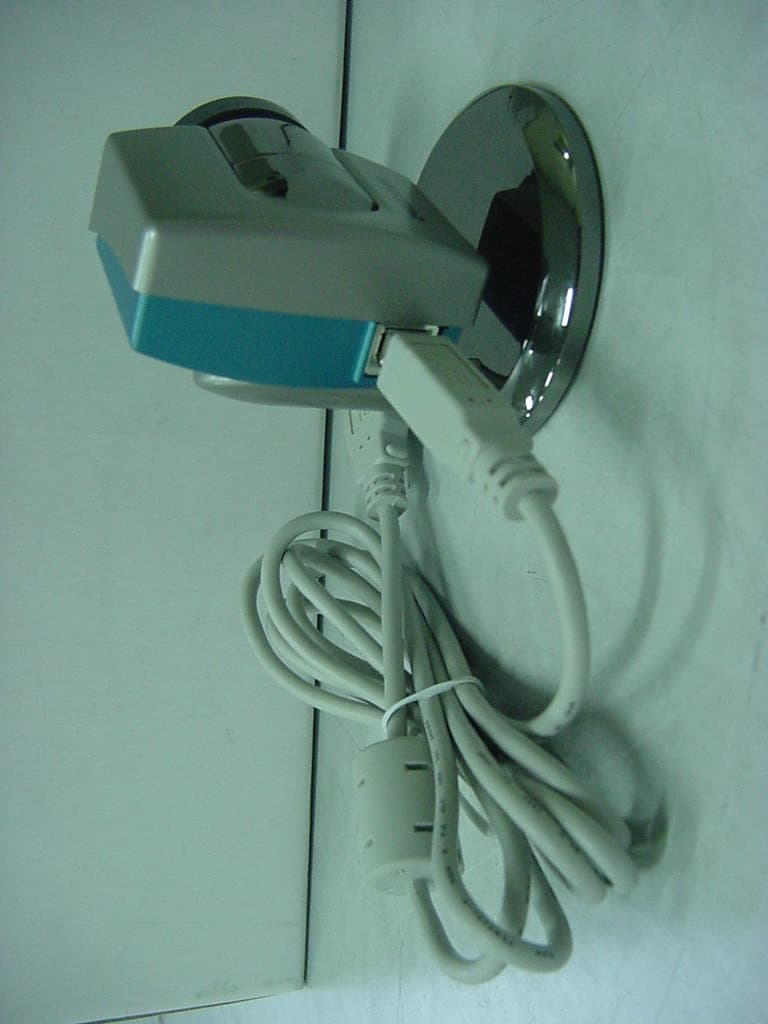
MY8PCA-3302
Mar 22, 2001USB PC Camera
Equipment Class
JBP - Part 15 Class B Computing Device Peripheral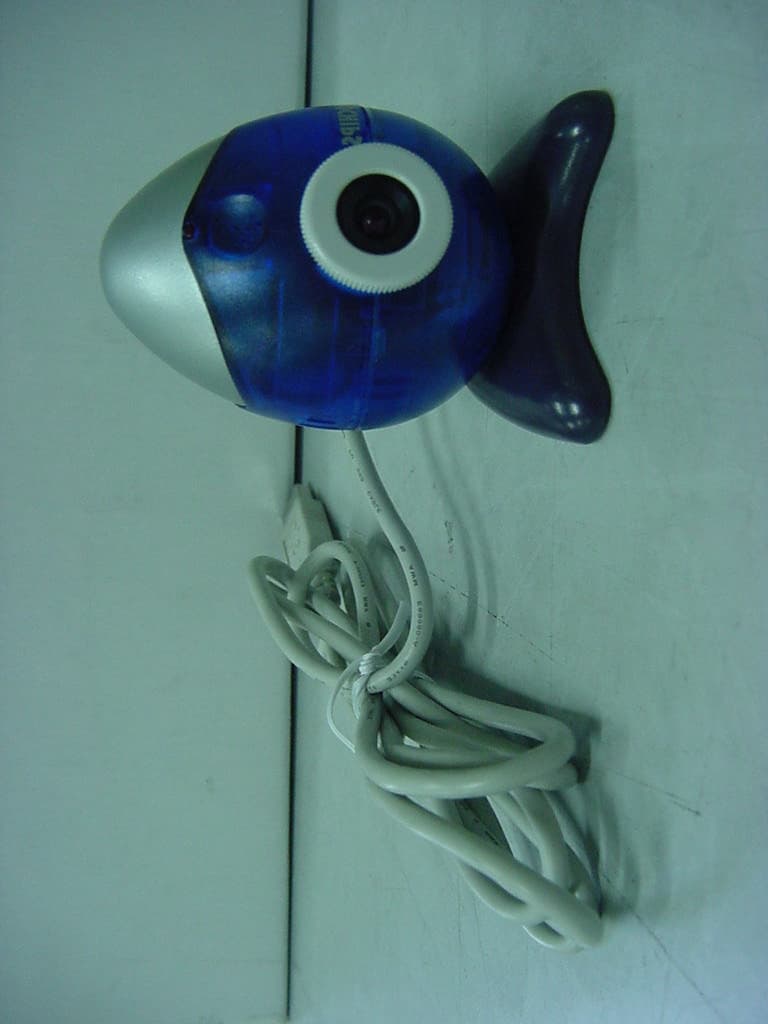
MY8PCA-2302
Mar 19, 2001USB PC Camera
Equipment Class
JBP - Part 15 Class B Computing Device Peripheral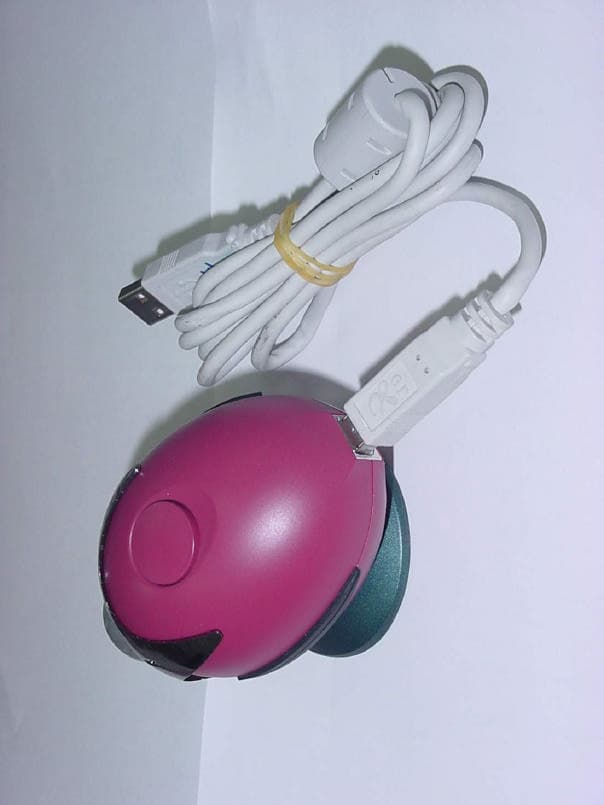
MY8PCA-3202
Nov 14, 2000USB PC CAMERA
Equipment Class
JBP - Part 15 Class B Computing Device PeripheralMY8DREAMVIEWTOV64
Jul 21, 1996Multimedia Card Maximum resolution: 1600 X 1200 I
Equipment Class
JBP - Part 15 Class B Computing Device Peripheral