N5C90171101Wireless Cam
StarVedia Technology Inc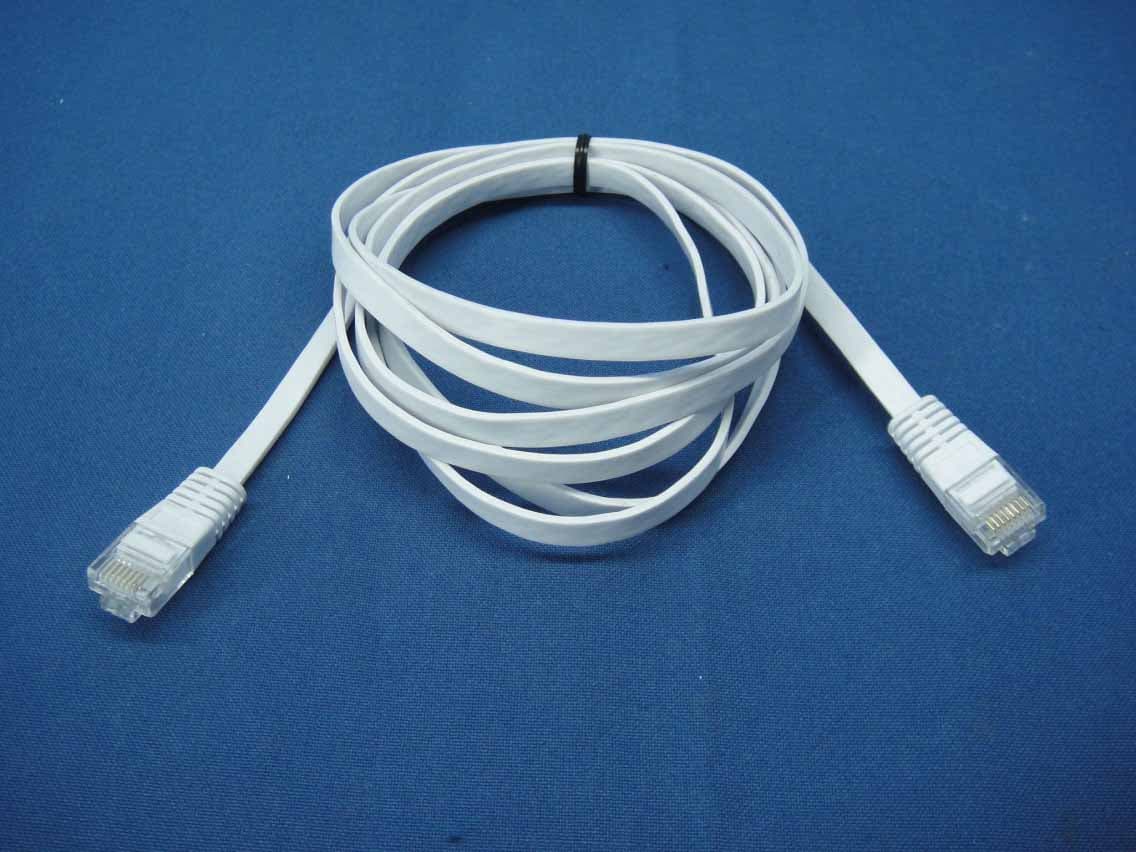
Click to zoom
Application Details
- Equipment Class
- DTS - Digital Transmission System
- Date of Grant
- Oct 28, 2014
- Application Purpose
- Original Equipment
- Date of Application
- Oct 28, 2014
- Equipment Note
- Wireless Cam
- Frequency Range
- 2412.00000000 - 2462.00000000
- Company
- StarVedia Technology Inc
- Country
- Taiwan
Documents & Files
Document Text
Text extracted from the exhibit documents filed with the FCC. Open a document above to read the original.
Users Manual
Product View Quick Installation Guide Day&Night IP Camera Connect IP Cam to Internet 1. Connect the power adapter. 2. Connect the Ethernet cable to the NAT/Router. 3.The IP camera will get IP address from the NAT/Router (with DHCP enabled) automatically and connect to internet. Check if the red LED of IP camera is always on. If it’s blinking, please check step 1 and step 2 again. Install CamView Software Please download the latest CamView software with the following information : Website: http://www.starvedia.com/download.html Username: viewer Password: camview Step 1. Step 2. Installation Guide IP Cam NAT/Router Ethernet Cable Power Adapter Quick Installation Guide Day&Night IP Camera IR LED Light Detector Microphone Night Time Lens !"!#$%&'() Micro-SD Card Slot *+,-(./0$12-3$4)3+,25()$670 7#8!-)!#$4)3+,25()$670 /#2#&"$4)3+,25()$670 9:/$%&'() Day Time Lens [ Front View ] [ Back View ] [ Right Side View ] Internal Speaker Power Jack Ethernet Jack ID Password IP CamQIG Anchors and Screws ID/Password Card P o w e r A d a p t e r E t h e r n e t C a b l e LAN WAN Package Contents Qu Internet www.starvedia.com/download.html 1. Remove the Ethernet cable from the camera. 2. Press the WPS button on the IP camera. 3. Press the WPS button on the NAT/Router. 4. The blue LED on the IP camera will start blinking. If the blue LED stops blinking and is always on in one minute, the wireless network is connected successfully. 1234 nDbnWjfx CamView Software Usage Wireless Setting of IP Cam - If router has WPS button Wireless Setting of IP Cam - If no WPS on router Step 3. Step 4-1. Step 4-2-1. Step 4-2-2. Camera List Bvup!Tfbsdi 001001001 001001002 001001003 001001004 Auto search 001001001 001001002 001001003 001001004 Auto Search 001001001 001001002 001001003 001001004 Auto Search 001001001 001001002 001001003 001001004 001001001 DbnWjfx 1.Execute the installed CamView software on the desktop or from “Start !"#$"%&' (%&)*+, (%&)*+,-. /.01+23456#27+%"81-2,*992:*';9%<261+2=!28%&+"%2*>261+29#8%92>+6,#"?. 3.Double click the camera and key in the password on the ID/password card to see the video. 1 23 @#528%>2:"%$261+28%&+"%2#>261+23456#27+%"81-2%"+%26#261+23(%&+"%2A*'6-2%"+%. 1 2 Camera List @#528#59:2%9'#2%::2>+,2*6+&2#>261+23(%&+"%2A*'6-2%"+%2B<223(%&+"%2A*'6-2 3C+,2(%&+"%-2 D+<2*>28%&+"%2=E2%>:2!%'',#":. Please make sure the Ethernet cable is connected to the IP Cam ! ! 123.1 F.G*$16289*8?28%&+"%2#>261+23456#27+%"81-2%"+%2%>:289*8?23H+B2(#>I*$5"+-. /.D+<2*>261+2%:&*>2%88#5>62%>:2;%'',#":26#2+>6+"261+2,+B28#>I*$5"%6*#>2 ;%$+.2(9*8?23C+6,#"?JH*K*27+85"*6<-2#I261+28#>I*$5"%6*#>2&+>5. 3. Four steps to setup the wireless connection: 2222L.F2(9*8?261+23H*K*278%>-2B566#>M2%99261+2%N%*9%B9+2,*"+9+''24!2,*99222 be listed in 10 seconds. 01+2:+I%5962%:&*>2%88#5>62*'23%:&*>-M2%>:2>#2;%'',#":. Web Configure WiFi Security Settings 3.1 Ř ő ł ĩ ij Ī Į ő Ŕ Ō ĩ Ř ő ł ġ ű Ŧ ų Ŵ Ű ů Ţ ŭ Īŏ Ű ů ŦŘ ņ ő Enable WiFi function Disable WiFi function SSID Security mode WEP Encryption WPA Encryption H!4O!7D2D+< HP!2D+< Save&Apply WiFi scan IP addressWiFi test Auto Search admin Yes Username(U): Password(P): Remember my password(R) Cancel Connect to 10.0.0.198 Wireless Setting of IP Cam - If no WPS on router 3.23.3 If scanning failed, please check the antenna or AP. L.Q.2=I261+23H*K*26+'6-2'588++:+:M2"+&#N+261+2P61+">+628%B9+2I"#&261+2222 IP camera to start the wireless connection. Please do not remove the Ethernet cable during WiFi test. The blue LED and red LED will be always on after wireless connection is successful. WiFi Security Settings Enable WiFi function SSID Security mode WEP Encryption WPA Encryption H!4O!7D2D+< HP!2D+< Disable WiFi function Save&ApplyIP address WiFi test H!4R/SO!7DRH!42;+"'#>%9S None TEST 12345678 WEP TEST54Mbps WPA 54Mbps WPA 54Mbps WPA 54Mbps WPA 54Mbps WPA 54Mbps WPA NAS dir615-11n Fujikin Luminlite 001601981C6C TD 3.2 Choose the wireless AP and key in the encryption key. L.L2(9*8?23H*K*26+'6-2B566#>2%>:2,%*62I#"2/UVQU2'+8#>:'26#2N+"*I<2*I2261+22 222222+>8"<;6*#>2?+<2*'28#""+86.2=I23H*K*26+'6-2I%*9+:M281+8?23+>8"<;6*#>2?+<-2 and repeat step 3.1 and step 3.2 again. 3.2 3.2 3.3 Step 5. Software for iPhone/iPad and Android mobiles !9+%'+2'+%"81261+2'#I6,%"+2>%&+23&(%&)*+,-2#>261+24;;276#"+2I#"2 iPhone/iPad or on Android Market for Android mobiles. More FAQs, please visit www.starvedia.com/FAQ01_list.html Q1.What should I do if I forgot the password or the ID/Password card is missing? !9+%'+2;"+''261+23"+'+6-2B566#>2I#"2I*N+2'+8#>:'.201+2=!28%&+"%2,*992B+2"+'+62 6#261+2I%86#"<2:+I%5962'+66*>$'.201+2:+I%5962%:&*>2%88#5>62*'23%:&*>-M2%>:2>#2 ;%'',#":.201+2:+I%5962N*:+#O;9%<2;%'',#":2*'23*;8%&-. Q2. How could I use IE browser to see the live video? Please visit http://www.starvedia.com/live.html and key in the Cam ID and password on the ID/Password card to see the live video. Q3. What should I do if I cannot see the video remotely? The red LED of the IP camera should be always on when the IP camera is connected to the Internet. If the red LED is blinking, please double check the network connection and settings again. Q4. Where to download the latest CamView software? Please download the latest CamView software with the following information : Website: http://www.starvedia.com/download.html Username: viewer Password: camview Warning FAQs WiFi scan (Wireless model) (Wireless model) (Wireless model) This equipment has been tested and found to comply with limits for a Class B digital device ,pursuant to Part 15 of the FCC rules. These limits are designed to provide reasonable protection against harmful interference in residential installations. This equipment generates, uses, and can radiate radio frequency energy, and if not installed and used in accordance with the instructions, may cause harmful interference to radio communica- tions. However, there is no guarantee that interference will not occur in a particular installation. If this equipment does cause interference to radio or television equipment reception…
Text truncated - open the document above for the full version.
External Photos
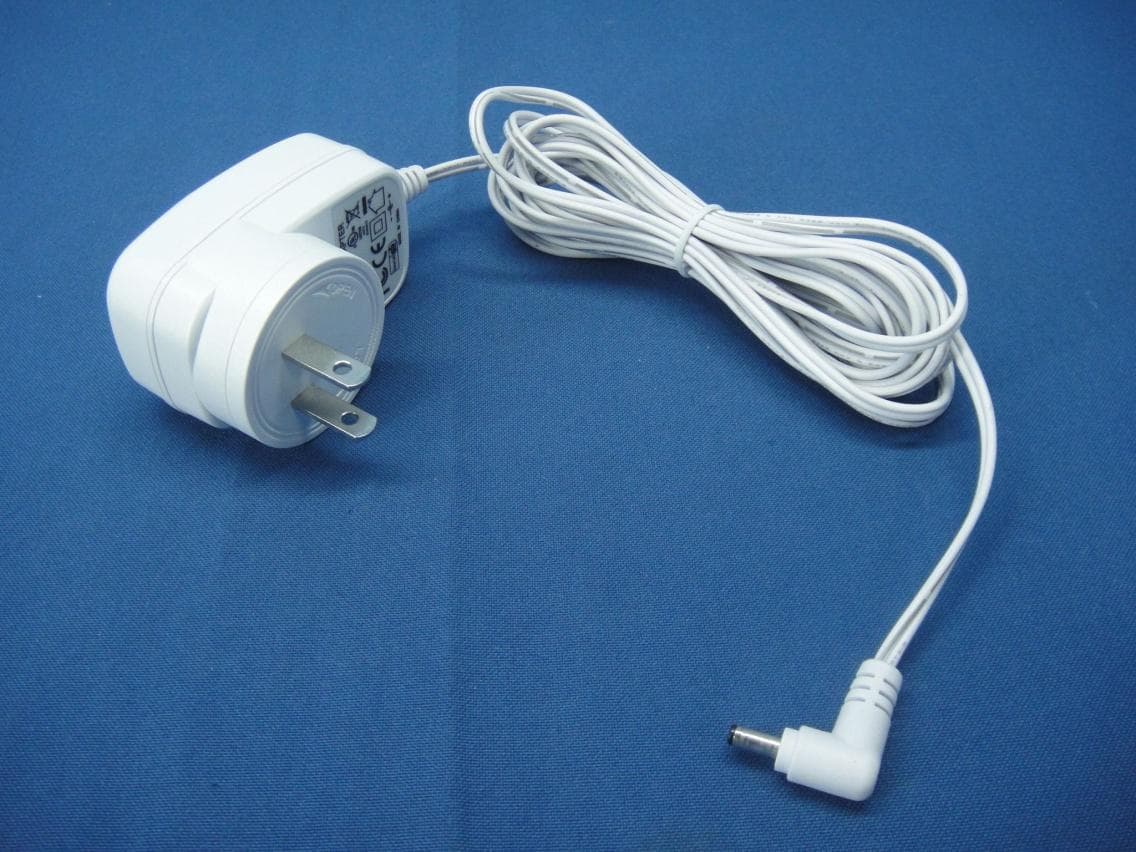
Report No.: 140826E09 Page 1 CONSTRUCTION PHOTOS OF EUT Report No.: 140826E09 Page 2 Report No.: 140826E09 Page 5 Report No.: 140826E09 Page 6
ID Label/Location Info
(Fig.1) FCC ID: N5C90171101 FCC LABEL LOCATION The label will be permanently affixed at a conspicuous location on the device.
Internal Photos
Report No.: 140826E09 Page 3 Report No.: 140826E09 Page 4
Operational Description
FCC ID: N5C90171101 Report No.: RF140826E09 Operational Description This device is a Wireless Camera in 2.4GHz band; the maximum data rate could be up to 150Mbps which OFDM technique. If the signal to noise radio is too poor which could not support 150Mbps, the 11Mbps data rate with DSSS technique will be applied. The transmitter of the EUT is powered by DC 5V from power adapter. The EUT is used antenna list as below: The other instruction, please have a look at the user manual.
RF Exposure Info
Report No.: SA140826E09 1 of 7 Report Format Version 5.0.1 RF EXPOSURE REPORT REPORT NO.: SA140826E09 MODEL NO.: IC711W FCC ID: N5C90171101 RE CEIVED: Aug. 26, 2014 TESTED: Sep. 16, 2014 ISSUED: Oct. 23, 2014 APPLICANT: StarVedia Technology Inc. ADDRESS: 4F.-1, No.32, Taiyuan St., Jhubei City, Hsinchu County 302, Taiwan ISSUED BY: Bureau Veritas Consumer Products Services (H.K.) Ltd., Taoyuan Branch Hsin Chu Laboratory LAB ADDRESS : No. 81-1, Lu Liao Keng, 9th Ling, Wu Lung Tsuen, Chiung Lin Hsiang, Hsin Chu Hsien 307, Taiwan, R.O.C. TEST LOCATION (1): No. 81-1, Lu Liao Keng, 9th Ling, Wu Lung Tsuen, Chiung Lin Hsiang, Hsin Chu Hsien 307, Taiwan, R.O.C. TEST LOCATION (2): No. 49, Ln. 206, Wende Rd., Shangshan Tsuen, Chiung Lin Hsiang, Hsin Chu Hsien 307, Taiwan, R.O.C. This report should not be used by the client to claim product certification, approval, or endorsement by any government agencies. This report is for your exclusive use. Any copying or replication of this report to or for any other person or entity, or use of our name or trademark, is permitted only with our prior written permission. This report sets forth our findings solely with respect to the test samples identified herein. The results set forth in this report are not indicative or representative of the quality or characteristics of the lot from which a test sample was taken or any similar or identical product unless specifically and expressly noted. Our report includes all of the tests requested by you and the results thereof based upon the information that you provided to us. You have 60 days from date of issuance of this report to notify us of any material error or omission caused by our negligence, provided, however, that such notice shall be in writing and shall specifically address the issue you wish to raise. A failure to raise such issue within the prescribed time shall constitute your unqualified acceptance of the completeness of this report, the tests conducted and the correctness of the report contents. Unless specific mention, the uncertainty of measurement has been explicitly taken into account to declare the compliance or non-compliance to the specification Report No.: SA140826E09 2 of 7 Report Format Version 5.0.1 TABLE OF CONTENTS RELEASE CONTROL RECORD ..................................................................................... 3 1. CERTIFICATION ...................................................................................................... 4 2. RF EXPOSURE LIMIT ............................................................................................. 5 3. MPE CALCULATION FORMULA ............................................................................. 5 4. CLASSIFICATION .................................................................................................... 5 5. ANTENNA GAIN ...................................................................................................... 6 6. CALCULATION RESULT OF MAXIMUM CONDUCTED POWER .......................... 7 Report No.: SA140826E09 3 of 7 Report Format Version 5.0.1 RELEASE CONTROL RECORD ISSUE NO. REASON FOR CHANGE DATE ISSUED SA140826E09 Original release Oct. 23, 2014 Report No.: SA140826E09 5 of 7 Report Format Version 5.0.1 2. RF EXPOSURE LIMIT LIMITS FOR MAXIMUM PERMISSIBLE EXPOSURE (MPE) FREQUENCY RANGE (MHz) ELECTRIC FIELD STRENGTH (V/m) MAGNETIC FIELD STRENGTH (A/m) POWER DENSITY (mW/cm 2 ) AVERAGE TIME (minutes) LIMITS FOR GENERAL POPULATION / UNCONTROLLED EXPOSURE 300-1500 ... ... F/1500 30 1500-100,000 ... ... 1.0 30 F = Frequency in MHz 3. MPE CALCULATION FORMULA Pd = (Pout*G) / (4*pi*r 2 ) where Pd = power density in mW/cm 2 Pout = output power to antenna in mW G = gain of antenna in linear scale pi = 3.1416 r = distance between observation point and center of the radiator in cm 4. CLASSIFICATION The antenna of this product, under normal use condition, is at least 20cm away from the body of the user. So, this device is classified as Mobile Device. Report No.: SA140826E09 6 of 7 Report Format Version 5.0.1 5. ANTENNA GAIN The antenna provided to the EUT, please refer to the following table: Brand Model Antenna Type Gain (dBi) Connector Type Frequency range (MHz to MHz) NA NA Chip2NA2400 ~ 2500 Report No.: SA140826E09 7 of 7 Report Format Version 5.0.1 6. CALCULATION RESULT OF MAXIMUM CONDUCTED POWER For WLAN: 15.247(2.4GHz) 802.11b FREQUENCY (MHz) CONDUCTED POWER (mW) ANTENNA GAIN (dBi) DISTANCE (cm) POWER DENSITY (mW/cm 2 ) LIMIT (mW/cm 2 ) 2412 - 2462 36.308 2 20 0.01145 1.00 802.11g FREQUENCY (MHz) CONDUCTED POWER (mW) ANTENNA GAIN (dBi) DISTANCE (cm) POWER DENSITY (mW/cm 2 ) LIMIT (mW/cm 2 ) 2412 - 2462 364.754 2 20 0.11501 1.00 802.11n (HT20) FREQUENCY BAND (MHz) CONDUCTED POWER (mW) ANTENNA GAIN (dBi) DISTANCE (cm) POWER DENSITY (mW/cm 2 ) LIMIT (mW/cm 2 ) 2412 - 2462 299.226 2 20 0.09435 1.00 802.11n (HT40) FREQUENCY BAND (MHz) CONDUCTED POWER (mW) ANTENNA GAIN (dBi) DISTANCE (cm) POWER DENSITY (mW/cm 2 ) LIMIT (mW/cm 2 ) 2422 - 2452 213.796 2 20 0.06741 1.00 -- END ---
Test Report
Report No.: RF140826E09 1 of 56 Report Format Version 5.2.1 FCC TEST REPORT REPORT NO.: RF140826E09 MODEL NO.: IC711W FCC ID: N5C90171101 RECEIVED: Aug. 26, 2014 TESTED: Sep. 15 to 16, 2014 ISSUED: Oct. 23, 2014 APPLICANT: StarVedia Technology Inc. ADDRESS: 4F.-1, No.32, Taiyuan St., Jhubei City, Hsinchu County 302, Taiwan ISSUED BY: Bureau Veritas Consumer Products Services (H.K.) Ltd., Taoyuan Branch Hsin Chu Laboratory LAB ADDRESS : No. 81-1, Lu Liao Keng, 9th Ling, Wu Lung Tsuen, Chiung Lin Hsiang, Hsin Chu Hsien 307, Taiwan, R.O.C. TEST LOCATION (1): No. 81-1, Lu Liao Keng, 9th Ling, Wu Lung Tsuen, Chiung Lin Hsiang, Hsin Chu Hsien 307, Taiwan, R.O.C. TEST LOCATION (2): No. 49, Ln. 206, Wende Rd., Shangshan Tsuen, Chiung Lin Hsiang, Hsin Chu Hsien 307, Taiwan, R.O.C. This report should not be used by the client to claim product certification, approval, or endorsement by TAF or any government agencies. This rep ort is for your exclusive use. Any copying or replication of this report to or for any other person or entity, or use of our name or trademark, is permitted only with our prior written permission. This report sets forth our findings solely with respect to the test samples identified herein. The results set forth in this report are not indicative or representative of the quality or characteristics of the lot from which a test sample was taken or any similar or identical product unless specifically and expressly noted. Our report includes all of the tests requested by you and the results thereof based upon the information that you provided to us. You have 60 days from date of issuance of this report to notify us of any material error or omission caused by our negligence, provided, however, that such notice shall be in writing and shall specifically address the issue you wish to raise. A failure to raise such issue within the prescribed time shall constitute your unqualified acceptance of the completeness of this report, the tests conducted and the correctness of the report contents. Unless specific mention, the uncertainty of measurement has been explicitly taken into account to declare the compliance or non-compliance to the specification Report No.: RF140826E09 2 of 56 Report Format Version 5.2.1 Table of Contents RELEASE CONTROL RECORD .......................................................................................... 4 1. CERTIFICATION ...................................................................................................... 5 2. SUMMARY OF TEST RESULTS .............................................................................. 6 2.1 MEASUREMENT UNCERTAINTY ........................................................................... 7 3. GENERAL INFORMATION ....................................................................................... 8 3.1 GENERAL DESCRIPTION OF EUT (WLAN) ........................................................... 8 3.2 DESCRIPTION OF TEST MODES ........................................................................... 9 3.2.1 TEST MODE APPLICABILITY AND TESTED CHANNEL DETAIL ......................... 10 3.3 GENERAL DESCRIPTION OF APPLIED STANDARDS ........................................ 12 3.4 DUTY CYCLE OF TEST SIGNAL ........................................................................... 13 3.5 DESCRIPTION OF SUPPORT UNITS ................................................................... 14 3.6 CONFIGURATION OF SYSTEM UNDER TEST .................................................... 15 4. TEST TYPES AND RESULTS ................................................................................ 16 4.1 CONDUCTED EMISSION MEASUREMENT ......................................................... 16 4.1.1 LIMITS OF CONDUCTED EMISSION MEASUREMENT....................................... 16 4.1.2 TEST INSTRUMENTS ........................................................................................... 16 4.1.3 TEST PROCEDURES ............................................................................................ 17 4.1.4 DEVIATION FROM TEST STANDARD .................................................................. 17 4.1.5 TEST SETUP ......................................................................................................... 17 4.1.6 EUT OPERATING CONDITIONS ........................................................................... 18 4.1.7 TEST RESULTS ..................................................................................................... 19 4.2 RADIATED EMISSION AND BANDEDGE MEASUREMENT ................................. 21 4.2.1 LIMITS OF RADIATED EMISSION AND BANDEDGE MEASUREMENT .............. 21 4.2.2 TEST INSTRUMENTS ........................................................................................... 22 4.2.3 TEST PROCEDURES ............................................................................................ 23 4.2.4 DEVIATION FROM TEST STANDARD .................................................................. 23 4.2.5 TEST SETUP ......................................................................................................... 24 4.2.6 EUT OPERATING CONDITIONS ........................................................................... 24 4.2.7 TEST RESULTS ..................................................................................................... 25 4.3 6DB BANDWIDTH MEASUREMENT ..................................................................... 38 4.3.1 LIMITS OF 6DB BANDWIDTH MEASUREMENT .................................................. 38 4.3.2 TEST INSTRUMENTS ........................................................................................... 38 4.3.3 TEST PROCEDURE .............................................................................................. 38 4.3.4 DEVIATION FROM TEST STANDARD .................................................................. 38 4.3.5 TEST SETUP ................................................................…
Text truncated - open the document above for the full version.
Test Setup Photos
Report No.: 120702E04 1 of 3 PHOTOGRAPHS OF THE TEST CONFIGURATION CONDUCTED EMISSION TEST Report No.: 120702E04 2 of 3 RADIATED EMISSION TEST (Below 1GHz) Report No.: 120702E04 3 of 3 RADIATED EMISSION TEST (Above 1GHz)
Contact Information
Applicant
David Lee(Vice President)
Test Firm
Bureau Veritas CPS (H.K.) Ltd., Taoyuan BranchRichard Chen
Technical Specifications
| # | Rule Parts | Frequency Range | Power Output |
|---|---|---|---|
| 1 | 15C | 2.41 GHz - 2.46 GHz | 365.00 mW |
Other Applications from StarVedia Technology Inc
N5C90173101
Jul 13, 2015IP Camera
Equipment Class
DTS - Digital Transmission System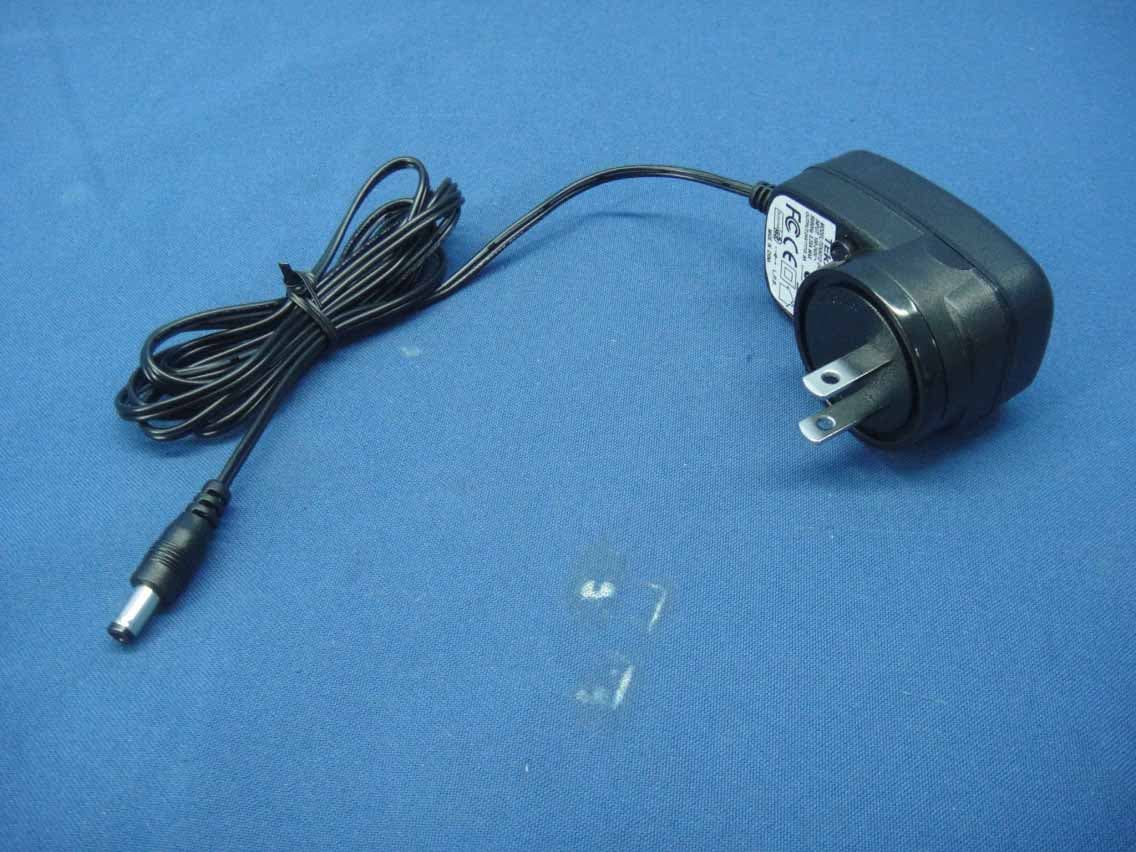
N5C90172701
Apr 13, 2014OutDoor IP Camera
Equipment Class
DTS - Digital Transmission System
N5C90171711
May 01, 2013Dual Lens Mega-pixel IP Network Camera
Equipment Class
DTS - Digital Transmission System
N5C90173701
Jan 27, 2013Pan/Tilt Mega-pixel IP Cam
Equipment Class
DTS - Digital Transmission System
N5C90171701
May 28, 2012Wireless Cam
Equipment Class
DTS - Digital Transmission System