N9KSMARTMD328EBluetooth Personal Alarm
Smart Technologies & Investment Ltd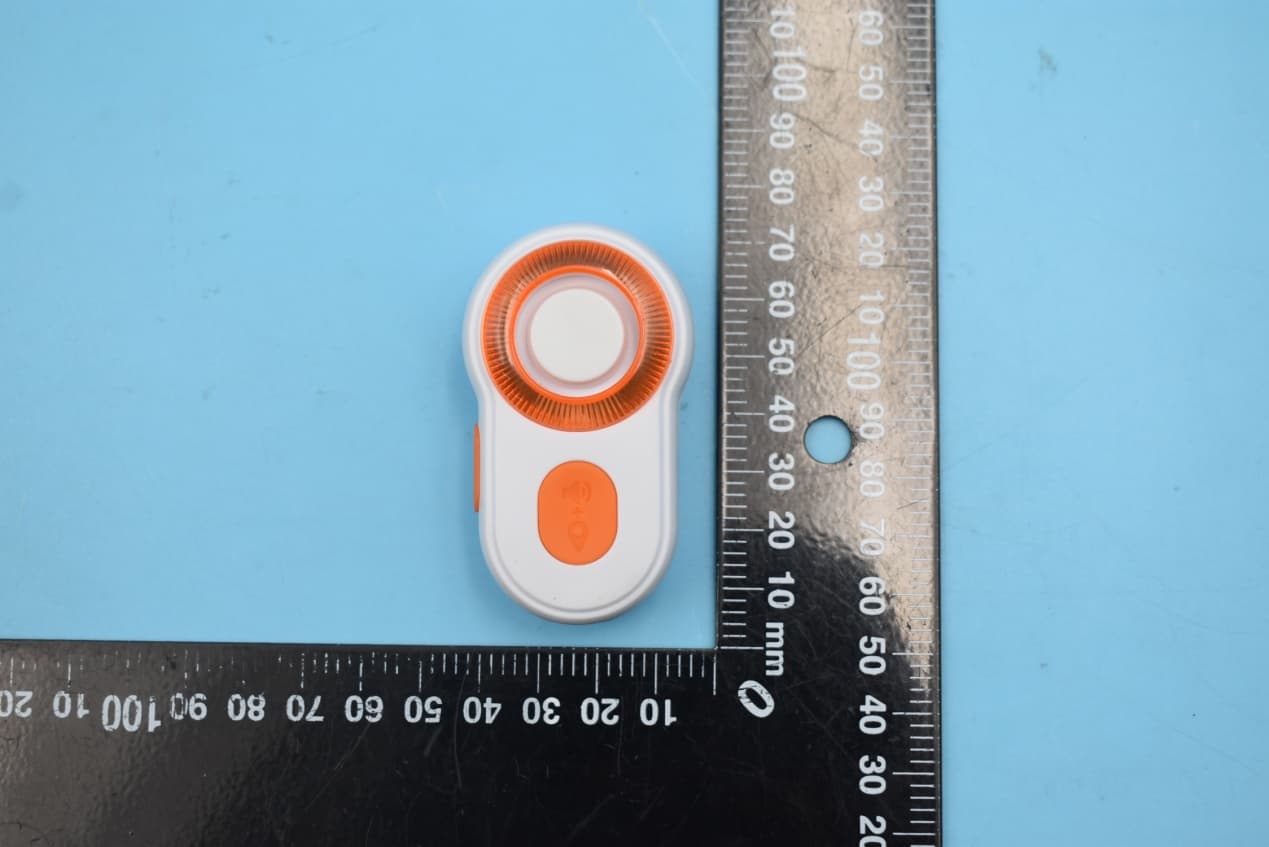
Click to zoom
Application Details
- Equipment Class
- DTS - Digital Transmission System
- Date of Grant
- Jan 11, 2020
- Application Purpose
- Original Equipment
- Date of Application
- Jan 11, 2020
- Equipment Note
- Bluetooth Personal Alarm
- Frequency Range
- 2402.00000000 - 2480.00000000
- Country
- Hong Kong
Documents & Files
Document Text
Text extracted from the exhibit documents filed with the FCC. Open a document above to read the original.
Users Manual
I. Parts Overview II.SPECIFICATIONS III.PARTS & FUNCTIONS IV.DOWNLOAD APP V. CONNECTING DEVICE VI.SETTING THE DEVICE ON APP Wireless Connectivity Battery Voltage3V~4.2V Alarm SirenUp to 120db ChargingMicro USB cable Working Temperature-10~45 IP RatingIPX4, weatherproof Dimension65 x 38 x 30mm Weight20g 200mAh,4.2V,Lithium Bluetooth 5.0 LED Ring Light This bright visible light serves as safety warning signal when out and about in the dark. Setup Button Activate or deactivate the LED light with a short press using this button located on the left side of the device Alarm Button 1) Trigger a loud audible 120db alarm to call for attention and help with a 2-second long press on this button. To cancel the audible sound, press the setup button together with the alarm button. 2) When in danger, send location notification and ask for help from your listed emergency contacts. Trigger a silent alert with 2- short presses on this button . To cancel this silent alert, press the Setup Button together with the Alarm Button within 3-30secs as per App’s setting. Clipper Conveniently position the device with this easy clip on to your side pocket, collar, sleeve, belt, bag or anywhere you can visibly reach in case of danger and emergencies. Strap/string hole Insert a fancy strap or string for a stylish convenience Micro USB port Fast charge the device using a micro USB cable either plugged on a computer or direct power supply Open the App and allow App to access to your location. Then permit App to send you notifications. You maybe prompted by pop up screens according to the iOS or Android procedures. Click on "Connect Device" then "Add Device". Allow App to use Bluetooth if a pop up screen prompted. On your alarm device, press the Setup Button for 2-secs. The LED will blink rapidly to indicate its ready for pairing. Click on “MD328E” while the LED is blinking. Click OK then select the device you just added to go on the main screen of the App. IMPORTANT If pop up screens did not show up, go to your phone Settings then look for Run Guardian App. Check if Run Guardian settings are correct. Is Location set as ALWAYS? Have you turn ON notifications? Have you ALLOW access to Bluetooth? Location- ALWAYS Notifications- ON Bluetooth - ON While on the main screen, click on Settings ( ) to proceed setting up the device with the App VII.CHARGING IX.CARE TIPS X. WARNING VIII.HOW TO USE Your device battery has been pre-charged enough to setup the device and the App after unboxing. Before using the device outdoor, make sure your device has been fully charged or have enough battery. Check the battery status on the main screen of the APP on your mobile phone. Battery warning: This device uses a lithium battery. If the following guidelines are not followed, the life of the lithium-ion battery in the device may be shortened or there is a risk of damage to the device, fire, chemical burn, electrolyte leakage and / or injury. Do not disassemble, puncture or damage the device or battery. Do not remove or try to remove the battery that the user cannot replace. Do not expose the battery to flames, explosions or other hazards. Do not use sharp objects to remove the battery. *If the device is on standby mode, a fully charged battery will last up to 200 days. When the battery power is low, the APP will display “Low Battery”. When charging, LED will flash to indicate the level of charge Once 100% fully changed, all LED light will remain on. 1. Make sure your Run Guardian is setup with the App before you carry it around with you. We strongly recommend to setup this device with the App to fully utilize its full benefits. However, even if the device is not connected to the App, you can press the Alarm Button and it will siren to draw attention. The LED light can also be activated and use as a warning signal. 2. Clip the Device to a convenient and reachable location. 1. Trousers' Pocket 2.Arm band 3.Belt/Waistband 4.Backpack handle/strap 5.Strap or hang like a necklace 5. Find your Device If your device is missing, you may use the APP to find it. Open the App and go to Admin, then click Find My Device. Your device will alarm. Cancel the alarm sound from your device by pressing the Setup and Alarm button at the same time. 3. If you will be out and about at night time or in dark areas, you may use the LED as a light warning device. Short press the setup button to activate or deactivate the LED. 4. How to Trigger Alarm If you are in danger, in need of help or in case of emergencies, you can trigger the alarm through the device or App if your device is not on your hand. Never put the unit very close to your ears. The sound of the alarm is very loud. Keep it away from moist environment and flammable explosives. Keep the product dry and clean. If the unit becomes soiled, use damped cloth or paper towel to wipe it. Do not wash or soak in water. Settings version 1.0 Device NameMD328E Emergency Contact User Name Timer SMS 0.0.27 Firmware Update Feedback USER MANUAL A B C D E F B Setup Button D Clipper E Strap/string hole F Micro USB port C Alarm Button A LED Ring light I. Use Alarm Button on Device II. Use SOS button on App Press the Alarm Button on the device for 2 second to sound the alarm and send the SOS positioning information to your emergency contacts. To cancel the alarm, press the alarm button and the setup button at same time. Your SOS message will not be transmitted if you cancelled the alarm within your defined countdown timer on the app settings. Quick press the Alarm Button on the device twice to send SOS positioning information to your emergency contacts. To cancel the message transmission, press the alarm button and the setup button at same time and it must be done within your defined countdown timer on the app settings. Select the Alarm Mode on the APP main screen and click the SOS. Your device will sound if it is within 15 meters range and it will send the SOS positioning information to your emergency contacts. To cancel the ala…
Text truncated - open the document above for the full version.
External Photos
FCC ID:N9KSMARTMD328E E xternal Photos 1.EUT front view 2 . EUT rear view 3. EUT left side view 4. EUT right side view 5. EUT top view 6. EUT bottom view
ID Label/Location Info
Lable: L able location: FCC ID: N9KSMARTMD328E Made in China
Internal Photos
FCC ID:N9KSMARTMD328E Internal Photos 1.EUT uncover view 2. Antenna view BT Antenna
Test Report
NOTE: This document is issued by MORLAB, the test report shall not be reproduced except in full without prior written permission of the company. The test results apply only to the particular sample(s) tested and to the specific tests carried out which is available on request for validation and information confirmed at our website. MORLAB SHENZHEN MORLAB COMMUNICATIONS TECHNOLOGY Co., Ltd. FL1-3, Building A, FeiYang Science Park, No.8 LongChang Road, Block67, BaoAn District, ShenZhen , GuangDong Province, P. R. China Tel: 86-755-36698555 Fax: 86-755-36698525 Http://www.morlab.cn E-mail: [email protected] Page 1 of 42 REPORT No.:SZ19110236W01 TEST REPORT APPLICANT : Smart Technologies & Investment Ltd PRODUCT NAME : Bluetooth Personal Alarm MODEL NAME :MD328E BRAND NAME : N/A FCC ID : N9KSMARTMD328E STANDARD(S) : 47 CFR Part 15 Subpart C RECEIPT DATE : 2019-11-15 TEST DATE :2019-11-19 to 2019-11-21 ISSUE DATE :2019-11-27 Edited by: Peng Mi (Rapporteur) Approved by: Peng Huarui ( Supervisor ) MORLAB SHENZHEN MORLAB COMMUNICATIONS TECHNOLOGY Co., Ltd. FL1-3, Building A, FeiYang Science Park, No.8 LongChang Road, Block67, BaoAn District, ShenZhen , GuangDong Province, P. R. China Tel: 86-755-36698555 Fax: 86-755-36698525 Http://www.morlab.cn E-mail: [email protected] Page 2 of 42 REPORT No.:SZ19110236W01 DIRECTORY 1. Technical Information ꞏꞏꞏꞏꞏꞏꞏꞏꞏꞏꞏꞏꞏꞏꞏꞏꞏꞏꞏꞏꞏꞏꞏꞏꞏꞏꞏꞏꞏꞏꞏꞏꞏꞏꞏꞏꞏꞏꞏꞏꞏꞏꞏꞏꞏꞏꞏꞏꞏꞏꞏꞏꞏꞏꞏꞏꞏꞏꞏꞏꞏꞏꞏꞏꞏꞏꞏꞏꞏꞏꞏꞏꞏꞏꞏꞏꞏꞏꞏꞏꞏꞏꞏ 4 1.1. Applicant and Manufacturer Information ꞏꞏꞏꞏꞏꞏꞏꞏꞏꞏꞏꞏꞏꞏꞏꞏꞏꞏꞏꞏꞏꞏꞏꞏꞏꞏꞏꞏꞏꞏꞏꞏꞏꞏꞏꞏꞏꞏꞏꞏꞏꞏꞏꞏꞏꞏꞏꞏꞏꞏꞏꞏꞏꞏꞏ 4 1.2. Equipment Under Test (EUT) Description ꞏꞏꞏꞏꞏꞏꞏꞏꞏꞏꞏꞏꞏꞏꞏꞏꞏꞏꞏꞏꞏꞏꞏꞏꞏꞏꞏꞏꞏꞏꞏꞏꞏꞏꞏꞏꞏꞏꞏꞏꞏꞏꞏꞏꞏꞏꞏꞏꞏꞏꞏꞏꞏꞏ 4 1.3. The Channel Number and Frequency ꞏꞏꞏꞏꞏꞏꞏꞏꞏꞏꞏꞏꞏꞏꞏꞏꞏꞏꞏꞏꞏꞏꞏꞏꞏꞏꞏꞏꞏꞏꞏꞏꞏꞏꞏꞏꞏꞏꞏꞏꞏꞏꞏꞏꞏꞏꞏꞏꞏꞏꞏꞏꞏꞏꞏꞏꞏꞏꞏ 5 1.4. Test Standards and Results ꞏꞏꞏꞏꞏꞏꞏꞏꞏꞏꞏꞏꞏꞏꞏꞏꞏꞏꞏꞏꞏꞏꞏꞏꞏꞏꞏꞏꞏꞏꞏꞏꞏꞏꞏꞏꞏꞏꞏꞏꞏꞏꞏꞏꞏꞏꞏꞏꞏꞏꞏꞏꞏꞏꞏꞏꞏꞏꞏꞏꞏꞏꞏꞏꞏꞏꞏꞏꞏꞏꞏꞏ 6 1.5. Environmental Conditions ꞏꞏꞏꞏꞏꞏꞏꞏꞏꞏꞏꞏꞏꞏꞏꞏꞏꞏꞏꞏꞏꞏꞏꞏꞏꞏꞏꞏꞏꞏꞏꞏꞏꞏꞏꞏꞏꞏꞏꞏꞏꞏꞏꞏꞏꞏꞏꞏꞏꞏꞏꞏꞏꞏꞏꞏꞏꞏꞏꞏꞏꞏꞏꞏꞏꞏꞏꞏꞏꞏꞏꞏꞏꞏ 7 2. 47 CFR Part 15C Requirements ꞏꞏꞏꞏꞏꞏꞏꞏꞏꞏꞏꞏꞏꞏꞏꞏꞏꞏꞏꞏꞏꞏꞏꞏꞏꞏꞏꞏꞏꞏꞏꞏꞏꞏꞏꞏꞏꞏꞏꞏꞏꞏꞏꞏꞏꞏꞏꞏꞏꞏꞏꞏꞏꞏꞏꞏꞏꞏꞏꞏꞏꞏꞏꞏꞏꞏꞏꞏꞏꞏ 8 2.1. Antenna Requirement ꞏꞏꞏꞏꞏꞏꞏꞏꞏꞏꞏꞏꞏꞏꞏꞏꞏꞏꞏꞏꞏꞏꞏꞏꞏꞏꞏꞏꞏꞏꞏꞏꞏꞏꞏꞏꞏꞏꞏꞏꞏꞏꞏꞏꞏꞏꞏꞏꞏꞏꞏꞏꞏꞏꞏꞏꞏꞏꞏꞏꞏꞏꞏꞏꞏꞏꞏꞏꞏꞏꞏꞏꞏꞏꞏꞏꞏꞏꞏꞏ 8 2.2. Duty Cycle of Test Signal ꞏꞏꞏꞏꞏꞏꞏꞏꞏꞏꞏꞏꞏꞏꞏꞏꞏꞏꞏꞏꞏꞏꞏꞏꞏꞏꞏꞏꞏꞏꞏꞏꞏꞏꞏꞏꞏꞏꞏꞏꞏꞏꞏꞏꞏꞏꞏꞏꞏꞏꞏꞏꞏꞏꞏꞏꞏꞏꞏꞏꞏꞏꞏꞏꞏꞏꞏꞏꞏꞏꞏꞏꞏꞏꞏꞏ 9 2.3. Maximum Peak Conducted Output Power ꞏꞏꞏꞏꞏꞏꞏꞏꞏꞏꞏꞏꞏꞏꞏꞏꞏꞏꞏꞏꞏꞏꞏꞏꞏꞏꞏꞏꞏꞏꞏꞏꞏꞏꞏꞏꞏꞏꞏꞏꞏꞏꞏꞏꞏꞏꞏꞏꞏꞏꞏꞏ 10 2.4. Maximum Average Conducted Output Power ꞏꞏꞏꞏꞏꞏꞏꞏꞏꞏꞏꞏꞏꞏꞏꞏꞏꞏꞏꞏꞏꞏꞏꞏꞏꞏꞏꞏꞏꞏꞏꞏꞏꞏꞏꞏꞏꞏꞏꞏꞏꞏꞏꞏꞏꞏꞏ 13 2.5. 6 dB Bandwidth ꞏꞏꞏꞏꞏꞏꞏꞏꞏꞏꞏꞏꞏꞏꞏꞏꞏꞏꞏꞏꞏꞏꞏꞏꞏꞏꞏꞏꞏꞏꞏꞏꞏꞏꞏꞏꞏꞏꞏꞏꞏꞏꞏꞏꞏꞏꞏꞏꞏꞏꞏꞏꞏꞏꞏꞏꞏꞏꞏꞏꞏꞏꞏꞏꞏꞏꞏꞏꞏꞏꞏꞏꞏꞏꞏꞏꞏꞏꞏꞏꞏꞏꞏꞏꞏꞏꞏꞏ 14 2.6. Conducted Spurious Emissions and Band Edge ꞏꞏꞏꞏꞏꞏꞏꞏꞏꞏꞏꞏꞏꞏꞏꞏꞏꞏꞏꞏꞏꞏꞏꞏꞏꞏꞏꞏꞏꞏꞏꞏꞏꞏꞏꞏꞏꞏꞏꞏꞏꞏꞏ 17 2.7. Power Spectral Density (PSD) ꞏꞏꞏꞏꞏꞏꞏꞏꞏꞏꞏꞏꞏꞏꞏꞏꞏꞏꞏꞏꞏꞏꞏꞏꞏꞏꞏꞏꞏꞏꞏꞏꞏꞏꞏꞏꞏꞏꞏꞏꞏꞏꞏꞏꞏꞏꞏꞏꞏꞏꞏꞏꞏꞏꞏꞏꞏꞏꞏꞏꞏꞏꞏꞏꞏꞏꞏꞏ 21 2.8. Conducted Emission ꞏꞏꞏꞏꞏꞏꞏꞏꞏꞏꞏꞏꞏꞏꞏꞏꞏꞏꞏꞏꞏꞏꞏꞏꞏꞏꞏꞏꞏꞏꞏꞏꞏꞏꞏꞏꞏꞏꞏꞏꞏꞏꞏꞏꞏꞏꞏꞏꞏꞏꞏꞏꞏꞏꞏꞏꞏꞏꞏꞏꞏꞏꞏꞏꞏꞏꞏꞏꞏꞏꞏꞏꞏꞏꞏꞏꞏꞏꞏꞏꞏ 24 2.9. Restricted Frequency Bands ꞏꞏꞏꞏꞏꞏꞏꞏꞏꞏꞏꞏꞏꞏꞏꞏꞏꞏꞏꞏꞏꞏꞏꞏꞏꞏꞏꞏꞏꞏꞏꞏꞏꞏꞏꞏꞏꞏꞏꞏꞏꞏꞏꞏꞏꞏꞏꞏꞏꞏꞏꞏꞏꞏꞏꞏꞏꞏꞏꞏꞏꞏꞏꞏꞏꞏꞏꞏꞏꞏ 28 2.10. Radiated Emission ꞏꞏꞏꞏꞏꞏꞏꞏꞏꞏꞏꞏꞏꞏꞏꞏꞏꞏꞏꞏꞏꞏꞏꞏꞏꞏꞏꞏꞏꞏꞏꞏꞏꞏꞏꞏꞏꞏꞏꞏꞏꞏꞏꞏꞏꞏꞏꞏꞏꞏꞏꞏꞏꞏꞏꞏꞏꞏꞏꞏꞏꞏꞏꞏꞏꞏꞏꞏꞏꞏꞏꞏꞏꞏꞏꞏꞏꞏꞏꞏꞏꞏꞏꞏ 32 Annex A Test Uncertainty ꞏꞏꞏꞏꞏꞏꞏꞏꞏꞏꞏꞏꞏꞏꞏꞏꞏꞏꞏꞏꞏꞏꞏꞏꞏꞏꞏꞏꞏꞏꞏꞏꞏꞏꞏꞏꞏꞏꞏꞏꞏꞏꞏꞏꞏꞏꞏꞏꞏꞏꞏꞏꞏꞏꞏꞏꞏꞏꞏꞏꞏꞏꞏꞏꞏꞏꞏꞏꞏꞏꞏꞏꞏꞏꞏꞏꞏꞏꞏꞏ 39 Annex B Testing Laboratory Information ꞏꞏꞏꞏꞏꞏꞏꞏꞏꞏꞏꞏꞏꞏꞏꞏꞏꞏꞏꞏꞏꞏꞏꞏꞏꞏꞏꞏꞏꞏꞏꞏꞏꞏꞏꞏꞏꞏꞏꞏꞏꞏꞏꞏꞏꞏꞏꞏꞏꞏꞏꞏꞏꞏꞏꞏꞏꞏꞏ 40 MORLAB SHENZHEN MORLAB COMMUNICATIONS TECHNOLOGY Co., Ltd. FL1-3, Building A, FeiYang Science Park, No.8 LongChang Road, Block67, BaoAn District, ShenZhen , GuangDong Province, P. R. China Tel: 86-755-36698555 Fax: 86-755-36698525 Http://www.morlab.cn E-mail: [email protected] Page 3 of 42 REPORT No.:SZ19110236W01 Change History Version Date Reason for change 1.0 2019-11-27 First edition MORLAB SHENZHEN MORLAB COMMUNICATIONS TECHNOLOGY Co., Ltd. FL1-3, Building A, FeiYang Science Park, No.8 LongChang Road, Block67, BaoAn District, ShenZhen , GuangDong Province, P. R. China Tel: 86-755-36698555 Fax: 86-755-36698525 Http://www.morlab.cn E-mail: [email protected] Page 4 of 42 REPORT No.:SZ19110236W01 1. Technical Information Note: Provide by applicant. 1.1. Applicant and Manufacturer Information Applicant: Smart Technologies & Investment Ltd Applicant Address: 21/F Fun Tower, 35 Hung To Road, Kwun Tong, Kowloon, Hong Kong Manufacturer: Smart Electronic Industrial (Dong Guan) Co., Ltd. Manufacturer Address: Qing Long Road, Long Jian Tian Village, Huang Jiang Town, Dong Guan, Guang Dong, China 1.2. Equipment Under Test (EUT) Description Product Name: Bluetooth Personal Alarm Serial No: (N/A, marked #1 by test site) Hardware Version: A06 Software Version: 0.0.35 Equipment Type: Bluetooth LE Bluetooth Version: 5.0 Modulation Type: GFSK Data Rate: 1Mbps Operating Frequency Range: 2402MHz - 2480MHz Antenna Type: FPC Antenna Antenna Gain: 2.1dBi Accessory Information: Battery Brand Name: N/A Model No.: N/A Serial No.: (N/A, marked #1 by test site) Capacity: 200.00mAh Rated Voltage: 3.70V Charge Limit: 5.00V Note 1: We use the dedicated software to control the EUT continuous transmission. Note 2: For a more detailed description, please refer to Specification or User’s Manual supplied by the applicant and/or manufacturer. MORLAB SHENZHEN MORLAB COMMUNICATIONS TECHNOLOGY Co., Ltd. FL1-3, Building A, FeiYang Science Park, No.8 LongChang Road, Block67, BaoAn District, ShenZhen , GuangDong Province, P. R. China Tel: 86-755-36698555 Fax: 86-755-36698525 Http://www.morlab.cn E-mail: [email protected] Page 5 of 42 REPORT No.:SZ19110236W01 1.3. The Channel Number and Frequency Channel Frequency (MHz) Channel Frequency (MHz) Channel Frequency (MHz) Channel Frequency (MHz) 0 2402 10 2422 20 2442 30 2462 1 2404 11 2424 21 2444 31 2464 2 2406 12 2426 22 2446 32 2466 3 2408 13 2428 23 2448 33 2468 4 2410 14 2430 24 2450 34 2470 5 2412 15 2432 25 2452 35 2472 6 2414 16 2434 26 2454 36 2474 7 2416 17 2436 27 2456 37 2476 8 2418 18 2438 28 2458 38 2478 9 2420 19 2440 29 2460 39 2480 Note: The lowest channel 0, middle 19 and highest 39 were selected for te…
Text truncated - open the document above for the full version.
Test Setup Photos
FCC ID:N9KSMARTMD328E Test Setup Photos 1.Conducted emission main’s port front view 2.Conducted emission main’s port side view 3.Radiated emission (9KHz-30MHz) 4.Radiated emission (30MHz-1GHz) 5. Radiated emission (above 1GHz) 6. RF measurement Setup (BLE)
Contact Information
Applicant
Ling Li(Sales Admin. Manager)
Test Firm
Shenzhen Morlab Communications Technology Co. Ltd.Mr. Su Feng
[email protected]+86 755 36698566
Technical Specifications
| # | Rule Parts | Frequency Range | Power Output |
|---|---|---|---|
| 1 | 15C | 2.40 GHz - 2.48 GHz | 1.00 mW |
Other Applications from Smart Technologies & Investment Ltd
N9KSMARTMA0136
Dec 10, 2015MaceAlert Smart Panel
Equipment Class
DTS - Digital Transmission System
N9KSMARMA136TX
Dec 10, 2015Keychain Remote Control
Equipment Class
DSC - Part 15 Security/Remote Control Transmitter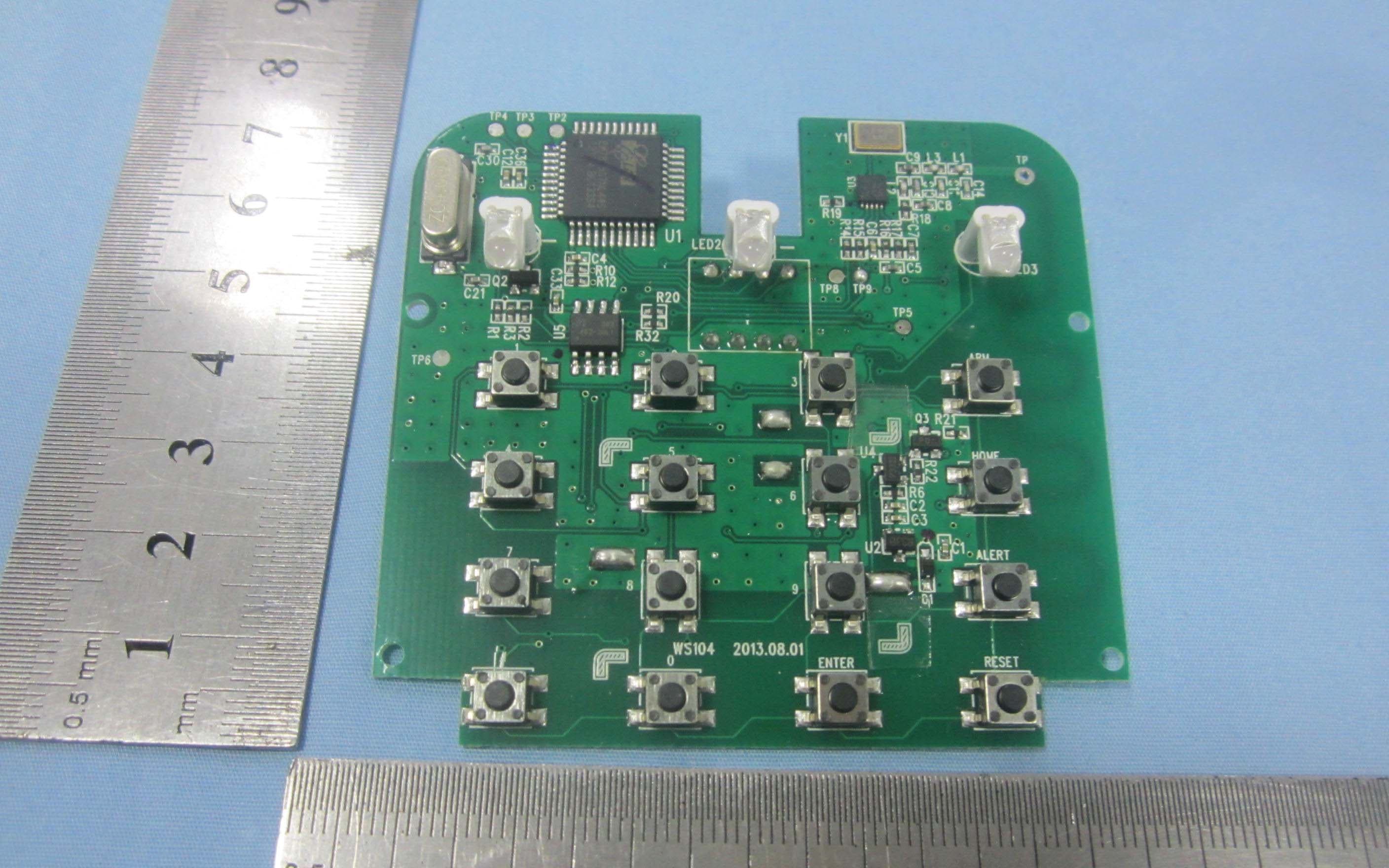
N9KSMARTWS104
Nov 14, 2013KEY PAD CONTROL
Equipment Class
DSC - Part 15 Security/Remote Control Transmitter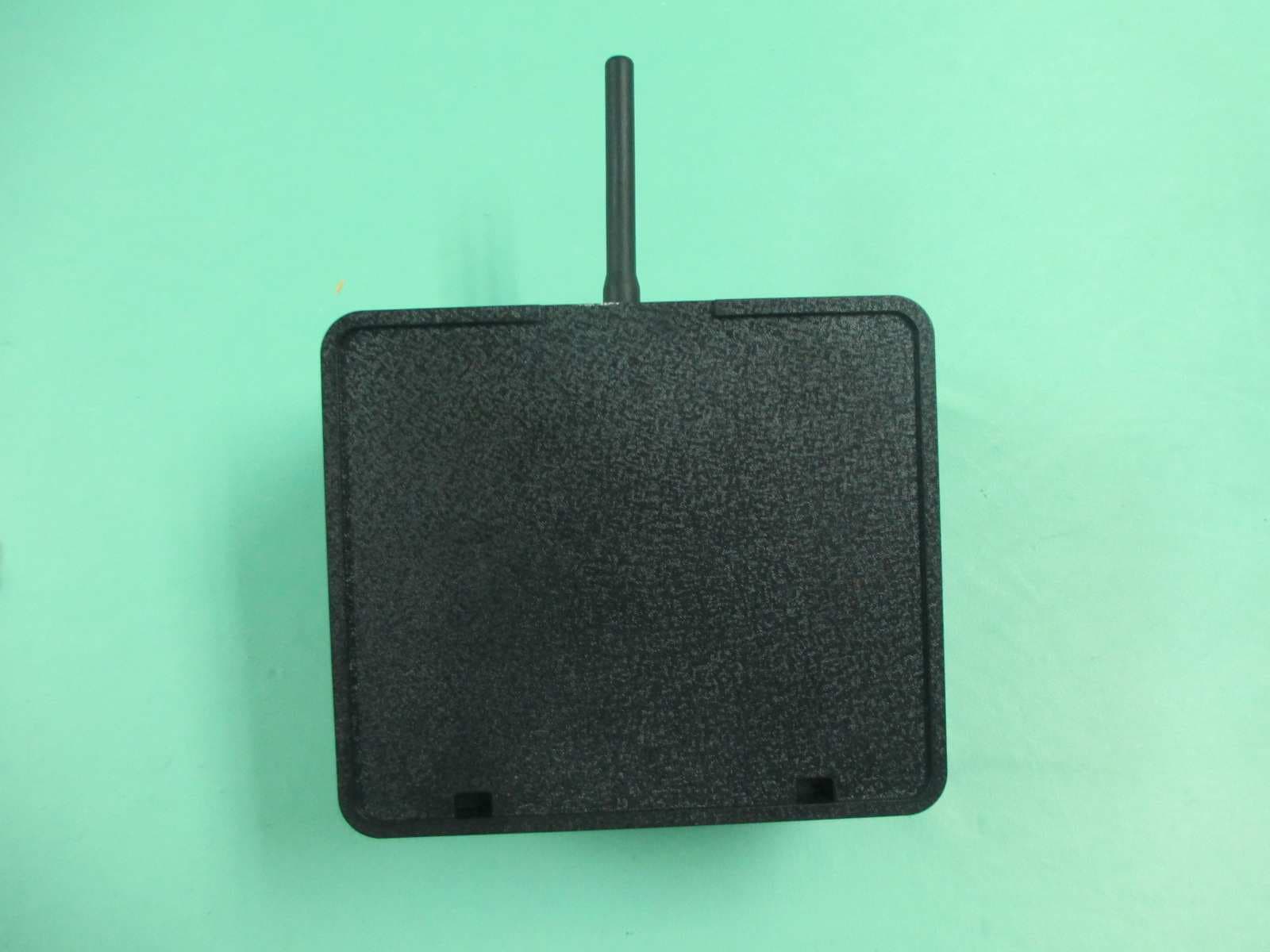
N9KGTOF3100
Jul 08, 2013GTO ACCESS WIRELESS ESTATE INTERCOM
Equipment Class
DXX - Part 15 Low Power Communication Device Transmitter
N9KGTOMM3BT
Jul 04, 2013Remote Controller
Equipment Class
DSC - Part 15 Security/Remote Control Transmitter