NKTPF309Bluetooth Speaker
Platform2 International Limited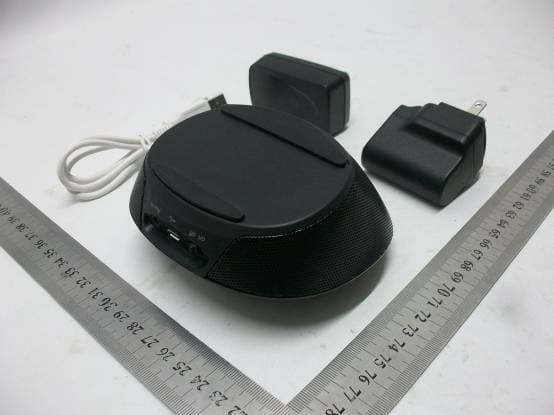
Click to zoom
Application Details
- Equipment Class
- DXX - Part 15 Low Power Communication Device Transmitter
- Date of Grant
- May 28, 2012
- Application Purpose
- Original Equipment
- Date of Application
- May 28, 2012
- Equipment Note
- Bluetooth Speaker
- Frequency Range
- 2402.00000000 - 2480.00000000
- Country
- Hong Kong
Documents & Files
Document Text
Text extracted from the exhibit documents filed with the FCC. Open a document above to read the original.
Users Manual
Feature : • Bluetooth ver 2.1 + EDR with Special Audio Algorithm and DSP Processor for clean, best-in-class wireless stereo sound • Two 35 mm full range drivers deliver superb music fidelity • iUi Passive Woofer • Rechargeable Lithium-ion battery for up to 8 hours of playtime • Convenient charging with USB charging cable 1) Anatomy 2) Power up PF309 • Charge up PF309 whenever it is needed by plug into the wall charger or by computer via the USB cable • Make sure the Slide button on the “ON” position • LED indicator into Purple Remarks: Fully charge PF309 at least once a month 。 3) Pairing to PF309 • Select a BT 2.0 or above device (mobile phone or music player) and turn on BT connection • Activate your BT device to the searching mode (new device searching). • Press and hold “Multi-Function” Button until the front Grid flashing in BLUE/RED, and the Speaker will says “Discovering”; PF309 has 3 mins (searchable time) for your BT device to pair with. • <<PF309>> will be displayed in your BT device and select it for pairing. “0000” is the pairing code if necessary. (Pairing code is not necessary for the iPhone, iPod , and iPad) • Speaker will say “Your Device is connected” when PF309 is successfully paired and LED stops flashing • Double check with your BT device to see “PF309” is connected. Remark: Pairing steps are for 1st time connection, automatic connection is allowed on most BT devices Remark: PF309 will also stop flashing with a different sound to indicate pairing failure after the 3mins. 4) Active Pairing on PF309 (Alternative way to Pair) • Power up the PF309 • Put your Bluetooth Device into the Discovery mode, and put close to the PF309 • The “Pair Invitation” will be pop-up on your Bluetooth Device, and just click the “Accept”. “0000” is the pairing code if necessary. Remark: if using iDevice, just leave your iDevice on the Bluetooth Setting Page; if using the Android Phone, it may automatically connected, it depends different models 5) Bluetooth Music Streaming to PF309 • Stay connected to PF309 via BT, repeat the pairing step if it has been disconnected • Select music to play in BT device • Press “Multi-Function” Button for Play / Pause • Press “Volume up” or “Volume down” to adjust volume level or adjust it from your BT device • Multi-Touch Gesture Left to Right for next song • Multi-Touch Gesture Right to Left for the previous song • Slide Switch to “Off” position to switch off 6) Talking via PF309 Remarks: Only available on BT mobile with HFP/HSP • Press “Multi-Function” Button for answering a call (When the phone is ringing) • Slide from “Left to Right” on the Volume buttons for rejecting the call (When the phone is ringing) • Press “Multi-Function” Button to hang up when the call finish • Press & hold “Multi-Function” Button during the call to switch between PF309 and mobile x 2 • Double Press “Multi-Function”to answer a call from 3rd party (Phone and carrier supported) x 2 • Double Press “Multi-Function” to toggle between original call and 3rd party (Phone and Carrier supported) • Slide from “Left to Right” on the Volume buttons for mute the Mic (During the Call) • Press “Volume up” or “Volume down” to resume the Mic (During muted) 7) Front Logo Light indicator 8) Specifications • Total 6W output (3W / Channel) • Full-Range (35mm) driver / Channel + Passive Radiator • Distortion <= 10% • S/N ratio: >75dB@1W • Frequency Response: 200Hz – 15k Hz • Li-ion Batt: 1150mAh • Playtime: 5 hours in 80% Volume • Recharging Time: 3 hours • (Optional) Power Adaptor: 5V DC @ 700mA 9) Compatibility (Bluetooth Device) • BT 2.1 or above device with A2DP / AVRCP / HFP / HSP 10) Trouble Shooting Sound not Clear or no Sound • Please check PF309 or BT device Volume Level Playing Music Not Transfer from BT device to PF309 • Make sure your BT device has A2DP • Check if both devices are connected • Restart PF309 for auto connection with your BT device LED No Power • Make sure PF309 is fully charged Sound is Too small / Too much distortion • Adjust the Volume Level of PF309 or BT device Phone call Not Answer by PF309 • Make sure your mobile has HSP / HFP • Check if both devices are connected • Restart PF309 for auto connection with your BT device No Music Resume after hanging up a call • Press Play to resume music No Music Control by PF309 • Make Sure your BT device has AVRCP Important Information Required By the FCC the Manufacturer is not responsible for any radio or TV interference caused by unauthorized modifications to this equipment. Such modifications could void the user’s authority to operate the equipment IMPORTANT SAFETY INSTRUCTIONS 1. Read these Instructions. 2. Keep these Instructions. 3. Heed all Warnings. 4. Follow all Instructions. 5. Do not use this apparatus near water. 6. Clean only with a dry cloth. 7. Do not block any of the ventilation openings. Install in accordance with the manufacturers instructions. 8. Do not install near any heat sources such as radiators, heat registers, stoves, or other apparatus (including amplifiers) that produce heat. 9. Do not defeat the safety purpose of the polarized or grounding– type plug. A polarized plug has two blades with one wider than the other. A grounding type plug has two blades and a third grounding prong. The wide blade or the third prongs are provided for your safety. When the provided plug does not fit into your outlet, consult an electrician for replacement of the obsolete outlet. 10. Protect the power cord from being walked on or pinched particularly at plugs, convenience receptacles, and the point where they exit from the apparatus. 11. Only use attachments/accessories specified by the manufacturer. 12. Use only with a cart, stand, tripod, bracket, or table specified by the manufacturer, or sold with the apparatus. When a cart is used, use caution when moving the cart/apparatus combination to avoid injury from tip-over. 13. Unplug this apparatus during lightning storms or when unused for long periods of time. 14. Refer all servic…
Text truncated - open the document above for the full version.
External Photos
PHOTO OF THE ENTIRE SAMPLE PHOTO OF THE ENTIRE SAMPLE FRONT VIEW OF TX BACK VIEW OF TX LEFT VIEW OF TX RIGHT VIEW OF TX TOP VIEW OF TX BOTTOM VIEW OF TX ------END OF REPORT------
Internal Photos
INTERNAL PHOTO OF TX – 1 INTERNAL PHOTO OF TX – 2 INTERNAL PHOTO OF TX – 3 INTERNAL PHOTO OF TX – 4 INTERNAL PHOTO OF TX – 5 INTERNAL PHOTO OF TX – 6 INTERNAL PHOTO OF TX – 7 INTERNAL PHOTO OF TX – 8 ------END OF REPORT------
Test Report
FCC 47 CFR PART 15 SUBPART C TEST REPORT For Applicant: iUi Design Limited Address: 4/F, Hongkong Trade Centre, 161-167 Des Voeux Road, Central Hongkong Product Name: Portable Bluetooth Speaker Model Name: BeCool, XqBeats 3.0 Brand Name: iUi FCC ID: NKTPF309 Report No.: MTE/CLY/D12050544 Date of Issue: May 09, 2012 Issued by : Most Technology Service Co., Ltd. Address : No.5, Langshan 2nd Road, North District, Hi-tech Industrial Park, Nanshan, Shenzhen, Guangdong, China Tel : 86-755-8617 0306 Fax : 86-755-8617 0310 The report consists 41 pages in total. It may be duplicated completely for legal use with the approval of the applicant. It should not be reproduced except in full, without the written approval of our laboratory. The client should not use it to claim product endorsement by MOST. The test results in the report only apply to the tested sample. The test report shall be invalid without all the signatures of testing engineers, reviewer and approver. FCC ID: NKTPF309 Report No.: MTE/CLY/D12050544 Page 2 of 41 TABLE OF CONTENTS 1. VERIFICATION OF CONFORMITY.......................................................................................... 3 2. GENERAL INFORMATION....................................................................................................... 4 2.1 Product Information ................................................................................................................ 4 2.2 Objective ................................................................................................................................ 5 2.3 Test Standards and Results .................................................................................................... 5 2.4 Environmental Conditions....................................................................................................... 5 3. TEST FACILITY........................................................................................................................ 6 3.1TEST FACILITY....................................................................................................................... 6 3.3 FCC PART 15.205 RESTRICTED BANDS OF OPERATIONS............................................... 7 4. SETUP OF EQUIPMENT UNDER TEST.................................................................................. 8 4.1 SUPPORT EQUIPMENT ........................................................................................................ 8 4.2 TEST EQUIPMENT LIST........................................................................................................9 5. 47 CFR Part 15C 15.249 Requirements................................................................................. 10 5.1 Spurious Emission Test ........................................................................................................ 10 5.1.1 Requirement...................................................................................................................... 10 5.1.2 Test Description ..................................................................................................................11 5.1.3 Test Description ................................................................................................................. 12 5.1.4 Test Result......................................................................................................................... 13 5.2 Band Edge............................................................................................................................ 27 5.2.1 Requirement...................................................................................................................... 27 5.2.2 Test Description ................................................................................................................. 27 5.2.3Test Result.......................................................................................................................... 27 5.3 LINE CONDUCTED EMISSION TEST................................................................................. 30 5.3.1. LIMITS OF LINE CONDUCTED EMISSION TEST........................................................... 30 5.3.2. BLOCK DIAGRAM OF TEST SETUP............................................................................... 30 5.3.3. PRELIMINARY PROCEDURE OF LINE CONDUCTED EMISSION TEST ...................... 31 5.3.4. FINAL PROCEDURE OF LINE CONDUCTED EMISSION TEST .................................... 31 5.3.5. Test result ......................................................................................................................... 31 5.3.5. TEST RESULT OF LINE CONDUCTED EMISSION TEST .............................................. 31 5.4 20 dB Bandwidth .................................................................................................................. 36 5.4.1 Definition ........................................................................................................................... 36 5.4.2 Block Diagram Of Test Setup ............................................................................................ 36 5.4.3 Test Result......................................................................................................................... 36 APPENDIX 1 .............................................................................................................................. 40 PHOTOGRAPHS OF TEST SETUP........................................................................................... 40 FCC ID: NKTPF309 Report No.: MTE/CLY/D12050544 Page 3 of 41 1. VERIFICATION OF CONFORMITY Equipment Under Test: Portable Bluetooth Speaker Brand Name: iUi Model Number: BeCool, XqBeats 3.0 FCC ID: NKTPF309 iUi Design Limited Applicant: 4/F, Hongkong Trade Centre, 161-167 Des Voeux Road, Central Hongkong Plastoform Industries Ltd. Manufacturer: Building No.16, 19, 21, 28, 29 B Zone, The 1 st Industrial Zone, Gonghe Community, Shaj…
Text truncated - open the document above for the full version.
Test Setup Photos
CE TEST SETUP RE TEST SETUP CONDUCTED TEST SETUP ------END OF REPORT------
Contact Information
Applicant
Winny Mak(Exective Assistant to CEO)
Test Firm
Most Technology Service Co., Ltd.Mark Wen
Technical Specifications
| # | Rule Parts | Frequency Range | Power Output |
|---|---|---|---|
| 1 | 15C | 2.40 GHz - 2.48 GHz | - |
Other Applications from Platform2 International Limited
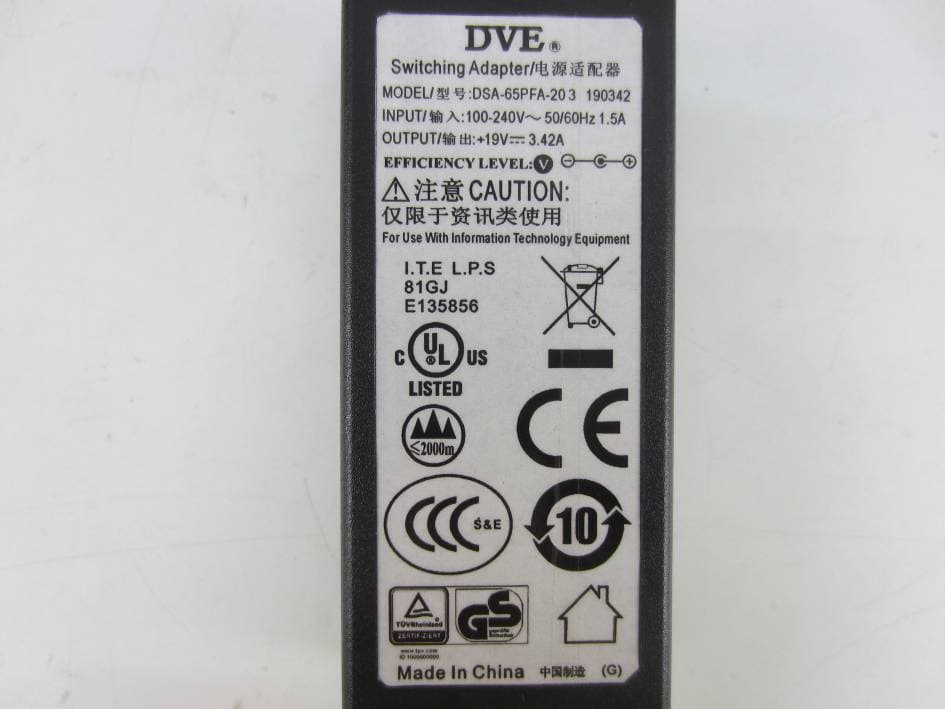
NKTUD-1404
Jul 13, 2015Sound bar
Equipment Class
DTS - Digital Transmission System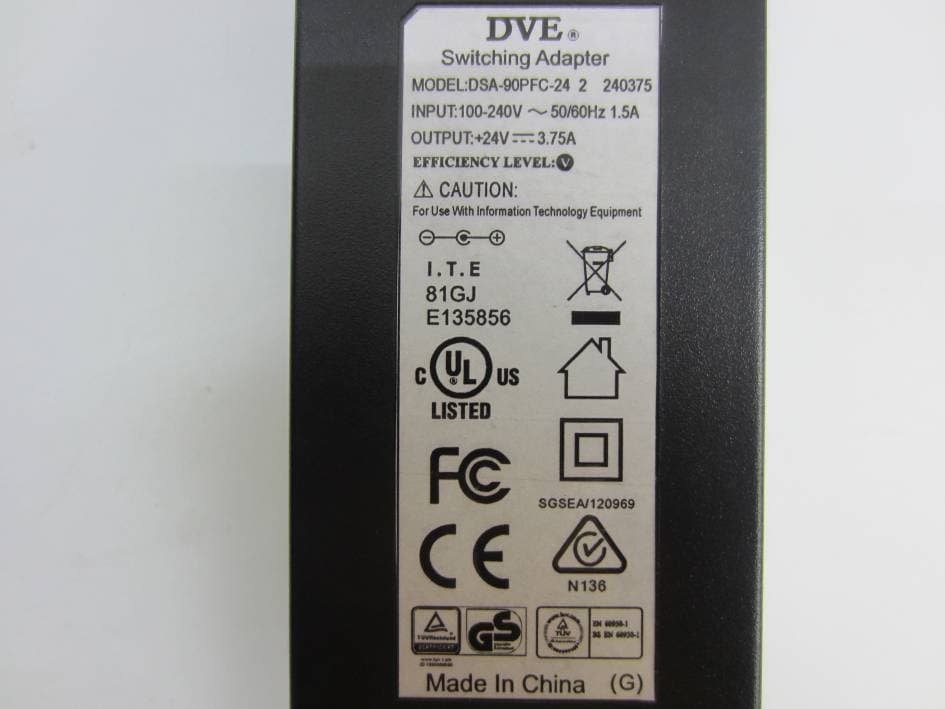
NKTUD-1404S
Jul 13, 2015Subwoofer
Equipment Class
DSS - Part 15 Spread Spectrum Transmitter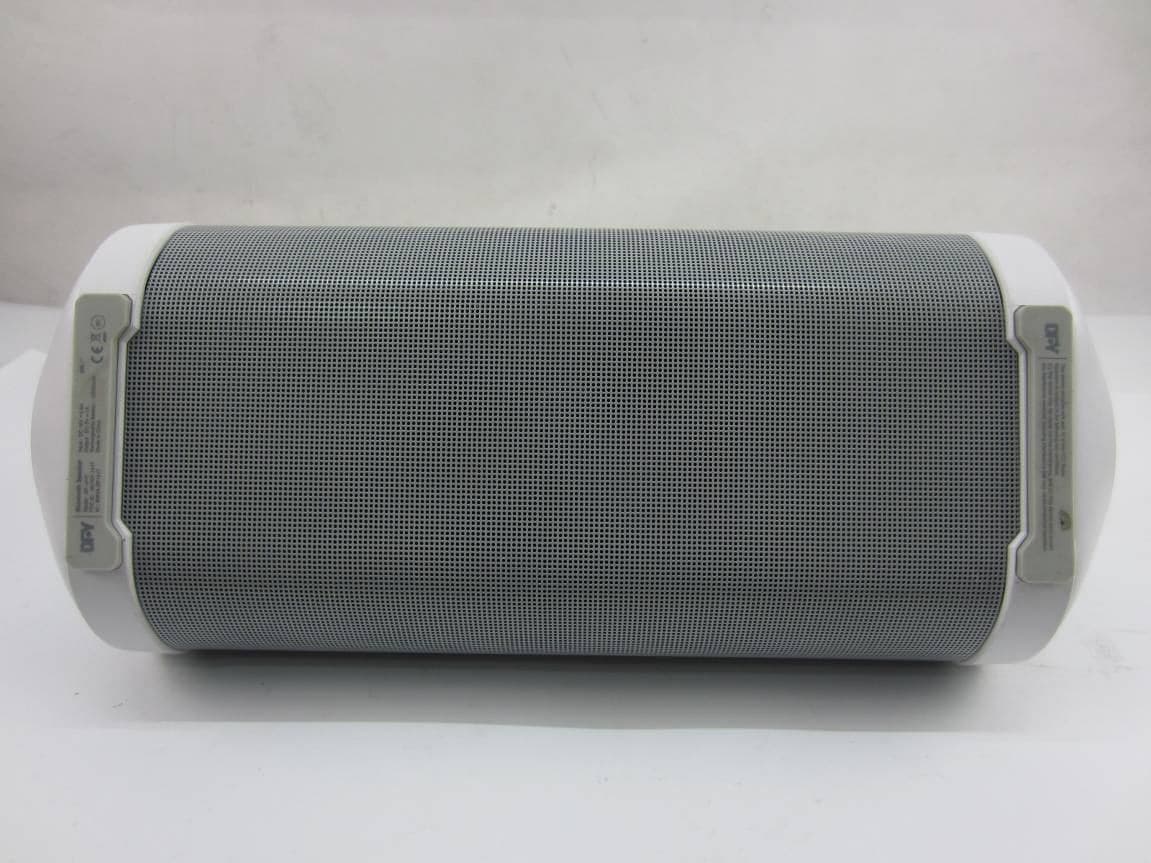
NKTDF-1417
May 11, 2015Bluetooth Speaker
Equipment Class
DSS - Part 15 Spread Spectrum Transmitter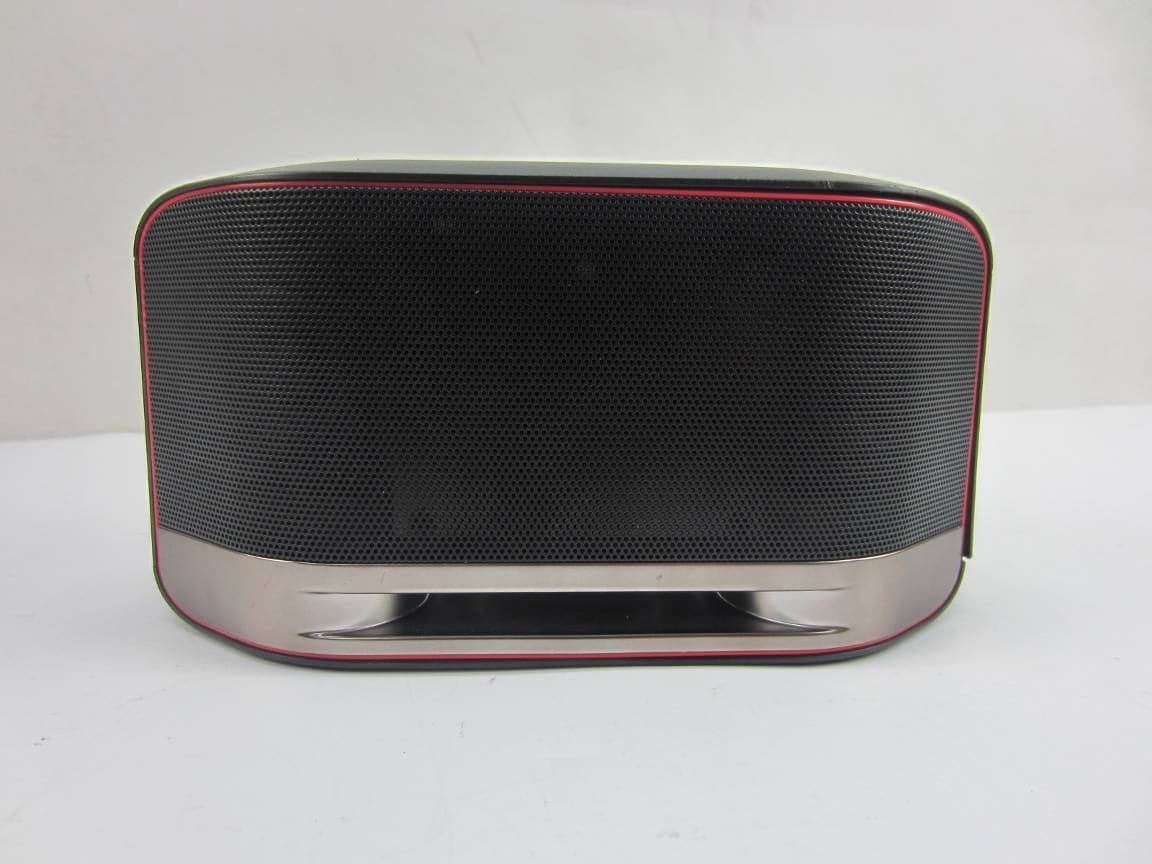
NKTUD-1402
Apr 14, 2015Bluetooth / WiFi Speaker
Equipment Class
DSS - Part 15 Spread Spectrum Transmitter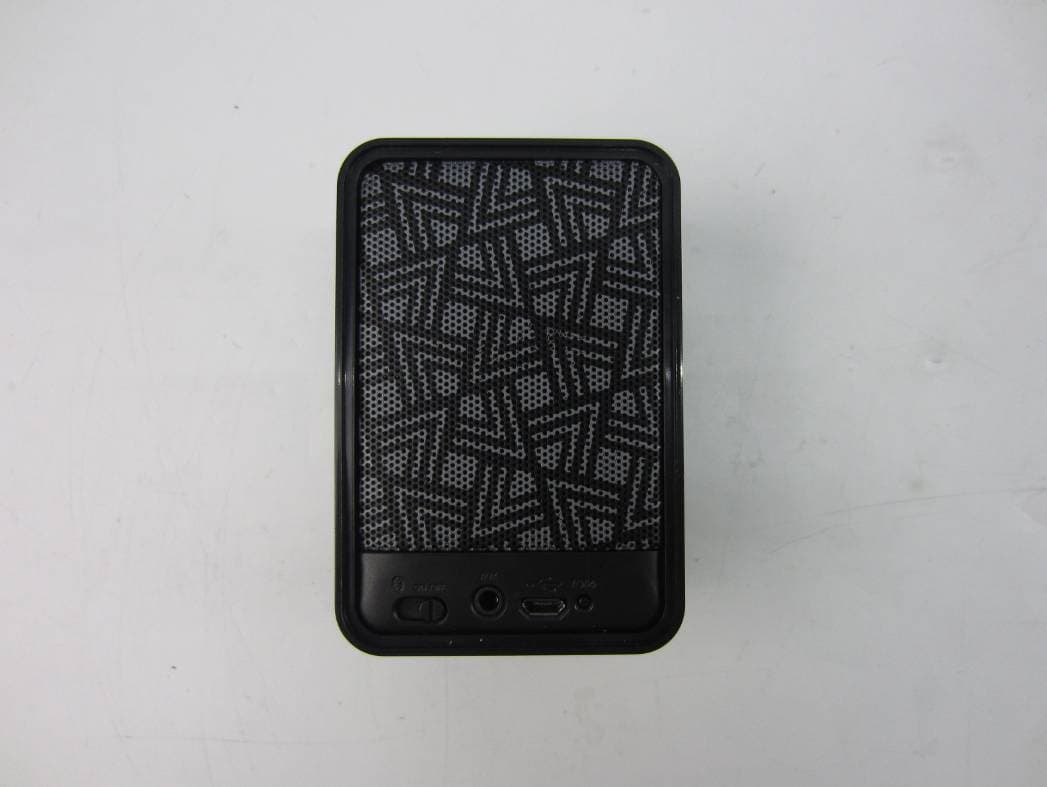
NKTDF-1421
Jan 15, 2015Bluetooth Speaker
Equipment Class
DXX - Part 15 Low Power Communication Device Transmitter