O4GN2COHN2C is a 2.4GHz transceiver with GPS receiver function.
Dayton Industrial Co., Ltd.
Click to zoom
Application Details
- Equipment Class
- JBP - Part 15 Class B Computing Device Peripheral
- Date of Grant
- Mar 12, 2013
- Application Purpose
- Original Equipment
- Date of Application
- Mar 12, 2013
- Equipment Note
- N2C is a 2.4GHz transceiver with GPS receiver function.
- Company
- Dayton Industrial Co., Ltd.
- Country
- Hong Kong
Documents & Files
Document Text
Text extracted from the exhibit documents filed with the FCC. Open a document above to read the original.
Users Manual
FCC REGULATORY INFORMATION o-synce Europe GmbH has not approved any changes or modifications to this device by the user. Any changes or modifications could void the user’s authority to operate the equipment. FCC regulatory invormation This equipment has been tested and found to comply with limits for a Class B digital device, pursuant to Part 15 of the FCC rules. These limits are designed to provide reasonable protection against harmful interference in residential installations. This equipment generates, uses, and can radiate radio frequency energy, and if not installed and used in accordance with the instructions, may cause harmful interference to radio communications. However, there is no guarantee that interference will not occur in a particular installation. If this equipment does cause interference to radio or television equipment reception, which can be determined by turning the equipment off and on, the user is encouraged to try to correct the interference by one or more of the following measures: -Reorient or relocate the receiving antenna -Increase the separation between the equipment and receiver -Connect the equipment into an outlet on a circuit different from that to which the receiver is connected. -Consult the dealer or an experienced radio/TV technician for help To assure continued compliance, any changes or responsible for compliance could void the users authori ty to operate this equipment. (Example- use only shielded interface cables when connecting to a computer or peripheral devices). Radiation Exposure Statement This device complies with Part 15 of the FCC Rules. Operation is subjected to the following two conditions 1) this device may not cause harmful interference and 2) this device must accept any interference received, including interference that may cause undesired operation. Caution! The manufacturer is not responsible for any radio or TV interference caused by unauthorized could void the users authority to operate the equipment.
Users Manual
navi2coach User‘s guide - ENGLISH 2 Scope of delivery 1 / 38 36Fehl er! Es wurde kein navi2coach Index 1 GENERAL ........................................................................................................................................................... 4 1.1 General information ........................................................................................................................................ 5 2 Scope of delivery ............................................................................................................................................... 6 2.1 Compatible o-synce accessories (optional) ................................................................................................ 6 2.2 How to use compatible accessories of o-synce (optional) ........................................................................ 7 2.2.1 Use of ANT+ remote ............................................................................................................................... 7 2.3 Compatible ANT+ accessories of other producers .................................................................................... 9 3 First steps .......................................................................................................................................................... 10 3.1 Welcome menu .............................................................................................................................................. 10 3.2 Start and stop recording ............................................................................................................................... 10 3.3 Change settings or load additional functions during recording – Intermediary menu ........................ 10 Backtrack .................................................................................................................................................. 10 Navigation ................................................................................................................................................. 10 Geocaching ............................................................................................................................................... 10 Sport Profiles ............................................................................................................................................ 10 4 Summary of functions .......................................................................................................................................... 11 4.1 Training ........................................................................................................................................................... 11 4.1.1 Training schedule .................................................................................................................................. 11 4.1.2 Planning a workout session ................................................................................................................. 12 4.1.3 Menu item: Workouts ............................................................................................................................ 12 4.1.4 Menu item: Zone Training .................................................................................................................... 12 4.2 Navigation ...................................................................................................................................................... 14 4.2.1 Where do I get GPX routes? ............................................................................................................... 14 4.2.2 How can I transfer routes onto my device? ...................................................................................... 14 4.2.3 Start Navigation ..................................................................................................................................... 14 4.2.4 Follow routes again (Loading a track) ................................................................................................ 14 4.2.5 Delete route or track. ............................................................................................................................ 14 4.3 Geocaching .................................................................................................................................................... 14 4.4 Weighing – ANT+ weight function .............................................................................................................. 15 4.5 Deleting workout sessions and data .......................................................................................................... 15 4.5.1 In the device ........................................................................................................................................... 15 4.5.2 Via trainingLab ....................................................................................................................................... 15 5 Setup .................................................................................................................................................................. 15 5.1 User data ........................................................................................................................................................ 15 2 Scope of delivery 1.1 General information navi2coach 2 / 38 5.1.1 Menu item: Weight .......................................................................................................................... 15 5.1.2 Menu item: Gender .......................................................................................................................... 15 5.1.3 Menu item: Birthday ........................................................................................................................ 16 5.1.4 Menu item: Height .....................................…
Text truncated - open the document above for the full version.
External Photos
Report Number:60/790.13.004.01 Page 22 of 34 TÜV SÜD HONG KONG LTD., 3/F, W est W ing, Lakeside 2, 10 Science Park West Avenue, Science Park, Shatin, HK. Tel: +852-2776 1323 Fax: +852-2776 1206 Rev. no.: 2.1 9.Appendix A Report Number:60/790.13.004.01 Page 23 of 34 TÜV SÜD HONG KONG LTD., 3/F, W est W ing, Lakeside 2, 10 Science Park West Avenue, Science Park, Shatin, HK. Tel: +852-2776 1323 Fax: +852-2776 1206 Rev. no.: 2.1 Appendix A
Internal Photos
Report Number:60/790.13.004.01 Page 21 of 31 TÜV SÜD HONG KONG LTD., 3/F, W est W ing, Lakeside 2, 10 Science Park West Avenue, Science Park, Shatin, HK. Tel: +852-2776 1323 Fax: +852-2776 1206 Rev. no.: 2.1 Appendix A Report Number:60/790.13.004.01 Page 22 of 31 TÜV SÜD HONG KONG LTD., 3/F, W est W ing, Lakeside 2, 10 Science Park West Avenue, Science Park, Shatin, HK. Tel: +852-2776 1323 Fax: +852-2776 1206 Rev. no.: 2.1 Appendix A Report Number:60/790.13.004.01 Page 23 of 31 TÜV SÜD HONG KONG LTD., 3/F, W est W ing, Lakeside 2, 10 Science Park West Avenue, Science Park, Shatin, HK. Tel: +852-2776 1323 Fax: +852-2776 1206 Rev. no.: 2.1 Appendix A Report Number:60/790.13.004.01 Page 24 of 31 TÜV SÜD HONG KONG LTD., 3/F, W est W ing, Lakeside 2, 10 Science Park West Avenue, Science Park, Shatin, HK. Tel: +852-2776 1323 Fax: +852-2776 1206 Rev. no.: 2.1 Appendix A Report Number:60/790.13.004.01 Page 25 of 31 TÜV SÜD HONG KONG LTD., 3/F, W est W ing, Lakeside 2, 10 Science Park West Avenue, Science Park, Shatin, HK. Tel: +852-2776 1323 Fax: +852-2776 1206 Rev. no.: 2.1 Appendix A Report Number:60/790.13.004.01 Page 26 of 31 TÜV SÜD HONG KONG LTD., 3/F, W est W ing, Lakeside 2, 10 Science Park West Avenue, Science Park, Shatin, HK. Tel: +852-2776 1323 Fax: +852-2776 1206 Rev. no.: 2.1 Appendix A Report Number:60/790.13.004.01 Page 27 of 31 TÜV SÜD HONG KONG LTD., 3/F, W est W ing, Lakeside 2, 10 Science Park West Avenue, Science Park, Shatin, HK. Tel: +852-2776 1323 Fax: +852-2776 1206 Rev. no.: 2.1 Appendix A Report Number:60/790.13.004.01 Page 28 of 31 TÜV SÜD HONG KONG LTD., 3/F, W est W ing, Lakeside 2, 10 Science Park West Avenue, Science Park, Shatin, HK. Tel: +852-2776 1323 Fax: +852-2776 1206 Rev. no.: 2.1 Appendix A
Test Setup Photos
Report Number:60/790.13.004.01 Page 29 of 31 TÜV SÜD HONG KONG LTD., 3/F, W est W ing, Lakeside 2, 10 Science Park West Avenue, Science Park, Shatin, HK. Tel: +852-2776 1323 Fax: +852-2776 1206 Rev. no.: 2.1 9.AppendixB Radiated Emission Test Radiated Emission Test Report Number:60/790.13.004.01 Page 30 of 31 TÜV SÜD HONG KONG LTD., 3/F, W est W ing, Lakeside 2, 10 Science Park West Avenue, Science Park, Shatin, HK. Tel: +852-2776 1323 Fax: +852-2776 1206 Rev. no.: 2.1 AppendixB Radiated Emission Test Conducted Emission Test Report Number:60/790.13.004.01 Page 31 of 31 TÜV SÜD HONG KONG LTD., 3/F, W est W ing, Lakeside 2, 10 Science Park West Avenue, Science Park, Shatin, HK. Tel: +852-2776 1323 Fax: +852-2776 1206 Rev. no.: 2.1 AppendixB Conducted Emission Test
Contact Information
Applicant
Wong Lap Fai(Project Manager)
Test Firm
TMC-Telecommunication Metrology Center of M.I.I.TChongwen Song
Technical Specifications
| # | Rule Parts | Frequency Range | Power Output |
|---|---|---|---|
| 1 | 15B | - | - |
Other Applications from Dayton Industrial Co., Ltd.
O4G387
May 19, 2026RS HMI Control
Equipment Class
DTS - Digital Transmission System
O4GHRM25
Feb 10, 2026LINK2CARE
Equipment Class
DTS - Digital Transmission System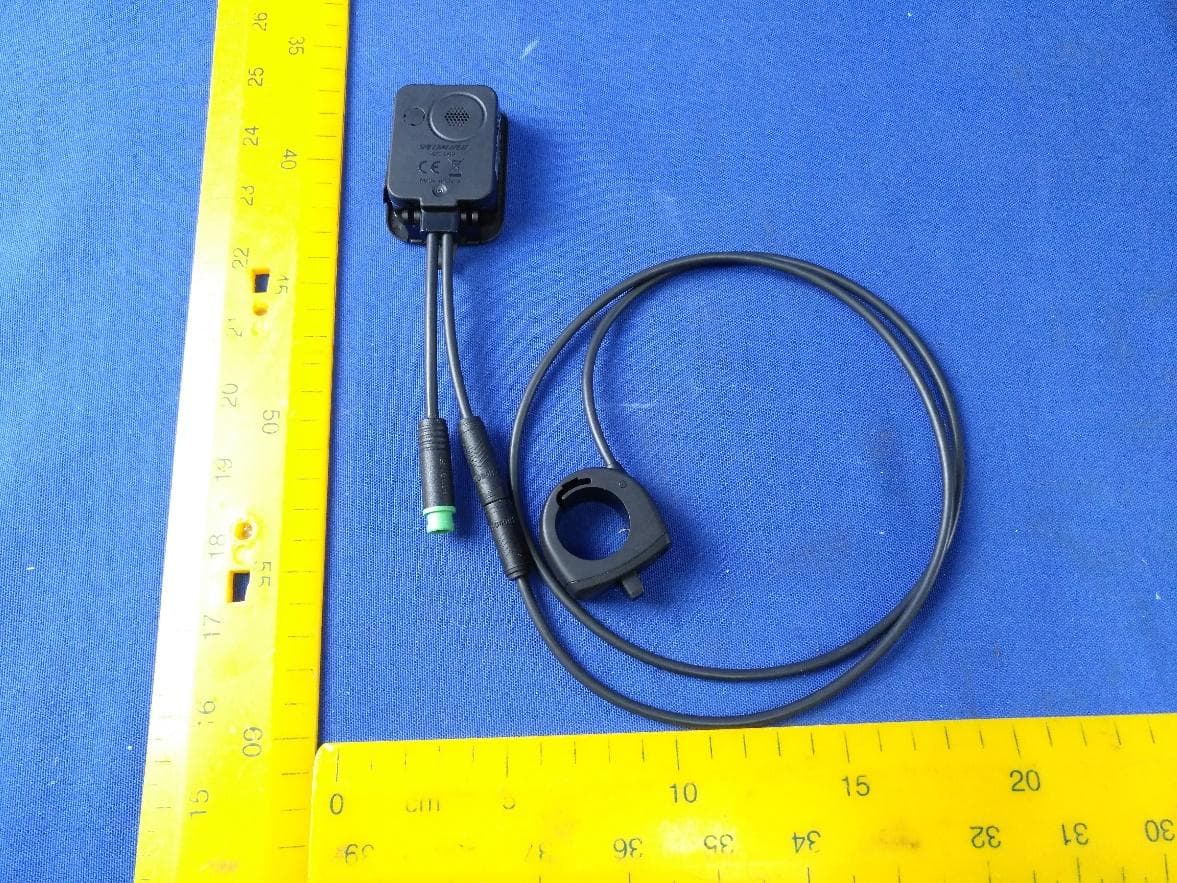
O4GT3
Dec 16, 2023E-Bike HMI with BLE and ANT+
Equipment Class
DTS - Digital Transmission System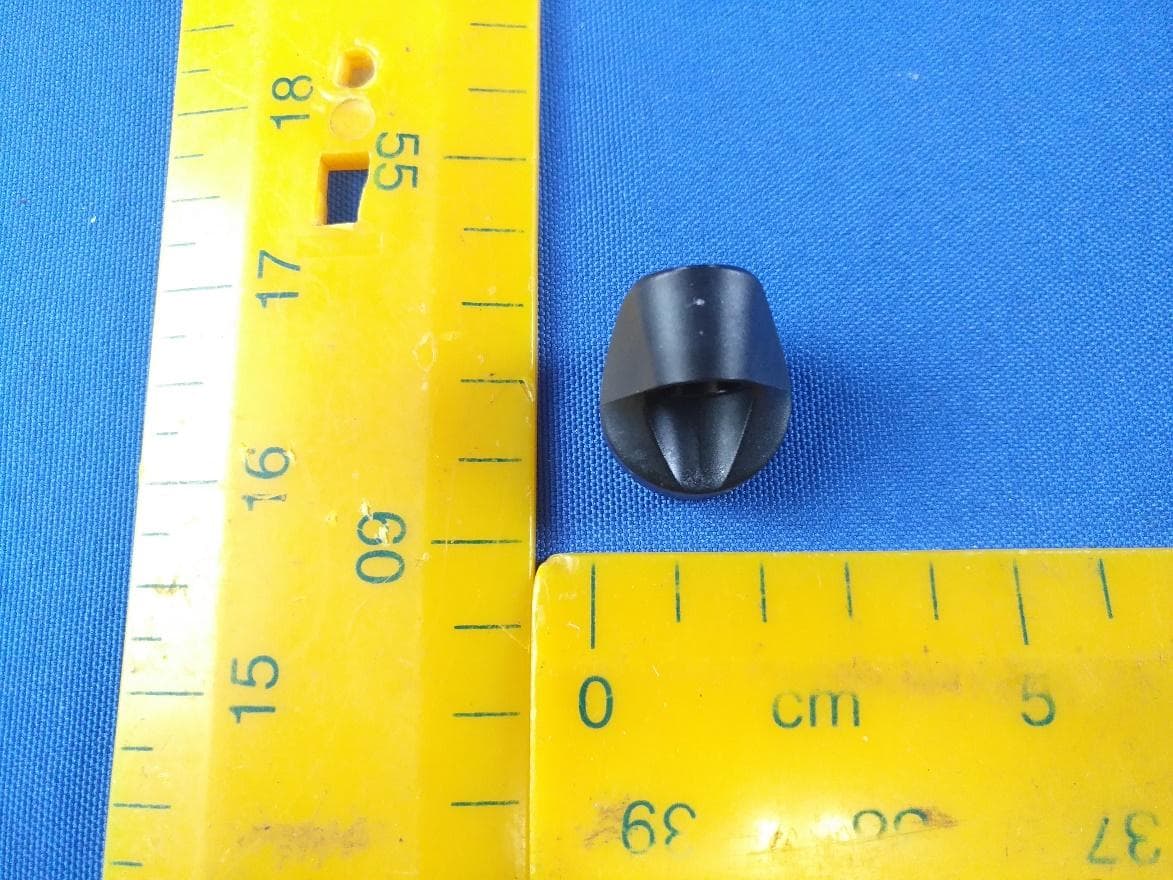
O4GTPMS
Jul 18, 2022SMART BIKE SENSOR with Bluetooth and ANT+ function.
Equipment Class
DTS - Digital Transmission System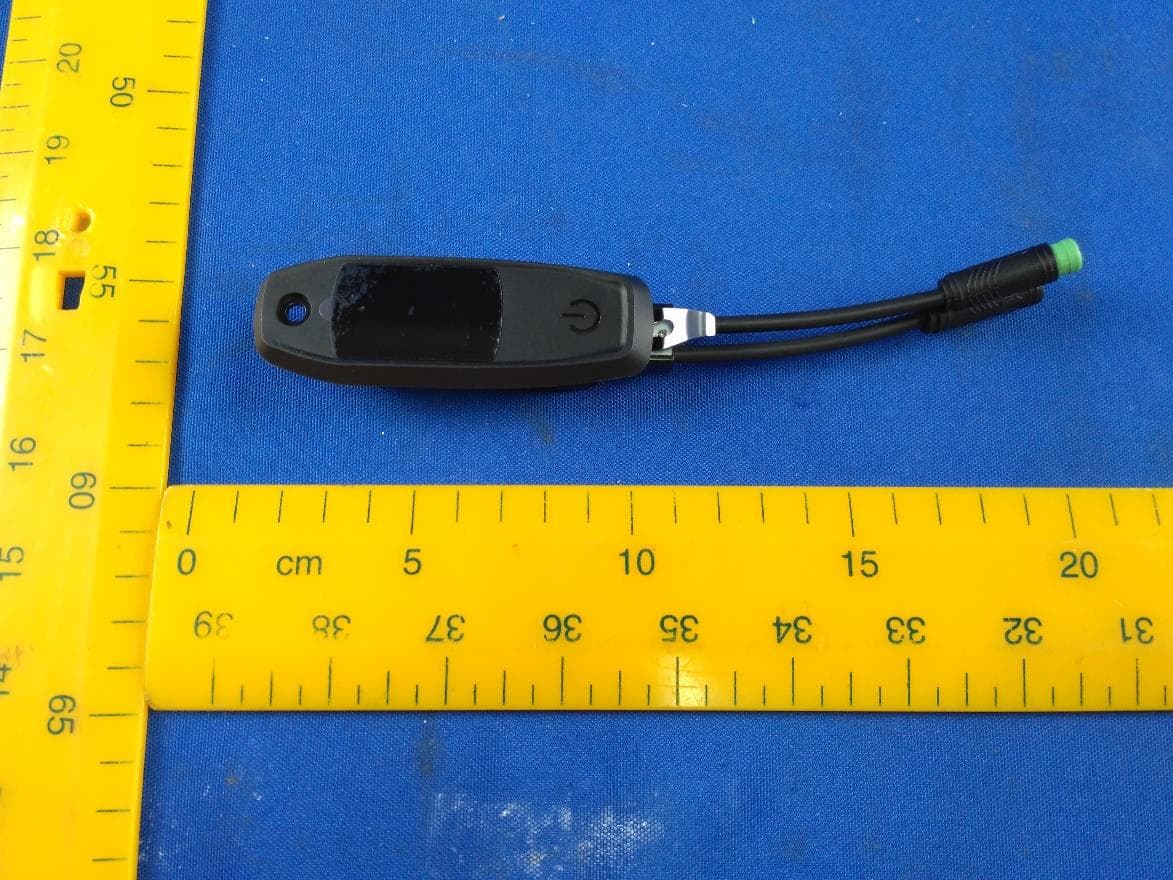
O4GTCU2
Dec 28, 2020E-Bike controller with BLE and ANT+ function
Equipment Class
DXX - Part 15 Low Power Communication Device Transmitter