O55454110Mobile Phone
SWAGTEK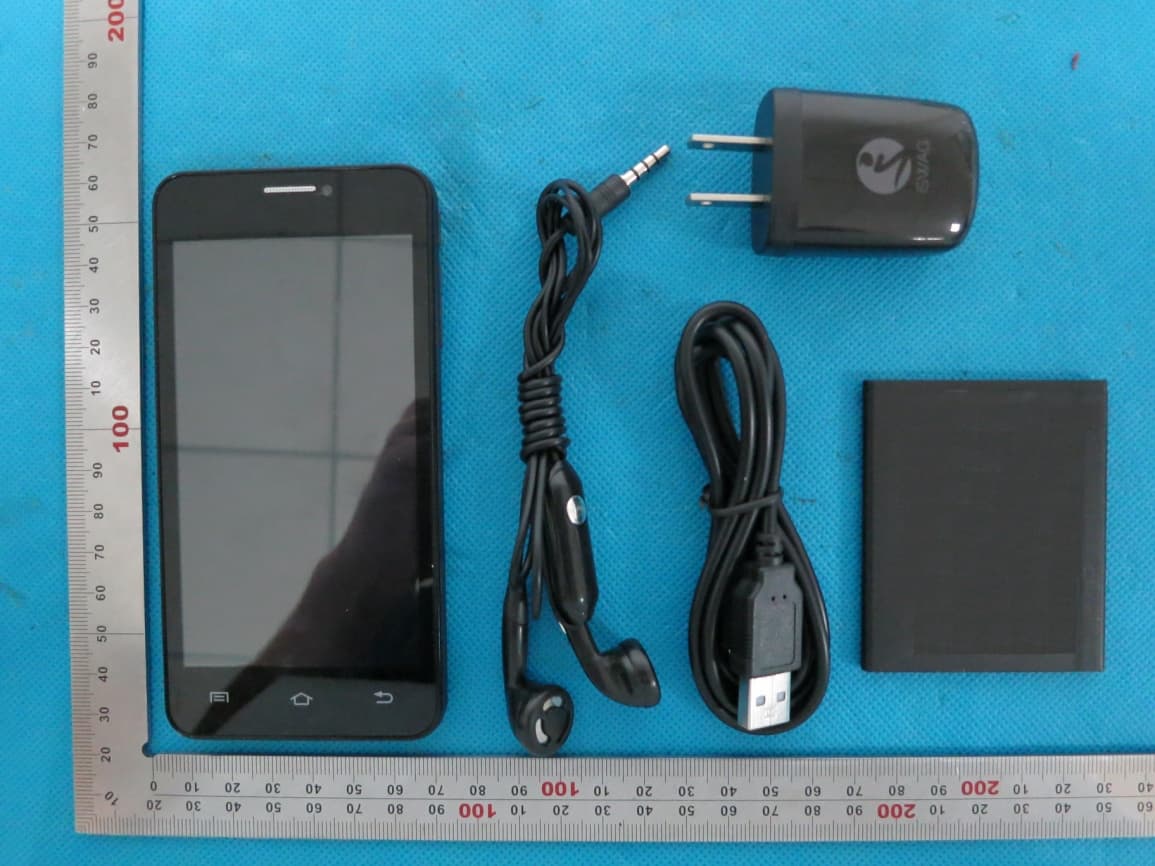
Click to zoom
Application Details
- Equipment Class
- DSS - Part 15 Spread Spectrum Transmitter
- Date of Grant
- Jul 02, 2014
- Application Purpose
- Original Equipment
- Date of Application
- Jul 02, 2014
- Equipment Note
- Mobile Phone
- Frequency Range
- 2402.00000000 - 2480.00000000
- Company
- SWAGTEK
- Country
- United States
Documents & Files
Document Text
Text extracted from the exhibit documents filed with the FCC. Open a document above to read the original.
Users Manual
Mobile Phone Brand Name: Zoom, iSWAG Model Name: Paris FCC ID: O55454110 Power key: Press and hold this key to turn on/off the mobile phone; in standby state, press this key to turn on/off the screen Menu key: Press this key to open the action list, so that you can execute the action in current interface or menu. Home key: Press this key to return to the home page from any application or interface. Back key: Press this key to return to previous interface, or close the dialog box, menu, notification panel or the screen keypad. Side key: Press this key to adjust volume Installation method and precautions of SIM card By setting PIN (personal identification number) code of the SIM card, you can protect your SIM card from illegal operation. Installing SIM card This is a dual SIM mobile phone with two SIM slots. Please turn off the mobile phone first, take out the battery, and insert the SIM card into the slot as shown in the picture below; then, place the battery into the battery jar and install the battery cover. Precautions of SIM card By setting PIN (personal identification number) code of the SIM card, you can protect your SIM card from illegal operation. If the PIN code is enabled, you need to enter the valid PIN code when you turn on the mobile phone. If you input wrong code for three times continuously, your SIM card will be locked and you need to input PUK code. Note: Your network service provider will set a standard PIN code (4-8 digits) for your SIM card. Please change it with your private password as soon as you get the phone. Connecting to network When the SIM card is decrypted, the mobile phone will search registered network or available local network automatically. Once connected, the logo of the network operator appears in the top of the screen, the mobile phone is in standby state, and you can make or answer calls. Please contact your network operator if the SIM card has a failure. Precautions of SIM card: · Put the SIM card out of children’s reach. · Please use, insert and remove the SIM card carefully because the SIM card and its contacts are prone to be scratched or damaged by bending. · Do not expose the SIM card to electrostatic, dusty or moist environment. Operation and installation methods of SD card SD card is a removable mobile memory card inside the mobile phone and used for extending the storage space of the mobile phone. Battery and charging methods 1. Connect the charger to provided USB cable. 2. Connect the charger plug to the power outlet. 3. Connect the USB cable to the mobile phone; this icon indicates the charging status. 4. The battery is fully charged when the status icon changes to; please disconnect the charger from the power outlet. 5. Disconnect the charger from the mobile phone. Note: If the battery isn’t used for a long time or the battery is used up, the mobile phone may be not turned on normally while charging. It is normal. Please charge for a while before turning on the mobile phone. The battery can be charged repeatedly; however, it is consumable product, please change a new battery if the standby duration reduces significantly. The data service consumes more power and will reduce the standby duration. The charging time changes according to temperature and battery usage. The mobile phone will show prompt if the battery is too low. The mobile phone will power off automatically if battery level drops too low. Unlocking mode Mobile phone options list In standby state, you can press the Power key to lock and turn off the screen, and press it again to turn on the screen. Press and hold the Power key to open the mobile phone option list. Unlocking interface In locked screen, tap the icon in the bottom of the screen, slide to any direction unlock the screen, or drag the whole screen to right to access Camera and take pictures. Main menu Main menu page Slide to left/right on the screen to switch the main menu page, and tap the Menu key to select Manage applications or Settings Drag and drop an icon to desktop to create a shortcut. View notifications Clock notifications interface of Status bar quick settings interface of Status bar Pull down the status bar, you can view the notifications interface directly,in this interface,you can view notifications of the mobile phone, or tap icon in top right conner of the screen to display quick setteings interface,in this interface ,you can turn on/off WLAN, Bluetooth, Data connection, GPS, Flight mode and customize profiles,etc. Manage applications In Manage applications interface, you can manage the running applications to improve the running speed of the mobile phone. You can view the information of downloaded applications, applications installed on SD card, running applications and all applications, restrict permissions or uninstall third party applications. Contacts You can search contacts through phone number, email account or name. Press the Menu key to select Contacts to display, Import/Export, Accounts, Send text message or Share contacts. Smart dialing In dial plate interface, the mobile phone will fuzzy match with local contact info and show in the result while you are typing. In settings, you can set up voice call, video call, Quick responses and others. During a call, you can access the dial plate or contacts through shortcuts. After typing the number with keypad, press MENU and select Speed dial. During the call, the backlight turns off when the phone is close to your ear for saving power and preventing misoperation Messaging & browser Messaging interface Support pinyin, and third party input method software. Tap Switch to switch among Chinese, English and stroke. If the language of spelling correction is set to English, tap the word in the input box while typing to get suggested results for choosing. Browser There default homepage interface will be show when you open the app first time,you can also change the default homepage to your favorite webpage site in the settings page. With this app,you can vis…
Text truncated - open the document above for the full version.
Cover Letter(s)
Jun. 21, 2014 Federal Communication Commission Authorization and Evaluation Division FCC ID: O55454110 Re: Confidentiality Request Pursuant to Sections 0.457 and 0.459 of the Commission’s Rules, the applicant hereby requests confidential treatment of information applied this application as outlined below: 1: Block Diagram 2: Circuit Diagram 3: Operational Description 4: Parts List 5:Tuneup Procedure The above materials contain trade secrets and proprietary information not customarily released to the public. The public disclosure of these matters might be harmful to the applicant and provide unjustified benefits to its competitors. The Applicant understands that pursuant to Rules 0.457, disclosure of this Application and all accompanying documentation will not be made before the date of the Grant for this application. Sincerely, SWAGTEK Contact person: Charles Cheng Title: Manager
Cover Letter(s)
SWAGTEK 10205 NW 19th Street, STE 101, Miami, FL33172, USA Date: Jun. 21, 2014 Statement We, SWAGTEK states that our device, FCC ID: O55454110, has no space to put the label except the battery compartment of this device. It is visible to the users as they purchase the products and install the battery. Regards Company: SWAGTEK Contact Person: Charles Cheng Title: Manager
External Photos
External Photos TOTAL VIEW OF EUT TOP VIEW OF EUT BOTTOM VIEW OF EUT FRONT VIEW OF EUT BACK VIEW OF EUT LEFT VIEW OF EUT RIGHT VIEW OF EUT
Internal Photos
Internal Photos OPEN VIEW OF EUT -1 OPEN VIEW OF EUT -2 GPS Antenna GSM & WCDMA Antenna WIFI&BT Antenna OPEN VIEW OF EUT -3 INTERNAL VIEW OF EUT-1 INTERNAL VIEW OF EUT-2 INTERNAL VIEW OF EUT-3 INTERNAL VIEW OF EUT-4
Test Report
Report No.: AGC00068140506FE03 Page 1 of 63 FCC Test Report Report No.: AGC00068140506FE03 FCC ID : O55454110 APPLICATION PURPOSE : Original Equipment PRODUCT DESIGNATION : Mobile Phone BRAND NAME : Zoom, iSWAG MODEL NAME : Paris, Flash IS-T4210, IS-T4110 CLIENT : SWAGTEK DATE OF ISSUE : Jun.19,2014 STANDARD(S) : FCC Part 15 Rules REPORT VERSION : V1.0 Attestation of Global Compliance (Shenzhen) Co., Ltd CAUTION: This report shall not be reproduced except in full without the written permission of the test laboratory and shall not be quoted out of context. Report No.: AGC00068140506FE03 Page 2 of 63 Report Revise Record Report Version Revise Time Issued Date Valid Version Notes V1.0 / Jun.19,2014 Valid Original Report Report No.: AGC00068140506FE03 Page 3 of 63 TABLE OF CONTENTS 1. VERIFICATION OF CONFORMITY .............................................................................................................. 5 2. GENERAL INFORMATION ........................................................................................................................... 6 2.1. PRODUCT DESCRIPTION ................................................................................................................... 6 2.2. TABLE OF CARRIER FREQUENCYS .................................................................................................. 6 2.3. RECEIVER INPUT BANDW IDTH .......................................................................................................... 7 2.4. EXAMPLE OF A HOPPING SEQUENCY IN DATA MODE ................................................................... 7 2.5. EQUALLY AVERAGE USE OF FREQUENCIES AND BEHAVIOUR .................................................... 7 2.6. RELATED SUBMITTAL(S) / GRANT (S) ............................................................................................... 8 2.7. TEST METHODOLOGY ........................................................................................................................ 8 2.8. SPECIAL ACCESSORIES ..................................................................................................................... 8 2.9. EQUIPMENT MODIFICATIONS ............................................................................................................ 8 3. MEASUREMENT UNCERTAINTY................................................................................................................ 9 4. DESCRIPTION OF TEST MODES................................................................................................................ 9 5. SYSTEM TEST CONFIGURATION ............................................................................................................ 10 5.1. CONFIGURATION OF EUT SYSTEM ................................................................................................. 10 5.2. EQUIPMENT USED IN EUT SYSTEM ................................................................................................ 10 5.3. SUMMARY OF TEST RESULTS ......................................................................................................... 10 6. TEST FACILITY........................................................................................................................................... 11 7. PEAK OUTPUT POWER ............................................................................................................................ 12 7.1. MEASUREMENT PROCEDURE ......................................................................................................... 12 4. RBW > the 20 dB bandwidth of the emission being measured, VBW RBW. .................................... 12 7.2. TEST SET-UP (BLOCK DIAGRAM OF CONFIGURATION) ............................................................... 12 7.3. LIMITS AND MEASUREMENT RESULT ............................................................................................. 13 8. 20DB BANDWIDTH .................................................................................................................................... 19 8.1. MEASUREMENT PROCEDURE ......................................................................................................... 19 8.2. TEST SET-UP (BLOCK DIAGRAM OF CONFIGURATION) ............................................................... 19 8.3. LIMITS AND MEASUREMENT RESULTS .......................................................................................... 19 9. CONDUCTED SPURIOUS EMISSION ....................................................................................................... 26 9.1. MEASUREMENT PROCEDURE ......................................................................................................... 26 9.2. TEST SET-UP (BLOCK DIAGRAM OF CONFIGURATION) ............................................................... 26 9.3. MEASUREMENT EQUIPMENT USED ............................................................................................... 26 9.4. LIMITS AND MEASUREMENT RESULT ............................................................................................. 26 10. RADIATED EMISSION.............................................................................................................................. 35 10.1. MEASUREMENT PROCEDURE ....................................................................................................... 35 Report No.: AGC00068140506FE03 Page 4 of 63 10.2. TEST SETUP ..................................................................................................................................... 37 10.3. TEST RESULT ................................................................................................................................... 38 11. BAND EDGE EMISSION........................................................................................................................... 42 11.1. MEASUREMENT PROCEDURE ....................................................................…
Text truncated - open the document above for the full version.
Test Setup Photos
Test Setup Photos FCC LINE CONDUCTED EMISSION TEST SETUP FCC RADIATED EMISSION TEST SETUP
Contact Information
Applicant
Charles Cheng(Manager)
Test Firm
Attestation of Global Compliance Shenzhen Co. Ltd.Forrest Lei
Technical Specifications
| # | Rule Parts | Frequency Range | Power Output |
|---|---|---|---|
| 1 | 15C | 2.40 GHz - 2.48 GHz | 6.00 mW |
Other Applications from SWAGTEK
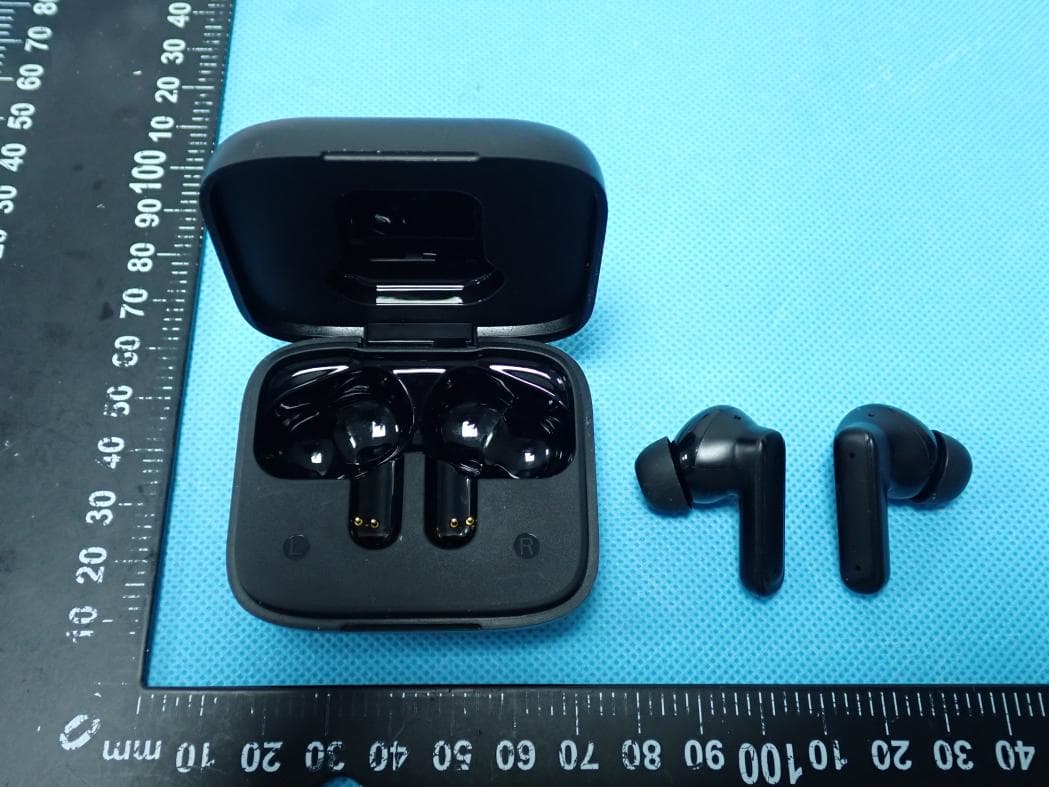
O55TWS5025
Jul 29, 2026Wireless Earbuds
Equipment Class
DSS - Part 15 Spread Spectrum Transmitter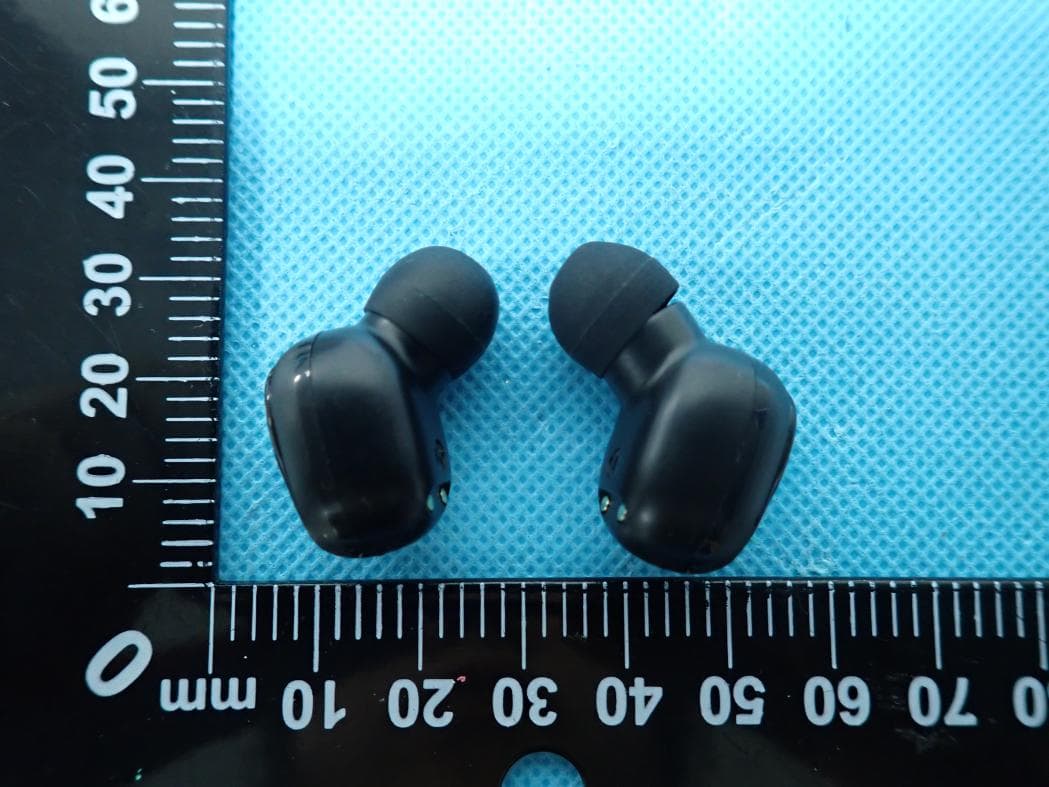
O55TWS2326
Jul 26, 2026Wireless Earbuds
Equipment Class
DSS - Part 15 Spread Spectrum Transmitter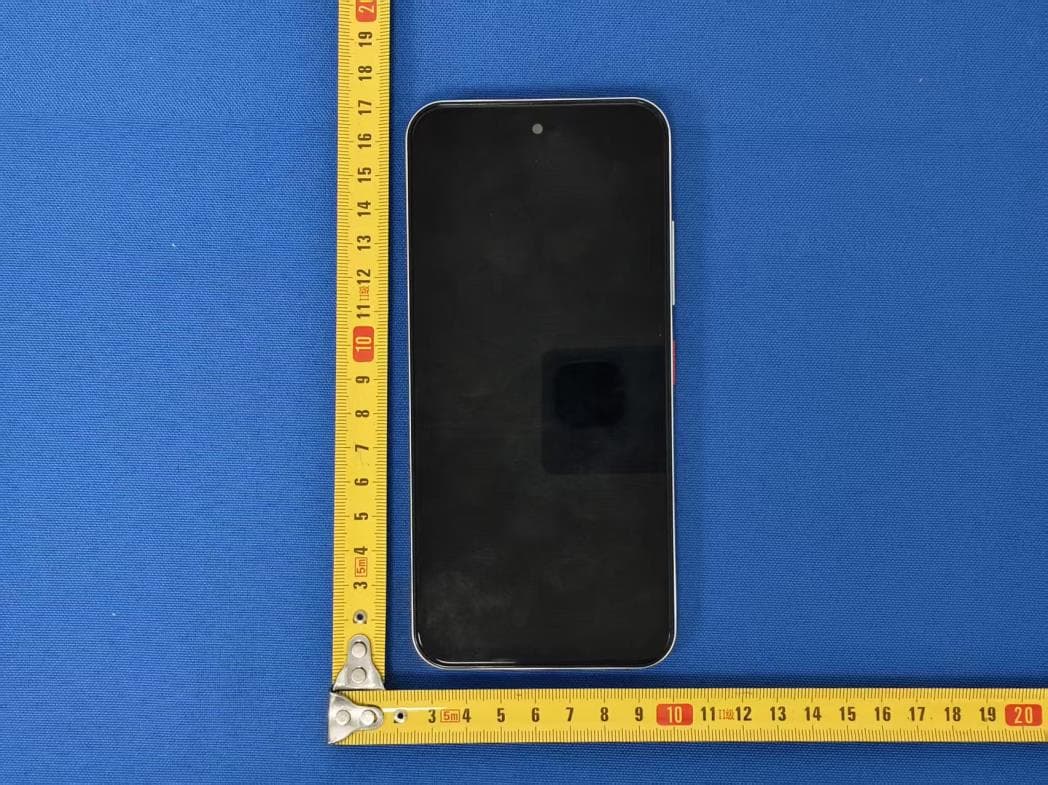
O55671626
Jul 14, 20264G MOBILE PHONE
Equipment Class
DSS - Part 15 Spread Spectrum Transmitter
O55671526
Jul 07, 20264G MOBILE PHONE
Equipment Class
JAB - Part 15 Class B Digital Device
O55101426
Jun 23, 20264G TABLET
Equipment Class
PCB - PCS Licensed Transmitter