O55L501X5Mobile Phone
SWAGTEKApplication Details
- Equipment Class
- DTS - Digital Transmission System
- Date of Grant
- Nov 02, 2015
- Application Purpose
- Original Equipment
- Date of Application
- Nov 02, 2015
- Equipment Note
- Mobile Phone
- Frequency Range
- 2402.00000000 - 2480.00000000
- Company
- SWAGTEK
- Country
- United States
Documents & Files
Document Text
Text extracted from the exhibit documents filed with the FCC. Open a document above to read the original.
Users Manual
LOGIC X5U 1 LOGIC X5U 2 Content 1. Welcome ....................................................................................................3 2. General Ifti 3 3. Safety Ifti 3 4. Warnings and Pti 3 5. Getting to Know Your Logic X5U 5 6. Installation and Care of the SIM Cd 6 7. Micro SD Card Installation and Oti 6 8. Charging the Btt 7 9. Unlocking Your Ph 8 10. Mobile Phone Options Li t 8 11. Unlocking the It f 8 12. Main M 9 13. Google N 1 0 14. Voice Cd 1 0 15. Application Mt 1 1 16. Contacts ..........................................................................................1 1 17. Smart Di li 1 1 18. Answer / Reject an Incoming Cll 1 2 19. Messaging and Internet B 1 3 20. Music Pl 1 4 21. Camera ....................................................................................................1 5 22. Video Rd 1 5 23. Sound Rd 1 5 24. FM Rdi 1 6 25. Video Pl 1 6 26. Gallery ..................................................................................................1 7 27. E- il 1 7 28. File M 1 8 29. Google Play St 1 8 30. Settings ..........................................................................................1 9 31. Wi- Fi 1 9 32. Security Fti 1 9 33. Back-up and Rt 2 0 34. Drop-down Menu B 2 0 35. Troubleshooting .................................................................................2 1 36. Specifications ...................................................................................2 3 LOGIC X5U 3 Welcome Thank you for purchasing this innovative Logic mobile phone. We invite you to read the instructions contained in this user manual so you can configure and utilize all the functions your new mobile phone has to offer. For additional information visit us at: logicmobility.com. General Information The specifications in this manual are subject to change without prior notice. Logic, Inc. reserves the final right to interpret the performance of this device. While the utmost care was taken and the latest information compiled in the production of this manual neither Logic, nor any other affiliated company, assumes responsibility for any mistakes or errors that may be contained in this document. Screen captures, images, diagrams or representations presented in this manual are for reference purposes. The actual screens or functions may vary due to different software versions or other factors. Please refer to your mobile phone for the correct details. Logic and the Logic logo are registered trademarks of Logic, Inc. Other trademarks are the property of their respective owners. Safety Information If your phone is lost or stolen, notify your carrier so that your SIM card can be disabled (must be done by network operator). This can avoid economic loss due to unauthorized use. Please take the following precautions to avoid unauthorized use of your phone: · Set PIN code for SIM card · Set phone password Warnings and Precautions Safety warning SAFE OPERATION IN A VEHICLE Do not use a hand-held phone while driving. Always use a hands-free kit to make/take calls when driving. In some states and countries, making or receiving calls while driving is illegal! SWITCH OFF WHEN ON AN AIRCRAFT Wireless devices can cause interference in an aircraft. Using a mobile phone in flight is illegal and risky. Please make sure your mobile phone is turned off while in flight. SWITCH OFF BEFORE ENTERING POSTED FACILITIES Strictly observe the relevant laws, codes, and regulations regarding the use of mobile phones in areas where posted notices require you to do so. Turn off your mobile phone before entering any area with a potentially explosive atmosphere, such as a gas station, oil tank, chemical plant or location where a blasting process is under way. OBSERVE ALL SPECIAL REGULATIONS Follow any special regulations that are enforced in locations such as hospitals. Always switch off your phone whenever mobile phone use is forbidden or when it may cause interference or danger. LOGIC X5U 4 Use caution when using your mobile phone near medical devices, such as pacemakers, hearing aids and other electronic medical devices, as it may cause interference and not allow these devices to perform properly. INTERFERENCE The conversation quality of any mobile phone may be affected by radio interference. An antenna is built-in to the mobile phone and is located below the microphone. Do not touch the antenna area during a conversation because this will cause the conversation quality to deteriorate. QUALIFIED SERVICE Only qualified personnel may install or repair the phone. Installing or repairing the mobile phone yourself may cause great harm and it violates the product warranty. ACCESSORIES AND BATTERIES Use only approved accessories and batteries. USE CORRECTLY This device is designed to be used in a normal and proper manner. EMERGENCY CALLS Ensure the phone is switched on and in service, enter the emergency number, e.g. 112, then press the Dial key. Give your location and state your situation briefly. Do not end the call until told to do so. Note: Just like all other mobile phones, this phone may not necessarily support all the features described in this manual due to network or radio transmission issues. Some networks may not support the emergency call service. Therefore, do not rely solely on this mobile phone for critical communications such as first aid. Please consult your local network operator. Precautions This mobile phone is an advanced digital device. Please exercise special care when using it. The following suggestions will help you use your mobile phone properly and obtain the maximum benefit from it: Keep the mobile phone and all its accessories out of the reach of children. Keep the mobile phone dry. Keep away from rain, moisture, liquid or other substances that may corrode the electronic circuits. Do not use or store the mobile phone in dusty environments to avoid damaging its mechanical parts. Excessive use of headphones at high volume may cause per…
Text truncated - open the document above for the full version.
External Photos
Appendix-Photos EUT –Model X5 U External View Appendix-Photos Appendix-Photos Appendix-Photos Appendix-Photos
ID Label/Location Info
FCC Label Sample and Location for model: X5 U, UW5002K-80 This device complies with part 15 of the FCC Rules. Operation is subject to the following two conditions: (1) This device may not cause harmful interference, and (2) this device must accept any interference received, including interference that may cause undesired operation. Mobile Phone FCC ID: O55L501X5 This device complies with part 15 of the FCC Rules. Operation is subject to the following two conditions: (1) This device may not cause harmful interference, and (2) this device must accept any interference received, including interference that may cause undesired operation.
Contact Information
Applicant
Charles Cheng(Manager)
Test Firm
Waltek Services(Shenzhen) Co., Ltd.philo zhong
Technical Specifications
| # | Rule Parts | Frequency Range | Power Output |
|---|---|---|---|
| 2 | 15C | 2.40 GHz - 2.48 GHz | 1.00 mW |
Other Applications from SWAGTEK
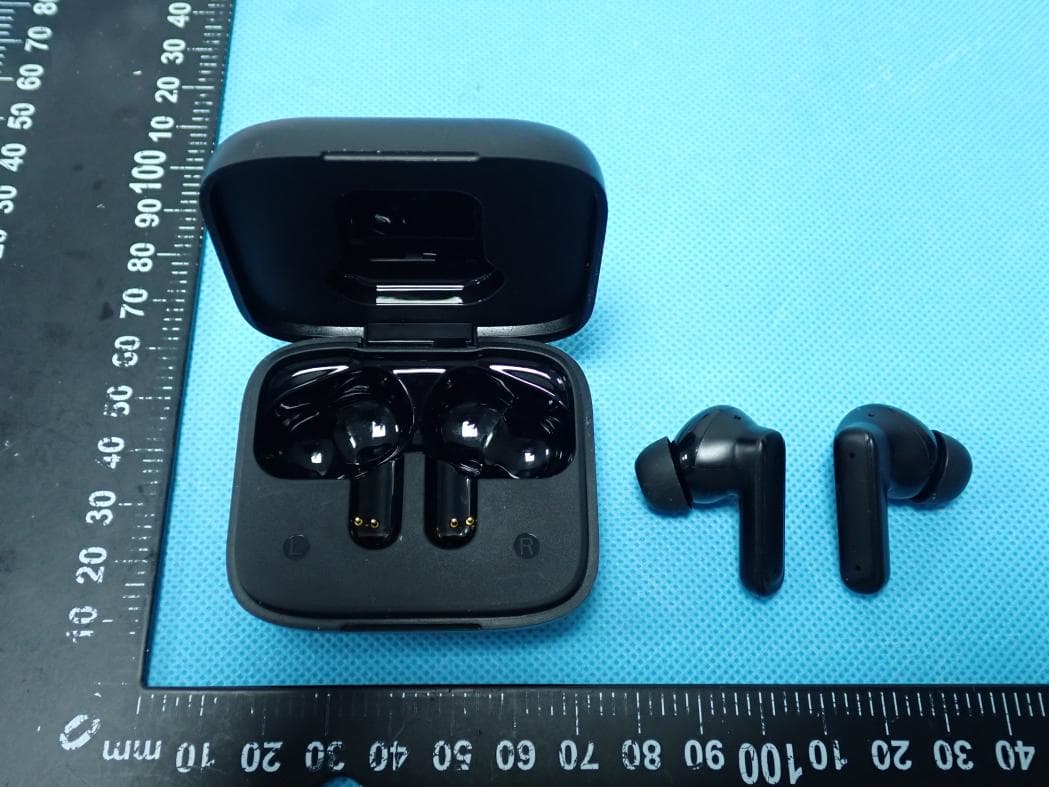
O55TWS5025
Jul 29, 2026Wireless Earbuds
Equipment Class
DSS - Part 15 Spread Spectrum Transmitter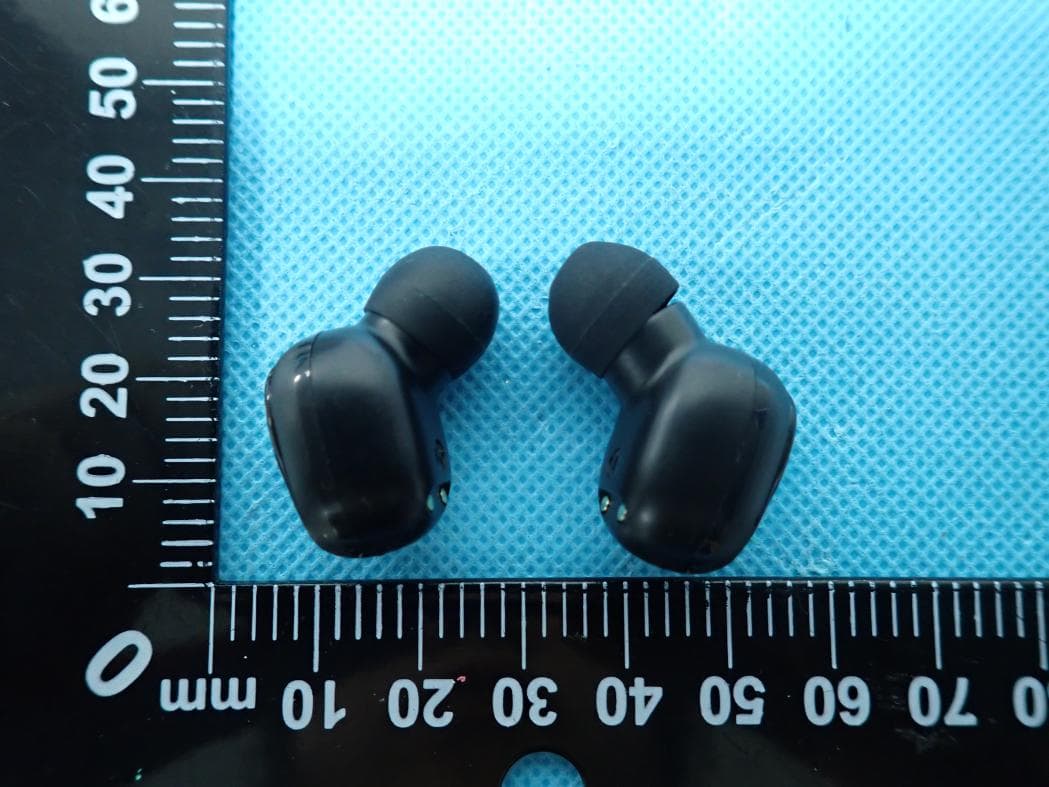
O55TWS2326
Jul 26, 2026Wireless Earbuds
Equipment Class
DSS - Part 15 Spread Spectrum Transmitter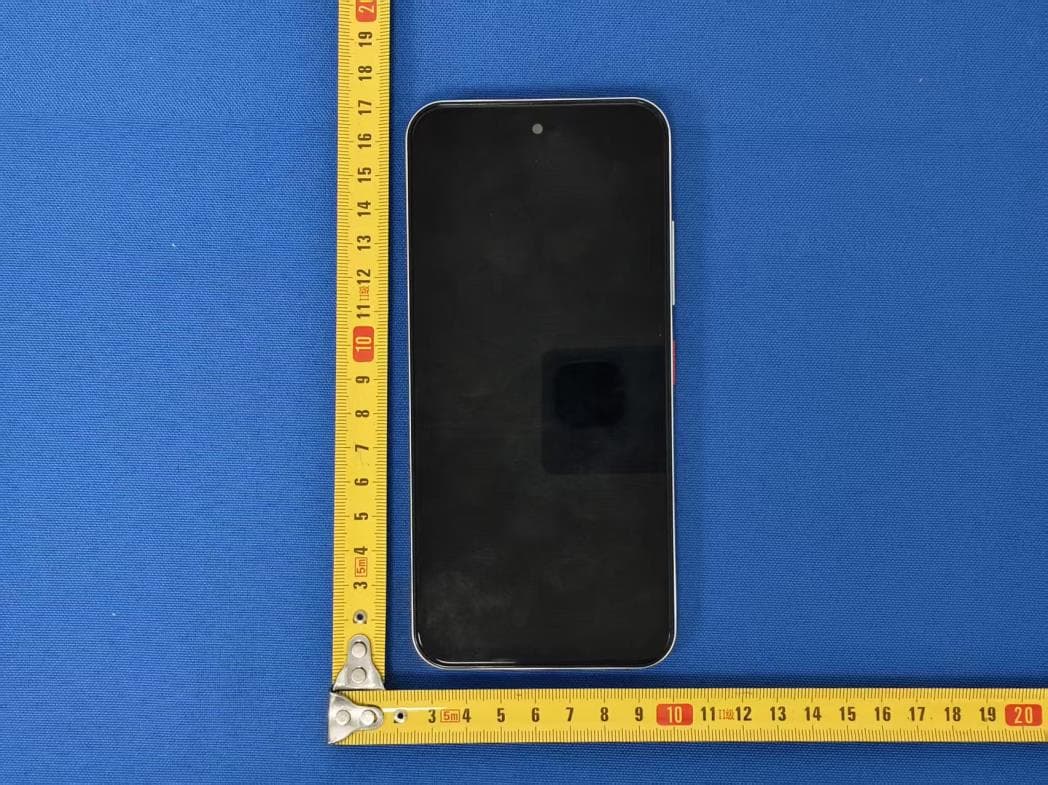
O55671626
Jul 14, 20264G MOBILE PHONE
Equipment Class
DSS - Part 15 Spread Spectrum Transmitter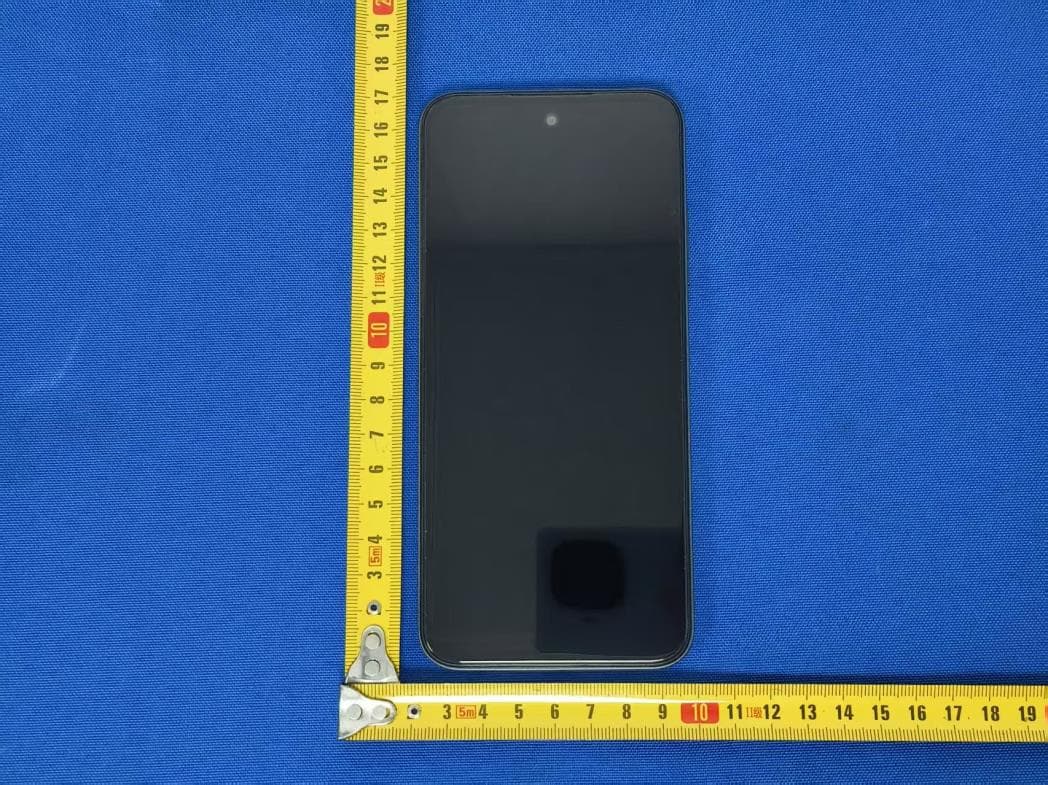
O55671526
Jul 07, 20264G MOBILE PHONE
Equipment Class
JAB - Part 15 Class B Digital Device
O55101426
Jun 23, 20264G TABLET
Equipment Class
PCB - PCS Licensed Transmitter