O6MWV300-SF11M WLAN MEETING GATEWAY
BroMax Communications Inc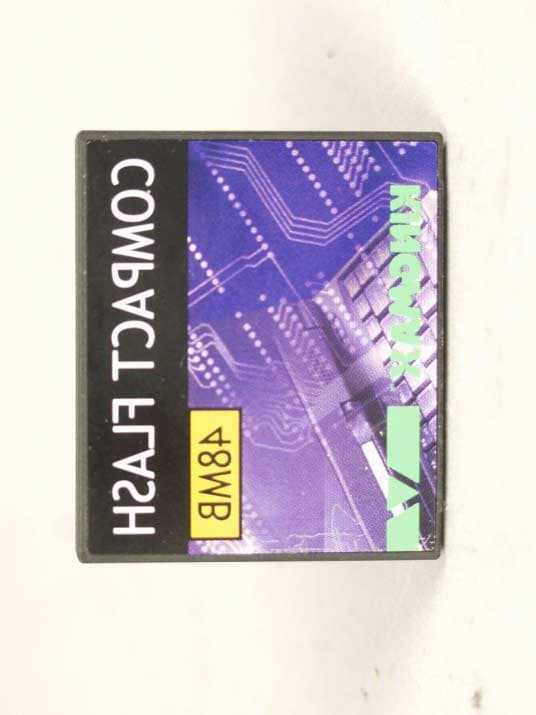
Click to zoom
Application Details
- Equipment Class
- DSS - Part 15 Spread Spectrum Transmitter
- Date of Grant
- Oct 15, 2002
- Application Purpose
- Original Equipment
- Date of Application
- Oct 15, 2002
- Equipment Note
- 11M WLAN MEETING GATEWAY
- Frequency Range
- 2412.00000000 - 2462.00000000
- Company
- BroMax Communications Inc
- Country
- Taiwan
Documents & Files
Document Text
Text extracted from the exhibit documents filed with the FCC. Open a document above to read the original.
Users Manual
Dr.Show Meeting Gateway Quick Start Guide A)Connect the Meeting Gateway 1.Plug one end of a standard UTPEthernet cable intothe MeetingGateway's LAN Port. 2.Connect the other end of the Ethernet cableinto a networked hubor switch. 3.Connect your projector to theMeeting Gateway'sVideo (VGA) portwith the VGA cablecame with yourprojector. Plug one end of the VGA cable to the M connect the other end to the computer i n 4.Plug the power adapter cord into the Meeting Gateway's Power port. 5.Plug the power adapter into a power out l 6.Press the Power Switch to turn on the Meeting Gateway. 7.Power on the projector and select its inp from the computer port. The MeetingGateway's on-screen menu will show o B)Configure the Meeting Ga t The on-screen menu requires the IR remote c keyboard connected to the Meeting Gateway. 1.Select the System Setup menu. 2.Enter the administration password (default is654321 ) 3.Change the IP settings to valid values for your LAN. 4.Change the wireless settings ( ESSID , Channel , WEP ) if necessary. Use a different name and Channel from nearby Access Points. C)Install the PlayerUtilityYou need the Player Utility on yourcomputer to use the MeetingGateway. 1.Load the utilities CD-ROM in your computer.2.The setup utility will start with the welcome screen,click the Next button to continue. 3.The setup utility will choose a default folder to install theutility files. Click Browse if you want to choose adifferent folder. Click Next to continue. 4.The Meeting Gateway Player utility is now installed.Select Yes to launch the player after the installation.Click the Finish button. A Meeting Gateway Playericon will show on yourdesktop. D)Use the Player Utility 1.Double click on the program icon of the Gateway Player" on your desktop. 2.The first time when the Player utility starts, it willask you to set a password.Enter the password and clickNext to continue. You can change the passwordafterward in the Advanced Panel . 3.The player utility will start searching for the MeetingGateway on your local areanetwork. 4.After the search, the List Panel will appear. 5.Click on the drop down button at the right side of theentry box. A list of all theMeeting Gateways foundwill appear. 6.Please highlight one of the available Meeting Gateway to select the Meeting Gateway to use. 7.Click Next to enter the Player Panel. ! Click Play will start to show the computer's desktop tothe Meeting Gateway.Click Stop to stop sending screen updates to theMeeting Gateway. ! Upload Presentation. Click Upload . A file select dialog box will appear.Select a PowerPoint file toupload. Click Next to continue. 8.Click Advanced to flip open the Advanced panel withmore buttons. E)Advanced Configuration The administration utility allows you to c h wireless security and other settings of the M computer with a webbrowser.1.Click the Manager button in theAdvanced Panel ofthe Player utility. 2.The Administration Utility will start inyour web browser.Enter theadministrator password (default is "65 4 Login button to login. 3.Click the System Tab ! Hostname - The name to identify thisMeeting Gateway.Enter the hostsname,Click Apply. Following Tabs only available on Wireles s 4.Click the Wireless LAN Tab ! Channel - Select a wireless channel touse from the list. ! Network Name(ESSID) - The Network Name is for other wireless devices to identify and join the MeetingGateway. IF there is multiple wireless Meeting Gateway nearby,you should set an unique name for each Meeting Gateway. 5.Click the Encryption Tab. The Encryption pageallows you to set orchange the encryptionkeys for the WEP. Ifyou turn on the WEP ofthe Meeting Gateway,all other wirelessdevices want to connectto it should also useWEP and with the same encryption keys. ! Encryption (Disable/64Bits/128Bits) - Select Disable for no WEP encryption. Select 64 or 128 Bits to enable WEP encryption. Some wireless device may not support 128 Bits encryption. ! WEP Key Entry - Manually enter a set of four keys. If you are using 64 Bits encryption, then each key must consist of exactly 10hexadecimal characters in length. f you are using 128 Bitsencryption, then each key must consist of exactly 26 hexadecimalcharacters in length. F)Show Stored Presentations 1.On the Meeting Gateway's on-screen menu, select theSlide Show menu. 2.Select the folder with the name of your computer, andpress Play to display your presentation slides. 3.Use the Forward / Backward on the remote controller orPgUp / PgDn on the keyboard to move to next/previous slide. The Infra-Red Remote Controlle r The Infra-Red remote control allows you t screen menu of the Meeting Gateway. Remote call up the Remote Display m e Slide call up the Remote Display m e Laser light up the Laser pointer. Play as the Play button of the on-s c menu. Add as the Add button of the on-s c menu. Delete as the Delete button of the on- menu. Exit exit from the current menu or s Mouse Cursor.Left mouse key.Right mouse key . Tab moves the focus between the i t Forward & Backward move for w Show. Up&Dn cursor Up and Down. Enter The Enter key. Numeric Keypad The number k www.digirose. c FCC Caution:1. The device complies with Part 15 of the FCC rules. Operation issubject to the following two conditions: (1) This device may not cause harmful interference, and (2) this device must accept any interference received, including interference that may cause undesired operation. 2. FCC RF Radiation Exposure Statement: The equipment complies with FCC RF radiation exposure limits set forth for an uncontrolled environment. This equipment should be installed and operated with a minimum distance of 20 centimeters between the radiator and your body. 3. This Transmitter must not be co-located or operating in conjunction with any other antenna or transmitter.4. Changes or modifications to this unit not expressly approved by the party responsible for compliance could void the user authority to operate the equipment.
Cover Letter(s)
BroMax Communications, Inc. Tel:886-3-5972988 Fax:886-3-5983414 Confidentiality Request Company: :: :BroMax Communications, Inc. FCC ID: :: :O6M-WV300-SF Product: :: :11M WLAN MEETING GATEWAY Model: :: :WV300-SF Pursuant to Sections 0.457 and 0.459 of the Commission’s Rules, the Applicant hereby requests confidential treatment of information accompanying this Application as outlined below. Schematics / Block Diagram / Operational Descriptions The above materials contain trade secrets and proprietary information not customarily released to the public. The public disclosure of these matters might be harmful to the Applicant and provide unjustified benefits to its competitors. The Applicant understands that pursuant to Rule 0.457, disclosure of this Application And all accompanying documentation will not be made before the date of the Grant for this application. Sincerely, Signature:
Cover Letter(s)
BroMax Communications, Inc. Tel:886-3-5972988 Fax:886-3-5983414 PHOENIX TEST-LAB GmbH Product Certification Königswinkel 10 D 32825 Blomberg To Whom It May Concern: Please be advised that BroMax Communications, Inc. authorizes ERSO/ITRI company to act on our behalf, until otherwise notified, for applications submitted to PHOENIX TEST-LAB GmbH (PTL). We certify that we are not subject to denial of federal benefits, that includes FCC benefits, pursuant to Section 5301 of the Anti-Drug Abuse ACT of 1988, U.S.C.862. Further, no party, as defined in 47 CFR 1.2002 (b), to the application is subject to denial of federal benefits, that includes FCC benefits. Thank you for your attention to this matter. Signatory
External Photos
Company: BroMax Communications, Inc.Page : 1 of 6 Product : 11M WLAN MEETING GATEWAYModel : WV300-SF Company: BroMax Communications, Inc.Page : 2 of 6 Product : 11M WLAN MEETING GATEWAYModel : WV300-SF Company: BroMax Communications, Inc.Page : 3 of 6 Product : 11M WLAN MEETING GATEWAYModel : WV300-SF Company: BroMax Communications, Inc.Page : 4 of 6 Product : 11M WLAN MEETING GATEWAYModel : WV300-SF Company: BroMax Communications, Inc.Page : 5 of 6 Product : 11M WLAN MEETING GATEWAYModel : WV300-SF Company: BroMax Communications, Inc.Page : 6 of 6 Product : 11M WLAN MEETING GATEWAYModel : WV300-SF
External Photos
Company: PHIHONGPage : 1 of 5 Product : Adapter for the 11M Wlan Meeting GatewayModel : PSA11R-050 Company: PHIHONGPage : 2 of 5 Product : Adapter for the 11M Wlan Meeting GatewayModel : PSA11R-050 Company: PHIHONGPage : 3 of 5 Product : Adapter for the 11M Wlan Meeting GatewayModel : PSA11R-050 Company: PHIHONGPage : 4 of 5 Product : Adapter for the 11M Wlan Meeting GatewayModel : PSA11R-050 Company: PHIHONGPage : 5 of 5 Product : Adapter for the 11M Wlan Meeting GatewayModel : PSA11R-050 Company: DVE.Page : 1 of 5 Product : Adapter for the 11M Wlan Meeting GatewayModel : DSA-0151F-05 Company: DVE.Page : 2 of 5 Product : Adapter for the 11M Wlan Meeting GatewayModel : DSA-0151F-05 Company: DVE.Page : 3 of 5 Product : Adapter for the 11M Wlan Meeting GatewayModel : DSA-0151F-05 Company: DVE.Page : 4 of 5 Product : Adapter for the 11M Wlan Meeting GatewayModel : DSA-0151F-05 Company: DVE.Page : 5 of 5 Product : Adapter for the 11M Wlan Meeting GatewayModel : DSA-0151F-05 Product : Remoter for the 11M Wlan Meeting GatewayPage : 1 of 6 Product : Remoter for the 11M Wlan Meeting GatewayPage : 2 of 6 Product : Remoter for the 11M Wlan Meeting GatewayPage : 3 of 6 Product : Remoter for the 11M Wlan Meeting GatewayPage : 4 of 6 Product : Remoter for the 11M Wlan Meeting GatewayPage : 5 of 6 Product : Remoter for the 11M Wlan Meeting GatewayPage : 6 of 6
ID Label/Location Info
Company : BroMax Communications, Inc.Model : WV300-SF Product : 11M WLAN MEETING GATEWAY 11M WLAN MEETING GATEWAY Model No: WV300-SF FCC ID: :: :O6M-WV300-SF This device complies with part 15 of the FCC Rules. Operation is subject to the following two conditions: [1] this device may not cause harmful interference and [2] this device must accept any interference received, including interference that may cause undesired operation. S/N: :: : Made in Taiwan
ID Label/Location Info
Industrial Technology Research Institute Electronics Research & Service Organization Bldg. 17, 195-4 Sec. 4, Chung Hsing Rd., Chutung,Hsinchu, 310 Taiwan,Republic Of China TEL : 886-3-5917069 FAX : 886-3-5825720 We the company ITRI has the information from company BroMax Communications, Inc. that the material of the device 11M WLAN MEETING GATEWAY is made of Plastic material Sign/date
Internal Photos
Company: BroMax Communications, Inc.Page : 1 of 8 Product : 11M WLAN MEETING GATEWAYModel : WV300-SF Company: BroMax Communications, Inc.Page : 2 of 8 Product : 11M WLAN MEETING GATEWAYModel : WV300-SF Company: BroMax Communications, Inc.Page : 3 of 8 Product : 11M WLAN MEETING GATEWAYModel : WV300-SF Company: BroMax Communications, Inc.Page : 4 of 8 Product : 11M WLAN MEETING GATEWAYModel : WV300-SF Company: BroMax Communications, Inc.Page : 5 of 8 Product : 11M WLAN MEETING GATEWAYModel : WV300-SF Company: BroMax Communications, Inc.Page : 6 of 8 Product : 11M WLAN MEETING GATEWAYModel : WV300-SF Company: BroMax Communications, Inc.Page : 7 of 8 Product : 11M WLAN MEETING GATEWAYModel : WV300-SF Company: BroMax Communications, Inc.Page : 8 of 8 Product : 11M WLAN MEETING GATEWAYModel : WV300-SF
Test Report
FCC ID O6M-WV300-SF Report No.510-9109-006F Page 1 of 39 Industrial Technology Research Institute Electronics Research & Service Organization Bldg. 17, 195-4 Sec. 4, Chung Hsing Rd., Chutung,Hsinchu, 310 Taiwan,Republic Of China TEL : 886-3-5917069 FAX : 886-3-5825720 ELECTROMAGNETIC COMPATIBILITY TEST REPORT Company (1) BroMax Communications, Inc.. Company (2) Digirose Technology Co.,Ltd. Address(1) No. 99, Park Avenue III,science-based Industrial Park, Hsinchu ,Taiwan 308, R.O.C. Address(2) F1.4,No.108-3,Ming-Chuan Rd., Hsin-Tien City, Taipei Hsien ,Taiwan Sample Name(1) 11M WLAN MEETING GATEWAY Sample Name(2) 11M WLAN MEETING GATEWAY Model NO(1) WV300-SF Model NO(2) Dr.show200 Date Received Sept 4. , 2002 Date Tested Sept. 7-10, 2002 Note: The EUT is the same for the above information(1) and (2).It just belongs two companies so that it has different company mane, address, sample name, model no. MEASUREMENT REQUIREMENT USED 47 CFR Part 15, Subpart B and Subpart C (Section 15.247), ANSI C63.4-1992 WE HEREBY CERTIFY THAT: The measurements shown in the attachment were made in accordance with the procedures indicated, and the energy emitted by the equipment was found to be within the limits applicable. We assume full responsibility for the accuracy and completeness of these measurements and vouch for the qualifications of all persons taking them. Notes 1. This report will be invalid if duplicated or photocopied in part. 2. This report refers only to the specimen(s) submitted to test, and is invalid as seperately used. 3. This report is invalid without examination stamp and signature of this institute. 4. The tested specimen(s) will be preserved for thirty days from the data issued. 5. The report must not be used to claim product certification, approval, or endorsement by NVLAP, NIST, or any agency of the federal government. FCC ID O6M-WV300-SF Report No.510-9109-006F Page 2 of 39 Industrial Technology Research Institute Electronics Research & Service Organization Bldg. 17, 195-4 Sec. 4, Chung Hsing Rd., Chutung,Hsinchu, 310 Taiwan,Republic Of China TEL : 886-3-5917069 FAX : 886-3-5825720 TABLE OF CONTENTS TITLEPAGE NO. 1. GENERAL INFORMATION.......................................................................................................4 1.1 GENERAL DESCRIPTION OF EUT & POWER....................................................................4 1.2 DESCRIPTION OF PERIPHERALS......................................................................................5 1.3 EUT & PERIPHERALS SETUP DIAGRAM..........................................................................6 1.4 EUT OPERATING CONDITION...........................................................................................6 1.5 DESCRIPTION OF TEST SITE.............................................................................................6 1.6 SUMMARY OF TEST RESULTS..........................................................................................7 2. CONDUCTED POWERLINE TEST............................................................................................8 2.1 TEST EQUIPMENTS............................................................................................................8 2.2 TEST SETUP........................................................................................................................8 2.3 CONDUCTED POWER LINE EMISSION LIMIT..................................................................9 2.4 TEST PROCEDURE.............................................................................................................9 2.5 UNCERTAINTY OF CONDUCTED EMISSION...................................................................9 2.6 CONDUCTED RF VOLTAGE MEASUREMENT..................................................................10-11 2.7 PHOTOS OF CONDUCTION TEST......................................................................................12 3. RADIATED EMISSION TEST....................................................................................................13 3.1 TEST EQUIPMENTS............................................................................................................13 3.2 TEST SETUP........................................................................................................................13 3.3 RADIATION LIMIT.............................................................................................................14 3.4 TEST PROCEDURES...........................................................................................................15 3.5 UNCERTAINTY OF RADIATED EMISSION.......................................................................15 3.6 RADIATED RF NOISE MEASUREMENT............................................................................16-23 3.7 PHOTOS OF OPEN SITE......................................................................................................24-25 4. 6dB BANDWIDTH MEASUREMENT.......................................................................................26 4.1 TEST EQUIPMENTS............................................................................................................26 4.2 TEST SETUP........................................................................................................................26 4.3 LIMITS OF 6dB BANDWIDTH MEASUREMENT................................................................26 4.4 TEST PROCEDURE.............................................................................................................26 4.5 UNCERTAINTY OF CONDUCTED EMISSION...................................................................26 4.6 TEST RESULTS...................................................................................................................27 4.7 PHOTO OF 6DB BANDWIDTH MEASURERMENT............................................................28 5. MAXIMUM PEAK OUTPUT POWER..............................................................…
Text truncated - open the document above for the full version.
Test Setup Photos
FCC ID :O6M-WV300-SF Report No.:510-9109-006F Page 1 of 3 Industrial Technology Research Institute Electronics Research & Service Organization Bldg. 17, 195-4 Sec. 4, Chung Hsing Rd., Chutung,Hsinchu, 310 Taiwan,Republic Of China TEL : 886-3-5917069 FAX : 886-3-5825720 Test Setup Photo 2.7 PHOTOS OF CONDUCTION TEST FCC ID :O6M-WV300-SF Report No.:510-9109-006F Page 2 of 3 Industrial Technology Research Institute Electronics Research & Service Organization Bldg. 17, 195-4 Sec. 4, Chung Hsing Rd., Chutung,Hsinchu, 310 Taiwan,Republic Of China TEL : 886-3-5917069 FAX : 886-3-5825720 3.7 PHOTOS OF OPEN SITE FCC ID :O6M-WV300-SF Report No.:510-9109-006F Page 3 of 3 Industrial Technology Research Institute Electronics Research & Service Organization Bldg. 17, 195-4 Sec. 4, Chung Hsing Rd., Chutung,Hsinchu, 310 Taiwan,Republic Of China TEL : 886-3-5917069 FAX : 886-3-5825720 3.7 PHOTOS OF OPEN SITE
Contact Information
Applicant
Yung-Chao Tang(Director)
Technical Contact
BroMax Communications IncJia Ming Wu
[email protected]+886-3-5972988#8562
No. 99, Park Avenue III · Hinchu · Taiwan
Test Firm
Compliance Certification Services Inc.Paul Liau
Technical Specifications
| # | Rule Parts | Frequency Range | Power Output |
|---|---|---|---|
| 1 | 15C | 2.41 GHz - 2.46 GHz | 50.00 mW |
Other Applications from BroMax Communications Inc
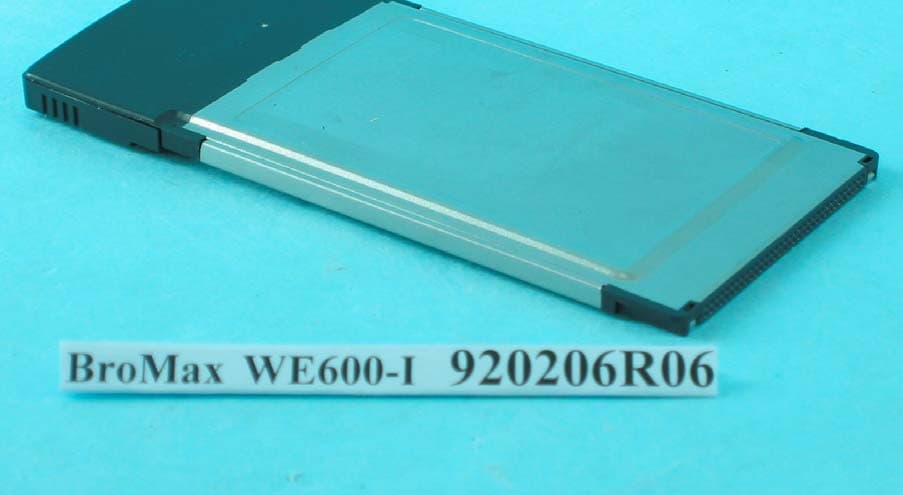
O6M-WE600I
Apr 13, 200354M WLAN Cardbus Adapter
Equipment Class
DTS - Digital Transmission System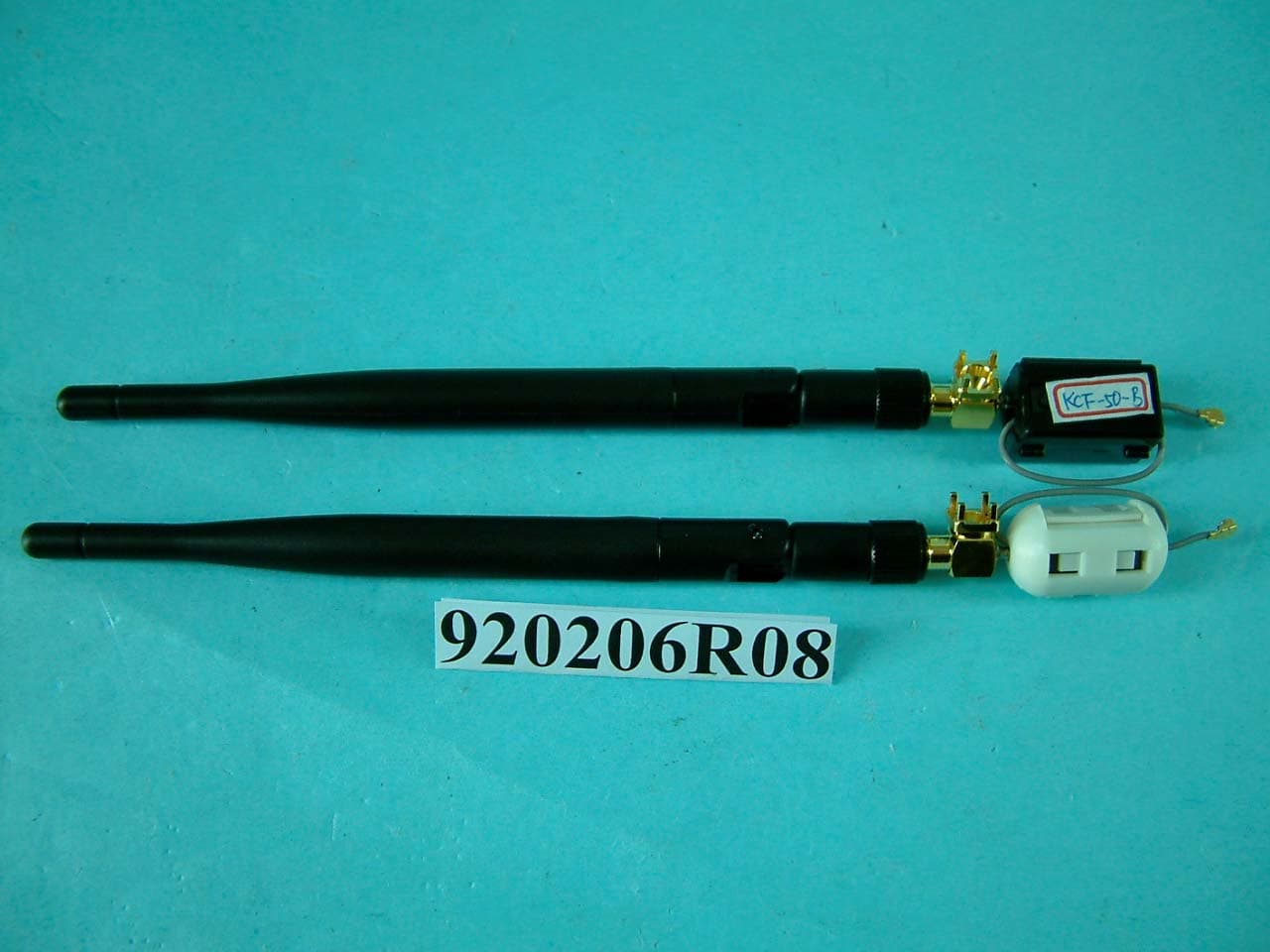
O6M-WM600I
Mar 30, 200354M WLAN Module
Equipment Class
DTS - Digital Transmission System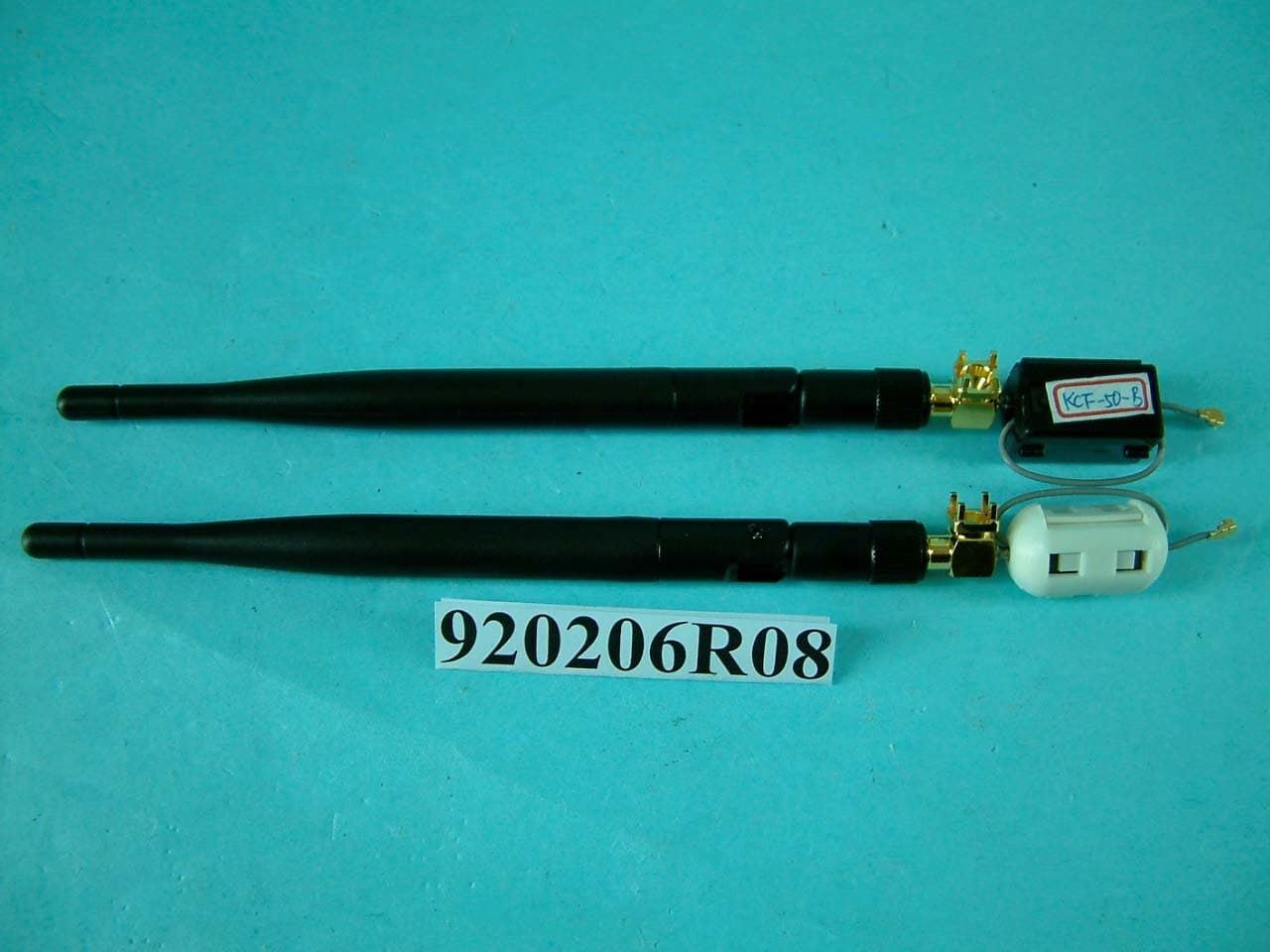
O6M-WM6001
Mar 25, 200354M WLAN Module
Equipment Class
DTS - Digital Transmission System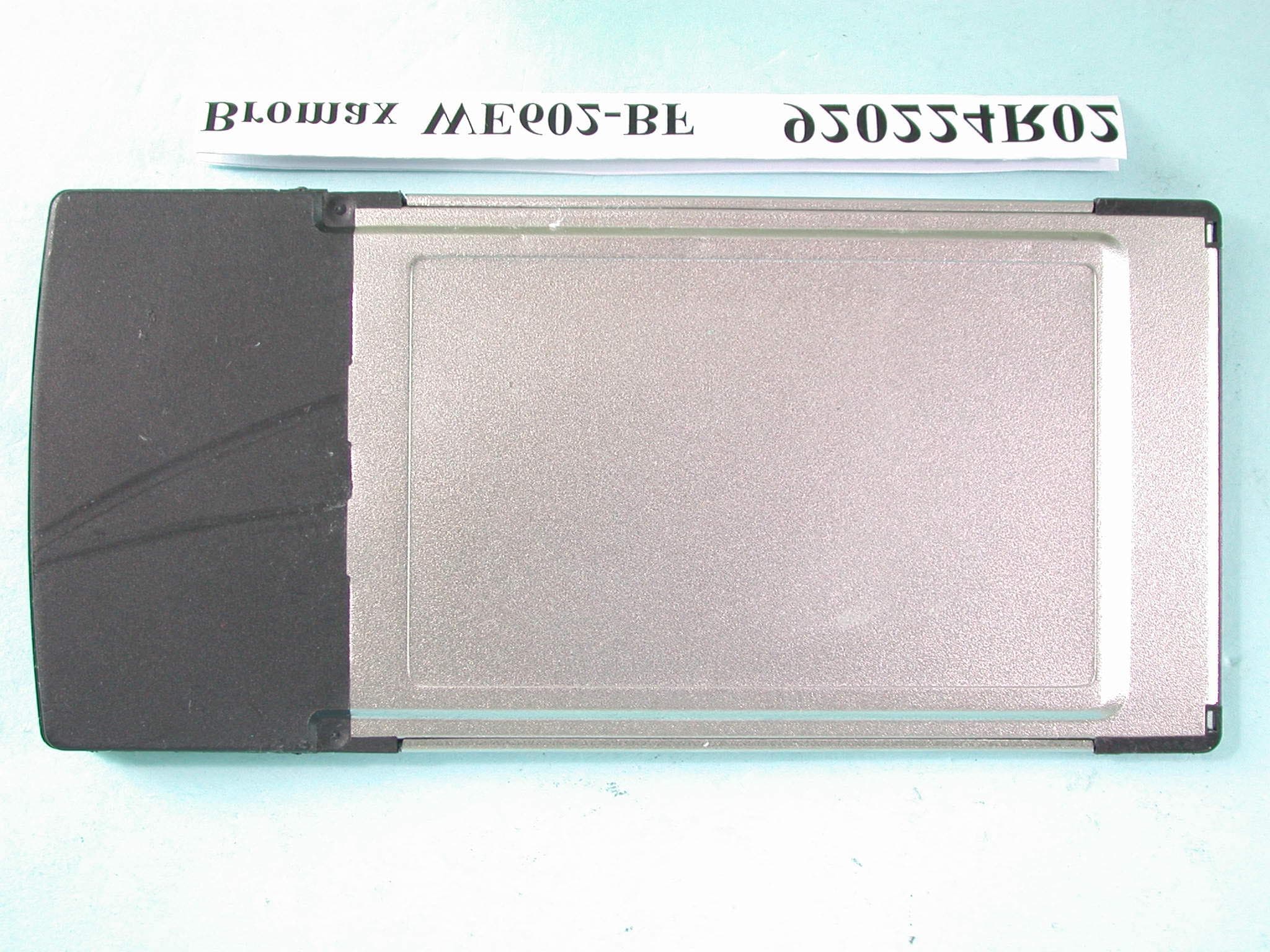
O6M-WE602B
Mar 12, 200354M Wireless LAN CardBus Card
Equipment Class
DTS - Digital Transmission System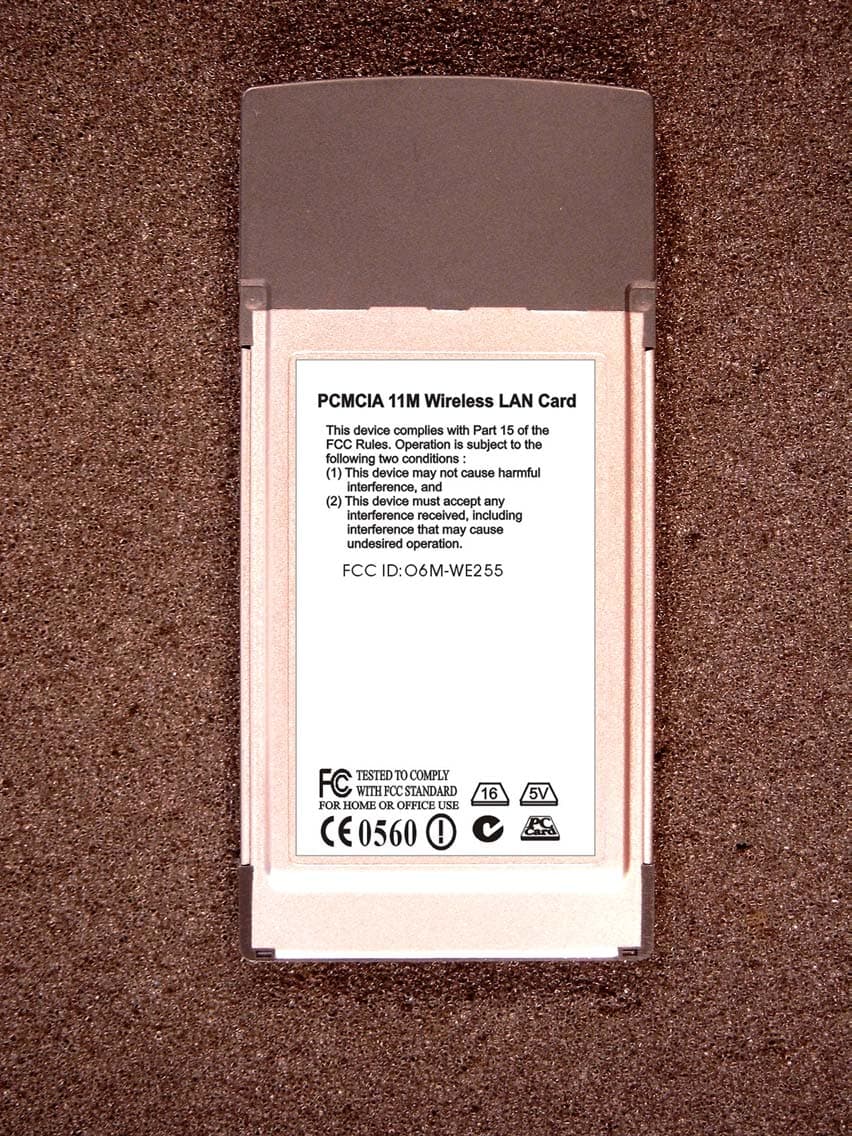
O6M-WE255
Jan 15, 20032.4 GHz WLAN PCMCIA Card
Equipment Class
DTS - Digital Transmission System