O6TGDMALLBT2000Bluetooth Speaker
GLOBAL DIGITECH CO LTD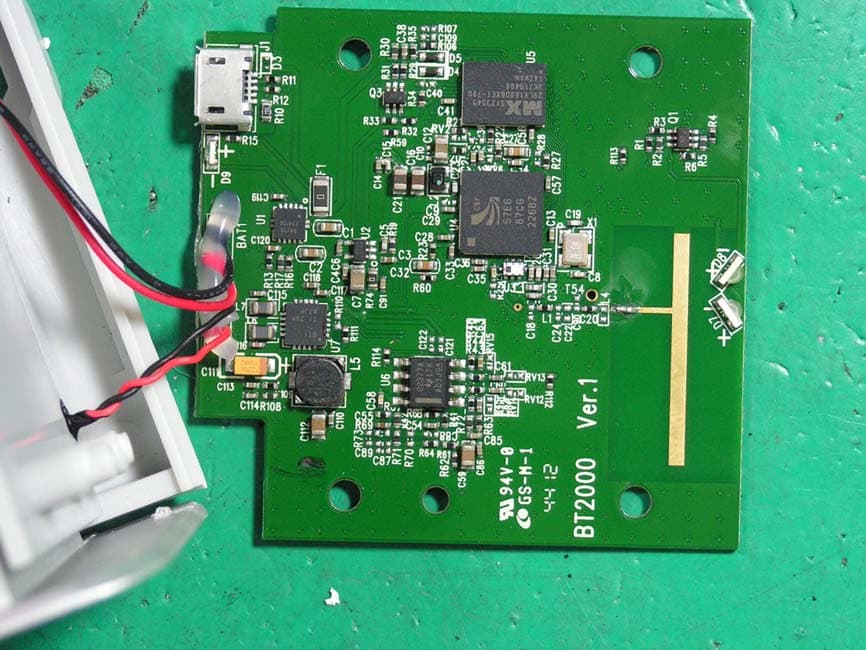
Click to zoom
Application Details
- Equipment Class
- DSS - Part 15 Spread Spectrum Transmitter
- Date of Grant
- Apr 21, 2013
- Application Purpose
- Original Equipment
- Date of Application
- Apr 21, 2013
- Equipment Note
- Bluetooth Speaker
- Frequency Range
- 2402.00000000 - 2480.00000000
- Company
- GLOBAL DIGITECH CO LTD
- Country
- Taiwan
Documents & Files
Document Text
Text extracted from the exhibit documents filed with the FCC. Open a document above to read the original.
Users Manual
Bluetooth Speaker BT2000 User Manual Thank you for your trust and belief in GDMALL Brand, Our wireless Bluetooth speaker can bring you the rock into your life. With our GDMALL Bluetooth speakers you can listen to music with your compatible device, such as smart phones or any other Bluetooth music player. You can now listen to your favorite music wirelessly in high quality. With one wireless speaker you can fill your room with music, easily add another wireless speaker without stopping your music and turn it into an independent left and right channel stereo music. M key Pairing Mode Stand along Mode Left Channel Right Channel Inquiry Mode M key NOTICE: Please read this user manual and the user manual of the compatible device before using this product. WARNING: This product may contain small parts. Keep out of the reach of small childrens. Physical Feature Start here LED Indicator: Flashes GREEN If there is 2 speakers, green light means the speakers are in pairing for stereo mode (left and right channel) Blinks BLUE Wireless speaker is in pairing mode, it’s ready to pair with your compatible device. Stay blue Sucessfully Pairing Go to your device and turn on your Bluetooth. Flashes RED Battery is low. 1. Volume up 5. Micro USB charging connector 2. “M” key – left or right channel indication key 6. Power button 3. Volume down 4. Bluetooth status indicator/ Battery status indicator/ Bluetooth pairing indicator Charge the battery 1. Connect the charger cable to your AC adapter to a wall outlet. 2. Connect the charger cable to the charger connector on the speaker. 3. When the battery is fully charged, the charger indicator will go off. 4. When the battery is fully charged, first disconnect the charger from the speaker, then from the wall outlet. You can also use a compatible USB cable to charge the battery. Charging may not work if you connect through a non-powered USB hub. You can only use the USB connection to charge the battery. Turning on your compatible device’s Bluetooth Using iPhone, iPad, iPod Go to Setting -> General setting ->Turn on Bluetooth Using BlackBerry Go to Setting/Option -> Turn on Bluetooth Using Notebook Go to Bluetooth manager, turn on Bluetooth and search for BT2000. Once pairing is complete, check whether the notebook is set to connected speaker. Chargint LED indicator Micro USB Charging Port Usage Instruction Single Usage 1. Press and hold the power button for 3 to 4 seconds until you hear the indication sound and see the blue LED light lights up, this means the speaker is on. 2. Press and hold the pairing key for 2 secs, until you see the blue LED light starts blinking, (Notice: be careful not to touch the touch panel when pressing the pairing key.) 3. Turn on compatible devices’ Bluetooth and connect to GDMALL BT2000 . 4. After connection you can start to play music, you can turn the volume up/ down, play and pause with your device, or the touch panel on the speaker. 5. When you’re done, turn off the speaker by press and holding the power button for 3 to 5 seconds until you hear the indication sound. Energy saving The speakers will turn off automatically after it cannot connect to Bluetooth devices for 5 minutes to save electricity. Battery/ Charging Hazard 1. Only charge the battery in accordance with the user instruction supplied with BT2000. 2. Do not dispose of your speaker in a fire. The battery could explode causing injury or death. 3. Do not attempt to disassemble the speaker charger or force open the built –in battery because this may result in electric shock. 4. Do not charge the speaker in damp areas or in extremely high or low temperatures because this could result in electric shock. 5. Do not clean the speaker when it is being charged. Always unplug the charger first before cleaning the speaker. How to pair two speakers into left and right channel Twin Usage First, you have to check the two speaker s have been turned off. 1. Press and hold the power button, when you see the blue LED light continue pressing it until it turns green, do the same for the second speaker, press and hold the power button, when you see the blue LED light continue pressing it until it turns green. 2. When the green LED is blinking it means the 2 speaker is presently pairing, it will take a couple of second (30 SECS) before the light turns blue. 3. When the LED light turns blue, press the “M” key on the touch panel, you’ll hear “left channel” or “right channel”. the touch panel when pressing the pairing key. 4. Turn on compatible devices’ Bluetooth and search. When you find BT2000 connect to it. 5. Now you can play music on your device, you can turn the volume up/ down, play and pause with your device, or use the touch panel on the speakers to do so. The 2 channels are synchronized so you can turn volume up/ down, play and pause with any speakers. 6. When you’re done, press and hold the power button for the LEFT CHANNEL for 3 to 5 seconds until you hear the indication sound; this means the speaker is off. If you turn off the right channel first, you’ll need to turn off the left channel separately. How to pair two speakers into left and right channel The left and right channels only have to be paired at the first time through the aforementioned procedures. After that, you only have to switch on the two speakers, and then they can connect to each other automatically. If you only switch on one speaker, and the speaker cannot detect the other one, it will become a mono mode stereo speaker. If you want two speakers to become left and right channel, please follow the aforementioned procedures. FCC Warning statement a. for FCC 15b devices (15.105) This equipment has been tested and found to comply with the limits for a Class B digital device, pursuant to part 15 of the FCC rules. These limits are designed to provide reasonable protection against harmful interference in a residential installation. This equipment generates, uses and can radiate radio frequency energy and, if not in…
Text truncated - open the document above for the full version.
Cover Letter(s)
GLOBAL DIGITECH CO., LTD. No.25 Alley 56 Lane 245 Sec.4 Bade Rd, Taipei, Taiwan March 27, 2013 FCC ID:O6TGDMALLBT2000 Dear Sir, I hereby have entrusted the following person to be a proxy regarding application for Type Certification. Global EMC Standard Tech. Corp. Address: No.3, Baodoucuokeng, Linkou Dist., New Taipei City 244, Taiwan(R.O.C.) Name: Ton y Tsai Job Title: Assistant Manger Director Email: [email protected] I am therefore responsible for the contents of the application. Brand Name and Model Name of the specified radio equipment: / FCC ID:O6TGDMALLBT2000Product Name: Bluetooth Speaker Note: The registered grantee contact is not available, GLOBAL DIGITECH CO., LTD. is signing for grantee contact. He can be reached at email: [email protected] , Name/Title: KAREN YANG Applicant: GLOBAL DIGITECH CO LT D ADDRESS: NO25 ALLEY56 LANE245 SECTION5 BADE ROAD TAIPEI TAIWAN TEL: 886-2-27668817 FAX: 886-2- 27662077 Email: [email protected]
Cover Letter(s)
GLOBAL DIGITECH CO LTD March 27, 2013 Federal Communications Commission Authorization and Evaluation Division FCC ID:O6TGDMALLBT2000 Confidentiality Request Pursuant to Sections 0.457 and 0.459 of the Commission’s Rules, the applicant hereby requests confidential treatment of information applied this application as outlined below: 1. Block Diagram 2. Circuit Diagram 3. Operational Description The above materials contain trade secrets and proprietary information not customarily released to the public. The public disclosure of these matters might be harmful to the applicant and provide unjustified benefits to its competitors. The Applicant understands that pursuant to Rule 0.457, disclosure of this Application and all accompanying documentation will not be made before the date of the Grant for this application Sincerely , Name/Title: KAREN YANG Applicant: GLOBAL DIGITECH CO LTD ADDRESS: NO25 ALLEY56 LANE245 SECTION5 BADE ROAD TAIPEI TAIWAN TEL: 886-2-27668817 FAX: 886-2-27662077 Email: [email protected]
External Photos
GESTEK Lab Report No: 1302018R-01 No.3, Baodoucuokeng, Linkou Dist., New Taipei City 244, Taiwan(R.O.C.) Tel:886-2-2603-5321 Fax:886-2-2603-5325 Accredited Lab. of TAF Page 72 of 76 Approved Lab. of NEMKO, TUV, VCCI 13. PHOTOGRAPHS FOR PRODUCT 1. GDMALL , M/N: BT2000 2. GDMALL , M/N: BT2000 GESTEK Lab Report No: 1302018R-01 No.3, Baodoucuokeng, Linkou Dist., New Taipei City 244, Taiwan(R.O.C.) Tel:886-2-2603-5321 Fax:886-2-2603-5325 Accredited Lab. of TAF Page 73 of 76 Approved Lab. of NEMKO, TUV, VCCI 3. EUT BUTTON.
ID Label/Location Info
GESTEK Lab Report No: 1302018R-01 No.3, Baodoucuokeng, Linkou Dist., New Taipei City 244, Taiwan(R.O.C.) Tel:886-2-2603-5321 Fax:886-2-2603-5325 Accredited Lab. of TAF Page 76 of 76 Approved Lab. of NEMKO, TUV, VCCI 7. FCC ID LOCATION. 8. Label.
Internal Photos
GESTEK Lab Report No: 1302018R-01 No.3, Baodoucuokeng, Linkou Dist., New Taipei City 244, Taiwan(R.O.C.) Tel:886-2-2603-5321 Fax:886-2-2603-5325 Accredited Lab. of TAF Page 74 of 76 Approved Lab. of NEMKO, TUV, VCCI 4. Component Side of Mother Board. 5. Solder Side of Mother Board. GESTEK Lab Report No: 1302018R-01 No.3, Baodoucuokeng, Linkou Dist., New Taipei City 244, Taiwan(R.O.C.) Tel:886-2-2603-5321 Fax:886-2-2603-5325 Accredited Lab. of TAF Page 75 of 76 Approved Lab. of NEMKO, TUV, VCCI 6. Antenna
Test Report
GESTEK Lab Report No: 1302018R-01 No.3, Baodoucuokeng, Linkou Dist., New Taipei City 244, Taiwan(R.O.C.) Tel:886-2-2603-5321 Fax:886-2-2603-5325 Accredited Lab. of TAF Page 1 of 76 Approved Lab. of NEMKO, TUV, VCCI Test Report Application for Certification on Behalf of GLOBAL DIGITECH CO., LTD. EUT: Bluetooth Speaker Model Number: BT2000 FCC ID: O6TGDMALLBT2000 Prepared for: GLOBAL DIGITECH CO., LTD. No.25 Alley 56 Lane 245 Sec.4 Bade Rd, Taipei, Taiwan Report By : Global EMC Standard Tech. Corp. No.3, Baodoucuokeng, Linkou Dist., New Taipei City 244, Taiwan(R.O.C.) Tel : 886-2-2603-5321 Fax : 886-2-2603-5325 1.Test results given in this report only relate to the specimen(s) tested, measured. 2.This report is the property of GesTek, and shall not be reproduced, other than in full, without the written consent of GesTek. 3. The client should not use it to claim product endorsement by TAF, NEMKO or any government agencies. 4.All data in this report are traceable to national standard or international standard. GESTEK Lab Report No: 1302018R-01 No.3, Baodoucuokeng, Linkou Dist., New Taipei City 244, Taiwan(R.O.C.) Tel:886-2-2603-5321 Fax:886-2-2603-5325 Accredited Lab. of TAF Page 2 of 76 Approved Lab. of NEMKO, TUV, VCCI TABLE OF CONTENTS DESCRIPTION PAGE 1. CERTIFICATION .................................................................................................................................. 3 2. GENERAL INFORMATION .................................................................................................................. 4 2.1 PRODUCTION DESCRIPTION ................................................................................................................................. 4 2.2 OPERATIONAL DESCRIPTION ................................................................................................................................ 6 2.3 TEST MODES & EUT COMPONENTS DESCRIPTION ........................................................................................... 6 2.4 SUMMARY OF TEST PROCEDURE AND TEST RESULTS .................................................................................... 6 2.5 CONFIGURATION OF THE TESTED SYSTEM ....................................................................................................... 7 2.6 LAB AMBIENT ........................................................................................................................................................... 8 2.7 TEST FACILITY AUTHORIZATION AND ACCREDITATION................................................................................... 8 2.8 TEST SETUP............................................................................................................................................................. 9 2.9 EUT OPERATING CONDITIONS .............................................................................................................................. 9 3. CONDUCTED EMISSION MEASUREMENT ..................................................................................... 10 3.1 TEST EQUIPMENTS ............................................................................................................................................... 10 3.2 BLOCK DIAGRAM OF TEST SETUP ...................................................................................................................... 10 3.3 CONDUCTED EMISSION LIMITS ........................................................................................................................... 11 3.4 TEST CONFIGURATION ON MEASUREMENT ..................................................................................................... 11 3.5 CONDUCTED EMISSION MEASURED PROCEDURE AND DATA ....................................................................... 12 3.6 OPERATING CONDITIONS OF THE EUT .............................................................................................................. 12 3.7 CONDUCTED EMISSION MEASUREMENT RESULTS ......................................................................................... 13 4. RADIATION EMISSION DATA ........................................................................................................... 15 4.1 TEST EQUIPMENT ................................................................................................................................................. 15 4.2 OPEN TEST SITE SETUP DIAGRAM ..................................................................................................................... 16 4.3 RADIATED EMISSION LIMIT .................................................................................................................................. 17 4.4 TEST CONFIGURATION ........................................................................................................................................ 17 4.5 OPERATING CONDITION OF EUT ........................................................................................................................ 17 4.6 RADIATED EMISSION DATA ................................................................................................................................. 17 4.7 RADIATED EMISSIONS MEASUREMENT RESULTS ........................................................................................... 18 5. PEAK POWER OUTPUT ................................................................................................................... 36 5.1 TEST EQUIPMENT ................................................................................................................................................. 36 5.2 BLOCK DIAGRAM OF TEST SETUP ...................................................................................................................... 36 5.3 PEAK POWER OUTPUT LIMIT ............................................................................................................................... 36 5.4 TEST RESULT ...............................…
Text truncated - open the document above for the full version.
Test Setup Photos
GESTEK Lab Report No: 1302018R-01 No.3, Baodoucuokeng, Linkou Dist., New Taipei City 244, Taiwan(R.O.C.) Tel:886-2-2603-5321 Fax:886-2-2603-5325 Accredited Lab. of TAF Page 69 of 76 Approved Lab. of NEMKO, TUV, VCCI 12. PHOTOGRAPHS FOR TEST 12.1 TEST PHOTOGRAPHS FOR CONDUCTION GESTEK Lab Report No: 1302018R-01 No.3, Baodoucuokeng, Linkou Dist., New Taipei City 244, Taiwan(R.O.C.) Tel:886-2-2603-5321 Fax:886-2-2603-5325 Accredited Lab. of TAF Page 70 of 76 Approved Lab. of NEMKO, TUV, VCCI 12.2 TEST PHOTOGRAPHS FOR RADIATION 30-1000MHz GESTEK Lab Report No: 1302018R-01 No.3, Baodoucuokeng, Linkou Dist., New Taipei City 244, Taiwan(R.O.C.) Tel:886-2-2603-5321 Fax:886-2-2603-5325 Accredited Lab. of TAF Page 71 of 76 Approved Lab. of NEMKO, TUV, VCCI Above 1GHz
Contact Information
Applicant
KAREN YANG
Test Firm
Global EMC Standard Tech. CorpHaowei Shih
Technical Specifications
| # | Rule Parts | Frequency Range | Power Output |
|---|---|---|---|
| 1 | 15C | 2.40 GHz - 2.48 GHz | 60.00 µW |
Other Applications from GLOBAL DIGITECH CO LTD
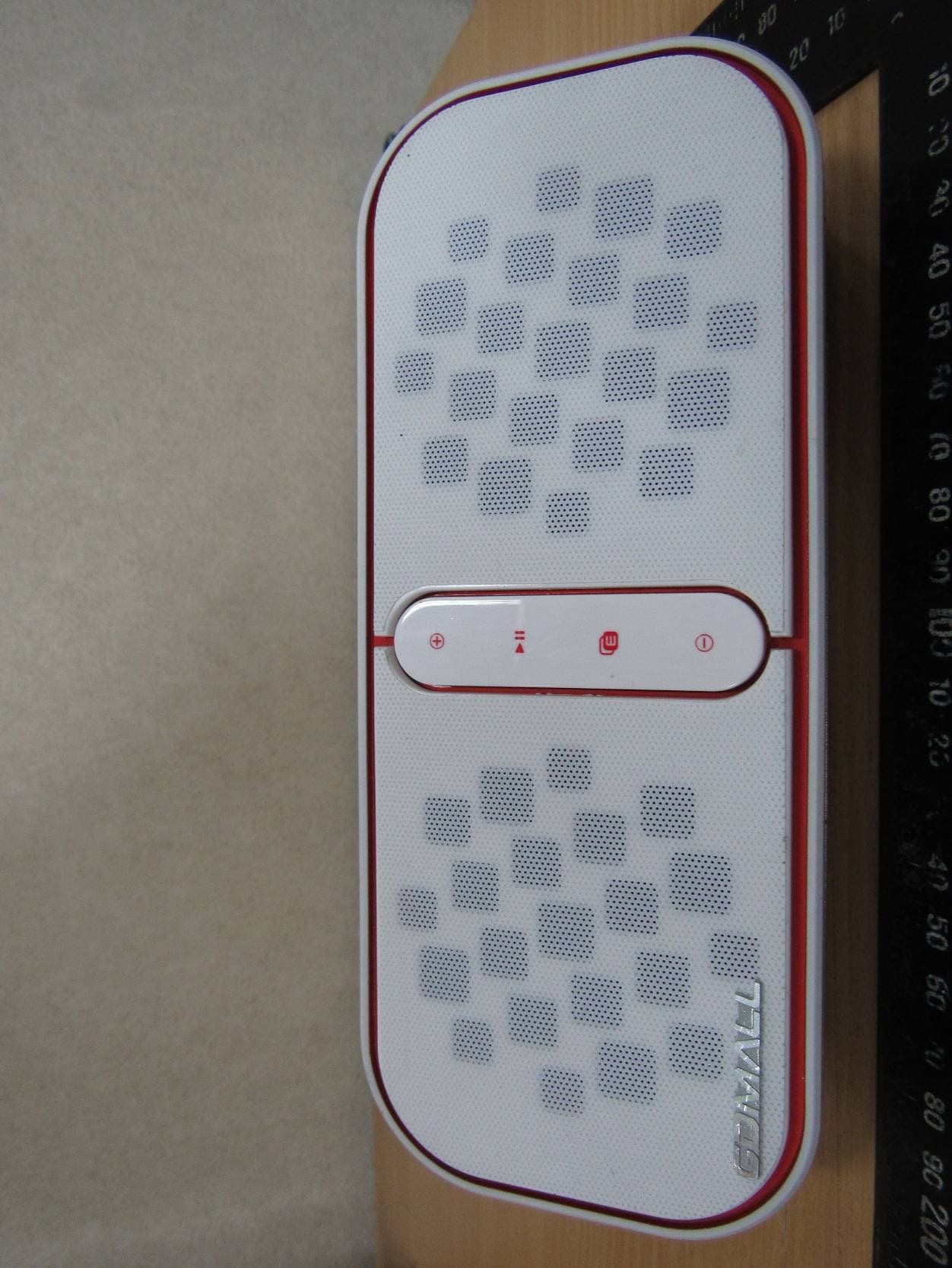
O6TGDMALLBT5000N
Mar 17, 2015BLUETOOTH SPEAKER
Equipment Class
DTS - Digital Transmission System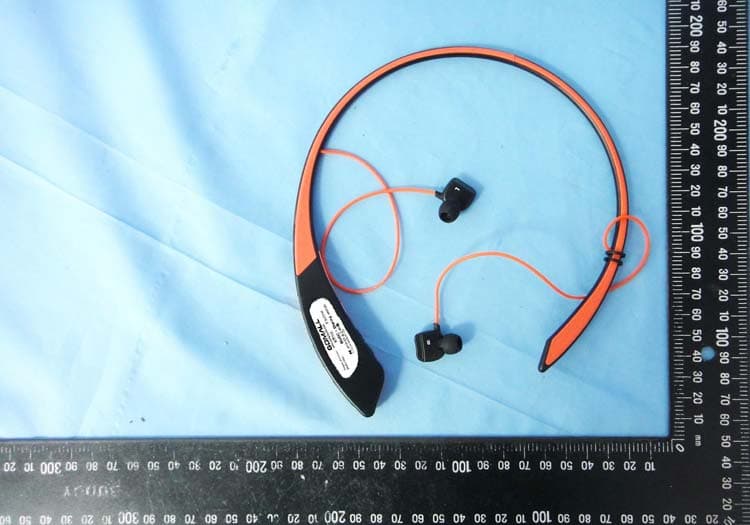
O6TGDMALLBTH600NX
Oct 27, 2014Bluetooth Headset
Equipment Class
DSS - Part 15 Spread Spectrum Transmitter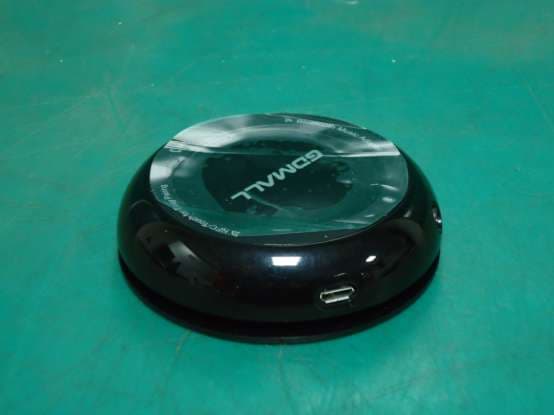
O6TGDMALLM1000N
Sep 11, 2013Bluetooth Adaptor
Equipment Class
DSS - Part 15 Spread Spectrum Transmitter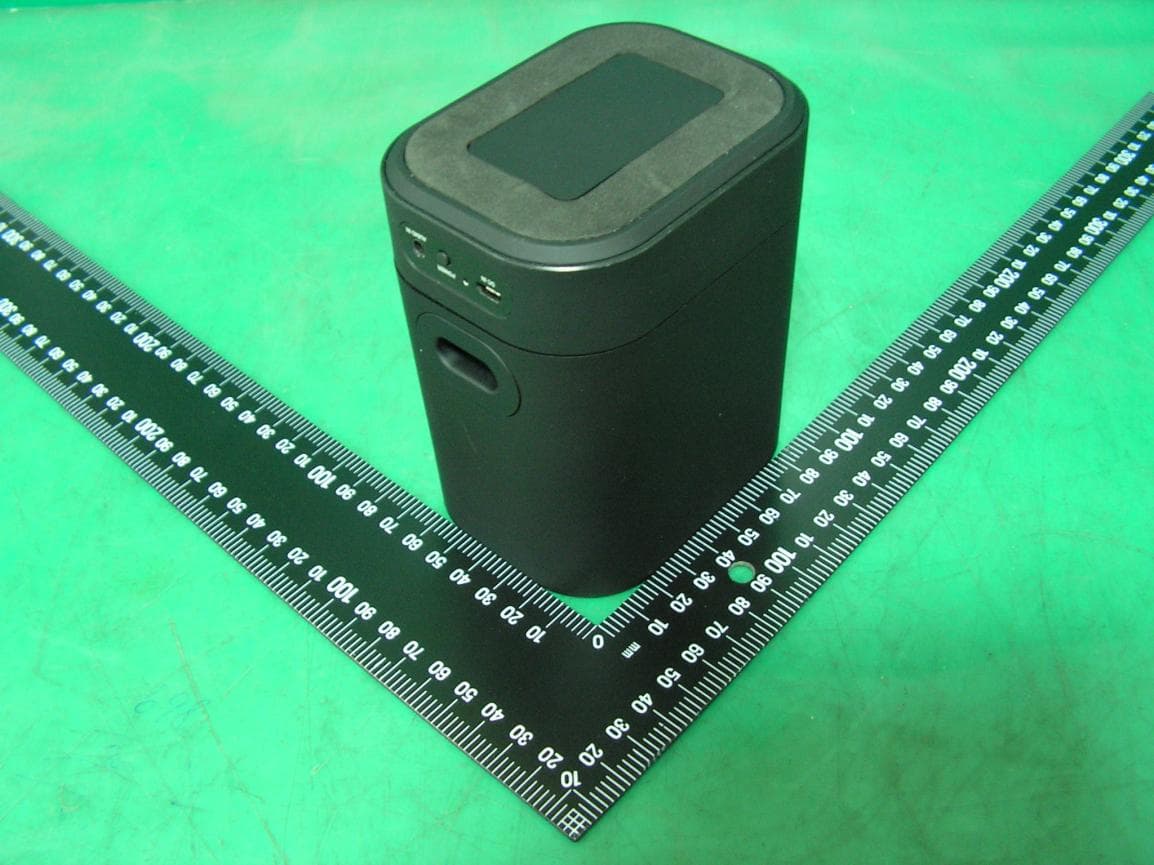
O6TGDMALLBT3000
Jul 08, 2013Bluetooth Speaker
Equipment Class
DSS - Part 15 Spread Spectrum Transmitter