ODCBS-023Bluetooth Speaker
Shenzhen Badasheng Electronic Co., Ltd.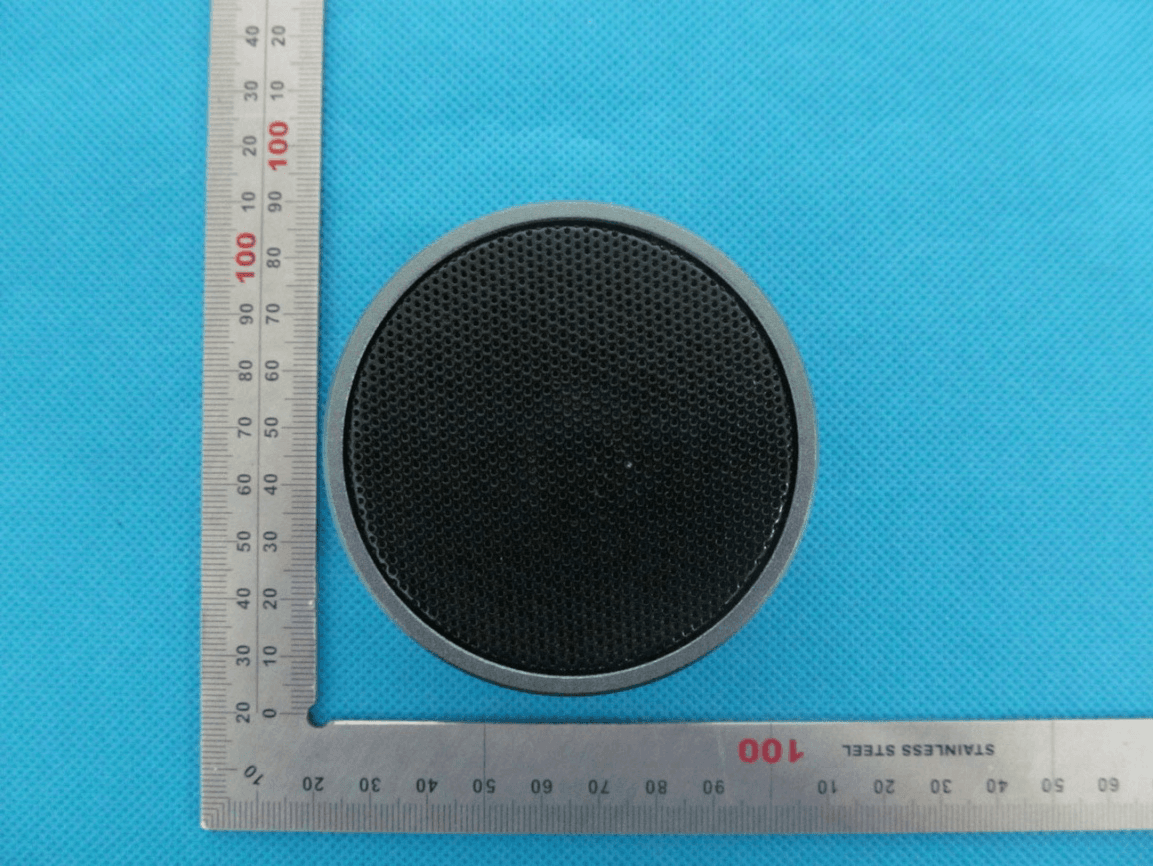
Click to zoom
Application Details
- Equipment Class
- DSS - Part 15 Spread Spectrum Transmitter
- Date of Grant
- May 13, 2013
- Application Purpose
- Original Equipment
- Date of Application
- May 13, 2013
- Equipment Note
- Bluetooth Speaker
- Frequency Range
- 2402.00000000 - 2480.00000000
- Country
- China
Documents & Files
Document Text
Text extracted from the exhibit documents filed with the FCC. Open a document above to read the original.
Users Manual
User’s Manual Bluetooth Speaker Model Name: HB- 1308M FCC ID: ODCBS-023 2 Catalog Summary..............................................................................3 Package contents list.........................................................................3 Pairing...................................................................................3 Charging the battery .............................................................4 Battery information ...............................................................5 Turning speaker on /off ........................................................6 Streaming music...............................................................7 Troubleshooting...............................................................7 Safety and general information...........................................7 FCC Statement ..........................................................8 Declaration of conformity for EU.........................................9 Specification ....................................................................9 3 1. Summary BSK23 is a portable Bluetooth wireless speaker that comes with ultra‐small size. It is compliant with Bluetooth V2.1+EDR specification, can be easily connected wirelessly to a mobile phone, PC or MP3 player if they are A2DP‐enabled. BSK23 can use for phone call conversation as a hands‐free speaker. For more details, please read the user guide following. 2. Package contents list: 1) BSK23 speaker 2) User Manual 3) Charging Cable 3. Pairing Before you use BSK23 the first time, you must pair the unit with a Bluetooth® enabled mobile phone or other devices. Pairing is an one‐time process and required only for the first connection with the Bluetooth host device. This instruction is based on a Bluetooth enabled phone as the host device. Please refer to the following steps to pair BSK23. [Pair with Bluetooth phone] 4 1) Slide the power switch to ON. Put the speaker close to a Bluetooth‐enabled mobile phone less than 1 meter distance. 2) Ensure the speaker is turned off. 3) Press and hold the MFB for 3 seconds, you will hear a beep sound and the LED indicator flashes in red and blue alternately, it is now ready for pairing. 4) Activate your mobile phones Bluetooth function by referring to your mobile phone’s instruction guide for details, start to search the Bluetooth devices. 5) Select “BSK23” from the new device list. 6) Enter the PIN code “0000” and confirm to complete pairing. When pairing is completed the BSK23 will connect to your phone automatically, a few seconds later enter to standby mode. 7) Important: If pairing is not completed within 2 minutes, the speaker will turn off. If this happens, repeat the pairing process. 5. Charging the battery 8004802 has an internal, no removable, rechargeable battery. Do not attempt to remove the battery from the device as you may damage the device. 1) For first time use, please fully charge the speaker. 2) Plug the charger into the electrical outlet and put the micro USB plug into the charging socket of the speaker. 5 3) When the charger is connected, the indicator light is solid red during charging. Charging the battery fully may take up to 2 hours. 4) When the battery is fully charged, the red indicator light turns off and turn on the blue indicator. Please disconnect the charger from the speaker and the wall outlet. 5) When the speaker is powered on and battery power is low, the speaker will notify you with beeps every 20 seconds. The indicator light will turn red. Important: When the charger is connected, it can be an AC power supply for the speaker directly. 6. Battery information The device is equipped with an integrated lithium‐polymer battery. The battery cannot be replaced. Do not attempt to remove the battery from the device since it would damage the device. The full performance of a new battery is not achieved until after two or three complete charging‐discharging cycles. The battery can be charged and discharged 6 several hundred times, but it looses its capacity over time. Disconnect the BSK23 from the power supply as soon as the battery is fully charged, overcharging would reduce the service life of the battery. A charged battery will lose its capacity if it is not used on a regular basis. Important: Ensure that the battery is fully charged if you do not use the device for a long period of time. To avoid a complete discharge of the battery, the 8004802 should be charged at least every 3 months. 7. Turning speaker on /off [Turn on the speaker] Slide the power switch to ON, then press and hold the MFB for about 3s until you hear a tone from low to high, the blue indicator will flash 2 times, the speaker is now on. [Connect to a Bluetooth‐enabled mobile phone] If the speaker has completed the paring operation successfully, when the speaker turns on, it will connect to the phone you last connected automatically. Please ensure your phone’s Bluetooth function is activated. [Turn off the speaker] At any working state after the speaker is powered on, press and hold MFB for 5s, you will hear a tone, and the red indicator flashes in red, the speaker has now powered off. 7 Important: Slide the power switch to OFF to cut off the power completely if you will leave use the speaker for a long time. 1) To conserve power, if the speaker is not connected to a device for 20 minutes, the headset will turn off automatically. 8. Streaming music The BSK23 supports A2DP profile that allows for wireless streaming of stereo music from a phone or other Bluetooth enabled music device. The music will pause automatically while a call is dialed out/incoming, and resume when the conversation has ended. 9. Troubleshooting If you can not connect the speaker to the mobile phone or other Bluetooth device, please try the following steps: 1) Ensure the speaker is charged fully and it is paired with your mobile phone. 2) Ensure the speaker is not connected with other Bluetooth device. 3) Ensure you’re mobil…
Text truncated - open the document above for the full version.
Cover Letter(s)
April 24, 2013 Federal Communication Commission Authorization and Evaluation Division FCC ID: ODCBS-023 Re: Confidentiality Request Pursuant to Sections 0.457 and 0.459 of the Commission’s Rules, the applicant hereby requests confidential treatment of information applied this application as outlined below: 1: Block Diagram 2: Circuit Diagram 3: Operational Description 4: Parts List The above materials contain trade secrets and proprietary information not customarily released to the public. The public disclosure of these matters might be harmful to the applicant and provide unjustified benefits to its competitors. The Applicant understands that pursuant to Rules 0.457, disclosure of this Application and all accompanying documentation will not be made before the date of the Grant for this application. Sincerely, Company: Shenzhen Bada Sheng Electronic Co.,Ltd. Contact Person: Wonderful Wang Title: Manager
External Photos
External Photos TOP VIEW OF EUT BOTTOM VIEW OF EUT FRONT VIEW OF EUT BACK VIEW OF EUT LEFT VIEW OF EUT RIGHT VIEW OF EUT
ID Label/Location Info
FCC Lable Location Bluetooth Speaker Model Name: HB-1308M FCC ID:ODCBS-023
Internal Photos
Internal Photos OPEN VIEW OF EUT INTERNAL VIEW OF EUT-1 BT Antenna INTERNAL VIEW OF EUT-2
Test Report
Report No.: AGC00190130401FE03 Page 1 of 54 FCC Test Report Report No.: AGC00190130401FE03 FCC ID : ODCBS‐023 APPLICATION PURPOSE : Original Equipment PRODUCT DESIGNATION : Bluetooth Speaker BRAND NAME : N/A MODEL NAME : HB‐1308M CLIENT : Shenzhen Bada Sheng Electronic Co., Ltd. DATE OF ISSUE : Apr.13,2013 STANDARD(S) : FCC Part 15 Rules REPORT VERSION : V1.0 Attestation of Global Compliance (Shenzhen) Co., Ltd CAUTION: This report shall not be reproduced except in full without the written permission of the test laboratory and shall not be quoted out of context. Report No.: AGC00190130401FE03 Page 2 of 54 Report Revise Record Report Version Revise Time Issued Date Valid VersionNotes V1.0 / Apr.13,2013 Valid Original Report Report No.: AGC00190130401FE03 Page 3 of 54 TABLE OF CONTENTS 1. VERIFICATION OF CONFORMITY ...................................................................................... 5 2. GENERAL INFORMATION .................................................................................................. 6 2.1. PRODUCT DESCRIPTION ........................................................................................................... 6 2.2. TABLE OF CARRIER FREQUENCYS .......................................................................................... 6 2.3. RECEIVER INPUT BANDWIDTH ................................................................................................. 7 2.4. EXAMPLE OF A HOPPING SEQUENCY IN DATA MODE ........................................................... 7 2.5. EQUALLY AVERAGE USE OF FREQUENCIES AND BEHAVIOUR ............................................ 7 2.6. RELATED SUBMITTAL(S) / GRANT (S) ....................................................................................... 8 2.7. TEST METHODOLOGY................................................................................................................ 8 2.8. SPECIAL ACCESSORIES ............................................................................................................ 8 2.9. EQUIPMENT MODIFICATIONS ................................................................................................... 8 3. MEASUREMENT UNCERTAINTY........................................................................................ 9 4. DESCRIPTION OF TEST MODES ........................................................................................ 9 5. SYSTEM TEST CONFIGURATION .................................................................................... 10 5.1. CONFIGURATION OF EUT SYSTEM ........................................................................................ 10 5.2. EQUIPMENT USED IN EUT SYSTEM ....................................................................................... 10 5.3. SUMMARY OF TEST RESULTS ................................................................................................ 10 6. TEST FACILITY .................................................................................................................. 11 7. PEAK OUTPUT POWER .................................................................................................... 12 7.1. MEASUREMENT PROCEDURE ................................................................................................ 12 7.2. TEST SET-UP (BLOCK DIAGRAM OF CONFIGURATION) ....................................................... 12 7.3. LIMITS AND MEASUREMENT RESULT .................................................................................... 12 8. 20DB BANDWIDTH ............................................................................................................ 14 8.1. MEASUREMENT PROCEDURE ................................................................................................ 14 8.2. TEST SET-UP (BLOCK DIAGRAM OF CONFIGURATION) ....................................................... 14 8.3. LIMITS AND MEASUREMENT RESULTS .................................................................................. 14 9. CONDUCTED SPURIOUS EMISSION ............................................................................... 23 9.1. MEASUREMENT PROCEDURE ................................................................................................ 23 9.2. TEST SET-UP (BLOCK DIAGRAM OF CONFIGURATION) ....................................................... 23 9.3. MEASUREMENT EQUIPMENT USED ....................................................................................... 23 9.4. LIMITS AND MEASUREMENT RESULT .................................................................................... 23 10. RADIATED EMISSION ..................................................................................................... 27 10.1. MEASUREMENT PROCEDURE .............................................................................................. 27 10.2. TEST SETUP ............................................................................................................................ 29 Report No.: AGC00190130401FE03 Page 4 of 54 10.3. TEST RESULT .......................................................................................................................... 30 11. BAND EDGE EMISSION .................................................................................................. 34 11.1. MEASUREMENT PROCEDURE .............................................................................................. 34 11.2. TEST SET-UP ........................................................................................................................... 34 11.3. TEST RESULT .......................................................................................................................... 35 12. NUMBER OF HOPPING FREQUENCY ............................................................................ 39 12.1. MEASUREMENT PROCEDURE .............................................................................................. 39 12.2. TEST SETUP (BLOCK DIAGR…
Text truncated - open the document above for the full version.
Test Setup Photos
Test Setup Photos CONDUCTED EMISSION RADIATED EMISSION
Contact Information
Applicant
Annie Xie
Test Firm
Attestation of Global Compliance Shenzhen Co. Ltd.Forrest Lei
Technical Specifications
| # | Rule Parts | Frequency Range | Power Output |
|---|---|---|---|
| 1 | 15C | 2.40 GHz - 2.48 GHz | 3.00 mW |
Other Applications from Shenzhen Badasheng Electronic Co., Ltd.

ODCMG5
Apr 13, 2022wireless adapter
Equipment Class
DTS - Digital Transmission System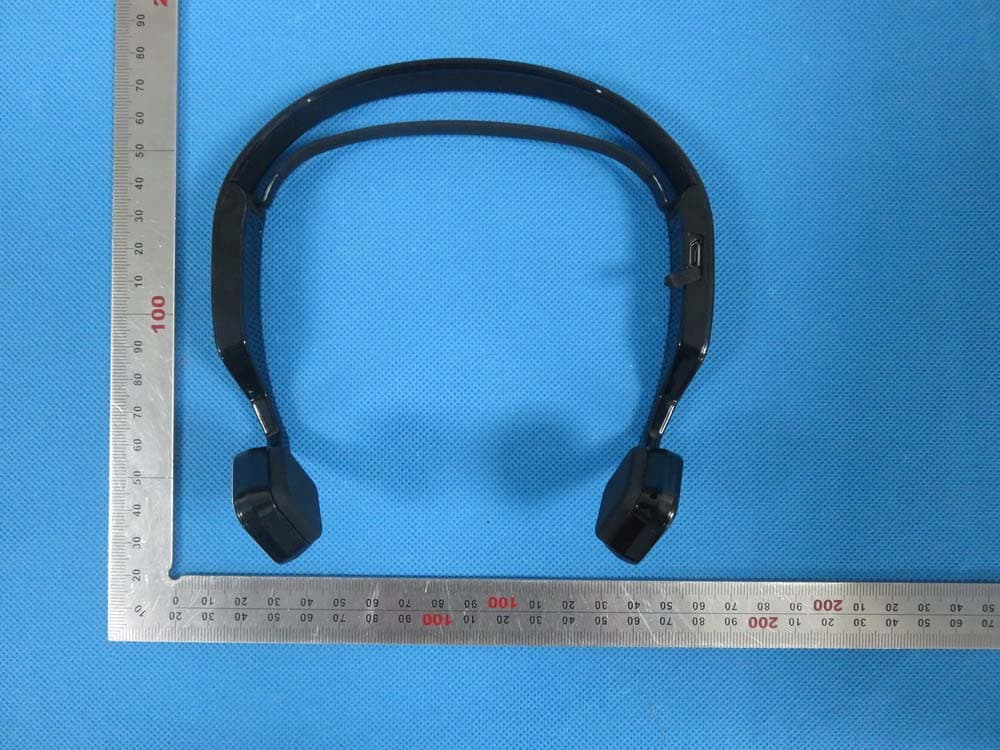
ODCBDS-662B
Aug 26, 2015Bluetooth headset
Equipment Class
DXX - Part 15 Low Power Communication Device Transmitter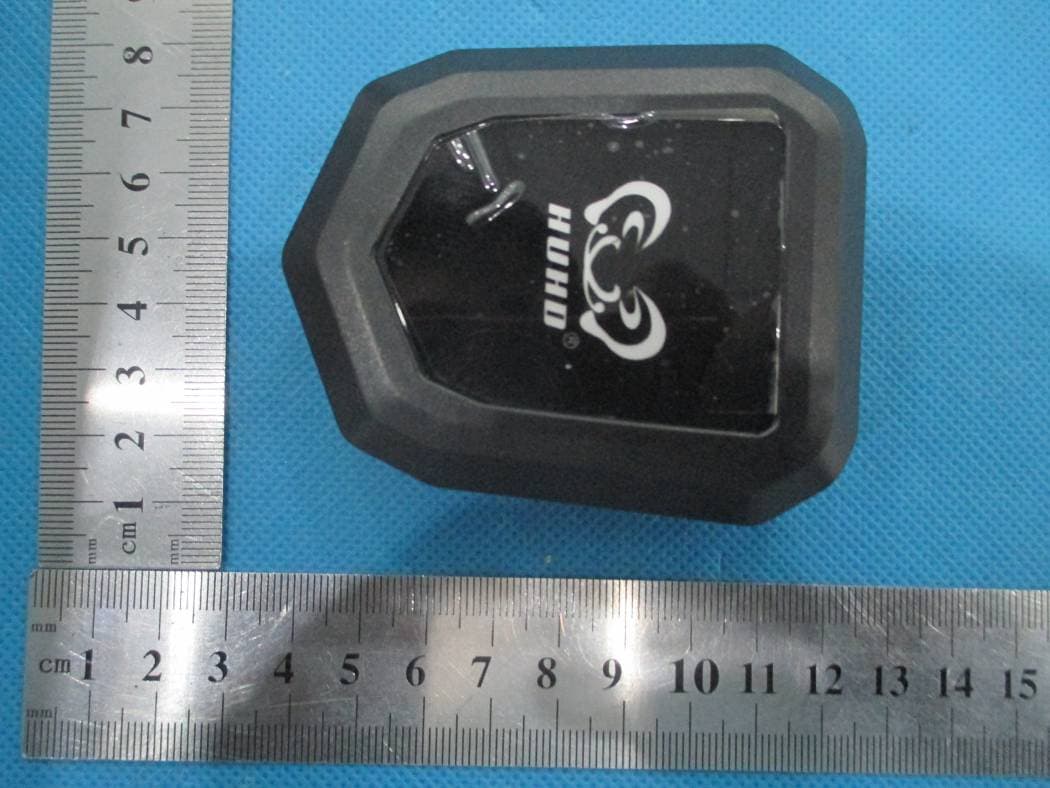
ODCHW-398M
Mar 16, 2015Transmitter
Equipment Class
DTS - Digital Transmission System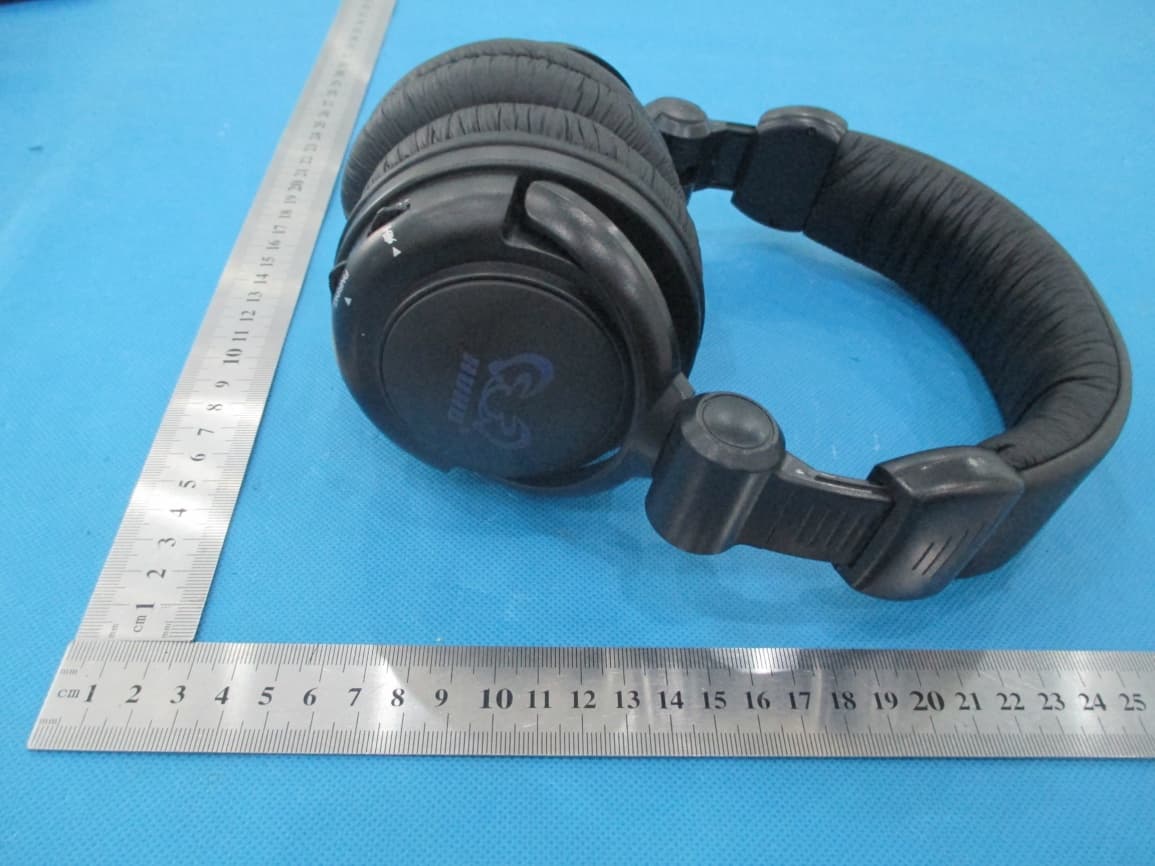
ODCHW-933M
Mar 16, 2015gaming headset
Equipment Class
DTS - Digital Transmission System
ODCHW-399MR
Sep 16, 2014gaming headset
Equipment Class
DSS - Part 15 Spread Spectrum Transmitter