ODCHB-390MBluetooth Headset
Shenzhen Badasheng Electronic Co., Ltd.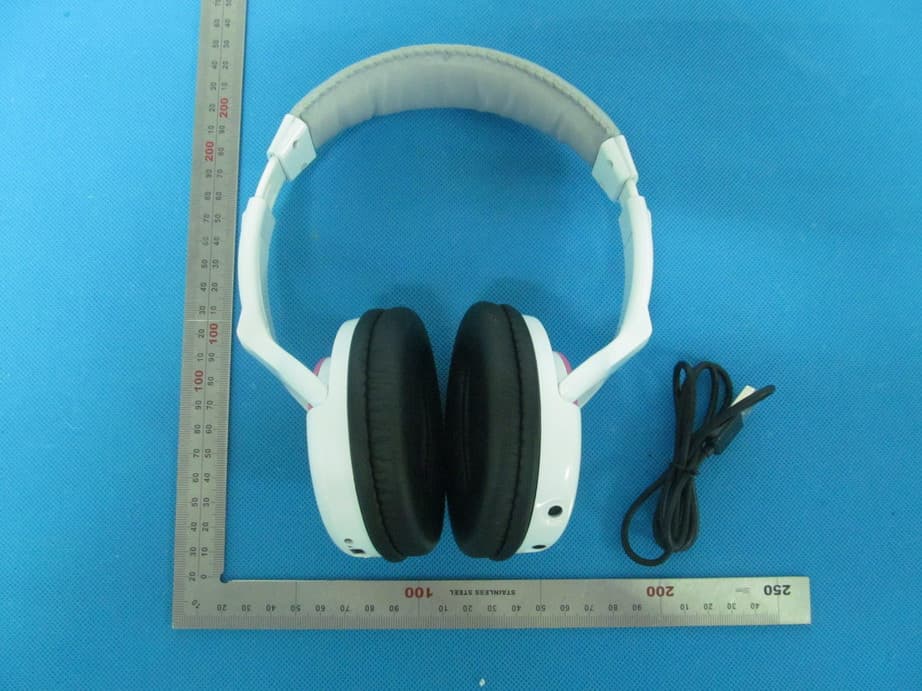
Click to zoom
Application Details
- Equipment Class
- DSS - Part 15 Spread Spectrum Transmitter
- Date of Grant
- Jul 08, 2013
- Application Purpose
- Original Equipment
- Date of Application
- Jul 08, 2013
- Equipment Note
- Bluetooth Headset
- Frequency Range
- 2402.00000000 - 2480.00000000
- Country
- China
Documents & Files
Document Text
Text extracted from the exhibit documents filed with the FCC. Open a document above to read the original.
Users Manual
Bluetooth headset User Manual Brand Name: HUHD Model Name:HB-390M FCC ID:ODCHB-390M User manual for HB-390M Bluetooth headset Features: This headset supports Bluetooth and AUX (connection with 3.5mm audio cable). 1. Bluetooth Mode: The headset is adopted with CSR chipset and provides real stereo wireless transmission. The cell phone/Bluetooth device can pair and work with this headset. 2. AUX Mode: The headset is compatible with any audio device such as MP3 players, iPods...etc., through the AUX input port. Precautions: 1. The headset is designed to let you have the best sound effect when you place the ear pads at the right places. Please make sure that the right ear pad is placed around your right ear. 2. When the headset is being powered on, it is set at the Bluetooth Mode. If you desire to use the AUX Mode, please make sure that the headset is powered off before you connect the headset with the audio device. Introduction: A. The left ear pad 1. Previous song Left ear pad 2. Next song 3. Answer/hang-up/play/pause 4. Volume- 5. Volume+ 6. Indicator LED 7. AUX input port B. The right ear pad 8. Power switch Right ear pad 9. USB charging port 10. Charging indicator light Battery charging: Connecting the USB charging cable with the headset and the computer can charge the battery. When the battery is being charged, the indicator LED will light in red color. When the charging is done the indicator LED will go off. The charging time is normally around 4 hours. When the headset is being charged for the first time, please make sure that it is fully charged before use. It can be charged by PC while transfer data.The USB port only used for charging. Operation: 1 5 7 89 10 2 3 4 6 1. Bluetooth Mode: Power on the headset by setting the power switch at the power icon. When the headset is ready for Bluetooth pairing, the indicator LED will fast flash in blue color. Please activate the Bluetooth connection on the cell phone/ Bluetooth device. The pairing name of the headset is “HB-390M”. Please click on it to start the connection. If you are requested to input passwords, it is 0000. When the headset is successfully paired with the cell phone/Bluetooth device, the indicator LED will slow flash in blue color. 2. AUX Mode: If you desire to connect the headset with the cell phone/audio device by cable instead of Bluetooth, please first power off the headset. Then connect the headset and the cell phone/audio device via the 3.5mm audio cable. Mode Bluetooth Mode Previous song Next song Long press: Disconnect the current bluetooth connection and start a new pairing. Short press: 1. During music playing: Short press to pause or resume the playing. If there is call coming in, short press to answer or reject the call. 2. Short press this button twice can redial the call. Decrease volume Increase volume AUX Mode Accessories included: 3.5mm audio cable USB charging cable User manual Specifications: Size: 195x150x80mm Weight: Around 165g (cable excluded) Working voltage: 3.5-4.2V Working current: 80 mA Lithium capacity: 800 mAh Working time:10 hours Charging time: Around 4 hours Bluetooth version: Bluetooth V2.1+EDR Module mode: GFSK, TT/4-DQPSK, 8DPSK Bluetooth protocol: AVCTP 1.0, AVRCP 1.0, GAVDP 1.2, AVDTP 1.0, A2DP 1.2 Hands-Free Profile 1.5Headset Profile v1.1 Transit range: Max. 10 meters Sensitivity: [email protected]%BER Frequency range: 2.4GHz-2.480GHz SNR: ≥75dB Speaker size: Ф40mm Speaker impedance: 32Ω Frequency response: 2020KHz MIC sizes: 6.0*2.2mm MIC sensitivity: -38dB MIC direction: Omni directional MIC frequency response: 100Hz-8KHz This device complies with part 15 of the FCC rules. Operation is subject to the following two conditions: (1) this device may not cause harmful interference, and (2) this device must accept any interference received, including interference that may cause undesired operation. Changes or modifications to this unit not expressly approved by the party responsible for compliance could void the user’s authority to operate the equipment.
Cover Letter(s)
Jun. 21, 2013 Federal Communication Commission Authorization and Evaluation Division FCC ID: ODCHB-390M Re: Confidentiality Request Pursuant to Sections 0.457 and 0.459 of the Commission’s Rules, the applicant hereby requests confidential treatment of information applied this application as outlined below: 1: Block Diagram 2: Circuit Diagram 3: Operational Description 4: Parts List The above materials contain trade secrets and proprietary information not customarily released to the public. The public disclosure of these matters might be harmful to the applicant and provide unjustified benefits to its competitors. The Applicant understands that pursuant to Rules 0.457, disclosure of this Application and all accompanying documentation will not be made before the date of the Grant for this application. Sincerely, Shenzhen Bada Sheng Electronic Co., Ltd. Contact person: Wonderful Wang Title: Manager
External Photos
HB-390M External Photos TOTAL VIEW OF EUT TOP VIEW OF EUT BOTTOM VIEW OF EUT FRONT VIEW OF EUT BACK VIEW OF EUT LEFT VIEW OF EUT RIGHT VIEW OF EUT
ID Label/Location Info
FCC ID Label Location HB‐390MBluetooth headset Model: HB-390M Trade Name: HUHD FCC ID: ODCHB-390M
Internal Photos
HB-390M Internal Photos OPEN VIEW OF EUT-1 INTERNAL VIEW OF EUT-1 BT Antenna INTERNAL VIEW OF EUT-2 INTERNAL VIEW OF EUT-3 INTERNAL VIEW OF EUT-4
Test Report
Report No.: AGC00190130601FE03 Page 1 of 55 FCC Test Report Report No.: AGC00190130601FE03 FCC ID : ODCHB‐390M APPLICATION PURPOSE : Original Equipment PRODUCT DESIGNATION : HB‐390M Bluetooth headset BRAND NAME : HUHD MODEL NAME : HB‐390M CLIENT : SHENZHEN BADA SHENG ELECTRONIC CO., LTD DATE OF ISSUE : June 18,2013 STANDARD(S) : FCC Part 15 Rules REPORT VERSION : V1.0 Attestation of Global Compliance (Shenzhen) Co., Ltd CAUTION: This report shall not be reproduced except in full without the written permission of the test laboratory and shall not be quoted out of context. Report No.: AGC00190130601FE03 Page 2 of 55 Report Revise Record Report Version Revise Time Issued Date Valid VersionNotes V1.0 / June 18,2013Valid Original Report Report No.: AGC00190130601FE03 Page 3 of 55 TABLE OF CONTENTS 1. VERIFICATION OF CONFORMITY ...................................................................................... 5 2. GENERAL INFORMATION .................................................................................................. 6 2.1. PRODUCT DESCRIPTION ........................................................................................................... 6 2.2. TABLE OF CARRIER FREQUENCYS .......................................................................................... 6 2.3. RECEIVER INPUT BANDWIDTH ................................................................................................. 7 2.4. EXAMPLE OF A HOPPING SEQUENCY IN DATA MODE ........................................................... 7 2.5. EQUALLY AVERAGE USE OF FREQUENCIES AND BEHAVIOUR ............................................ 7 2.6. RELATED SUBMITTAL(S) / GRANT (S) ....................................................................................... 8 2.7. TEST METHODOLOGY................................................................................................................ 8 2.8. SPECIAL ACCESSORIES ............................................................................................................ 8 2.9. EQUIPMENT MODIFICATIONS ................................................................................................... 8 3. MEASUREMENT UNCERTAINTY........................................................................................ 9 4. DESCRIPTION OF TEST MODES ........................................................................................ 9 5. SYSTEM TEST CONFIGURATION .................................................................................... 10 5.1. CONFIGURATION OF EUT SYSTEM ........................................................................................ 10 5.2. EQUIPMENT USED IN EUT SYSTEM ....................................................................................... 10 5.3. SUMMARY OF TEST RESULTS ................................................................................................ 10 6. TEST FACILITY .................................................................................................................. 11 7. PEAK OUTPUT POWER .................................................................................................... 12 7.1. MEASUREMENT PROCEDURE ................................................................................................ 12 7.2. TEST SET-UP (BLOCK DIAGRAM OF CONFIGURATION) ....................................................... 12 7.3. LIMITS AND MEASUREMENT RESULT .................................................................................... 13 8. 20DB BANDWIDTH ............................................................................................................ 15 8.1. MEASUREMENT PROCEDURE ................................................................................................ 15 8.2. TEST SET-UP (BLOCK DIAGRAM OF CONFIGURATION) ....................................................... 15 8.3. LIMITS AND MEASUREMENT RESULTS .................................................................................. 15 9. CONDUCTED SPURIOUS EMISSION ............................................................................... 22 9.1. MEASUREMENT PROCEDURE ................................................................................................ 22 9.2. TEST SET-UP (BLOCK DIAGRAM OF CONFIGURATION) ....................................................... 22 9.3. MEASUREMENT EQUIPMENT USED ....................................................................................... 22 9.4. LIMITS AND MEASUREMENT RESULT .................................................................................... 22 10. RADIATED EMISSION ..................................................................................................... 26 10.1. MEASUREMENT PROCEDURE .............................................................................................. 26 10.2. TEST SETUP ............................................................................................................................ 28 Report No.: AGC00190130601FE03 Page 4 of 55 10.3. TEST RESULT .......................................................................................................................... 29 11. BAND EDGE EMISSION .................................................................................................. 33 11.1. MEASUREMENT PROCEDURE .............................................................................................. 33 11.2. TEST SET-UP ........................................................................................................................... 33 11.3. TEST RESULT .......................................................................................................................... 34 12. NUMBER OF HOPPING FREQUENCY ............................................................................ 38 12.1. MEASUREMENT PROCEDURE .............................................................................................. 38 12.2. TEST SETUP (BL…
Text truncated - open the document above for the full version.
Test Setup Photos
APPENDIX D: PHOTOGRAPHS OF TEST SETUP FCC LINE CONDUCTED EMISSION TEST SETUP FCC RADIATED EMISSION TEST SETUP
Contact Information
Applicant
Annie Xie
Test Firm
Attestation of Global Compliance Shenzhen Co. Ltd.Forrest Lei
Technical Specifications
| # | Rule Parts | Frequency Range | Power Output |
|---|---|---|---|
| 1 | 15C | 2.40 GHz - 2.48 GHz | 4.00 mW |
Other Applications from Shenzhen Badasheng Electronic Co., Ltd.

ODCMG5
Apr 13, 2022wireless adapter
Equipment Class
DTS - Digital Transmission System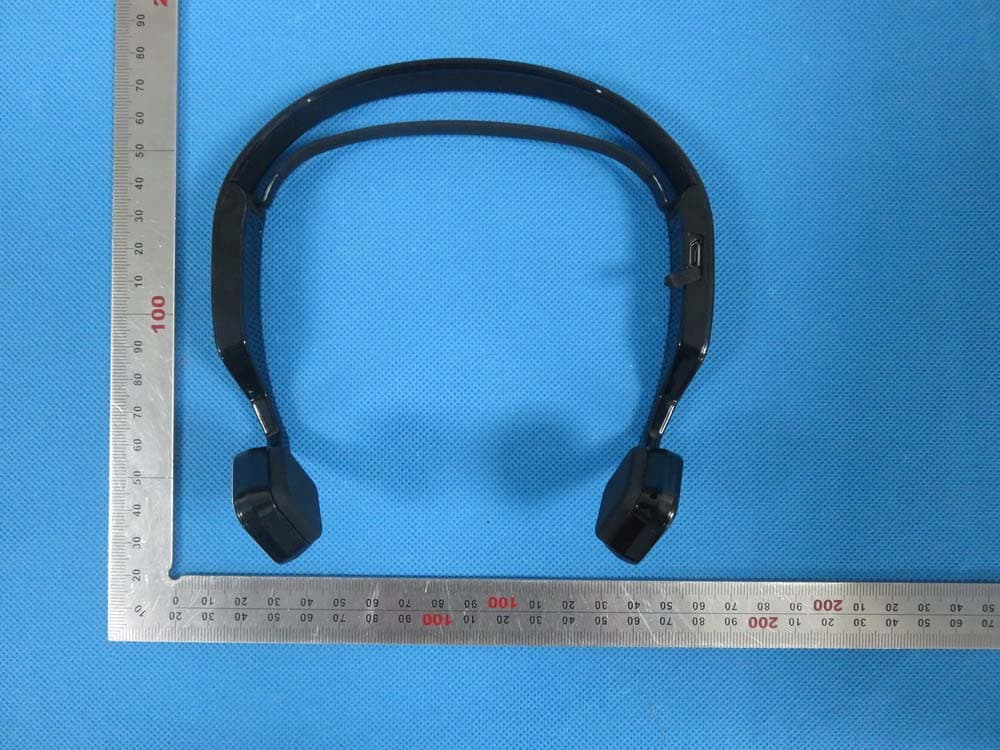
ODCBDS-662B
Aug 26, 2015Bluetooth headset
Equipment Class
DXX - Part 15 Low Power Communication Device Transmitter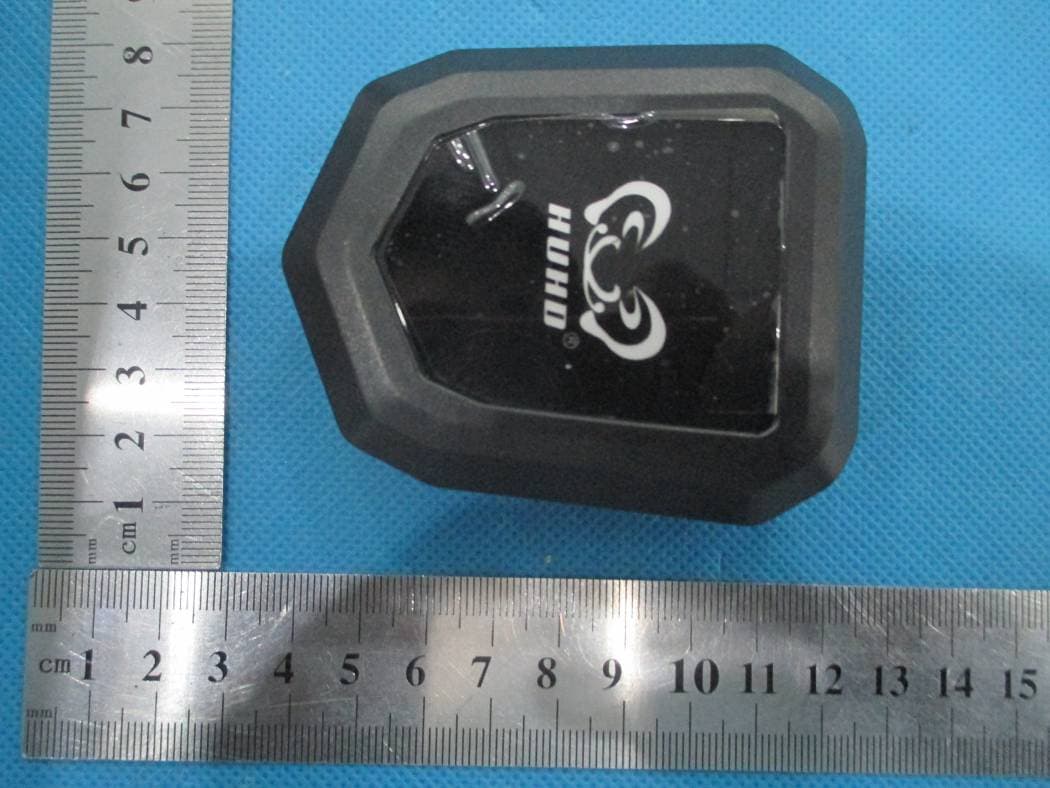
ODCHW-398M
Mar 16, 2015Transmitter
Equipment Class
DTS - Digital Transmission System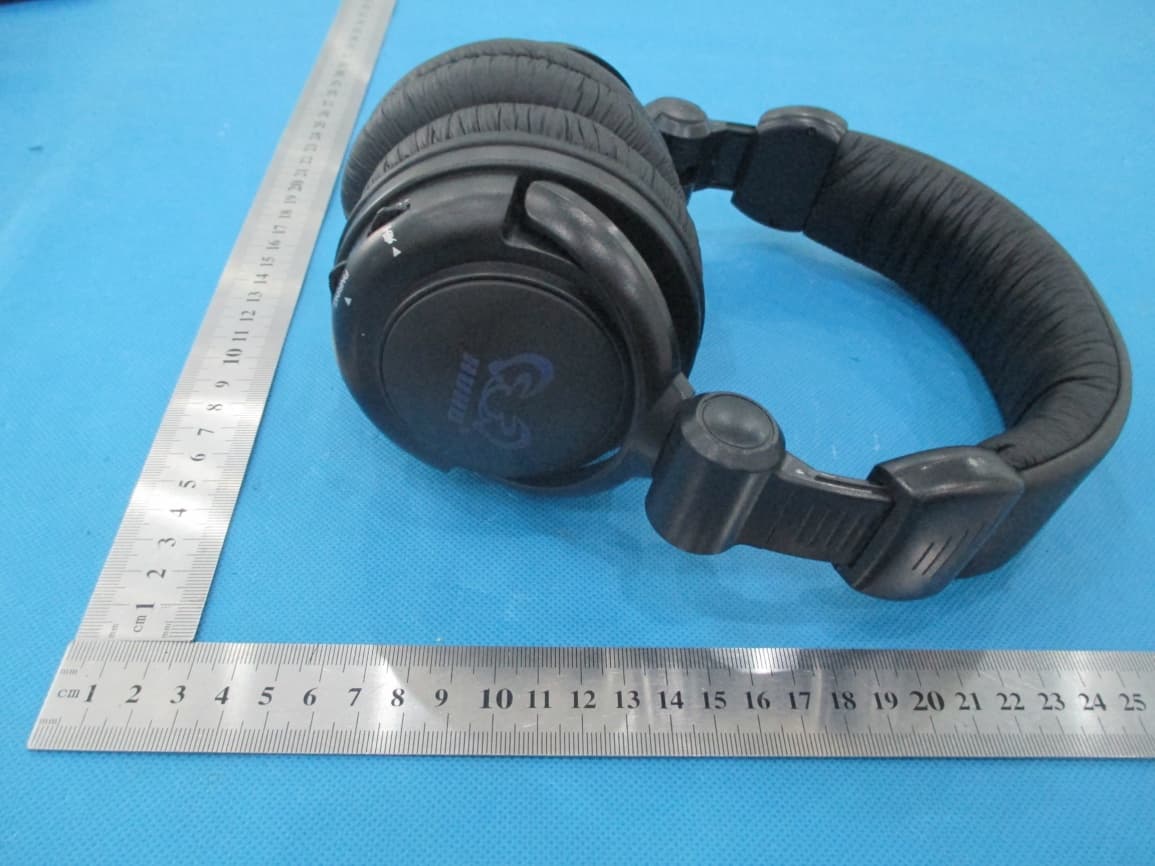
ODCHW-933M
Mar 16, 2015gaming headset
Equipment Class
DTS - Digital Transmission System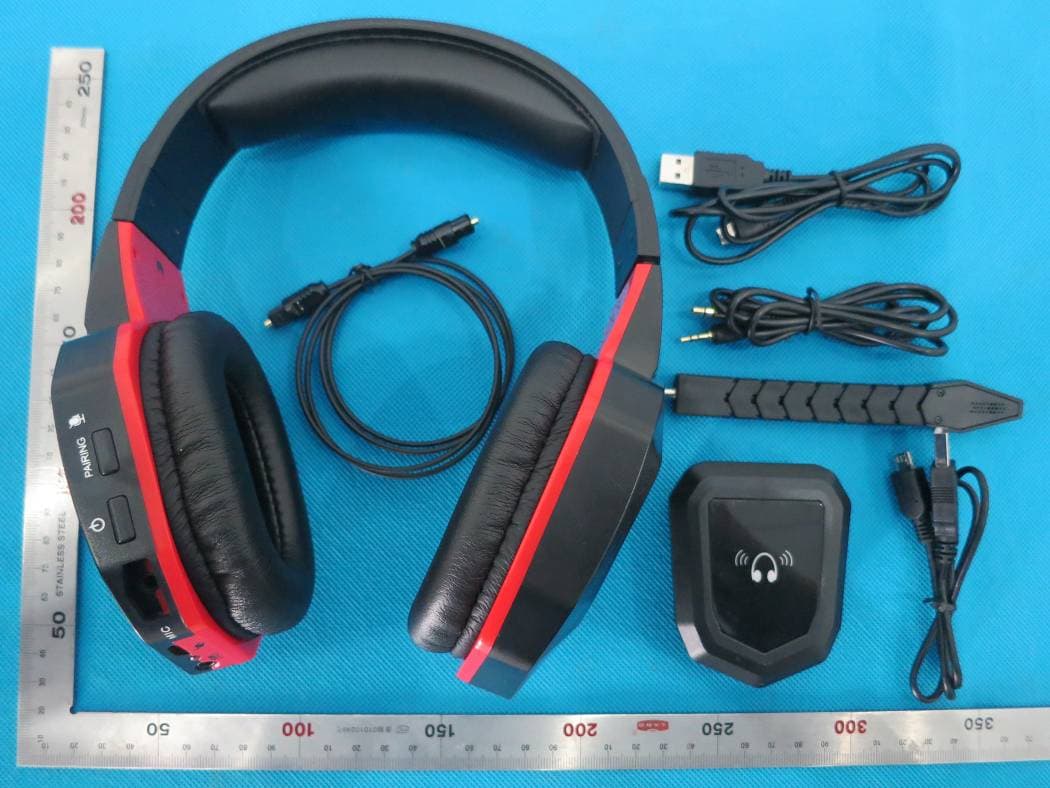
ODCHW-399MR
Sep 16, 2014gaming headset
Equipment Class
DSS - Part 15 Spread Spectrum Transmitter