P25A990700Bluetooth Headset
Mad Catz, Inc.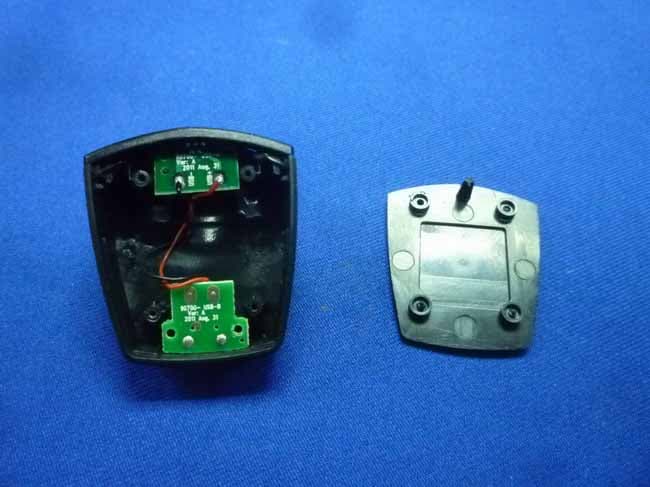
Click to zoom
Application Details
- Equipment Class
- DSS - Part 15 Spread Spectrum Transmitter
- Date of Grant
- Jan 01, 2012
- Application Purpose
- Original Equipment
- Date of Application
- Dec 22, 2011
- Equipment Note
- Bluetooth Headset
- Frequency Range
- 2402.00000000 - 2480.00000000
- Company
- Mad Catz, Inc.
- Country
- United States
Documents & Files
Document Text
Text extracted from the exhibit documents filed with the FCC. Open a document above to read the original.
Users Manual
Step 1 – Charging: 1. Plug the USB Charge Cable (F) into an available USB port on your PS3 or PC, and the other end into the Headset’s USB Charge Port (B). Charge the Headset either by itself, or while connected to the Charge Base (J). 2. The LED Indicator (H) will illuminate Red, Yellow or Green while charging, depending upon the power remaining in the Headset’s Battery. Refer to the Charge Level LED Indication section for more information. 3. When the battery is fully charged, the LED Indicator will illuminate solid Green. 4. Remove the USB Charge Cable after the Headset is fully charged. Step 2 – Pairing: 1. Ensure the Headset is OFF (no blinking lights) and the USB Charge Cable is removed before starting the pairing process. 2. Begin the pairing process by powering the Headset ON: A) Slide the Power Switch (I) from the “OFF” to “ON” position. B) Flip out the Boom Mic (C) so that it’s extended (not folded in towards the Headset). The LED Indicator will flash Blue and you should hear two audible beeps. 3. Hold down the Multifunction Button (G). Do not release the MFB until the LED Indicator flashes both Blue and Red. 4. Now begin scanning for Bluetooth Headsets on your PS3 (see the Scanning for Bluetooth Headsets on PS3 section below for detailed instructions). 5. Once the scan is complete, the PS3 will recognize all Bluetooth devices within range. 6. Locate 90700 from the list of available devices, and then press X on 90700. You will be prompted for a Pass Key. 7. Enter 0000 (four zeros) as the Pass Key, and then press X on OK. 8. Once step 7 is complete, you will need to locate the Audio Device Settings menu and change the Input and Output devices to 90700 (see the Audio Device Settings section below for detailed instructions). 9. This will complete the pairing process. 10. When changing games or resetting the console, go to the Audio Device Settings menu and ensure the Headset is being detected before starting the game. Scanning for Bluetooth Headsets on PlayStation 3 (PS3 Gaming Controller Required): 1. Power ON your PS3 console. 2. Under the Settings icon, locate Accessory Settings, and then press X. 3. Locate Manage Bluetooth Devices, and then press X. 4. If there are no Bluetooth Devices registered, select Yes, and then press X. If there are Bluetooth Devices registered, select Register New Device, and then press X. 5. Press X on Start Scanning. 6. Press X on 90700 once it is discovered. 7. Press X on the Pass Key window. 8. Enter 0000 (four zeros), press Start, and then press X on OK. 9. Registration will be complete. Press your controller’s circle button twice to get back to the Accessory Settings menu. Audio Device Settings: 1. Go to the Accessory Settings menu, and then press X on Audio Device Settings. 2. Highlight Input Device, and then press X. 3. Press down or up on your controller’s D-Pad, locate 90700, and then press X on 90700. 4. You should now hear your voice when speaking into the Headset’s microphone. 5. Highlight OK, and then press X. 6. The Headset is now ready for online use. WIRELESS HEADSET FEATURING BLUETOOTH® TECHNOLOGY (ENGLISH) Thank you for purchasing the TRITTON Wireless Headset Featuring Bluetooth Technology for use with your PlayStation®3 video game system. Be sure to register your product online at www.trittonusa. com and check out our full line of other quality video game accessories. IMPORTANT! Before using the PlayStation 3 system with this product, read the PlayStation 3 system instruction manual for safety, health, and other information regarding the use of the PlayStation 3 system. The Bluetooth Headset is a wireless headphone developed with the latest Bluetooth Wireless Technology, which can connect to other Bluetooth devices such as the PS3, mobile phones, desktop or notebook computers, PDAs etc., within a range of 30 Ft. (9.15 meters). Contents - Bluetooth Headset - USB Charge Cable - Ear Clip - Charge Base Button Functions - Power Switch: Power ON/OFF - Plus Button: Increase volume - Minus Button: Decrease volume - Multifunction Button (MFB): Mute, Pairing, Accept/End/Hold/ Reject/Retrieve calls Battery Charging The Headset comes with a rechargeable battery which is not fully charged when new. For first time use, it takes 4 hours to fully charge the battery. Subsequent charges will take about 2 hours. With the battery fully charged, talk time will be about 6 hours, and the stand- by time will be about 120 hours. Battery Care - Do not store the Headset in extreme hot or cold temperatures and the battery should be recharged every two months if not in use for extended periods of time. - Only qualified Service Centers are authorized to remove or replace the battery. - The battery can only be charged in a temperature range of 50°F – 113°F (10°C to 45°C) - Use the Headset at room temperature for maximum battery capacity as it may be reduced if operated in a cold environment. Charge Level LED Indication Battery life affects the color of the LED Indicator (H) while the Headset is charging. - 20% or less remaining = Flashing Red (5 times) - 20-80% = Flashing Yellow (4 times) - 80-100% = Flashing Green (3 Times) - Fully charged = Solid Green Battery Power Check When the Headset is in standby mode (no active calls or PS3 chat), press the MFB to check the remaining battery life via the LED Indicator. Low Battery Indicator When the LED Indicator slowly flashes Red, the Headset’s battery is low. Turning the Headset ON and OFF To turn the Headset ON: A) Slide the Power Switch (I) from the “OFF” to “ON” position. B) Flip out the Boom Mic (C) so that it’s extended (not folded in towards the Headset). The LED Indicator will flash Blue and you should hear two audible beeps. To turn the Headset OFF: A) Fold the Boom Mic in towards the Headset. B) Slide the Power Switch from the “ON” to “OFF” position. Muting the Headset To mute the Headset during a call or online chat, press the MFB. Press the MFB again to unmute. *Note: The mute feature will not function if t…
Text truncated - open the document above for the full version.
External Photos
R AUDIX Technology (Shenzhen) Co., Ltd. FCC ID:P25A990700 page Audix Technology (Shenzhen) Co., Ltd. Report No. ACS-F11245 16-1 16. PHOTOS OF THE EUT Figure 1 General Appearance of the EUT Figure 2 General Appearance of the EUT R AUDIX Technology (Shenzhen) Co., Ltd. FCC ID:P25A990700 page Audix Technology (Shenzhen) Co., Ltd. Report No. ACS-F11245 16-2 Figure 3 General Appearance of the EUT Figure 4 General Appearance of the EUT R AUDIX Technology (Shenzhen) Co., Ltd. FCC ID:P25A990700 page Audix Technology (Shenzhen) Co., Ltd. Report No. ACS-F11245 16-3 Figure 5 General Appearance of the EUT Figure 6 General Appearance of the EUT R AUDIX Technology (Shenzhen) Co., Ltd. FCC ID:P25A990700 page Audix Technology (Shenzhen) Co., Ltd. Report No. ACS-F11245 16-4 Figure 7 General Appearance of the EUT Figure 8 Inside of the EUT
ID Label/Location Info
Made In C hina Item No. 90700 FCC ID: P25A99070 0 IC: 4633A-90700A2 21.8mm 9.6mm Silkscreen printing Pantone-Cool Grey 2C
Internal Photos
R AUDIX Technology (Shenzhen) Co., Ltd. FCC ID:P25A990700 page Audix Technology (Shenzhen) Co., Ltd. Report No. ACS-F11245 16-5 Figure 9 Inside of the EUT Figure 10 Inside of the EUT R AUDIX Technology (Shenzhen) Co., Ltd. FCC ID:P25A990700 page Audix Technology (Shenzhen) Co., Ltd. Report No. ACS-F11245 16-6 Figure 11 Inside of the EUT Figure 12 Inside of the EUT R AUDIX Technology (Shenzhen) Co., Ltd. FCC ID:P25A990700 page Audix Technology (Shenzhen) Co., Ltd. Report No. ACS-F11245 16-7 Figure 13 Components Side of the PCB Figure 14 Components Side of the PCB R AUDIX Technology (Shenzhen) Co., Ltd. FCC ID:P25A990700 page Audix Technology (Shenzhen) Co., Ltd. Report No. ACS-F11245 16-8 Figure 15 Components Side of the PCB Figure 16 Components Side of the PCB R AUDIX Technology (Shenzhen) Co., Ltd. FCC ID:P25A990700 page Audix Technology (Shenzhen) Co., Ltd. Report No. ACS-F11245 16-9 Figure 17 Components Side of the PCB Figure 18 Components Side of the PCB R AUDIX Technology (Shenzhen) Co., Ltd. FCC ID:P25A990700 page Audix Technology (Shenzhen) Co., Ltd. Report No. ACS-F11245 16-10 Figure 19 Components Side of the PCB Figure 20 Components Side of the PCB R AUDIX Technology (Shenzhen) Co., Ltd. FCC ID:P25A990700 page Audix Technology (Shenzhen) Co., Ltd. Report No. ACS-F11245 16-11 Figure 21 Components Side of the PCB
Test Report
R AUDIX Technology (Shenzhen) Co., Ltd. FCC ID:P25A990700 Audix Technology (Shenzhen) Co., Ltd. Report No. ACS-F11245 FCC PART 15C TEST REPORT FOR CERTIFICATION On Behalf of Mad Catz Inc Bluetooth Headset Model Number: 90700 FCC ID: P25A990700 Prepared for : Mad Catz Inc 7480 Mission Valley Road, Suite 101, San Diego, California, 92108, USA Prepared By : Audix Technology (Shenzhen) Co., Ltd. No. 6, Ke Feng Rd., 52 Block, Shenzhen Science & Industrial Park, Nantou, Shenzhen, Guangdong, China Tel: (0755) 26639496 Report Number : ACS-F11245 Date of Test : Oct.11~31, 2011 Date of Report : Nov.02, 2011 R AUDIX Technology (Shenzhen) Co., Ltd. FCC ID:P25A990700 Audix Technology (Shenzhen) Co., Ltd. Report No. ACS-F11245 TABLE OF CONTENTS Description Page 1. SUMMARY OF STANDARDS AND RESULTS.......................................................... 1-1 1.1. Description of Standards and Results .................................................................................. 1-1 2. GENERAL INFORMATION ......................................................................................... 2-1 2.1. Description of Device (EUT) ............................................................................................... 2-1 2.2. EUT Configuration and operation conditions for test.......................................................... 2-1 2.3. Test Facility ......................................................................................................................... 2-2 2.4. Measurement Uncertainty (95% confidence levels, k=2) .................................................... 2-2 3. RADIATED EMISSION TEST ...................................................................................... 3-1 3.1. Test Equipment .................................................................................................................... 3-1 3.2. Block Diagram of Test Setup ............................................................................................... 3-1 3.3. Radiated Emission Limit Standard: FCC 15.209 ................................................................. 3-2 3.4. EUT Configuration on Test.................................................................................................. 3-2 3.5. Operating Condition of EUT................................................................................................ 3-3 3.6. Test Procedure...................................................................................................................... 3-3 3.7. Radiated Emission Test Results ........................................................................................... 3-3 4. CONDUCTED SPURIOUS EMISSIONS...................................................................... 4-1 4.1. Test Equipment .................................................................................................................... 4-1 4.2. Limit..................................................................................................................................... 4-1 4.3. Test Procedure...................................................................................................................... 4-1 4.4. Test result ............................................................................................................................. 4-1 5. CARRIER FREQUENCY SEPARATION TEST ........................................................ 5-1 5.1. Test Equipment .................................................................................................................... 5-1 5.2. Limit..................................................................................................................................... 5-1 5.3. Test Results. ......................................................................................................................... 5-1 6. 20 DB BANDWIDTH TEST ........................................................................................... 6-1 6.1. Test Equipment .................................................................................................................... 6-1 6.2. Limit..................................................................................................................................... 6-1 6.3. Test Results .......................................................................................................................... 6-1 7. NUMBER OF HOPPING FREQUENCY TEST .......................................................... 7-1 7.1. Test Equipment .................................................................................................................... 7-1 7.2. Limit..................................................................................................................................... 7-1 7.3. Test Results .......................................................................................................................... 7-1 8. DWELL TIME ................................................................................................................. 8-1 8.1. Test Equipment .................................................................................................................... 8-1 8.2. Limit..................................................................................................................................... 8-1 8.3. Test Results .......................................................................................................................... 8-1 9. MAXIMUM PEAK OUTPUT POWER TEST ............................................................. 9-1 9.1. Test Equipment .................................................................................................................... 9-1 9.2. Limit..................................................................................................................................... 9-1 9.3. Test Procedure...........................................................…
Text truncated - open the document above for the full version.
Test Setup Photos
R AUDIX Technology (Shenzhen) Co., Ltd. FCC ID:P25A990700 page Audix Technology (Shenzhen) Co., Ltd. Report No. ACS-F11245 15-1 15. PHOTOGRAPH OF TEST 15.1.Photos of Radiated Emission Test (30-1000MHz) R AUDIX Technology (Shenzhen) Co., Ltd. FCC ID:P25A990700 page Audix Technology (Shenzhen) Co., Ltd. Report No. ACS-F11245 15-2 (Above 1000MHz)
Contact Information
Applicant
Parco Liu(Quality Manager)
Test Firm
Audix Technology (Shenzhen) Co., Ltd.Smart Tsai
Technical Specifications
| # | Rule Parts | Frequency Range | Power Output |
|---|---|---|---|
| 1 | 15C | 2.40 GHz - 2.48 GHz | 2.48 mW |
Other Applications from Mad Catz, Inc.
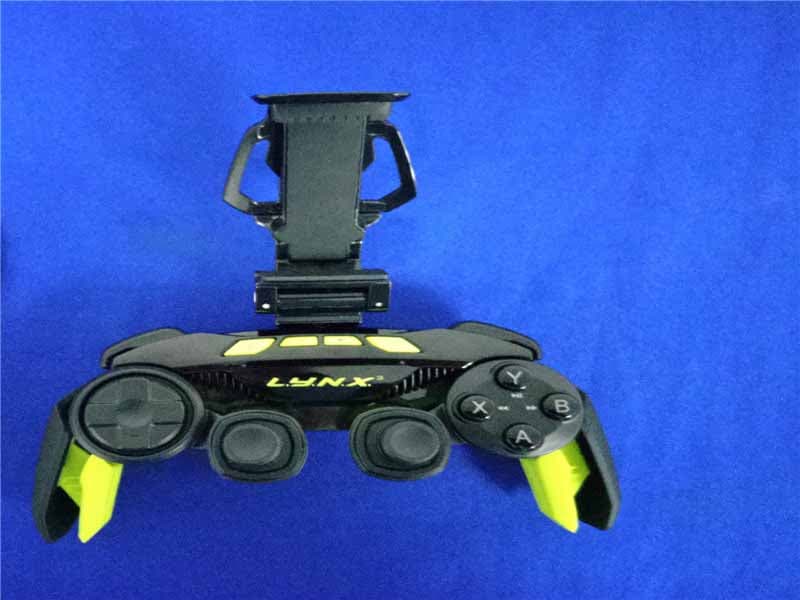
P25SS32269A
Aug 31, 2015Mad Catz L.Y.N.X.3 Mobile Wireless Controller
Equipment Class
DSS - Part 15 Spread Spectrum Transmitter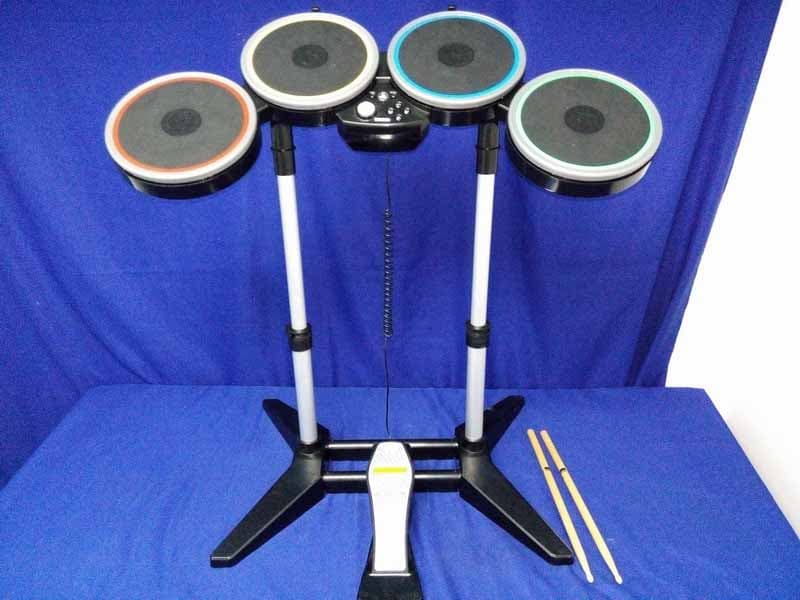
P25M991262A
Jun 24, 2015Rock Band 4 Wireless Drum Set for PlayStation 4
Equipment Class
DSS - Part 15 Spread Spectrum Transmitter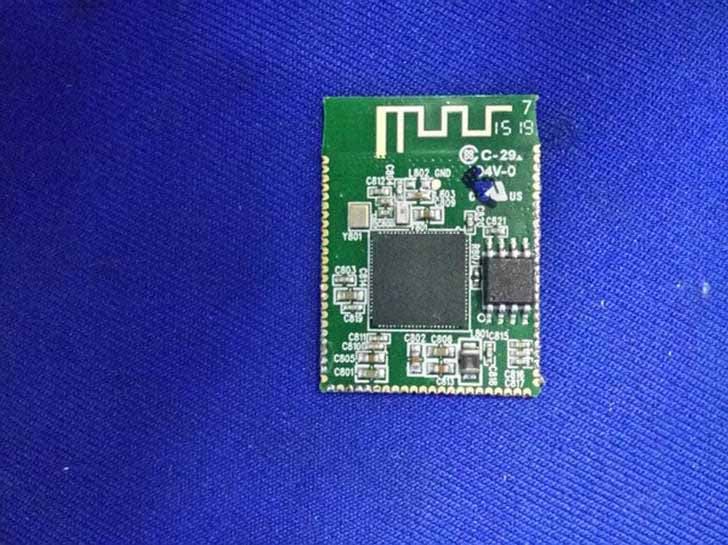
P25M991261A
Jun 02, 2015Rock Band 4 Wireless Fender Stratocasterfor PlayStation 4
Equipment Class
DSS - Part 15 Spread Spectrum Transmitter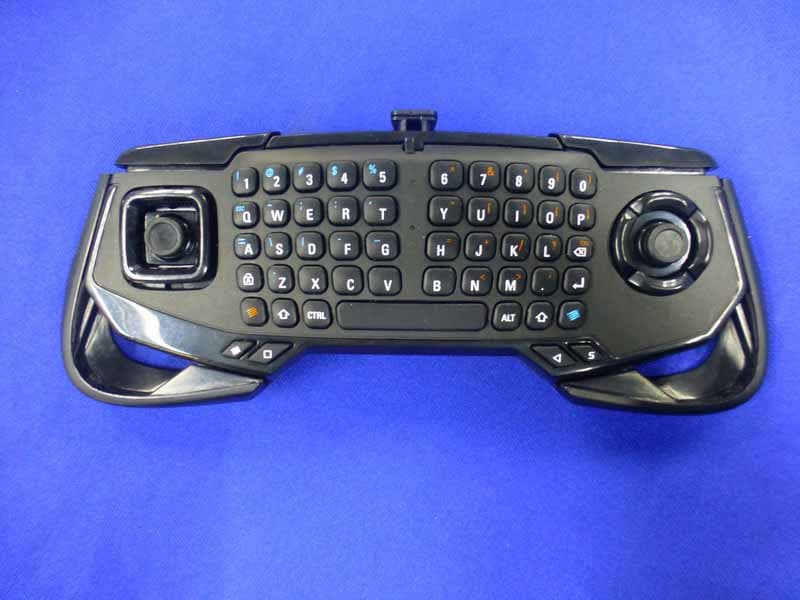
P25SS32272A
Apr 25, 2015Mad Catz S.U.R.F.R
Equipment Class
DSS - Part 15 Spread Spectrum Transmitter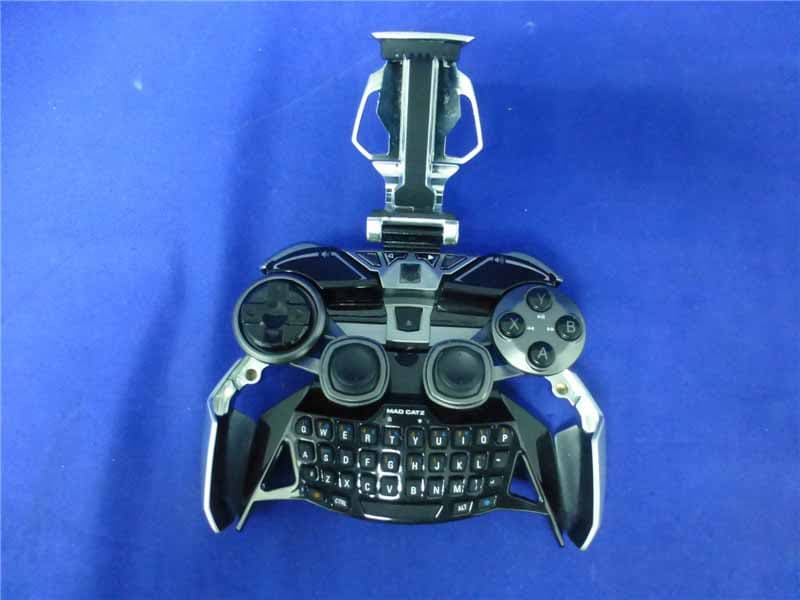
P25R232267A
Mar 03, 2015L.Y.N.X.9 Mobile Hybrid Controller
Equipment Class
DSS - Part 15 Spread Spectrum Transmitter