PAV4042iTrip Pocket
Griffin Technology Inc.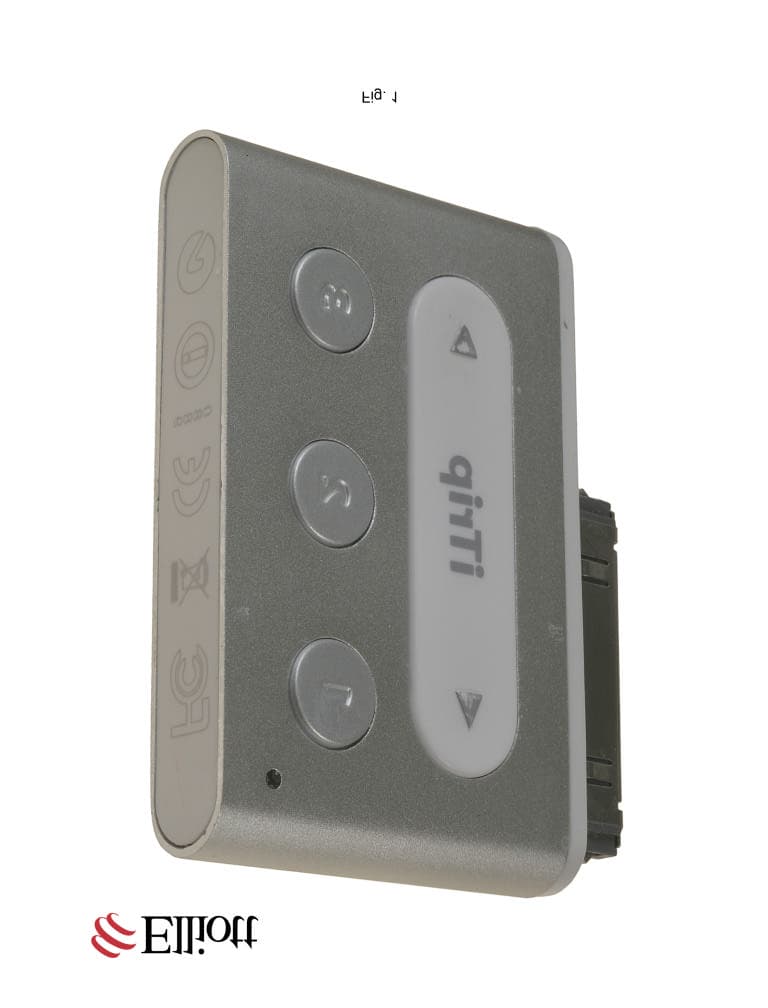
Click to zoom
Application Details
- Equipment Class
- DXX - Part 15 Low Power Communication Device Transmitter
- Date of Grant
- Sep 05, 2007
- Application Purpose
- Original Equipment
- Date of Application
- Sep 05, 2007
- Equipment Note
- iTrip Pocket
- Frequency Range
- 88.10000000 - 107.90000000
- Company
- Griffin Technology Inc.
- Country
- United States
Documents & Files
Document Text
Text extracted from the exhibit documents filed with the FCC. Open a document above to read the original.
Users Manual
FOLD HERE 6 8 5 3 8 7 0 4 0 4 2 1 GRIFFIN P/N 4042-NTRPDA Package Contains: iTrip Pocket FM transmitter Quick Start Guide © 2007 Griffın Technology • www.griffintechnology.com iTrip is a registered trademark of Griffin Technology, Inc. • iPod is a trademark of Apple, Inc., registered in the U.S. and other countries. Patents Pending • Made in China • Designed in Tennessee SmartDisplay ™ shows tuning and presets right on the screen of your iPod 3 dedicated preset buttons ® Pocket Share the music beyond your headphones. Play your iPod through any FM radio. Warranty details at www.griffintechnology.com/support/ ® Play your iPod ® through any FM radio Pocket DESIGNED FOR: iPod nano 2nd Generation (aluminum) 2GB 4GB 8GB COMPATIBLE WITH: iPod 5th generation with video, iPod nano 1st generation, and iPod 4th generation Broadcast your iPod nano in 2 easy steps... P1009_iTripPocket1.ai 02/05/07 1030am SD 135MM WIDE BACK FRONT Printed Background Card Insert Card with Product Name Inside Filler Mold Plastic Blister itrip pocket DESIGNED FOR i P o d n a n o 155mm 135mm 52mm 144.6mm 39mm 60.6mm Quick Start Guide Thanks for purchasing Griffin’s iTrip Pocket, the most compact way to play your iPod through any FM radio. Setting up iTrip is a breeze. Follow these few simple steps and you’ll be ready to go in no time. Get Ready 1. Start by tuning your FM radio to an unused station. Select a frequency on which you hear nothing but static. The ideal choice would be a frequency with silent frequencies on either side. For example, if 88.3 is open, 88.1 and 88.5 would ideally be clear as well. 2. Connect iTrip Pocket to the Dock Connector on the bottom of your iPod. If this is the first time you’ve used iTrip Pocket, your screen will display the Griffin logo, and a factory default setting of 88.1 MHz. iTrip will then start playing your iPod automatically and the red LED will glow to show that you are broadcasting. Tuning your iTrip Pocket Press the or button to adjust iTrip’s frequency to match the open station you selected above. Tuning will be shown on the iPod screen. Press and hold the or button to scan through the frequencies faster. Once tuned, wait 2 seconds and iTrip will automatically lock in that frequency. Your music will now be playing through your speakers. Use the volume controls on your radio to set your music at a comfortable level. Your iPod and its controls will work as they normally do, allowing you to move through your music and playlists. And, hey — even though we named it “iTrip Pocket,” it's a good idea to detach it from your iPod before putting it in your pocket (or bag, or backpack...), to avoid subjecting the connectors to unnecessary strain. Using iTrip Pocket’s presets iTrip Pocket automatically remembers its most recently-used frequency, but you can also save the best frequencies for easy use. First, tune iTrip Pocket to the frequency you want to save. Then, select preset button 1, 2 or 3 and hold it down for at least three seconds. iTrip’s red LED will flash and the iPod screen will show a large grey 1, 2 or 3 behind the displayed frequency to show that the setting has been stored. Accessing the Preferences Menu Pressing both and buttons together for more than 2 seconds will open up iTrip’s Preferences Menu. In this menu, you can toggle between stereo and mono modes. Some audio content, such as audio books, will sound much the same in either stereo or mono. Since mono mode produces a stronger signal, you may choose to listen in mono, especially in populated areas where there are a lot of active stations crowding the dial. Troubleshooting Problems? No problem. Here’s what to do: 1. Check your iPod. Is the battery charged? iTrip draws its power from your iPod battery. When you plug iTrip Pocket into your iPod, do you then see the Griffin tuning screen on your iPod? Is your iPod paused? 2. Check your FM radio. Power on? Radio tuned to an open, unused frequency? Is the radio’s volume correctly adjusted? If iTrip experiences an extended period of silence or quiet portion of a song, it could go into a low power mode to extend iPod battery life. To wake it back up, restart music on your iPod, or disconnect and re-connect your iTrip. 3. Check your iTrip. Is iTrip fully connected with your iPod? Have you selected the same frequency on your iPod that is currently tuned on your radio? Technical Specifications • Designed and built for 2nd generation iPod nano, but will work with all iPod models 4th generation or later that use the full-size Dock Connector to sync and charge. • Power: No batteries required. Draws minimal power from the iPod battery when in use. • Output RF range (Region set at Factory): US: 88.1 MHz ~ 107.9 MHz EU: 88.0 MHz ~ 108.0 MHz Japan: 76.0 MHz ~ 90.0 MHz • Radio Frequency Adjustment: US, EU: 0.2 MHz per step Japan: 0.1 MHz per step • Radio Frequency Response: 50 Hz ~ 15 KHz © 2007 Griffin Technology • www.griffintechnology.com • iTrip is a registered trademark of Griffin Technology, Inc.• iPod is a trademark of Apple, Inc., registered in the U.S. and other countries. • Patents Pending • Made in China • Designed in Tennessee 1 YEAR WARRANTY This device complies with Part 15 of the FCC Rules. Operation is subject to the following two conditions: (1) this device may not cause harmful interference, and (2) this device must accept any interference received, including interference that may cause undesired operation. Griffin Technology 4042-NTRPDA We stand behind every product, with the industry’s best customer service, backed by a simple, fair warranty. Using this product signifies your acceptance of the terms of the warranty, so please read our warranty details at www.griffintechnology.com/support/ before using your Griffin product. ® Play your iPod ® through any FM radio Pocket B OUTSIDE B INSIDE A OUTSIDE A INSIDE Match this curve form The manufacturer is not responsible for any radio or tv interference caused by unauthorized modifications to this equipment. Such modificat…
Text truncated - open the document above for the full version.
Cover Letter(s)
June 5, 2007 Elliott TCB 684 West Maude Ave. Sunnyvale, CA. 94085 Gentlemen: The enclosed documents constitute a formal submittal and application for a Grant of Equipment Authorization pursuant to the following: Subpart C of Part 15 of FCC Rules (CFR 47) RSS-210, Issue 6, September 2005, “Low-power Licence-exempt Radiocommunication Devices (All Frequency Bands): Category I Equipment” Data within this report demonstrates that the equipment tested complies with the relevant limits for unlicensed wireless devices. Elliott Laboratories, as duly authorized agent prepared this submittal. A copy of the letter of our appointment as agent is enclosed. If there are any questions or if further information is needed, please contact Elliott Laboratories for assistance. Sincerely, Juan Martinez Senior EMC Engineer JM/dmg Enclosures: Agent Authorization Letter Emissions Test Report with Exhibits
Cover Letter(s)
Elliott TCB 684 West Maude Ave. Sunnyvale, CA. 94085 6/6/2007 Gentlemen: This is your letter of authorization to accept our appointment of Elliott Laboratories, Inc. as our Agent for Griffin Technology, 1930 Air Lane Drive, Nashville TN 37210, to sign applications before Elliott TCB and to make representations to you on our behalf. Elliott Laboratories, Inc. is to receive and exchange data between our company and Elliott TCB. Sincerely, Jeff Altheide Quality Assurance Manager Griffin Technology
Cover Letter(s)
Date 6/6/2007 Elliott TCB 684 West Maude Ave. Sunnyvale, CA. 94085 FCC ID: PAV4042 Dear Examiner: I am writing to avoid the possibility of an inadvertent disclosure of proprietary information. The accompanying Form 731 is being filed with the commission on our behalf by Elliott Laboratories, Inc., a consulting and testing laboratory. Included as exhibits with the enclosed application are block diagrams, schematics, and a detailed description of the theory of operation of the device. It is our intention to provide Elliott TCB and the commission with a full disclosure of our product so that its merits can be evaluated. Indeed, we are pleased to provide any further information that the commission might wish to see. It is not our intention, however, to make our proprietary process a matter of public record. In view of the fact that the block diagrams, schematics, and associated theory of operation disclose the mechanism of our process, we ask that these portions (block diagrams, schematics, and theory of operation) of our application be withheld from public inspection as provided under FCC section 0.459. These documents contain details of the proprietary operation of product. These details are not readily discernible - even to technically sophisticated individuals - from our hardware and constitute trade secrets. We request therefore that these documents be segregated from the body of our evaluation report and withheld from public inspection. Thank you for your attention. Please let the undersigned know if Elliott TCB or the Commission disagrees with our position or requires further justification. Sincerely, Jeff Altheide Quality Assurance Manager
ID Label/Location Info
iTrip Certification & Logo Artwork © 2006 GriffinTechnology •This illustrationcontains proprietary information that is protected under US CopyrightLaw and may not bereproduced or shared without permission. CRH 9.15.06 Scale 1:1 0889 6.5mm 10mm 3.5mm 3.5mm 40mm 18.5mm OUTLINE OF LOGOS LASER ETCHED INTO BOTTOM OF WHITE PLASTIC BOTTOM CAP OUTLINE OF TEXT LASER ETCHED INTO TOP OF WHITE PLASTIC BOTTOM CAP GRIFFIN LOGO LASER ETCHED ONTO BACK OF ALUMINUM ENCLOSURE
Test Report
File: R68157 Rev 1 Page 1 of 20 Electromagnetic Emissions Test Report and Application for Grant of Equipment Authorization pursuant to Industry Canada RSS-Gen Issue 1 / RSS 210 Issue 6 FCC Part 15 Subpart C on the Griffin Technology Transmitter Model: iTrip Pocket UPN: 6384A-4042NTRP FCC ID: PAV4042 GRANTEE: Griffin Technology 1619 Elm Hill Pike, Suite C Nashville, TN 37210 TEST SITE: Elliott Laboratories, Inc. 41039 Boyce Road Fremont, CA 94538 REPORT DATE: June 5, 2007 FINAL TEST DATE: May 22, May 24, May 30, 2007 AUTHORIZED SIGNATORY: ______________________________ Juan Martinez Senior EMC Engineer Elliott Laboratories, Inc. is accredited by the A2LA, certificate number 2016-01, to perform the test(s) listed in this report. This report shall not be reproduced, except in its entirety, without the written approval of Elliott Laboratories, Inc. 2016-01 Elliott Laboratories, Inc. -- EMC Department Test Report Report Date: June 5, 2007 File: R68157 Rev 1 Page 2 of 20 pages REVISION HISTORY Revision # Date Comments Modified By 1 June 15, 2007 Initial Release David Guidotti Elliott Laboratories, Inc. -- EMC Department Test Report Report Date: June 5, 2007 File: R68157 Rev 1 Page 3 of 20 pages TABLE OF CONTENTS COVER PAGE............................................................................................................................................................. 1 REVISION HISTORY ................................................................................................................................................ 2 TABLE OF CONTENTS ............................................................................................................................................ 3 SCOPE.......................................................................................................................................................................... 5 OBJECTIVE ................................................................................................................................................................ 6 STATEMENT OF COMPLIANCE ........................................................................................................................... 6 TEST RESULTS SUMMARY.................................................................................................................................... 7 DEVICES OPERATING UNDER THE GENERAL LIMITS ................................................................................. 7 GENERAL REQUIREMENTS APPLICABLE TO ALL BANDS .......................................................................... 7 MEASUREMENT UNCERTAINTIES ..................................................................................................................... 7 EQUIPMENT UNDER TEST (EUT) DETAILS ...................................................................................................... 8 GENERAL................................................................................................................................................................ 8 OTHER EUT DETAILS........................................................................................................................................... 8 ANTENNA SYSTEM .............................................................................................................................................. 8 ENCLOSURE ........................................................................................................................................................... 8 MODIFICATIONS ................................................................................................................................................... 8 SUPPORT EQUIPMENT......................................................................................................................................... 8 EUT INTERFACE PORTS ......................................................................................................................................9 EUT OPERATION ................................................................................................................................................... 9 TEST SITE ................................................................................................................................................................. 10 GENERAL INFORMATION ................................................................................................................................. 10 CONDUCTED EMISSIONS CONSIDERATIONS............................................................................................... 10 RADIATED EMISSIONS CONSIDERATIONS................................................................................................... 10 MEASUREMENT INSTRUMENTATION ............................................................................................................ 11 RECEIVER SYSTEM ............................................................................................................................................ 11 INSTRUMENT CONTROL COMPUTER ............................................................................................................ 11 LINE IMPEDANCE STABILIZATION NETWORK (LISN) ............................................................................... 11 FILTERS/ATTENUATORS................................................................................................................................... 12 ANTENNAS ........................................................................................................................................................... 12 ANTENNA MAST AND EQUIPMENT TURNTABLE ....................................................................................... 12 INSTRUMENT CALIBRATION........................................................................................................................... 12 TEST PROCEDURES............…
Text truncated - open the document above for the full version.
Test Setup Photos
]
Contact Information
Applicant
Michael OConnor(Compliance Manager)
Technical Contact
Elliott Laboratories Inc.Mark Hill
[email protected]408 245-7800
684 West Maude Avenue · Sunnyvale, California · United States
Test Firm
Elliott Laboratories LLCDavid Bare
Technical Specifications
| # | Rule Parts | Frequency Range | Power Output |
|---|---|---|---|
| 1 | 15C | 88.1 MHz - 107.9 MHz | - |
Other Applications from Griffin Technology Inc.
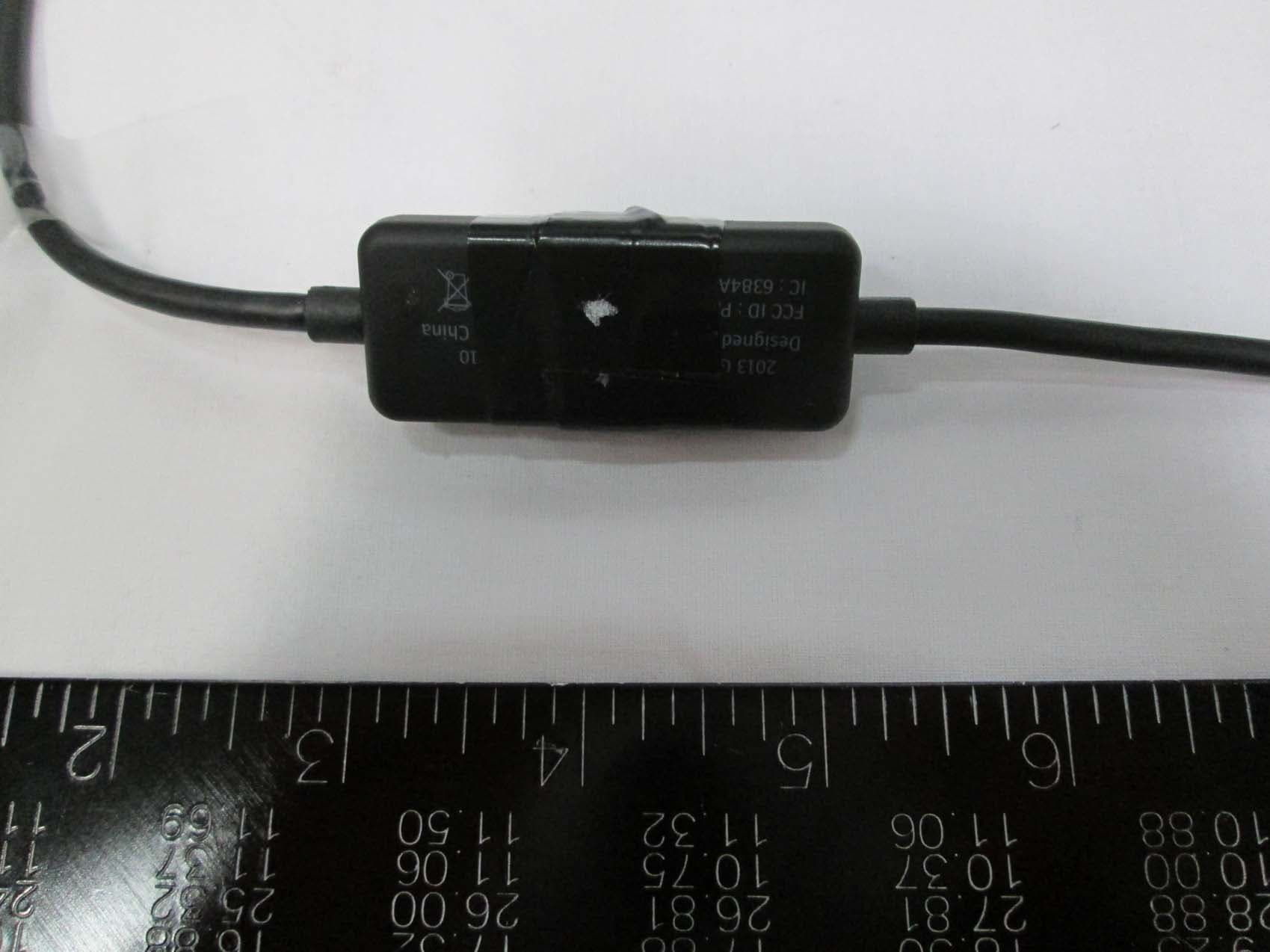
PAV36210
Dec 11, 2013Low Power FM Transmitter
Equipment Class
DXT - Part 15 Low Power Transceiver, Rx Verified
PAV1131I
Jun 09, 2013Low Power FM transmitter
Equipment Class
DXT - Part 15 Low Power Transceiver, Rx Verified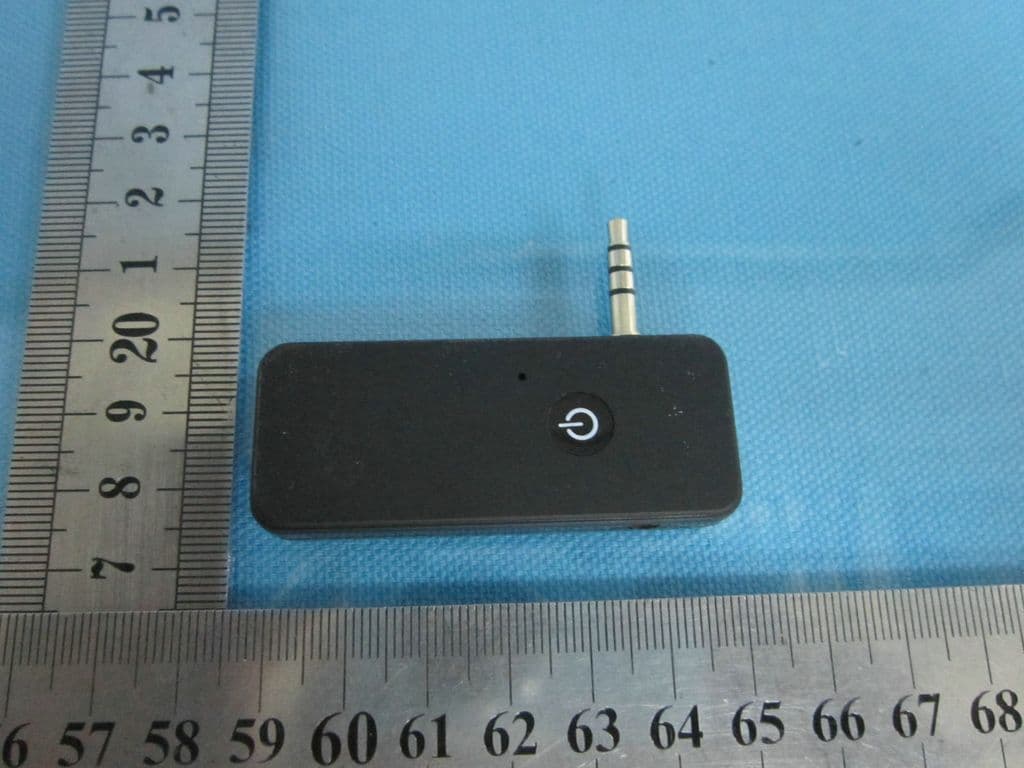
PAV36237
Oct 29, 2012MOD-36237 Moto TC Racer
Equipment Class
DXX - Part 15 Low Power Communication Device Transmitter
PAV100-4077
Apr 07, 2011Bluetooth Module
Equipment Class
DSS - Part 15 Spread Spectrum Transmitter
PAV1131
Oct 31, 2010Portable FM Transmitter
Equipment Class
DXT - Part 15 Low Power Transceiver, Rx Verified