PMTSGLTUSB RF Receiver
Soundgraph, Inc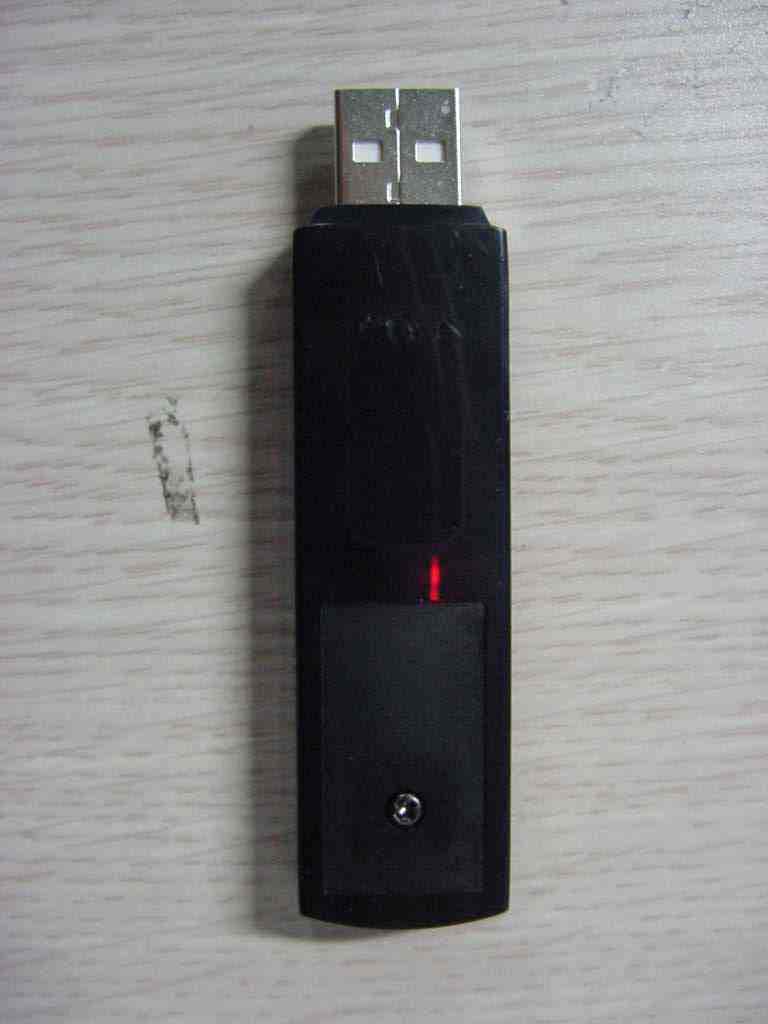
Click to zoom
Application Details
- Equipment Class
- JBP - Part 15 Class B Computing Device Peripheral
- Date of Grant
- Nov 03, 2005
- Application Purpose
- Original Equipment
- Date of Application
- Nov 03, 2005
- Equipment Note
- USB RF Receiver
- Company
- Soundgraph, Inc
- Country
- South Korea
Documents & Files
Document Text
Text extracted from the exhibit documents filed with the FCC. Open a document above to read the original.
Users Manual
iMON & Multi-Median Users Guide (Draft) z SoundGraph, Inc. -2- Table of Contents In your Package 4 1. iMON 2.4G LT 4 2. iMON 2.4G DT 4 S/W, H/W Installation and Remote Controller 5 1. Installation Process 5 1) S/W Installation 5 2) H/W (RF Receiver) Installation 5 3) Execute iMON Manager 7 2. Button Layout and its Feature of iMON Remote Controller 8 1) iMON 2.4G Remote Controller 8 Multi-Median Users Guide 18 1. Screen Layout of ‘Multi-Median’ 18 1) Main View 18 2) Hard Disk Drive 19 3) Media Folder View 20 4) Media File View 20 5) Media Preview 21 6) Full Screen View 22 7) DVD View 22 8) TV View 22 9) Digital Camcoder View 22 2. Using Remote Controller on Multi-Median 23 3. Using Mouse on Multi-Median 25 4. Setting Environment 26 1) Back 26 2) Scan Media 26 3) Music 26 4) Movie 26 5) Photo 27 6) TV 27 7) DVD 27 8) Digital Camcoder 27 5. Installation of Video Codec 27 -3- iMON Users Guide 29 1. Using Application Launcher 29 2. Using Task Switcher 29 3. Application Control 30 4. Using All Time Control Mode 30 5. Using Monitor Resolution Changer 31 6. Using Timer 31 7. Using Virtual Kyboard 32 8. Register New Remote Controller 33 9. Setting Program Command 33 10. Setting Windows Command 34 11. Setting Customized Windows Command 34 12. Setting Macro 35 13. Setting Option 35 Update of iMON & Multi-Median 37 SoundGraph, Inc. 38 -4- This device complies with Part15 of the FCC Rules. Operation is subject to the following two conditions: (1) this device may not cause harmful interference, and (2) this device must accept any interference received, including interference that may cause undesired operations. INFORMATION TO THE USER This equipment has been tested and found to comply with the limits for a Class B digital device, pursuant to part 15 of the FCC Rules. These limits are designed to provide reasonable protection against harmful interference in a residential installation. This equipment generates, uses and can radiate radio frequency energy and, if not installed and used in accordance with the instructions, may cause harmful interference to radio communications. However, there is no guarantee that interference will not occur in a particular installation. If this equipment does cause harmful interference to radio or television reception, which can be determined by turning the equipment off and on, the user is encouraged to try to correct the interference by one more of the following measures: -Reorient or relocate the receiving antenna. -Increase the separation between the equipment and receiver -Correct the equipment into an outlet on a circuit different from that to which The receiver is connected. -Consult the dealer or an experienced radio/TV technician for help. WARNING (Part 15.21) Changes or modifications not expressly approved by the manufacturer could void the user’s authority to operate the equipment. “Note: The manufacturer is not responsible for any Radio or TV interference caused by unauthorized modifications to this equipment. Such modifications could void the user’s authority to operate the equipment.” -5- In your Package iMON product lineup is divided into four different models according to the RF remote controller and RF receiver. Each product is composed as like follows. Please check the components on the below in your box. 1. iMON 2.4G LT In the Box : 1 iMON 2.4G Remote Controller, 1 iMON 2.4G LT (External RF Receiver), 1 Installation CD (iMON Manager, Multi-Median), 2 AAA Batteries, 1 Users Guide Specification of Remote controller Operation range : 30m Battery : 1.5V AAA type Specification of External Receiver OS : Windows 98, 98 Se, Me Windows 2000, Windows XP System Recommendation : Pentium III or higher, 256 Mb of higher USB 1.1 compatibility z 2. iMON 2.4G DT In the Box : 1 iMON 2.4G Remote Controller, 1 iMON 2.4G DT (Internal RF Receiver), 1 Installation CD (iMON Manager, Multi-Median), 2 AAA Batteries, 1 low profile bracket, 1 usb -6- cable, 1 Users Guide Specification of Remote controller Operation range : 30m Battery : 1.5V AAA type Specification of Ixternal Receiver OS : Windows 98, 98 Se, Me Windows 2000, Windows XP System Recommendation : Pentium III or higher, 256 Mb of higher Mounted on PCI port USB 1.1 compatibility z S/W, H/W Installation and Remote Controller Please read this users guide before the installation of your iMON Station (IR Receiver). 1. Installation Process 1) S/W Installation -7- Insert iMON&Multi-Median Installation CD to your CD ROM, and install the iMON Manager and Multi-Median according to the auto running S/W installation process. 2) H/W (RF Receiver) Installation External iMON 2.4G LT Installation Connect your External iMON Station to your USB port, then assign the H/W driver according to the ‘Found New H/W Wizard’. Assign the CD ROM drive for searching H/W driver. Internal iMON 2.4G DT Installation Internal iMON 2.4G DT can be loaded to the 3.5” floppy drive bay. The additional feature of internal type iMON 2.4G DT is that you could power on your PC system using the power button of the remote controller. After turn off your PC system, open your PC case and connect the cable to its proper pin refer to the following picture. -8- Internal iMON 2,4G DT is connected to mainboard with two cables, PC case with one cable, Power Supply with one another cable. You should be careful to connect these four cables refer to your mainboard manual. The connectors that each cable needs to be connected are as like follows. -9- 1. Stand-By Power Connection Cable A1 : (2pin, iMON Inside ‘ST PWR1’ connector) A2 : (2pin, Mainboard power extension cable) 2. Mainboard Power Switch Connection Cable B1 : (2pin, iMON Inside ‘M/B PWR’ connector) B2 : (2pin, Mainboard power switch connector) 3. PC Case Power Switch Connection Cable C1 : (2pin, iMON Inside ‘PWR S/W’ connector) C2 : (2pin, PC Case power switch connector) 4. Mainboard USB Connection Cable D1 : (5pin, iMON Inside USB connector) D2 : (4pin, Mainboard USB internal connector) The names of the additional …
Text truncated - open the document above for the full version.
External Photos
FCC ID.: PMTSGLT File No. : E05OR-079 ONETECH Testing & Evaluation Lab. FCC ID.: PMTSGLT File No. : E05OR-079 ONETECH Testing & Evaluation Lab.
ID Label/Location Info
FCC ID.: PMTSGLT File No.: E05OR-079 ONETECH Testing & Evaluation Lab. IDENTIFICATION LABEL: PROPOSED FCC ID LABEL Due to the product size, only the FCC ID shall be permanently affixed to the rear side of the equipment and other information shall be placed in the instruction manual. This device complies with Part 15 of the FCC Rules. Operation is subject to the following two conditions: (1) this device may not cause harmful interference, and (2) this device must accept any interference received, including interference that may cause undesired operations. Made in Korea FCC ID : PMTSGLT FCC ID AREA
Internal Photos
FCC ID.: PMTSGLT File No. : Error! Unknown document property name. ONETECH Testing & Evaluation Lab. FCC ID.: PMTSGLT File No. : Error! Unknown document property name. ONETECH Testing & Evaluation Lab. FCC ID.: PMTSGLT File No. : Error! Unknown document property name. ONETECH Testing & Evaluation Lab.
Test Report
Page 1 of 12 FCC ID. : PMTSGLT File No. : E05OR-079 It should not be reproduced except in full, without the written approval of ONETECH. EMC-007(Rev.0) HEAD OFFICE : #505 SK APT. Factory 223-28, Sangdaewon 1 Dong, Jungwon-Gu, Seongnam-City, Kyunggi-Do, 462-121, Korea (TEL: 82-31-746-8500 FAX: 82-31-746-8700) EMC Testing Dept : 426-1 Daessangryung-Ri, Chowol-Myun, Kwangju-Kun, Kyunggi-Do 464-860 Korea. (TEL: 82-31-765-8289 FAX: 82-31-766-2904) ONETECH Testing & Evaluation Lab. ELECTROMAGNETIC EMISSION C OMPLIANCE REPORT FOR PART15 CLASS B COMPUTING DEVICE PERIPHERAL Test report file number : E05OR-079 Applicant : SoundGraph, Inc. Address : 621-1 Yeoksam 1-dong, Gangnam-gu, Seoul Korea Manufacturer : SoundGraph, Inc. Address : 621-1 Yeoksam 1-dong, Gangnam-gu, Seoul Korea Type of Equipment : USB RF Receiver FCC ID. : PMTSGLT Model Name : iMON 2.4G LT Serial number : None Total page of Report : 12 pages (including this page) Date of Incoming : October 17, 2005 Date of issue : October 28, 2005 SUMMARY The equipment complies with the regulation; FCC CFR 47 PART 15 SUBPART B, Class B. This test report only contains the result of a single test of the sample supplied for the examination. It is not a generally valid assessment of the features of the respective products of the mass-production. Prepared by: Reviewed by: Young-Min, Choi / Senior Engineer Y. K. Kwon / Director EMC Div. EMC Div. ONETECH Corp. ONETECH Corp. Page 2 of 12 FCC ID. : PMTSGLT File No. : E05OR-079 It should not be reproduced except in full, without the written approval of ONETECH. EMC-007(Rev.0) HEAD OFFICE : #505 SK APT. Factory 223-28, Sangdaewon 1 Dong, Jungwon-Gu, Seongnam-City, Kyunggi-Do, 462-121, Korea (TEL: 82-31-746-8500 FAX: 82-31-746-8700) EMC Testing Dept : 426-1 Daessangryung-Ri, Chowol-Myun, Kwangju-Kun, Kyunggi-Do 464-860 Korea. (TEL: 82-31-765-8289 FAX: 82-31-766-2904) ONETECH Testing & Evaluation Lab. CONTENTS PAGE 1. VERIFICATION OF COMPLIANCE .............................................................................................3 2. GENERAL INFORMATION ............................................................................................................4 2.1 PRODUCT DESCRIPTION.................................................................................................................................................4 2.2 ALTERNATIVE TYPE(S)/MODEL(S); ALSO COVERED BY THIS TEST REPORT.................................................................4 2.3 RELATED SUBMITTAL(S) / GRANT(S)............................................................................................................................4 2.4 TEST METHODOLOGY....................................................................................................................................................4 2.5 TEST FACILITY...............................................................................................................................................................5 3. EUT MODIFICATIONS ....................................................................................................................5 4. SYSTEM TEST CONFIGURATION ...............................................................................................5 4.1 JUSTIFICATION...............................................................................................................................................................5 4.2 PERIPHERAL EQUIPMENT...............................................................................................................................................5 4.3 CABLE DESCRIPTION.....................................................................................................................................................6 4.4 NOISE SUPPRESSION PARTS ON CABLE.........................................................................................................................6 4.5 MODE OF OPERATION DURING THE TEST.......................................................................................................................6 4.5 CONFIGURATION OF TEST SYSTEM...............................................................................................................................7 5. PRELIMINARY TEST ......................................................................................................................7 5.1 AC POWER LINE CONDUCTED EMISSIONS TESTS.........................................................................................................7 5.2 GENERAL RADIATED EMISSIONS TESTS........................................................................................................................7 6. FINAL RESULT OF MEASURMENT ............................................................................................8 6.1 CONDUCTED EMISSION TEST.........................................................................................................................................8 6.2 RADIATED EMISSION TEST..........................................................................................................................................10 7. FIELD STRENGTH CALCULATION ..........................................................................................11 8. LIST OF TEST EQUIPMENT ........................................................................................................12 Page 3 of 12 FCC ID. : PMTSGLT File No. : E05OR-079 It should not be reproduced except in full, without the written approval of ONETECH. EMC-007(Rev.0) HEAD OFFICE : #505 SK APT. Factory 223-28, Sangdaewon 1 Dong, Jungwon-Gu, Seongnam-City, Kyunggi-Do, 462-121, Korea (TEL: 82-31-746-8500 FAX: 82-31-746-8700) EMC Testing Dept : 426-1 Daessangryung-Ri, Chowol-Myun, Kwangju-Kun, Kyunggi-Do 464-860 Korea. (TEL: 82-31-765-8289 FAX: 82-31-766-2904) ONETECH Testing & Evaluation Lab. 1. VERIFICATION OF COMPLIANCE APPLICANT : SoundGraph, Inc. ADDRESS : 621-1 Yeoksam 1-dong, Gangnam…
Text truncated - open the document above for the full version.
Test Setup Photos
FCC ID.: PMTSGLT File No. : Error! Unknown document property name. ONETECH Testing & Evaluation Lab. FCC ID.: PMTSGLT File No. : Error! Unknown document property name. ONETECH Testing & Evaluation Lab.
Contact Information
Applicant
Randy Ahn(General Manager)
Test Firm
ONETECH Corp.Gea-Won Lee
Technical Specifications
| # | Rule Parts | Frequency Range | Power Output |
|---|---|---|---|
| 1 | 15B | - | - |
Other Applications from Soundgraph, Inc
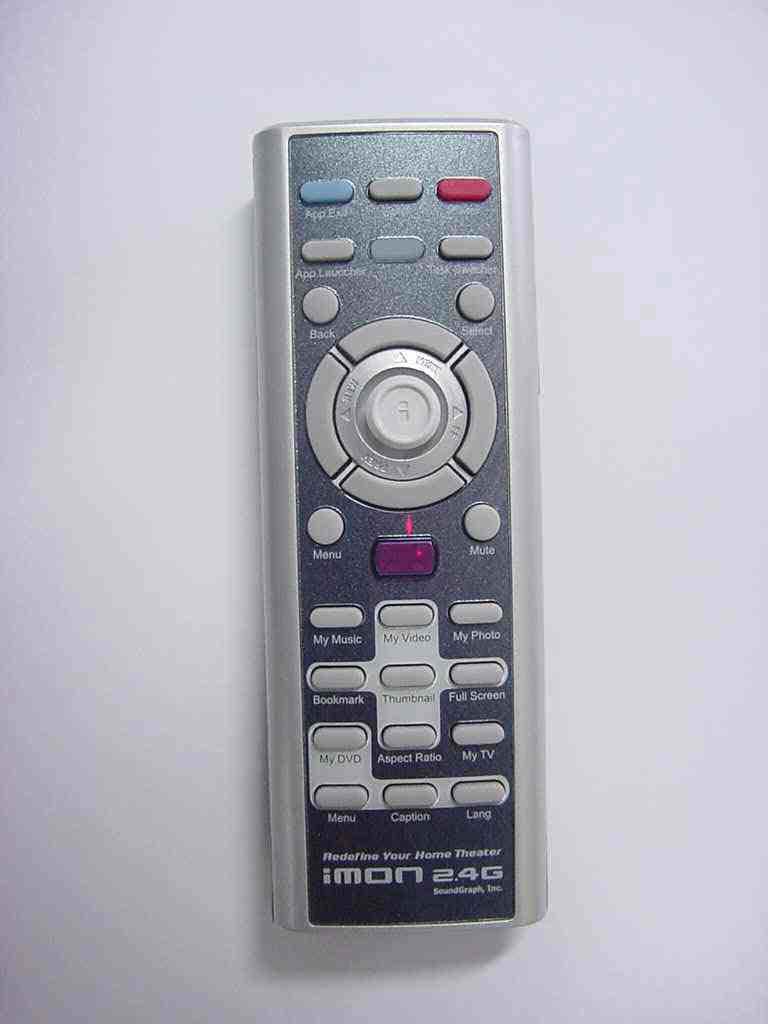
PMTSG24G
Nov 03, 2005USB RF Remote Controller
Equipment Class
DXX - Part 15 Low Power Communication Device Transmitter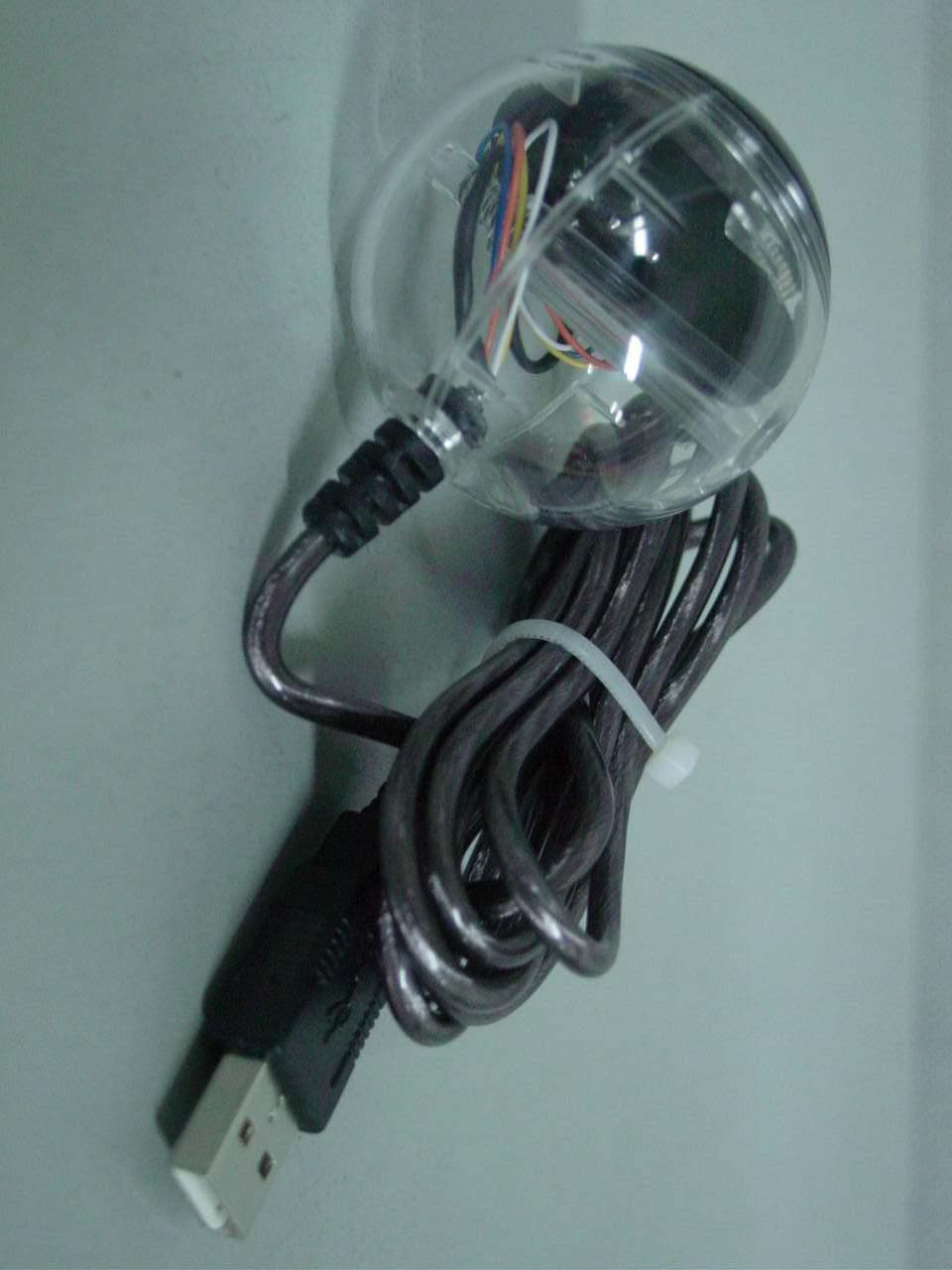
PMTSG03IMON
Feb 24, 2003Universal IR Remote Control Device
Equipment Class
JBP - Part 15 Class B Computing Device Peripheral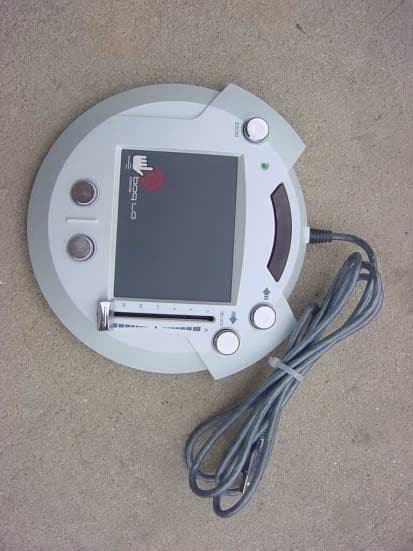
PMTSG01DJPAD2020
Jun 07, 2001USB Touch Pad as PC Accessory
Equipment Class
JBP - Part 15 Class B Computing Device Peripheral