Q92-BHC1812U-WBTSmart Plug
NINGBO BAIHUANG ELECTRIC APPLIANCES CO., LTD.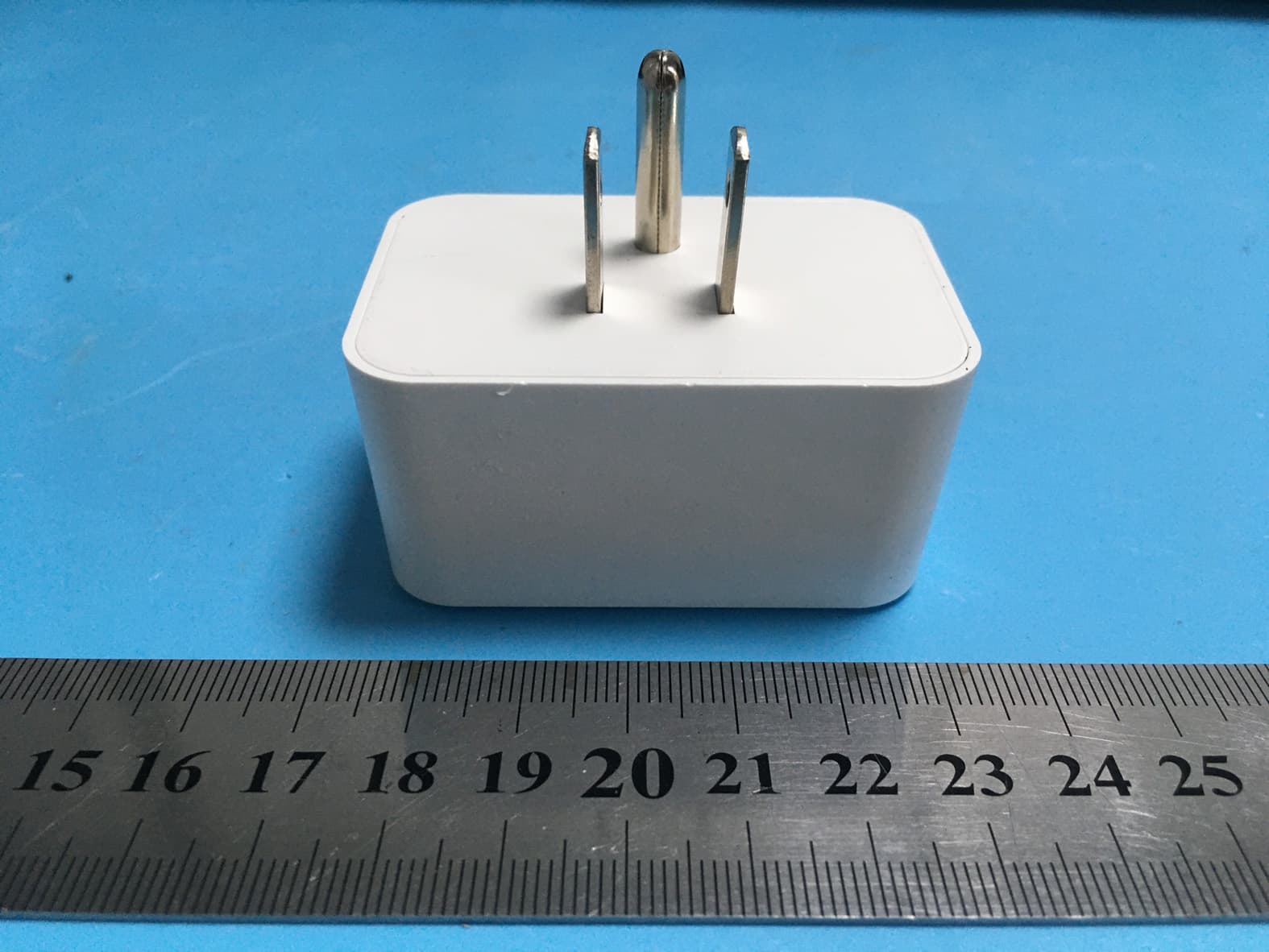
Click to zoom
Application Details
- Equipment Class
- DTS - Digital Transmission System
- Date of Grant
- Sep 26, 2022
- Application Purpose
- Original Equipment
- Date of Application
- Sep 26, 2022
- Equipment Note
- Smart Plug
- Frequency Range
- 2402.00000000 - 2480.00000000
- Country
- China
Documents & Files
Document Text
Text extracted from the exhibit documents filed with the FCC. Open a document above to read the original.
Users Manual
NewMiniSmartPlug ModelNo.:BHC1812U-WiFi InstructionManual Wi-Fi+Bluetooth 2 Warnings: Toreducetheriskoffire,electricshockorpersonalinjury, alwaysfollowtheinstructionsstrictly. 1.TheSmartplugisonlyforindooruse. 2.Donotconnectanydeviceswhichmayexceedthemaximum ratingsofthissmartplug. 3.Childrenarenotallowedtousethesmartplugwithoutadult supervision 4.Donotdisassembleorrepairtheproduct,andonlyallow authorizedservicepersonneltodoso. 5.Topreventsuffocationandchocking,keepchildrenaway frompackagingmaterials. 6.Discardallpartsofthisproductinaccordancewithlocal environmentalregulations,donotdisposeinregularhousehold waste. ProductIllustration 3 SoftwareInstallationGuide Downloadthe“smartlife”App:ScanQRCodeorsearch “SmartLife”inGooglePlayortheAppStoretodownloadand installtheapp. Registeranaccount Ifyoudon’thaveanappaccount,registeranaccountas followingsteps: 1.Opentheappandtap“Register”toentertheregistrationpage. 2.Thesystemautomaticallyrecognizesyourcountry /area.Youcanalsoselectyourcountrycode. Enterthe mobilenumberorE-mailandtap“GetVerificationCode.” 3.IfyouentertheE-mail,thenentertheverificationcodeinthe mailbox,asshowninthepicture,andenterthepassword,tap “Done”tofinishyourregistration. 4 Note:Eachdevicecanonlybeconnectedtooneaccount.If anyoneelseneedstocontrolit,pleaseshareyourdeviceviathe app. Adddevice 1.Plugthesmartplugintoanoutlet. 2.Launchthe"SmartLife"appandconnectthesmartplugto yournetwork. Note:Thesmartplugonlysupport2.4GHznetwork. 1)Shortpressthepowerbuttononthesmartplug,theblueLED powerindicatorwillON/OFFcorrespondingly. 2)Longpressthepowerbuttononthesmartplugfor 5-10s,thesmartplugisreadytoenterthenetworkconfiguration mode. LEDStatusFunction BlueLEDisonPowerison BlueLEDisoffPowerisoff BlueLEDblinksrapidlyResetting/Enterinto networkconfiguration BlueLEDblinksslowlyuntiloffConfigurationissuccess 5 ForOptimalUse: 1)Iftheindicatoronsmartplugdoesn'tflashingwhenyoupluginto thepowerplugforfirstconnection,pleaseholdandpressthe powerbuttonwhichonthebottomofthesmartplugforabout5-10 secondstoseeifit'sstartflashing; 2)Ifthesmartdevicecan'tbeconnectedtoWi-Fi,pleaselong pressthepowerbuttonfor5-10secondstoresetthesmartplug; 3)Thesmartdeviceonlyworkwith2.4GHznetwork.Ifyourrouter broadcastsboth2.4GHzand5GHz,pleaseselectedthe2.4GHz networkwiththeappIfconnectionstillfailed,werecommendyou callyourISPandhadthemcompletelyshutoffthe5GHznetwork ontherouter.Youarefreetochangethenetworkto5GHzagain afterconnecting. 4)Pleasetrytomakethesmartplugandrouterascloseas possible whenfirstconnection,youcanchangetheplaceafter connectingsuccessfully. 5)Forfastnetworkconfiguration,Itisbetterturnonthe “Bluetooth”whenthesmartdevicewillbeconnectedtonetwork. AddtheSmartPowerStrip 1)Clickthe"+"signattherightcornerandthenchoosethe" Socket(Bluetooth+Wi-Fi))". 2)Select2.4GHzWi-FiNetworkandenterpassword. 5 3)Thesmartplugaddedsuccessfullyandisready foruse,Thentap【Next】. Figure7Figure8 Selectthe“Countdown”,“Schedule”,“Circulate”and “Random”tomeetyourneeds Figure9 Figure10 6 1) Countdown:Deviceisturnedonoroffaftercountdowntime. Figure10Figure11 2)Schedule:Deviceisturnedonoroffonanyindividual dayorblocksofdays. Figure12Figure13Figure14 3)Circulate:Deviceisturnedon(startduration)andoff(end duration)repeatedlyfromstarttimetoendtime. 7 Figure15Figure16 4)Random:Ifthetimeintervalbetweenstarttimeandendtimeis morethanorequalto1hour,starttimeisdelayed2-30minutes andendtimeisadvanced2-30minutes.Ifthetimeintervalis lessthan1hour,starttimeisdelayed2-xminutesandendtime isadvanced2-xminutes.(x=timeinterval/2-2). Forexample:yousetstarttimeat8:00andendtimeat8:30. Thedeviceisturnedonatrandomtimebetween8:02and8:13. Thedeviceisturnedoffatrandomtimebetween8:17and8:28. Figure17Figure18Figure19 8 Setting Relaystatus(ON/OFFstatusforthedevice):Select “OFF”modefortherelaystatus,thedevicewillremain OFFmodeafterapoweroutage,evenwhenthepower comesonagain. Forthedevice,theRelaystatus(ON/OFFstatusfor thedevice)isoffbydefault Figure20Figure21 9 WorkwithAmazonAlexa LinkSmartLifeaccounttoAlexa 1.OpenyourAlexaapp,tap“Skills”inthemenu,andthen search“SmartLife”Select“SmartLife”andtap“Enable” toenabletheSmartLifeskills. 2.Youwillbedirectedtotheaccountlinkpage.Typeinyour “SmartLife”accountandpassword,don’tforgettoselect yourcountry/regionwhereyouraccountbelongsto.And thentap“LinkNow”tolinkyourSmartLifeaccount. Controlyoursmartdevices Discoverdevices:Echoneedstodiscoveryoursmartdevices beforeitcontrolsthem.Yousay“Alexa,discoverdevices”to Echo.Echowilldiscoverdeviceswhichhavealreadybeen addedin“SmartLife”app.Youcanalsotap“discoverdevices” todiscoverthesmartdevices. Discovereddeviceswillbeshowninthelist. Note:Everytimeyouchangethedevice’snameontheSmart Lifeapp,Echomustre-discoverbeforeyoucontrolthem. WorkwithGoogleHome AddDevicetoHomeControl OpenyourGoogleHomeapp,adddeviceinHomeControlof theGoogleHomeapp.Select“SmartLife”,andfillinthecorrect logininformationofyouraccounttofinishtheaccountlinking. YourdevicewillbeshowninHomeControldevicelist. 10 Otherfunctions: Figure22 Specifications -OperatingVoltage:125V~/60Hz -Max.Connectedload:15A/1875W -WirelessType:2.4GHzIEEE802.11b/g/n TroubleshootingandFAQ 1.WhatshouldIdowhencannotturnthesmartplugonoroff? Makesureyourmobiledevicesandthesmartplugareconnected tothesameWi-Finetwork. Makesurethedevicesconnectedtothesmartplugareturnedon. 11 2.WhatshouldIdowhendeviceconfigurationprocesshasfailed? Youcould: 1)Checkwhetherthesmartdeviceispoweredonornot. 2)Checkwhetheryourmobiledeviceisconnectedto2.4GHzWi-Fi network. 3)CheckforWi-Fiinterferenceorrelocatethesmartdevicetoanother location. 4)Checkyournetworkconnectivity.Makesuretherouterisworking properly. 5)Iftherouterisdual-bandrouter,select2.4Gnetworkandthenadd thesmartdevice. 6)Enabletherouter’sbroadcastingfunction.Configuretheencryption methodasWPA2-PSKandauthorizationtypeasAES,orsetboth asauto. 7)Wirelessmodecannotbe11nonly. 8)CheckforWi-Fiinterferenceorrelocatethesmartdevicetoanother locationwithinthesignalrange. 9)Checkwhethertherouter’sconnecteddevicesreachtheamount limit.Pleasetryto…
Text truncated - open the document above for the full version.
External Photos
Shenzhen Accurate Technology Co., Ltd. Project No.: SZNS220815-36839E-RF External Photos Page 1 of 3 External Photos Shenzhen Accurate Technology Co., Ltd. Project No.: SZNS220815-36839E-RF External Photos Page 2 of 3 Shenzhen Accurate Technology Co., Ltd. Project No.: SZNS220815-36839E-RF External Photos Page 3 of 3
ID Label/Location Info
Shenzhen Accurate Technology Co., Ltd. Project No.: SZNS220815-36839E-RF LABEL AND LOCATION Page 1 of 1 FCC ID Label FCC ID Label Location Information The label shown shall be p erm anently affixed at a conspicuous location on the device and be readily visible to the user at the time purchase (Labeling requirements per 2.925)
Internal Photos
Shenzhen Accurate Technology Co., Ltd. Project No.: SZNS220815-36839E-RF Internal Photos Page 1 of 4 Internal photos Shenzhen Accurate Technology Co., Ltd. Project No.: SZNS220815-36839E-RF Internal Photos Page 2 of 4 Shenzhen Accurate Technology Co., Ltd. Project No.: SZNS220815-36839E-RF Internal Photos Page 3 of 4 Shenzhen Accurate Technology Co., Ltd. Project No.: SZNS220815-36839E-RF Internal Photos Page 4 of 4 Antenna
RF Exposure Info
Shenzhen Accurate Technology Co., Ltd. Report No.: SZNS220815-36839E-RF-00 Version 12: 2021-11-09 Page 12 of 65 FCC- BLE&2.4G Wi-Fi FCC §15.247 (i) & §1.1307 (b) (3) & §2.1091- MAXIMUM PERMISSIBLE EXPOSURE (MPE) Applicable Standard According to subpart 15.247 (i) and subpart 2.1091 systems operating under the provisions of this section shall be operated in a manner that ensures the public is not exposed to RF energy level in excess of the communication guidelines. According to KDB 447498 D04 Interim General RF Exposure Guidance MPE-Based Exemption: General frequency and separation-distance dependent MPE-based effective radiated power(ERP) thresholds are in Table B.1 [Table 1 of § 1.1307(b)(1)(i)(C)] to support an exemptionfrom further evaluation from 300 kHz through 100 GHz. Ris the minimum separation distance in meters f = frequency in MHz For multiple RF sources: Multiple RF sources are exempt if: in the case of fixed RF sources operating in the same time-averaging period, or of multiple mobile or portable RF sources within a device operating in the same time averaging period, if the sum of the fractional contributions to the applicable thresholds is less than or equal to 1 as indicated in the following equation: Shenzhen Accurate Technology Co., Ltd. Report No.: SZNS220815-36839E-RF-00 Version 12: 2021-11-09 Page 13 of 65 FCC- BLE&2.4G Wi-Fi Result Mode Frequency (MHz) Tune up conducted power Antenna Gain ERP Evaluation Distance (m) ERP Limit (W) (dBm) (dBi)(dBd)(dBm)(W) BLE 2402-2480 9.0 0.04 -2.11 6.89 0.005 0.2 0.768 Wi-Fi 2412-2462 26.5 0.04 -2.11 24.39 0.275 0.2 0.768 Note: 1. The tune up conducted power and antenna gain was declared by the applicant. 2. The BLE can’t transmit at the same time with the Wi-Fi. 3. 0dBd=2.15dBi To maintain compliance with the FCC’s RF exposure guidelines, place the equipment at least 20cm from nearby persons. Result: Compliant.
Test Report
★ Note: This report may contain data that are not covered by the A2LA accreditation and are marked with an asterisk “ ”. Shenzhen Accurate Technology Co., Ltd. is not responsible for the authenticity of any test data provided by the applicant. Data included from the applicant that may affect test results are marked with an asterisk ’*’. Customer model name, addresses, names, trademarks etc. are not considered data. This report cannot be reproduced except in full, without prior written approval of the Company. Unless otherwise stated the results shown in this test report refer only to the sample(s) tested. This report is valid only with a valid digital signature. The digital signature may be available only under the Adobe software above version 7.0. Shenzhen Accurate Technology Co., Ltd. 1/F., Building A, Changyuan New Material Port, Science & Industry Park, Nanshan District, Shenzhen, Guangdong, P.R. China Tel: +86 755-26503290 Fax: +86 755-26503396 Web: www.atc-lab.com Version 12: 2021-11-09 Page 1 of 65 FCC- BLE&2.4G Wi-Fi TEST REPORT Applicant Name : NINGBO BAIHUANG ELECTRIC APPLIANCES CO., LTD. Address : NO. 180, YANSHAN RD, HUXIMEN,HENGHE TOWN, CIXI,NINGBO,China,315318 Report Number : SZNS220815-36839E-RF-00 FCC ID: Q92-BHC1812U-WBT Test Standard (s) FCC PART 15.247 Sample Description Product Type: Smart Plug Model No.: BHC1812U-WiFi Multiple Model(s) No.: N/A Trade Mark: BAHUON Date Received: 2022/08/15 Report Date: 2022/09/11 Test Result: Pass* * In the configuration tested, the EUT complied with the standards above. Prepared and Checked By: Approved By: Nick Fang Candy Li EMC Engineer EMC Engineer Shenzhen Accurate Technology Co., Ltd. Report No.: SZNS220815-36839E-RF-00 Version 12: 2021-11-09 Page 2 of 65 FCC- BLE&2.4G Wi-Fi TABLE OF CONTENTS GENERAL INFORMATION ....................................................................................................................................... 4 PRODUCT DESCRIPTION FOR EQUIPMENT UNDER TEST (EUT) ..................................................................................... 4 OBJECTIVE ................................................................................................................................................................... 4 TEST METHODOLOGY .................................................................................................................................................. 4 MEASUREMENT UNCERTAINTY .................................................................................................................................... 5 SYSTEM TEST CONFIGURATION .......................................................................................................................... 6 DESCRIPTION OF TEST CONFIGURATION ...................................................................................................................... 6 EQUIPMENT MODIFICATIONS ....................................................................................................................................... 7 EUT EXERCISE SOFTWARE .......................................................................................................................................... 7 DUTY CYCLE ................................................................................................................................................................ 7 SUPPORT EQUIPMENT LIST AND DETAILS .................................................................................................................... 7 EXTERNAL I/O CABLE .................................................................................................................................................. 7 BLOCK DIAGRAM OF TEST SETUP ................................................................................................................................ 8 SUMMARY OF TEST RESULTS ............................................................................................................................... 9 TEST EQUIPMENT LIST ......................................................................................................................................... 10 FCC §15.247 (I) & §1.1307 (B) (3) & §2.1091- MAXIMUM PERMISSIBLE EXPOSURE (MPE) ..................... 12 FCC §15.203 - ANTENNA REQUIREMENT ........................................................................................................... 14 APPLICABLE STANDARD ............................................................................................................................................ 14 ANTENNA CONNECTOR CONSTRUCTION .................................................................................................................... 14 FCC §15.207 (A) – AC LINE CONDUCTED EMISSIONS .................................................................................... 15 APPLICABLE STANDARD ............................................................................................................................................ 15 EUT SETUP ................................................................................................................................................................ 15 EMI TEST RECEIVER SETUP ....................................................................................................................................... 15 TEST PROCEDURE ...................................................................................................................................................... 15 TRANSD FACTOR & MARGIN CALCULATION.............................................................................................................. 16 TEST DATA ................................................................................................................................................................ 16 FCC §15.209, §15.205 & §15.247(D) - SPURIOUS EMISSIONS .........................................................................…
Text truncated - open the document above for the full version.
Test Setup Photos
Shenzhen Accurate Technology Co., Ltd. Project No.: SZNS220815-36839E-RF Test Photos Page 1 of 2 Photo of Conducted Emission Measurement Shenzhen Accurate Technology Co., Ltd. Project No.: SZNS220815-36839E-RF Test Photos Page 2 of 2 Photo of Radiated Emission Measurement (Below 1G) Photo of Radiated Emission Measurement (Above 1G)
Contact Information
Applicant
Jason Wang(manager)
Test Firm
Shenzhen Accurate Technology Co., Ltd.Lisa Zhang
[email protected]+86-755-26503290
Technical Specifications
| # | Rule Parts | Frequency Range | Power Output |
|---|---|---|---|
| 2 | 15C | 2.40 GHz - 2.48 GHz | 7.00 mW |
Other Applications from NINGBO BAIHUANG ELECTRIC APPLIANCES CO., LTD.
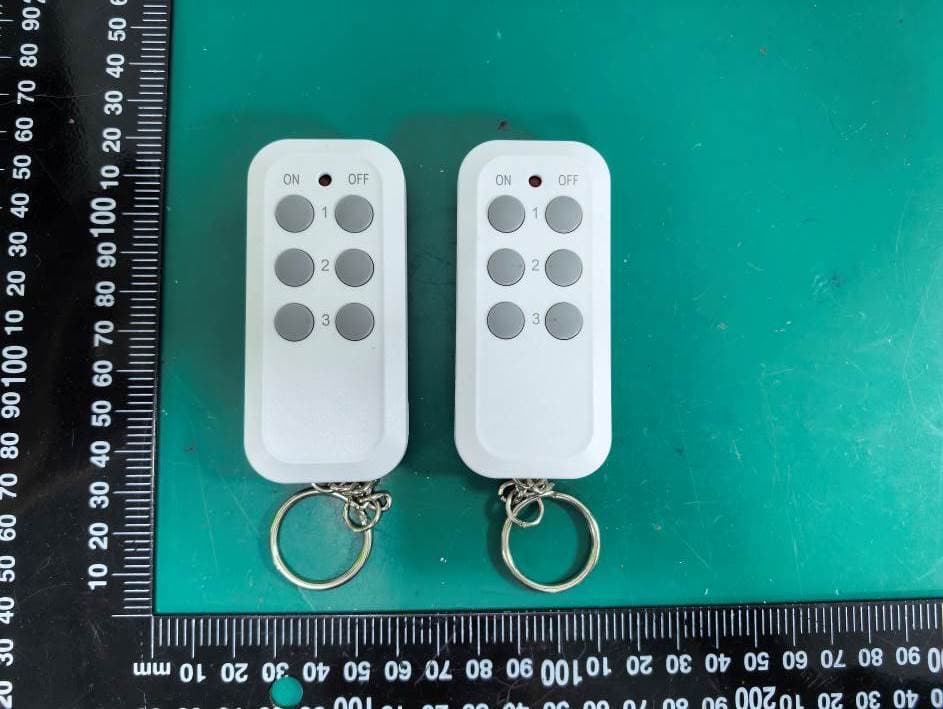
Q92-BH-18C6
Aug 10, 2026Remote Control Transmitter
Equipment Class
DSC - Part 15 Security/Remote Control Transmitter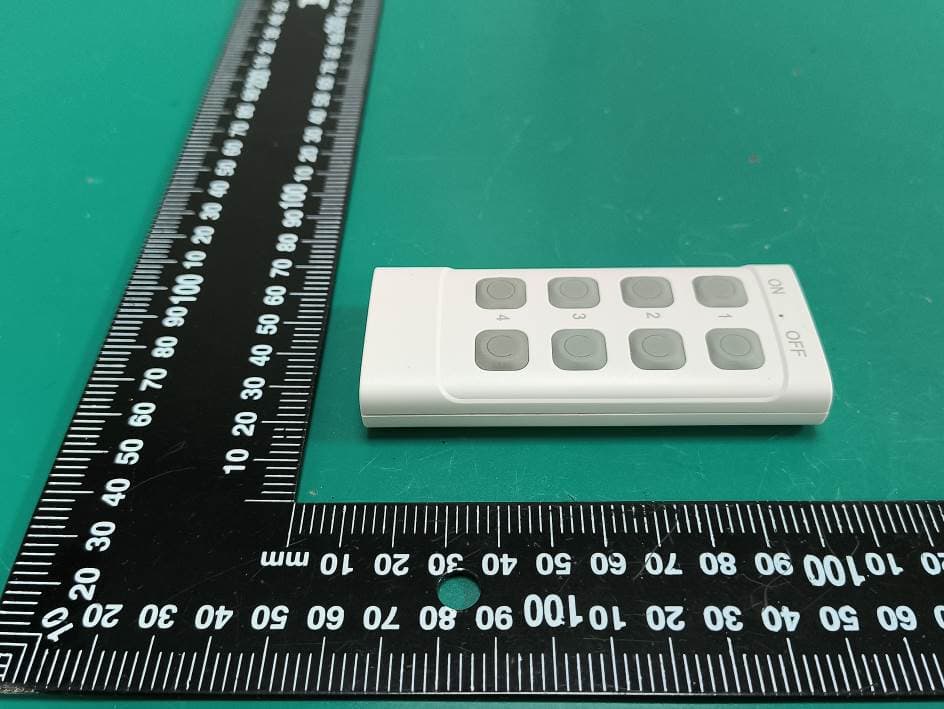
Q92-BH-24F8
Aug 10, 2026Remote Control Transmitter
Equipment Class
DSC - Part 15 Security/Remote Control Transmitter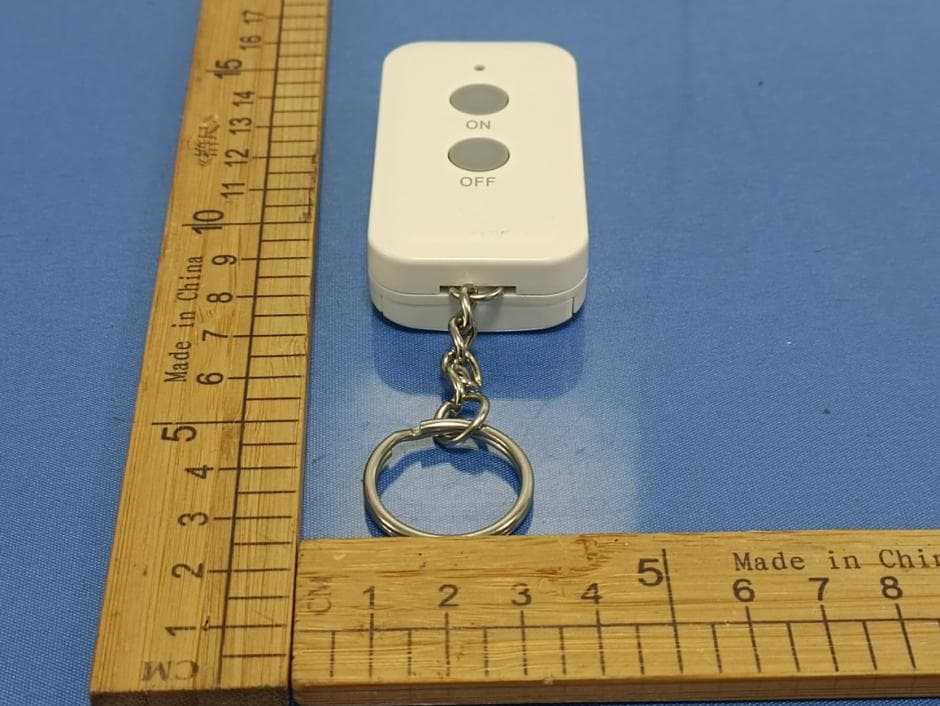
Q92-BH-20E1
Dec 18, 2025Remote Control Transmitter
Equipment Class
DSC - Part 15 Security/Remote Control Transmitter
Q92-BH-24B
Sep 11, 2024Remote Control Transmitter
Equipment Class
DSC - Part 15 Security/Remote Control Transmitter
Q92-BH-23A
Sep 11, 2024Remote Control Transmitter
Equipment Class
DSC - Part 15 Security/Remote Control Transmitter