Q93-U004MUSB 2.0 Portable Hard Drive
AVC Technology Limited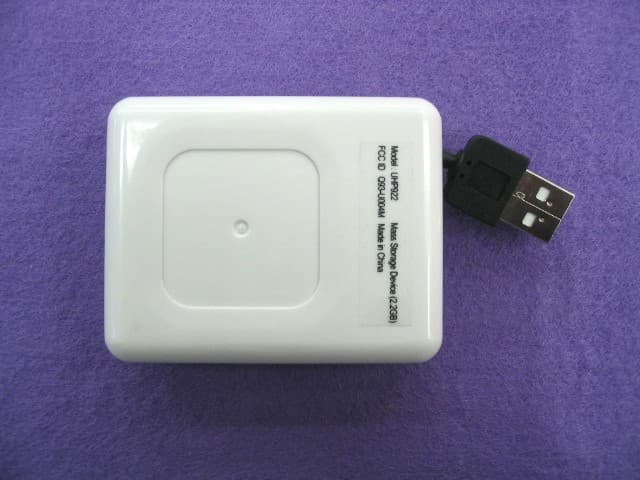
Click to zoom
Application Details
- Equipment Class
- JBP - Part 15 Class B Computing Device Peripheral
- Date of Grant
- Apr 06, 2004
- Application Purpose
- Original Equipment
- Date of Application
- Apr 06, 2004
- Equipment Note
- USB 2.0 Portable Hard Drive
- Company
- AVC Technology Limited
- Country
- Hong Kong
Documents & Files
Document Text
Text extracted from the exhibit documents filed with the FCC. Open a document above to read the original.
Users Manual
USB 2.0 Portable Hard Drive User Manual Page 1 Version 1.0 Introduction Thank you for purchasing our USB 2.0 Portable Hard Drive. This user guide will explain how to use the Portable Hard Drive. Please read this manual carefully before using this product. Parts Description USB Interface USB Interface: The USB connector connects to the USB port of your computer. Page 2 Driver Installation & Functions Install Driver (For Windows 98SE only) Windows 98SE will not recognize the USB 2.0 Portable Hard Drive until you have installed the driver using the included installation CD-ROM. Follow the detailed instructions in this section to activate the USB mass storage function, so you will be able to transfer files from your computer to your Portable Hard Drive. a. Plug the Portable Hard Drive into an available USB port of your computer or notebook. Then insert the CD-ROM into the CD Drive. Windows 98SE will automatically detect the device. Click “Next” to continue. b. Click “Next” again without changing the setting. Page 3 c. Click on the “CD-ROM drive” box. If the path of the installation driver is stored in another destination, please specify the location. Then click “Next” to continue. d. Windows will find the driver for the device from the path provided. Click “Next” to continue. Page 4 e. Once the installation is completed, click “Finish” to exit. f. After installation completed, the “Storage Adaptor” will be added to the Device Manager. Page 5 g. The new hard drive will be added to My Computer. Plug & Play (For Windows ME, 2000, XP and Mac OS9 or Higher) These versions of the Windows or Mac operating systems will automatically detect your Portable Hard Drive after a connection with an available USB port is established. When you plug the device into an available USB port in your computer or notebook, a “Local Disk” icon will be shown in My Computer. Warning: To unplug the Portable Hard Drive, you have to follow the “Safe Removal of Hardware” procedure: Windows ME, 2000 and XP users: a. Double click on the “Safely Remove Hardware” on the task bar. Page 6 b. A pop-up menu will appear. Select the “USB Mass Storage Device”, click on the “Stop” icon. c. Click “OK” to confirm. d. When the message “Safe to Remove Hardware” appears, you can safely remove the device. Mac OS9 or higher users: Drag the icon from the Portable Hard Drive to the trash icon. Wait until the Portable Hard Drive icon disappears from the desktop. Now you can disconnect the Portable Hard Drive from the USB port of your computer. Page 7 Files Operations You may copy, read, write, save, or delete files from the Portable Hard Drive the same way you do it on your computer hard disk. Copy File: Locate the files you wish to copy from the computer to your Portable Hard Drive. Drag and drop those files on the computer into the “Local Disk” folder. These files will now be copied to your Portable Hard Drive. Read File: Locate the files on the Local Disk; double click on the file that you want to open. Save File: When saving the file, choose “save as” and browse to the “Removable Disk.” Type the file name and click on “save”. The file will be saved into your Portable Hard Drive. Delete File: Highlight the file from the Portable Hard Drive that you want to delete. Press the [Delete] key from the keyboard. Press “Yes” to confirm delete. The file will be deleted from the Portable Hard Drive. Page 8 Safety Precautions Please read the safety precautions carefully before using the Portable Hard Drive (“the product”) and the application software. Follow the procedures in this guide when using this product. The following safety precautions are intended to remind you how to operate the product safely and correctly. Please read and ensure that you understand them. Warnings This device complies with Part 15 of the FCC Rules. Operation is subject to the following two conditions: (1) this device may not cause harmful interference, and (2) this device must accept any interference received, including interference that may cause undesired operation. NOTE: This equipment has been tested and found to comply with the limits for a Class B digital device, pursuant to Part 15 of the FCC Rules. These limits are designed to provide reasonable protection against harmful interference in a residential installation. This equipment generates, uses and can radiate radio frequency energy and, if not installed and used in accordance with the instructions, may cause harmful interference to radio communications. However, there is no guarantee that interference will not occur in a particular installation. If this equipment does cause harmful interference to radio or television reception, which can be determined by turning the equipment off and on, the user is encouraged to try to correct the interference by one or more of the following measures: Reorient or relocate the receiving antenna. Increase the separation between the equipment and receiver. Connect the equipment into an outlet on a circuit different from that to which the receiver is needed. Consult the dealer or an experienced radio/TV technician for help. Do not attempt to disassemble or alter any part of the product that is not described in this guide. Do not allow the product to come into contact with water or other liquids. In the event that water or other liquids enter the interior, immediately unplug the product from the computer. Continued use of the product may result in fire or electrical shock. Please consult your product distributor or the closest support center. Do not plug and unplug the product if your hands are wet. Otherwise it will cause electrical shock. Do not place the product near a heat source or expose them to direct flame or heat. Never place the product in an environment of strong electromagnetic fields. Exposure to strong magnetic fields may cause malfunctions or data corruption. Page 9 System Requirements The following system requirements must be met to install and operate …
Text truncated - open the document above for the full version.
Block Diagram
10 MHz
Operational Description
Operation Description The USB Mass Storage Device is a standalone product, USB 2.0 Hard Disk Drive 2.2GB. The Storage Device features: - Plug & Play (PC Windows / Mac OSX) - USB v2.0 - Hard Disk 2.2GB - Transfer rate up to 480Mbps Refer to the design as follows: The EUT, Magicstor, a 1î, 2.2 Gbyte data capacity, hard drive, USB protocol and form factor, was tested installed in host computer. The product derives its clock from the 10MHz crystal. Internal data clock changes from 5MHz to 12MHz. The maximum host bus rate is about 6MHz.
Test Report
TEST REPORT This document shall not be reproduced either in full or in part except with written approval by the Authorized Representative of CMA Testing. Room 1401-3, Yan Hing Centre, 9-13 Wong Chuk Yeung St.., Fo Tan, Shatin, Hong Kong. Tel: (852) 2698 8198 Fax: (852) 2695 4177 E-mail: [email protected] Web Site: http://www.cmatcl.com Report No. : AE004873-1 Date : 2004 April 06 Applicant : AVC Technology Limited Units 11-15, 11 th Floor, Block A, Focal Ind. Ctr., 21 Man Lok Street, Hunghom, Kowloon, Hong Kong. Sample Description : One(1) submitted sample stated to be : Model Name : USB 2.0 Portable Hard Drive Model No. : UHP 922 Rating : USB 5 V Testing Voltage : AC 120 V and USB 5 V No. of sample(s) : One(1) piece *** Date Received : 2004 March 31. Test Period : 2004 March 31 ñ 2004 April 06. Test Requested : FCC Part 15 Certification Test Method : FCC Rules and Regulations Part 15 ñ Dec 2003 ANSI C63.4 ñ 2001 Test Result : See attached sheet(s) from page 2 to 11. Conclusion : The submitted sample was found to comply with requirement of FCC Part 15 Subpart B. For and on behalf of CMA Testing and Certification Laboratories Authorized Signature : Page 1 of 11 Danny Chui EMC Engineer - EL. Division FCC ID : Q93-U004M TEST REPORT This document shall not be reproduced either in full or in part except with written approval by the Authorized Representative of CMA Testing. Room 1401-3, Yan Hing Centre, 9-13 Wong Chuk Yeung St.., Fo Tan, Shatin, Hong Kong. Tel: (852) 2698 8198 Fax: (852) 2695 4177 E-mail: [email protected] Web Site: http://www.cmatcl.com Report No. : AE004873-1 Date : 2004 April 06 Table of Contents 1 General Information........................................................................................................................ 3 1.1 General Description.................................................................................................................. 3 1.2 Related Submittal Grants.......................................................................................................... 3 1.3 Location of the test site............................................................................................................. 4 1.4 List of measuring equipment..................................................................................................... 5 1.5 List of support equipment......................................................................................................... 6 2 Description of the radiated emission test.......................................................................................... 7 2.1 Test Procedure......................................................................................................................... 7 2.2 Test Result............................................................................................................................... 7 2.3 Radiated Emission Measurement Data....................................................................................... 8 3 Description of the Line-conducted Test............................................................................................ 9 3.1 Test Procedure......................................................................................................................... 9 3.2 Test Result............................................................................................................................... 9 3.3 Graph and Table of Conducted Emission Measurement Data...................................................... 9 4 Photograph................................................................................................................................... 10 4.1 Photographs of the Test Setup for Radiated Emission and Conduction Emission........................ 10 4.2 Photographs of the External and Internal Configurations of the EUT......................................... 10 5 Supplementary document............................................................................................................... 10 6 Appendices............................................................................................................................... 11 Page 2 of 11 FCC ID : Q93-U004M TEST REPORT This document shall not be reproduced either in full or in part except with written approval by the Authorized Representative of CMA Testing. Room 1401-3, Yan Hing Centre, 9-13 Wong Chuk Yeung St.., Fo Tan, Shatin, Hong Kong. Tel: (852) 2698 8198 Fax: (852) 2695 4177 E-mail: [email protected] Web Site: http://www.cmatcl.com Report No. : AE004873-1 Date : 2004 April 06 1 General Information 1.1 General Description The equipment under test (EUT) is a standalone data storage product, it built-in 2.2 GB harddisk. The EUT has following features : 1. USB interface for PC or Mac uploading and downloading data (through an USB connector). 2. Storage electronic format data for PC windows user and Mac OSX user. A brief circuit description is saved with filename : OpDes.pdf 1.2 Related Submittal Grants This is a single application for certification of a computer peripheral product. Page 3 of 11 FCC ID : Q93-U004M TEST REPORT This document shall not be reproduced either in full or in part except with written approval by the Authorized Representative of CMA Testing. Room 1401-3, Yan Hing Centre, 9-13 Wong Chuk Yeung St.., Fo Tan, Shatin, Hong Kong. Tel: (852) 2698 8198 Fax: (852) 2695 4177 E-mail: [email protected] Web Site: http://www.cmatcl.com Report No. : AE004873-1 Date : 2004 April 06 1.3 Location of the test site Radiated emissions measurements are investigated and taken pursuant to the procedures of ANSI C63.4 ñ 1992. An Open Area Testing Site is set up for investigation and located at : Top of the Roof, Yan Hing Centre, 9 ñ 13 Wong Chuk Yeung Street, Fo Tan, Shatin, New Territories, Hong Kong. Conducted emissions measurements are investigated and also taken pursuant to the procedures of ANSI C63.4 ñ 1992. A double shielded room …
Text truncated - open the document above for the full version.
Contact Information
Applicant
Angus Sam(Chief Technical Officer)
Test Firm
CMA Industrial Development Foundations LimitedStephen Lam
Technical Specifications
| # | Rule Parts | Frequency Range | Power Output |
|---|---|---|---|
| 1 | 15B | - | - |
Other Applications from AVC Technology Limited
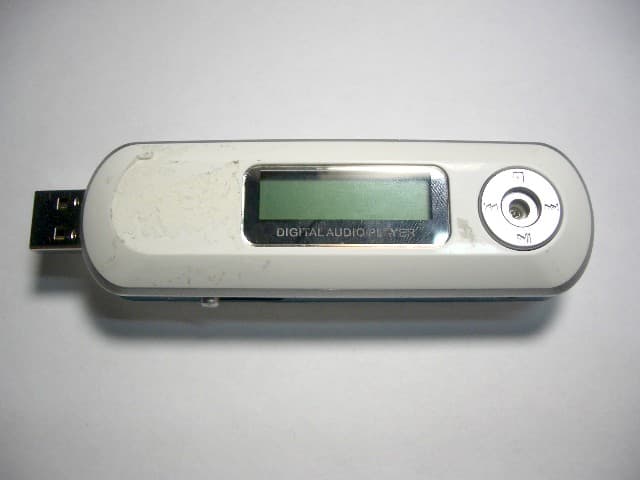
Q93-F034
Apr 11, 2005Digital Audio Player
Equipment Class
JBP - Part 15 Class B Computing Device Peripheral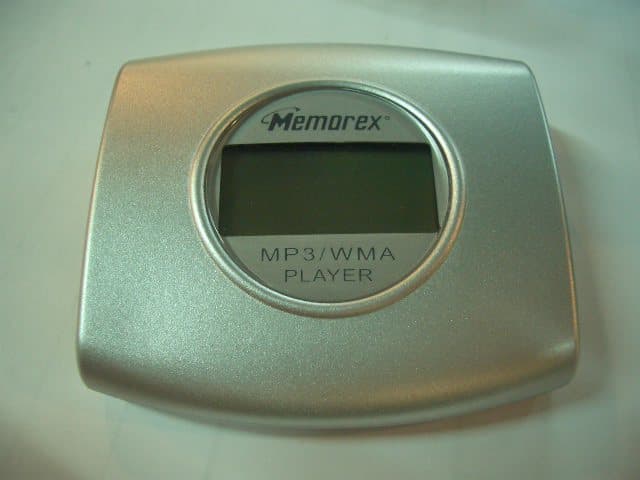
Q93-F027
Apr 04, 2005Digital Audio Player
Equipment Class
JBP - Part 15 Class B Computing Device Peripheral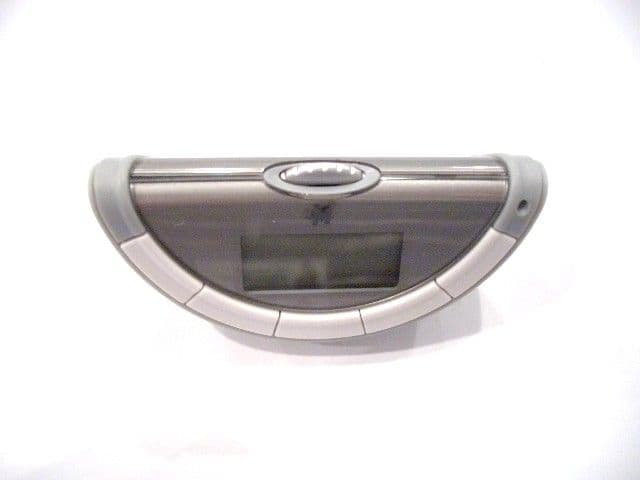
Q93-F029
Mar 29, 2005DIGITAL AUDIO PLAYER
Equipment Class
JBP - Part 15 Class B Computing Device Peripheral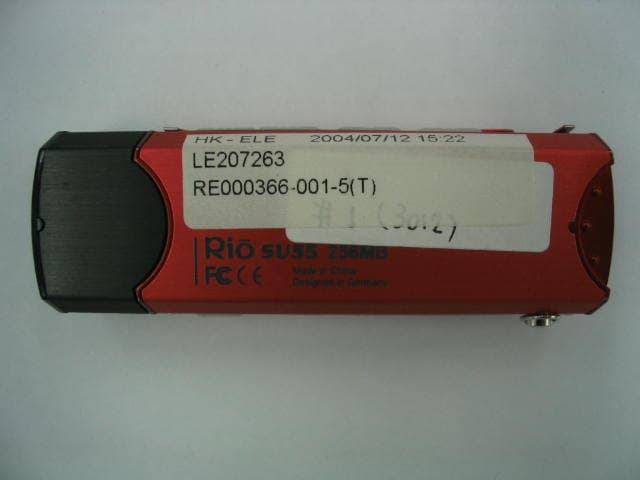
Q93-F023
Jan 24, 2005Digital Audio Player
Equipment Class
JBP - Part 15 Class B Computing Device Peripheral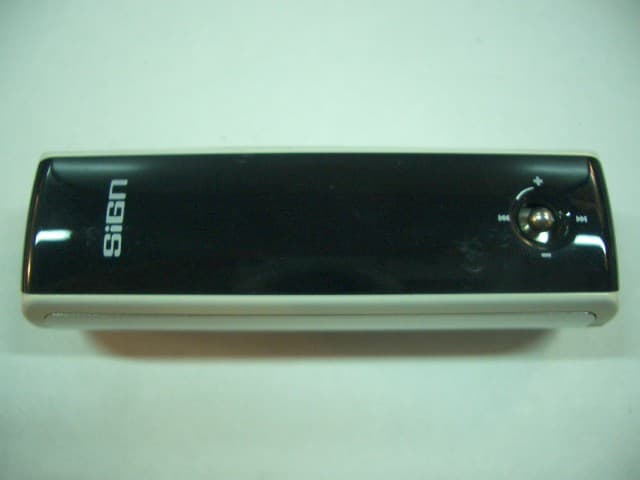
Q93-F024
Dec 01, 2004Digital Audio Flash Player
Equipment Class
JBP - Part 15 Class B Computing Device Peripheral