QCD-TS-1206SOUND SYSTEM
Twin-Star International Inc.Application Details
- Equipment Class
- DTS - Digital Transmission System
- Date of Grant
- Jun 09, 2015
- Application Purpose
- Original Equipment
- Date of Application
- Jun 08, 2015
- Equipment Note
- SOUND SYSTEM
- Frequency Range
- 2402.00000000 - 2480.00000000
- Company
- Twin-Star International Inc.
- Country
- China
Documents & Files
Document Text
Text extracted from the exhibit documents filed with the FCC. Open a document above to read the original.
Users Manual
MP#MX 1 www.tsicustomerservice.com HARDWARE LIST W OO X LINE IN OPTICAL TREBLE BASS VOLUME BLUE Y15-1213-RC Y12-PID01-MN Y12-PID01-K V MP#MX 2 www.tsicustomerservice.com Y15-SB-1206 Y15-SG-12130308 LINE IN OPTICAL TREBLE BASS VOLUME BLUE Y15-CP-1213 REPLACEMENT PARTS PIECES DE REMPLACEMENT PARTES DE REPUESTO NN Y14-PID01-PG LINE IN OPTICAL TREBLE BASS VOLUME BLUE LINE IN OPTICAL TREBLE BASS VOLUME BLUE Y15-RC-1213 MP#MX 3 www.tsicustomerservice.com PRODUCT SPECIFICATIONS WIRING Adapter Input AC100-240V, 50/60Hz Adapter Output DC15V 2.0A Power Consumption 30 Watts Standby Power Consumption < 1 W Peak Music Power Output 150 W OPTICAL IN R AUX IN L DC 15V IN 1. AUDIO INPUT R/L - RCA plug AUX IN for connecting to an audio source 2. DC IN - Connect the power supply 3. OPTICAL INPUT - Input the console using Optical cable Ipod Dock: TS-ID01 J Fig.1 Back Panel Sound System: TS-1206 MP#MX 4 www.tsicustomerservice.com LINE IN OPTICAL TREBLE BASS VOLUME BLUE The speaker can be operated by either the remote control or the control panel. Control Panel OPERATION INSTRUCTIONS MP#MX 5 www.tsicustomerservice.com OPERATION INSTRUCTIONS FUNCTION POWER The POWER button supplies power to all the functions of the unit. Pressing and holding this button for 3 seconds on Bluetooth mode will make Bluetooth pairing. ICONDESCRIPTION SPEAKER To scroll through the different input options: BT - Bluetooth Search for other smartphones and devices. The blue flashing light indicates the unit is searching for devices with a WPAN (Bluetooth) function activated. Selecting TS-1206 from your device will link it to the console and allow to stream sound from up to 10 meters away. The light will stay continuously lit once a connection has been made to the device. OP - Optical Input Steam sound from your television or other device connected to the console at the back panel by Optical cable. AU - AUX Input Steam sound from your television or other device connected to the console at the back panel by RCA cables. Adjust the volume if Speaker is ON ADJUSTMENT BLUE LINE IN CLOCK HEATER SPEAKER FLAME TIMER MUTE Press MUTE button on the remote to mute and un-mute the volume. BLUE LINE IN CLOCK HEATER SPEAKER FLAME TIMER PREV/NEXT In Bluetooth mode, press PREV/NEXT buttons to change previous or next songs. BLUE LINE IN CLOCK HEATER SPEAKER FLAME TIMER PLAY/PAUSE In Bluetooth mode, press PLAY/PAUSE button to play or pause the selected track. MP#MX 6 www.tsicustomerservice.com OPERATION INSTRUCTIONS FUNCTIONICONDESCRIPTION BLUE Press BLUE button on the remote to switch to Bluetooth input. LINE IN Press LINE IN button on the remote to switch to Line In input. OPTICAL Press OPTICAL button on the remote to switch to Optical input. TREBLE Press TREBLE button on remote to adjust the TREBLE up or down. BASS Press BASS button on remote to adjust the BASS up or down. VOLUMEPress VOLUME button on remote to adjust the volume. MP#MX 7 www.tsicustomerservice.com CONTROLS TROUBLESHOOTING PROBLEMSOLUTION 1. Sound is distorted.1a. Decrease the volume. 1b. If the iPhone/iPod original sound source is of poor quality, distortion and noise are easily noticed with high-power speakers. Try a different audio source such as a music CD. 1c. If you are using an external sound source like older generation of iPod, try reducing the output volume on the device itself. 1d.Try changing the bass and treble settings using the remote control. 2. Unit gets warm after extended play at high volume. 2a. Turn the unit off for a period of time or lower the volume. CARE AND MAINTENANCE Warning: 1. If the supply cord is damaged it must be replaced by the manufacturer, it’s service agent or similarly qualified persons in order to avoid a hazard. 2. Only a qualified service person should repair this product. 3. Do not use outdoors. 4. Do not insert or allow foreign objects to enter the system as this may cause an electric shock, fire, or damage to the appliance. 5. Use this appliance only as described in the manual. Any other use not recommended by the manufacturer may cause fire, electric shock or injury to persons. MP#MX 8 www.tsicustomerservice.com When the remote control stops operating or its range seems reduced, it is time to replace the battery with a new one. 1. The battery compartment is located on the back end of the remote. 2. Press and slide the battery door open and remove the old battery. 3. Insert 1pc CR2025 battery, checking that the + and - sides of the battery match inside the battery compartment. 4. Replace the battery compartment door. CAUTION: • Always purchase the correct size and grade of battery most suitable for the intended use. • Replace all batteries of a set at the same time. • Clean the battery contacts and also those of the device prior to battery installation. • Ensure the batteries are installed correctly with regard to polarity (+ and -). • Remove batteries from equipment which is not to be used for an extended period of time. • Remove used batteries promptly. Note: Caution do not ingest batteries. If batteries are swallowed immediately call poison control. Replacing the Remote Control Battery Disposal of Used Batteries Battery may contain hazardous substances which could be endangering to enviroment and human health. This symbol marked on the battery and/or packaging indicates that used battery shall not be treated as municipal waste. Instead it shall be left at the appropriate collection point for recycling. By ensuring the used batteries are disposed of correctly, you will help preventing potential negative consequences for the environment and human health. The recycling of materials will help to converse natural resources. For more information about collection and recycling of used batteries, please contact your local municipality, your waste disposal service or the point of sale where you purchased this point. NOTE: This equipment has been tested and found to comply with the limits for Class B digital device, pursuant to part 15 of the FCC Rul…
Text truncated - open the document above for the full version.
Cover Letter(s)
SCS-F18: Project and Product Certification Representative Authorization Letter Page 1 of 2 Rev 5.0 775 Montague Expressway Milpitas, CA 95035 Tel: 408-526-1188 Fax: 408-526-1088 Email: [email protected] Project and Product Certification Representative Authorization Letter Revision History Reason for Amendment (current / obsolete) From To Approved Date Initial Release (obsolete) 1.0 1.0 Nov-14-2006 Revised wording (obsolete) 1.0 2.0 Sept–25-2007 Updated company template (obsolete) 2.0 3.0 Jan-31-2012 Updated letter information (obsolete) 3.0 4.0 May-23-2014 Added FCC ID field (current) 4.0 5.0 Sept 16 2014
Cover Letter(s)
SCS-F19: Confidentiality Request Letter Page 1 of 2 Rev 3.0 775 Montague Expressway Milpitas, CA 95035 Tel: 408-526-1188 Fax: 408-526-1088 Email: [email protected] Confidentiality Request Letter Revision History Reason for Amendment (current / obsolete) From To Approved Date Initial Release (obsolete) 1.0 1.0 Nov-14-2006 Adding CFR 2.459 (obsolete) 1.0 2.0 August – 11 - 2008 Updated company template & Added text box (current) 2.0 3.0 Jan-31-2012
External Photos
Dongguan Nore Testing Center Co., Ltd. Report No.: NTC1505065F, NTC1505065F-1 FCC ID: QCD-TS-1206 Dongguan Nore Testing Center Co., Ltd. Report No.: NTC1505065F, NTC1505065F-1 FCC ID: QCD-TS-1206 Dongguan Nore Testing Center Co., Ltd. Report No.: NTC1505065F, NTC1505065F-1 FCC ID: QCD-TS-1206 Dongguan Nore Testing Center Co., Ltd. Report No.: NTC1505065F, NTC1505065F-1 FCC ID: QCD-TS-1206 Dongguan Nore Testing Center Co., Ltd. Report No.: NTC1505065F, NTC1505065F-1 FCC ID: QCD-TS-1206
ID Label/Location Info
152.0 QCD-TS-1206 Location
Internal Photos
Dongguan Nore Testing Center Co., Ltd. Report No.: NTC1505065F, NTC1505065F-1 FCC ID: QCD-TS-1206 Dongguan Nore Testing Center Co., Ltd. Report No.: NTC1505065F, NTC1505065F-1 FCC ID: QCD-TS-1206 BT Chip Antenna Dongguan Nore Testing Center Co., Ltd. Report No.: NTC1505065F, NTC1505065F-1 FCC ID: QCD-TS-1206 Dongguan Nore Testing Center Co., Ltd. Report No.: NTC1505065F, NTC1505065F-1 FCC ID: QCD-TS-1206 Dongguan Nore Testing Center Co., Ltd. Report No.: NTC1505065F, NTC1505065F-1 FCC ID: QCD-TS-1206
Test Setup Photos
Dongguan Nore Testing Center Co., Ltd. Report No.: NTC1505065F, NTC1505065F-1 FCC ID: QCD-TS-1206 Conducted Emission Dongguan Nore Testing Center Co., Ltd. Report No.: NTC1505065F, NTC1505065F-1 FCC ID: QCD-TS-1206 Radiated Emission
Contact Information
Applicant
Dale Duan(Manager)
Test Firm
Dongguan NTC Co.,Ltd.,sunm lv sunm lv
[email protected]86-769-22022444
Technical Specifications
| # | Rule Parts | Frequency Range | Power Output |
|---|---|---|---|
| 1 | 15C | 2.40 GHz - 2.48 GHz | 3.50 mW |
Other Applications from Twin-Star International Inc.
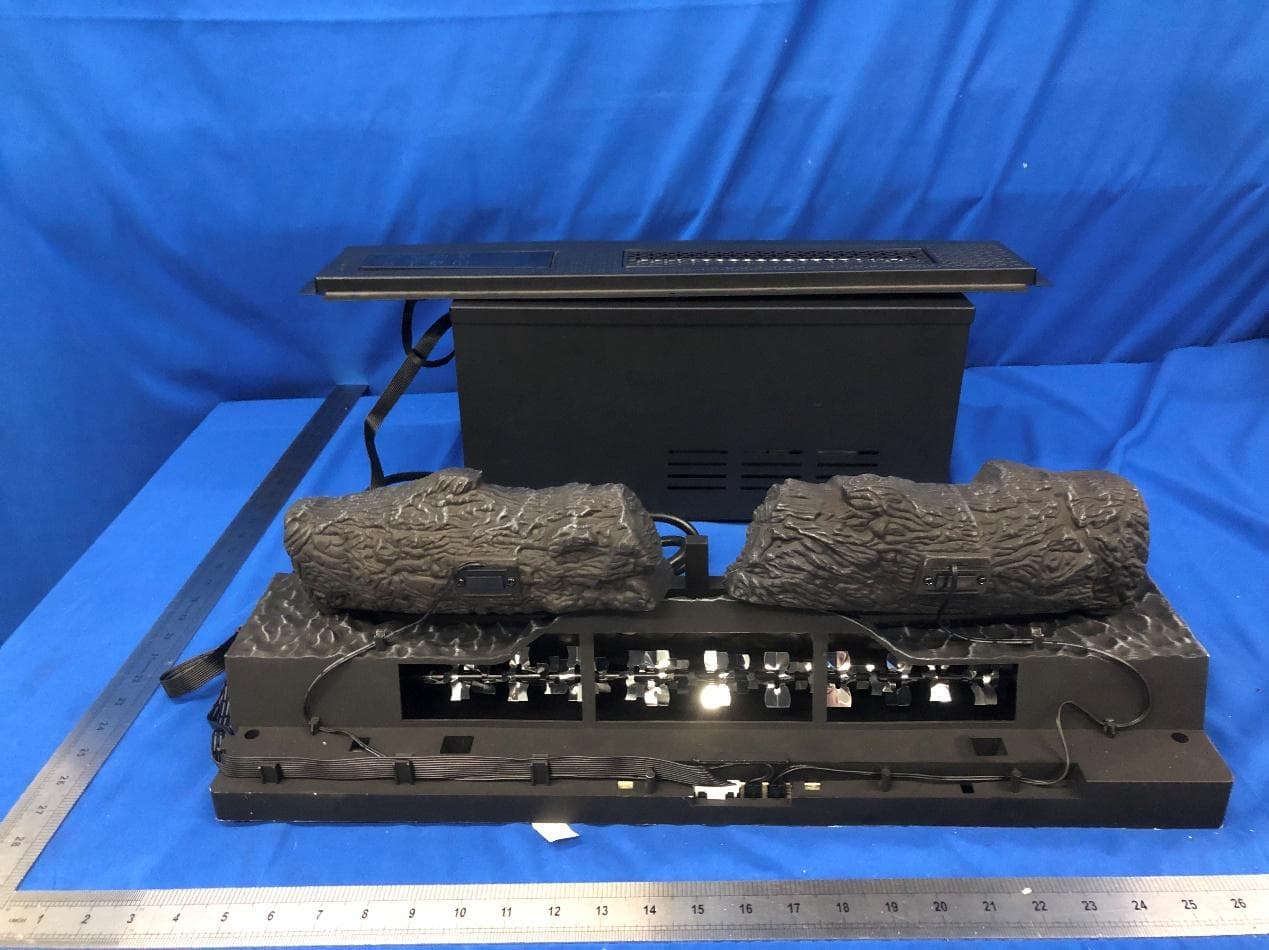
QCD-DI059
May 14, 2026Electric Fireplace
Equipment Class
DTS - Digital Transmission System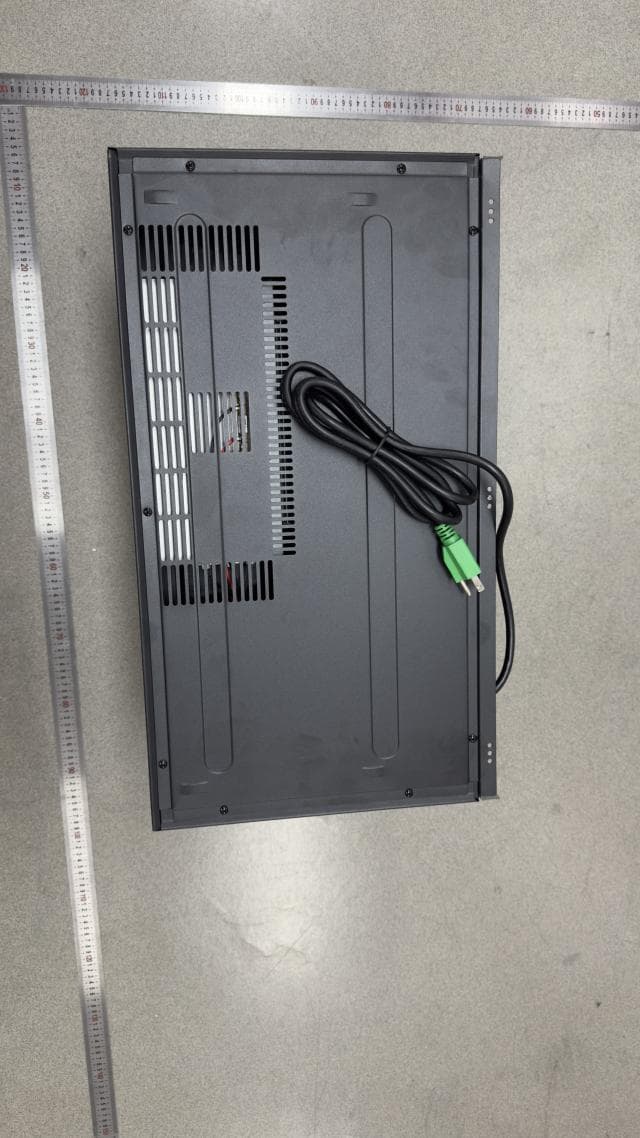
QCD-24II552
May 12, 2026Electric Fireplace
Equipment Class
DTS - Digital Transmission SystemQCD-TS-S-PL01
Apr 14, 2024Speaker
Equipment Class
DSS - Part 15 Spread Spectrum TransmitterQCD-BDSW-1650
Oct 21, 2015WIRELESS SUBWOOFER ADAPTER
Equipment Class
DXX - Part 15 Low Power Communication Device TransmitterQCD-TS-1806
Jul 28, 2015SOUND SYSTEM
Equipment Class
DTS - Digital Transmission System