QGYEZ-233EZtalk Bluetooth Headset
Skypower Wireless Ltd.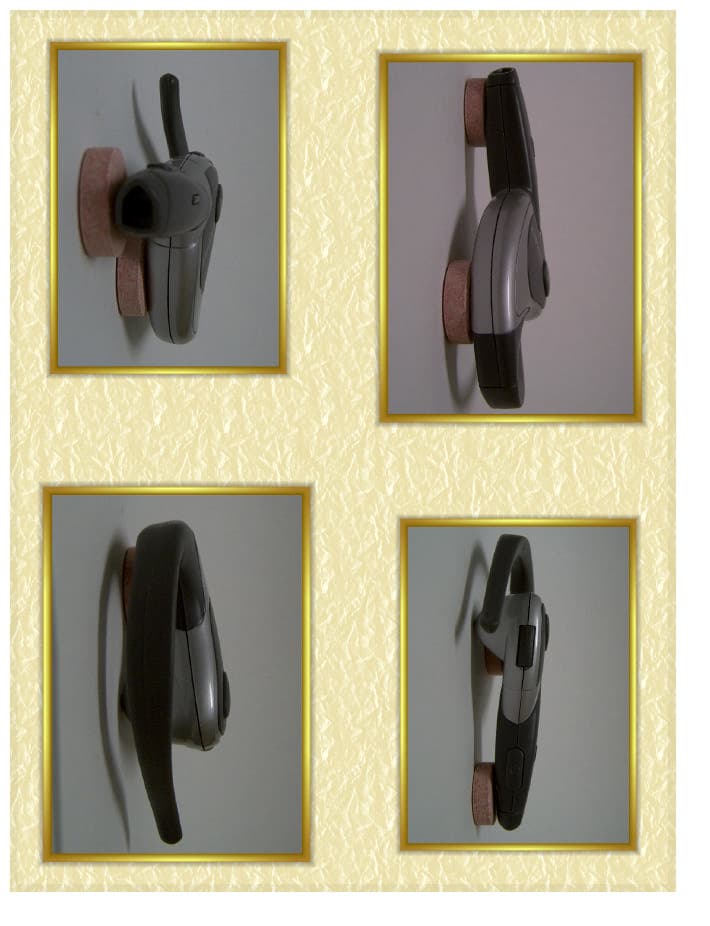
Click to zoom
Application Details
- Equipment Class
- DSS - Part 15 Spread Spectrum Transmitter
- Date of Grant
- Aug 24, 2003
- Application Purpose
- Original Equipment
- Date of Application
- Aug 24, 2003
- Equipment Note
- EZtalk Bluetooth Headset
- Frequency Range
- 2402.00000000 - 2480.00000000
- Company
- Skypower Wireless Ltd.
- Country
- Hong Kong
Documents & Files
Document Text
Text extracted from the exhibit documents filed with the FCC. Open a document above to read the original.
Users Manual
*Available product. To be purchased separately *With some models of phones, the YELLOW blinking may change back to GREEN blinking, although the link is not restored. In such case, simply power OFF your headset, power it ON again, and double-click the ON button of the Headset. *or red, if the battery is low. **If you don't want to accept connection manually, simply go to "V iew paired device" in the Bluetooth menu, select "EZtalk" - the one you paired, press "Option" and go to "Request conn. Authorization" and select "No". Then the connection will be connected automatically whenever you press once the ON button. Pairing the Headset with the Bluetooth mobile phone ‘Pairing’ is a Bluetooth common term for the simple setup of matching your headset with your phone, so that your headset will ‘listen’ only to your mobile phone (and not to others), and your mobile phone will ‘talk’ only to your headset (and no one else can listen to your conversation). To pair - proceed as follows: 1. Make sure that the headset is powered OFF. 2. Press and hold ON button of the Headset for more than 8 sec. At first you see the LED blinking YELLOW (you hear two tones, low and high), but after a few more seconds it changes to blinking RED and GREEN alternatively (you hear 3 high tones). Now you can release the button. The headset is ready for pairing. 3. Activate the Bluetooth on the mobile phone (or the adaptor), initiate the ‘discover’ function and continue the pairing as per the instructions given by your Bluetooth phone /adaptor manufacturer). Note that when you are asked to enter the passkey of the headset - use 0000 4. If the pairing is successful - you will get such message on your mobile phone, while in parallel the LED on the headset blinks GREEN*, indicating that the headset is ready for a call (i.e. in standby). 5. If the pairing is not successful for 3 minutes - the headset shuts down (to save power). To try again to pair - repeat from step 1. Important! For Nokia Bluetooth phones only - Before pairing, please check and delete all previously paired devices from the "View paired devices" of the "Bluetooth Menu". - After pairing is successfully completed - you will see on the phone's screen "Paired with EZtalk". Now you can use your EZtalk Bluetooth Headset to make phone call or receive call. - If your phone is not operational within 10 seconds after pairing, you will see the message "Disconnected" on the screen but you can still make or receive a phone call. If you want to make a phone call, press the "ON" button once. You will be asked by the phone "Connect with EZtalk?"**, press "Accept" and wait for the connection, you will see "Connected to EZtalk", then make call. 6 4 Bluetooth Wireless Headset User Guide User Guide 5 Skypower's hands-free headset is a Bluetooth certified V1.1 headset. It is the first Bluetooth headset available that links to any mobile phone that is Bluetooth V1.1 compatible with headset profile, allowing you full flexibility to choose your own preferred Bluetooth mobile phone. If your mobile phone does not yet support Bluetooth - you can still connect Skypower's headset to your mobile phone, simply by ‘Bluetooth-enabling’ your mobile phone with a proper Bluetooth adaptor (for best results and long-term reliability, purchase the original Bluetooth adaptor from Skypower* ). Introduction Using EZtalk Before placing your first call - you must first recharge the battery, and thereafter ‘pair’ your headset with your Bluetooth mobile phone. Details follow below. A high density Li Polymer battery built-in the headset allows you maximum talk time between recharges. In addition, Skypower's Bluetooth module is outstanding in its low power consumption even in standby mode, allowing you more hours of usage between recharges. To recharge - simply connect the AC/DC adaptor* to the socket of the headset. The LED will light RED continuously until the battery is fully charged. When the LED turns GREEN - the battery is fully charged and you may disconnect the charger. Note: If the LED blinks RED or GREEN (rather than being continuous) - it shows you that the headset is ON, and ready to receive a call (even while being recharged). Warning! Do not leave the battery discharged. Make sure to recharge the battery every 2-3 weeks (if not in daily use). Quick StartRecharging the battery Product Overview - EZtalk Bluetooth Headset 8 109 7 Switch ON Press and hold headset ON button for about 3 sec. until you see the LED blinking YELLOW (you hear two tones, low and high). Then release the button. The headset tries now to link up with the Bluetooth mobile phone: If successful, the LED on the headset blinks GREEN* (indicating that the headset is ready for a call (i.e. in standby). Switch OFF Press and hold headset OFF button for about 3 sec. until you hear a short high tone followed by a longer low tone. LED goes off. Low battery indication When the battery is low and requires recharging, the LED flashes RED (rather than GREEN) and a double high tone alerts you every 1 min. Making a call (a) By Dialing from mobile phone Dial* from the mobile phone as you normally would (key-in the number, or dial from phone’s memory). When the other party answers - simply talk. When you finish your call - just ‘hang-up’ by shortly pressing again ON button of the Headset. (b) By Voice Command (for mobile phones that support this feature) Press shortly twice ON button of the Headset. You hear a command confirmation tone. Release button and wait until you hear 'low, high' tones. Then say the name loud and clear, into the headset's microphone (as you normally would 'voice dial' on your phone). (c) When you finish your call, press ON button of the Headset shortly. Note for NOKIA phones only - you will also see a message 'DISCONNECTED' on the phone", after about 10 seconds. Receiving a call When there is an incoming call, press ON button of the Headset shortly to take the call, then wait for a short while before talking. When you fi…
Text truncated - open the document above for the full version.
Cover Letter(s)
1 August 18, 2003 TCB TÜV America, Inc. 10040 Mesa Rim Road San Diego, CA 92121 Re: EZtalk Product Names Pursuant to your request, this letter is to verify that EZtalk and EZtalk2 refer to the identical product. The suffix “2” in EZtalk2 as used on the PCB and schematics refers to the version number of the printed circuit board, and not to version of the product. Parts list, Users Manual, and Operating Description are identical for EZtalk and EZtalk2. Sincerely, Tjet Sun Technical Consultant, Skypower 1 August 18, 2003 TCB TÜV America, Inc. 10040 Mesa Rim Road San Diego, CA 92121 Re: EZtalk Product Names Pursuant to your request, this letter is to verify that EZtalk and EZtalk2 refer to the identical product. The suffix “2” in EZtalk2 as used on the PCB and schematics refers to the version number of the printed circuit board, and not to version of the product. Parts list, Users Manual, and Operating Description are identical for EZtalk and EZtalk2. Sincerely, Tjet Sun Technical Consultant, Skypower
ID Label/Location Info
Skypower Wireless Ltd. Hong Kong EZ-233 FCC ID: QGYEZ-233
Test Report
TÜV AMERICA, INC. 10040 Mesa Rim Road San Diego, CA 92121-2912 Phone 858 546 3999 FAX 858 546 0364 Report No. SC303690-03 Page 1 of 51 Rev.No 1.0 MEASUREMENT AND TECHNICAL REPORT SKYPOWER WIRELESS, LTD. 5/F, Po Cheong Commercial Building 29 Prat Avenue, Tsim Sha Tsui Kowloon, Hong Kong, SAR CHINA DATE: 21 August 2003 This Report Concerns: Original Grant: X Class II Change: Equipment Type: EZ Talk Deferred grant requested per 47 CFR 0.457(d)(1)(ii)? Yes: Defer until: No: X Company Name agrees to notify the Commission by: N/A of the intended date of announcement of the product so that the grant can be issued on that date. Transition Rules Request per 15.37? Yes: *No: X (*) FCC Part 15, Paragraphs 15.247(a); (b); (c); and 15.209(a) Report Prepared by: TÜV AMERICA, INC. 10040 Mesa Rim Road San Diego, CA 92121-2912 Phone: 858 546 3999 Fax: 858 546 0364 TÜV AMERICA, INC. 10040 Mesa Rim Road San Diego, CA 92121-2912 Phone 858 546 3999 FAX 858 546 0364 Report No. SC303690-03 Page 2 of 51 Rev.No 1.0 TABLE OF CONTENTS Pages 1 GENERAL INFORMATION 3 1.1 Product Description 3 1.2 Related Submittal Grant 4 1.3 Tested System Details 4 1.4 Test Methodology 4 1.5 Test Facility 4 2 SYSTEM TEST CONFIGURATION 5 2.1 Justification 5 2.2 EUT Exercise Software 5 2.3 Special Accessories 5 2.4 Equipment Modifications 5 2.5 Configuration of Tested System 5 3 Time of Occupancy; Number of Hopping Frequencies; Bandwidth; Carrier Frequency Separation; Peak Output Power; Bandedge; Conducted Spurious and Radiated Emissions Equipment/Data 6-50 Field Strength Calculation 8 4 Attestation Statement 51 TÜV AMERICA, INC. 10040 Mesa Rim Road San Diego, CA 92121-2912 Phone 858 546 3999 FAX 858 546 0364 Report No. SC303690-03 Page 3 of 51 Rev.No 1.0 1 GENERAL INFORMATION 1.1 Product Description Eztalk Blutooth Headset, Model EZ-233 Voltage: 3.7V, 1 phase Power Cable: Removable, unshielded, 4” Interface Ports and Cables: SMA; no shielding; coaxial termination; removable Operating Mode: General, EZTALK1.0 software version Oscillator Frequency: 24 MHz, Y1 TÜV AMERICA, INC. 10040 Mesa Rim Road San Diego, CA 92121-2912 Phone 858 546 3999 FAX 858 546 0364 Report No. SC303690-03 Page 4 of 51 Rev.No 1.0 1 GENERAL INFORMATION (continued) 1.2 Related Submittal/Grant None 1.3 Tested System Details The FCC IDs for all equipment, plus descriptions of all cables used in the tested system are: None 1.4 Test Methodology Purpose of Test: To demonstrate compliance with the ANSI C63.4 setup. TEST FCC CFR 47 # PASS/FAIL Time of Occupancy Number of Hopping Frequencies Bandwidth Carrier Frequency Separation Peak Output Power Bandedge; Conducted Spurious Radiated Emissions 15.247(a)(1)(ii) 15.247(a)(1)(ii) 15.247(a)(ii) 15.247(a)(1) 15.247(b)(1) 15.247(c) 15.247(c) 15.209(a); 15.109(a) Pass Pass Pass Pass Pass Pass Pass Pass Both, conducted and radiated testing, were performed according to the procedures in FCC/ANSI C63.4 and CSA 108.8 - M1983. 1.5 Test Facility The open area test site and conducted measurement data were tested by: TÜV PRODUCT SERVICE 10040 Mesa Rim Road San Diego, CA 92121-2912 Phone: 858 546 3999 Fax: 858 546 0364 The Test Site Data and performance comply with ANSI 63.4 and are registered with the FCC, 7435 Oakland Mills Rd, Columbia Maryland 21046. All Measurement Data is acquired according to the content of FCC Measurement Procedure and ANSI C63.4, unless supplemented with additional requirements as noted in the test report. TÜV AMERICA, INC. 10040 Mesa Rim Road San Diego, CA 92121-2912 Phone 858 546 3999 FAX 858 546 0364 Report No. SC303690-03 Page 5 of 51 Rev.No 1.0 2. SYSTEM TEST CONFIGURATION 2.1 Justification The EUT was initially tested for FCC emission in the following configuration: See Block Diagram exhibit. 2.2 EUT Exercise Software None 2.3 Special Accessories None 2.4 Modification None 2.5 Configuration of Tested System See Block Diagram exhibit. TÜV AMERICA, INC. 10040 Mesa Rim Road San Diego, CA 92121-2912 Phone 858 546 3999 FAX 858 546 0364 Report No. SC303690-03 Page 6 of 51 Rev.No 1.0 3 Time of Occupancy; Number of Hopping Frequencies; Bandwidth; Carrier Frequency Separation; Peak Output Power; Bandedge; Conducted Spurious; and Radiated Emissions Equipment/Data The following data lists the significant emission frequencies, measured levels, correction factor (which includes cable and antenna corrections), the corrected reading, and the limit. See following page(s). See test setup photos exhibit for test setup. TÜV AMERICA, INC. 10040 Mesa Rim Road San Diego, CA 92121-2912 Phone 858 546 3999 FAX 858 546 0364 Report No. SC303690-03 Page 7 of 51 Rev.No 1.0 Test Locations Canyon #2 (3- and 10-Meter Open Area Test Site), Carroll Canyon, San Diego Roof, (Small Open Area Test Site) San Diego SR3, Shielded Room, Metal Chamber Test Equipment Used : Model # Property # Description Serial # Cal Due Date 3115 453 Antenna, Double Ridge Guide 9412-4363 12/03 3115 251 Antenna, Double Ridge Guide 2495 11/03 8566B 720 Spectrum Analyzer 211500842 09/03 TUV 719 Preamp, 40 dB -- NCR 8481A 554 Power Sensor 1926A27807 09/03 436A 775 Power Meter 1918A05312 09/03 3478A 6452 Multimeter 2911A2177 04/04 CBL6111 461 Log Periodic (prescan) 1291 NCR 8566B 744 Spectrum Analyzer 2403A08402 12/03 11970K -- Preamp -- NCR 11975A -- Mixer, 18-26 Gha -- NCR LPB25020/A 738 BiLog Antenna 1169 08/04 ESVS30 6723 EMI Receiver 8300350/006 12/03 8900D -- Peak Power Meter -- 05/04 8411A -- PP Sensor -- 05/04 VERSA TENN III 6226 Environmental Chamber -- 04/04 Remarks: TÜV AMERICA, INC. 10040 Mesa Rim Road San Diego, CA 92121-2912 Phone 858 546 3999 FAX 858 546 0364 Report No. SC303690-03 Page 8 of 51 Rev.No 1.0 Field Strength Calculation If a preamplifier was used during the Radiated Emission Testing, it is required that the amplifier gain must be subtracted from the Spectrum Analyzer (Meter) Reading. In addition, a correction factor for the antenna , cable used and a distance factor, if any, must be applied to the Meter Reading before a true field strength rea…
Text truncated - open the document above for the full version.
Contact Information
Applicant
Miki Sivan(Executive Director)
Test Firm
TUV AmericaJames Owen
Technical Specifications
| # | Rule Parts | Frequency Range | Power Output |
|---|---|---|---|
| 1 | 15C | 2.40 GHz - 2.48 GHz | 1.00 mW |
Other Applications from Skypower Wireless Ltd.
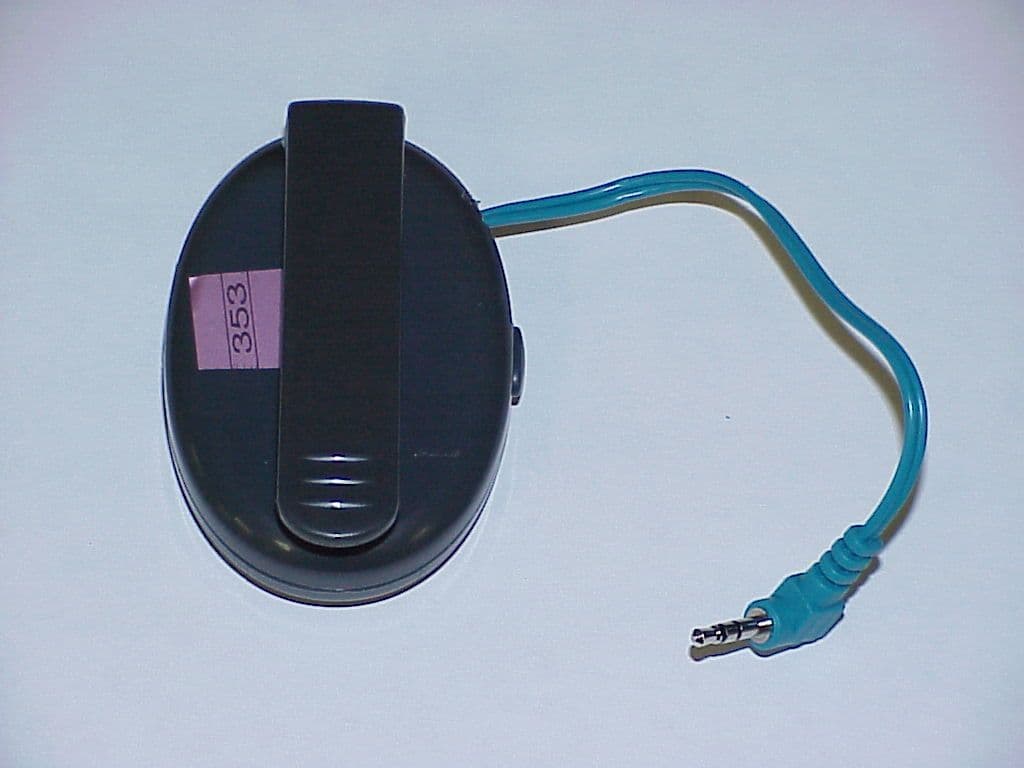
QGY-MBA23011
Sep 29, 2002Bluetooth Cell Phone Adapter
Equipment Class
DSS - Part 15 Spread Spectrum Transmitter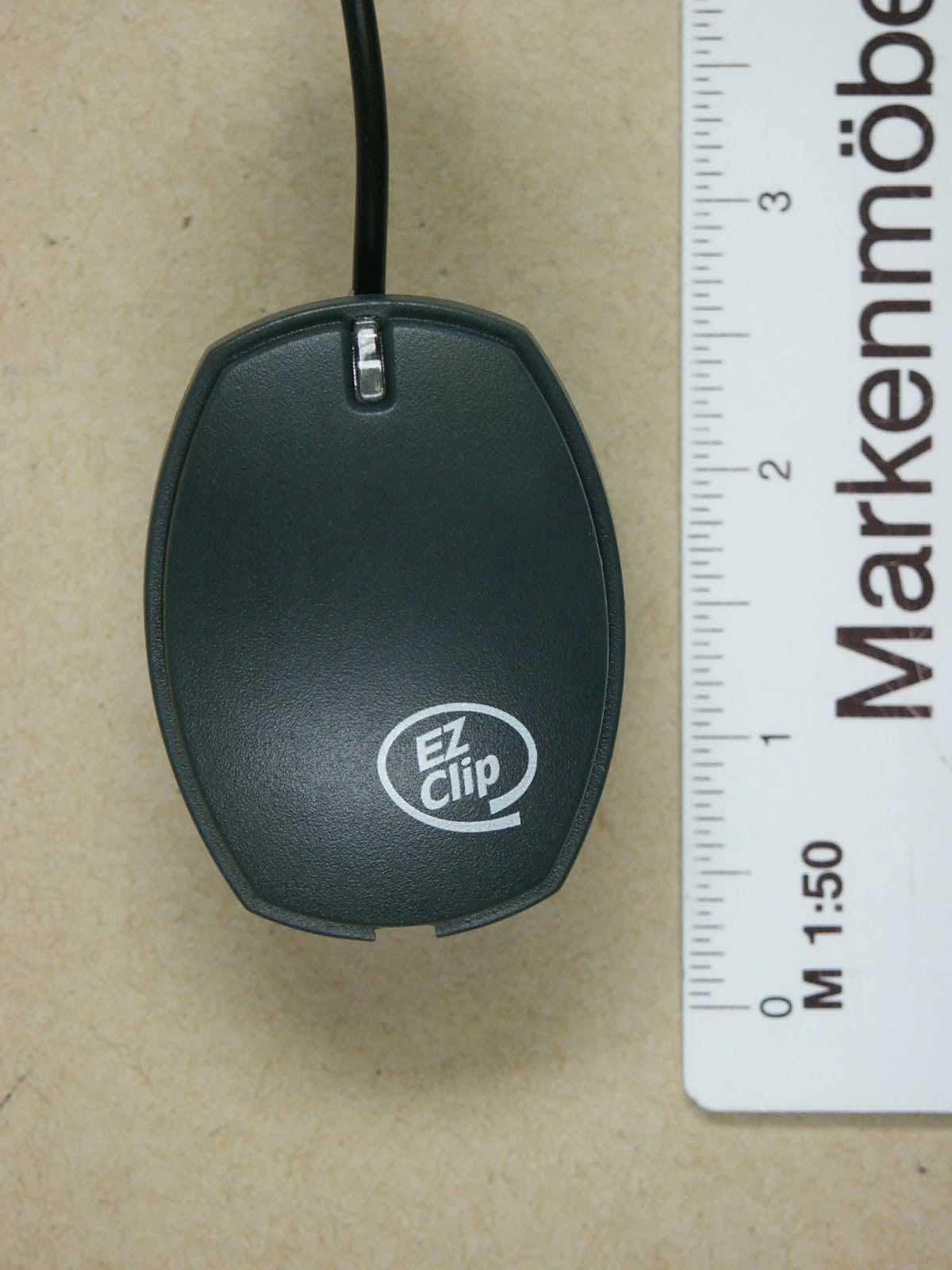
QGYEZ-232
Jul 14, 2002Skypower Bluetooth Headset
Equipment Class
DSS - Part 15 Spread Spectrum Transmitter