QKL7500Radar Detector
Escort Incorporated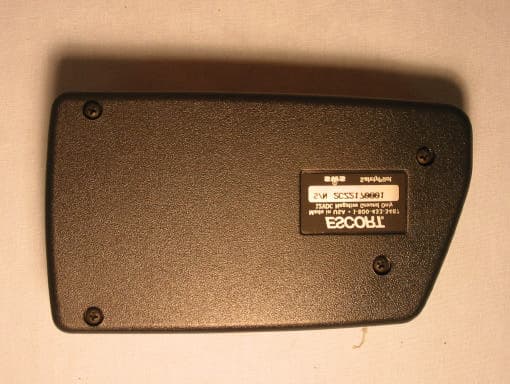
Click to zoom
Application Details
- Equipment Class
- CRD - Part 15 Radar Detector
- Date of Grant
- Sep 08, 2002
- Application Purpose
- Original Equipment
- Date of Application
- Sep 08, 2002
- Equipment Note
- Radar Detector
- Frequency Range
- 33400.00000000 - 36000.00000000
- Company
- Escort Incorporated
- Country
- United States
Documents & Files
Document Text
Text extracted from the exhibit documents filed with the FCC. Open a document above to read the original.
Users Manual
1 Quick Reference Guide2-3 Installation4-5 • Power Connection4 • Mounting Location4 • Windshield Mount5 Controls and Features6-9 • Power and volume control6 • Power-on indication6 • AutoMute6 • Mute6 • Auto / Highway / City Switch6 • Dim / Dark Switch7 • Dark Mode7 • Audible Alerts7 • Signal Strength Meter8 • ExpertMeter8-9 PASSPORT 7500 Radar • Laser • Safety Detector EZ Programming10-14 • How to use EZ Programming10 • Example of Programming10 • Overview of Programming11 • Details of Programming12-14 Technical Details15-21 • Specifications15 • Interpreting Alerts16-17 • How Radar Works18 • How Laser Works19 • How Safety Radar Works20-21 Service22-25 • Troubleshooting22-23 • Service24 • Warranty25 • Accessories25 2 To begin using your Passport, just follow these simple steps Plug the small end of the power cord into the side jack, and plug the large end of the power cord into your car’s lighter socket. Mount your Passport on the windshield using the windshield mount. Rotate the volume thumbwheel on Passport’s left side to turn Passport on and adjust the volume. Please read the manual to fully understand Passport’s operation and features. EasyMount Slot Insert Passport’s adjustable Windshield mount into this slot. Pg 4-5 EasyMount Button Press and slide the Windshield mount to one of its four positions. Pg 5 AutoMute Passport’s patented AutoMute auto- matically reduces the volume level of the audio alert. Pg 6. If you prefer, you can turn AutoMute off. Pg 10 Power Jack Plug power cord or optional SmartCord into this connector. Pg 4, 8, 25 Power/Volume Control Rotate the thumbwheel to turn Passport on and set the volume. City Button Switches between AutoSensitivity, City, and Highway settings. In general, we recommend the Auto mode. Pg 6 Quick Reference Guide 1 2 3 3 Quick Reference Guide EZ Programming Passport is ready to go– just plug it in and turn it on. But you can also easily change 10 features for your prefer- ences. Press both top buttons to enter the Program Mode, then easily Review or Change your settings. Pg 10-14 Mute Button Briefly press this button (next to the display) to silence the audio for a specific alert. (The audio will alert you to the next encounter.) Pg 6 Matrix Display Passport’s display will show “Highway”, “Auto,” or “City” as its power-on indica- tion. Pg 6. If you prefer, you can choose other power-on indications. Pg 10-12 During an alert, the display will indi- cate radar band, and a precise bar graph of signal strength. Pg 8 Note: in the Dark Mode the display will not light during an alert. Pg 7 You can program Passport for the ExpertMeter, which displays up to 8 radar signals at once. Pg 9 The display can also show Safety Radar text messages. Pg 20-21 Dim Button Press to adjust display brightness. There are three brightness settings, plus Dark Mode. Pg 7 In the Dark Mode, the power-on indication will be changed to AD, HD, or CD (indicating Auto, Highway, or City Dark). In the Dark Mode, Passport’s meter will not display during an alert, only the audio will alert you. Pg 7 Radar Antenna and Laser Lens The back of your Passport should have a clear view of the road ahead. For best performance, do not mount Pass- port directly behind windshield wipers or tinted areas. Pg 4 4 Power Connection To power Passport, plug the small end of the supplied coiled power cord into the telephone-type power jack on Passport's left side, and plug the lighter adapter into your vehicle's lighter socket or accessory socket. Passport operates on 12 volts DC negative ground only. The lighter plug provided is standard size and will work in most ve- hicles. Of course, your lighter socket must be clean and properly connected for proper operation. Note: depending on your vehicle, the lighter socket power may either be continuously on, or it may be switched on and off with your ignition switch. Passport’s standard lighter adapter has an integral fuseholder. If it is ever necessary to replace the fuse, simply unscrew the tip of the lighter plug and replace the fuse with an identical 2 amp fuse. Optional power cords See the Accessories section for details on our new optional SmartCord MuteDisplay cord. Both a plug-in version and a direct- wire version are available. Power Connection and Mounting Location Mounting Location WARNING: ESCORT cannot anticipate the many ways Passport can be mounted. It is important that you mount Passport where it will not impair your view nor present a hazard in case of an accident. Where to mount Passport For optimum detection performance, we recommend the following: • Using the Windshield Mount, mount Passport relatively level and a few inches above the dashboard– high enough on your front windshield to provide a clear view of the road from the front and rear. • Mount Passport away from windshield wipers, other solid objects, and heavily tinted areas that might obstruct the radar antenna or laser lens. 5 Windshield Mount 3Mount Passport on your windshield. Using the EasyMount adjustment button, slide Passport forward or backward to a horizontal position. To ensure that the suction cups adhere to the windshield firmly, be sure to keep both your windshield and the suction cups clean. When adjusted properly to minimize bounc- ing, the back top edge of Passport should rest solidly against your windshield. Caution! A few vehicles (including some Porsche 944's) have windshields with a soft “anti- lacerative” coating on the inside surface. Use of suction cups will permanently mar this coating. Consult your dealership or the vehicle’s owner’s manual to determine if your windshield has this coating. User’s Tip You can leave the EasyMount bracket in place on your windshield, and easily re- move Passport by pressing the adjustment button and sliding Passport off the mount. Again, be sure to position the bracket where it won’t present a hazard in the event of an accident. Windshield Mount Passport’s EasyMount windshield bracket is designed for unobtrusive and hassle-fre…
Text truncated - open the document above for the full version.
Users Manual
Modifications not expressly approved by the manufacturer could void the user’s FCC granted authority to operate the equipment. Printed in Canada153003-00 11263_FCC card insert 8/28/02 5:06 PM Page 1 11263_FCC card insert 8/28/02 5:06 PM Page 2
Cover Letter(s)
Curtis-Straus LLC 527 Great Road Littleton, Massachusetts 01460 Tel: 978.486.8880 Fax: 978.486.8828 Web: www.curtis-straus.com Worldwide Regulatory Approvals Experts ® Federal Communications Commission 7435 Oakland Mills Road Columbia, MD 21046 Gentlemen: This letter is to comply with 47 CFR 0.457(d)(2) pertaining to confidential material. Escort, Inc. requests that the following documents regarding this submission for FCC ID: QKL7500 be kept confidential: 1. Block Diagram 2. Circuit Description 3. Schematics The material above contains technical data, which would customarily be guarded from competitors. We at Curtis-Straus LLC are acting as an Agent on behalf of Escort, Inc. in requesting confidentiality with regards to the preceding documents. Sincerely, Michael Buchholz Senior EMC Manager Curtis-Straus LLC 527 Great Road Littleton, MA 01460
External Photos
External Photos Model: Passport 7500 FCC ID: QKL7500 Model: Passport 7500 FCC ID: QKL7500
ID Label/Location Info
FCC ID:QKL5110 THIS DEVICE COMPLIES WITH PART 15 OF THE FCC RULES. OPERATION IS SUBJECT TO THE FOLLOWING TWO CONDITIONS: (1) THIS DEVICE MAY NOT CAUSE HARMFUL INTERFERENCE, AND (2) THIS DEVICE MUST ACCEPT ANY INTERFERENCE RECEIVED INCLUDING INTERFERENCE THAT MAY CAUSE UNDESIRED OPERATION. FCC ID:QKL7500 THIS DEVICE COMPLIES WITH PART 15 OF THE FCC RULES. OPERATION IS SUBJECT TO THE FOLLOWING TWO CONDITIONS: (1) THIS DEVICE MAY NOT CAUSE HARMFUL INTERFERENCE, AND (2) THIS DEVICE MUST ACCEPT ANY INTERFERENCE RECEIVED INCLUDING INTERFERENCE THAT MAY CAUSE UNDESIRED OPERATION. FCC ID: QKL8500 THIS DEVICE COMPLIES WITH PART 15 OF THE FCC RULES. OPERATION IS SUBJECT TO THE FOLLOWING TWO CONDITIONS: (1) THIS DEVICE MAY NOT CAUSE HARMFUL INTERFERENCE, AND (2) THIS DEVICE MUST ACCEPT ANY INTERFERENCE RECEIVED INCLUDING INTERFERENCE THAT MAY CAUSE UNDESIRED OPERATION. FCC ID: QKLSRX THIS DEVICE COMPLIES WITH PART 15 OF THE FCC RULES. OPERATION IS SUBJECT TO THE FOLLOWING TWO CONDITIONS: (1) THIS DEVICE MAY NOT CAUSE HARMFUL INTERFERENCE, AND (2) THIS DEVICE MUST ACCEPT ANY INTERFERENCE RECEIVED INCLUDING INTERFERENCE THAT MAY CAUSE UNDESIRED OPERATION.
Internal Photos
Internal Photos Model: Passport 7500 FCC ID: QKL7500 Model: Passport 7500 FCC ID: QKL7500
Contact Information
Applicant
John R Kuhn(Vice President of Engineering)
[email protected]513-870-8500
Test Firm
Curtis-Straus LLCJonathan Stewart
Technical Specifications
| # | Rule Parts | Frequency Range | Power Output |
|---|---|---|---|
| 3 | 15B | 33.40 GHz - 36.00 GHz | - |
Other Applications from Escort Incorporated
QKLM13
Mar 06, 2023Radar Detector with Bluetooth
Equipment Class
DTS - Digital Transmission System
QKLMAX3V2
Dec 29, 2022Radar Detector with BLE
Equipment Class
DTS - Digital Transmission System
QKLDSM2
Jul 27, 2021DASH CAM
Equipment Class
DTS - Digital Transmission System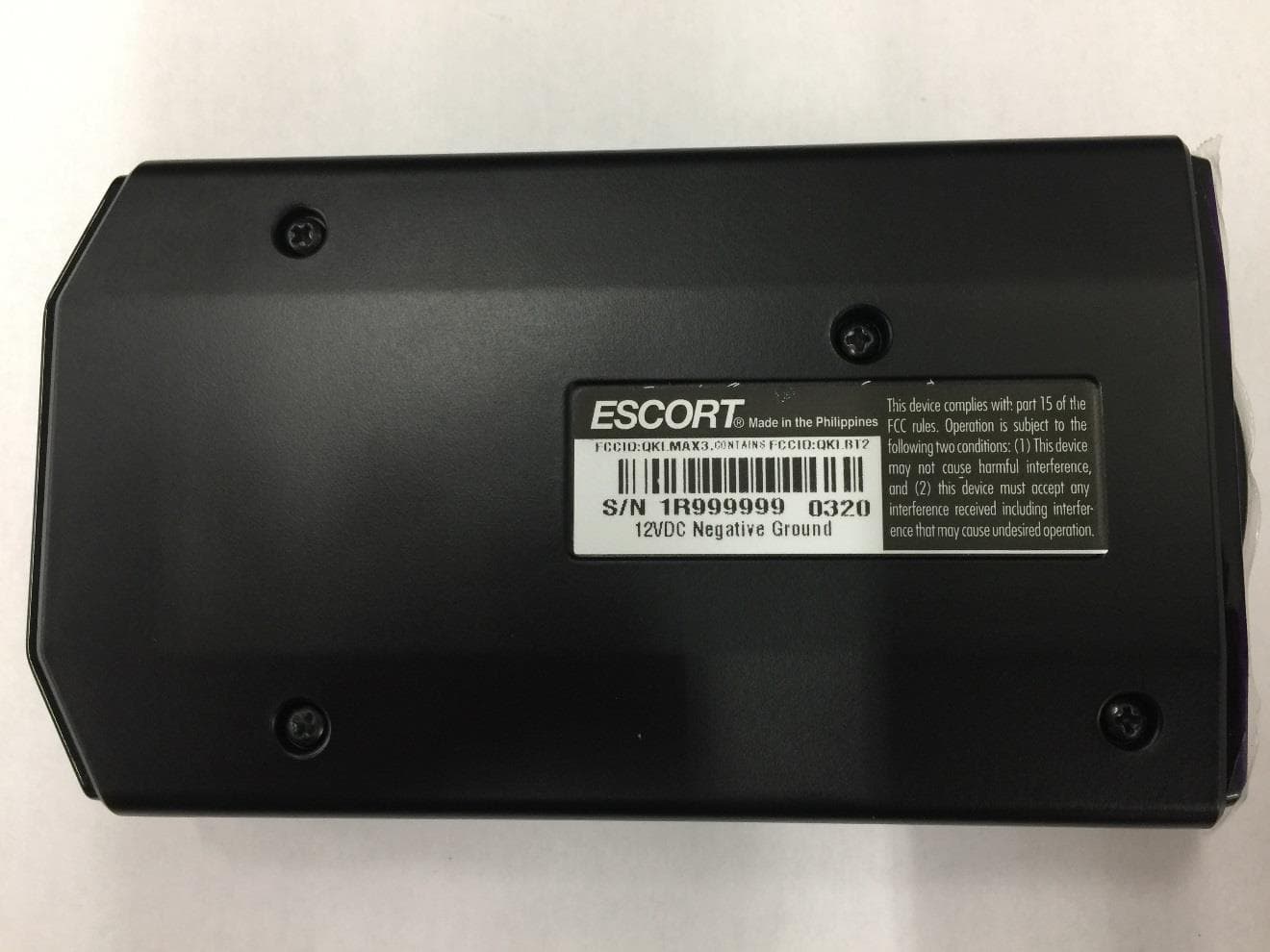
QKLMAX3
Jul 09, 2020ESCORT MAX 3
Equipment Class
CRD - Part 15 Radar Detector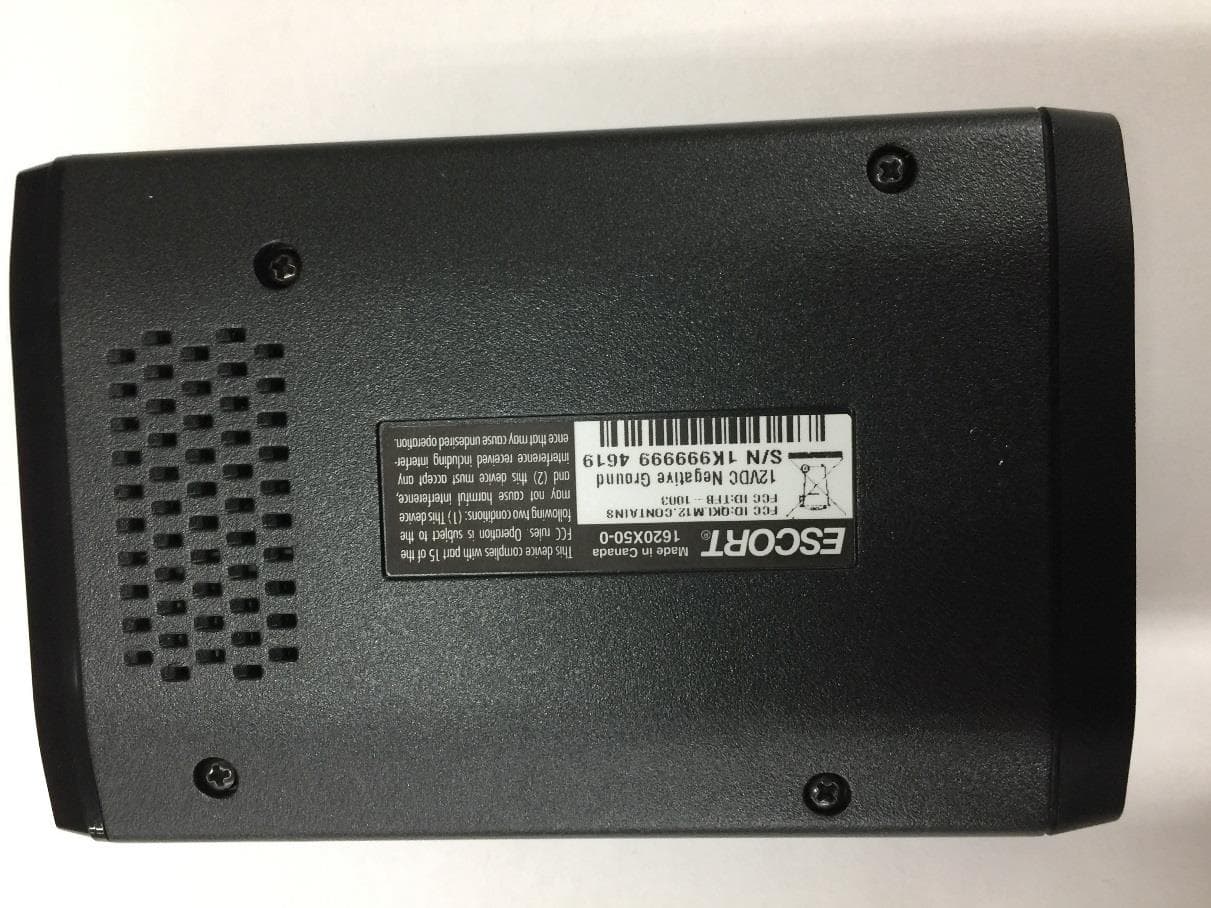
QKLM12
Jun 08, 2020ESCORT Redline 360c
Equipment Class
CRD - Part 15 Radar Detector