QKL7M2Radar Detector
Escort Incorporated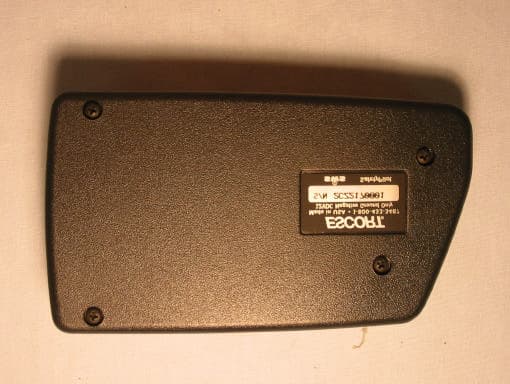
Click to zoom
Application Details
- Equipment Class
- CRD - Part 15 Radar Detector
- Date of Grant
- Jan 23, 2003
- Application Purpose
- Original Equipment
- Date of Application
- Jan 23, 2003
- Equipment Note
- Radar Detector
- Frequency Range
- 33400.00000000 - 36000.00000000
- Company
- Escort Incorporated
- Country
- United States
Documents & Files
Document Text
Text extracted from the exhibit documents filed with the FCC. Open a document above to read the original.
Users Manual
1 Quick Reference Guide2-3 Installation4-5 • Power Connection4 • Mounting Location4 • Windshield Mount5 Controls and Features6-9 • Power and volume control6 • Power-on indication6 • AutoMute6 • Mute6 • Auto / Highway / City Switch6 • Dim / Dark Switch7 • Dark Mode7 • Audible Alerts7 • Signal Strength Meter8 • ExpertMeter8-9 PASSPORT 7500 Radar • Laser • Safety Detector EZ Programming10-14 • How to use EZ Programming10 • Example of Programming10 • Overview of Programming11 • Details of Programming12-14 Technical Details15-21 • Specifications15 • Interpreting Alerts16-17 • How Radar Works18 • How Laser Works19 • How Safety Radar Works20-21 Service22-25 • Troubleshooting22-23 • Service24 • Warranty25 • Accessories25 2 To begin using your Passport, just follow these simple steps Plug the small end of the power cord into the side jack, and plug the large end of the power cord into your car’s lighter socket. Mount your Passport on the windshield using the windshield mount. Rotate the volume thumbwheel on Passport’s left side to turn Passport on and adjust the volume. Please read the manual to fully understand Passport’s operation and features. EasyMount Slot Insert Passport’s adjustable Windshield mount into this slot. Pg 4-5 EasyMount Button Press and slide the Windshield mount to one of its four positions. Pg 5 AutoMute Passport’s patented AutoMute auto- matically reduces the volume level of the audio alert. Pg 6. If you prefer, you can turn AutoMute off. Pg 10 Power Jack Plug power cord or optional SmartCord into this connector. Pg 4, 8, 25 Power/Volume Control Rotate the thumbwheel to turn Passport on and set the volume. City Button Switches between AutoSensitivity, City, and Highway settings. In general, we recommend the Auto mode. Pg 6 Quick Reference Guide 1 2 3 3 Quick Reference Guide EZ Programming Passport is ready to go– just plug it in and turn it on. But you can also easily change 10 features for your prefer- ences. Press both top buttons to enter the Program Mode, then easily Review or Change your settings. Pg 10-14 Mute Button Briefly press this button (next to the display) to silence the audio for a specific alert. (The audio will alert you to the next encounter.) Pg 6 Matrix Display Passport’s display will show “Highway”, “Auto,” or “City” as its power-on indica- tion. Pg 6. If you prefer, you can choose other power-on indications. Pg 10-12 During an alert, the display will indi- cate radar band, and a precise bar graph of signal strength. Pg 8 Note: in the Dark Mode the display will not light during an alert. Pg 7 You can program Passport for the ExpertMeter, which displays up to 8 radar signals at once. Pg 9 The display can also show Safety Radar text messages. Pg 20-21 Dim Button Press to adjust display brightness. There are three brightness settings, plus Dark Mode. Pg 7 In the Dark Mode, the power-on indication will be changed to AD, HD, or CD (indicating Auto, Highway, or City Dark). In the Dark Mode, Passport’s meter will not display during an alert, only the audio will alert you. Pg 7 Radar Antenna and Laser Lens The back of your Passport should have a clear view of the road ahead. For best performance, do not mount Pass- port directly behind windshield wipers or tinted areas. Pg 4 4 Power Connection To power Passport, plug the small end of the supplied coiled power cord into the telephone-type power jack on Passport's left side, and plug the lighter adapter into your vehicle's lighter socket or accessory socket. Passport operates on 12 volts DC negative ground only. The lighter plug provided is standard size and will work in most ve- hicles. Of course, your lighter socket must be clean and properly connected for proper operation. Note: depending on your vehicle, the lighter socket power may either be continuously on, or it may be switched on and off with your ignition switch. Passport’s standard lighter adapter has an integral fuseholder. If it is ever necessary to replace the fuse, simply unscrew the tip of the lighter plug and replace the fuse with an identical 2 amp fuse. Optional power cords See the Accessories section for details on our new optional SmartCord MuteDisplay cord. Both a plug-in version and a direct- wire version are available. Power Connection and Mounting Location Mounting Location WARNING: ESCORT cannot anticipate the many ways Passport can be mounted. It is important that you mount Passport where it will not impair your view nor present a hazard in case of an accident. Where to mount Passport For optimum detection performance, we recommend the following: • Using the Windshield Mount, mount Passport relatively level and a few inches above the dashboard– high enough on your front windshield to provide a clear view of the road from the front and rear. • Mount Passport away from windshield wipers, other solid objects, and heavily tinted areas that might obstruct the radar antenna or laser lens. 5 Windshield Mount 3Mount Passport on your windshield. Using the EasyMount adjustment button, slide Passport forward or backward to a horizontal position. To ensure that the suction cups adhere to the windshield firmly, be sure to keep both your windshield and the suction cups clean. When adjusted properly to minimize bounc- ing, the back top edge of Passport should rest solidly against your windshield. Caution! A few vehicles (including some Porsche 944's) have windshields with a soft “anti- lacerative” coating on the inside surface. Use of suction cups will permanently mar this coating. Consult your dealership or the vehicle’s owner’s manual to determine if your windshield has this coating. User’s Tip You can leave the EasyMount bracket in place on your windshield, and easily re- move Passport by pressing the adjustment button and sliding Passport off the mount. Again, be sure to position the bracket where it won’t present a hazard in the event of an accident. Windshield Mount Passport’s EasyMount windshield bracket is designed for unobtrusive and hassle-fre…
Text truncated - open the document above for the full version.
Users Manual
Modifications not expressly approved by the manufacturer could void the user’s FCC granted authority to operate the equipment. Printed in Canada153003-00 11263_FCC card insert 8/28/02 5:06 PM Page 1 11263_FCC card insert 8/28/02 5:06 PM Page 2
External Photos
External Photos Model: Passport 7500 FCC ID: QKL7M2 Model: Passport 7500 FCC ID: QKL7M2
Internal Photos
Internal Photos Model: Passport 7500 FCC ID: QKL7M2 Model: Passport 7500 FCC ID: QKL7M2
Test Report
Curtis-Straus LLC is accredited by the American Association for Laboratory Accreditation for the specific scope of accreditation under Certificate Number 1627-01. This report may contain data which is not covered by the A2LA accreditation. _____________________________________________________________ Curtis-Straus LLC •• 527 Great Road •• Littleton, MA •• TEL (978) 486-8880 •• FAX (978) 486-8828 Test Report Report No EC1019-1 Client Escort, Inc. 5440 West Chester Road West Chester, OH 45069 Phone (513)-870-8535 Fax (513)-870-8523 FRN 0007508732 Model Passport 7500 FCC ID QKL7M2 Equipment Type Radar Detector Equipment Code CRD Results As detailed within this report Prepared by _____________________ Evan Gould – Test Engineer Authorized by __________________________ Michael Buchholz – EMC Manager Issue Date _1/17/02___ Conditions of issue This Test Report is issued subject to the conditions stated in ‘terms and conditions’ section of this report. REPORT: EC1019-1 FCC ID: QKL7M2 Page 2 of 7 _____________________________________________________________ Curtis-Straus LLC •• 527 Great Road •• Littleton, MA •• TEL (978) 486-8880 •• FAX (978) 486-8828 Table Of Contents Summary.........................................................................................................................3 Statement of Conformity..........................................................................................3 Test Methodology........................................................................................................3 Test Equipment Used................................................................................................4 Radiated Emissions Measurements...................................................................5 Terms And Conditions..............................................................................................6 REPORT: EC1019-1 FCC ID: QKL7M2 Page 3 of 7 _____________________________________________________________ Curtis-Straus LLC •• 527 Great Road •• Littleton, MA •• TEL (978) 486-8880 •• FAX (978) 486-8828 Summary This report is an application for Certification of a radar detector operating pursuant to 47 CFR 15.109 as amended by ET Docket No. 01-278; FCC 02-211, published in the Federal Register Vol. 67, No. 145 on Monday July 29, 2002. This report is designed to demonstrate the compliance of the Passport 7500 with the requirements outlined in Part 15 (using the methods outlined in Part 2) of 47 CFR. This model differs from FCC ID: QKL7500 in that it has a different antenna and different detection circuitry. Statement of Conformity 47 CFR 15.109(h) states that “Radar detectors shall comply with the emissions limits...of [section 15.109(a)] over the frequency range of 11.7 – 12.2GHz.” The applicable limit being 500μV/m measured at a distance of 3m. The Escort Passport 7500 has been tested and found to comply with this requirement: Test Methodology Radiated emission testing was performed according to the procedures in ANSI C63.4 (2001). The testing was performed at a distance of 1 meter. The device’s performance was investigated in the range 11.7-12.2GHz. The Passport 7500 was powered by a R.O.C. SPN4025A 12VDC 400mA power supply. Since the device is a hand-held unit, the emissions were maximized around the three orthogonal axes and the maximum reading was recorded. The integrated antenna cannot be maximized separately. REPORT: EC1019-1 FCC ID: QKL7M2 Page 4 of 7 _____________________________________________________________ Curtis-Straus LLC •• 527 Great Road •• Littleton, MA •• TEL (978) 486-8880 •• FAX (978) 486-8828 Test Equipment Used REV. 12/23/02 SPECTRUM ANALYZER RANGE MN MFR SN ASSET CALIBRATION DUE ORANGE 9kHz-26.5GHz E4407B HP US39440975 00394 07-JUN-2003 OPEN AREA TEST SITE (OATS) FCC CODE IC CODE VCCI CODE CALIBRATION DUE SITE A 93448 IC 2762-A R-903 04-FEB-2004 ANTENNA RANGE MN MFR SN ASSET CALIBRATION DUE ORANGE HORN 1-18GHZ 3115 EMCO 0004-6123 00390 27-MAY-2003 PREAMP RANGE MN MFR SN ASSET CALIBRATION DUE ORANGE-BLACK 1-20GHZ SMC-12A C-S 690639 00761 27-AUG-2003 Unless otherwise noted the calibration interval is one year. All equipment is calibrated using standards traceable to NIST or other nationally recognized calibration standard. REPORT: EC1019-1 FCC ID: QKL7M2 Page 5 of 7 _____________________________________________________________ Curtis-Straus LLC •• 527 Great Road •• Littleton, MA •• TEL (978) 486-8880 •• FAX (978) 486-8828 Radiated Emissions Measurements LIMIT Average: 500μV/m = 54dBμV/m @ 3m [15.109(a)] Note: If peak measurements meet the Average limit, then Average measurements are not required. MEASUREMENTS Radiated Emissions Table Curtis-Straus LLC Date:30-Dec-02Company:EscortTable1 Engineer:Evan GouldEUT Desc:Passport 7500 (M2)Work Order:C1019 Frequency Range:11.7-12.2GHzMeasurement Distance:1 m Notes:EUT Max Freq: AntennaPreampAntennaCableAdjusted47 CFR 15.209(h) PolarizationFrequencyReadingFactorFactorFactorReadingLimitMarginResult (H / V)(MHz)(dBμV)(dB)(dB/m)(dB)(dBμV/m)(dBμV/m)(dB)(Pass/Fail) noise floor12139.032.320.239.44.756.263.5-7.3Pass Table Result:Pass by-7.3dBWorst Freq:12139.0MHz Test Site:"A"Pre-Amp:Or-BlkCable:3m MicroflexAnalyzer:OrangeAntenna:Orange Horn ANALYZER PLOT REPORT: EC1019-1 FCC ID: QKL7M2 Page 6 of 7 _____________________________________________________________ Curtis-Straus LLC •• 527 Great Road •• Littleton, MA •• TEL (978) 486-8880 •• FAX (978) 486-8828 Terms And Conditions Paragraph 1. SERVICES. LABORATORY will: 1.1 Use the degree of care and skill ordinarily exercised by and consistent with the standards of the profession. 1.2 Perform all technical services in substantial accordance with the generally accepted laboratory principles and practices. 1.3 Retain all pertinent records relating to the services performed for a period of three (3) years following submission of the report describing such services, during which period the records will be made available to CLIENT upon reasonable r…
Text truncated - open the document above for the full version.
Contact Information
Applicant
John R Kuhn(Vice President of Engineering)
[email protected]513-870-8500
Test Firm
Curtis-Straus LLCJonathan Stewart
Technical Specifications
| # | Rule Parts | Frequency Range | Power Output |
|---|---|---|---|
| 3 | 15B | 33.40 GHz - 36.00 GHz | - |
Other Applications from Escort Incorporated
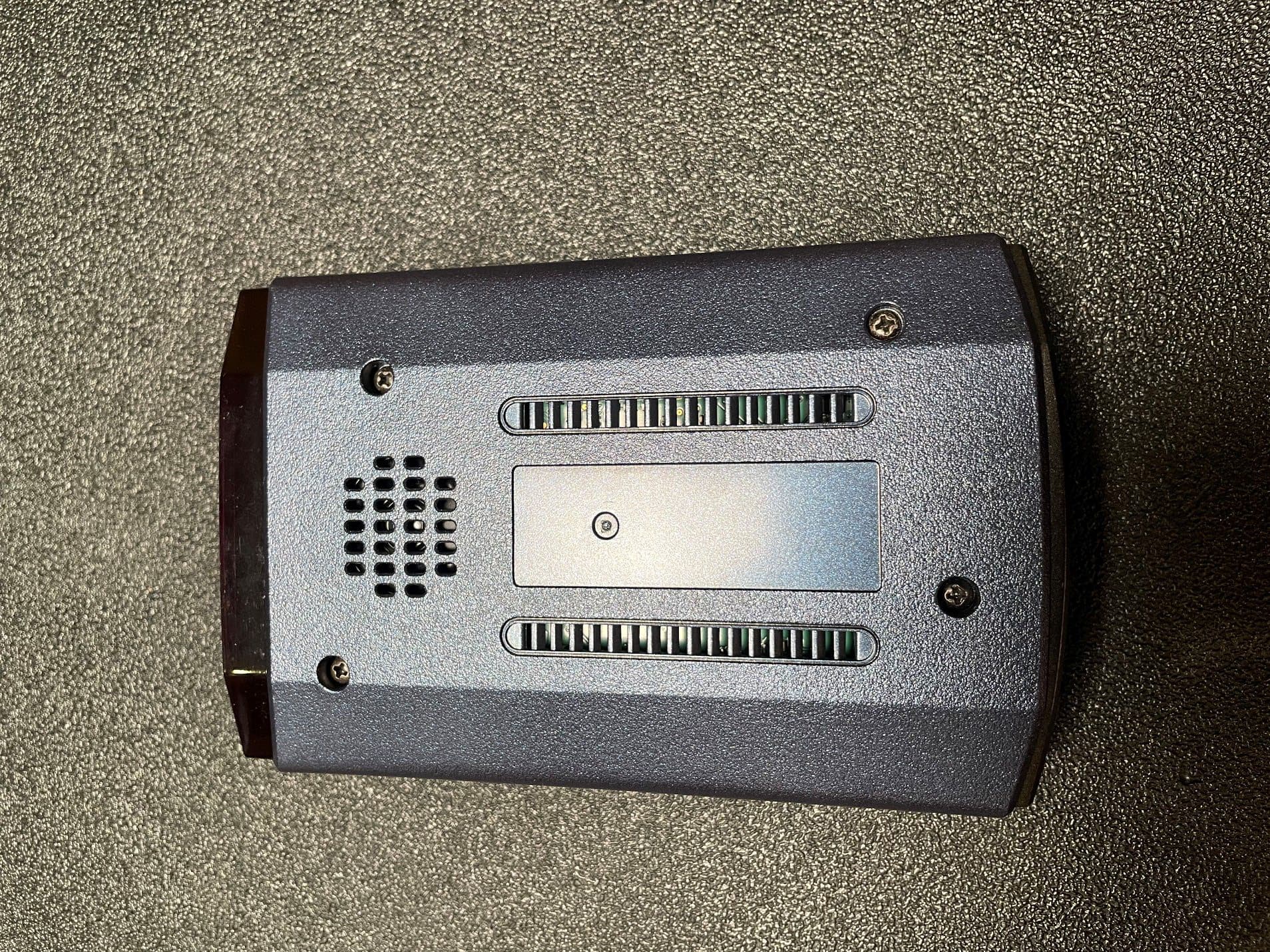
QKLM13
Mar 06, 2023Radar Detector with Bluetooth
Equipment Class
DTS - Digital Transmission System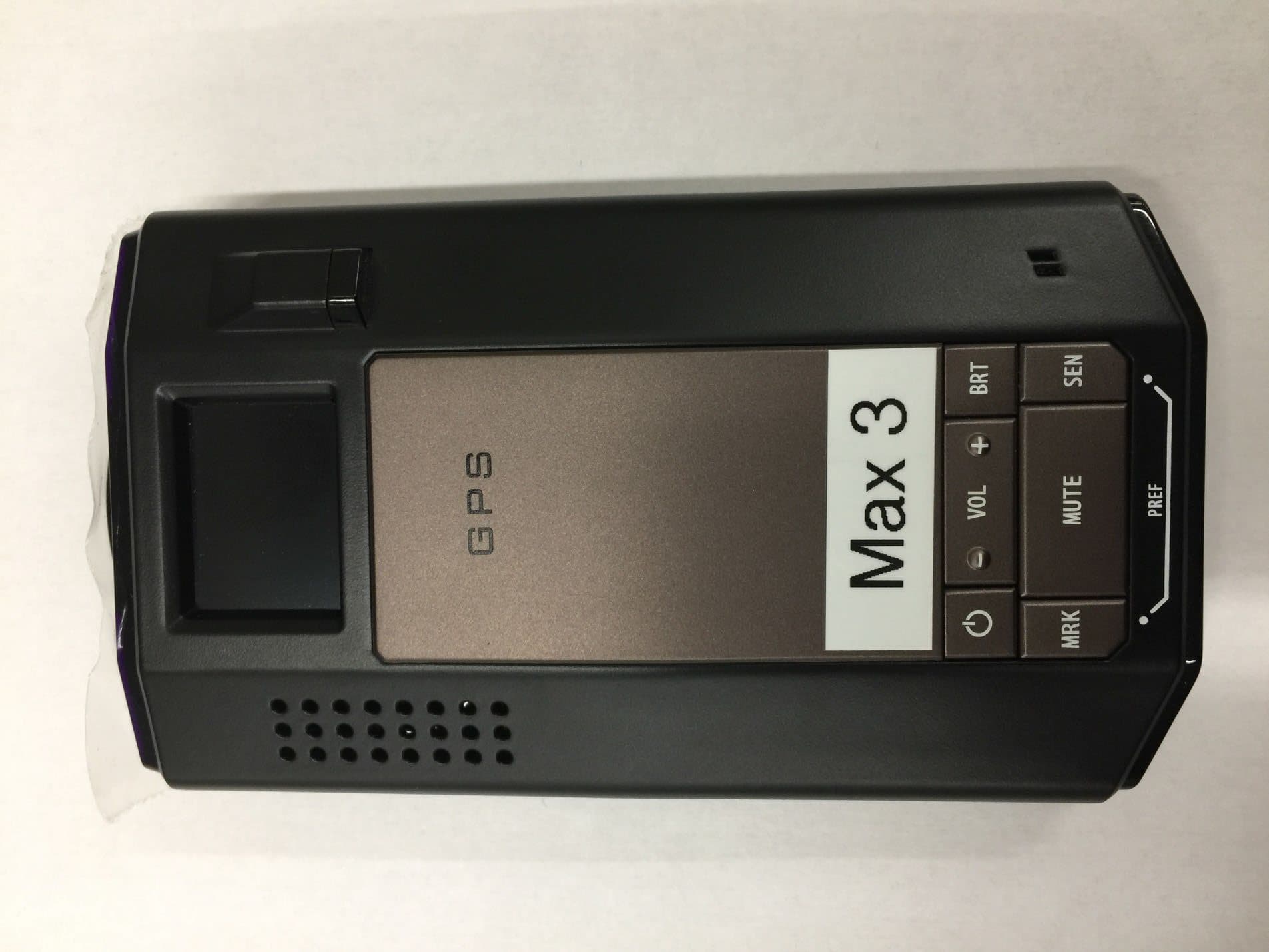
QKLMAX3V2
Dec 29, 2022Radar Detector with BLE
Equipment Class
DTS - Digital Transmission System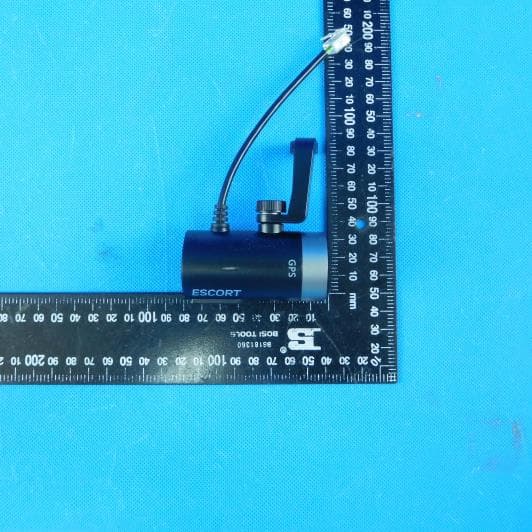
QKLDSM2
Jul 27, 2021DASH CAM
Equipment Class
DTS - Digital Transmission System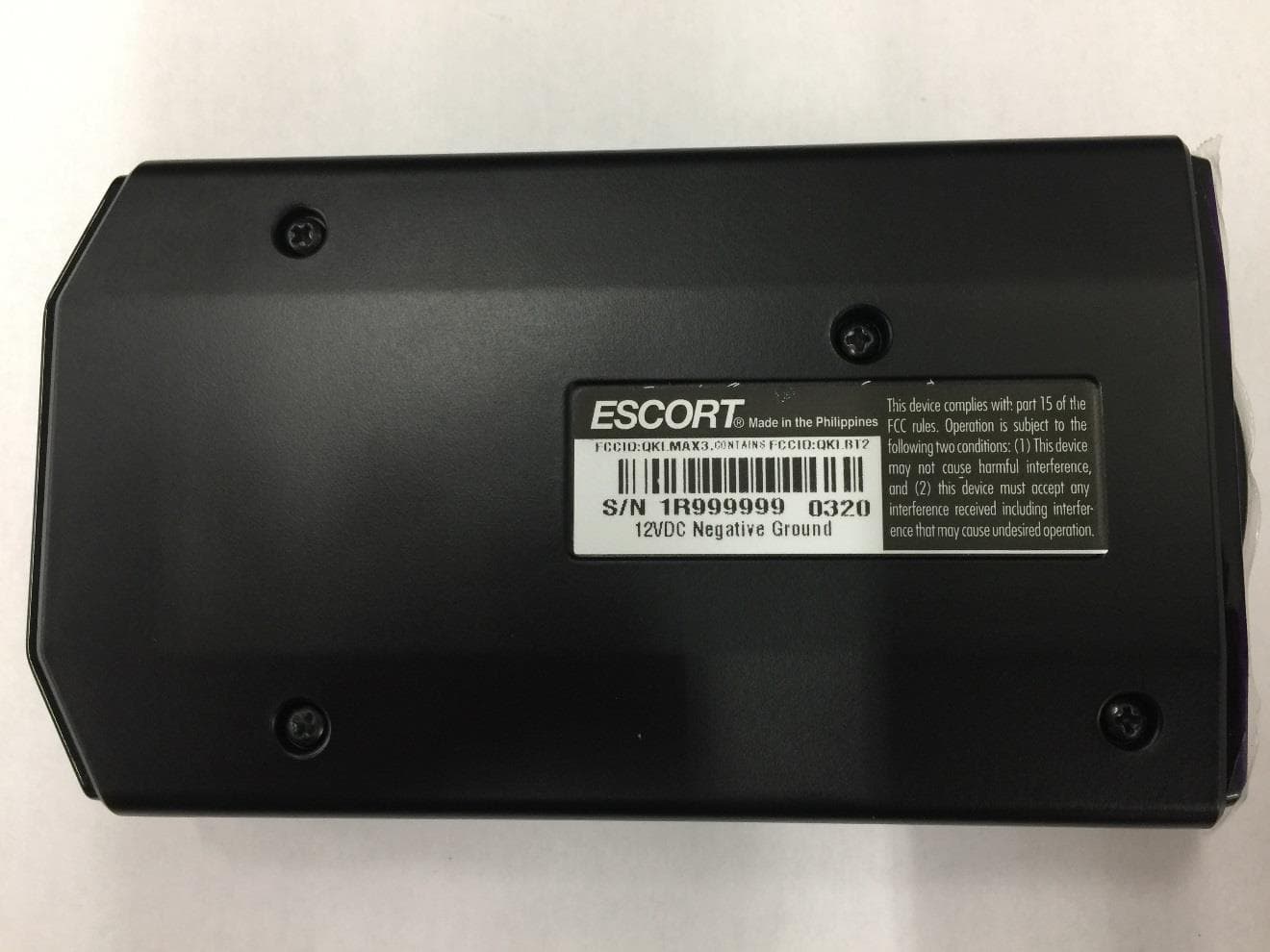
QKLMAX3
Jul 09, 2020ESCORT MAX 3
Equipment Class
CRD - Part 15 Radar Detector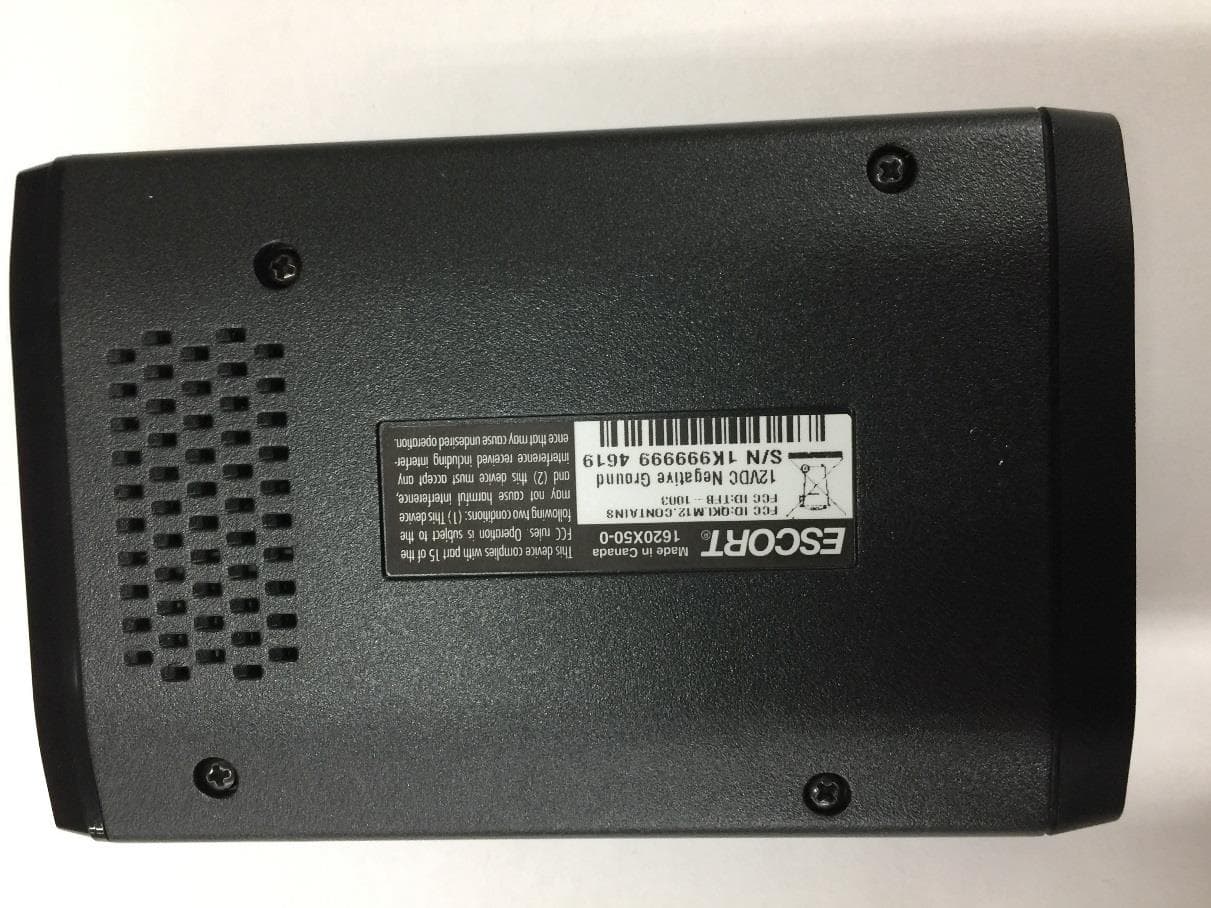
QKLM12
Jun 08, 2020ESCORT Redline 360c
Equipment Class
CRD - Part 15 Radar Detector