QKLESRRadar Detector
Escort Incorporated
Click to zoom
Application Details
- Equipment Class
- CRD - Part 15 Radar Detector
- Date of Grant
- Apr 02, 2012
- Application Purpose
- Original Equipment
- Date of Application
- Apr 01, 2012
- Equipment Note
- Radar Detector
- Frequency Range
- 33400.00000000 - 36000.00000000
- Company
- Escort Incorporated
- Country
- United States
Documents & Files
Document Text
Text extracted from the exhibit documents filed with the FCC. Open a document above to read the original.
Users Manual
With Made for iPhone 4S, iPhone 4, iPhone 3GS 2 Your new SmartRadar™ device is a complete, supercharged, quick-install radar/laser detector with built- in Bluetooth® wireless technology for connection to mobile phones and other Bluetooth devices. SmartRadar includes full X, K, and SuperWide Ka radar capability, digital signal processing for superior range and reduced false alarms, our patented Mute and AutoMute, audible and visual band alerts, plus all the state-of-the-art performance and features you’d expect from ESCORT®: Receiver unit mounts behind your rearview mirror for hidden radar protection. Miniature display controller allows easy access to information and controls. Ultra-bright alphanumeric display uses 280 LEDs for crystal-clear information. Exclusive ExpertMeter TM tracks and displays up to eight radar signals. SpecDisplay TM provides actual numeric frequency for any radar signal. TSR software automatically rejects traffic flow-monitoring false alarms. Program mode lets you instantly customize seven features. Compatible with ESCORT’s SHIFTER ZR4™ laser-shifting system. And, SmartRadar is fully compatible with the new ESCORT Live™ iPhone® application! Using Bluetooth® technology, SmartRadar communicates with your iPhone so you can access your detector settings and manage alerts with just a touch of the screen. This combination of technologies also gives you access to the most powerful driver alert network—ESCORT Live! (Subscription may apply.) With ESCORT Live, you and your fellow drivers will instantly communicate all radar/laser encounters automatically, providing the most up-to-date and accurate protection on the road. Imagine millions of other drivers helping you Drive Smarter™! ESCORT Live Features Enabled only while running the ESCORT Live app Multi-view interactive display, allowing you to manage alerts and detector settings Access to our exclusive real-time ticket protection network, which warns you of upcoming alerts received by other users in the area Access to our DEFENDER® Database, which warns you of verified speed traps, speed cameras, and red light cameras Our most popular GPS-powered features, including speed-limit data for over-speed alerts, live traffic data for your current location, and TrueLock™ to help eliminate false alerts. You can also mark locations for future reference. We recommend you read this manual in detail to get the most out of your detector’s performance and features. Please drive safely. 3 Table of Contents Setting Up SmartRadar 4 Connections and Controls 4 Features 5 Settings and Preferences 9 Specifications 14 Understanding Your Detector 15 Troubleshooting 18 FCC Compliance Notice 20 Software Updates 20 Parts and Accessories 21 Warranty 22 Service 22 4 Power Button Press to power on or off. Volume/Mute Button (V-MUTE) Press and hold to set volume for alerts. Press and release to mute an alert in progress. When connected to ESCORT Live, press three times during an alert to lock out or unlock the alert. Brightness Button (BRT) Display brightness adjusts automatically. Press BRT to set a fixed brightness or to select Dark mode. Sensitivity Button (SENS) Toggles between radar sensitivity modes: Highway, Auto, and Auto No X. ESCORT recommends the Auto mode. Matrix Display Shows current radar sensitivity mode. During an alert, shows band and signal strength or actual radar frequency. Preferences Press and hold both BRT and SENS to enter Preferences. Then, easily review or change your settings, pressing BRT to scroll through preference categories and SENS to select an option within the category. Setting Up SmartRadar What’s Included – Radar/laser receiver with built-in Bluetooth wireless technology – 2 receiver mounting brackets (suction cup and adhesive mount) – Mini display controller and mounting bracket – 2 power connection kits (for rearview mirror or fuse panel connection) – Zip ties (for securing any loose/dangling wires) – Quick Reference Guide – User Manual (on disc) Registration and Installation For detailed registration and installation information, see your SmartRadar Quick Reference Guide. ESCORT Live! For details on pairing SmartRadar to your iPhone and downloading ESCORT Live, see your SmartRadar Quick Reference Guide. Connections and Controls Receiver Unit For an overview of receiver unit connections and controls, see your SmartRadar Quick Reference Guide. Mini Display Controller 5 Features Power-On Indication Once the start-up sequence is complete, the display will show your current radar sensitivity mode. If you prefer, you can select alternate power-on displays. See the Settings and Preferences section for details. Volume/Mute To adjust SmartRadar to your preferred audio level for alerts, simply press and hold the V-MUTE button on the mini display controller. The audio will increase/decrease while it is depressed. Once you reach the desired audio level, simply release the button. SmartRadar will retain this setting in its memory, even if the system is turned off. The V-MUTE button can also be used for muting the audio during a single alert. Simply press the button during the alert. Once the radar encounter has passed, the mute will disengage, and the audio will return to your preset level. AutoMute Your SmartRadar device includes ESCORT’s patented AutoMute feature. After SmartRadar alerts you to a radar encounter at your selected volume level, it automatically reduces the volume more than 50%. This keeps you informed without the annoyance of a continuous full-volume alert. If you prefer, you can turn the AutoMute feature off. See the Settings and Preferences section for details. SmartMute If AutoMute has already reduced the volume for one alert and a higher-priority band is detected, SmartRadar will sound an alert at your set volume for the second band before adjusting the volume back down to the AutoMute level. Display Brightness The mini display controller’s brightness is automatically adjusted to suit ambient lighting cond…
Text truncated - open the document above for the full version.
Users Manual
Quick Reference U L T I M A T E O U T - O F - S I G H T P R O T E C T I O N Made for iPhone 4S, iPhone 4, iPhone 3GS Contact Us Designed in the USA ESCORT Inc. 5440 West Chester Road West Chester OH 45069 Sales/Service 800.433.3487 www.EscortInc.com ©2012 ESCORT Inc. Escort®, Escort Live!™, SmartRadar™, Defender®, AFR®, TrueLock™, Passport®, SmartShield®, SpecDisplay™, AutoSensitivity™, SpecDisplay™, ExpertMeter™ and Cincinnati Microwave are trademarks of ESCORT Inc. Manufactured in Canada. Features, specifications and prices subject to change without notice. Made for iPhone 4S, iPhone 4, iPhone 3GS iPhone is a trademark of Apple Inc., registered in the U.S. and other countries. “Made for iPhone” means that an electronic accessory has been designed to connect specifically to iPhone and has been certified by the developer to meet Apple performance standards. Apple is not responsible for the operation of this device or its compliance with safety and regulatory standards. Please note that the use of this accessory with iPhone may affect wireless performance. FCC ID: QKLESR. Contains FCC ID: QKLBT1. Premium automotive Accessories 800. 433.3487 EscortInc .com 8 Before downloading ESCORT Live, you must first register your SmartRadar device. Be sure to have your receiver unit nearby, as you will need the serial number, found on the bottom of the unit. 1 Visit www.escortinc.com and click Product Registration. 2 Click the link for SmartCord Live/SmartRadar. 3 Follow the onscreen instructions to register your device. Be sure to write down the username and password you create, as you will need this information to access and download ESCORT Live. (You will also receive an e-mail with this information, once you have registered your device.) Registration Downloading ESCORT Live! 1 Enter the iTunes App Store on your iPhone and search for ESCORT Live! 2 Follow the onscreen instructions to download. 3 When prompted, enter the username and password you created when registering your SmartRadar device. To pair your iPhone with SmartRadar: 1 Ensure SmartRadar power is ON. 2 On your iPhone, enter the Settings menu. 3 Tap General, then Bluetooth. 4 Ensure Bluetooth is ON. 5 SmartRadar should appear under devices. 6 Tap SmartRadar to pair the device to your iPhone. 7 The Power/Bluetooth indicator on your receiver will turn blue to confirm the connection. 8 Open the app, walk through the tutorial, and you’re ready to hit the road! For Bluetooth pairing tips and more information on using ESCORT Live! see the enclosed user manual or visit www.EscortInc.com Pa ir ing with your iPhone Installation Connecting the Power WARNING: Attempting to install SmartRadar without expertise in automotive electronic installations can cause personal injury or damage to your device or your vehicle. Consult a professional if you have no experience with 12-volt installations. Rearview Mirror Power Connection 1 Plug the modular connector end of the power cord into the receiver unit’s power (12 VDC) jack. 2 Unplug the wiring harness from the back of your powered rearview mirror. 3 Slide the lead from the cord’s black wire into the ground slot. 4 Slide the lead from the cord’s red wire into the +12V switched (powers on and off with the ignition) slot. 5 Ensure the wires have a snug and secure connection. 6 Use the mounting tape and zip ties to secure any loose/dangling wires. 7 Place the wiring harness back into the slot on the rearview mirror. Direct-Wire Power Connection 1 Plug the modular connector end of the power cord into the receiver unit’s power (12 VDC) jack. 2 Attach the lug on the cord’s black wire to any grounded screw under your vehicle’s dashboard. 3 Position the blue 3M connector around an existing switched (powers on and off with the ignition) wire. NOTE: The connector can ONLY be used with wire gauges 14–18. 4 Squeeze the connector with pliers until the halves snap together. 5 Plug the insulated male spade lug on the red striped wire into the 3M connector, ensuring the insulator completely covers the connector. 6 Use the mounting tape and zip ties to secure any loose/dangling wires. Red 12V Switched Wire Black Ground Wire Fuse Fuse 76 Open ➜ NOTE: While SmartRadar’s mini Display Controller provides easy access to alert information and detector controls, it is not required for the receiver unit to work. Drivers using the ESCORT Live! app and those desiring ultimate hidden protection may prefer not to mount the Display Controller, and instead store it in the glove box to connect if needed (e.g. you forgot your smartphone and needed to change your detector settings). Installation Mounting the Mini Display Controller The Display Controller can be mounted along the top or the bottom of your rearview mirror. ESCORT recommends mounting along the top right corner of your mirror, to ensure close proximity to the receiver unit and to avoid interfering with your field of view. 1 Peel the paper backing off the display mounting bracket and press the bracket firmly onto the mirror, aligning the notch on the back of the bracket with the rim along the mirror’s edge. 2 Peel the paper backing off the Display Controller and press it firmly onto the mounting bracket. For top-of-mirror mounts, the display will sit along the top of the bracket. For bottom-of-mirror mounts, the display will hang below the bracket. 3 Tuck the Display Controller’s cord into the snap along the back of the mounting bracket. Plug the modular connector end of the cord into the receiver unit’s “display” jack. 4 Tuck the Display Controller’s cord into the snap along the back of the mounting bracket. Plug the modular connector end of the cord into the receiver unit’s “display” jack. Mounting the Receiver For optimum sensitivity and discretion, mount the receiver behind the rearview mirror, near the far right side of the mirror, just below the tint line on the windshield. Mounting on the passenger side allows greater flexibility when adjusting the mirror to the driver’s…
Text truncated - open the document above for the full version.
Cover Letter(s)
February 15,2011 DRIVE SMARTER- To: Federal Communications Commission 7435 Oakland Mills Road Columbia, MD 21046-1609 Bureau Veritas Consumer Products Services Littleton Distribution Center One Distribution Center Circle, Suite #1 Littleton, MA 01460 Re: Confidentiality Request Gentlemen: This letter is to comply with 47 CFR 0.457 and 0.459 pertaining to confidential material. Escort, Inc. requests that the following documents regarding this submission for FCC ID QKLESR be kept confidential for an indefinite time period: I. Schematics 2. Block Diagram 3. Operational Description The above material contains technical data and proprietary information, which would customarily be guarded from competitors. We are requesting short-term confidentiality on photos for products not yet placed on the market, this includes Exhibit Type: Users Manual, Internal Photos, all External Photos, and Test Setup Photos. Once the product is offered for sale, all confidentiality for short-term exhibits will be removed. We are requesting 45 days of short-term confidentiality. ESCORT Inc. will notify the FCC immediately at the time the product is released to the market so that confidentiality can be removed prior to the 45 day expiration. uhn ice resident of Engineering Es rt Incorporated 5 40 West Chester Road est Chester, Ohio 45069 ESCORT Inc. 5440 West Chester Road . West Chester OH 45069 ~ 513.870.8500 • Escortinc.com
Cover Letter(s)
DRIVE SMARTER' Letter ofAgency Agent's Authorization Letter March 26,2012 I, an officer of ESCORT INCORPORATED, do hereby authorize, until further notice, Bureau Veritas, Curtis-Straus LLC, of One Distribution Center Circle, # I, Littleton, MA 01460, to act on our behalf in dealings before the Federal Communications Commission with respect to all matters relating to equipment authorizations under 47 CFR. This authorization includes, but is not limited to, the signing of Form 73 I. [ certify that no par1y (as defined in 47 CFR 1.2002) to this application, including myself, is subject to a denial of federal benefits, that include FCC benefits, pursuant to section 5301 of the Anti-Drug Abuse Act of 1988,2 [ U.S.c., 853A. ESCORT Inc. " 5440 West Chester Road • West Chester OH 45069 • 513.870.8500 • Escortinc.com
External Photos
FCC ID: QKLESR FCC ID: QKLESR FCC ID: QKLESR
ID Label/Location Info
1.29.12 SmartRadar S/N-FCC Labels Reference: Escort Drawing 162029-A Scale 1:1 Print One Color: Black Dashed Dielines Do Not Print
Test Report
Curtis-Straus LLC is accredited to ISO/IEC 17025 by A2LA for the specific scope of accreditation under Certificate Number 1627-01. This report may contain data which is not covered by the A2LA accreditation. See our scope of accreditation at the end of this test report. Any opinions or interpretations expressed in this report are outside the scope of our A2LA accreditation as A2LA only accredits testing. ____________________________________________________________ Curtis-Straus • •• • 527 Great Road • •• • Littleton, MA • •• • TEL (978) 486-8880 • •• • FAX (978) 486-8828 page 1 of 12 Testing Cert. No. 1627-01 Test Report Curtis-Straus LLC, a wholly owned subsidiary of BV CPS Report No EM0358-1 Client Escort Inc. Address 5440 West Chester Rd. West Chester, OH 45069 Phone 513-870-8517 Items tested SmartRadar FCC ID QKLESR FRN 0007508732 Equipment Type CRD Equipment Code Radar Detector FCC Rule Parts 47 CRF 15.109(h) Test Dates February 28 and March 15, 2012 Results As detailed within this report Prepared by John Cushing – Compliance Engineer Authorized by Mairaj Hussain – EMC Supervisor Issue Date 3/27/2012 Conditions of Issue This Test Report is issued subject to the conditions stated in the ‘Conditions of Testing’ section on page 11 of this report. Test Report for Escort Inc. • •• • Report No. EM0358-1 March 27, 2012 ______________________________________________________________________ ____________________________________________________________ Curtis-Straus • •• • 527 Great Road • •• • Littleton, MA • •• • TEL (978) 486-8880 • •• • FAX (978) 486-8828 page 2 of 12 Contents Contents..................................................................................................................................2 Summary.................................................................................................................................3 Test Methodology ....................................................................................................................3 Product Tested - Configuration Documentation .......................................................................4 Statement of Conformity......................................................................................................5 Test Results ............................................................................................................................6 Conditions Of Testing ............................................................................................................11 Form Final Report REV 7-20-07 (DW) Test Report for Escort Inc. • •• • Report No. EM0358-1 March 27, 2012 ______________________________________________________________________ Release Control Record Issue No. Reason for change Date Issued 1 Original Release March 27, 2012 _____________________________________________________________ Curtis-Straus • •• • 527 Great Road • •• • Littleton, MA • •• • TEL (978) 486-8880 • •• • FAX (978) 486-8828 page 3 of 12 Summary This report is an application for Certification of a radar detector operating pursuant to 47 CFR 15.109(h). This report is designed to demonstrate the compliance with the requirements outlined in Part 15 (using the methods outlined in Part 2) of 47 CFR. This report also serves as a verification of the device’s digital circuitry. We found that the product met the above requirements without modification. The test sample was received in good condition. This product contains FCC ID: QKLBT1 Test Methodology Radiated emission testing was performed according to the procedures in ANSI C63.4 (2009). The testing was performed at a distance of 1 meter. The device’s performance was investigated in the range 11.7-12.2GHz. The radar detector was powered by a variable power supply. Since the device is a hand-held unit, the emissions were maximized around the three orthogonal axes and the maximum reading was recorded. The integrated antenna cannot be maximized separately. Device has a USB port which is used to update the software, in USB mode device acts strictly like a USB device while disabling its other functions. Digital circuitry was scanned in the USB mode while powered through a support PC. AC mains conducted emissions were performed on AC mains of the support PC. Test Report for Escort Inc. • •• • Report No. EM0358-1 March 27, 2012 ______________________________________________________________________ _____________________________________________________________ Curtis-Straus • •• • 527 Great Road • •• • Littleton, MA • •• • TEL (978) 486-8880 • •• • FAX (978) 486-8828 page 4 of 12 Product Tested - Configuration Documentation EUT Configuration Work Order: M0358 Company: Escort Inc. Company Address: 5440 West Chester Road West Chester, OH 45069 Contact: Wanda Densford Person Present: No MNFCC IDSN EUT: SmartRadarQKLESR sample 1 EUT Description: Radar Detector Support Equipment: MNSN Dell PCOT757LXQ8L61 EUT Ports: Port LabelPort Type No. of ports No. PopulatedCable TypeShieldedFerritesLength Max Length In/Out NEBS TypeUnpopulated Reason 12VDCPower DC112-wireNoNone3mN/Ain USBUSB11USBYesNone2m5min DisplayRJ1111RJ11NoNone0.2m2min DataRJ1110N/AN/AN/AN/AN/AinNot used in this config Software / Operating Mode Description: EUT is scanning for Radar when powered by 12VDC. EUT can be powered by USB when connected to a computer for updating. Test Report for Escort Inc. • •• • Report No. EM0358-1 March 27, 2012 ______________________________________________________________________ _____________________________________________________________ Curtis-Straus • •• • 527 Great Road • •• • Littleton, MA • •• • TEL (978) 486-8880 • •• • FAX (978) 486-8828 page 5 of 12 Statement of Conformity 47 CFR 15.109(h) states that “Radar detectors shall comply with the emissions limits...of [section 15.109(a)] over the frequency range of 11.7-12.2GHz”. The applicable limit being 500V/m measured at a distance of 3m. The radar detector has been tested and found to comply with this requireme…
Text truncated - open the document above for the full version.
Test Setup Photos
FCC ID: QKLESR EMI-R: 30-1000MHz, front FCC ID: QKLESR EMI-R: 30-1000MHz, back EMI-R: 11.7-12.2GHz FCC ID: QKLESR CEMI – While EUT is plugged into PC, front FCC ID: QKLESR CEMI – While EUT is plugged into PC, back
Contact Information
Applicant
John R Kuhn(Vice President of Engineering)
[email protected]513-870-8500
Test Firm
BUREAU VERITAS CONSUMER PRODUCTS SERVICES, INC.Ozgur Ozturk
[email protected]978-486-8880
Technical Specifications
| # | Rule Parts | Frequency Range | Power Output |
|---|---|---|---|
| 3 | 15B | 33.40 GHz - 36.00 GHz | - |
Other Applications from Escort Incorporated
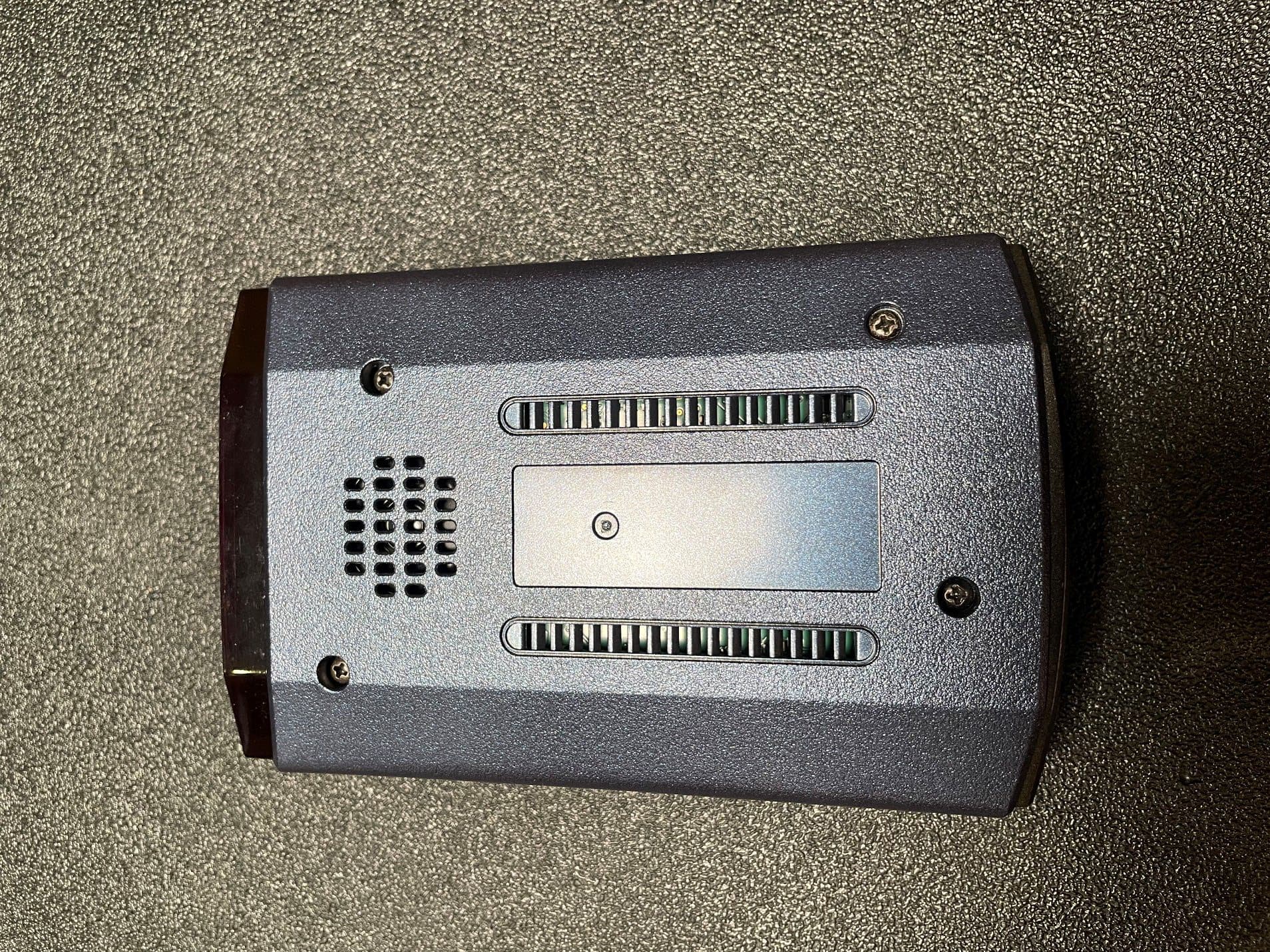
QKLM13
Mar 06, 2023Radar Detector with Bluetooth
Equipment Class
DTS - Digital Transmission System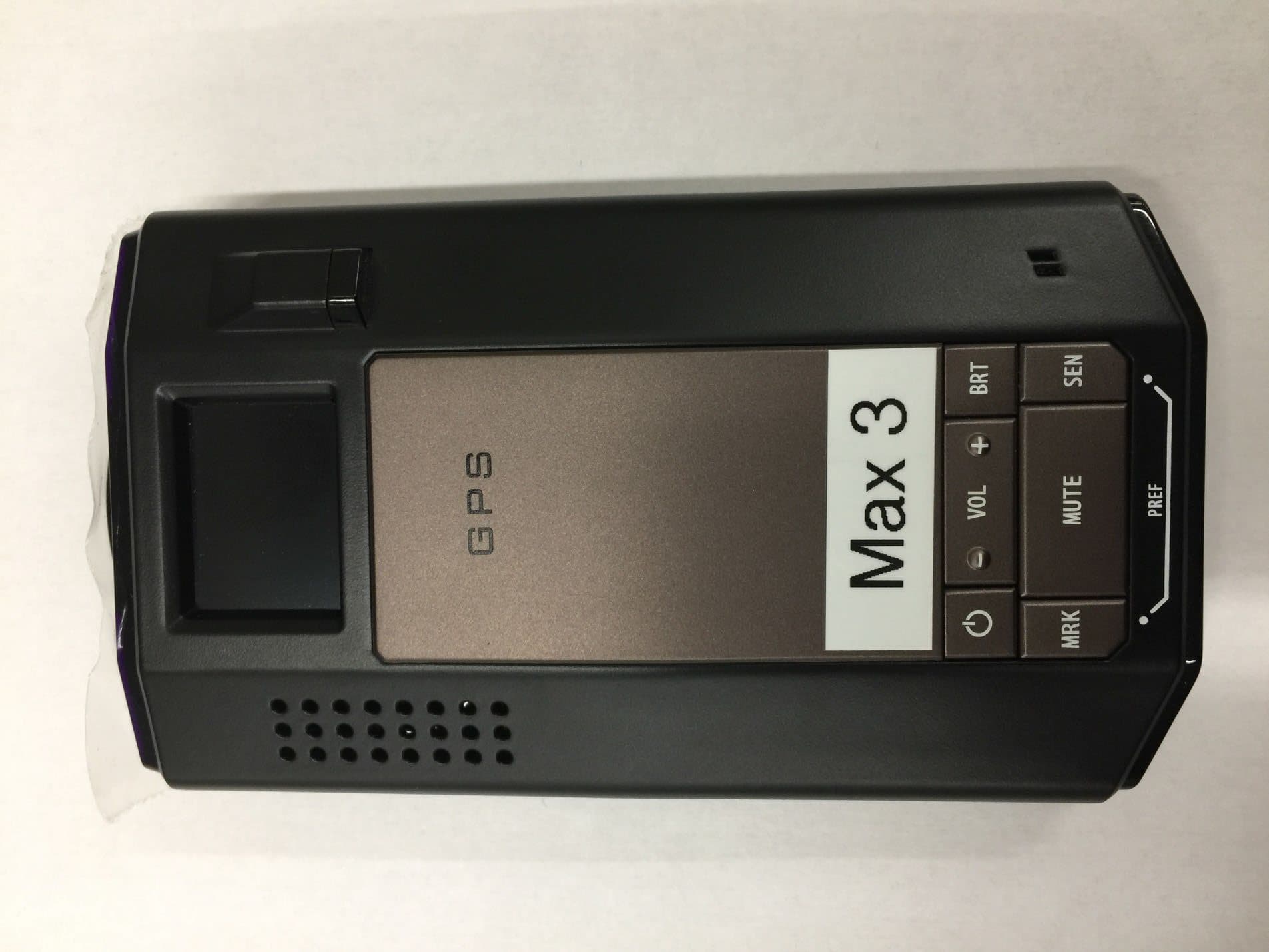
QKLMAX3V2
Dec 29, 2022Radar Detector with BLE
Equipment Class
DTS - Digital Transmission System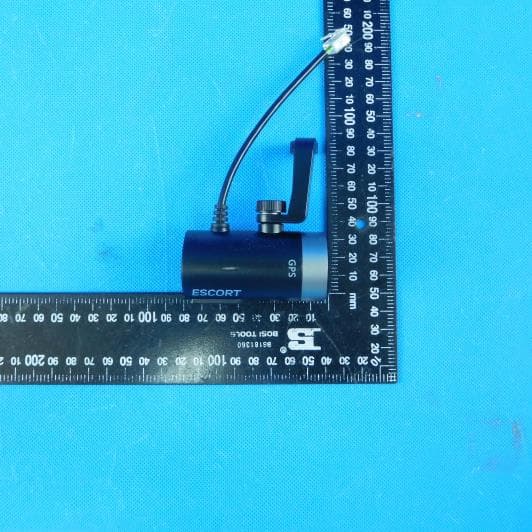
QKLDSM2
Jul 27, 2021DASH CAM
Equipment Class
DTS - Digital Transmission System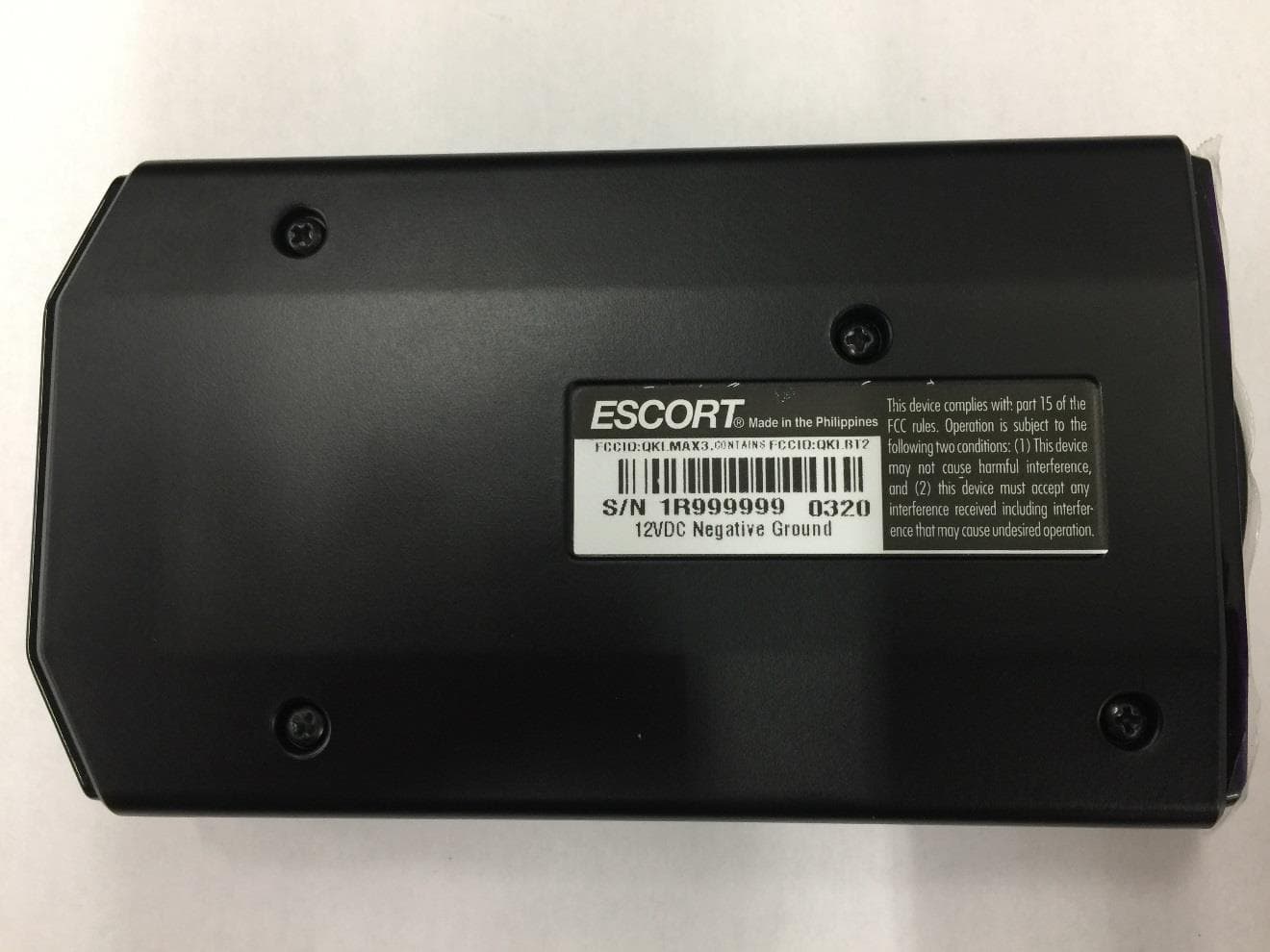
QKLMAX3
Jul 09, 2020ESCORT MAX 3
Equipment Class
CRD - Part 15 Radar Detector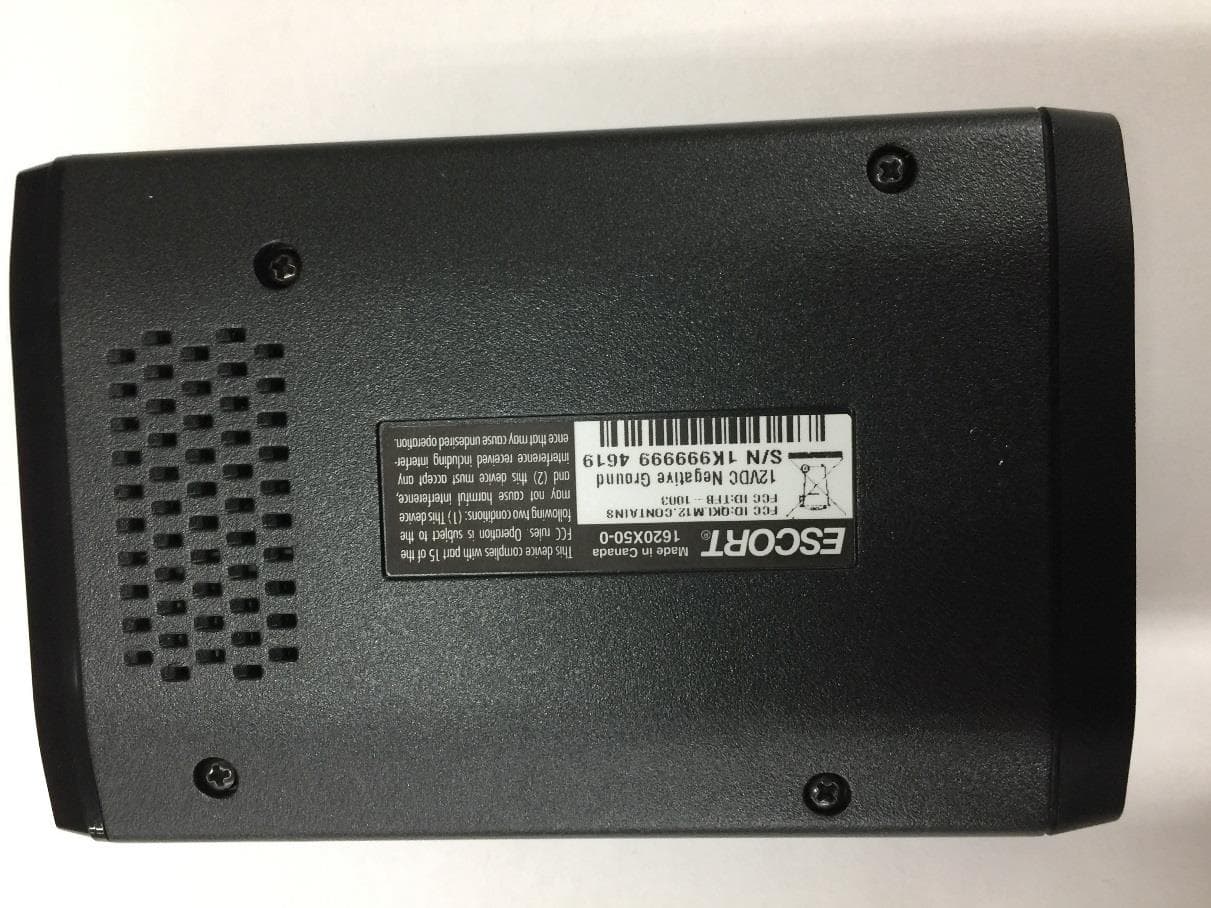
QKLM12
Jun 08, 2020ESCORT Redline 360c
Equipment Class
CRD - Part 15 Radar Detector