QKLND05Radar Detector
Escort Incorporated
Click to zoom
Application Details
- Equipment Class
- CRD - Part 15 Radar Detector
- Date of Grant
- Oct 12, 2010
- Application Purpose
- Original Equipment
- Date of Application
- Oct 12, 2010
- Equipment Note
- Radar Detector
- Frequency Range
- 33400.00000000 - 36000.00000000
- Company
- Escort Incorporated
- Country
- United States
Documents & Files
Document Text
Text extracted from the exhibit documents filed with the FCC. Open a document above to read the original.
Users Manual
1 — User’s Manual — Register @ www.EscortRadar.com 2 CONGRATULATIONS You’ve just purchased the most intelligent personal navigation and radar/laser detection device in the world—the PASSPORT iQ. In addition to offering the latest in personal navigation technology, PASSPORT iQ delivers extreme long- range warning on all radar bands, including X, K, Superwide Ka, Ku, and instant-on Pop modes. Multiple front and rear laser sensors provide 360-degree laser protection, including the widest field of view. For the ultimate in laser protection, PASSPORT iQ can also be used in conjunction with our Laser Shifter product. Visit our website, www.EscortRadar.com, or call us toll-free at 800-433-3487 for more details. The PASSPORT iQ’s GPS-powered intelligence provides permanent relief from false alarms, including automatic door openers, motion sensors, and other radar-based sensors. And, it comes pre-loaded with thousands of red-light and fixed-position speed camera locations throughout North America. In addition, PASSPORT iQ boasts the following state-of-the-art performance and features: • Personal navigation system comes complete with Navteq mapping, branded points of interest, speed limit data, and lane assist. • AutoLearn TM feature automatically learns and rejects false radar sources based on exact location and frequency. • New proprietary threat-signal ranking (TSR) software intelligently sorts, ranks, and rejects traffic-flow monitoring false alarms automatically. • Cruise Alert feature offers modified radar alerts within specified speeds. • Defender Database stores thousands of red-light and fixed-position speed cameras throughout North America. • Revolutionary AutoSensitivity TM mode provides real-time radar performance based on vehicle speed, plus Highway and Auto No X settings. • Mark Location feature allows you to instantly “mark” known speed traps, cameras and other places of interest. • Exclusive SpecDisplay TM provides actual numeric frequency for any radar signal. • Selectable radar and laser bands allow you to customize which bands are monitored. • Selectable markers allow you to customize which markers (speed traps, cameras) are monitored. • Exclusive SmartCord for easy access to Mute and TrueLock TM features. If you’ve used GPS navigation and radar detection devices before, a review of the accompanying Quick- Reference Guide will help you get started. If you are new to GPS or radar detection, please read this Owner’s Manual in detail to get the most out of your PASSPORT iQ’s revolutionary performance and innovative features. Please drive safely. 3 CONTENTS SECTION 1: SETTING UP PASSPORT iQ What’s Included 7 Controls and Features 7 Smart Cord 8 Connecting the Power 8 Charging the Battery 9 Mounting in Your Vehicle 10 Important Safety and Product Information 11 SECTION 2: USING PASSPORT iQ Power Options 13 Initial Setup 13 Warning Screen 14 Main Menu Screen 15 Volume 16 Routes 16 Battery Charge Status 16 GPS Status 16 Viewing latitude and longitude 16 Go-To Screen/GPS Navigation Menu 17 Creating a Route to an Address 18 To an intersection 20 To an address in another state 21 Stopping a Route in Progress 22 Resuming a Route after Stopping 22 Avoiding a Route Segment 22 Setting Your Home Address 24 Searching for a Point of Interest 25 Browsing Points of Interest 26 Using Your Favorites List 28 4 Adding favorites 28 Sorting favorites 28 Deleting favorites 29 Navigating to favorites 29 Using Your Recent Locations List 29 Navigating to a recent location 29 Managing Your Routes 30 Map View 32 Changing the Map View 33 Zooming In and Out 34 Panning the Map 34 Viewing Turn-by-Turn Maneuvers 34 Playing Back Directional Voice Prompts 34 Muting Directional Voice Prompts 34 Using the On-Screen Radar/Laser Alert Area 34 Adjusting detector sensitivity 35 Viewing actual speed 36 Muting alerts 36 Locking out false alerts (TrueLock) 36 Viewing Speed Limit Data 38 Marking Locations 38 Viewing Estimated Arrival Time 39 Detector View 40 Choosing Your Detector Screen 41 Selecting Your Color Palette 41 Using the On-Screen Radar/Laser Alert Area 41 Adjusting detector sensitivity 42 Muting alerts 42 Locking out false alerts (TrueLock) 43 Playing Back Directional Voice Prompts 43 Muting Directional Voice Prompts 43 Viewing Actual Speed 43 5 Marking Locations 43 Switching to Map View 43 Settings and Preferences 44 GPS Navigation Settings 45 Map view 45 Day/night color palette 46 My Car icon 46 Points of interest (POIs) 47 Clearing lists 47 Managing routes 47 Detector Settings 48 Detection sensitivity 48 AutoLearn 48 Signal-strength meter 49 Cruise Alert 50 Band monitoring 50 Detector voice 51 Cameras and speed-traps 51 TrueLock GPS Radar/Laser Detector Filter 51 Clearing marked locations 51 Illegal state alert 51 Detector AutoMute 51 Alert tones 51 Laser shifters (optional feature) 52 Restoring detector settings 52 General Settings 53 Screen brightness 53 Language and units 53 Time options 54 Wallpaper (background image) 54 Over-speed-limit alert 55 Restoring all factory settings 56 6 About PASSPORT iQ 56 Legal information 56 GPS and memory status 56 Demo (route simulation) 56 Calibration 57 SECTION 3: UNDERSTANDING PASSPORT iQ Understanding Your Detector 58 How radar works 58 How Pop works 59 How laser works 59 How threat-signal ranking works 59 How red-light cameras work 59 How speed cameras work 60 Interpreting alerts 60 Understanding GPS 61 Specifications 62 SECTION 4: TROUBLESHOOTING, MAINTENANCE & SERVICE Troubleshooting 64 Software Updates 65 Accessories 65 Service Procedure 66 ESCORT Extended Service Plan 66 SECTION 5: LEGAL INFORMATION 67 7 SECTION 1: SETTING UP PASSPORT iQ What’s Included 5” GPS/radar-detection device SmartCord USB cable Mounting bracket Owner’s Manual on CD Quick-Reference Guide Device Controls and Features Component Description Power Switch Switches PASSPORT iQ on or off, or locks the screen Charge Light Red: Unit is plugged in, and battery is not fully charged Alternating red and …
Text truncated - open the document above for the full version.
External Photos
EK0481-3 Escort Inc. External Photographs EK0481-3 Escort Inc. External Photographs EK0481-3 Escort Inc. External Photographs
ID Label/Location Info
EK0481-3 Escort Inc. Label Location Photographs
Internal Photos
EK0481-3 Escort Inc. Internal Photographs EK0481-3 Escort Inc. Internal Photographs
Internal Photos
EK0481-3 Escort Inc. Internal Photographs EK0481-3 Escort Inc. Internal Photographs EK0481-3 Escort Inc. Internal Photographs EK0481-3 Escort Inc. Internal Photographs
Test Report
Curtis-Straus LLC is accredited to ISO/IEC 17025 by A2LA for the specific scope of accreditation under Certificate Number 1627-01. This report may contain data which is not covered by the A2LA accreditation. See our scope of accreditation at the end of this test report. Any opinions or interpretations expressed in this report are outside the scope of our A2LA accreditation as A2LA only accredits testing. ____________________________________________________________ Curtis-Straus • •• • 527 Great Road • •• • Littleton, MA • •• • TEL (978) 486-8880 • •• • FAX (978) 486-8828 page 1 of 8 Testing Cert. No. 1627-01 Test Report Curtis-Straus LLC, a wholly owned subsidiary of BV CPS Report No EK0481-3 Client Escort Inc. Address 5440 West Chester Rd. West Chester, OH 45069 Phone 513-870-8517 Items tested Radar Detector with Navigation FCC ID QKLND05 FRN 0007508732 Equipment Type CRD Equipment Code Radar Detector FCC Rule Parts 47 CRF 15.109(h) Test Dates September 16, 2010 Results As detailed within this report Prepared by Matthew Burman – Test Engineer Authorized by Mairaj Hussain – EMC Supervisor Issue Date September 16, 2010 Conditions of Issue This Test Report is issued subject to the conditions stated in the ‘Conditions of Testing’ section on page 7 of this report. Test Report for Escort Inc. • •• • Report No. EK0481-3 October 4, 2010 ______________________________________________________________________ ____________________________________________________________ Curtis-Straus • •• • 527 Great Road • •• • Littleton, MA • •• • TEL (978) 486-8880 • •• • FAX (978) 486-8828 page 2 of 8 Contents Contents..................................................................................................................................2 Summary.................................................................................................................................3 Test Methodology ....................................................................................................................3 Product Tested - Configuration Documentation .......................................................................4 Statement of Conformity......................................................................................................5 Test Results ............................................................................................................................6 Conditions Of Testing ..............................................................................................................7 Form Final Report REV 7-20-07 (DW) Test Report for Escort Inc. • •• • Report No. EK0481-3 October 4, 2010 ______________________________________________________________________ Release Control Record Issue No. Reason for change Date Issued 1 Original Release October 4, 2010 _____________________________________________________________ Curtis-Straus • •• • 527 Great Road • •• • Littleton, MA • •• • TEL (978) 486-8880 • •• • FAX (978) 486-8828 page 3 of 8 Summary This report is an application for Certification of a radar detector operating pursuant to 47 CFR 15.109(h). This report is designed to demonstrate the compliance with the requirements outlined in Part 15 (using the methods outlined in Part 2) of 47 CFR. We found that the product met the above requirements without modification. The test sample was received in good condition. Test Methodology Radiated emission testing was performed according to the procedures in ANSI C63.4 (2009). The testing was performed at a distance of 1 meter. The device’s performance was investigated in the range 11.7-12.2GHz. The radar detector was powered by a variable power supply. Since the device is a hand-held unit, the emissions were maximized around the three orthogonal axes and the maximum reading was recorded. The integrated antenna cannot be maximized separately. Test Report for Escort Inc. • •• • Report No. EK0481-3 October 4, 2010 ______________________________________________________________________ _____________________________________________________________ Curtis-Straus • •• • 527 Great Road • •• • Littleton, MA • •• • TEL (978) 486-8880 • •• • FAX (978) 486-8828 page 4 of 8 Product Tested - Configuration Documentation EUT Configuration 2400 - 2483 Work Order: K0481 Company: Escort Inc. Company Address: 5440 West Chester Road West Chester, OH 45069 Contact: Wanda Densford MNPNSN EUT: QKLND05--27000000 9999 EUT Description: Radar Detector Support Equipment:MNSN none EUT Ports: Port LabelPort TypeNo. of ports No. PopulatedCable TypeShieldedFerritesLength Max Length In/Out NEBS TypeUnpopulated Reason RJ11 to Car Cigarette Light AdaptorPower Input11RJ11 to 2-wired conductorNoNo1m2min AudioAudio11headphonesnonone1m1min USBUSB20USBYesNo1m1min Setup Only GPSGPS10NANANANANANA Not Tested Per Client Software / Operating Mode Description: EUT is detecting for radar signals Test Report for Escort Inc. • •• • Report No. EK0481-3 October 4, 2010 ______________________________________________________________________ _____________________________________________________________ Curtis-Straus • •• • 527 Great Road • •• • Littleton, MA • •• • TEL (978) 486-8880 • •• • FAX (978) 486-8828 page 5 of 8 Statement of Conformity 47 CFR 15.109(h) states that “Radar detectors shall comply with the emissions limits...of [section 15.109(a)] over the frequency range of 11.7-12.2GHz”. The applicable limit being 500V/m measured at a distance of 3m. The radar detector has been tested and found to comply with this requirement Test Report for Escort Inc. • •• • Report No. EK0481-3 October 4, 2010 ______________________________________________________________________ _____________________________________________________________ Curtis-Straus • •• • 527 Great Road • •• • Littleton, MA • •• • TEL (978) 486-8880 • •• • FAX (978) 486-8828 page 6 of 8 Test Results Radiated Emissions Table Version 1.017.032 Date: 16-Sep-10 Company: Escort, Inc. Work Order: K0481 Engineer: Matthew Burman E…
Text truncated - open the document above for the full version.
Test Setup Photos
EK0481-3 Escort, Inc. Test Setup Photographs Radiated Emissions Above 1GHz in OATS EK0481-3 Escort, Inc. Test Setup Photographs Radiated Emissions Below 1GHz in OATS
Contact Information
Applicant
John R Kuhn(Vice President of Engineering)
[email protected]513-870-8500
Test Firm
BUREAU VERITAS CONSUMER PRODUCTS SERVICES, INC.Ozgur Ozturk
[email protected]978-486-8880
Technical Specifications
| # | Rule Parts | Frequency Range | Power Output |
|---|---|---|---|
| 4 | 15B | 33.40 GHz - 36.00 GHz | - |
Other Applications from Escort Incorporated
QKLM13
Mar 06, 2023Radar Detector with Bluetooth
Equipment Class
DTS - Digital Transmission System
QKLMAX3V2
Dec 29, 2022Radar Detector with BLE
Equipment Class
DTS - Digital Transmission System
QKLDSM2
Jul 27, 2021DASH CAM
Equipment Class
DTS - Digital Transmission System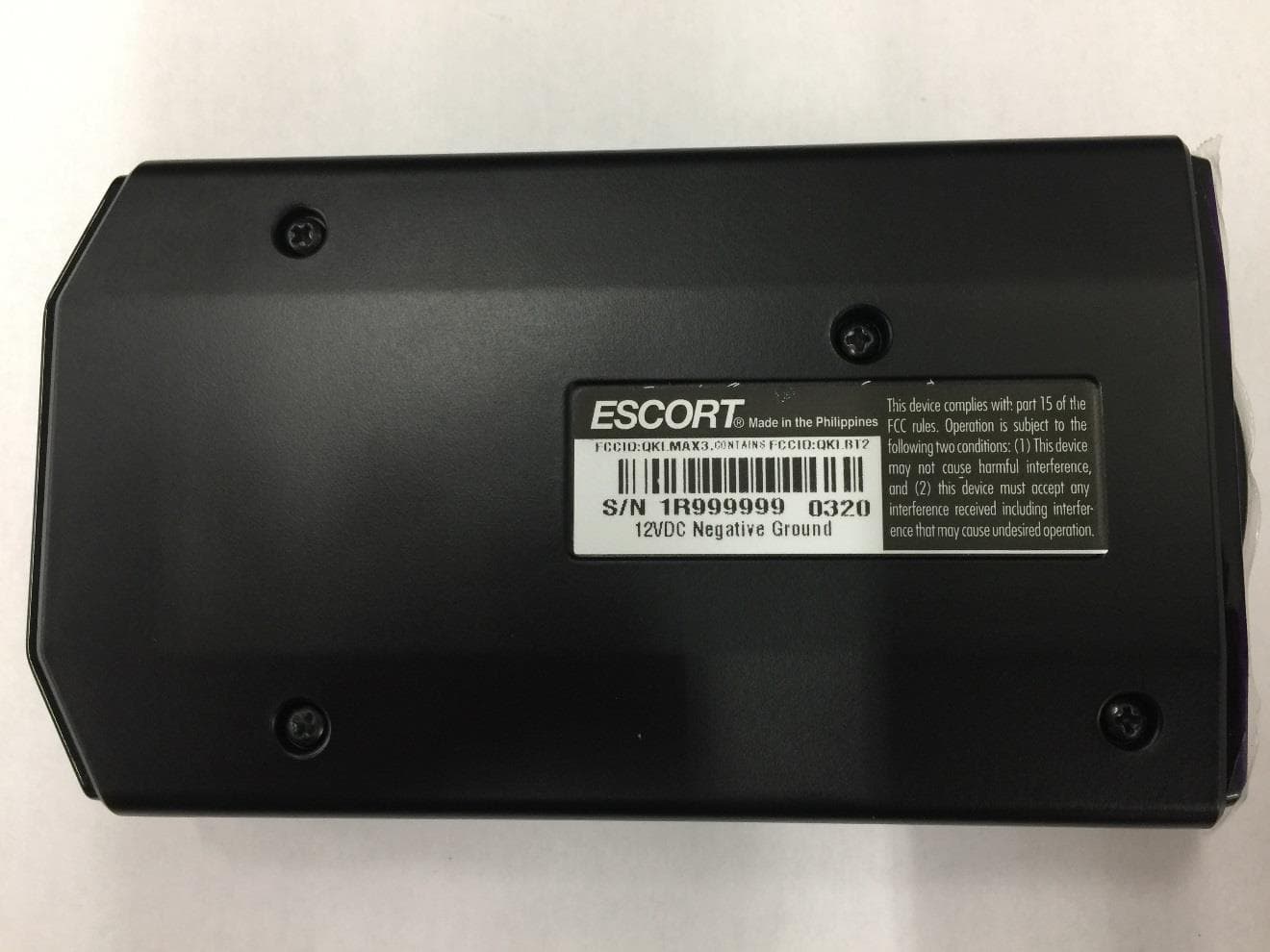
QKLMAX3
Jul 09, 2020ESCORT MAX 3
Equipment Class
CRD - Part 15 Radar Detector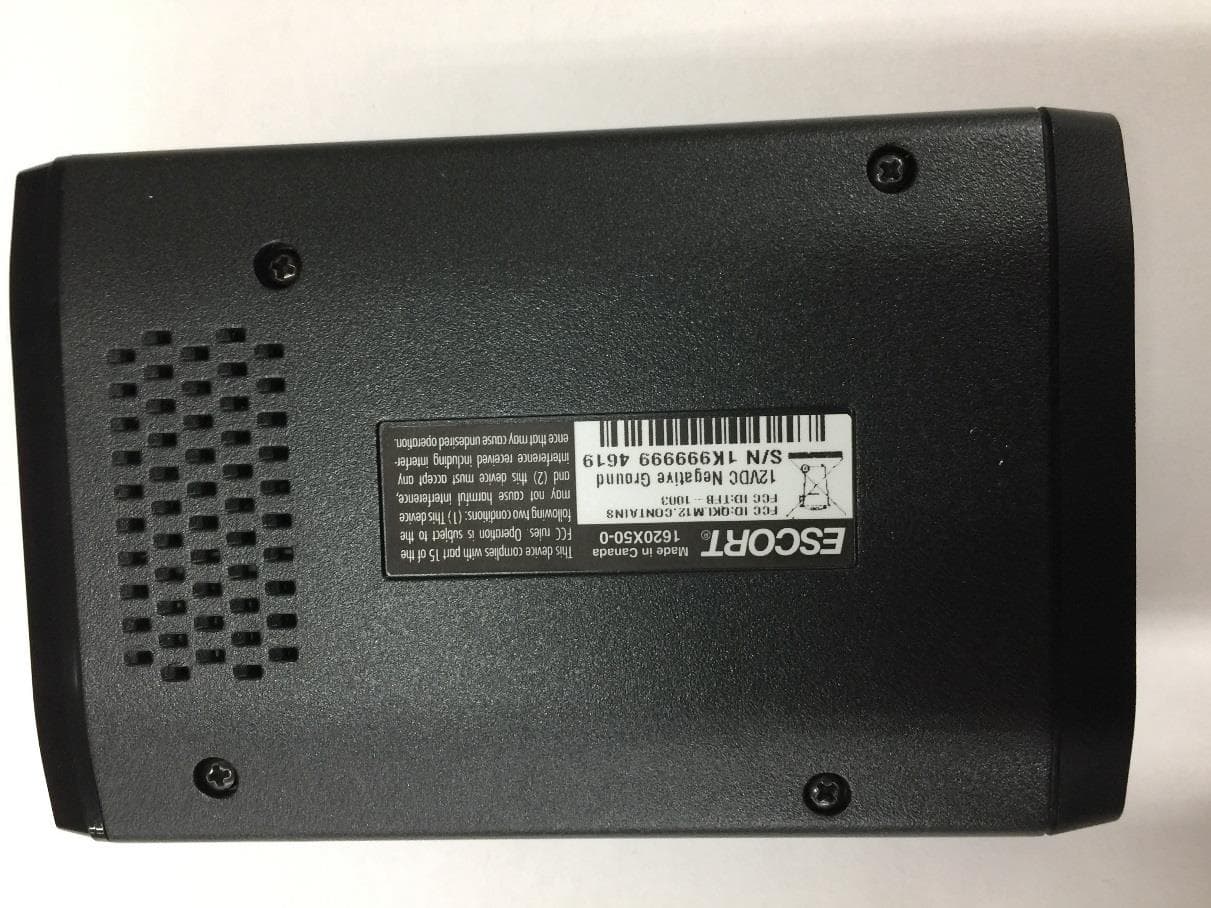
QKLM12
Jun 08, 2020ESCORT Redline 360c
Equipment Class
CRD - Part 15 Radar Detector